
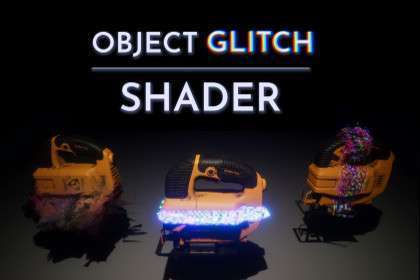
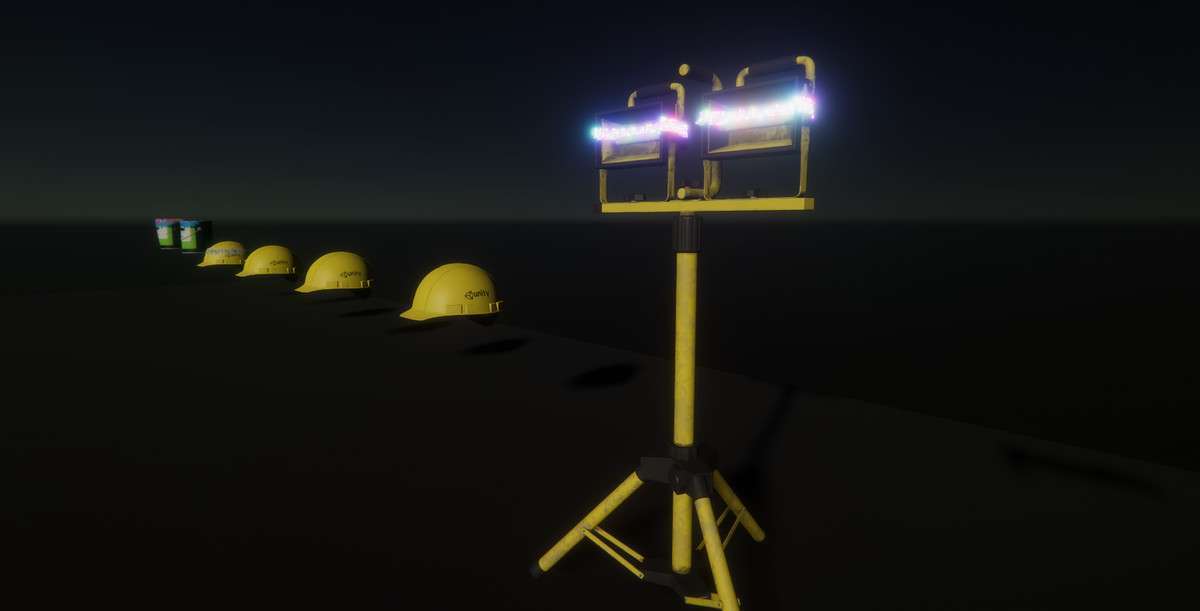
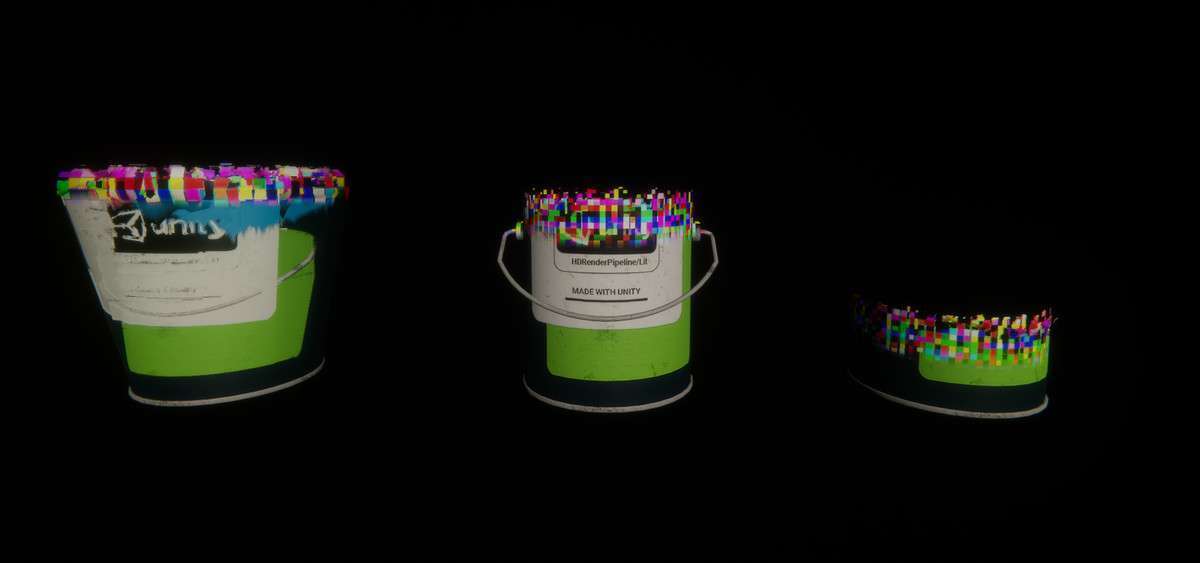
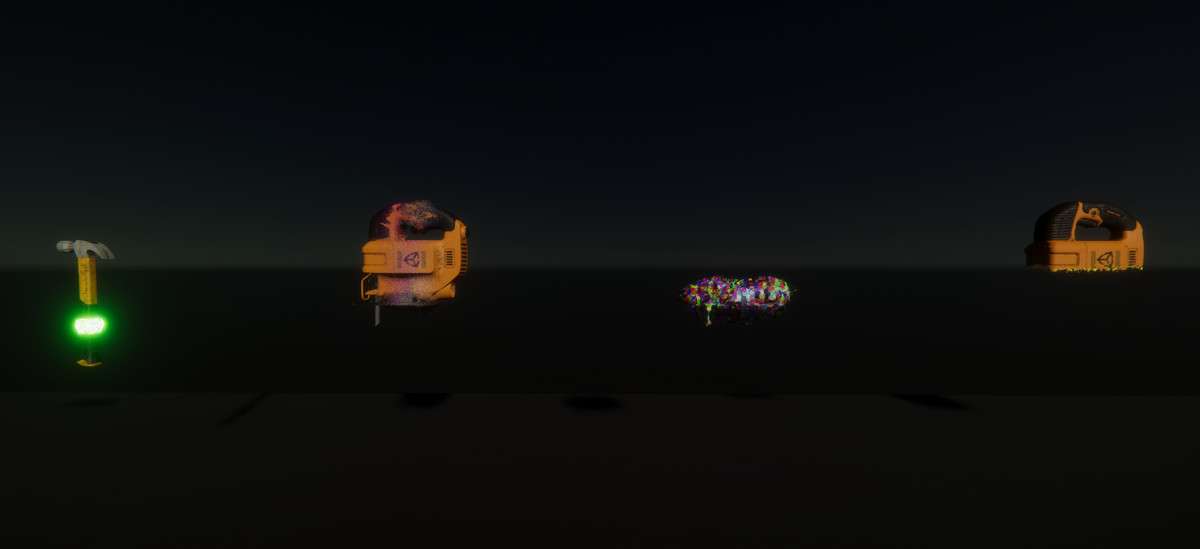
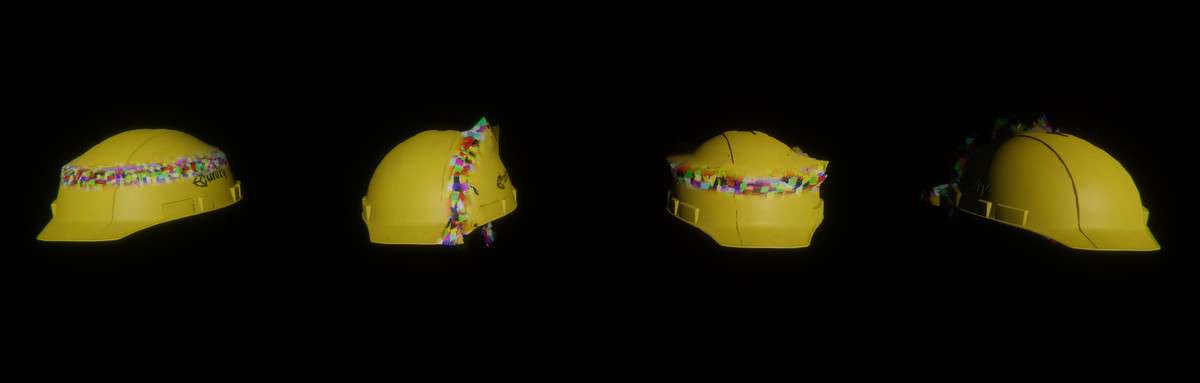
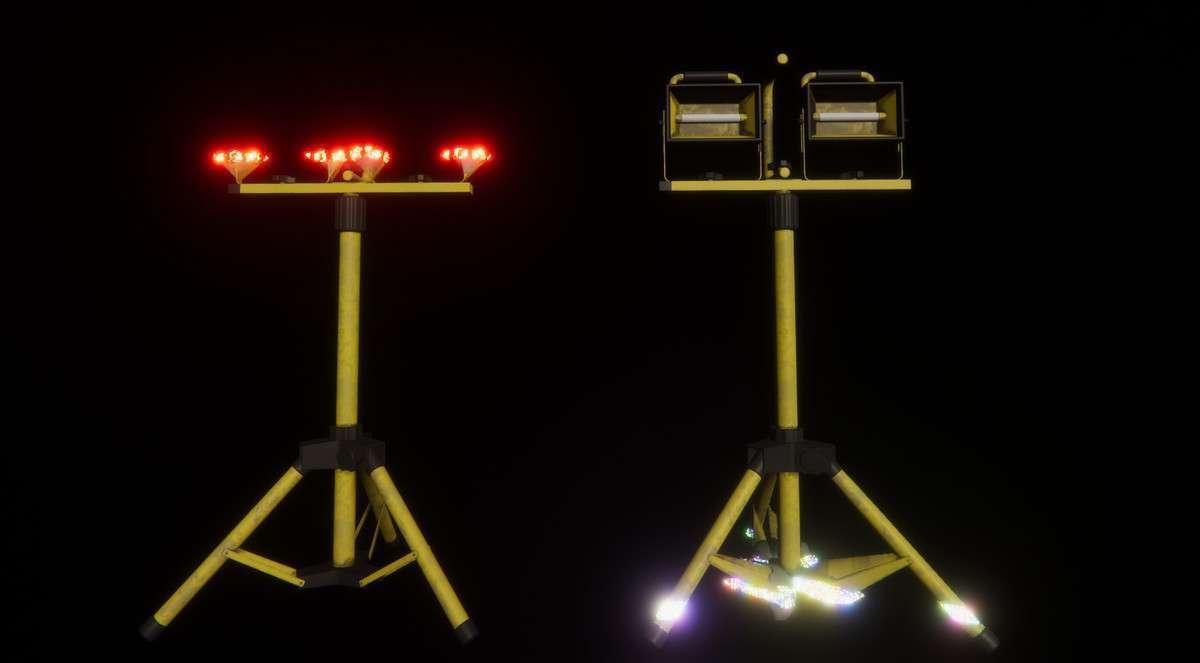
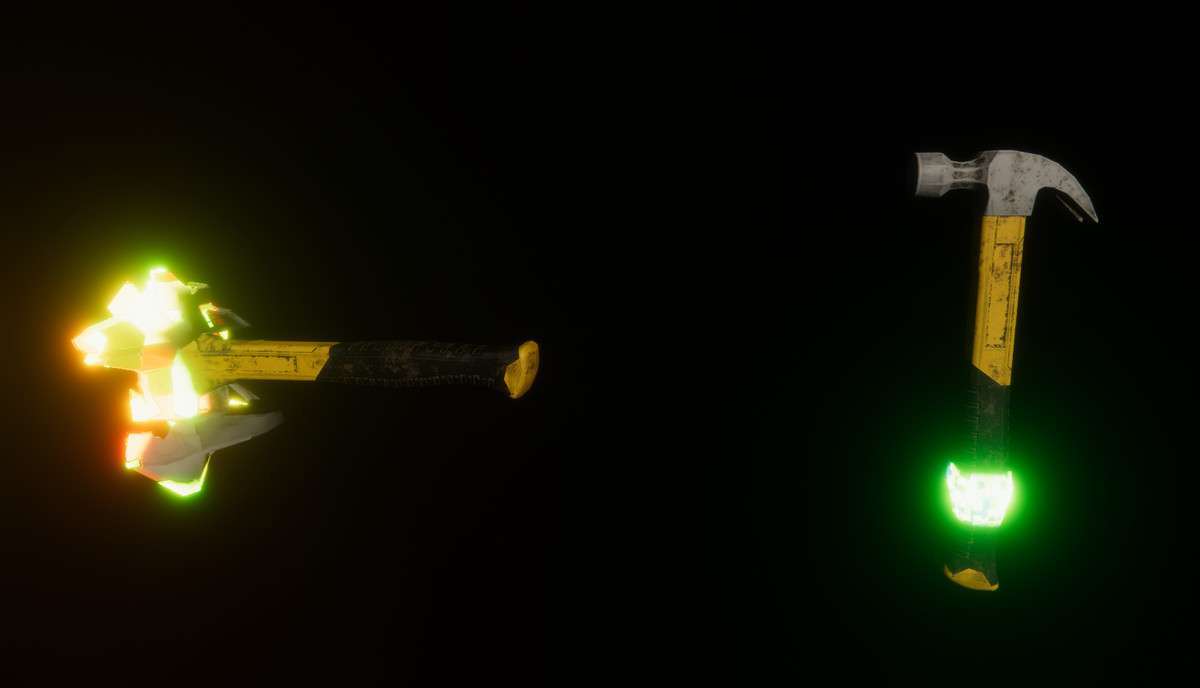
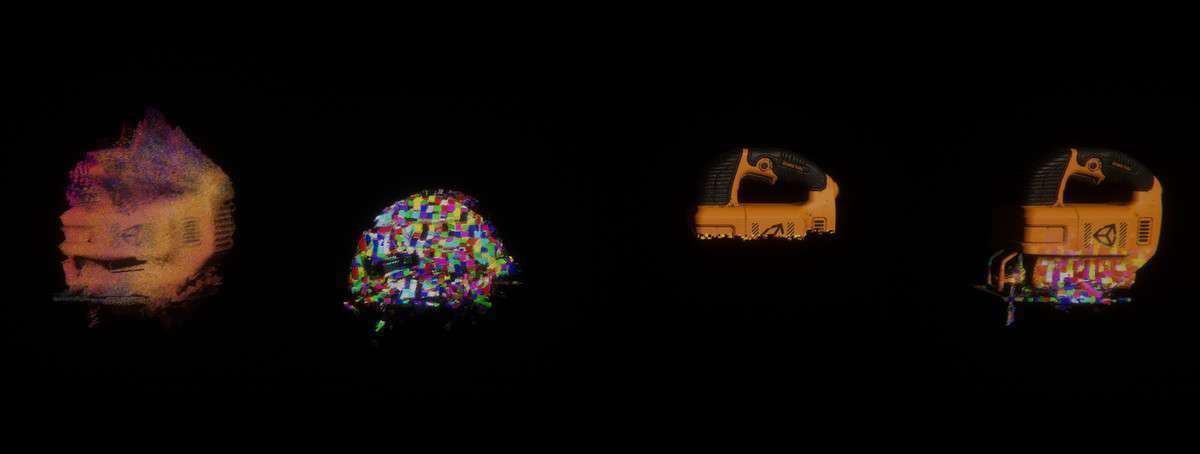
Object-Space Distortion and Vertex Manipulation
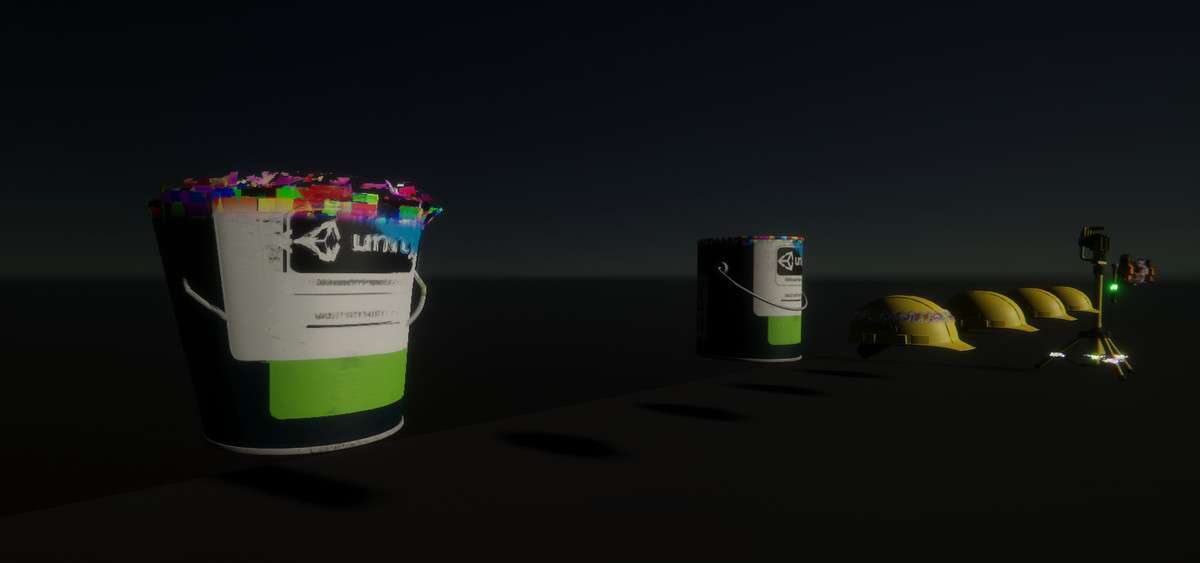
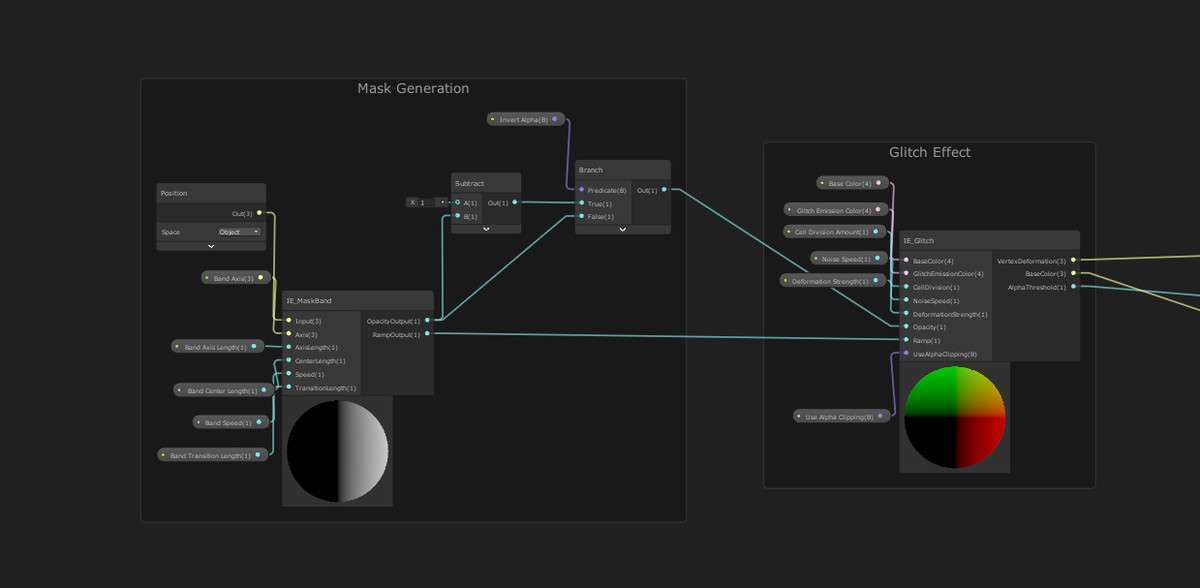
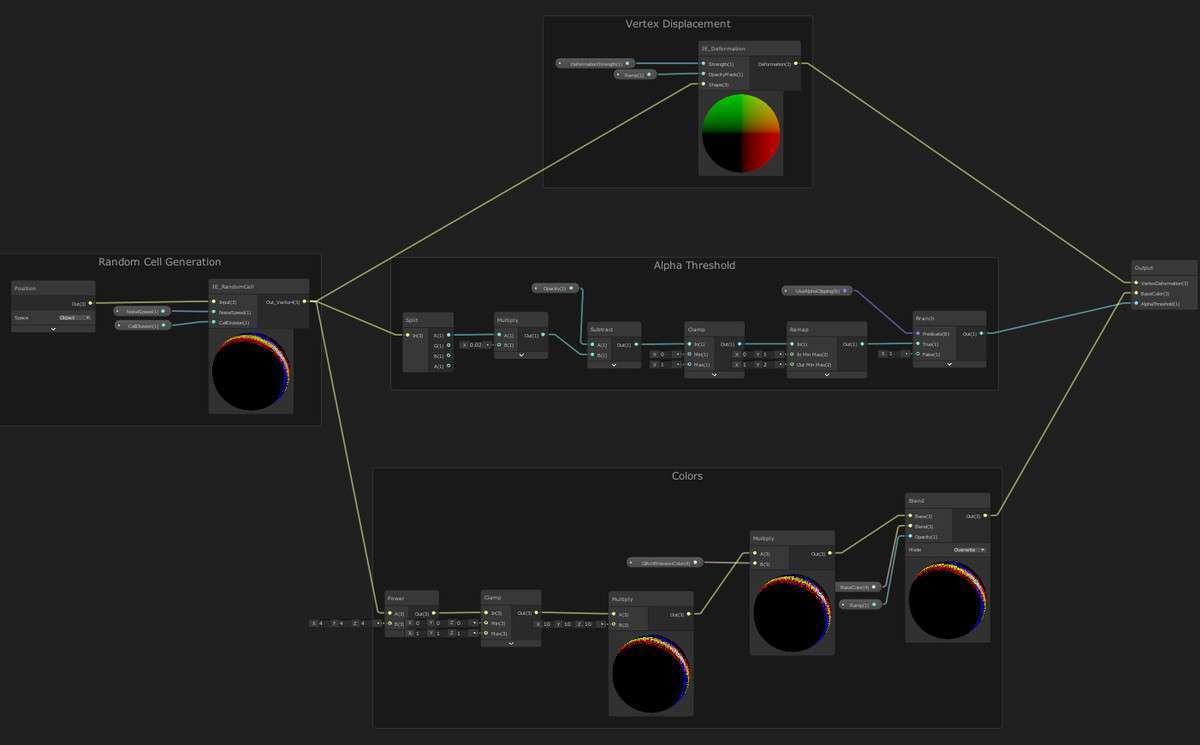
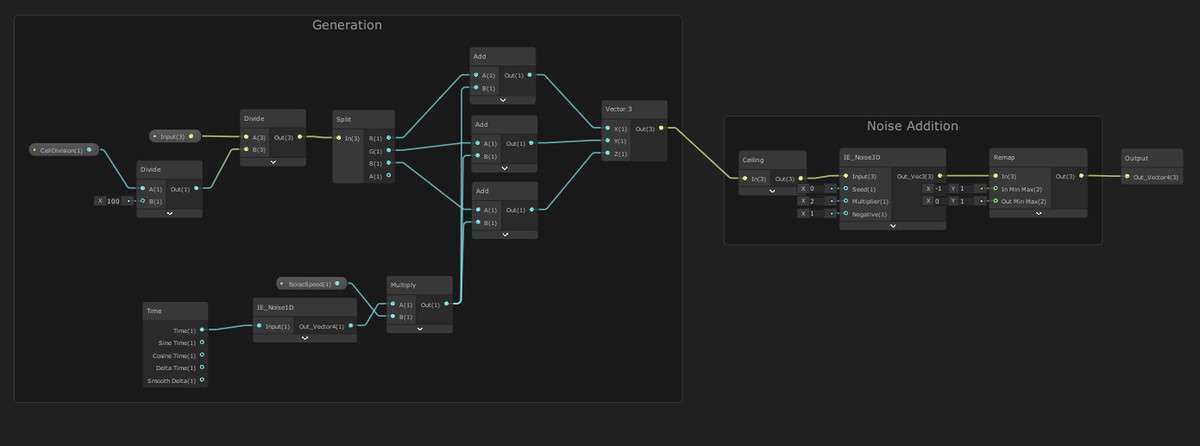
Most glitch effects are post-process based, which affects the whole screen. Object Glitch Shader Unity 1.3.0 shifts this logic into the material level. Built entirely in Shader Graph, it allows for cellular noise-based vertex deformation and fragment-level ‘banding’ glitches on individual meshes. This is critical for performance-conscious developers who need to highlight specific interactive items or NPCs without the overhead of a full-screen post-processing pass.
Integration Tips
- Material Property Blocks: If you are applying this shader to many instances (like a swarm of glitched enemies), use Material Property Blocks via script to change the ‘Glitch Progression’ or ‘Noise Seed’ to avoid breaking SRP Batching.
- Sub-Graph Customization: Since the asset is modular, you can take the glitch sub-graphs and inject them into your existing PBR or Toon shaders. This allows your objects to keep their original textures and lighting while adding glitch capabilities.
- LOD Transitioning: Be cautious with vertex displacement at long distances. You may want to scale down the displacement strength in your LOD 2/3 variants to prevent mesh ‘exploding’ artifacts when viewed from afar.
Best Use Cases
- Sci-Fi Holograms: The cellular noise and emissive banding are perfect for ‘unstable’ digital projections. You can synchronize the glitch frequency with audio levels for a truly reactive environment.
- VFX-Heavy Boss Phases: Instead of complex particle systems, use vertex-level glitching to signify an enemy’s transition or damage state. It’s significantly cheaper than spawning thousands of quads for a similar ‘disintegrating’ look.