
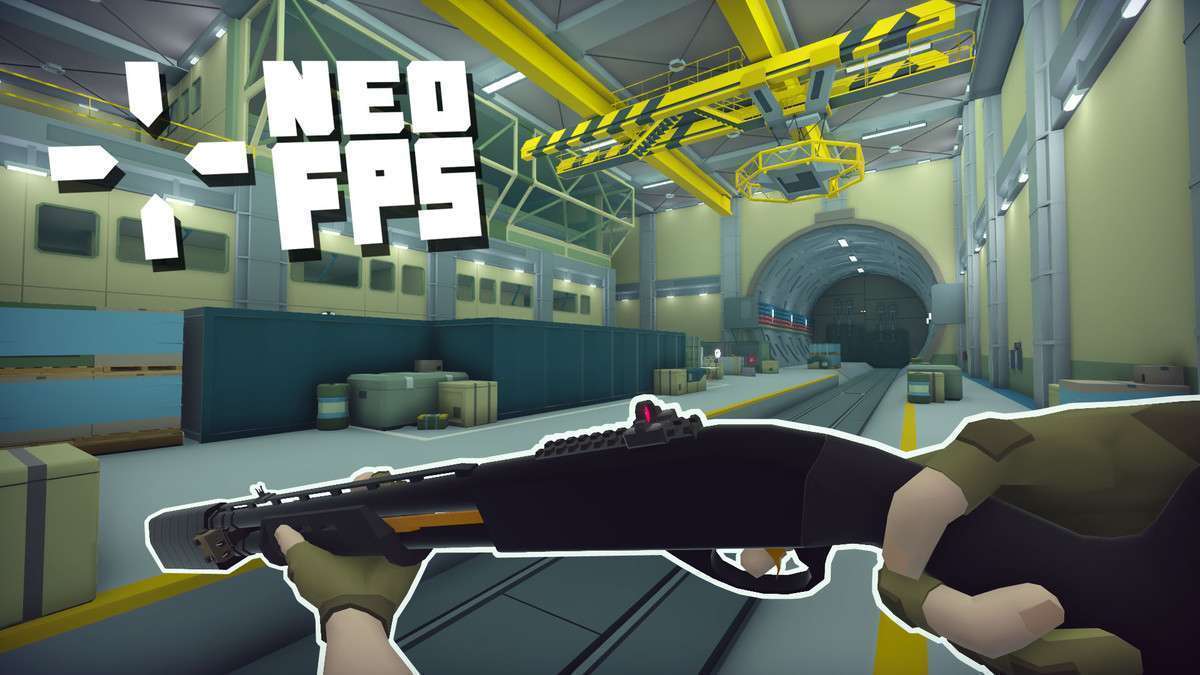
Architecting with NeoFPS
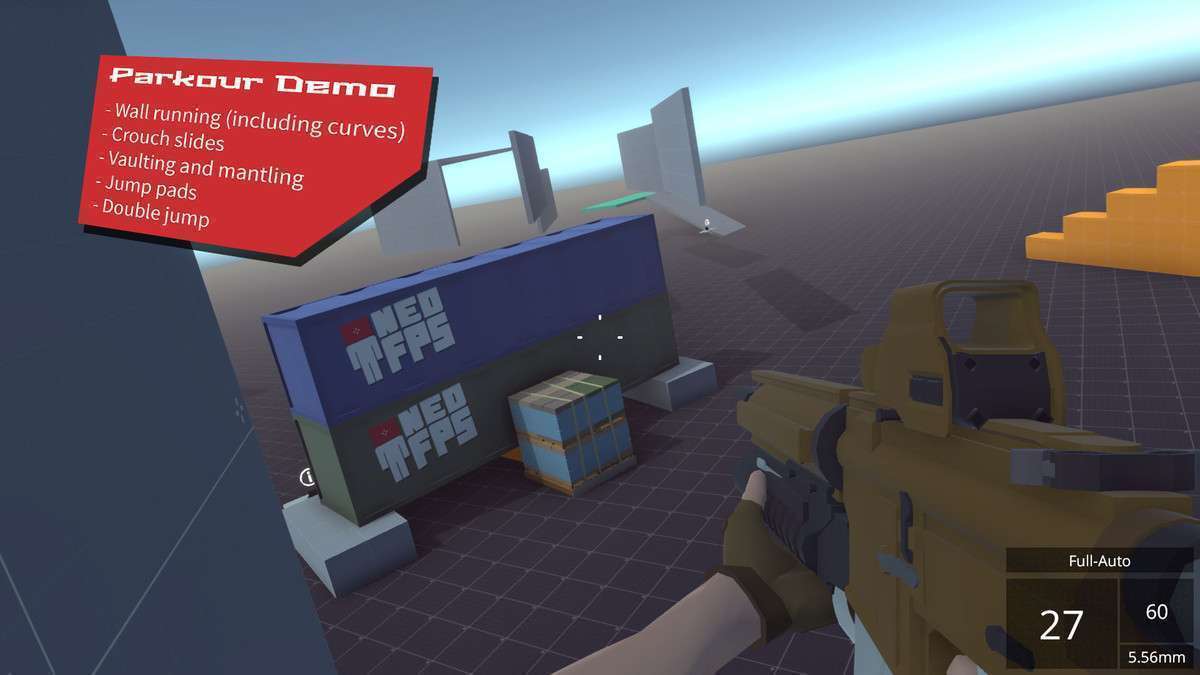
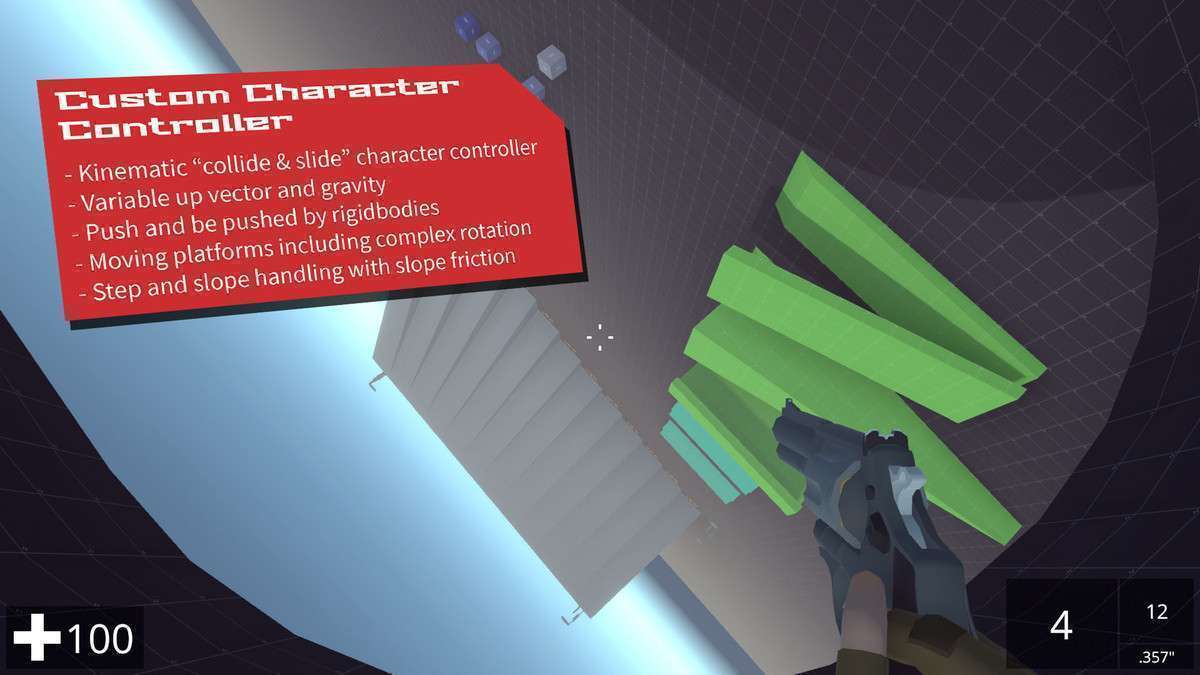
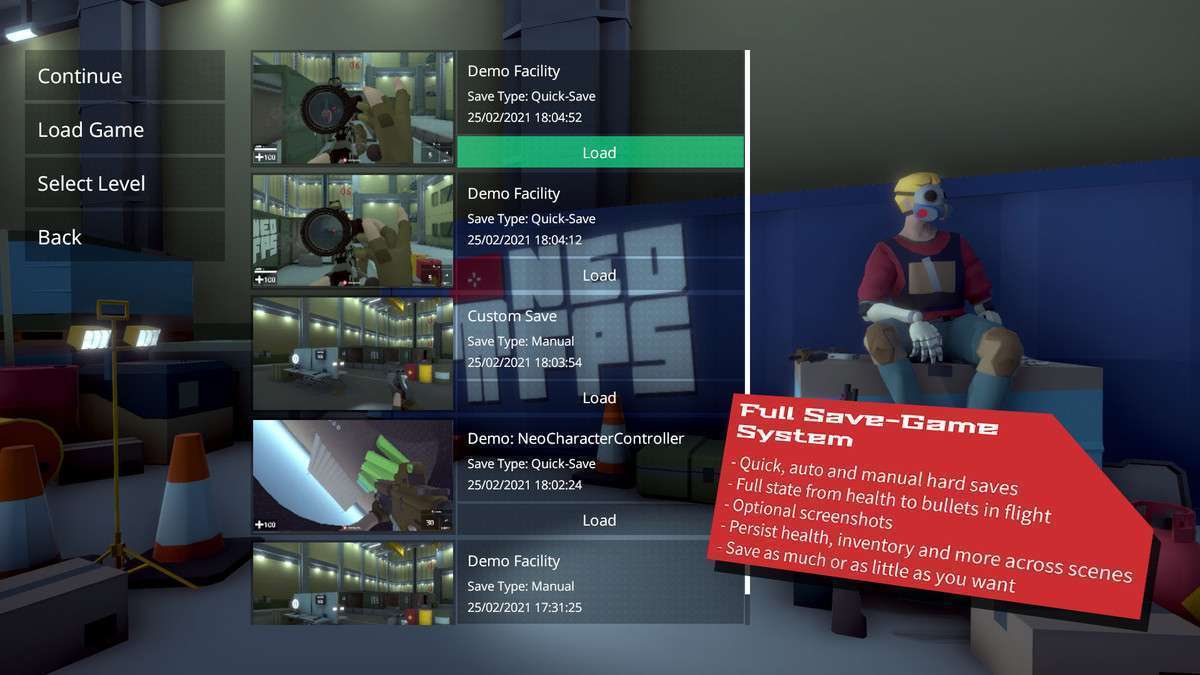
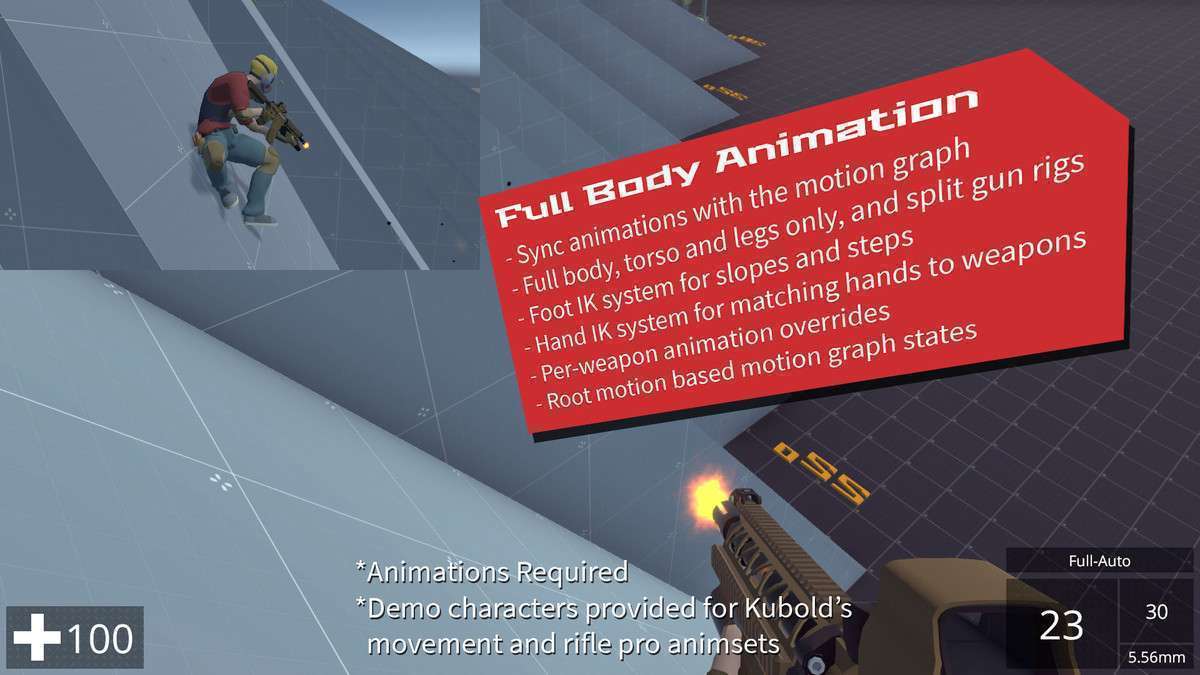
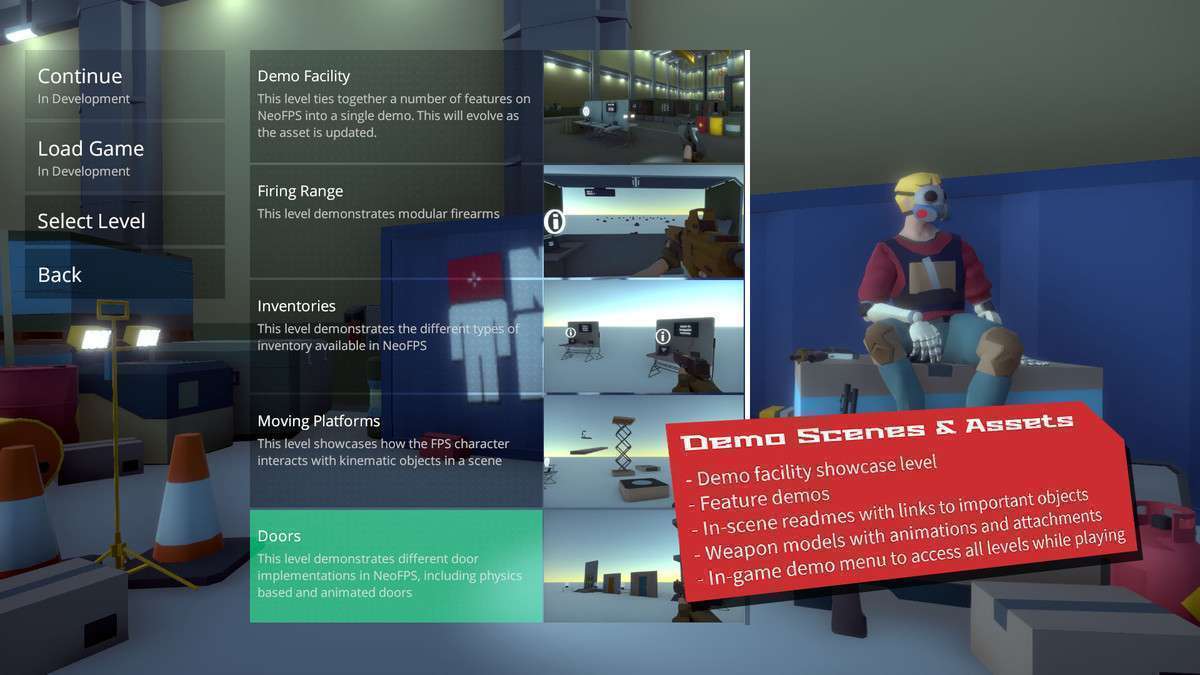
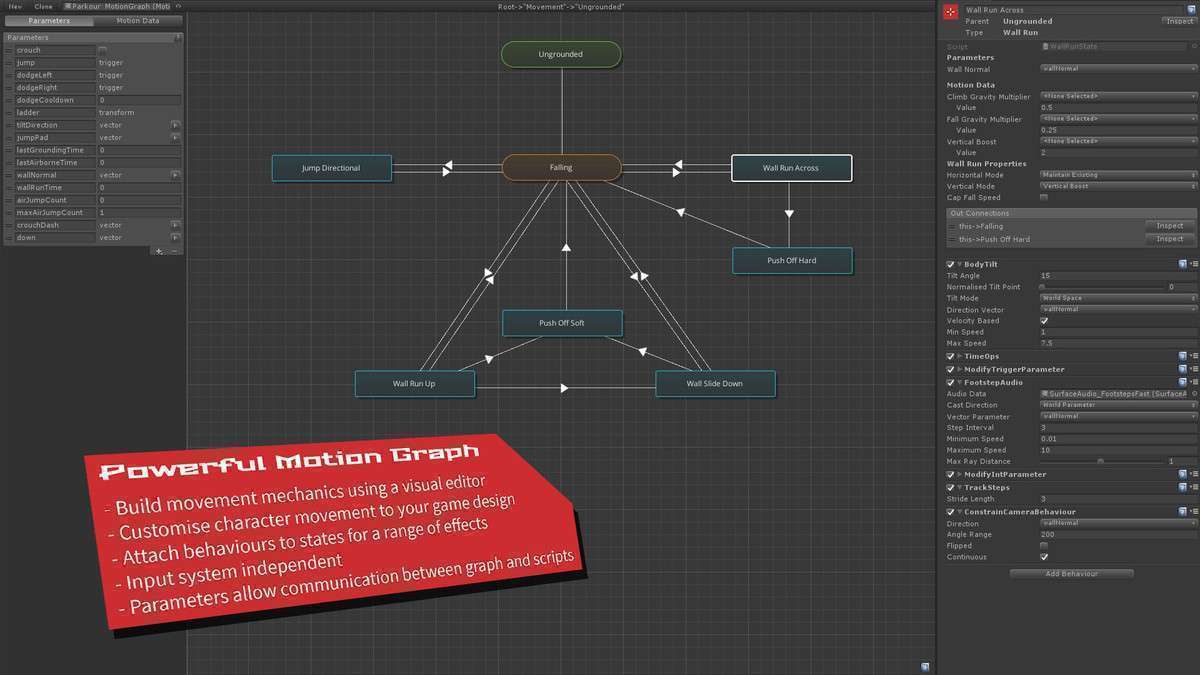
NeoFPS Unity is more than a controller; it is a full-scale framework for first-person development. Using 1.1.16, the standout feature for our team has been the Motion Graph. It’s a visual FSM that handles state transitions (like moving from a sprint into a wall-run) much more cleanly than a traditional code-heavy approach. The inclusion of a robust save system that tracks bullets in flight and world state is a massive time-saver for long-form games.
Integration Tips
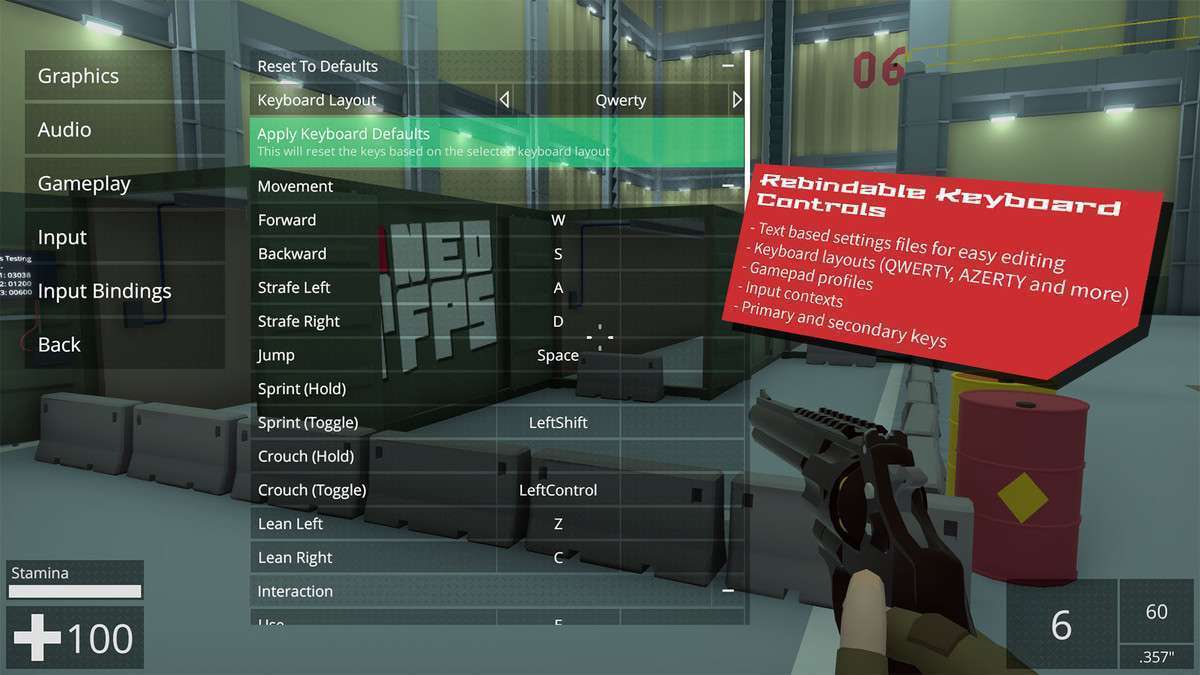
- The NeoFPS Hub: Always start your configuration in the Hub. It handles the initial project settings, tag assignments, and layer setups that are critical for the custom kinematic character controller to function.
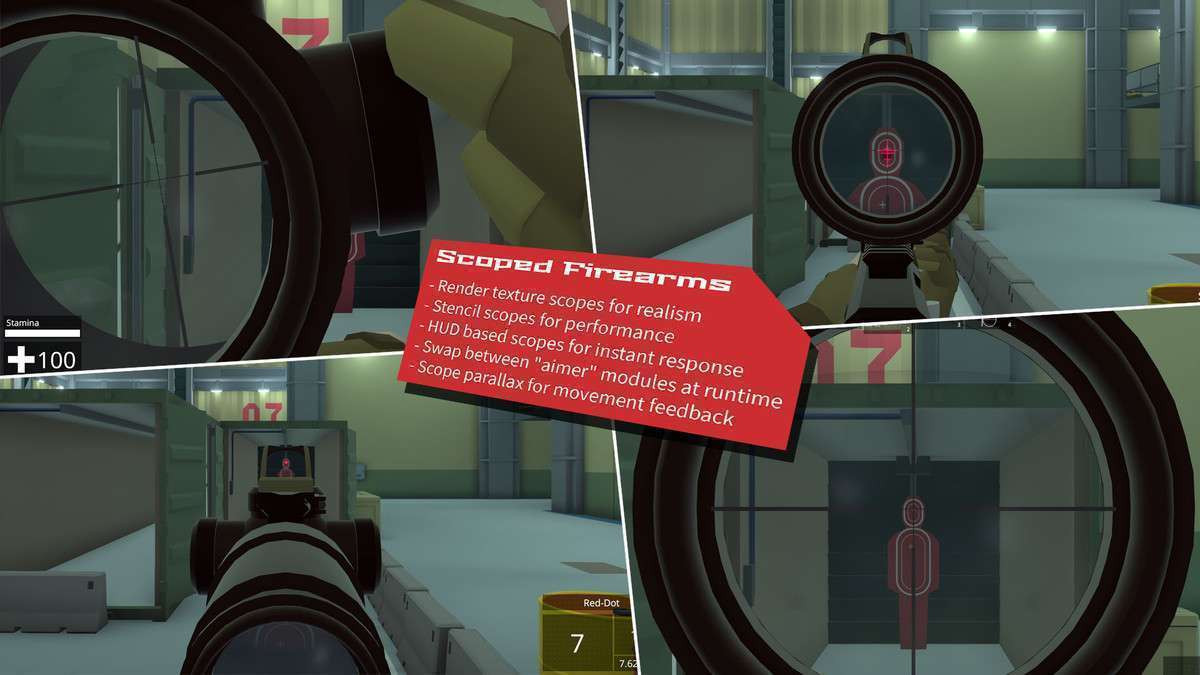
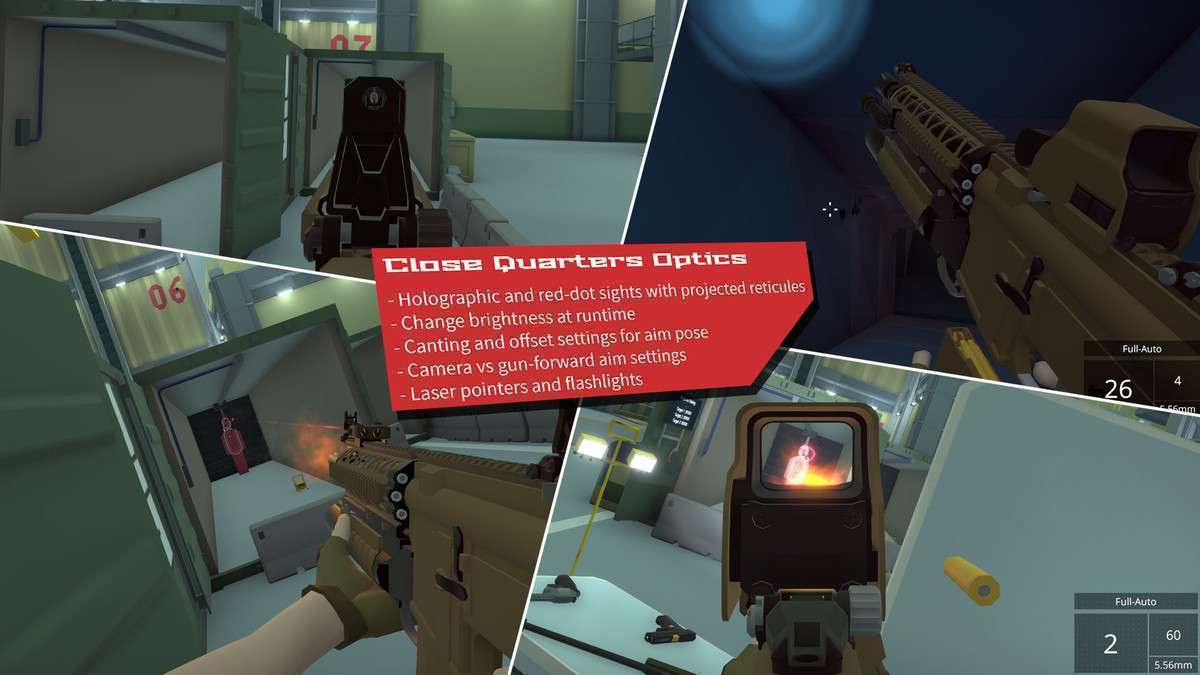
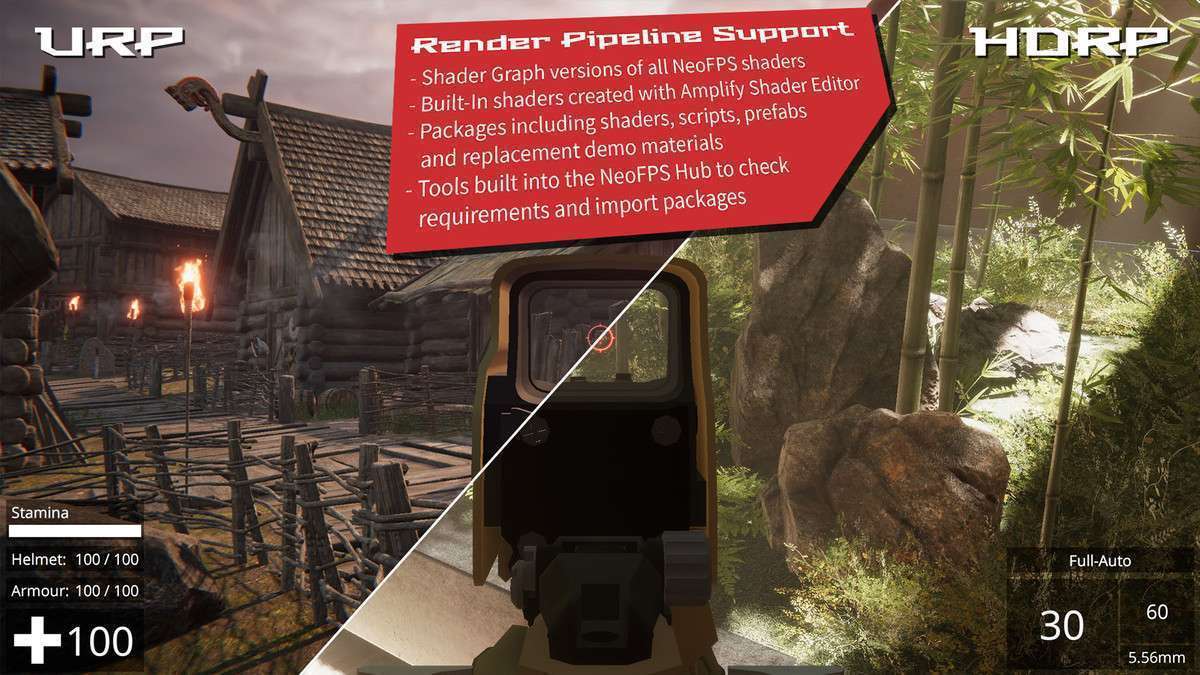
- Render Pipeline Migration: If you are moving from Built-in to URP/HDRP, use the Hub to swap the demo shaders. NeoFPS uses custom shader graphs for its scopes and sights, so a simple ‘Upgrade Materials’ command won’t be enough.
- Origin Shift for Large Worlds: For open-world titles, enable the Origin Shift system. This helps avoid floating-point errors by periodically re-centering the world around the player, which is vital for maintaining physics stability.
Best Use Cases
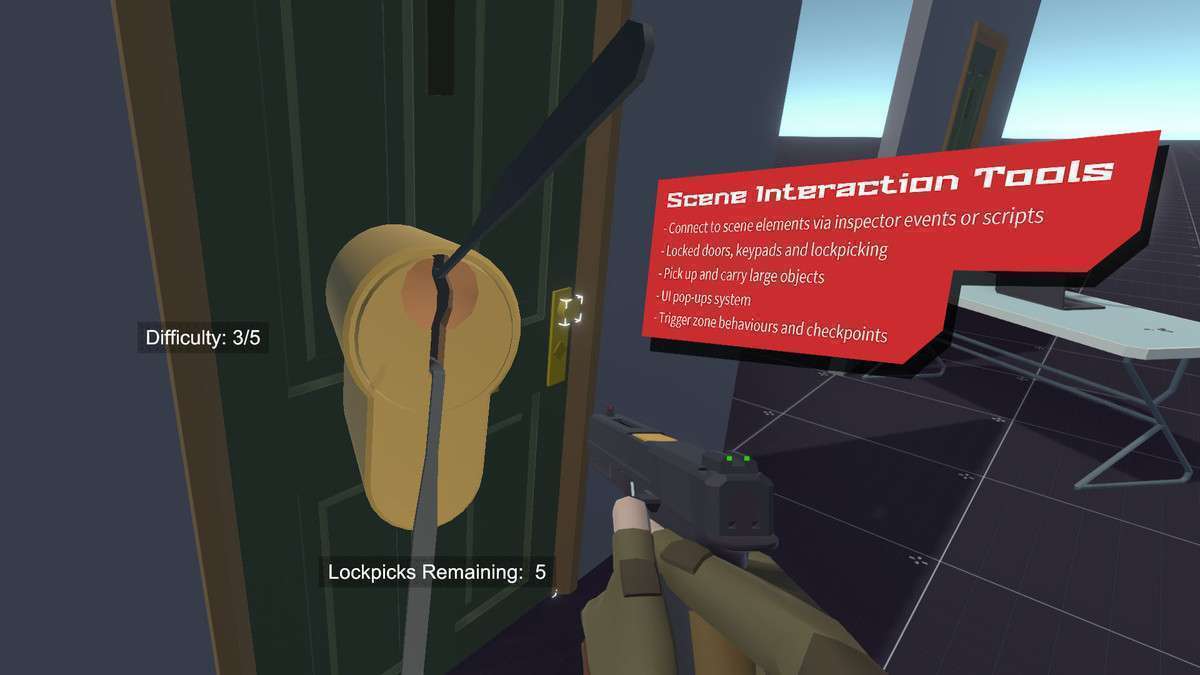
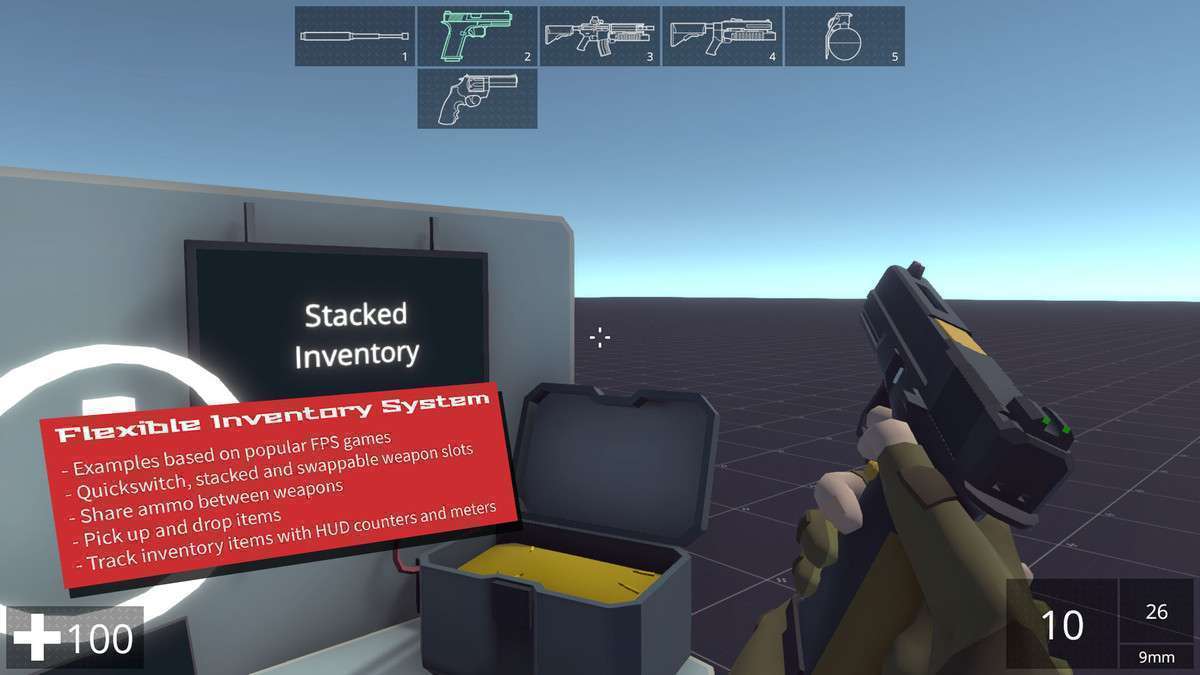
- Immersive Sims: Given the complex inventory systems, interactive environment tools (keypads, lockpicking), and save-game architecture, this is the premier choice for ‘Deus Ex’ or ‘System Shock’ style projects.
- Large-Scale Exploration Games: The built-in support for moving platforms, swimming, and origin shifting makes it ideal for projects where the player traverses massive, technically demanding environments.