
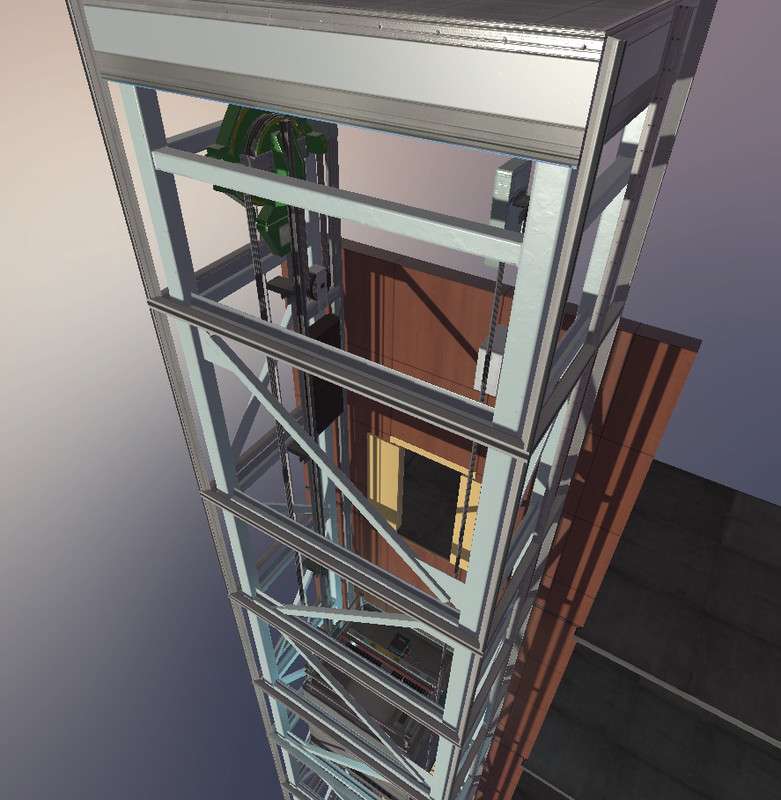
Advanced Scripted Elevator Mechanics
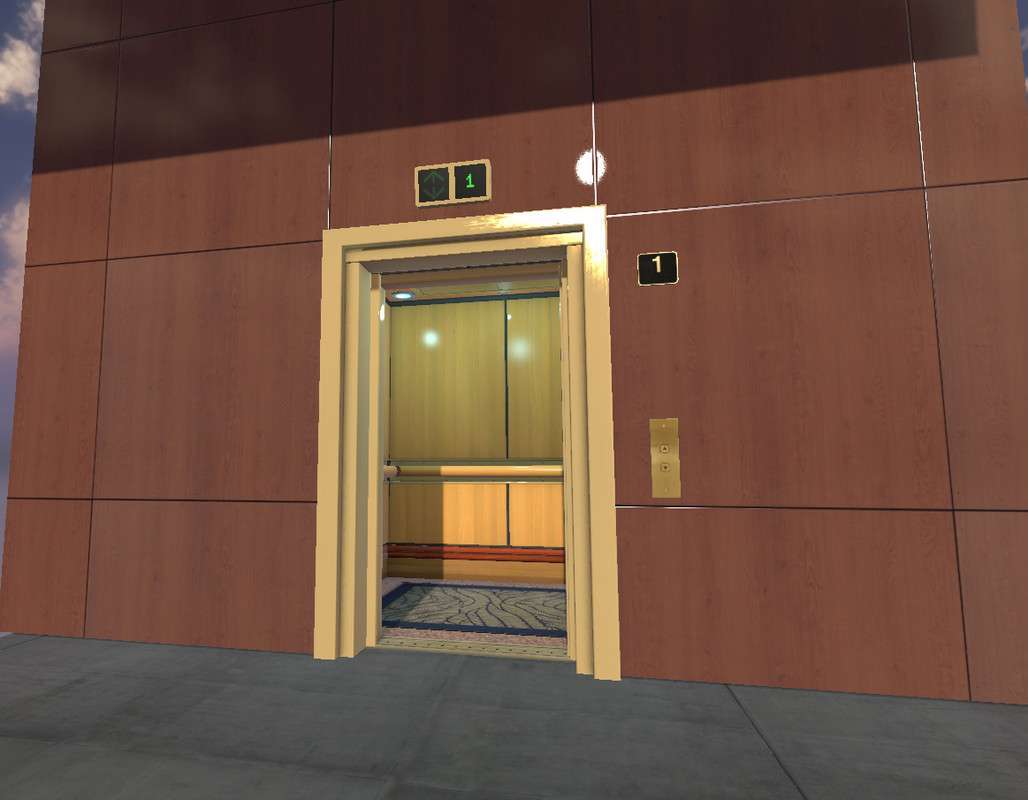
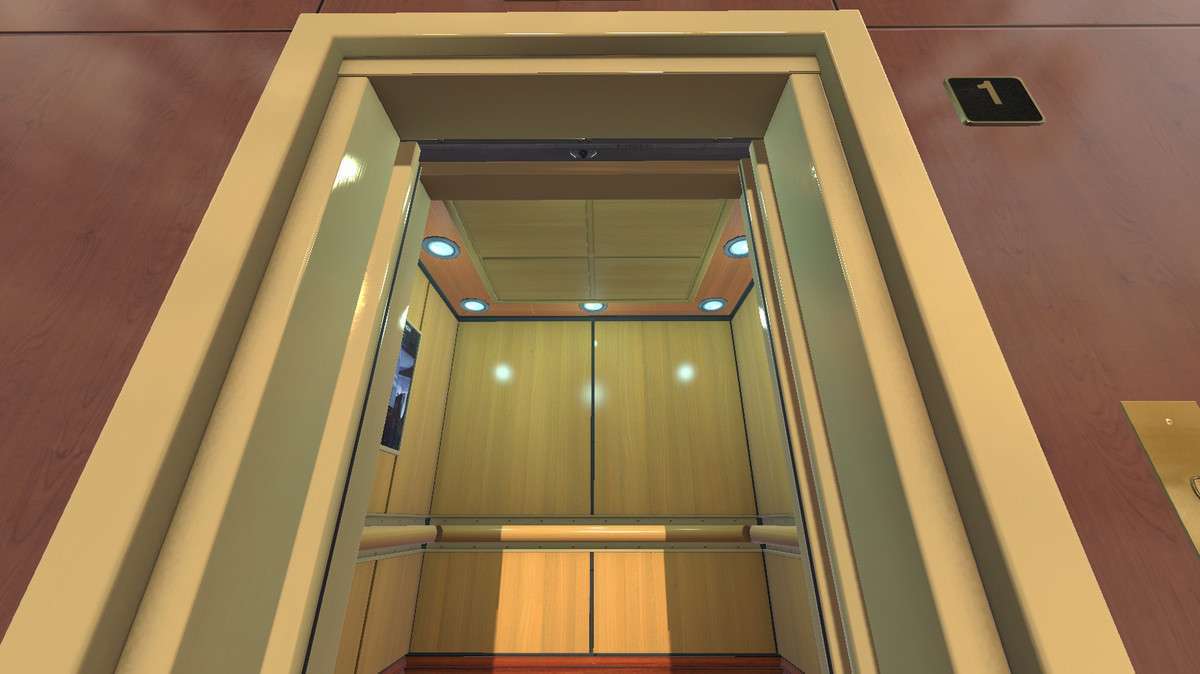
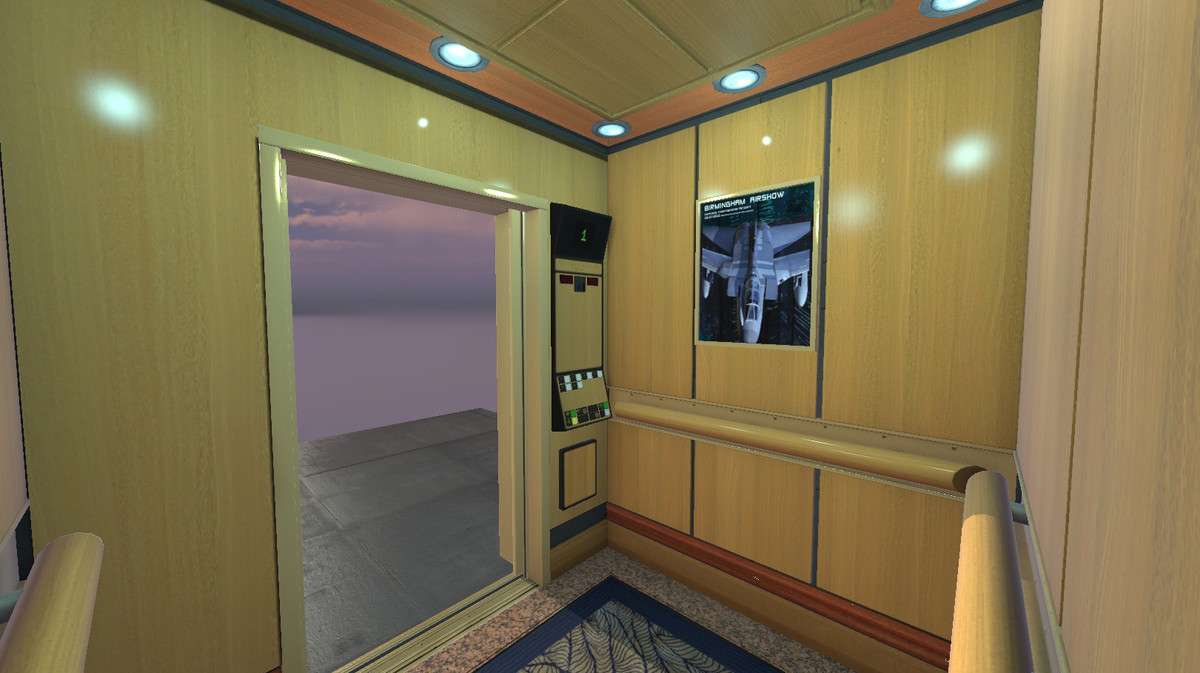
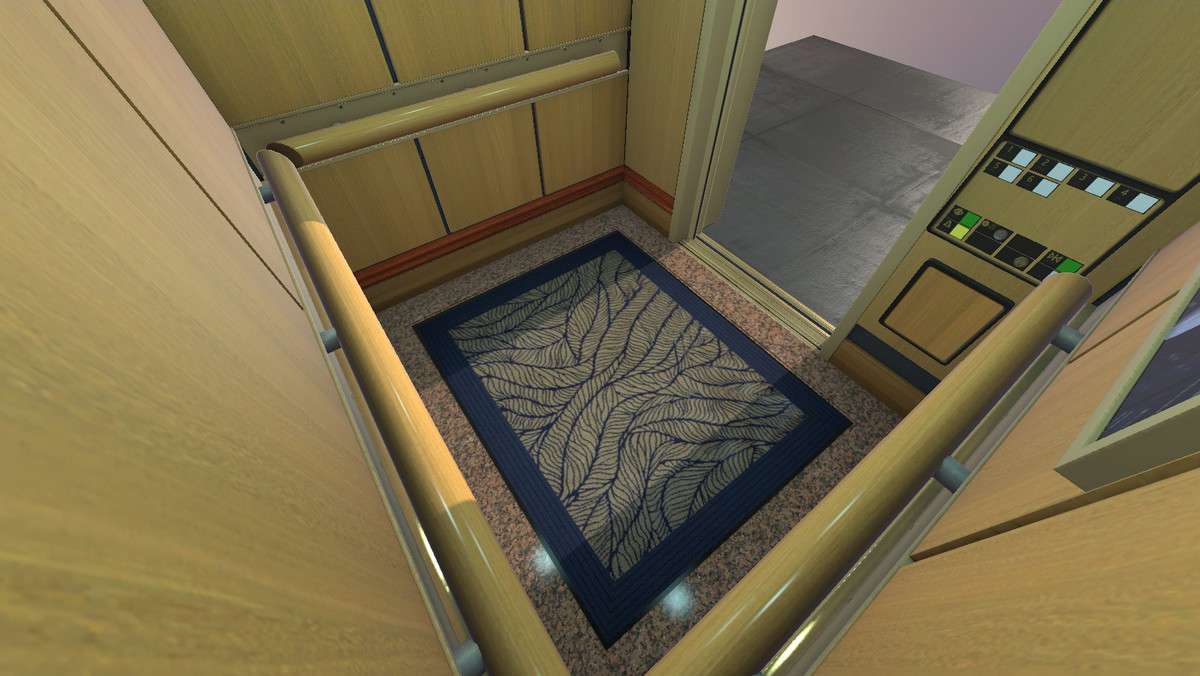
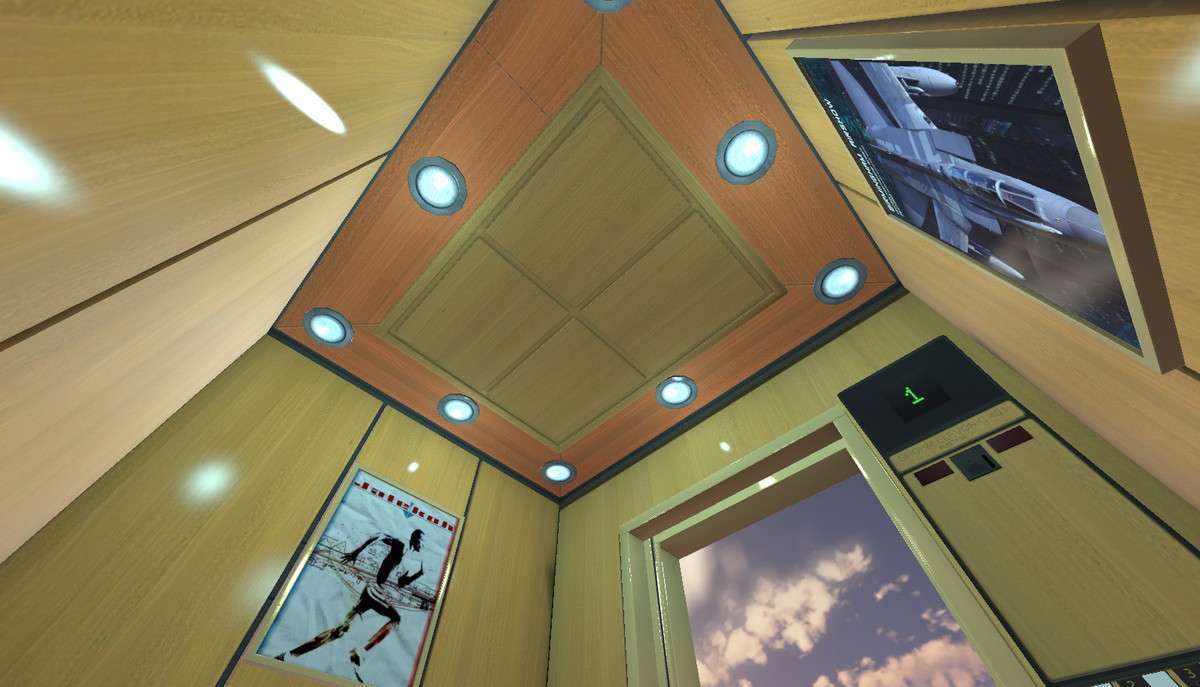
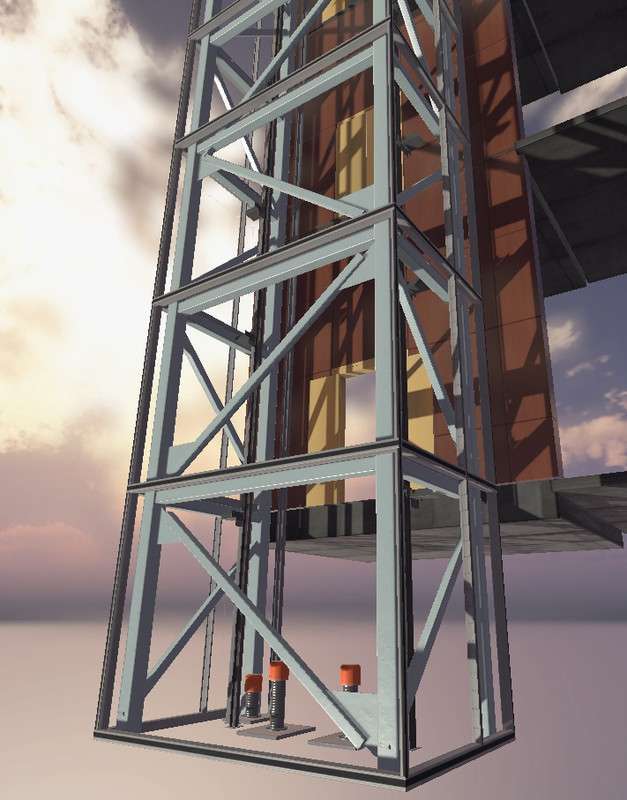
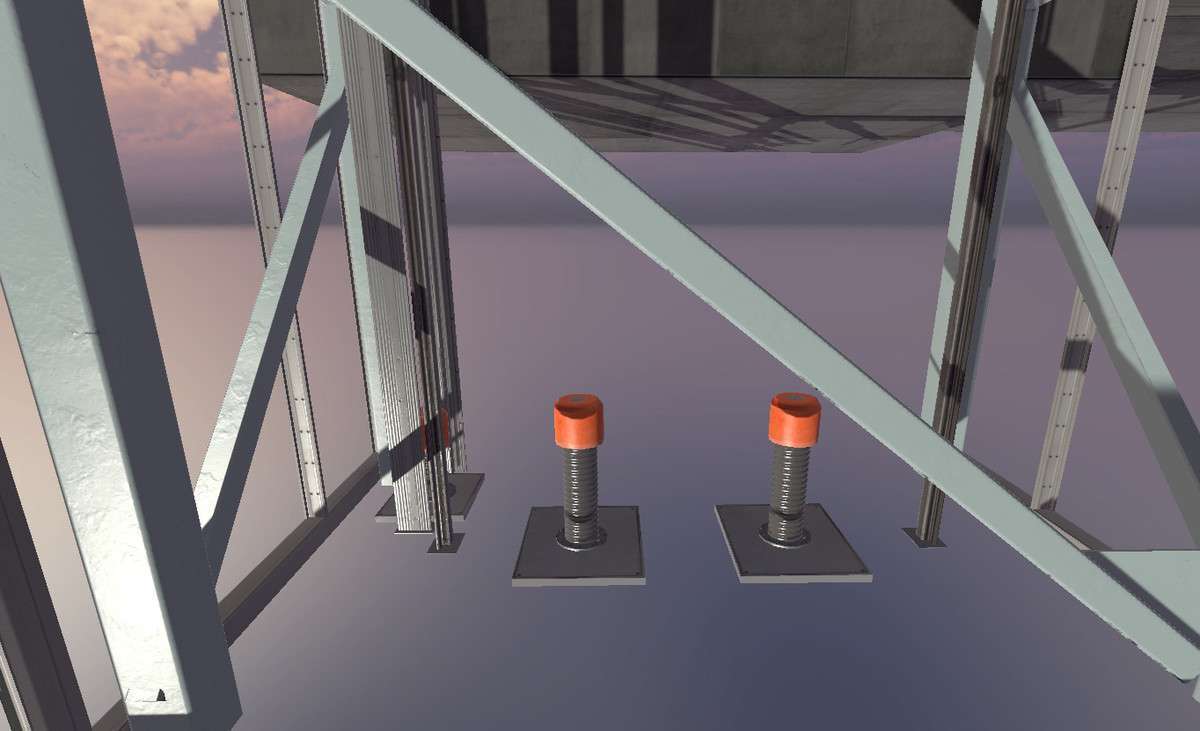
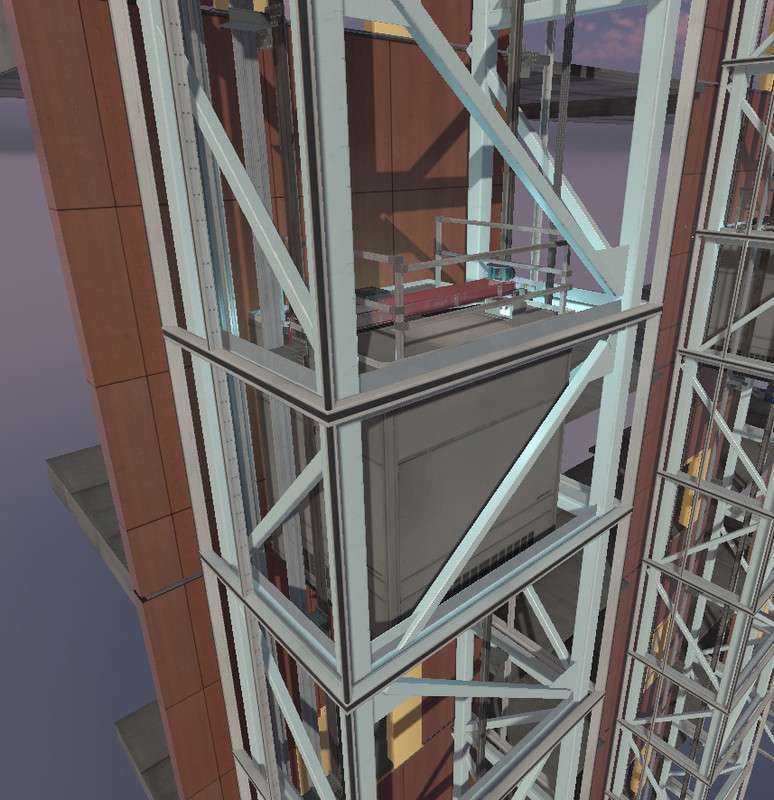
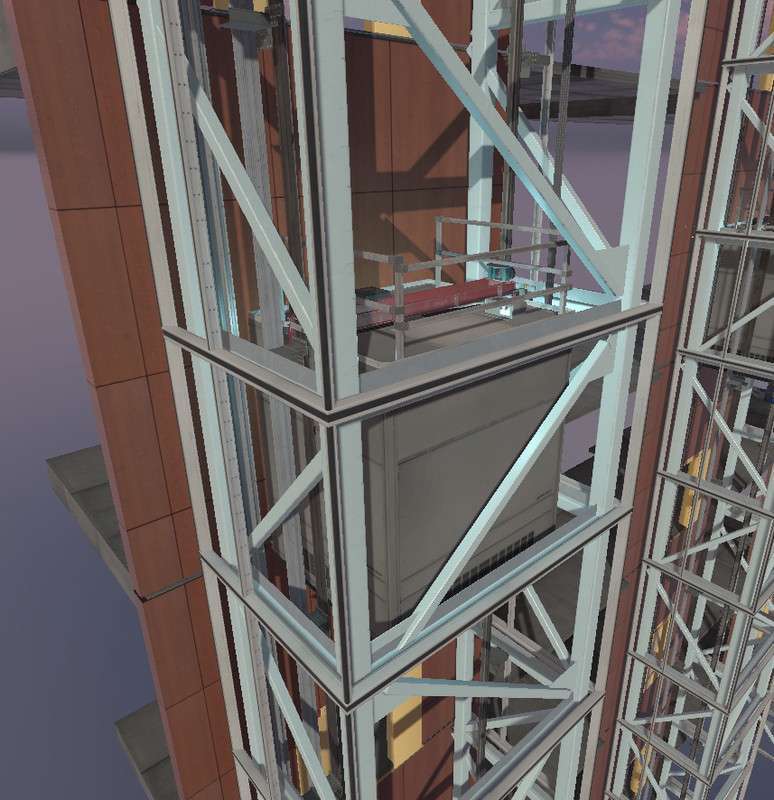
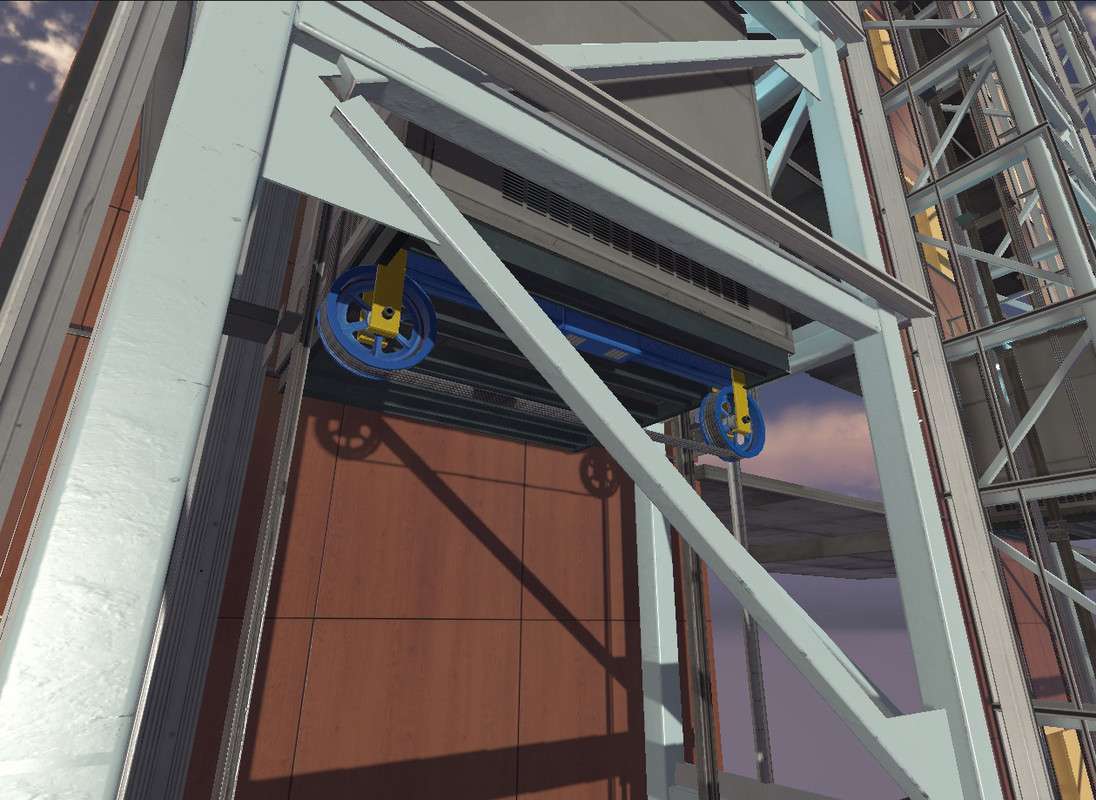
Implementing a vertical traversal system often leads to physics glitches, but Moving Elevator System #2 Unity 1.3.0 handles this via a robust C# state machine. Unlike simple ‘transform.translate’ solutions, this package includes a fully rigged boxcar and pulley system. We found that the LED display system is particularly well-architected, utilizing a modular script that can be easily extended to show custom floor names or status messages without diving deep into the core logic.
Integration Tips
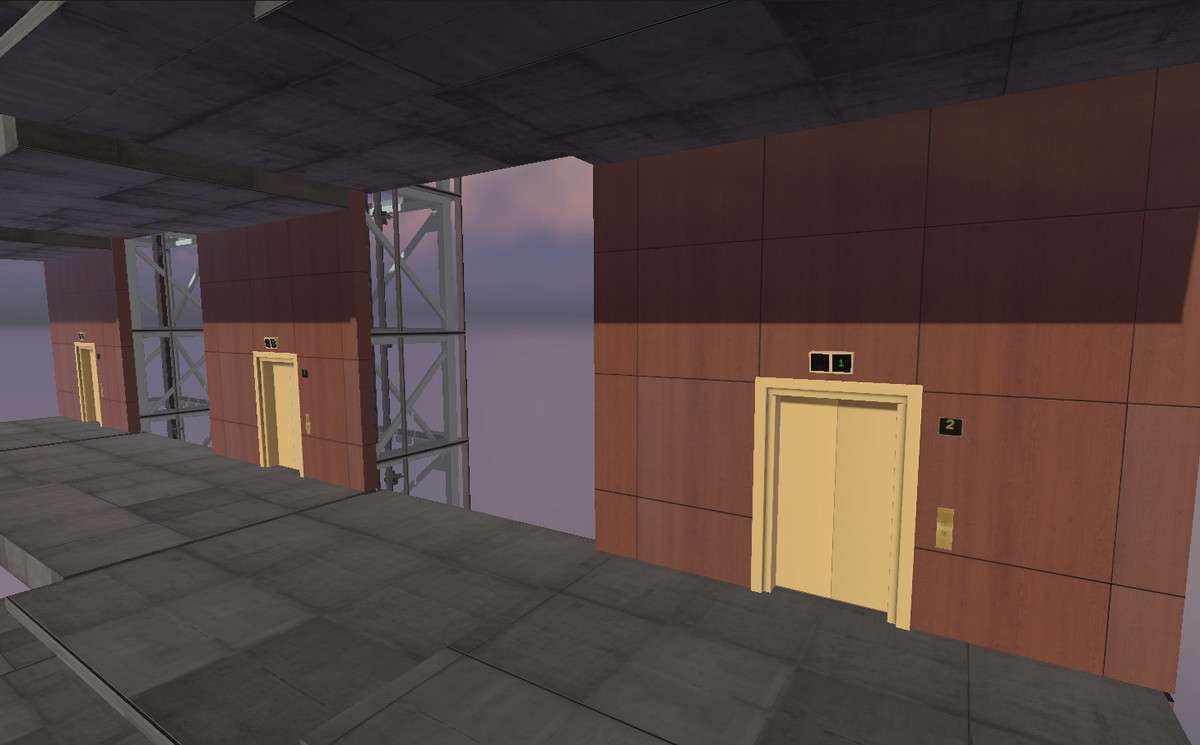
The system is modular, but when adding or removing floors, ensure your ‘Floor Frame’ prefabs are snapped precisely to the Y-axis to prevent the ‘jitter’ effect often seen when the elevator reaches a landing. If you are using a Character Controller (rather than a Rigidbody-based player), you must parent the player to the elevator’s ‘Floor’ transform on trigger enter to ensure they don’t slide around while the lift is in motion. Additionally, the included sounds are triggered via script events—if you’re using a custom Audio Mixer, you’ll want to expose the AudioSource variables in the inspector to route them correctly.
Best Use Cases
- Immersive First-Person Horror: The rigged cables and escape hatch provide excellent opportunities for scripted events or ‘elevator trap’ sequences that require high mechanical detail.
- Architectural Visualization: The PBR textures (up to 4K) and realistic pulley animations satisfy the visual requirements for high-fidelity ArchViz projects in HDRP.