
Technical Overview
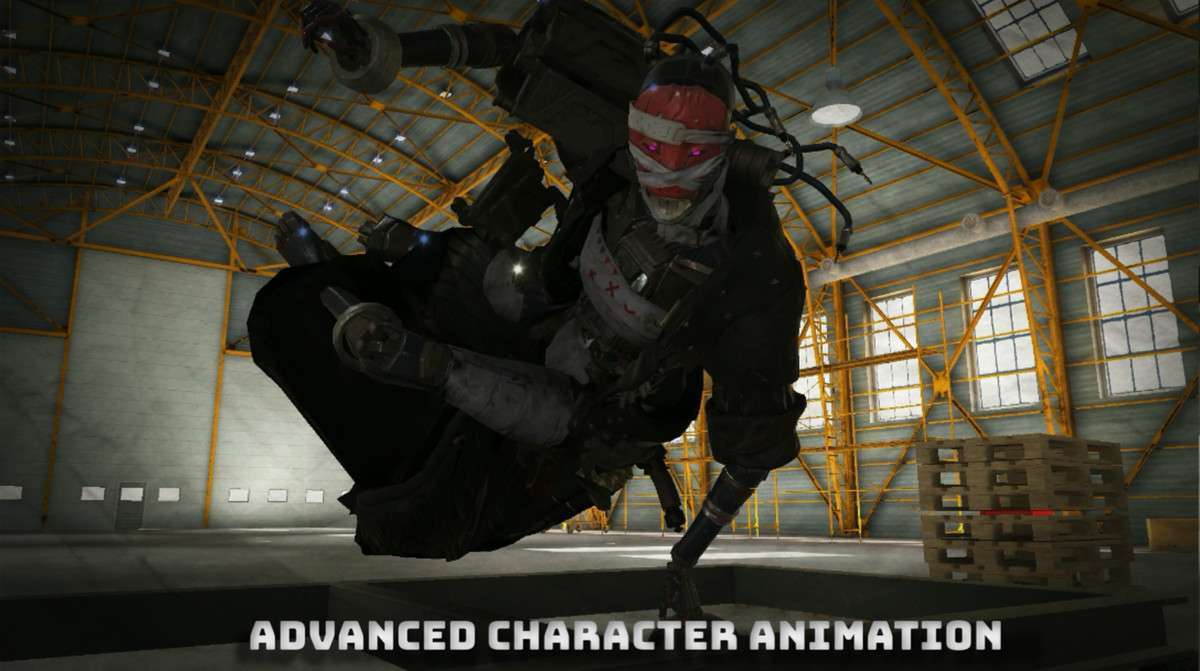
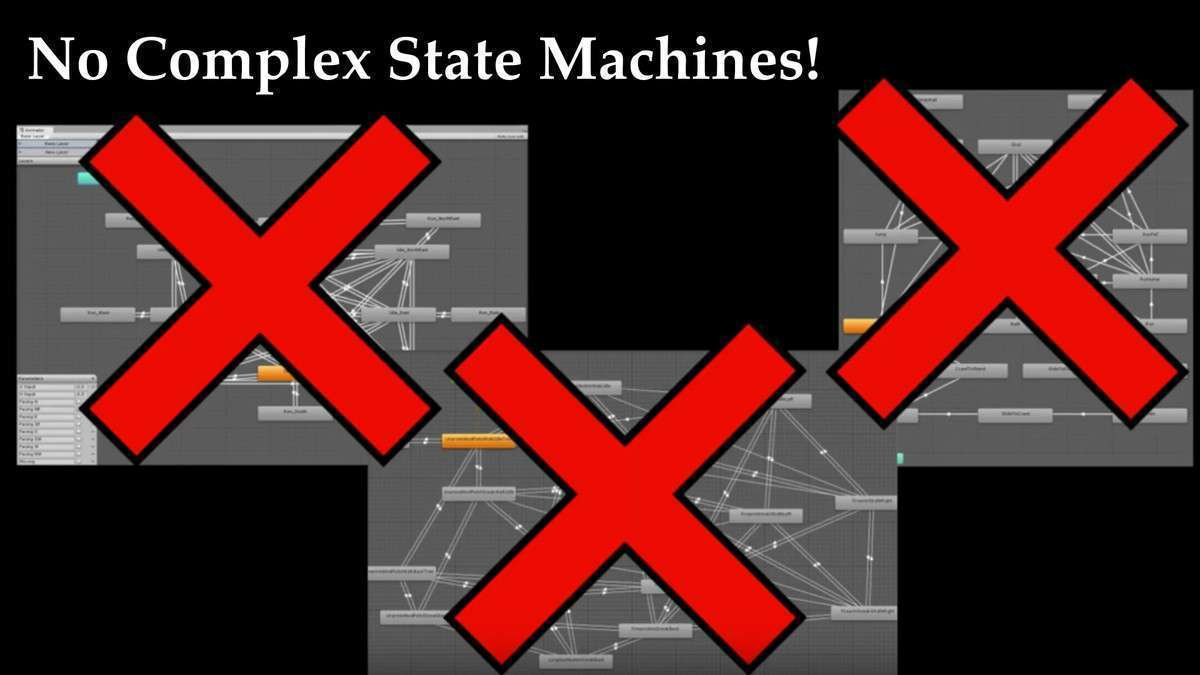
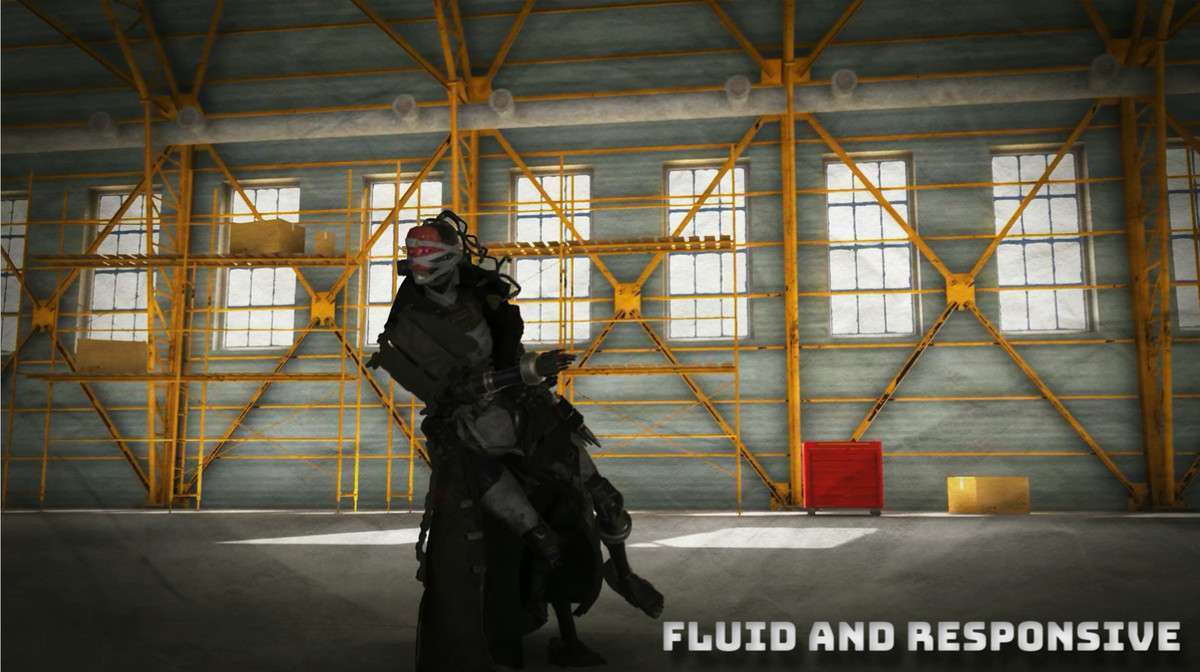
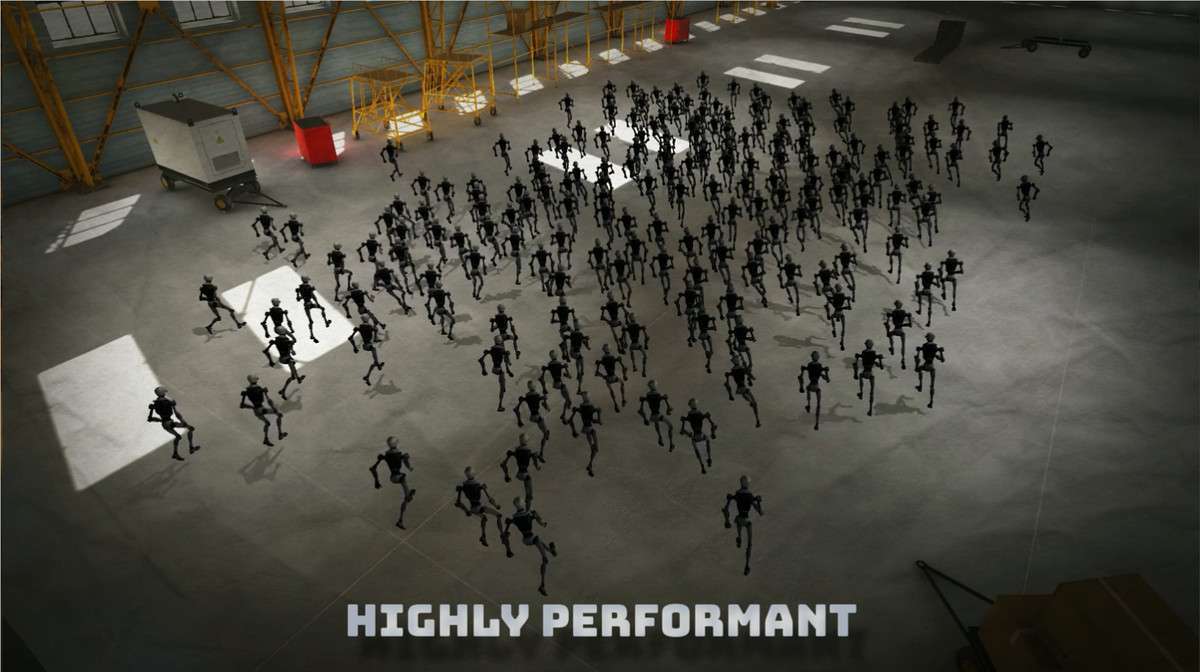
Implementing Motion Matching for Unity Unity 2.2.4 requires a shift in how you handle animation data, moving away from Mecanim’s Animator Controllers toward a data-driven trajectory system. MxM leverages the C# Job System and Burst Compiler to search thousands of animation frames in real-time. This eliminates the need for manual transition tuning and state machine logic, providing fluid character movement that responds dynamically to player input.
Integration Tips
- Trajectory Prototyping: The most critical component is the Trajectory Generator. Spend time tuning your ‘Past’ and ‘Future’ trajectory weights; poor trajectory data will lead to ‘footsliding’ or incorrect clip selection.
- Package Dependencies: MxM relies on the ‘Jobs’ and ‘Burst’ packages. Ensure these are updated via the Package Manager before importing MxM to avoid compilation errors.
- Animation Rigging Conflicts: If you use Unity’s Animation Rigging for IK, be aware of the known limitations mentioned in the docs. You may need to apply IK in
LateUpdateor via a custom PlayableGraph node to ensure MxM’s output isn’t overwritten.
Best Use Cases
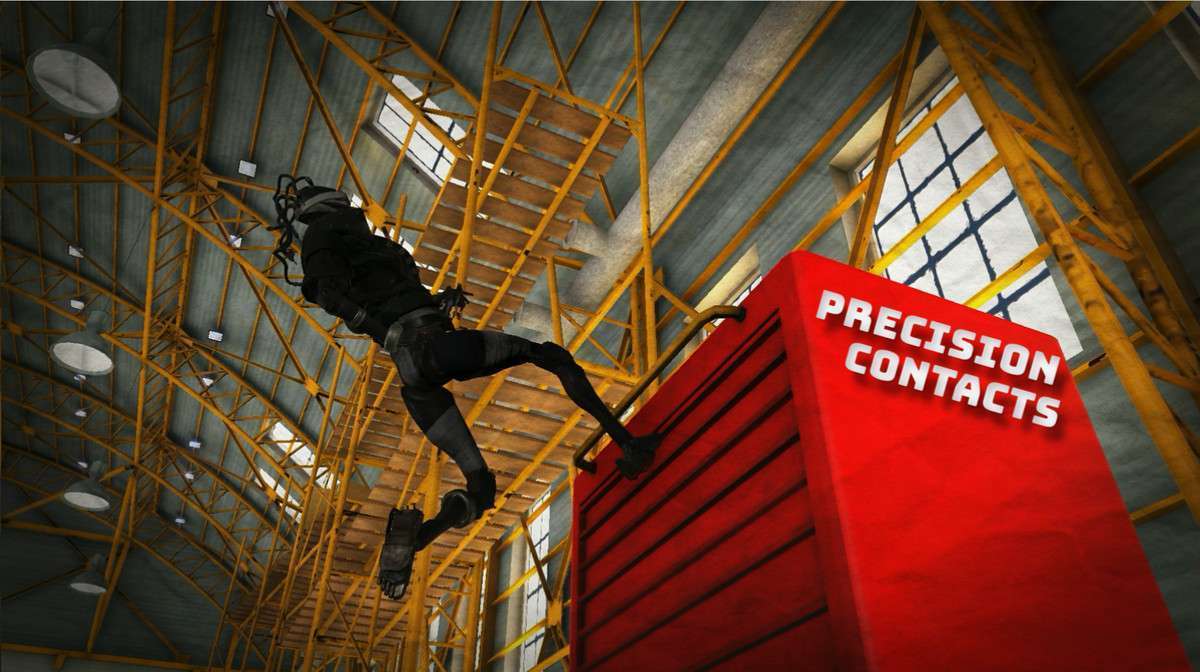
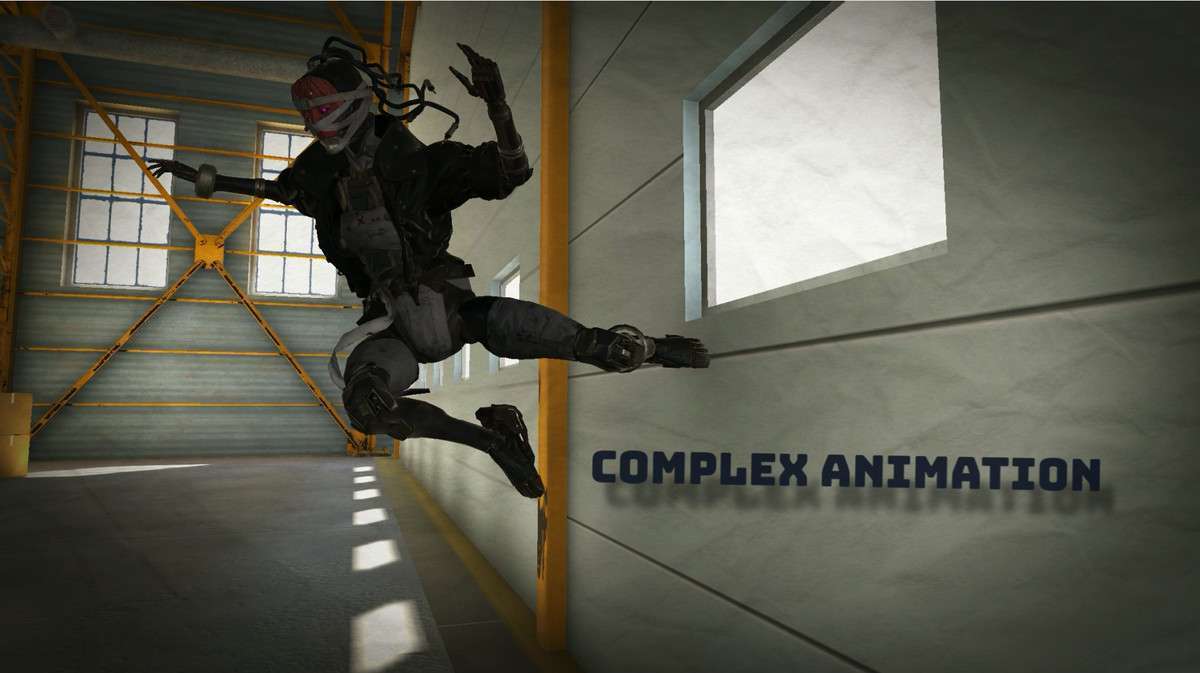
- Third-Person Open World Games: For projects requiring complex traversal (parkour, vaults, stops, and starts), MxM’s ability to pick the ‘best’ frame ensures that movement feels weighted and natural without thousands of blend tree nodes.
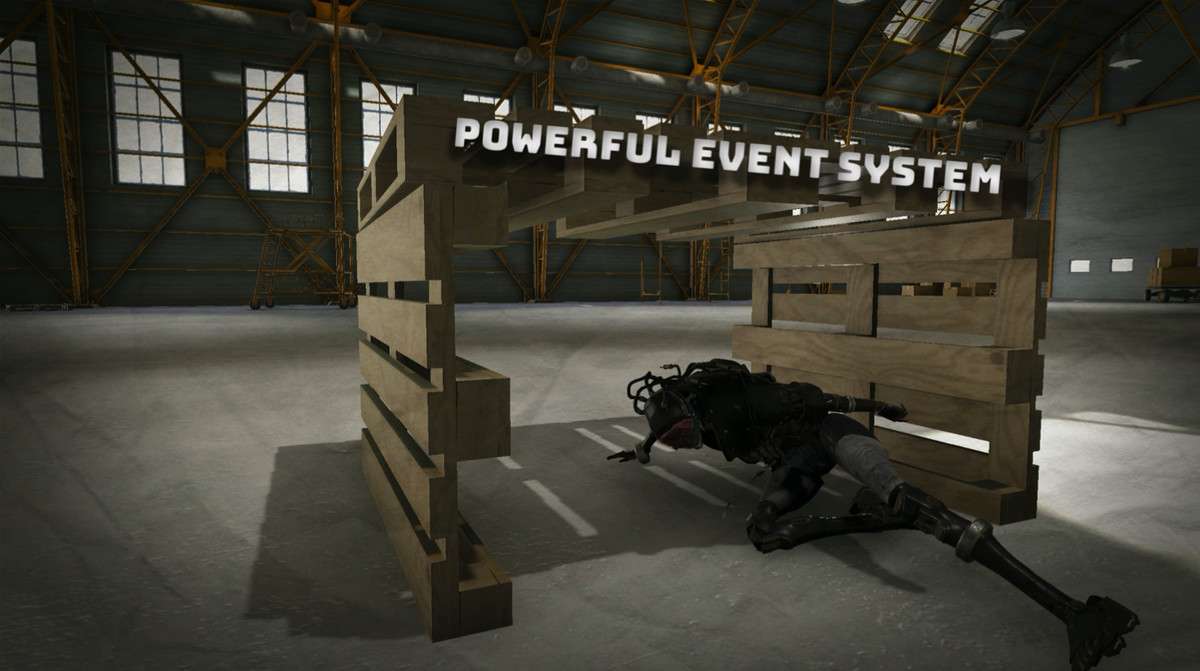
- Combat-Heavy Action Titles: The ‘Event’ system in MxM allows for precise timing for attacks and parries that stay synced with the character’s feet, providing a level of responsiveness that traditional state machines struggle to achieve.