






High-Performance Post-Processing for Any Pipeline
When working with MK Glow Lite Unity 4.9.9, you are choosing a performance-first approach to light scattering. Unlike the standard URP Bloom, which can be taxing on mobile hardware, MK Glow Lite utilizes an optimized command buffer system. This allows for stable, high-quality glow effects that respect the HDR threshold without the typical frame-rate hit. The inclusion of anamorphic scaling is particularly useful for developers aiming for a cinematic aesthetic without the complexity of a full-scale optical simulation.
Integration Tips
- URP Renderer Feature: To get this working in the Universal Render Pipeline, you must add the MK Glow Scriptable Renderer Feature to your Forward Renderer asset. Position it after the ‘Opaque’ pass for the best balance between visual quality and depth testing.
- XR Optimization: For VR projects, stick to the Lite version’s built-in quality presets. It supports Single Pass Instanced rendering, which is critical for maintaining the 90Hz+ refresh rates required on standalone headsets like the Quest 2/3.
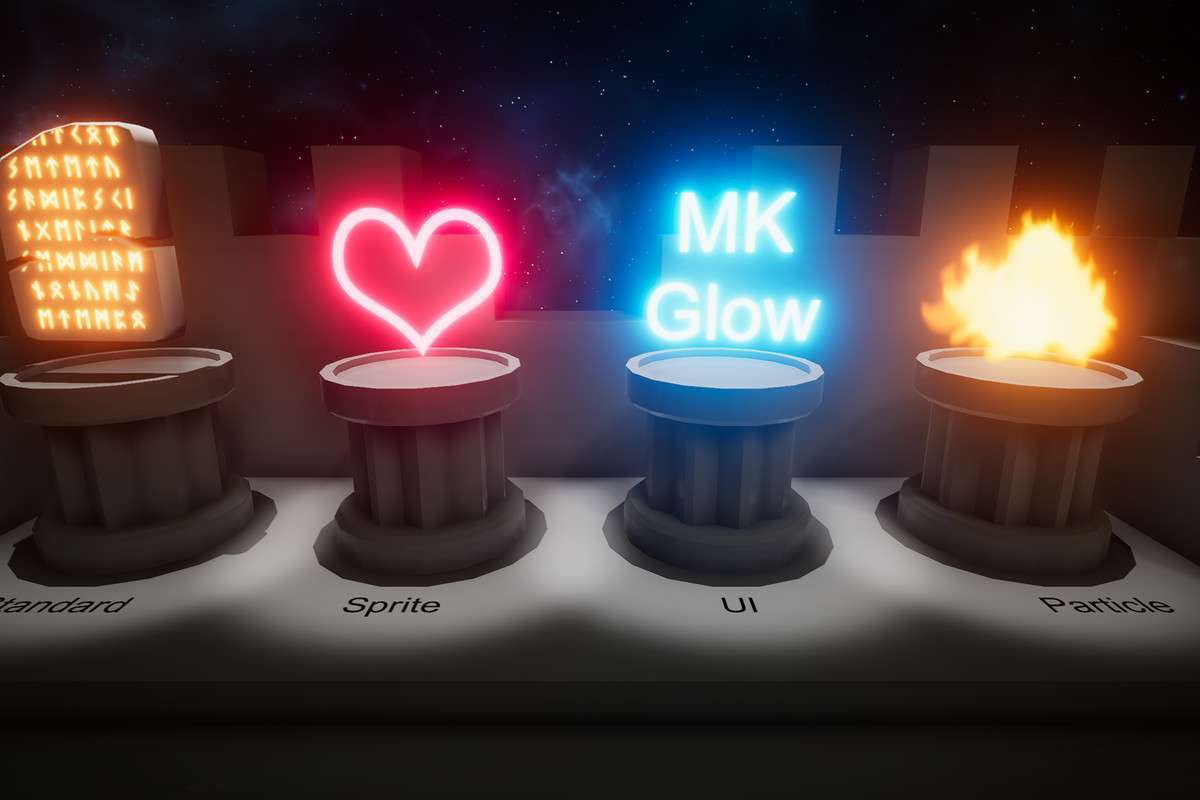
- Sprite Emission: If you are working in 2D, use the included emissive sprite shaders rather than the standard Lit shaders. This ensures the glow effect picks up the correct color data from the sprite’s emission channel.
Best Use Cases
- Mobile Sci-Fi Titles: The ability to achieve stable bloom on low-end GPUs makes it the go-to for mobile projects that need high-intensity energy effects or neon environments without triggering thermal throttling.
- Virtual Reality (VR): Since it supports multi-pass and single-pass stereo, it provides a consistent glow across both eyes, avoiding the ‘shimmer’ or ‘offset’ issues often found in non-optimized post-processing stacks.