




Advanced Diagnostic Workflows with Mighty Performance Pack
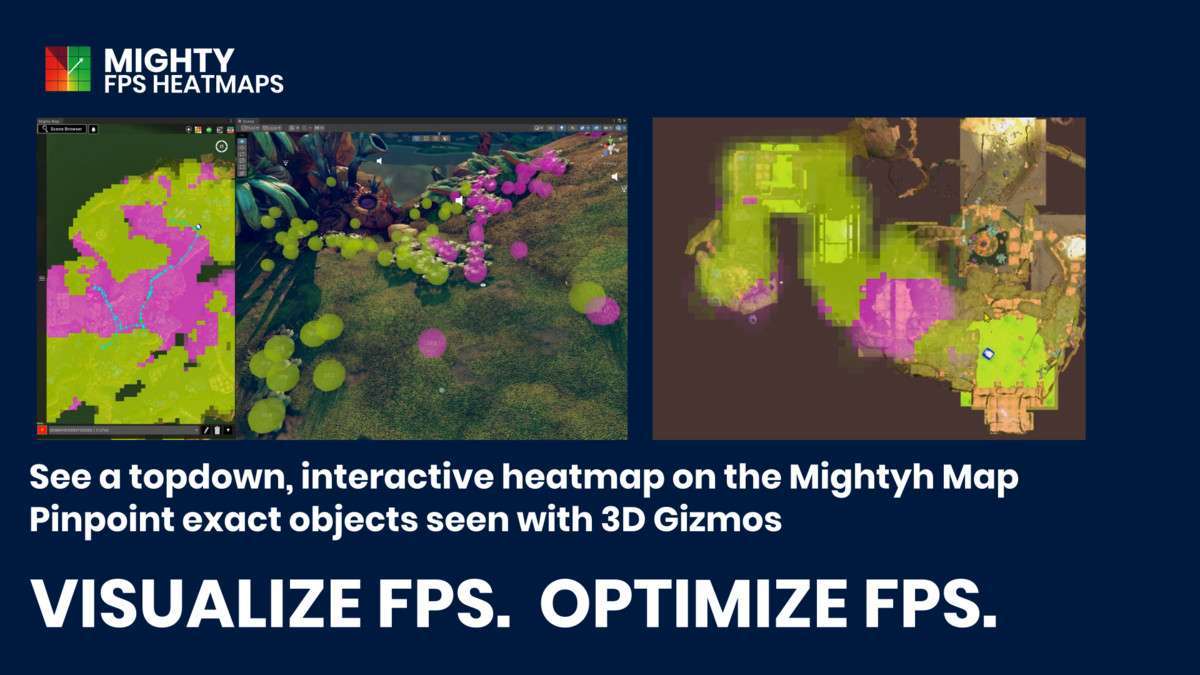
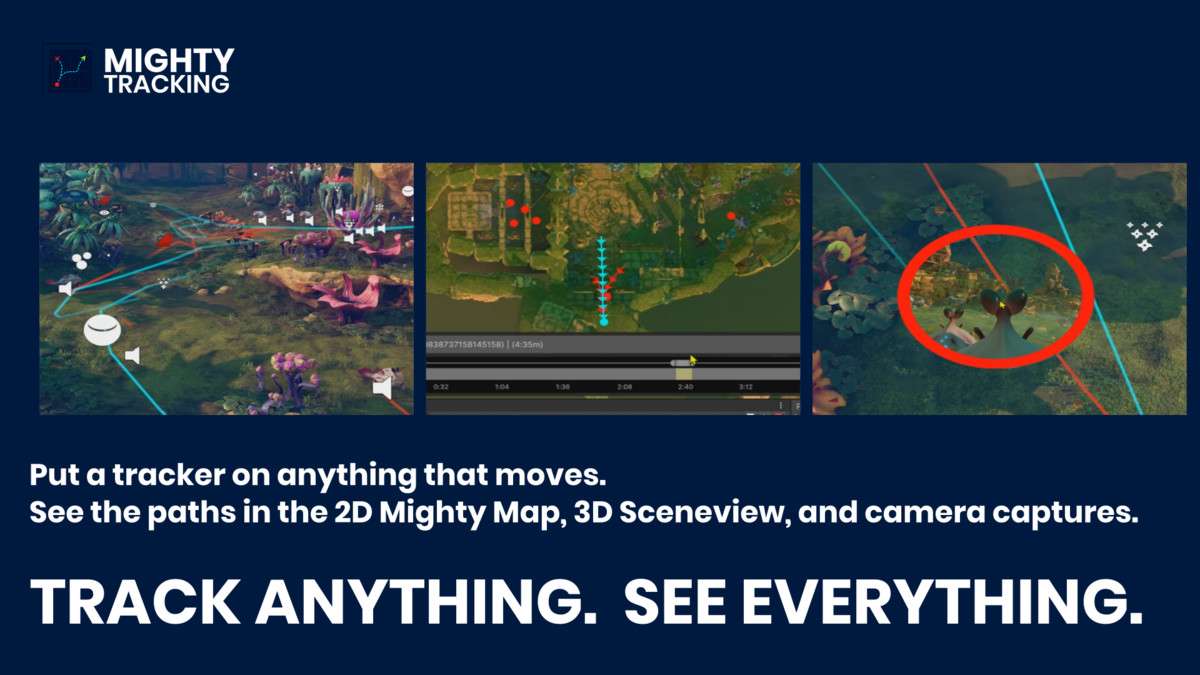
Optimizing high-fidelity projects requires more than just looking at the Profiler; it requires spatial context. The MIGHTY PERFORMANCE PACK Unity toolkit 1.1.5 provides a bridge between raw telemetry and your Scene View. By correlating frame time spikes with specific Game Object trajectories, we can identify whether a stutter is caused by a specific AI pathfinding recalculation or a heavy mesh entering the frustum in a dense sector. The Heatmap Fusion feature is particularly effective for identifying ‘bottleneck zones’ where draw calls and overdraw peak simultaneously.
Integration Tips
- Diagnostic Layers: Assign tracked objects to a specific internal layer to prevent the 3D trails from interfering with Raycasts or visibility during development testing.
- Timeline Sync: Use the scrubbing tool in conjunction with Unity’s built-in Profiler. Record a session, find the spike in the Profiler, and scrub MIGHTY TRACKING to that exact timestamp to see the spatial state of your scene.
- Memory Management: When recording long playthroughs with high-frequency capture, ensure your target drive has sufficient IO bandwidth. Use the custom capture options to downsample screenshot renders if you are running automated QA bots for several hours.
Best Use Cases
- Large-Scale Open Worlds: Use the Mighty Map and 3D Trails to visualize AI density and pathfinding efficiency over long distances. It allows you to see where agents cluster and cause physics engine overhead before players ever report the lag.
- Competitive Multi-platform Titles: Use the Target-FPS Slider to simulate performance ceilings for mobile versus PC. By visualizing the FPS heatmap on a mid-range mobile profile, you can pinpoint exactly which level modules require more aggressive LOD bias or occlusion culling.