
Advanced Terrain Shading and Performance Optimization
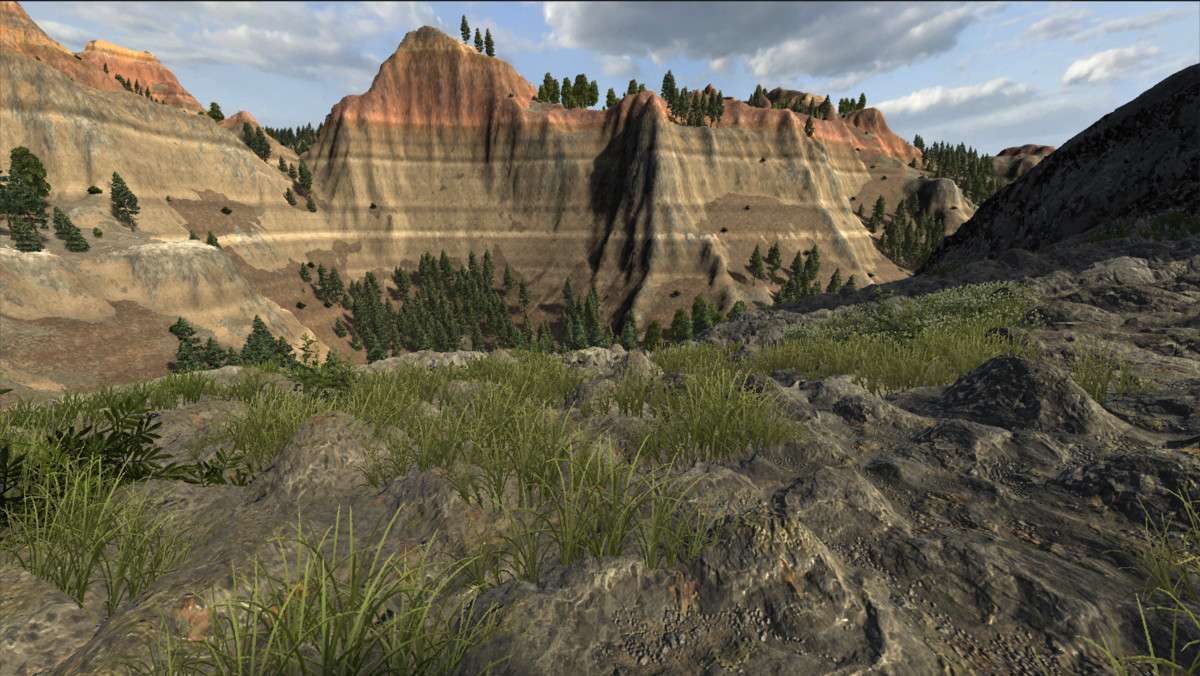
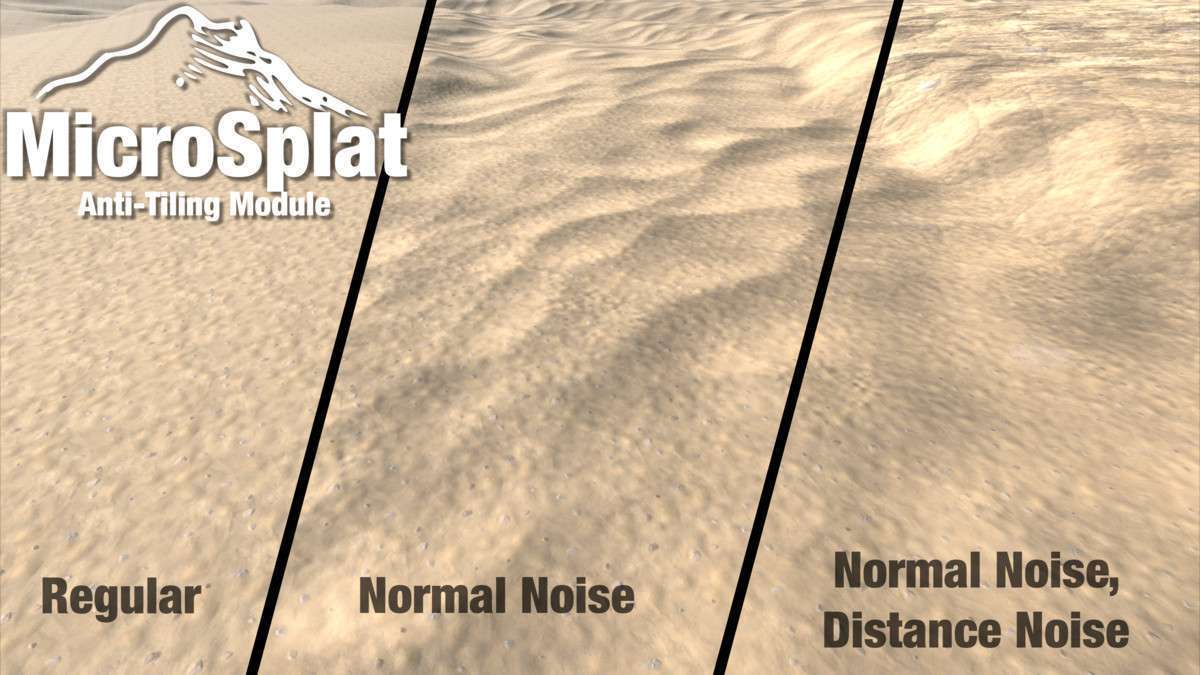
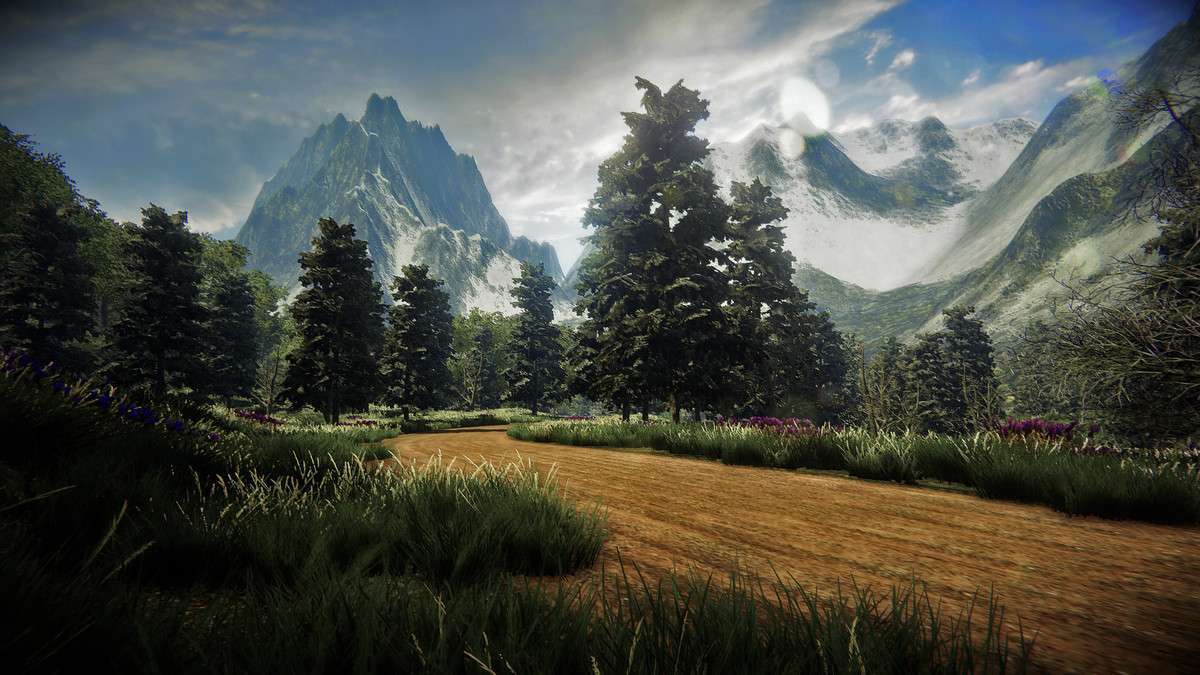
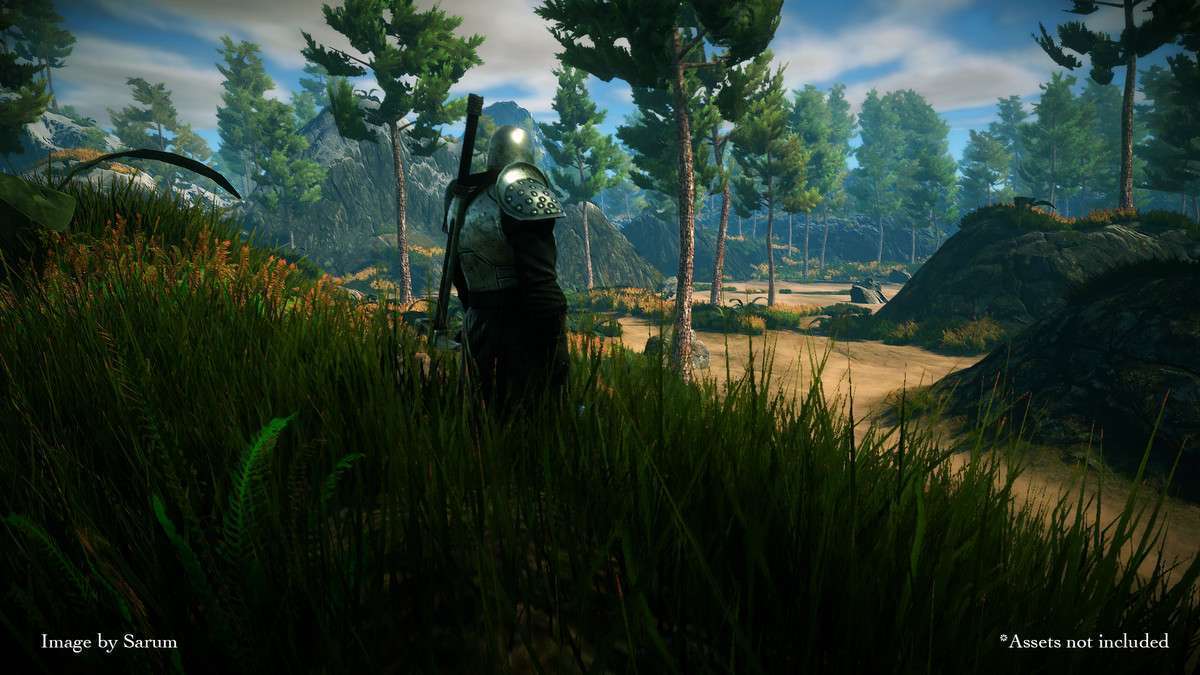
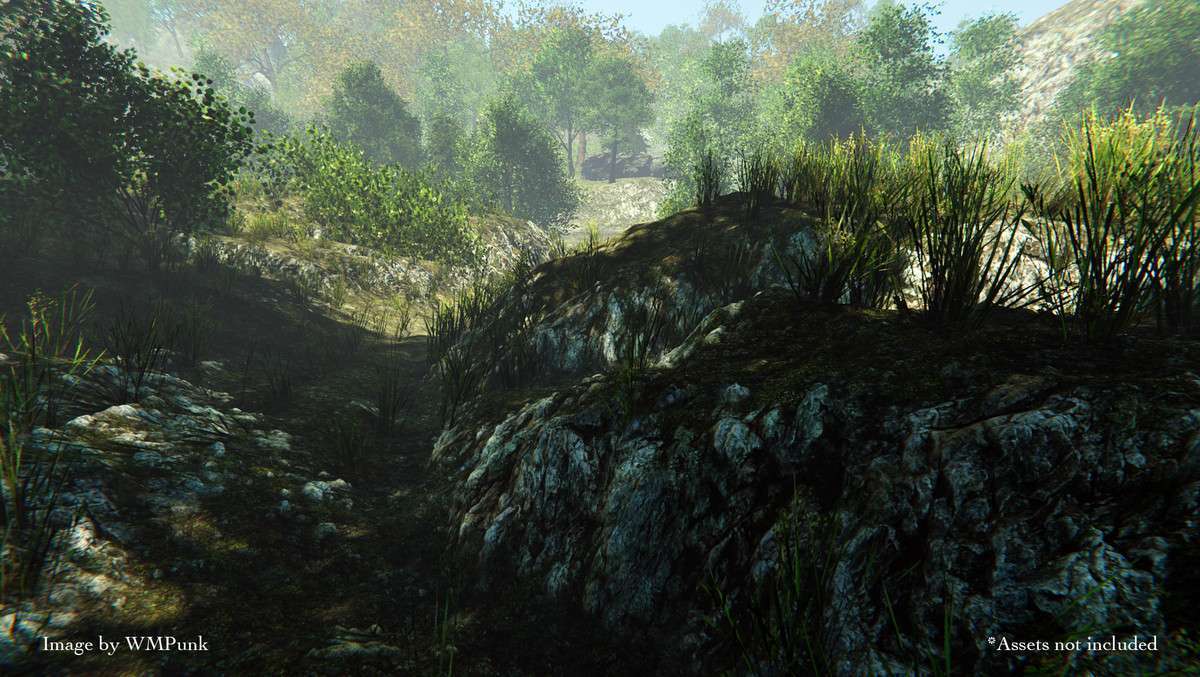
The default Unity terrain shader is often the primary bottleneck in rendering budgets due to limited texture slots and expensive branching. MicroSplat – Terrain Collection Unity 3.9.47 solves this by utilizing Texture Arrays, which drastically reduces draw calls and allows for up to 32 (or more with specific modules) PBR textures to be sampled in a single pass. This collection is the industry standard for any project that needs to move beyond the “tiled look” through features like Stochastic sampling and Texture Clustering, effectively eliminating the visible repeating patterns that plague large-scale environments.
Integration Tips
Setting up MicroSplat requires a slight shift in how you manage assets, but the performance gains are worth the initial configuration:
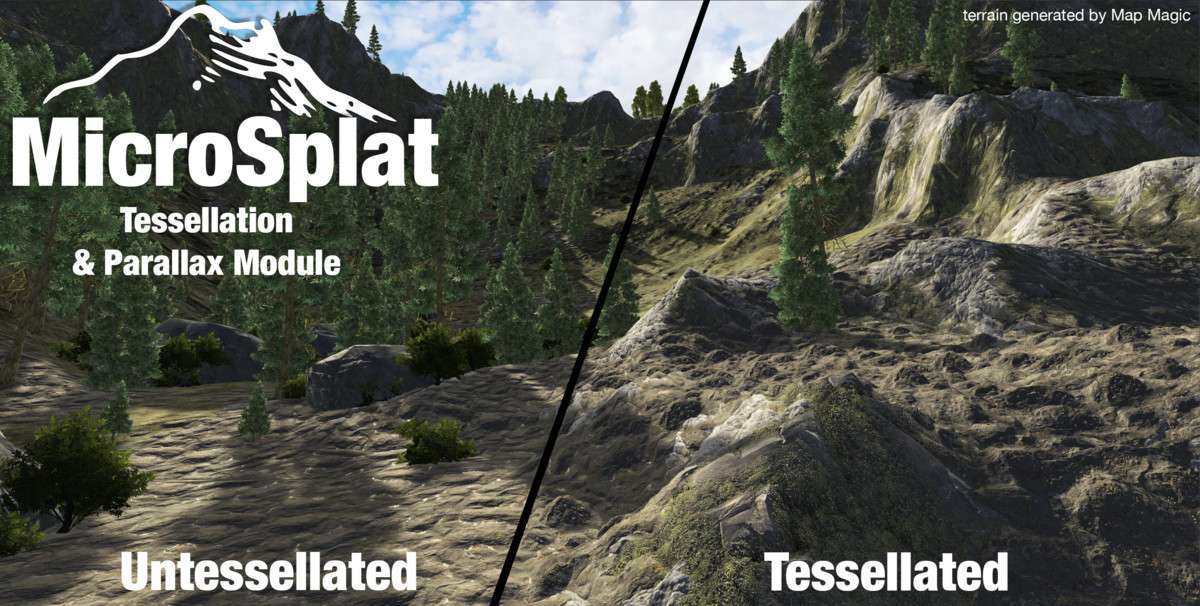
- Pipeline Specifics: While the core logic is universal, you must install the specific URP or HDRP module to match your Scriptable Render Pipeline. For HDRP users, ensuring the Tessellation and Parallax settings are correctly configured in the shader GUI is vital for achieving high-fidelity ground surfaces without a massive hit to the vertex count.
- Texture Array Management: MicroSplat relies on Texture Arrays. Ensure your source textures share the same resolution and compression format (e.g., BC7) before generating the array. If you encounter “pink textures,” double-check that your render pipeline settings match the shader’s generated variant.
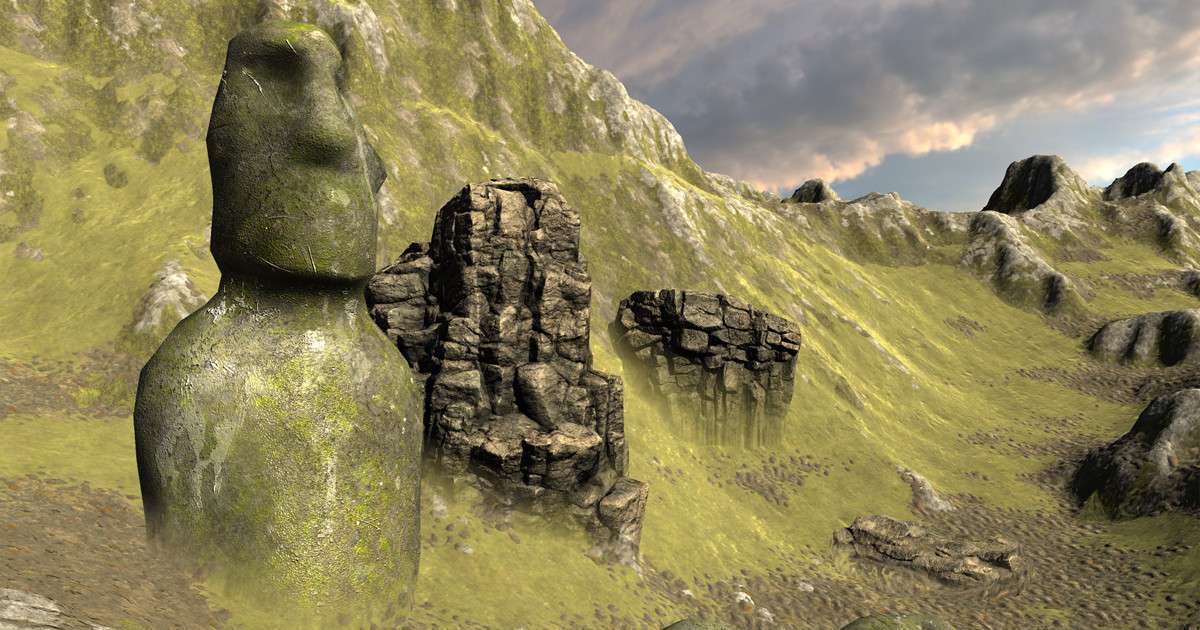
- Global Texturing & Blending: Use the Global Texturing module to blend prefabs into the terrain. By sampling the terrain’s normals and albedo within the object shader, you can remove the harsh seams where rocks or buildings meet the ground.
Best Use Cases
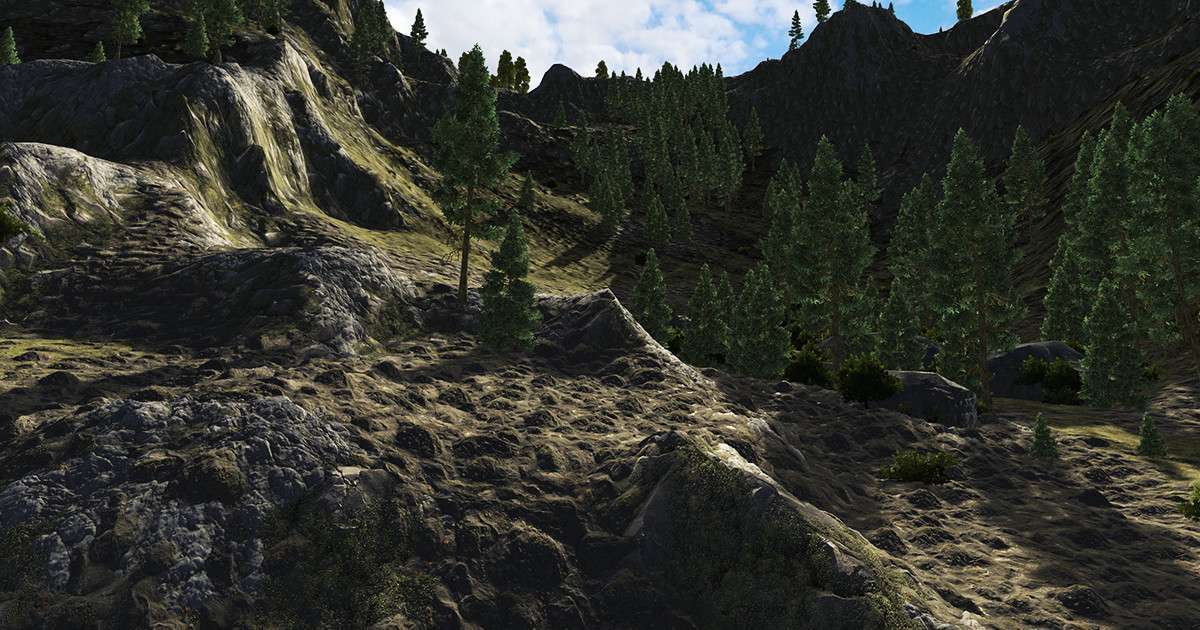
High-Fidelity AAA Visuals: If your project requires tessellation and detailed micro-displacement, the included Parallax and Tessellation modules outperform standard shaders by a wide margin. It allows for high-frequency detail near the camera while utilizing distance-based LODs to keep the GPU load manageable.
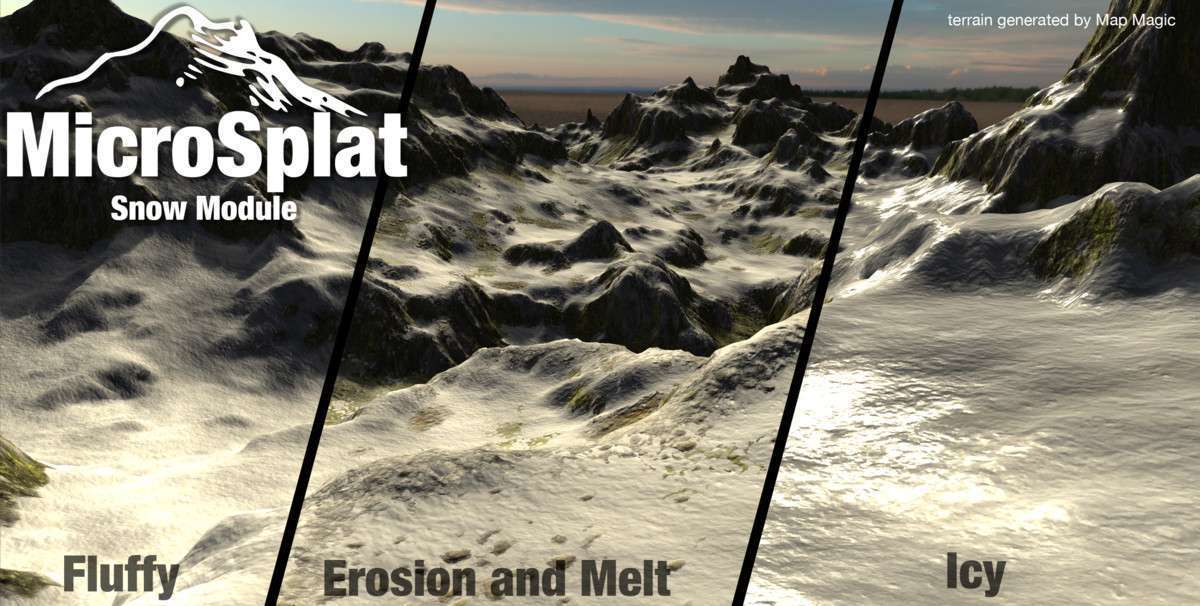
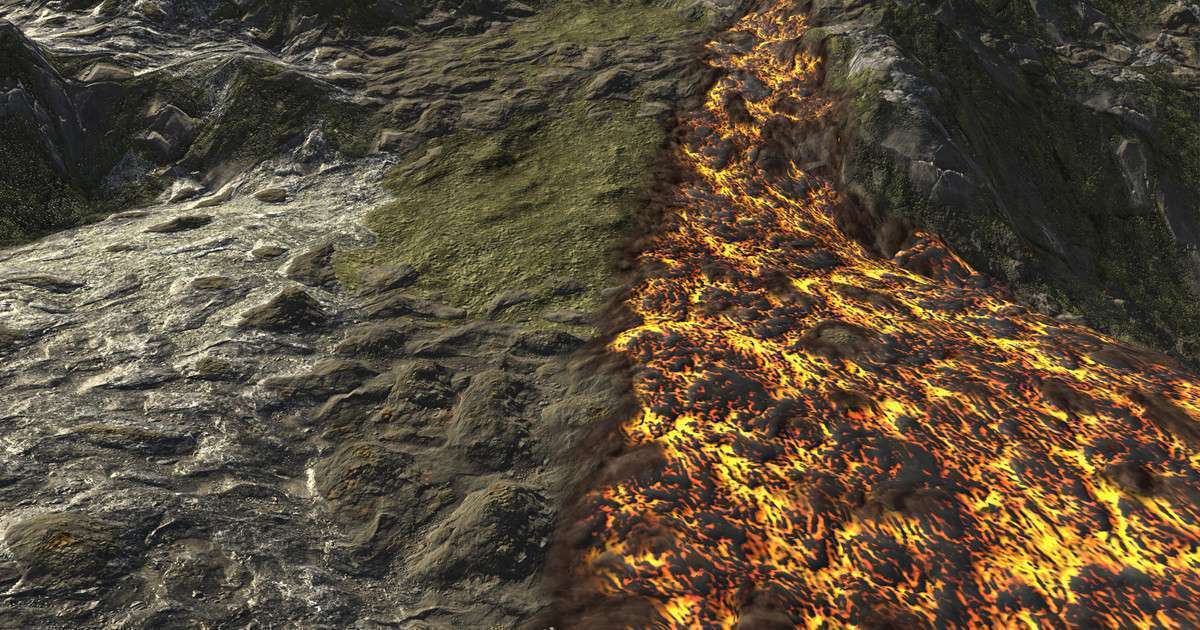
Dynamic Weather and Environmental Survival Games: The Puddles, Streams, and Dynamic Snow modules are essential for titles that require environmental transitions. These are not just visual overlays; they integrate with the shader logic to influence specularity and smoothness based on terrain slope and height, providing a cohesive look for dynamic weather systems.