
Advanced Splat Mapping on Arbitrary Geometry
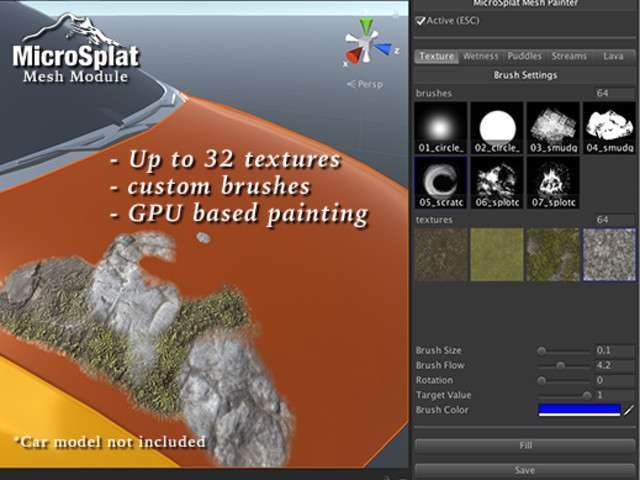
The MicroSplat – Mesh Workflow Unity module 3.9.26 is a critical extension for developers who need to bridge the gap between Unity Terrains and custom mesh environments. While Unity’s native terrain system is often too restrictive for verticality or complex overhangs, this module allows you to apply MicroSplat’s optimized shading tech to any static or dynamic mesh. It supports up to 32 textures per mesh via splat map control textures or a highly efficient 28-texture vertex painting workflow, making it indispensable for high-fidelity environment art.
Integration Tips
Before importing, ensure the core MicroSplat framework is already present in your project. If you are targeting URP or HDRP, you must install the specific SRP adapter modules first; otherwise, the shaders will fail to compile. When using the texture-backed workflow, pay close attention to your UV0 layout. The system handles UVs outside the 0-1 range, but for optimal draw call batching, you should keep your splat maps consistent across multiple meshes. For developers using the Tessellation module, remember to paint your displacement dampening maps early in the look-dev phase to prevent mesh cracking at high displacement intensities.
Best Use Cases
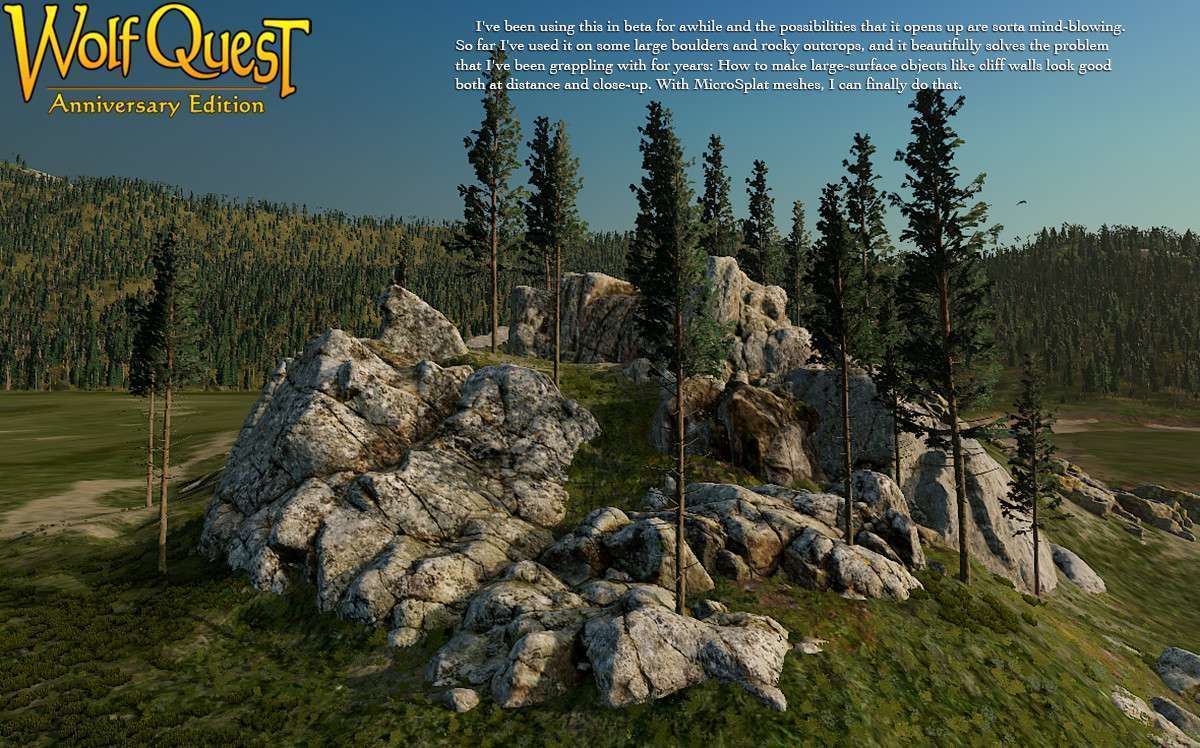
- Open World RPGs: Use this for hero assets like massive cliffs, cave entrances, or stone ruins where Unity’s standard terrain breaks down. It allows you to blend these meshes seamlessly with the terrain textures, maintaining visual continuity across the world.
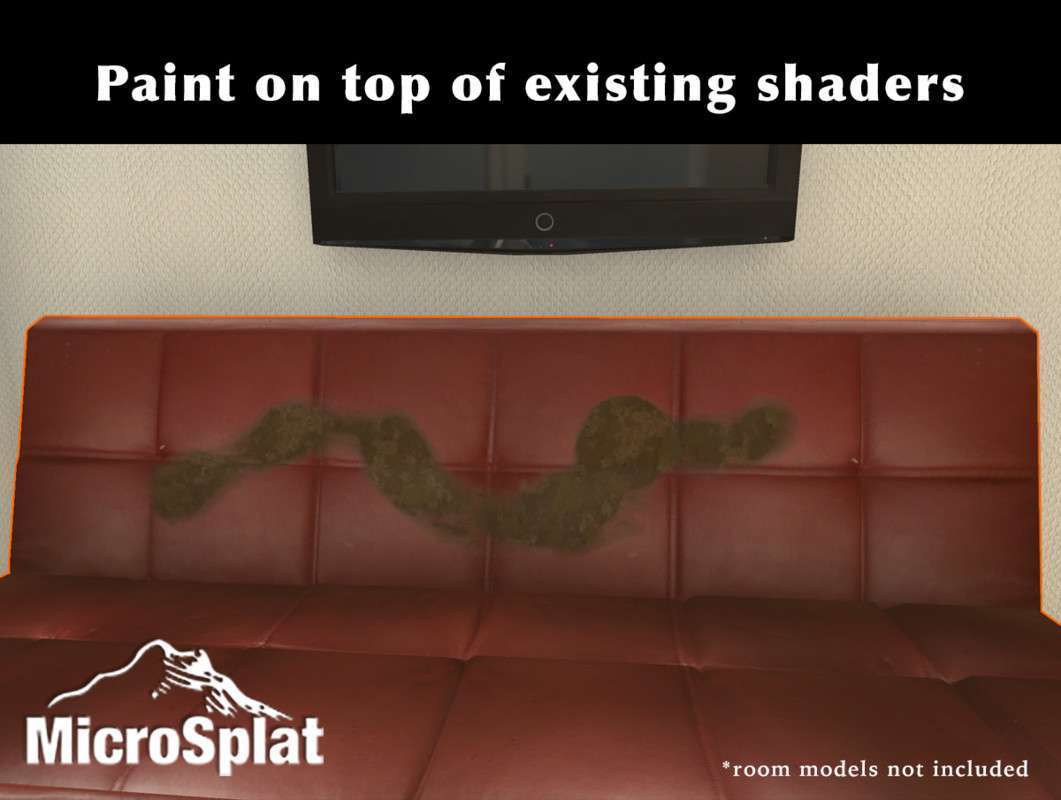
- Sci-Fi Industrial Environments: The Object Shader module is perfect for adding procedural wear, wetness, or snow to metallic structures without creating unique textures for every prop, significantly reducing your project’s memory footprint.