


Volumetric Sky Rendering without Geometric Overhead
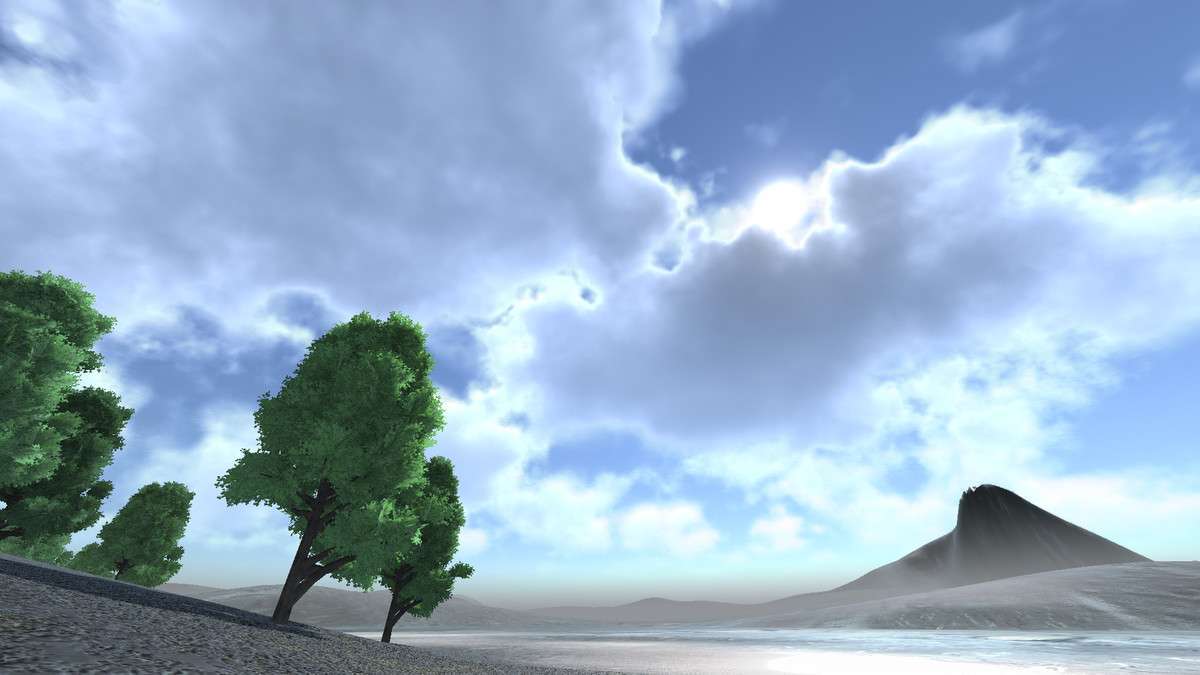
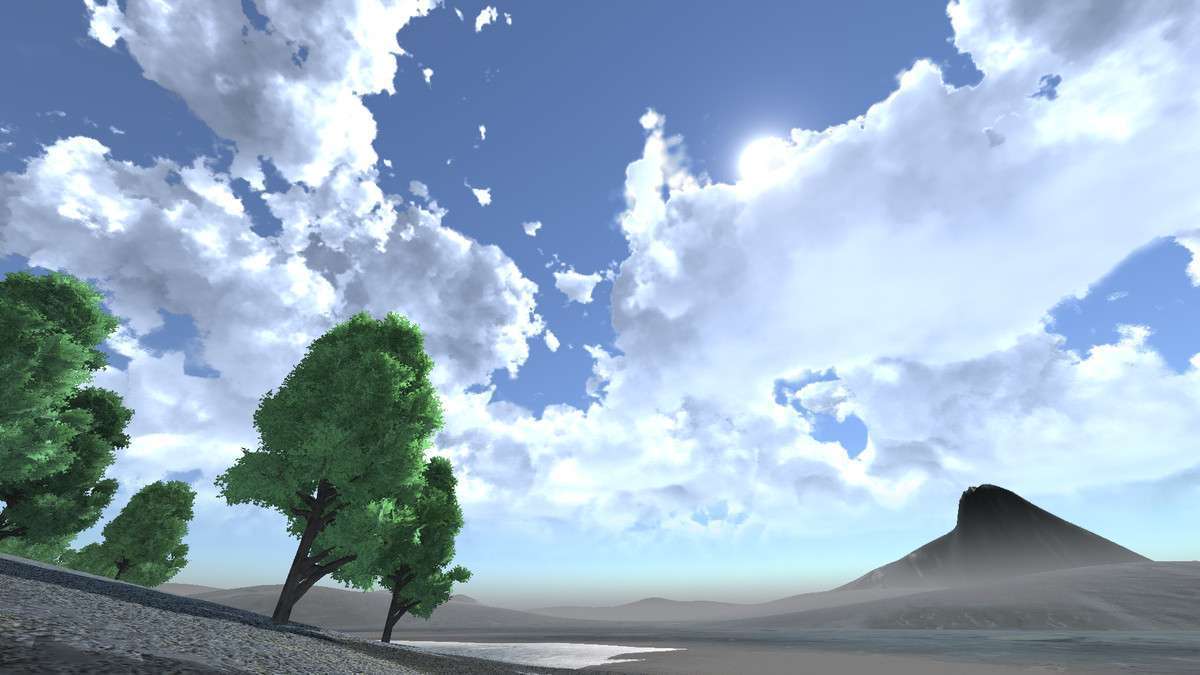
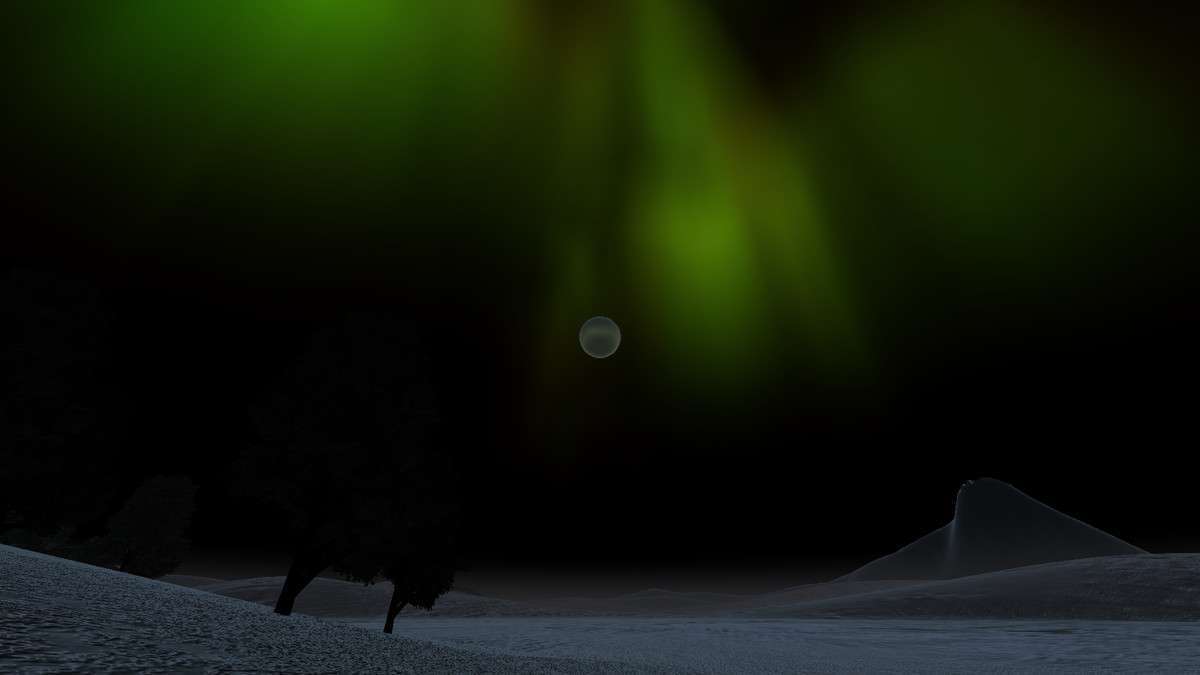
Achieving believable volumetric skies without tanking the frame rate requires smart screen-space techniques, which is exactly where [ASSET_NAME] Unity 1.1.0 shines. By utilizing screen-space volume rendering, the asset avoids the heavy computation of traditional voxel-based solutions. As a lead developer, I value the ‘Scaling’ function most—it allows you to render the cloud pass at a lower resolution and upsample it, which is essential for maintaining a stable 60 FPS on mid-range hardware. The integration with AmbientProbe and DirectionalLight ensures that your cloud lighting remains consistent with the scene’s Global Illumination without manual tweaking.
Integration Tips
If you are working in URP (Universal Render Pipeline), remember to add the Massive Clouds Renderer Feature to your Forward Renderer asset. A frequent gotcha is the interaction with other post-processing effects; ensure the cloud pass is injected correctly in the render stack to avoid artifacts with depth-based effects like SSAO or depth-of-field. For VR developers, note that while the asset supports Multi-Pass and Single-Pass rendering, it does not currently support Single-Pass Instanced, so plan your XR rendering settings accordingly during the initial project setup.
Best Use Cases
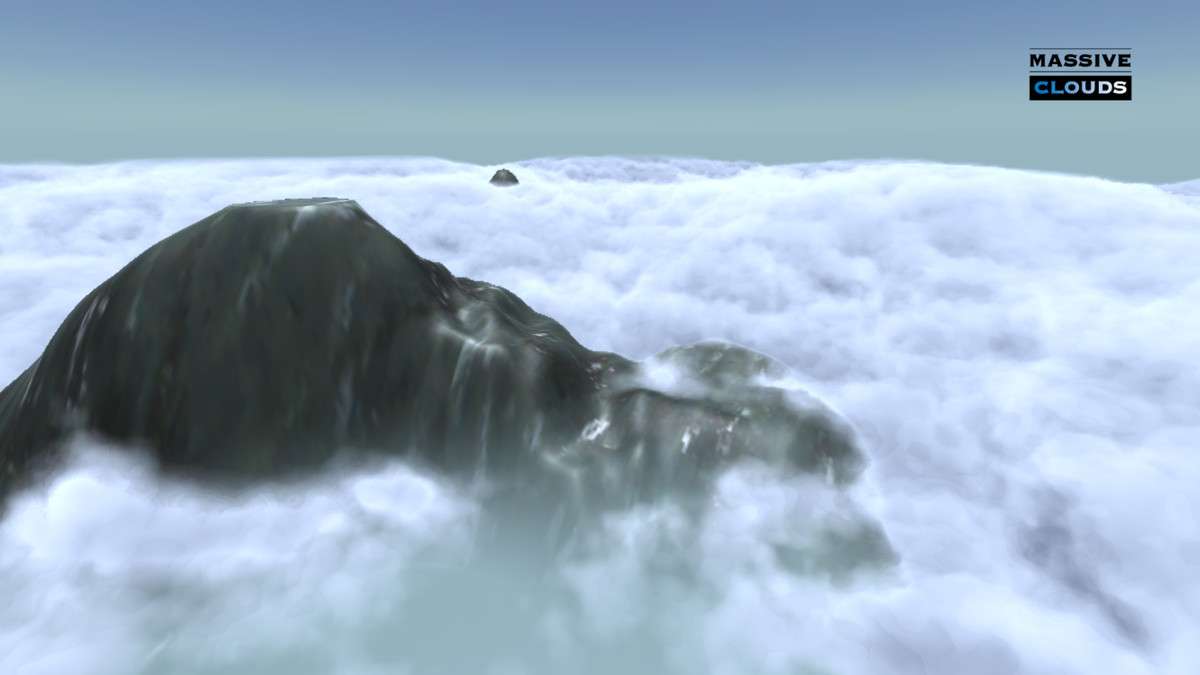
- Flight Simulators and Aerial Combat: The ‘Horizontal Rendering’ mode and the ability to fly through (dive into) the clouds make this perfect for games where the sky is the primary play area. The volume rendering ensures the clouds feel like 3D space rather than a skybox texture.
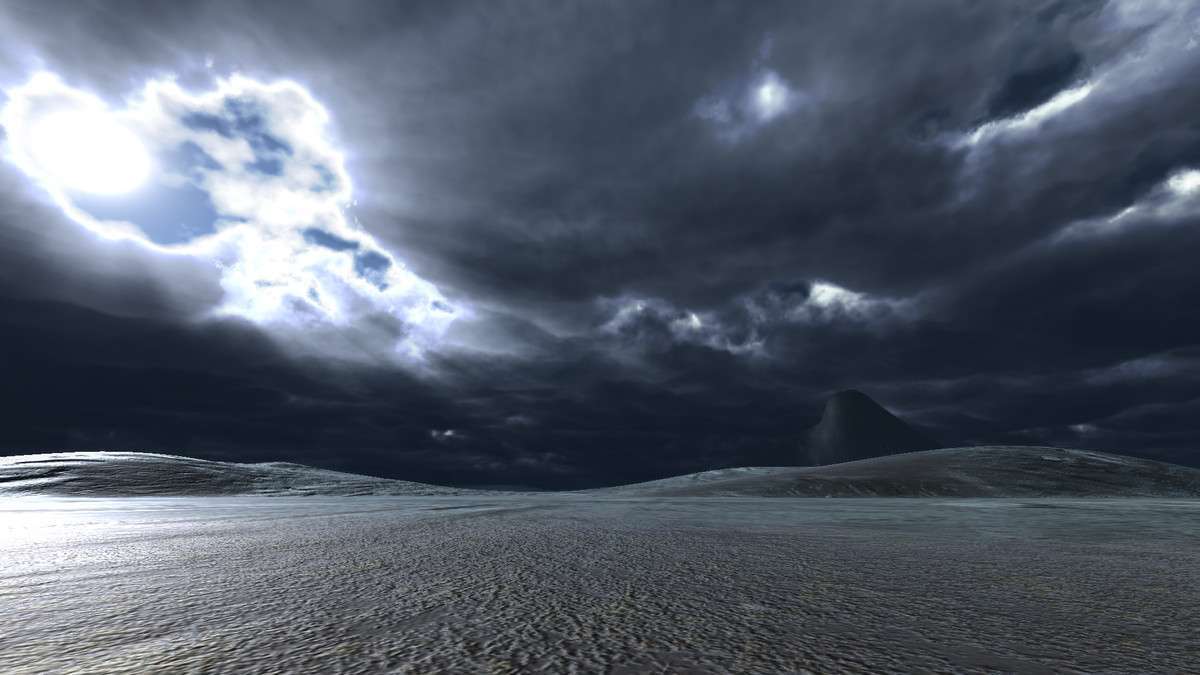
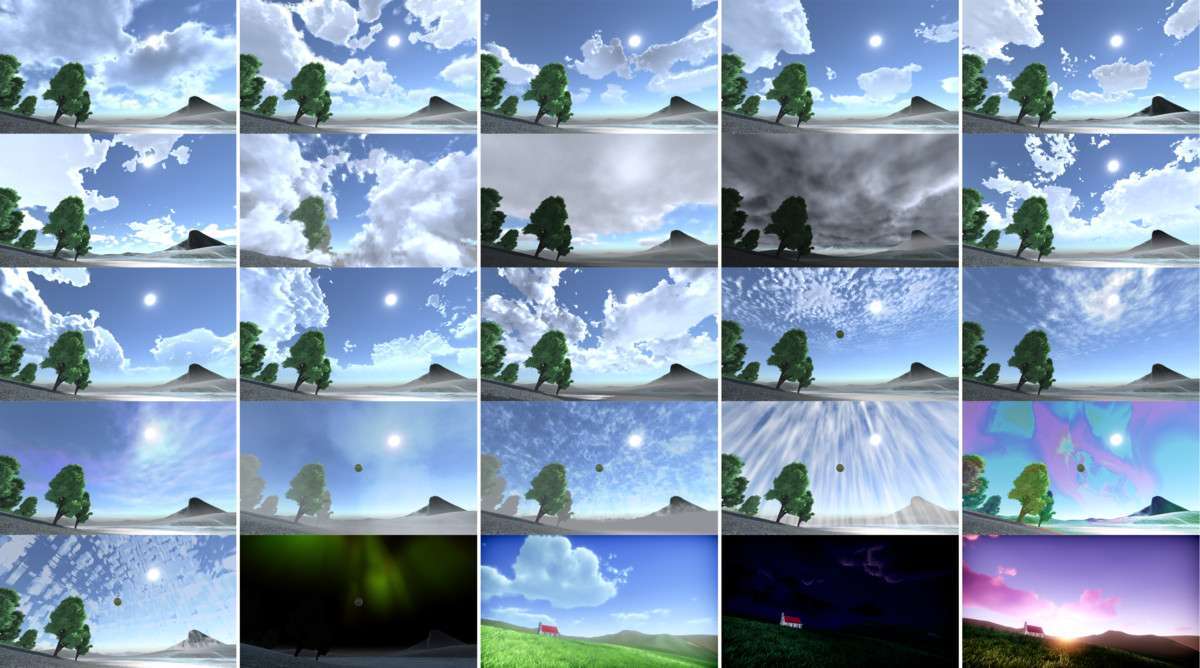
- Dynamic Weather Systems: Because all parameters are exposed for runtime manipulation, you can script transitions between sparse cirrus clouds and heavy overcast storms by interpolating density and height parameters, providing a highly reactive environment for open-world RPGs.