


Comprehensive Fluid and Weather Suite
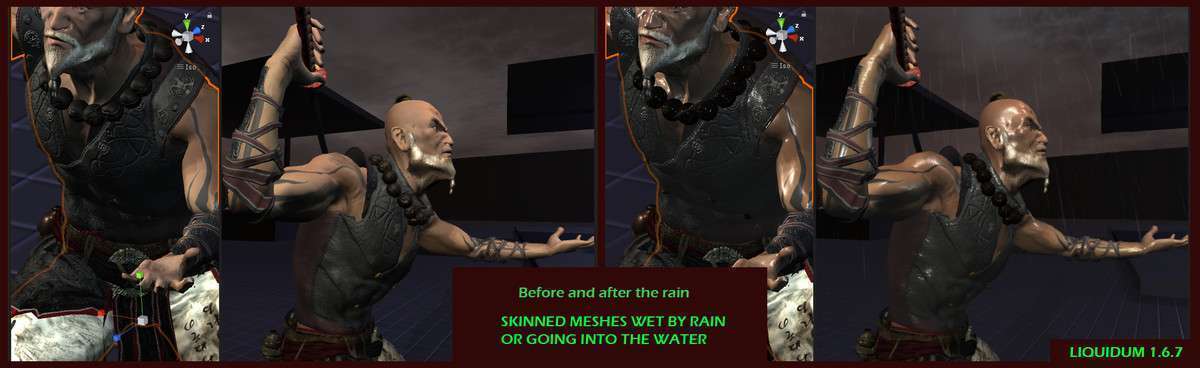
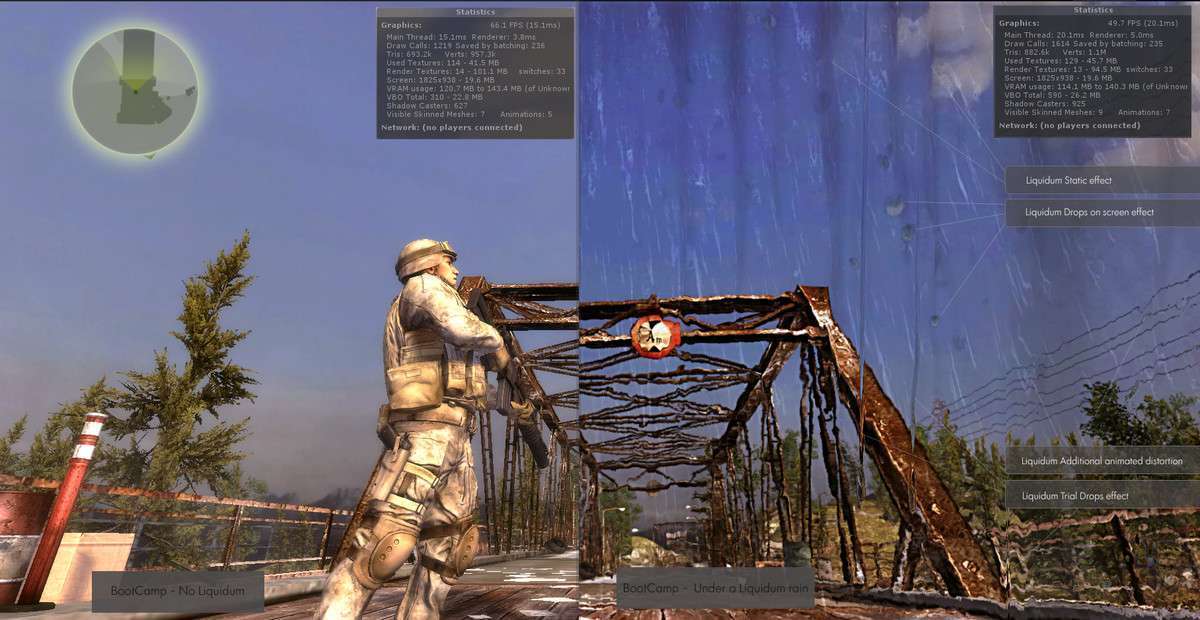
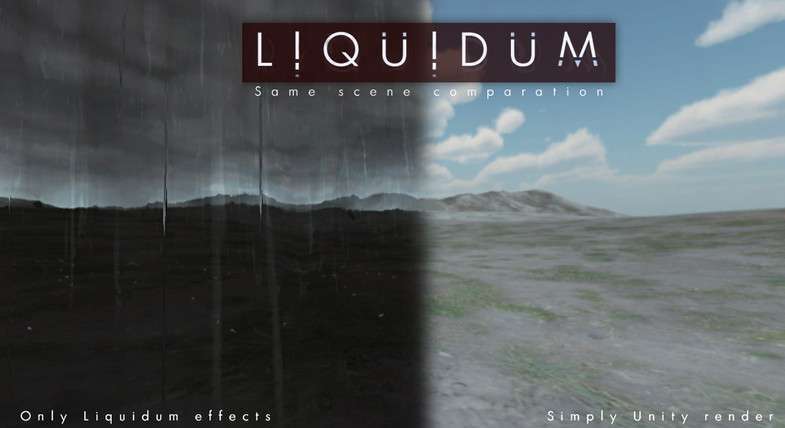
Managing multiple weather and liquid systems can quickly lead to shader conflicts and performance bottlenecks. LIQUIDUM PRO Unity, currently at 2018.2.2, solves this by providing a unified suite that handles everything from screen-space drops to global wetness shaders. The most impressive technical feature is the dynamic wet/dry transition logic, which uses a global shader property to modify the smoothness and albedo values of scene materials in real-time as the ‘storm’ intensity increases.
Integration Tips
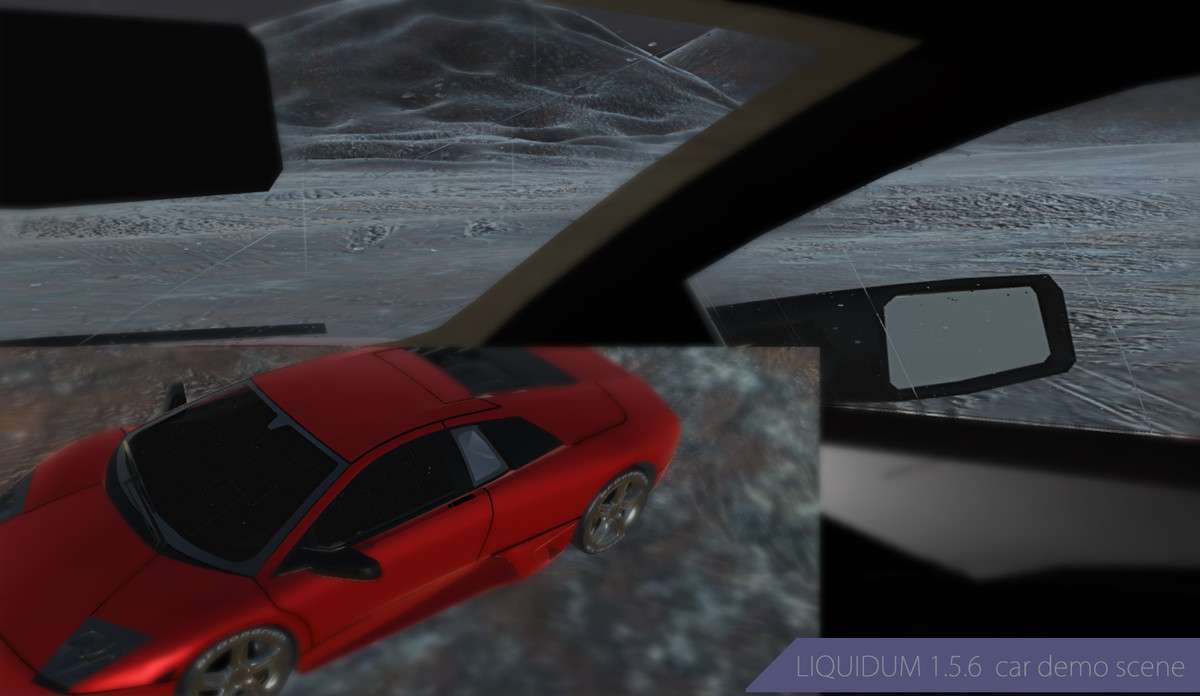
- Shader Replacement: To use the Wet/Dry features effectively, your scene materials need to support LIQUIDUM’s properties. Use the included shader variants or the ‘LiquidumGlass’ script for transparent surfaces to ensure proper trail-drop distortion.
- Weather Event Areas: Instead of making the entire scene wet, use the `WeatherEventAreas` prefabs. These use Trigger volumes to localized effects, which is essential for performance in large open-world maps where you only want rain logic to process when the player is in specific zones.
- Audio Management: The asset includes 30+ SFX. Ensure you route these through a dedicated ‘Weather’ Audio Mixer Group so you can duck the environmental sounds during dialogue or cutscenes.
Best Use Cases
- Dynamic Survival Games: The ‘Wet & Dry’ character/clothing system is perfect for survival titles where exposure to elements is a gameplay mechanic. You can tie the wetness value directly to a ‘cold’ or ‘hypothermia’ meter.
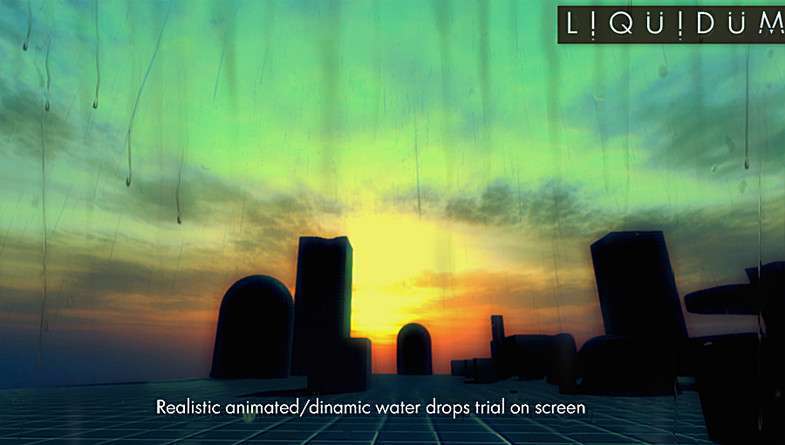
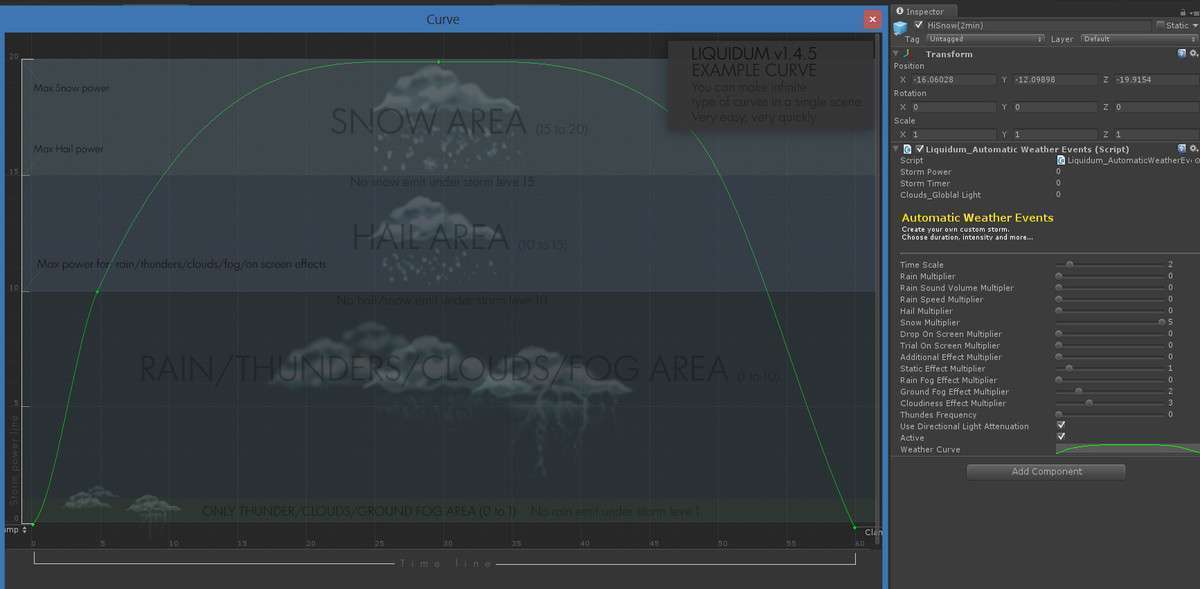
- Cinematic Narrative Adventures: The ability to control the storm via an intensity curve allows for scripted weather events that match the emotional beat of a scene, all while maintaining realistic liquid distortion on the camera lens.