
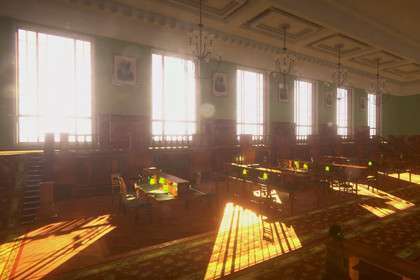
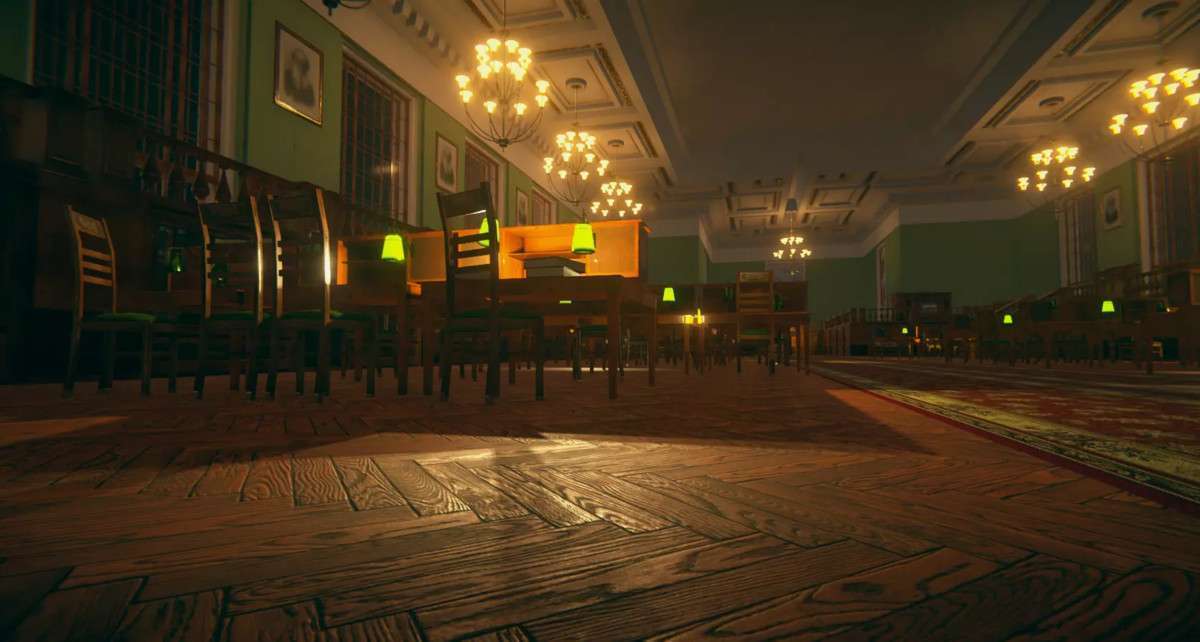
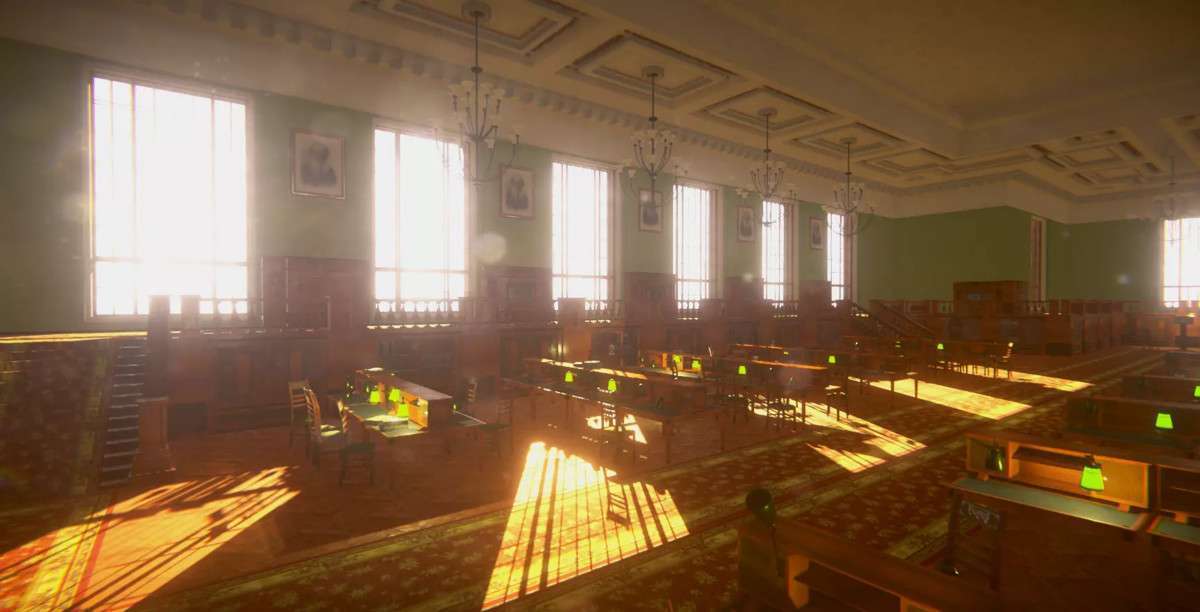
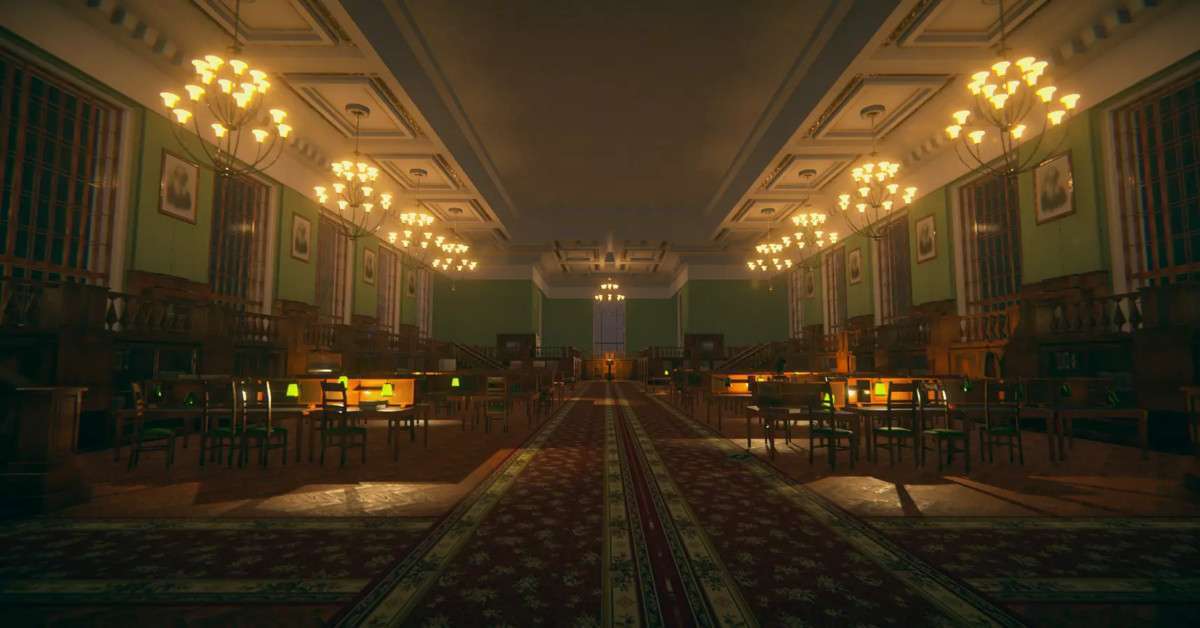
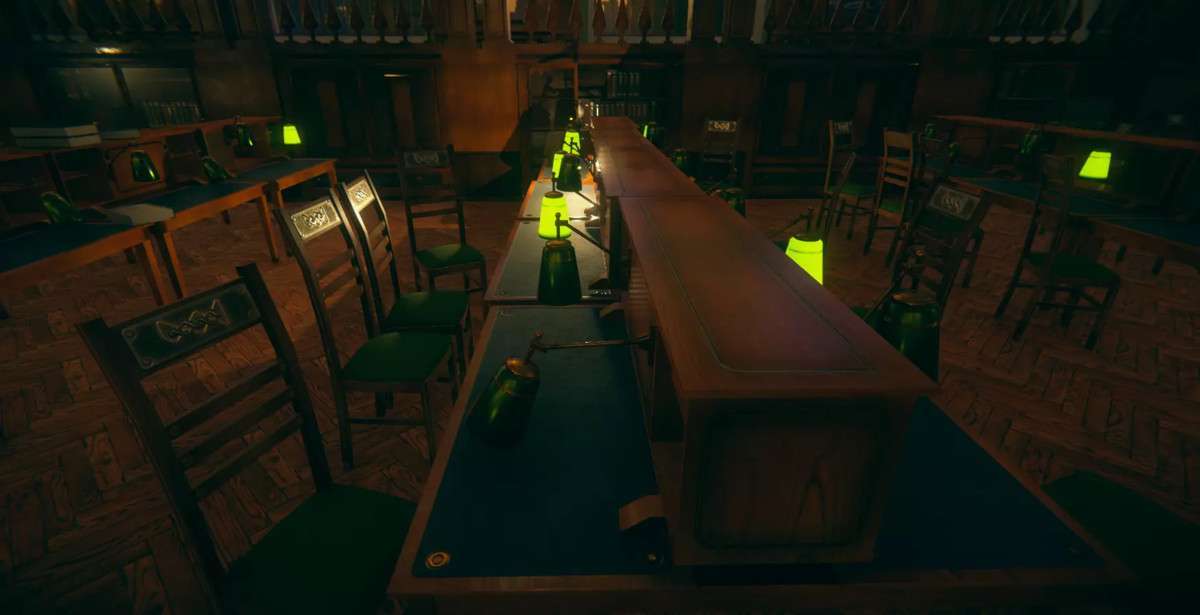
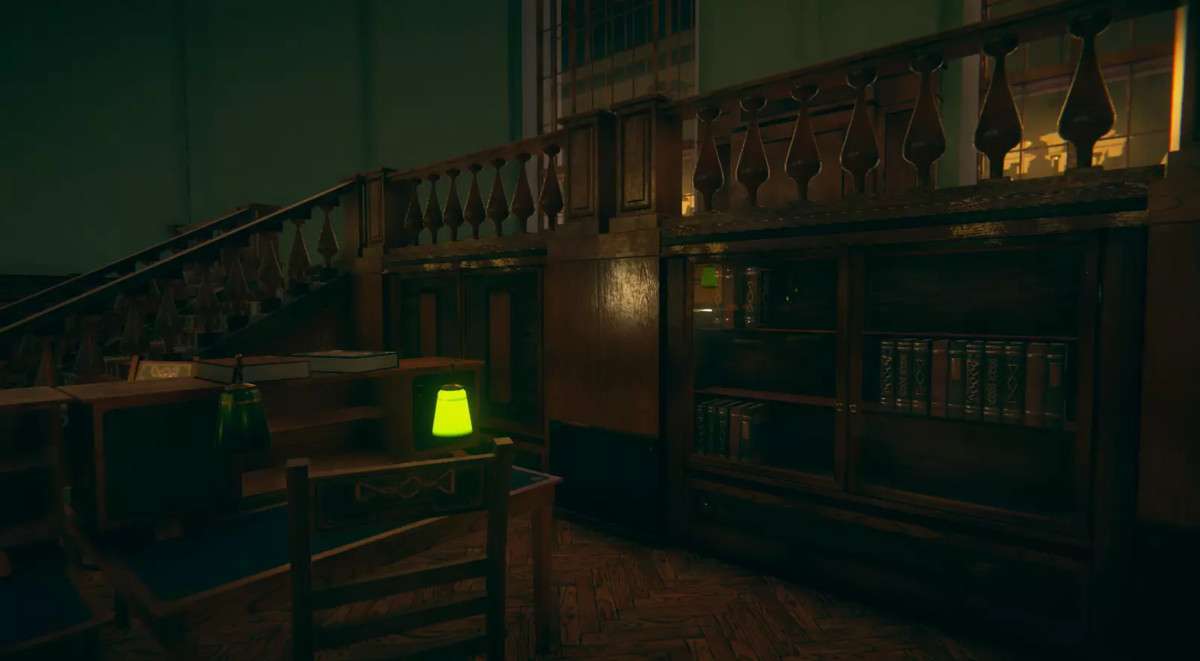
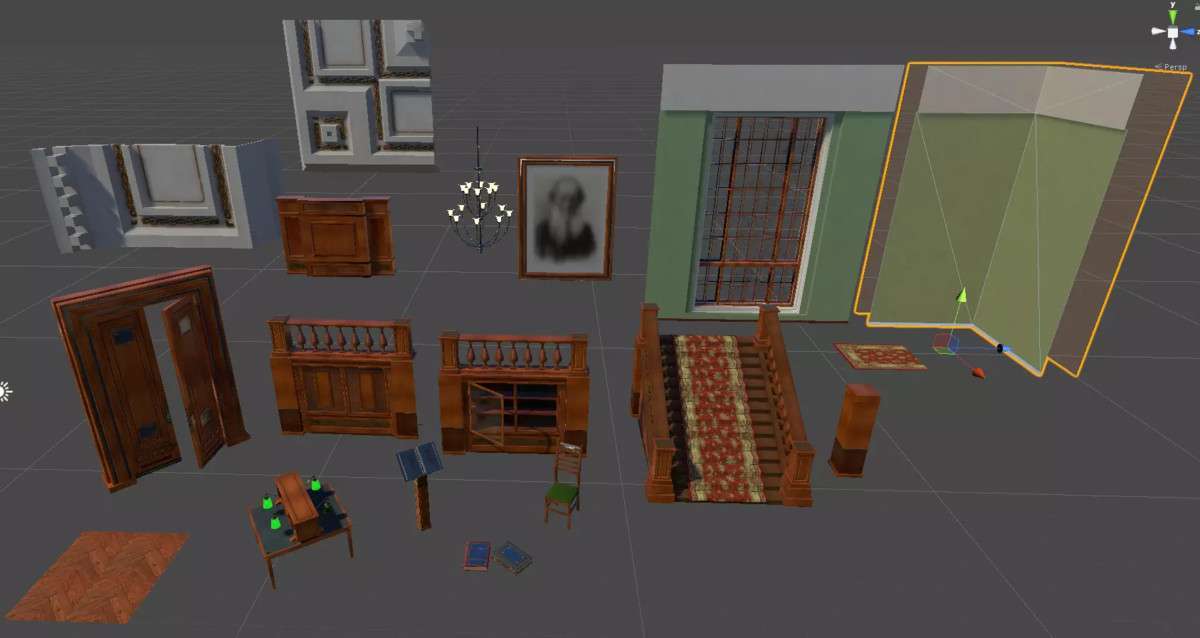
The Library Reading Room URP Unity asset, at version 1.3.0, offers a comprehensive collection of modular prefabs specifically designed for creating detailed interior environments within the Universal Render Pipeline. With 50 unique modular prefabs and a blend of 4K, 2K, and 1K PBR textures, this asset provides a strong foundation for constructing visually rich and atmospheric library, hall, or vintage interior scenes. Its modularity is key, enabling developers to build varied layouts while leveraging URP’s optimized rendering capabilities for performant visuals.
Integration Tips
Integrating the Library Reading Room (URP) into your project effectively relies on understanding modular scene construction and URP’s lighting pipeline:
- URP Project Setup & Lighting: As this is a URP-specific asset, ensure your project is already configured for URP. If migrating from the Built-in Render Pipeline, material conversion will be necessary. For optimal visual quality and performance, heavily rely on Unity’s Lightmapping for static elements (walls, ceiling, large furniture). Bake global illumination to capture the intricate interplay of light and shadow, especially from the windows and lamps. Configure your URP Renderer Features for screen space reflections (SSR) and ambient occlusion (SSAO) to enhance realism, but be mindful of their performance cost.
- Modular Construction & Grid Snapping: The asset’s strength is its modularity. Utilize Unity’s grid snapping (Shift + V for vertex snapping) or a fixed grid size to precisely align wall sections, floor tiles, and ceiling pieces. This prevents visual artifacts like Z-fighting and ensures a seamless, watertight environment for light baking. Create empty GameObject parents to group related modular pieces (e.g., “Wall Section A,” “Bookshelf Cluster”) to maintain a clean Hierarchy and simplify scene management.
- Optimizing Draw Calls & Batching: With many modular pieces, draw calls can accumulate. For static elements, ensure they are marked as “Static” for static batching. If using multiple instances of the same prefab with the same material (e.g., chairs, books), GPU instancing should be enabled on the material. Consider combining static meshes (e.g., several small book prefabs on a shelf) into a single mesh in a DCC tool or using Mesh.CombineMeshes at editor time to reduce draw calls further, particularly for distant elements.
- Texture Resolution Management: While 4K textures are provided, the default package size is 2048. For target platforms with memory constraints (e.g., mobile), adjust the Max Texture Size in the Texture Import Settings to 2048 or even 1024 for less critical assets. Ensure texture compression settings (e.g., DXT1/DXT5 for desktop, ETC2 for mobile) are appropriate for your platform to balance quality and memory footprint.
- Occlusion Culling: Given the enclosed nature of a reading room, Occlusion Culling is critical for performance. Bake occlusion culling data after your modular environment is finalized. This will prevent rendering of geometry that is hidden by other objects (e.g., objects behind walls or closed cabinets), significantly reducing GPU overhead.
Best Use Cases
- Narrative-Driven Exploration Games (e.g., Walking Sims, Mystery Adventures):
This asset is ideal for creating richly detailed and atmospheric interior spaces for games focused on exploration, environmental storytelling, or mystery. The modularity allows designers to construct complex, winding layouts, secret passages, and varied reading nooks that enhance player immersion. The high-quality PBR textures and URP compatibility ensure excellent visual fidelity, supporting intricate light baking that can convey mood and highlight narrative clues without relying heavily on real-time lighting, thereby optimizing performance in dense environments.
- Architectural Visualization & Virtual Tours:
For professional architectural visualization projects or interactive virtual tours, the Library Reading Room (URP) offers a high-fidelity environment. The modular pieces enable rapid construction of diverse interior designs, suitable for demonstrating different layouts or aesthetic choices. The PBR materials, combined with URP’s rendering features, ensure realistic lighting and material response, crucial for conveying a sense of presence. The ability to manage texture resolutions and leverage baked lighting provides a balance between visual quality and performance for interactive applications, making it suitable for client presentations or public showcases.