
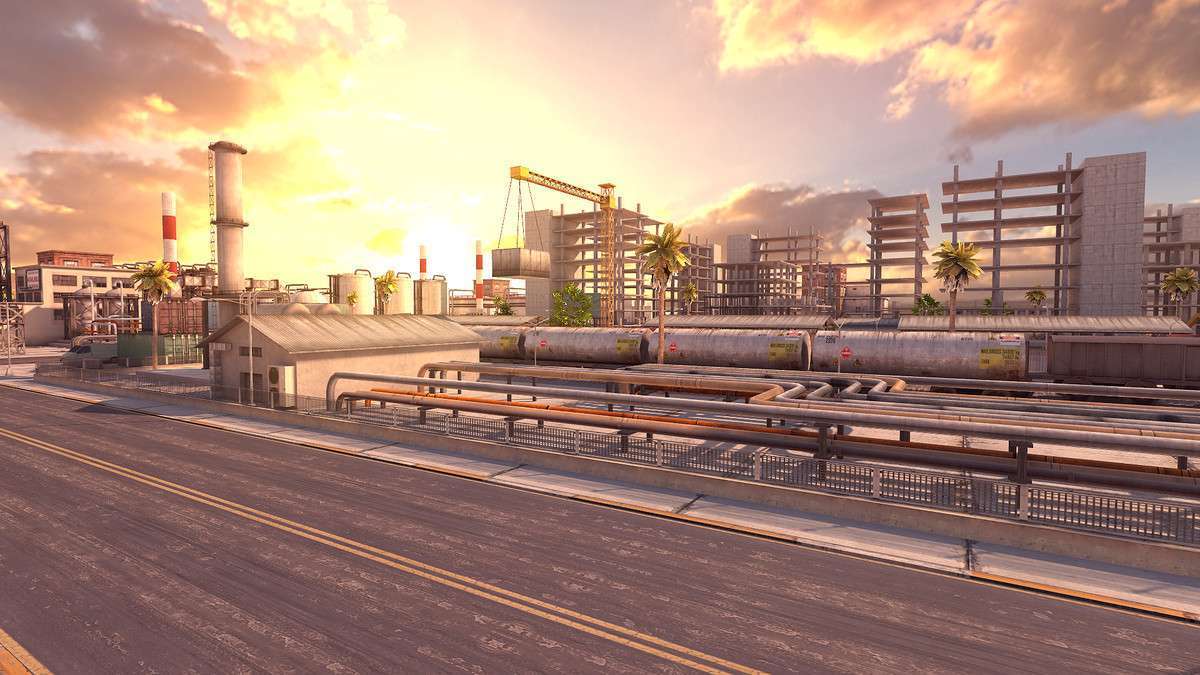
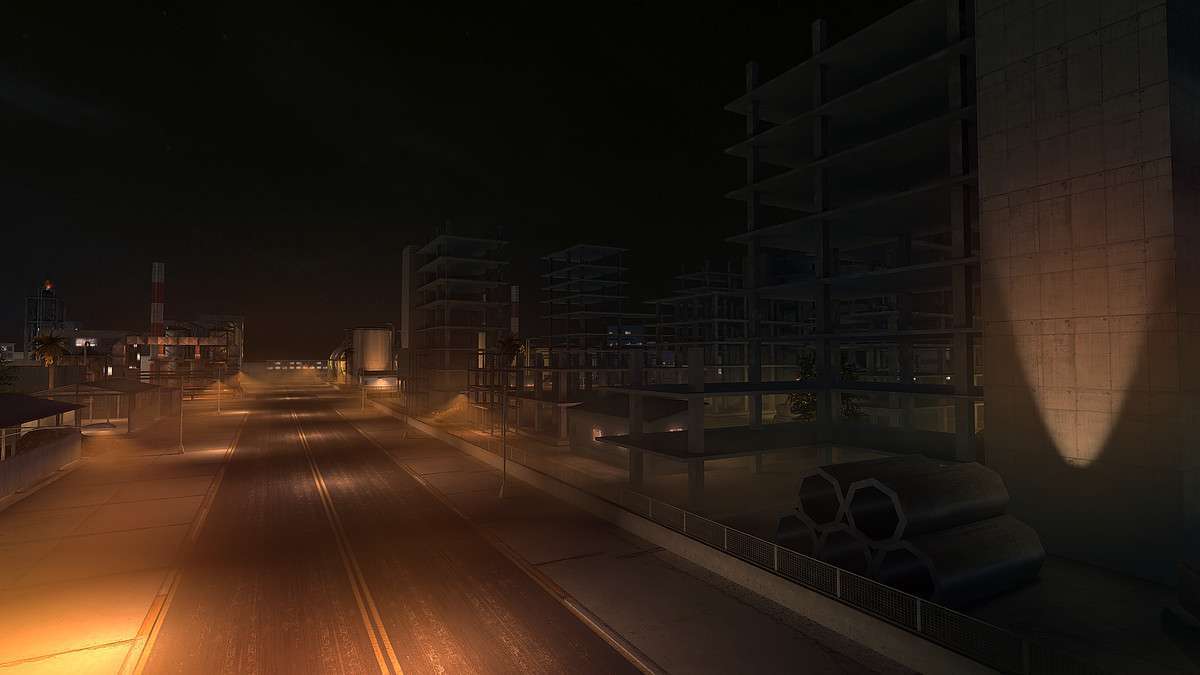
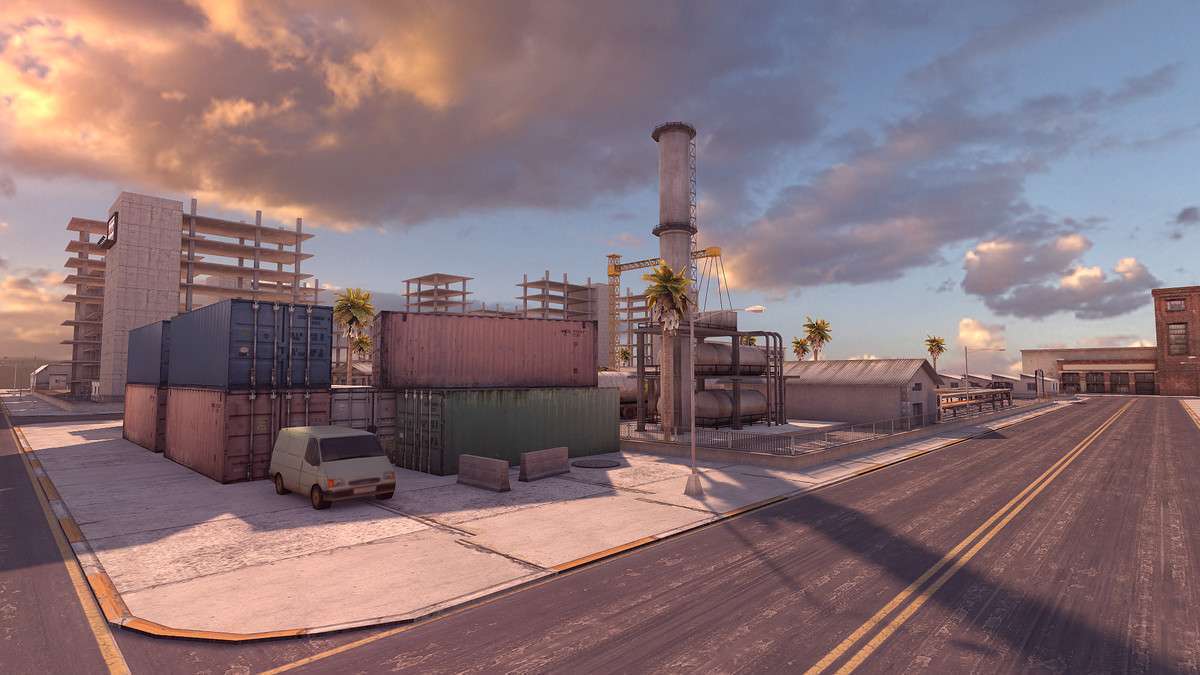
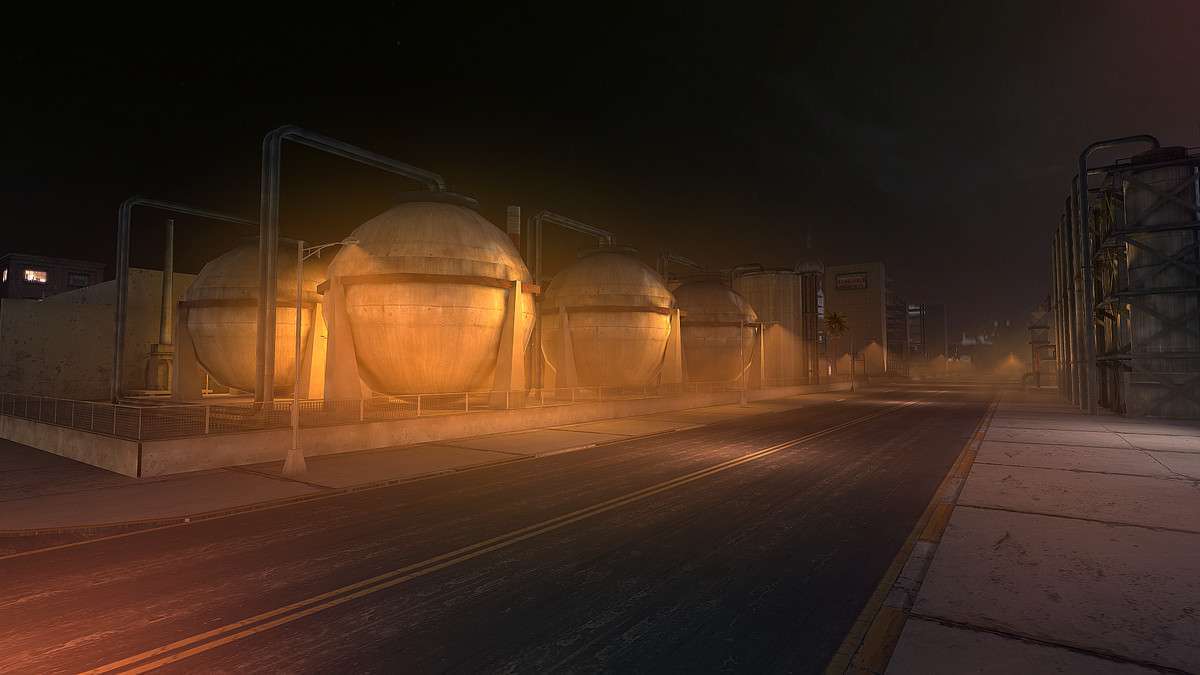
Optimizing Large Scenes with Industrial Zone – Mobile optimized 1.0.0
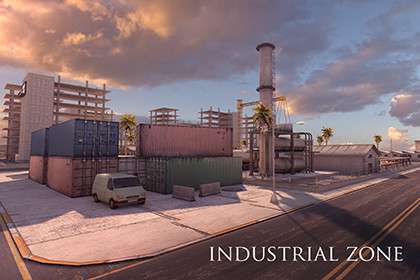
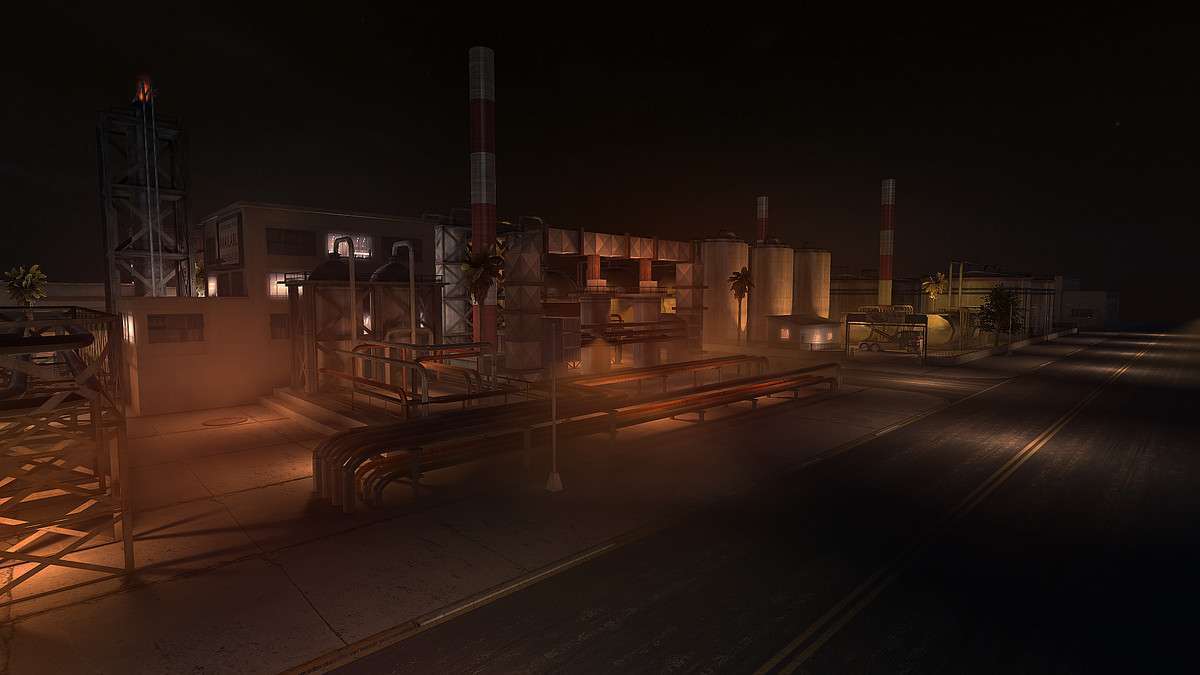
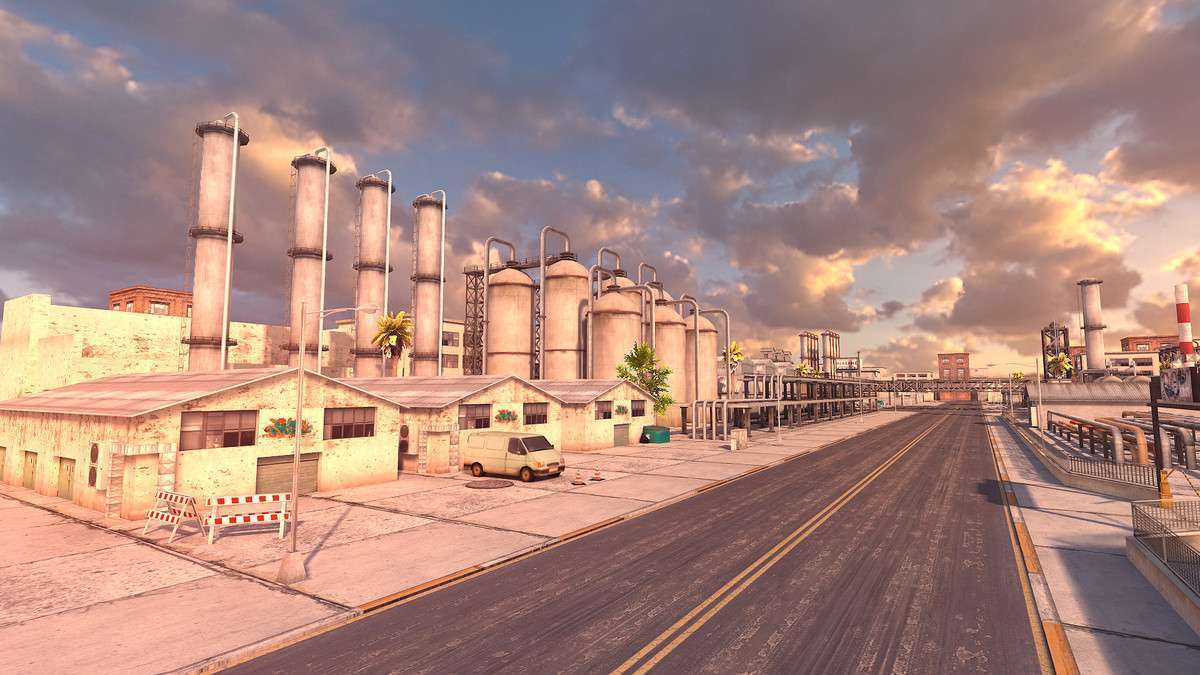
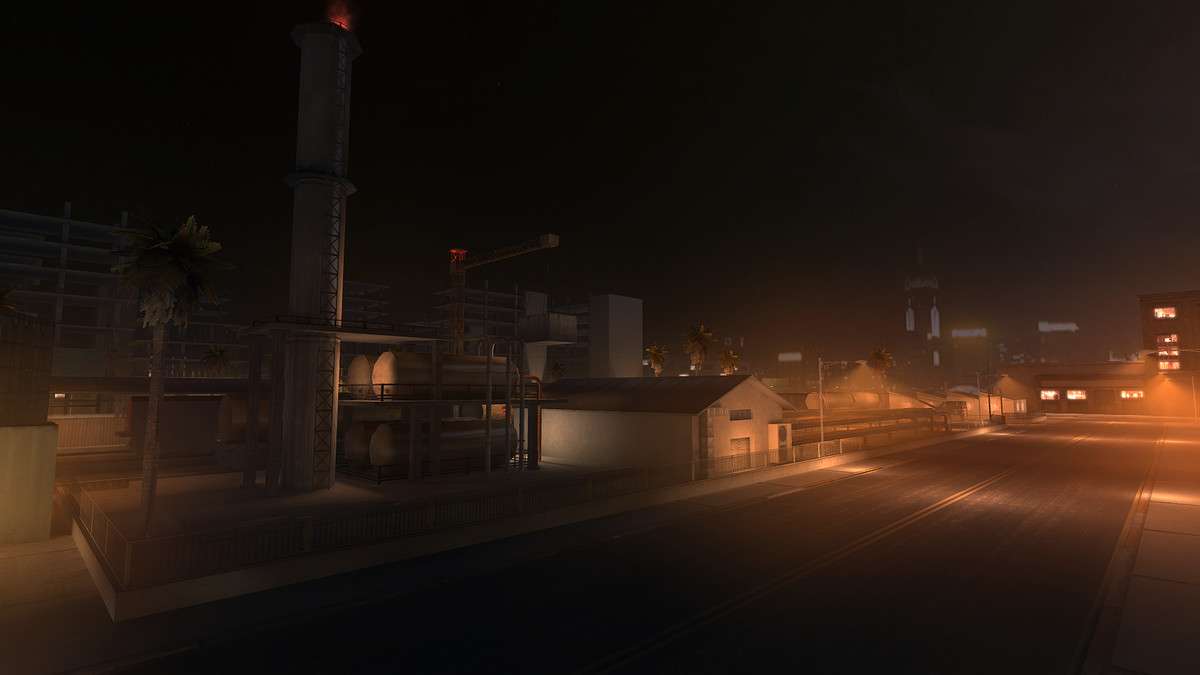
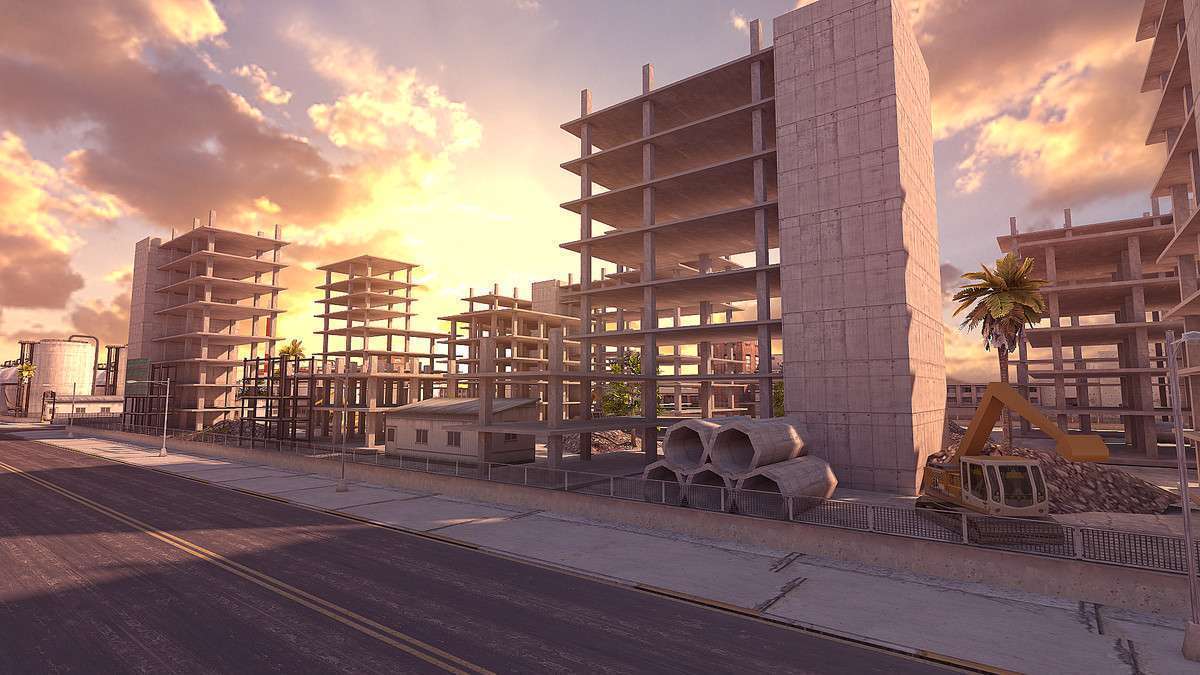
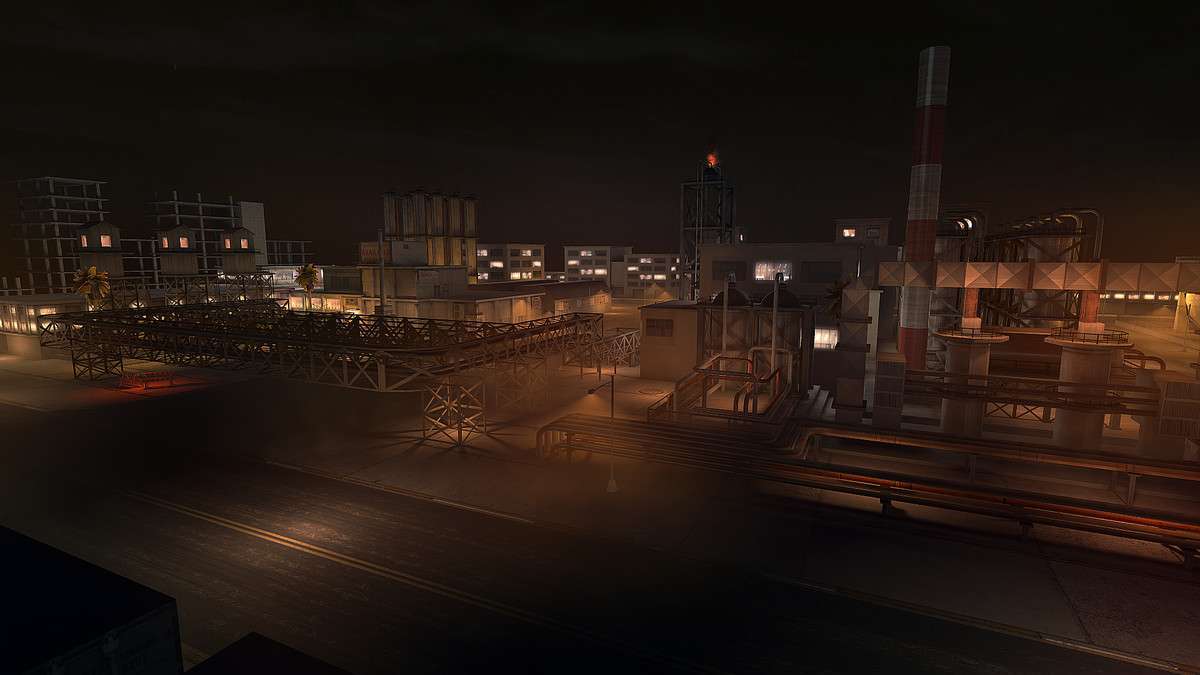
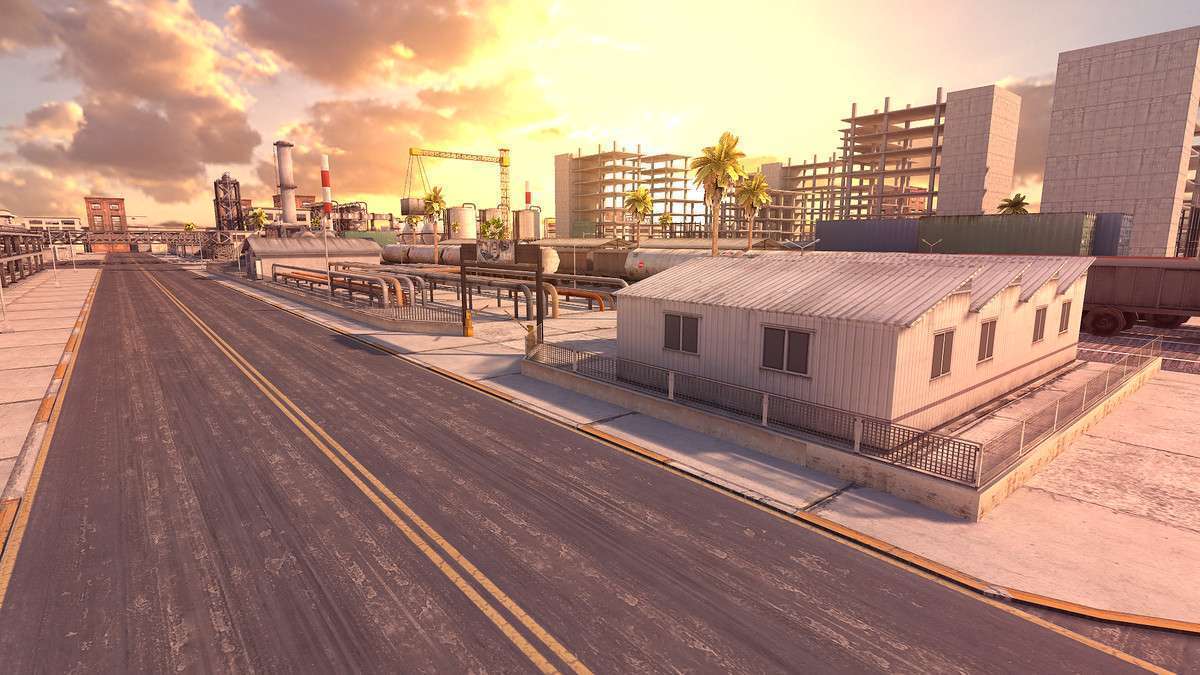
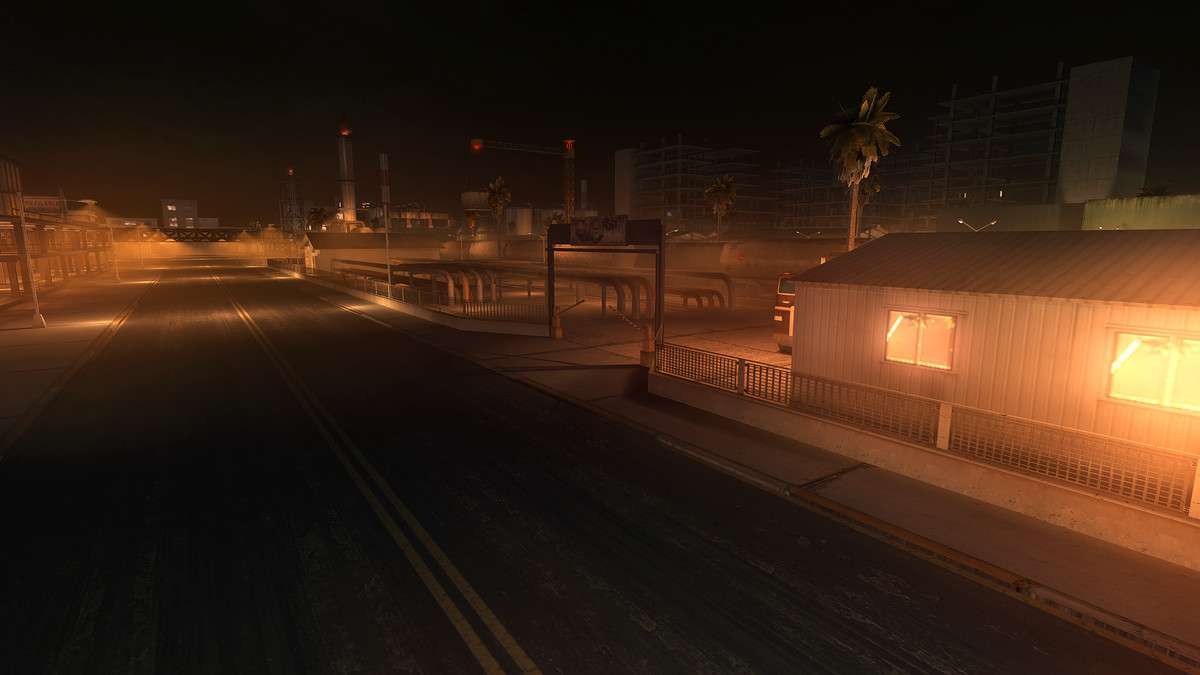
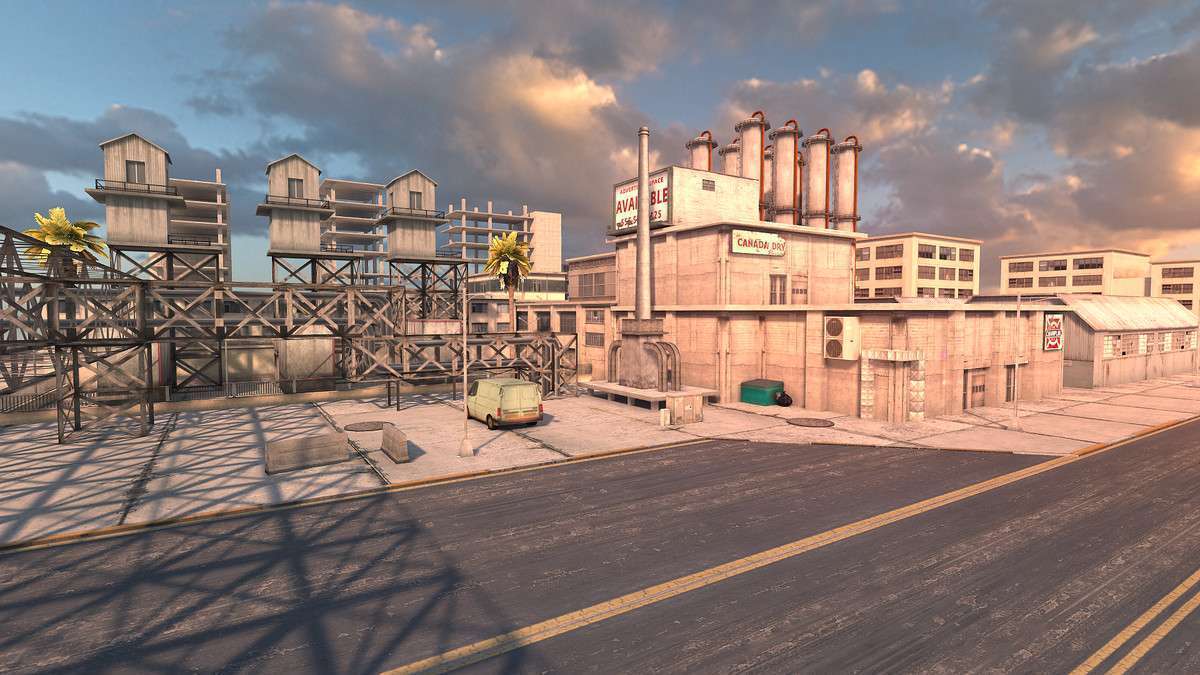
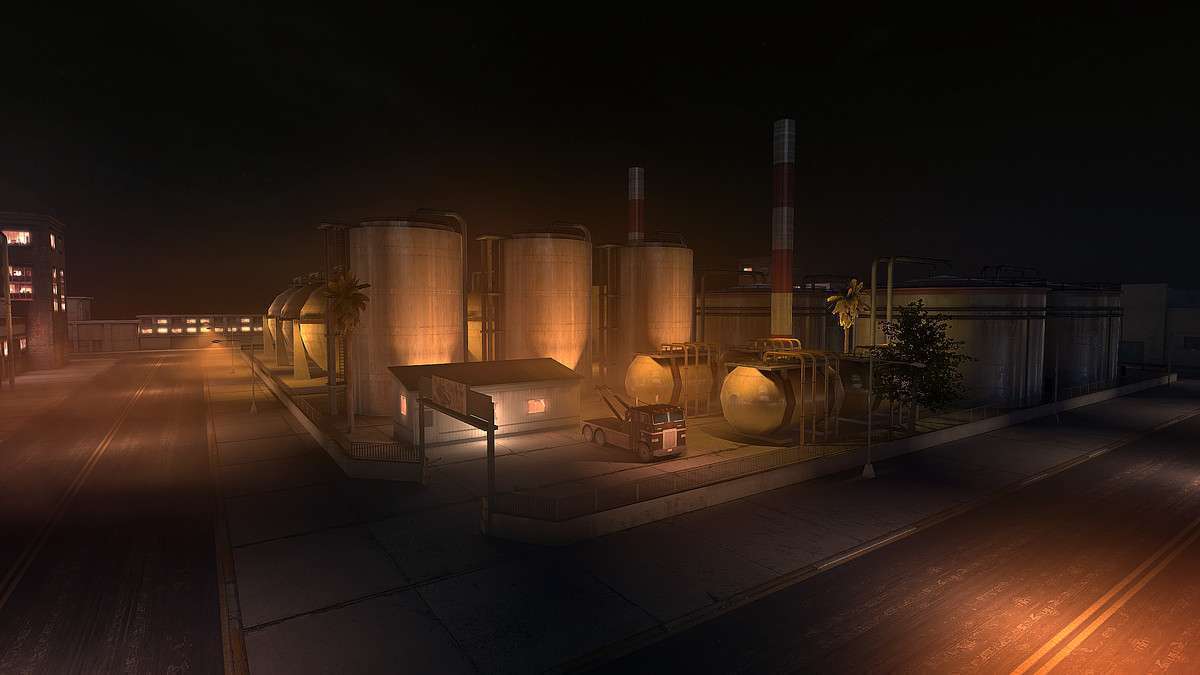
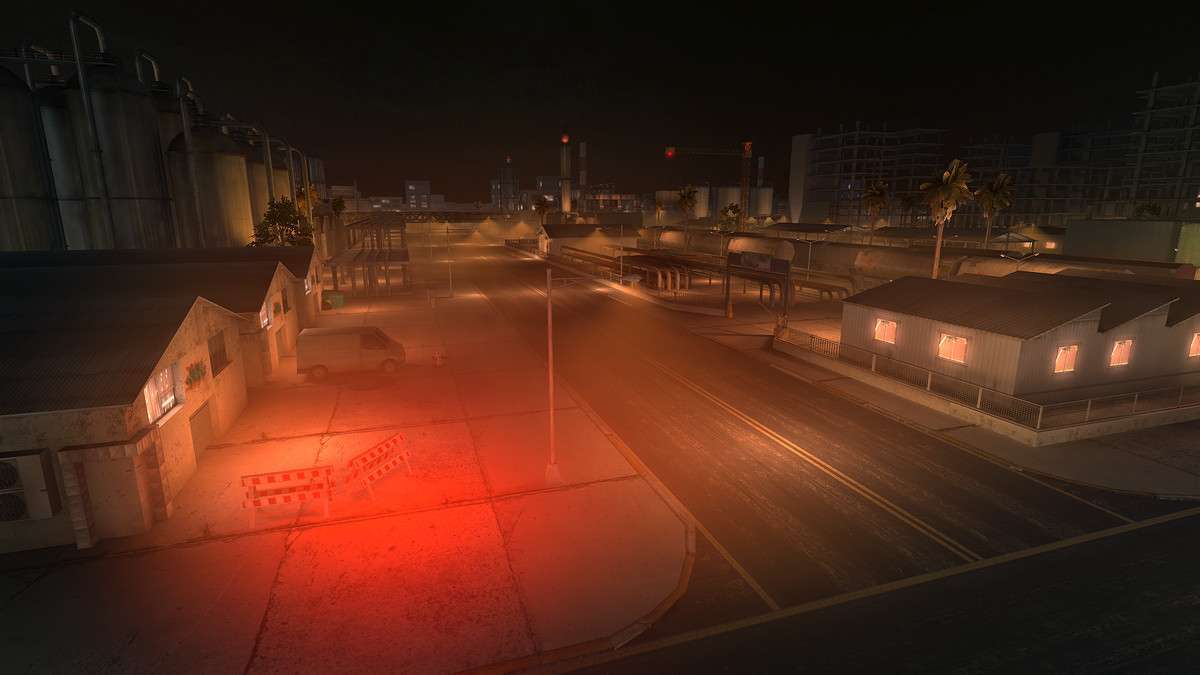
Managing draw calls on mobile hardware is a constant battle, but Industrial Zone – Mobile optimized Unity simplifies this by utilizing a minimal material count—only five materials across the entire scene. The asset achieves high visual density with an average of 400 to 1200 triangles per building, making it feasible to render a complex industrial environment on mid-tier mobile devices without aggressive occlusion culling.
Integration Tips
Because the models are delivered as single meshes divided into logical parts, they are perfectly suited for Static Batching. Ensure your ‘Static’ flags are set correctly in the Inspector. Since the textures for props are 4K, I recommend creating a mobile-specific override in the texture import settings to downscale them to 1024 or 2048 depending on your target VRAM budget. This will prevent memory pressure while still looking sharp due to the high-quality source bakes. If using URP, run the ‘Upgrade Materials to URP’ tool immediately after import to ensure the custom shaders translate correctly.
Best Use Cases
- Mobile First-Person Shooters: The low poly count and optimized draw calls allow for fast-paced gameplay and high frame rates even on older Android and iOS devices.
- Top-Down Strategy Games: The modularity of the 82 unique props and machines makes it easy to build diverse layouts while maintaining a consistent performance profile across the entire level.