
Technical Overview
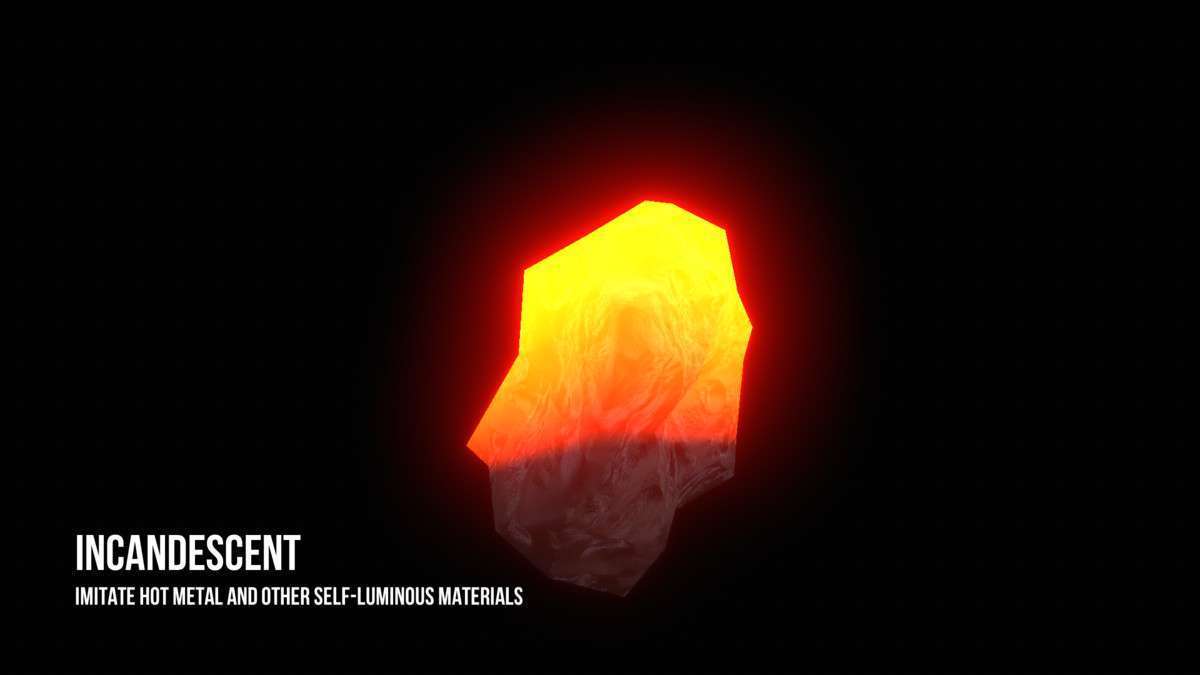
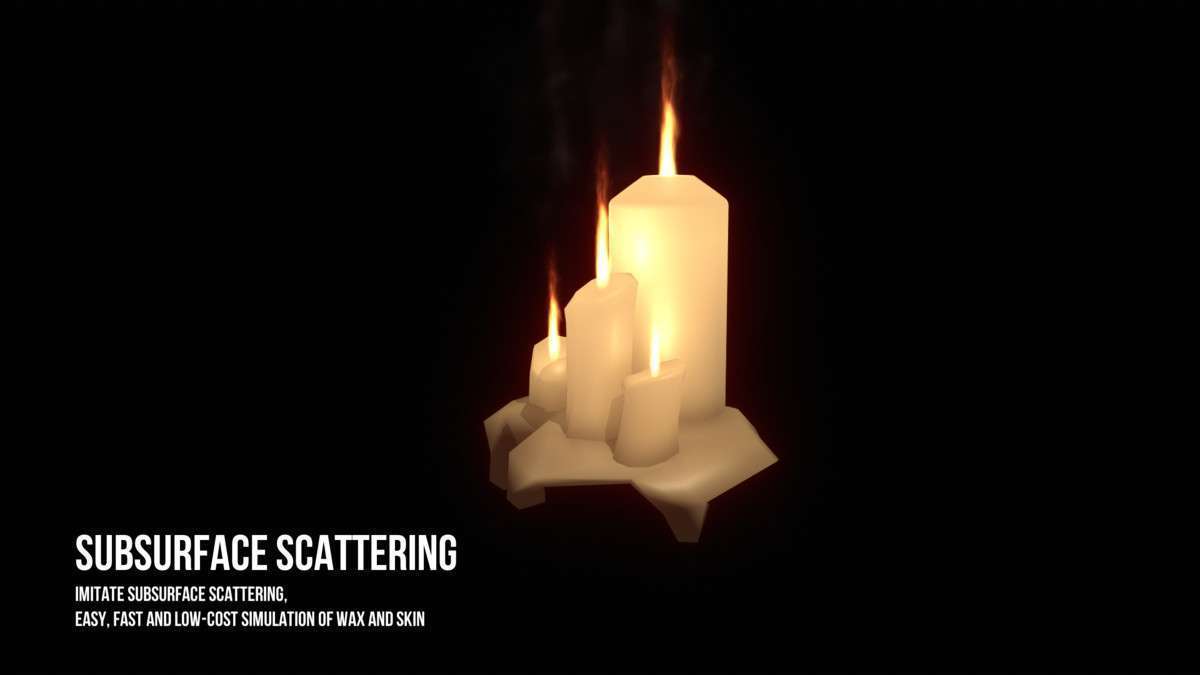
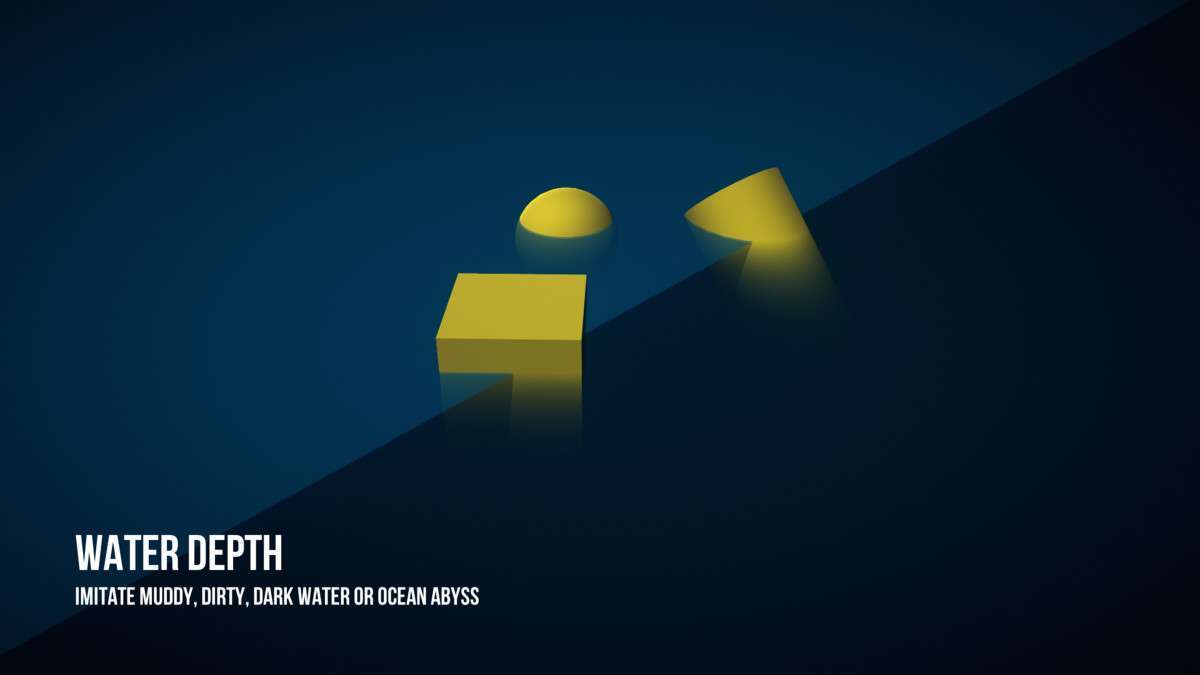
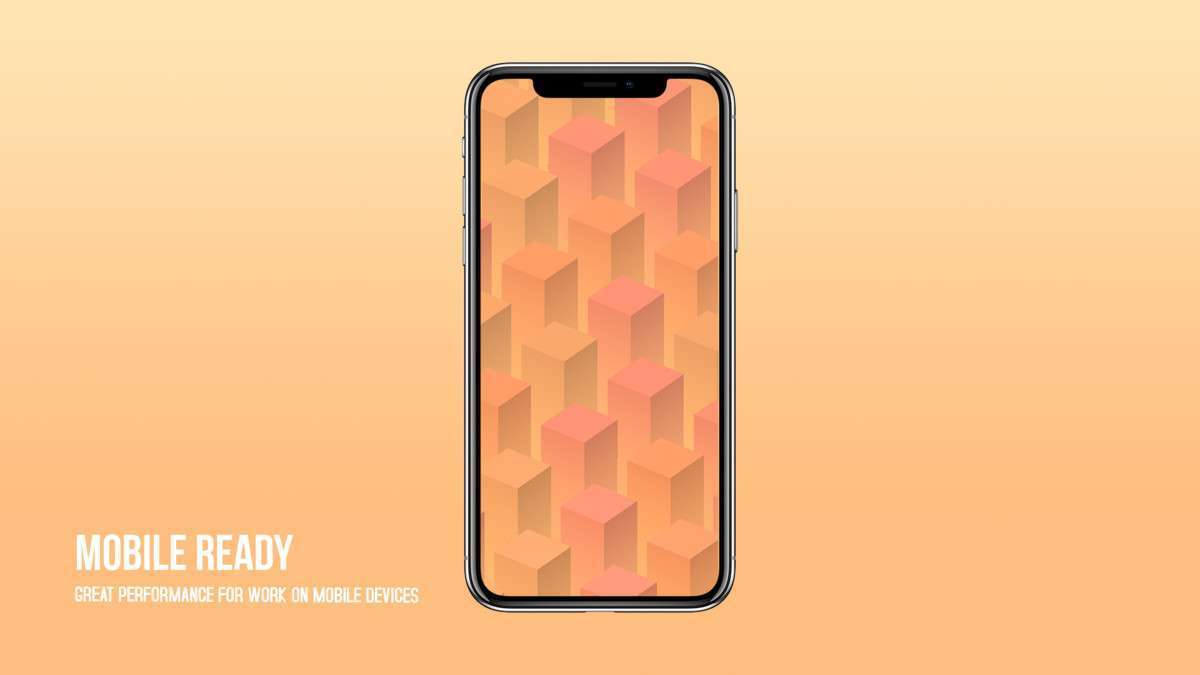
Height Fog Unity 3.1.1 provides a highly optimized, per-object alternative to global post-processing fog. Unlike standard screen-space fog which can be heavy on the GPU, this asset uses custom shaders to calculate fog density based on world-space Y-coordinates. It supports GPU Instancing and Material Property Blocks, making it exceptionally efficient for mobile and VR projects where every millisecond of frame time counts. It can imitate complex effects like subsurface scattering and water depth without the overhead of a full volumetric system.
Integration Tips
- Shader Conversion: Since this is a per-object shader approach, you will need to apply the Height Fog shaders to your environment prefabs. It is not a post-process effect that you simply toggle on the camera.
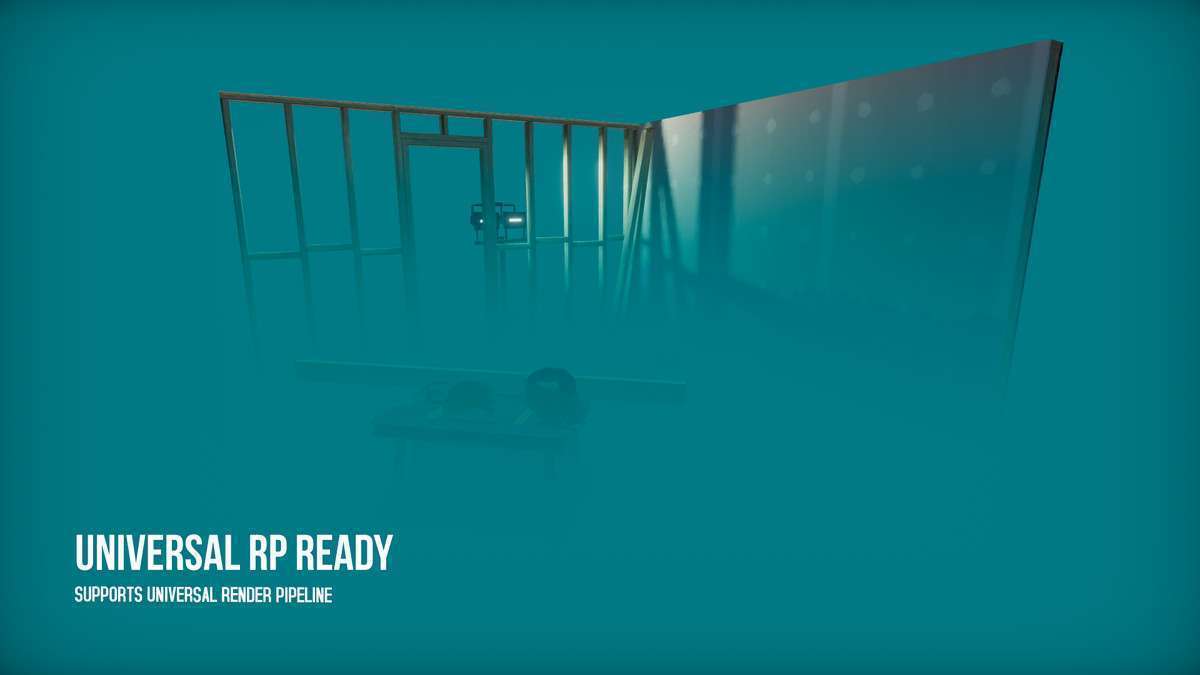
- URP Compatibility: Ensure you are using URP 7.4.1 or higher. When moving from Built-in to URP, you may need to update your materials to the specific URP variants included in the package to avoid the ‘pink shader’ error.
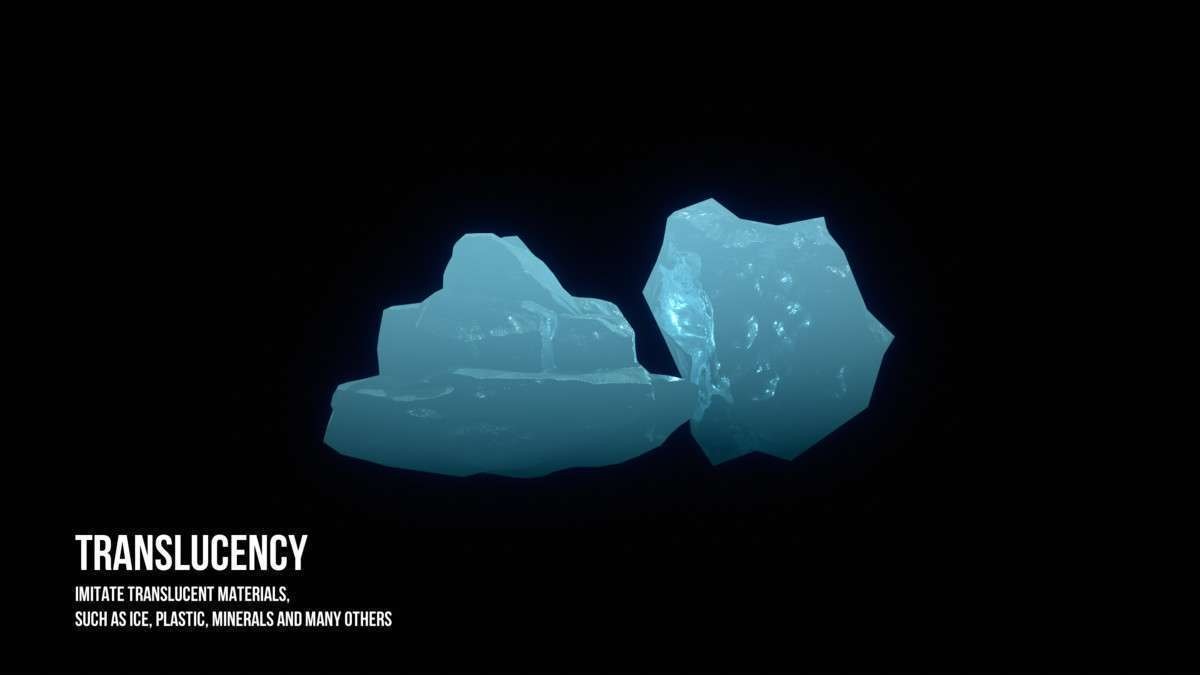
- Depth Buffer: It works best when objects have a clean depth pass. Avoid using it on transparent objects that don’t write to the depth buffer unless you are using the specific translucency imitation modes.
Best Use Cases
- Mobile VR/Quest Development: The per-object calculation is much cheaper than volumetric fog, allowing for atmospheric depth in VR titles without dropping below 72/90 FPS.
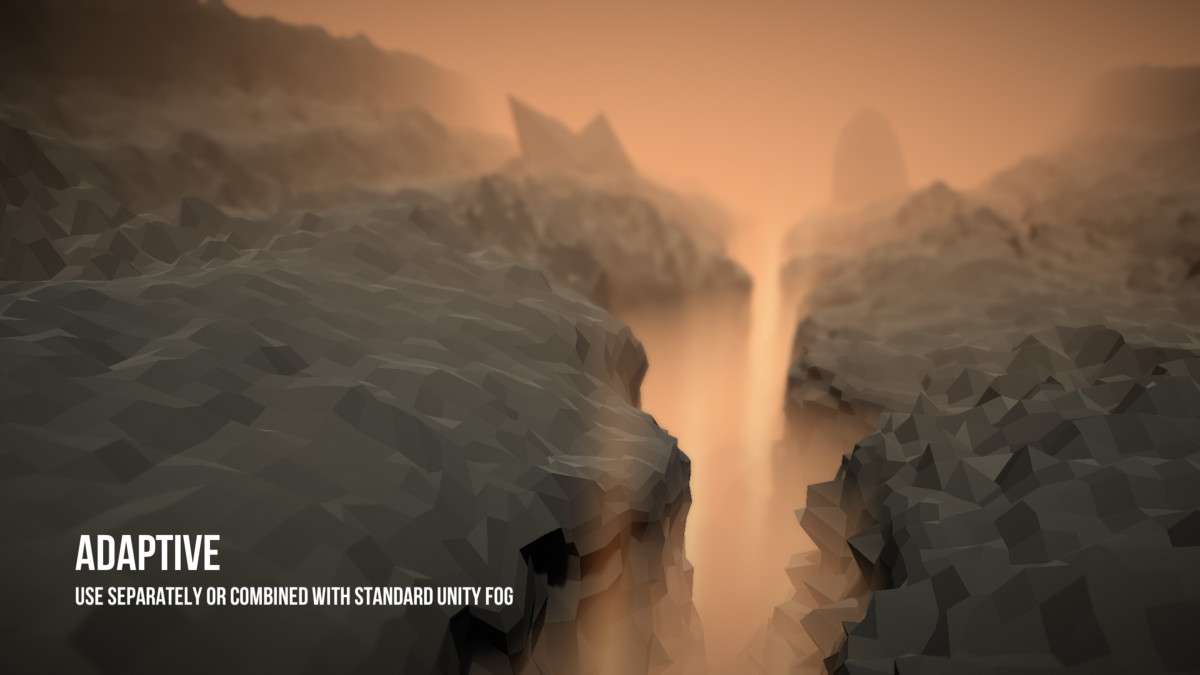
- Stylized Low-Poly Games: The ability to control fog color gradients and height falloff per-material allows for artistic control that global fog systems can’t replicate, perfect for a specific ‘mood’ in distinct game zones.