

Scaling Draw Call Efficiency in the Built-in Pipeline
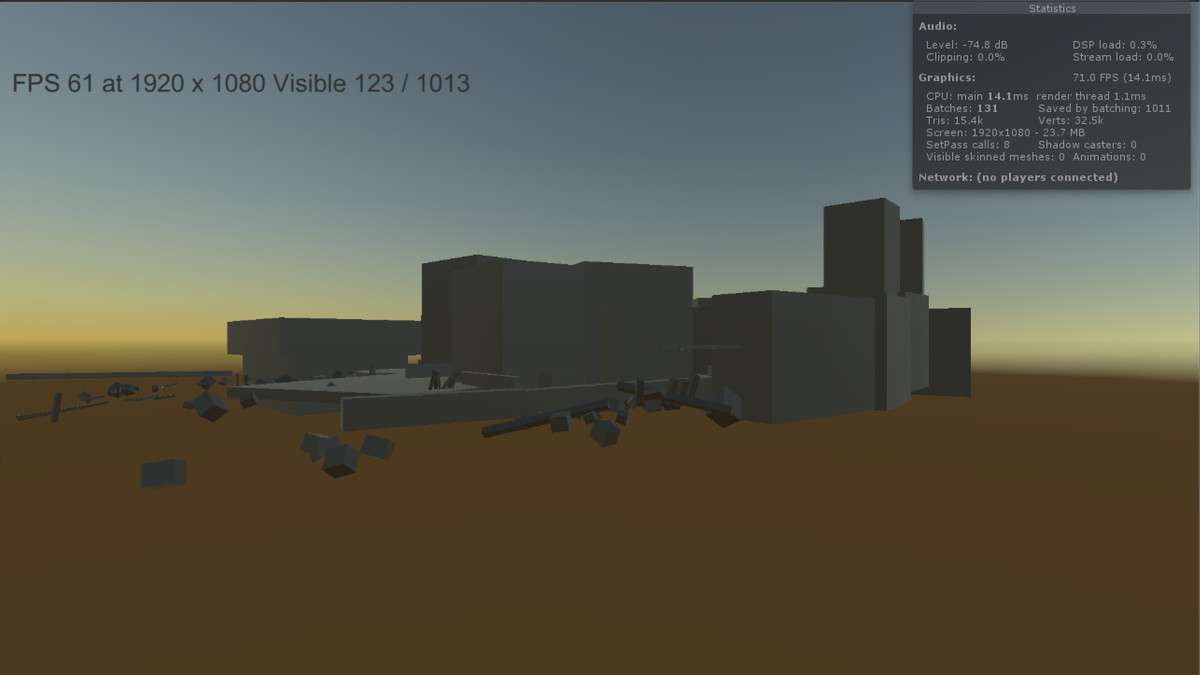
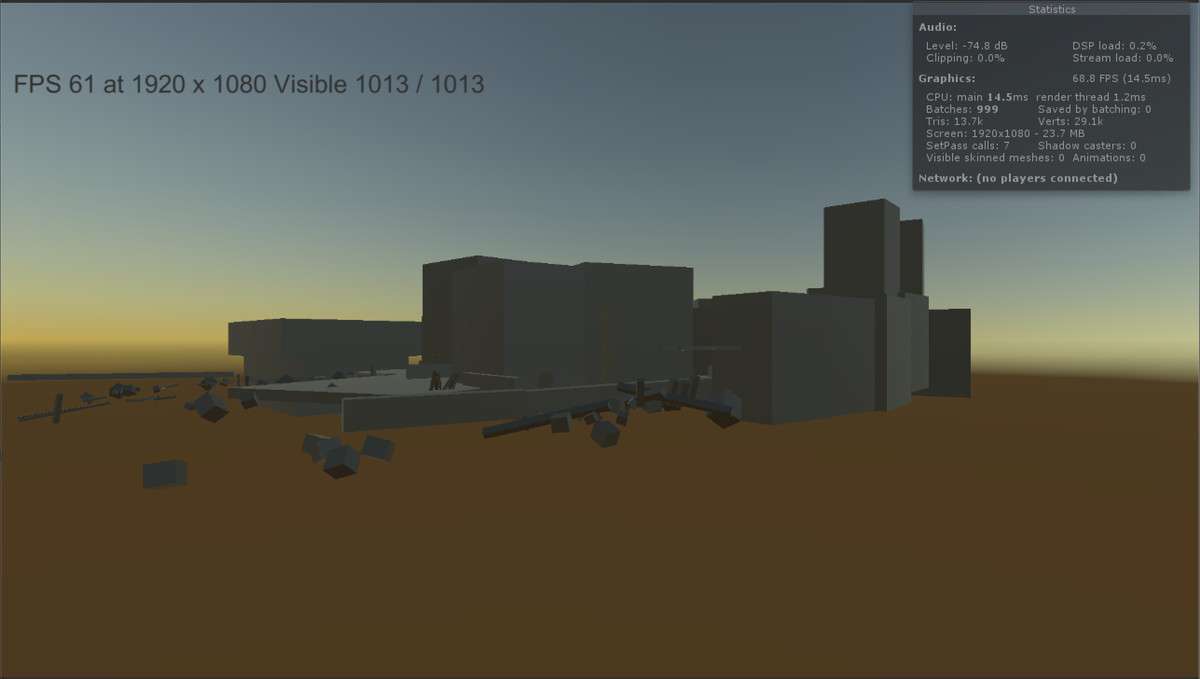
Standard CPU-based occlusion culling in Unity can be a significant bottleneck for scenes with high object counts. GPU Occlusion Culling Unity 1.2.2 offloads the visibility testing to the GPU using compute shaders. By testing object visibility against the depth buffer on the graphics card, it can cull thousands of meshes that the CPU would otherwise struggle to process, drastically reducing the number of draw calls sent to the renderer.
Integration Tips
- Hardware Constraints: This asset requires ComputeBuffer support. It is strictly for projects using the Built-in Render Pipeline on DX11/12. It will not function on URP or HDRP, nor will it work on older mobile hardware that lacks compute shader support.
- Latency Mitigation: Because this system has a 1-3 frame lag for culling updates, avoid using it for fast-moving objects that enter the camera frustum at high speeds, as you may see ‘popping.’ It is most effective for static environment geometry or slow-moving dynamic props.
- Material Requirements: Ensure your objects are using Opaque shaders. Transparent objects do not write to the depth buffer in a way that this specific occlusion algorithm can reliably test against.
Best Use Cases
- Dense Urban Environments: In city scenes where buildings frequently block the view of other buildings and street props, this asset can cut draw calls by 50-70% compared to frustum culling alone.
- Open World Optimization: For projects with high geometric density where the CPU is ‘main thread bound’ due to the sheer volume of renderers, moving the culling logic to the GPU provides immediate FPS overhead.