

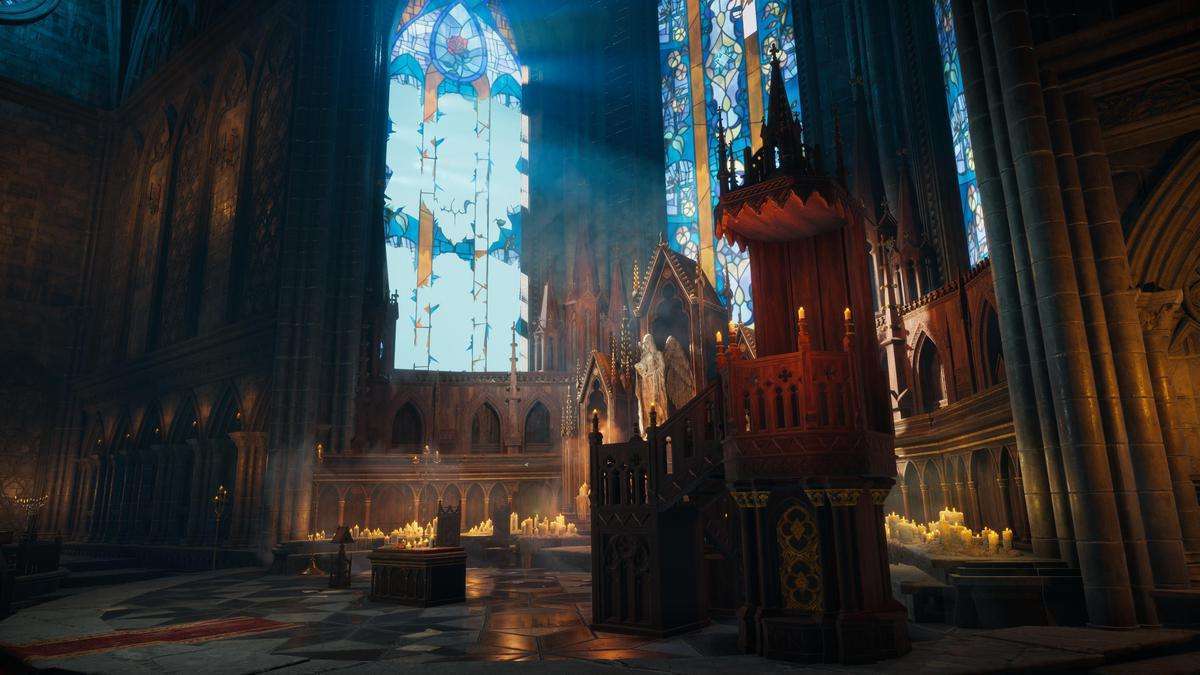

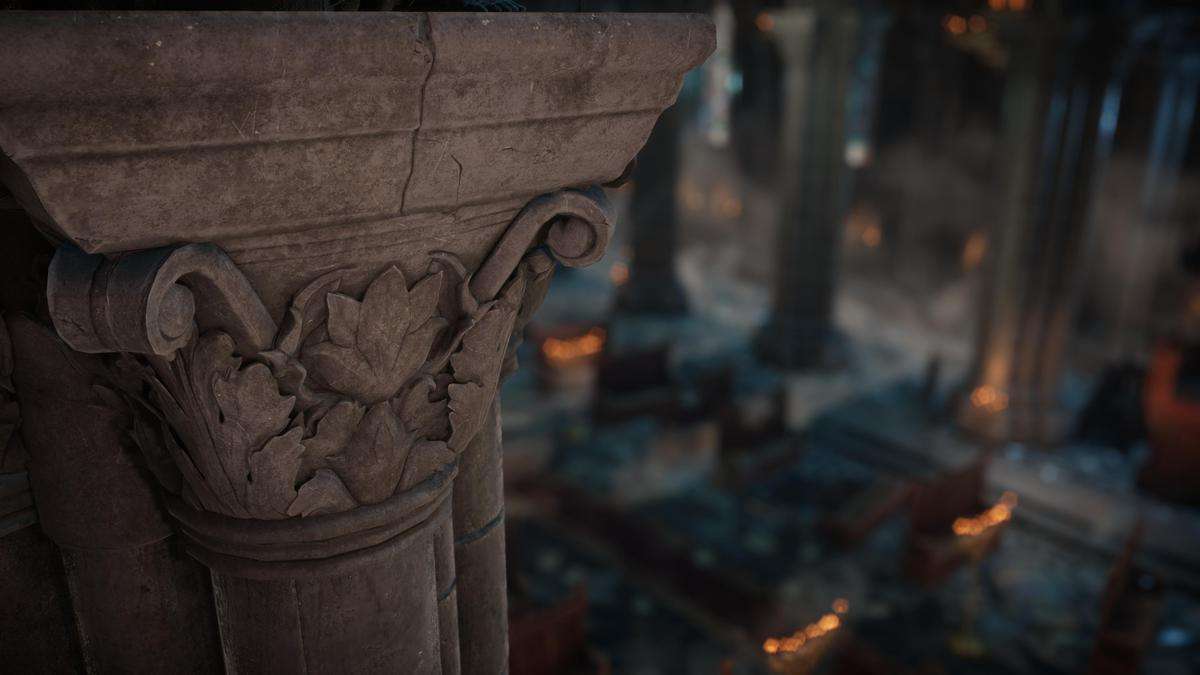

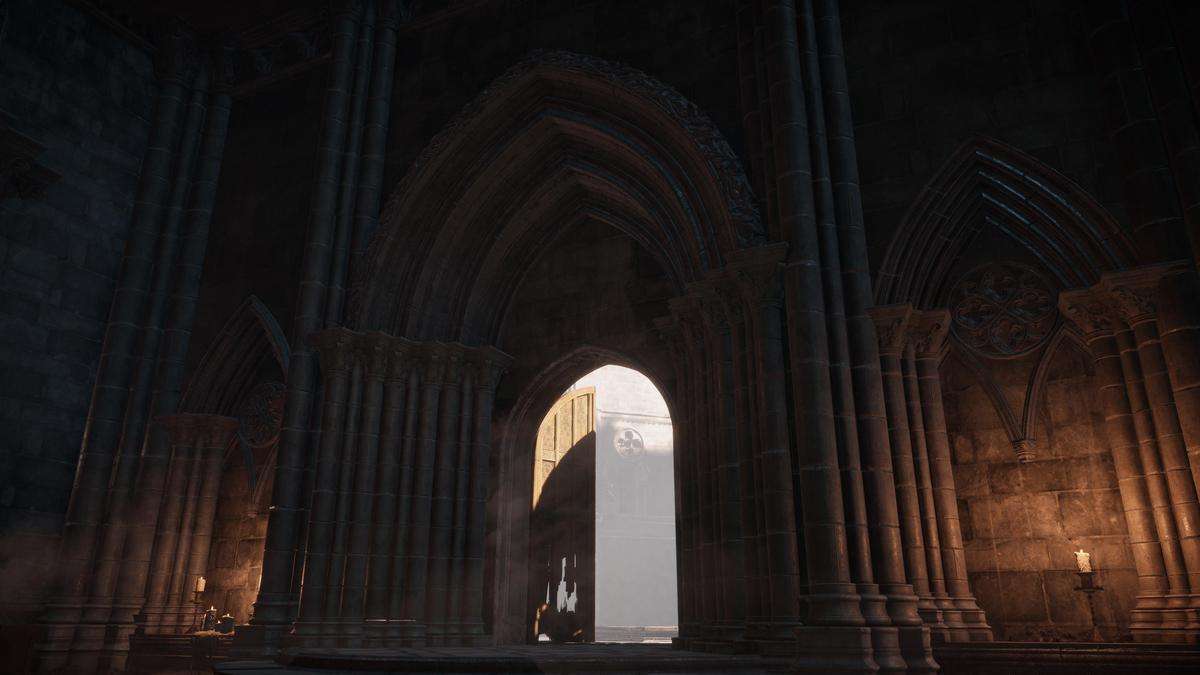
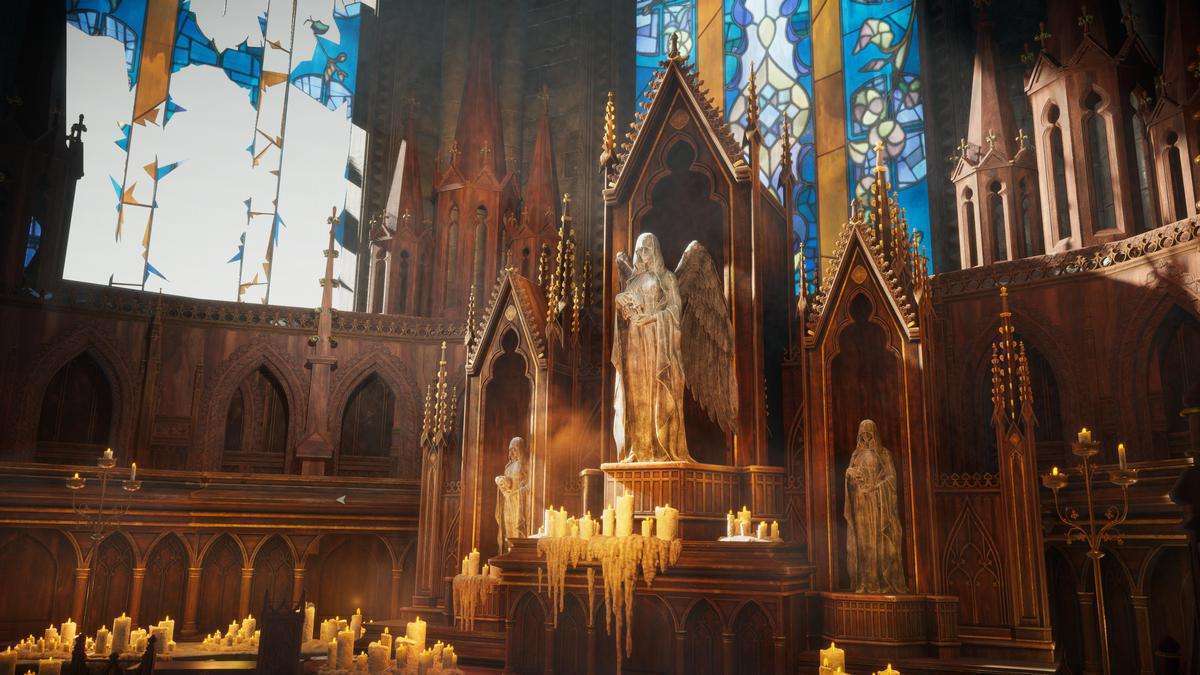

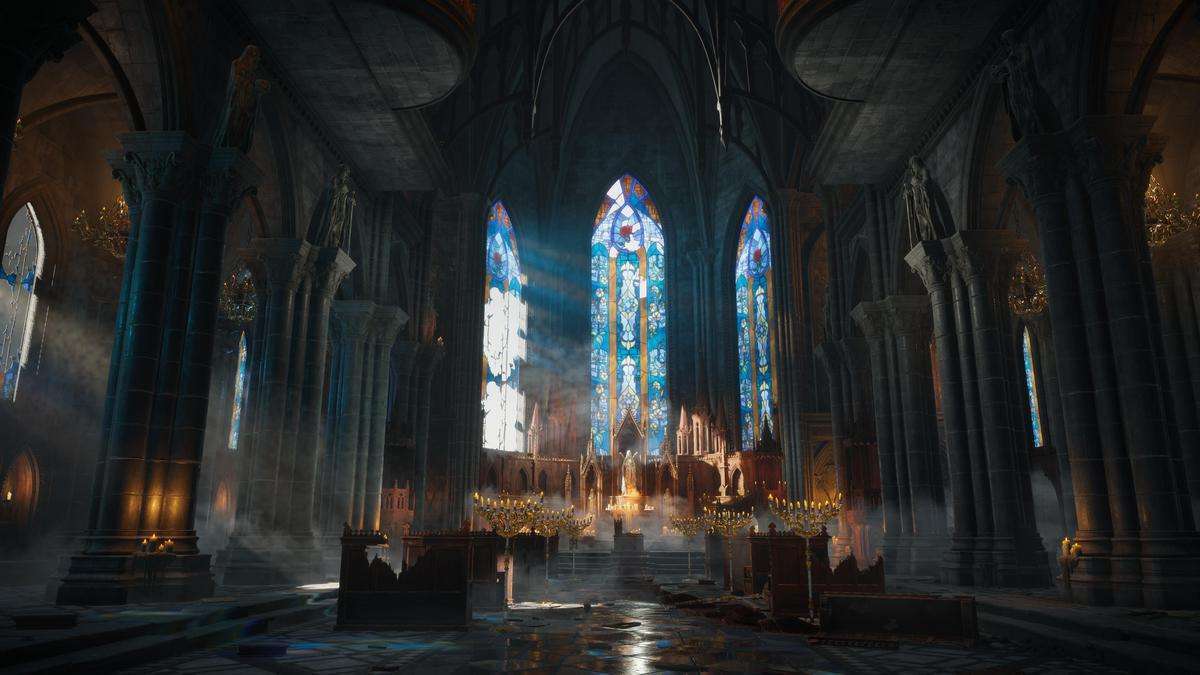
Architectural Modularity in Gothic Interior Megapack
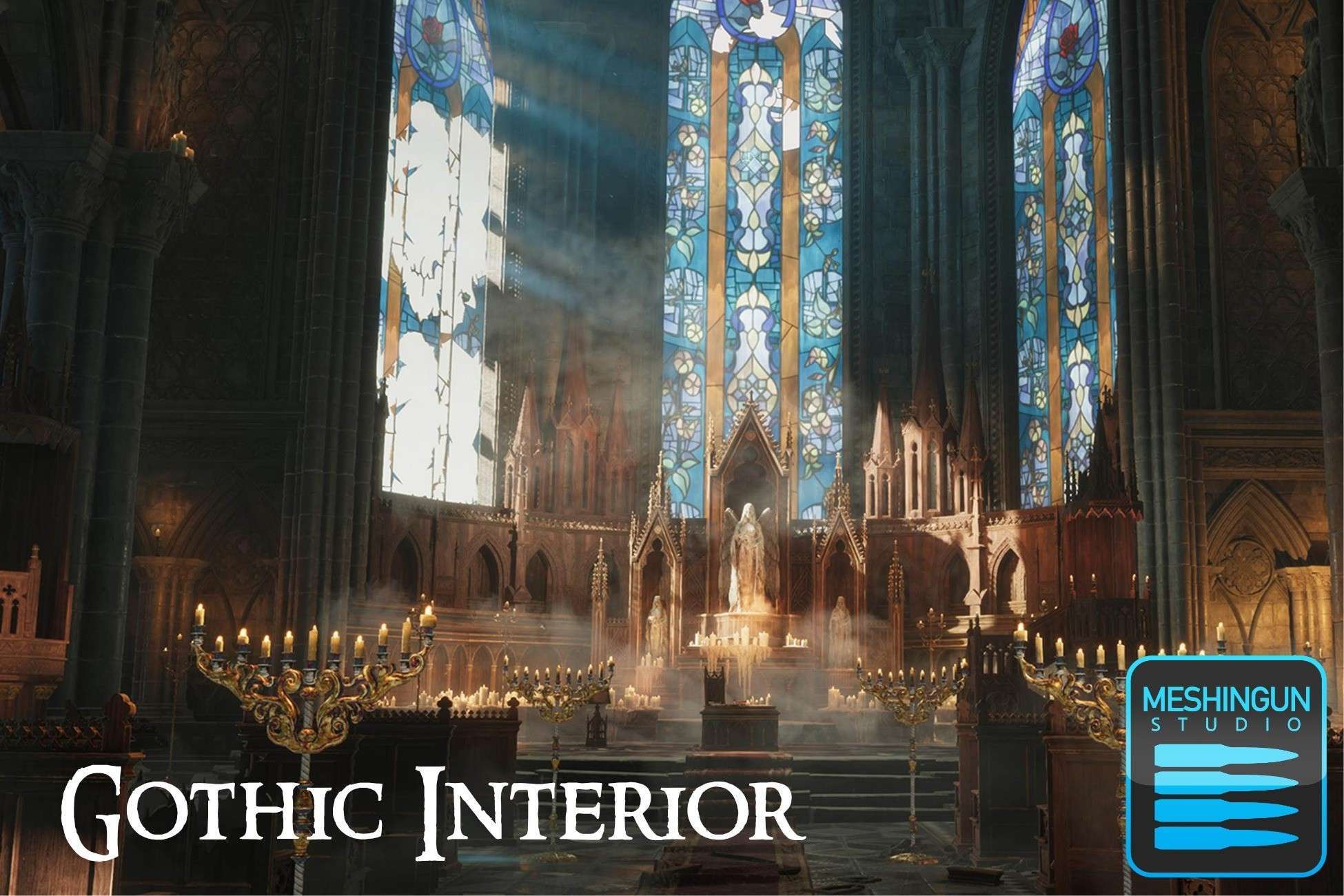
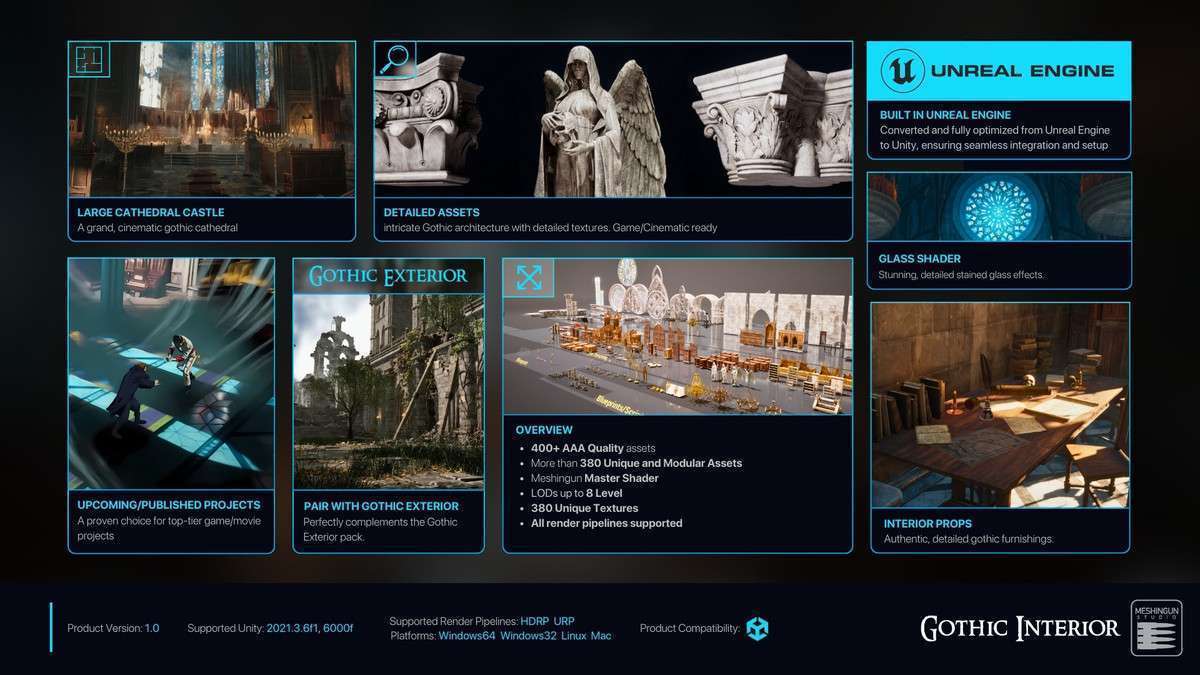
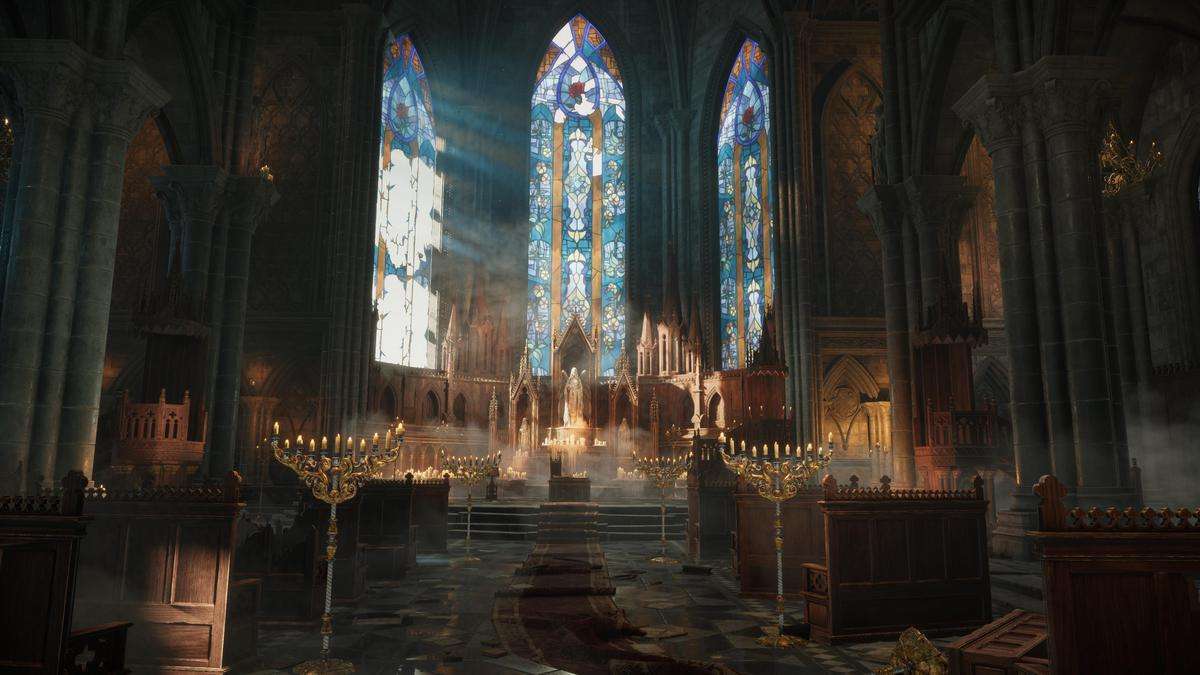
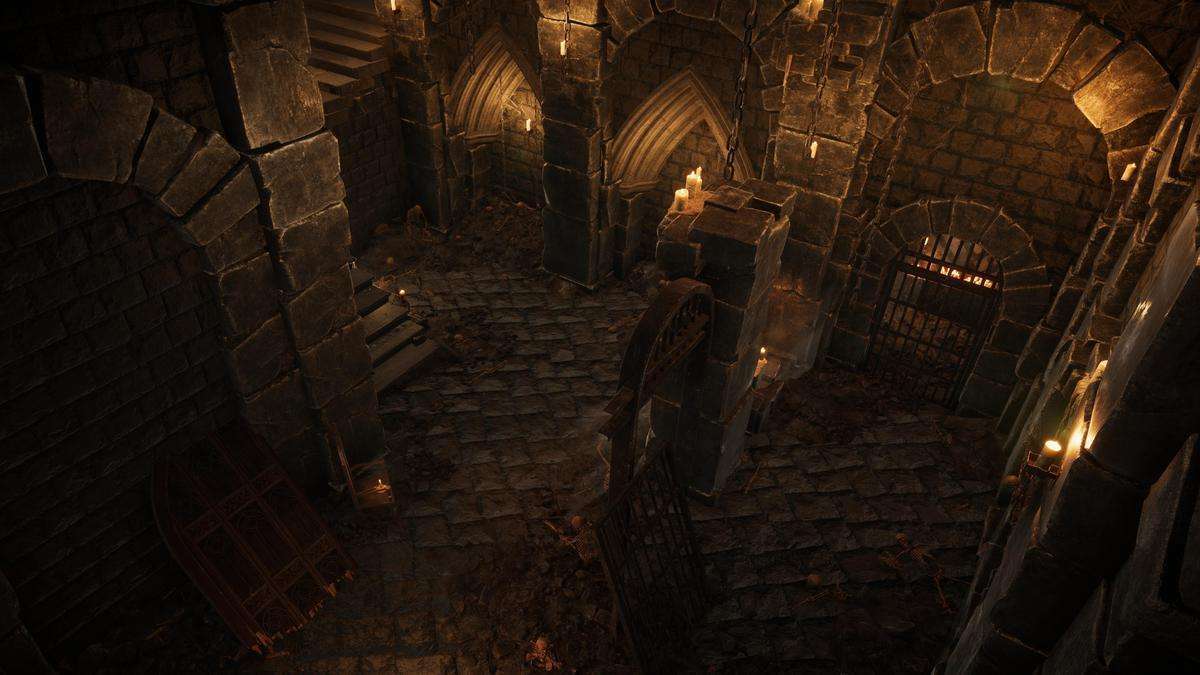
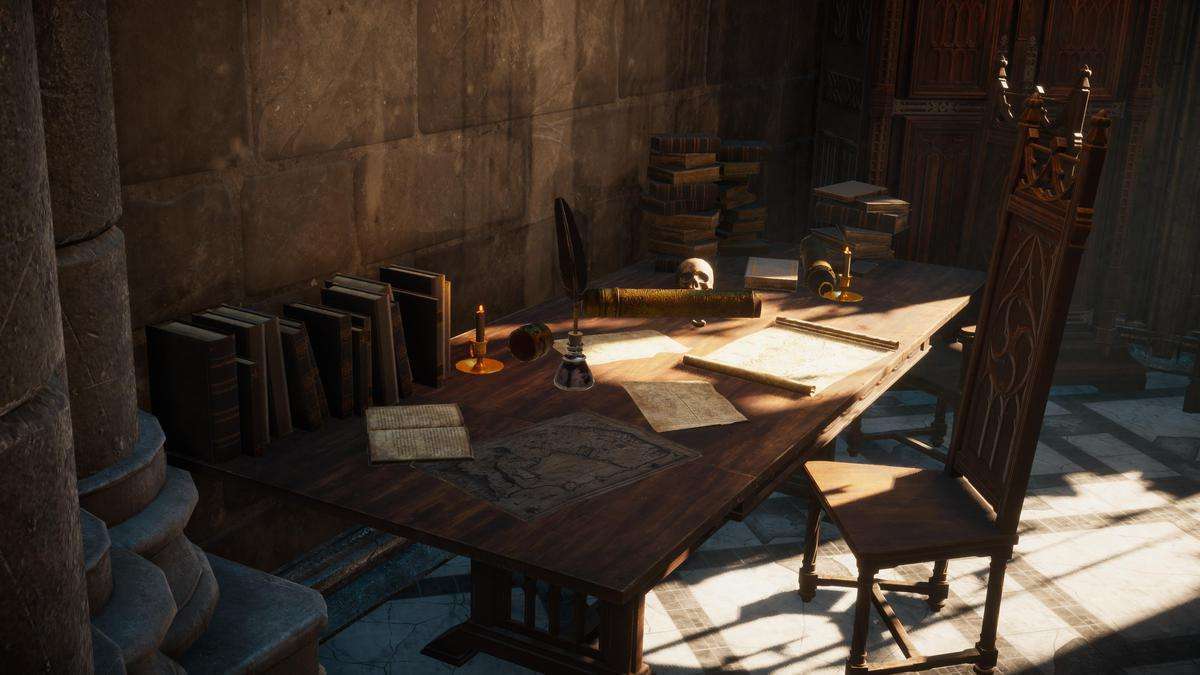
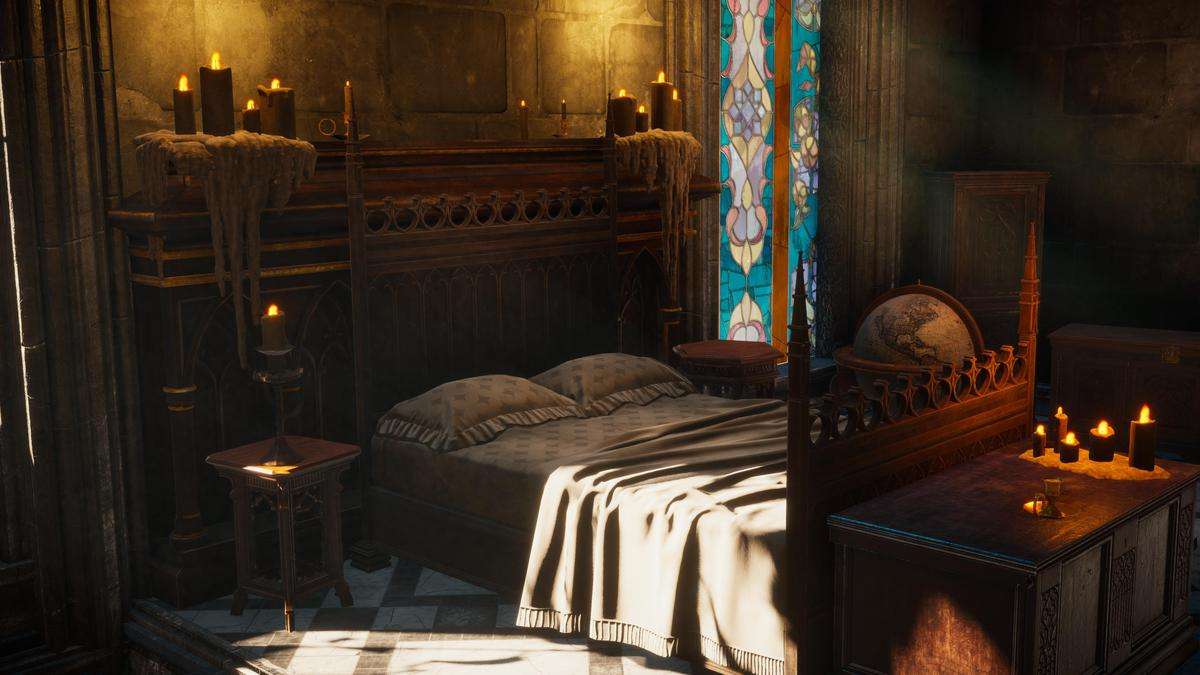
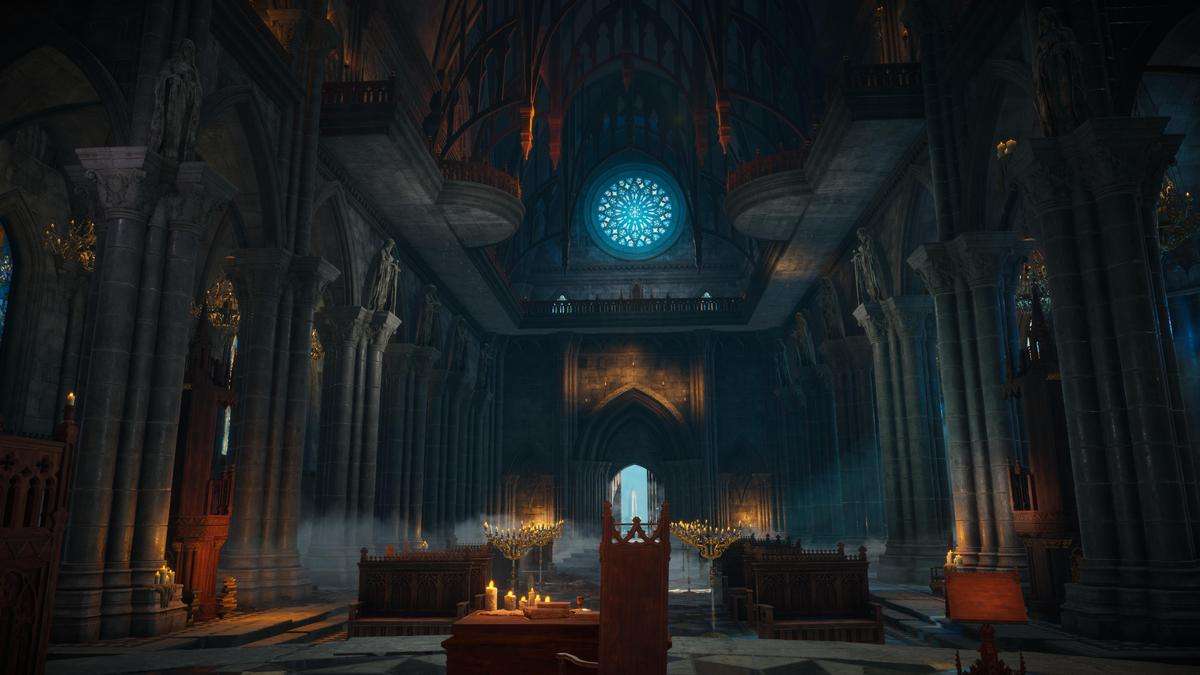
Building dense, atmospheric environments often leads to massive draw call counts if not handled correctly. The Gothic Interior Megapack Unity 1.0.0 is designed with a modular-first philosophy, where over 380 assets are pre-snapped to the Unity grid. As a lead developer, I value the inclusion of master materials in this pack; they allow our technical artists to tweak global parameters like roughness offsets, moss coverage, or stone tinting across the entire scene without touching individual instances, significantly speeding up the look-dev phase.
Integration Tips
- Render Pipeline Conversion: The pack defaults to HDRP. If you are moving to URP, use the Render Pipeline Converter but pay close attention to the Master Materials. You may need to manually re-assign the custom shaders included in the pack to ensure the global parameter controls remain functional.
- Grid Snapping: Enable Global Snapping in the Unity Editor (set to 1m or 0.5m increments) to maximize the modularity of the wall and floor sections. This ensures lightmap baking doesn’t produce ‘light leaks’ at the seams of the meshes.
- Occlusion Culling: Since the pack contains high-detail interior meshes, ensure you bake your Occlusion Culling data. The modular nature of the walls makes it highly effective for hiding objects in adjacent rooms.
Best Use Cases
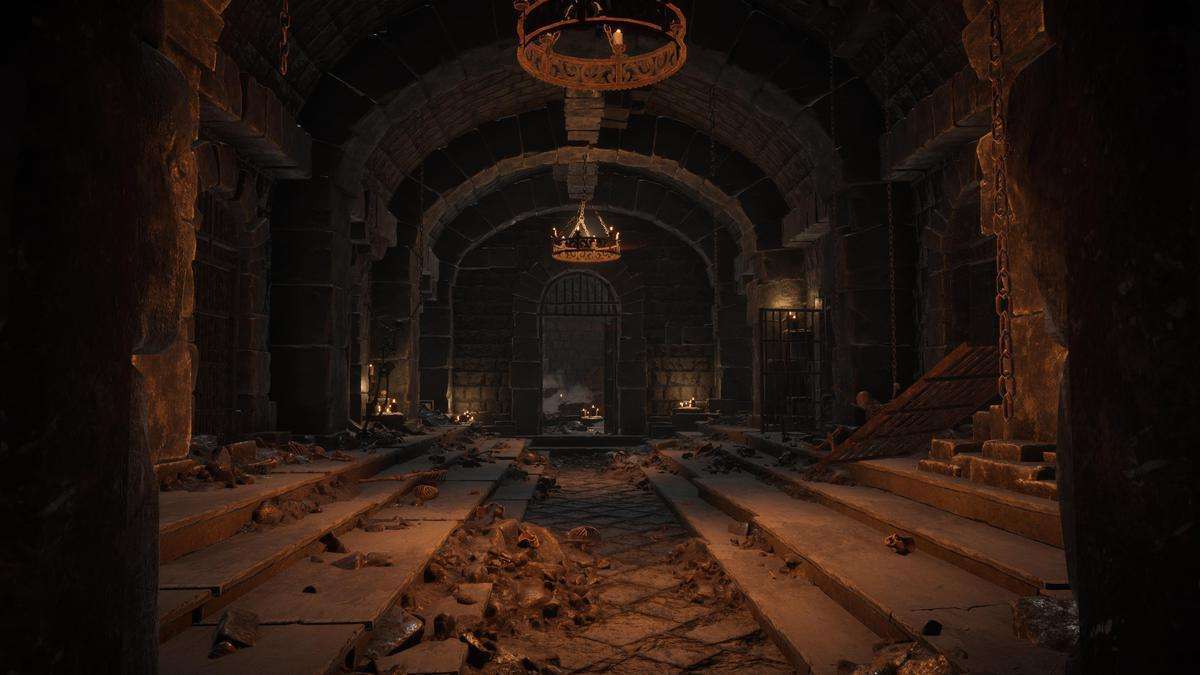
- Soulslike Action RPGs: The high-fidelity modular assets allow for rapid level design of sprawling castles and dungeons while maintaining the dark, oppressive aesthetic required for the genre.
- First-Person Horror: The pack’s emphasis on master materials makes it easy to implement dynamic environment changes (like bleeding walls or decaying stone) via shader keywords, which is vital for psychological horror triggers.