
Procedural Signal Degradation in URP and HDRP
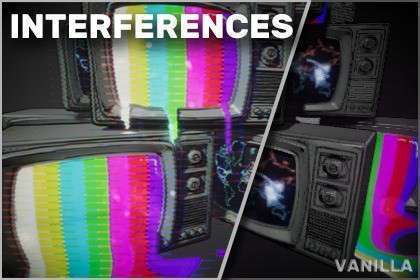
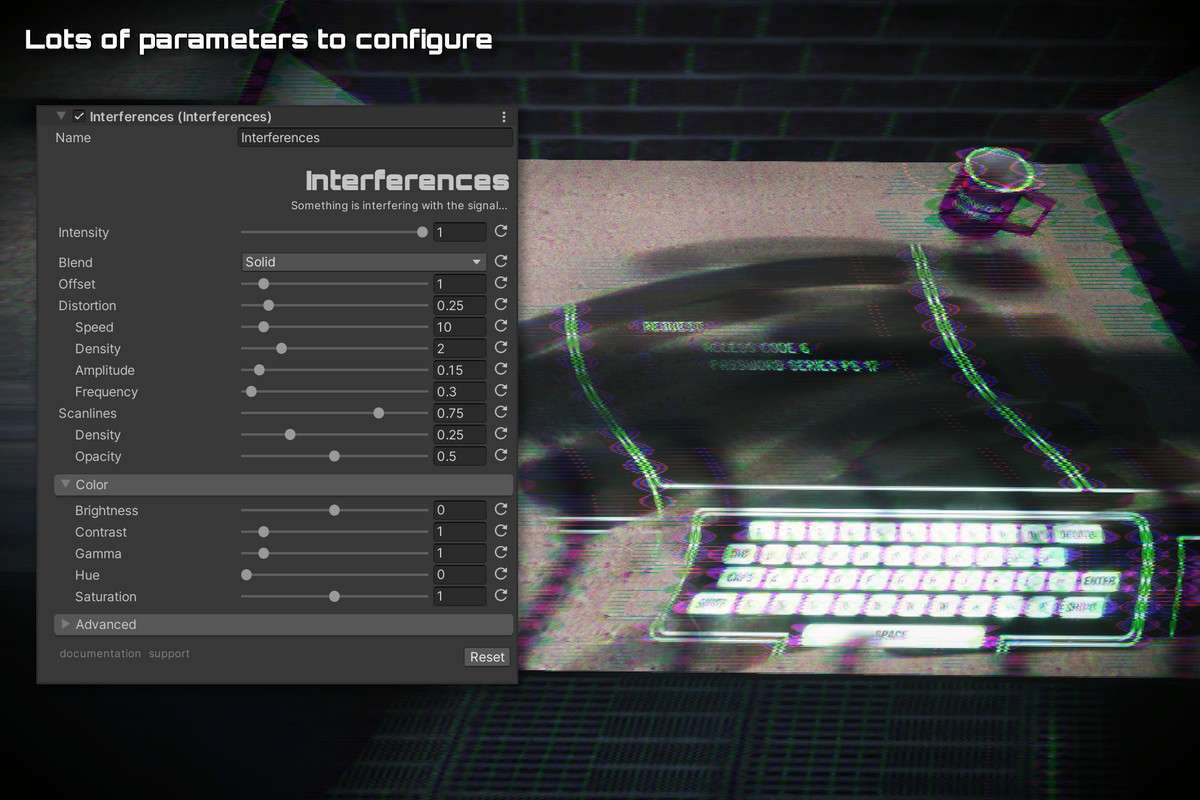
Creating believable signal noise requires a delicate balance of static and scanline jitter. The Glitches: Interferences Unity asset 2.1.2 offers a modular approach to post-processing that avoids the common pitfall of ‘pattern repetition’ found in cheaper texture-based solutions. By utilizing procedural noise within the shader, it maintains sharp edges even when scaled to 4K resolutions, ensuring that your interference effects don’t look like a low-res video file overlay.
Integration Tips
- Event-Based Triggers: Hook the interference parameters into your game’s health or signal-strength systems. Use a simple C# Lerp to transition the noise floor based on the distance from an ‘in-game transmitter’ prefab.
- Scriptable Renderer Features: To apply interference only to specific objects (like an in-game TV screen), use a Render Objects feature in URP to filter by Layer Mask, rather than applying the effect globally to the Camera Volume.
- VR Optimization: For Meta Quest or other mobile VR headsets, keep the ‘Chromatic Aberration’ within the interference settings low to prevent unnecessary pixel-fill stress which can induce motion sickness.
Best Use Cases
- Tactical Breach Games: Use this for drone-cam or CCTV views. The ability to simulate signal loss as a drone moves further from the player provides a mechanical disadvantage that adds to the tactical depth.
- Narrative Sci-Fi: Excellent for ‘incoming transmission’ sequences. The procedural nature allows the interference to react to player movement or dialogue spikes in real-time.