
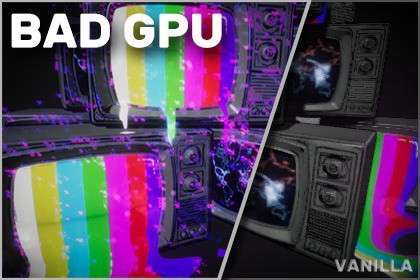
Simulating Hardware Failure with Render Graph Support
Implementing diegetic failure effects often requires custom blit passes that can be expensive on the GPU. Glitches: Bad GPU Unity 2.1.2 leverages the modern Render Graph system in Unity 6 to inject artifacts like vertex stretching and color bleeding without breaking the SRP batcher. Unlike simple screen-space overlays, this asset simulates the specific tile-based rendering errors common in failing hardware, making it an essential tool for high-immersion environmental storytelling.
Integration Tips
- URP Render Graph: Ensure “Render Graph” is enabled in your Universal Render Pipeline settings. This asset is optimized for the new execution model, significantly reducing the overhead of post-processing memory allocations.
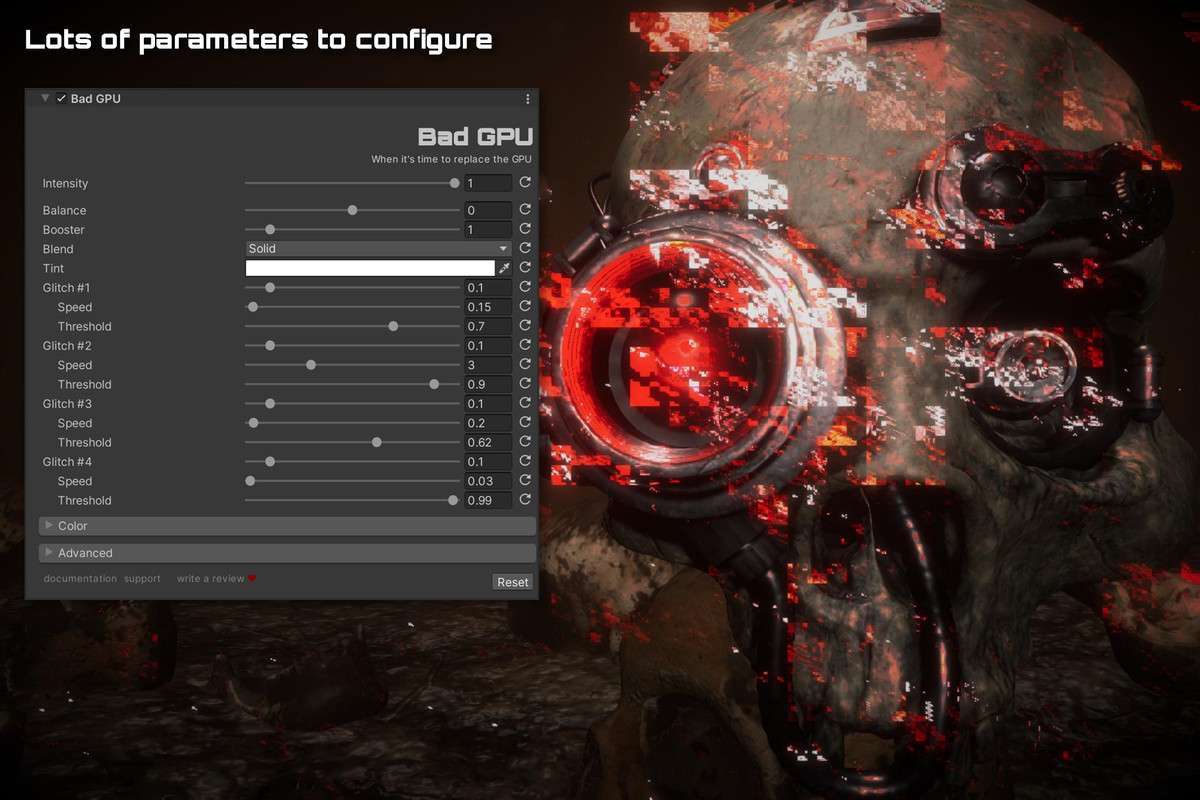
- Volume Blending: Drive the ‘Intensity’ parameter through a Local Volume with a high priority. This allows you to trigger the effect only when a player enters a high-radiation zone or takes specific damage, without writing custom C# trigger logic for every scene.
- Shader Variations: Use the included source code to create ‘lite’ versions for mobile. Stripping out non-essential noise passes can save cycles on older Adreno or Mali GPUs while maintaining the core visual style.
Best Use Cases
- Found-Footage Horror: The simulation of VRAM corruption provides a more authentic ‘disturbed’ camera look than standard noise filters. It works perfectly with high-intensity flashlight setups in URP.
- Cyberpunk UI Systems: Apply the effects to a dedicated UI Camera or a Screen-Space Overlay to simulate a hacked HUD. Because it supports the latest Render Graph, it handles transparency and alpha blending correctly.