
Technical Overview
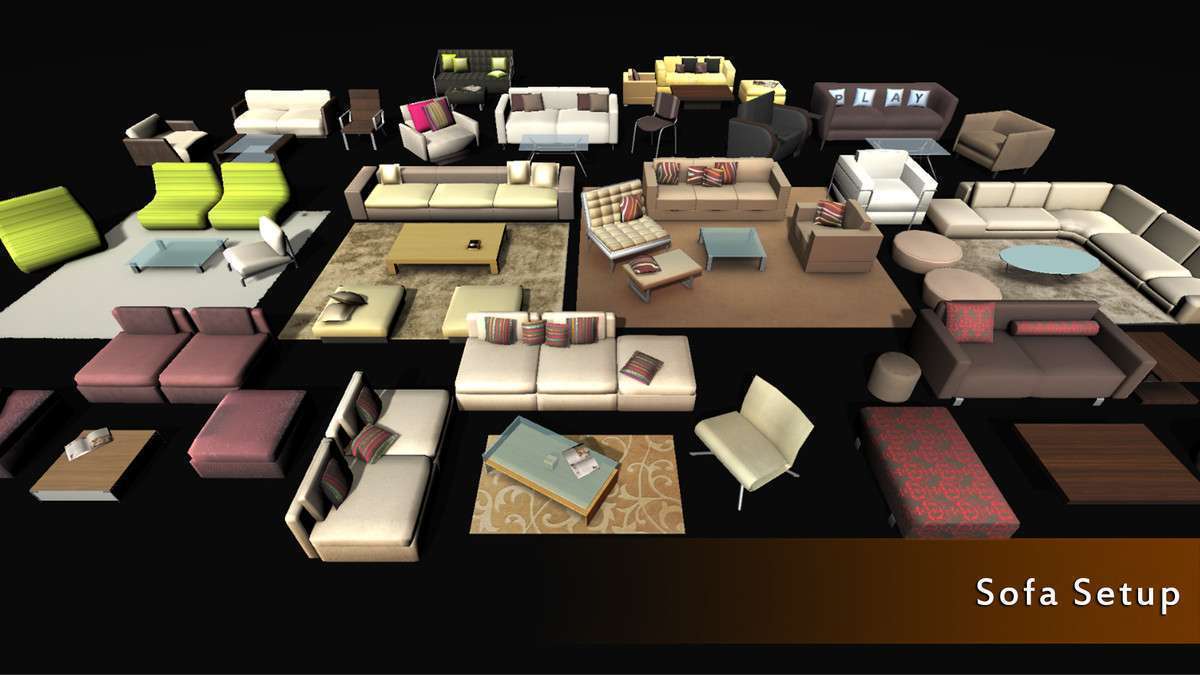
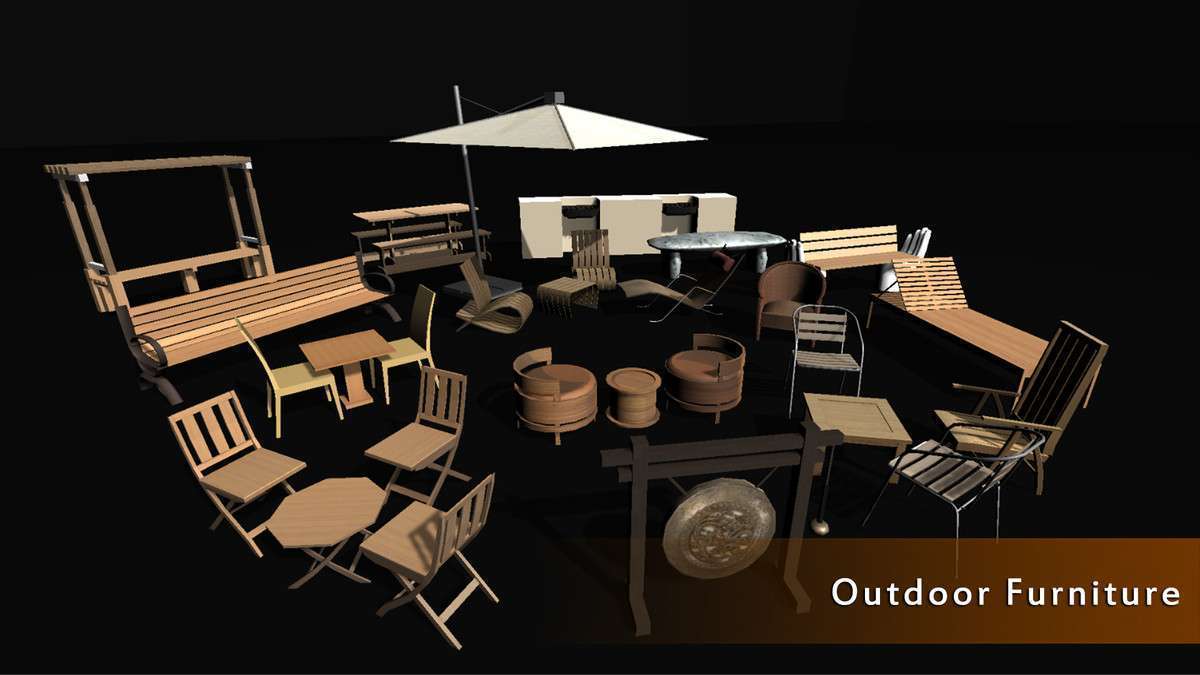
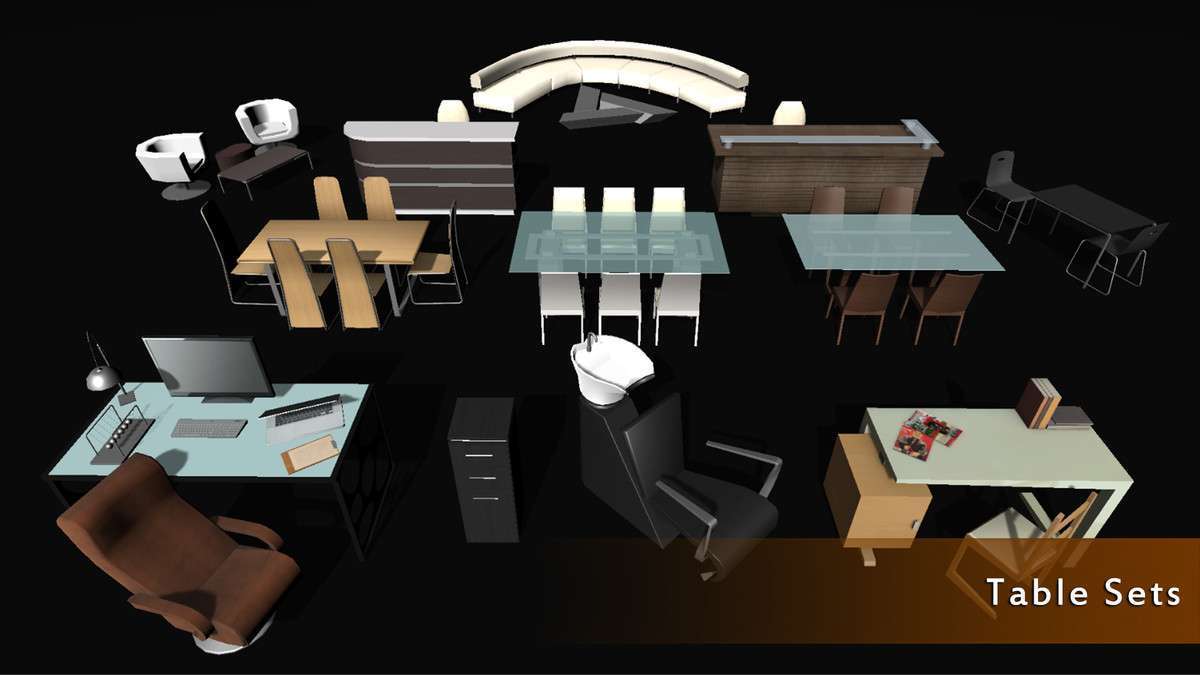
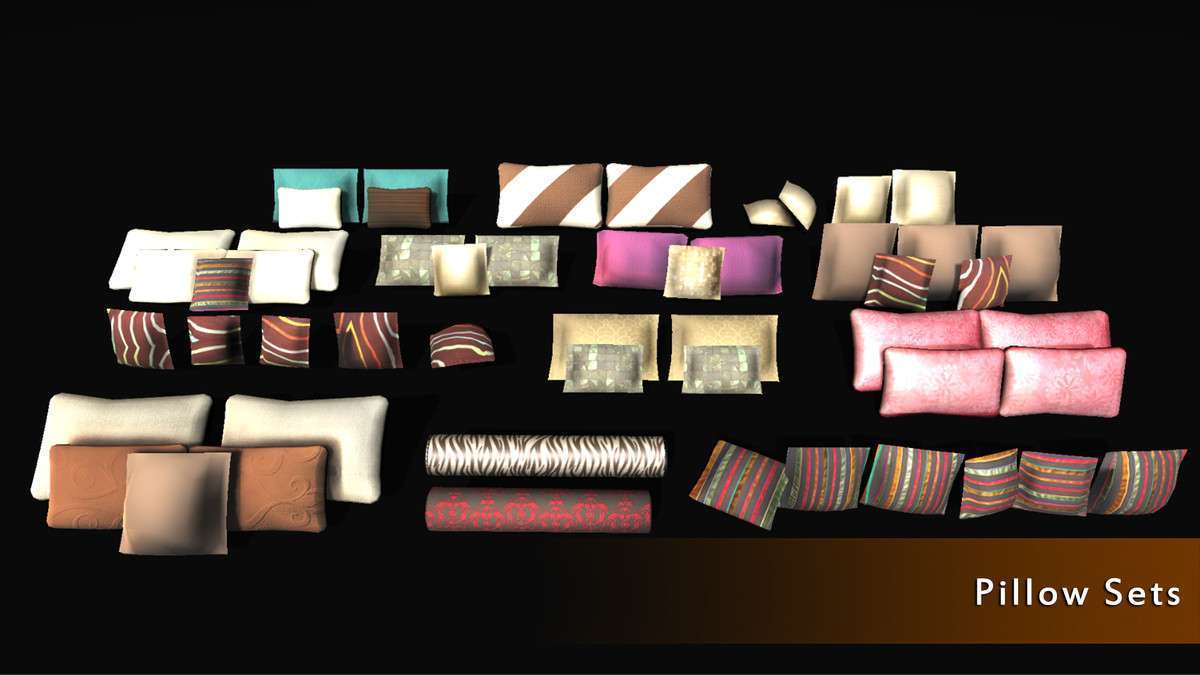
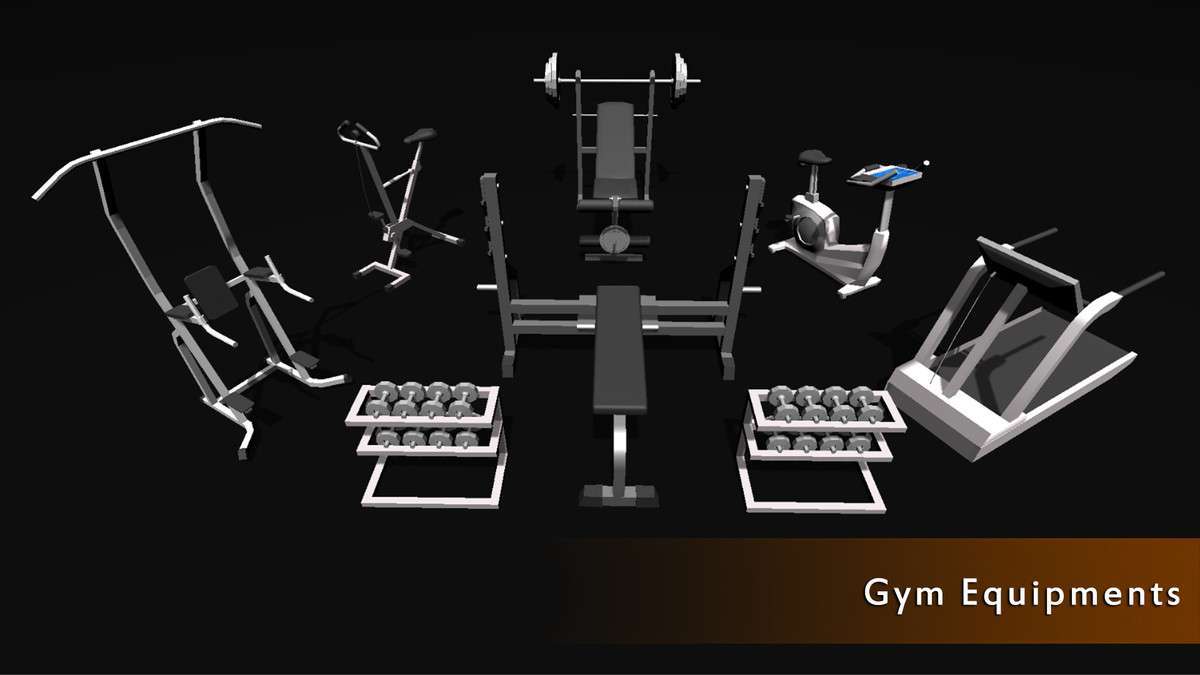
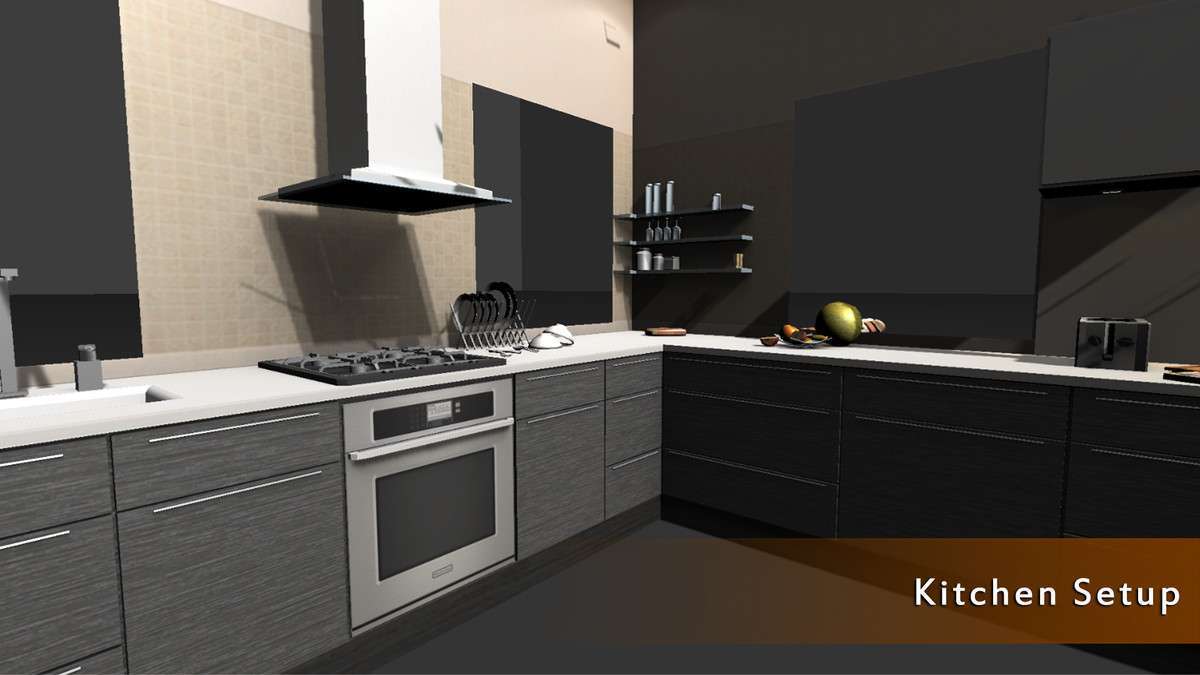
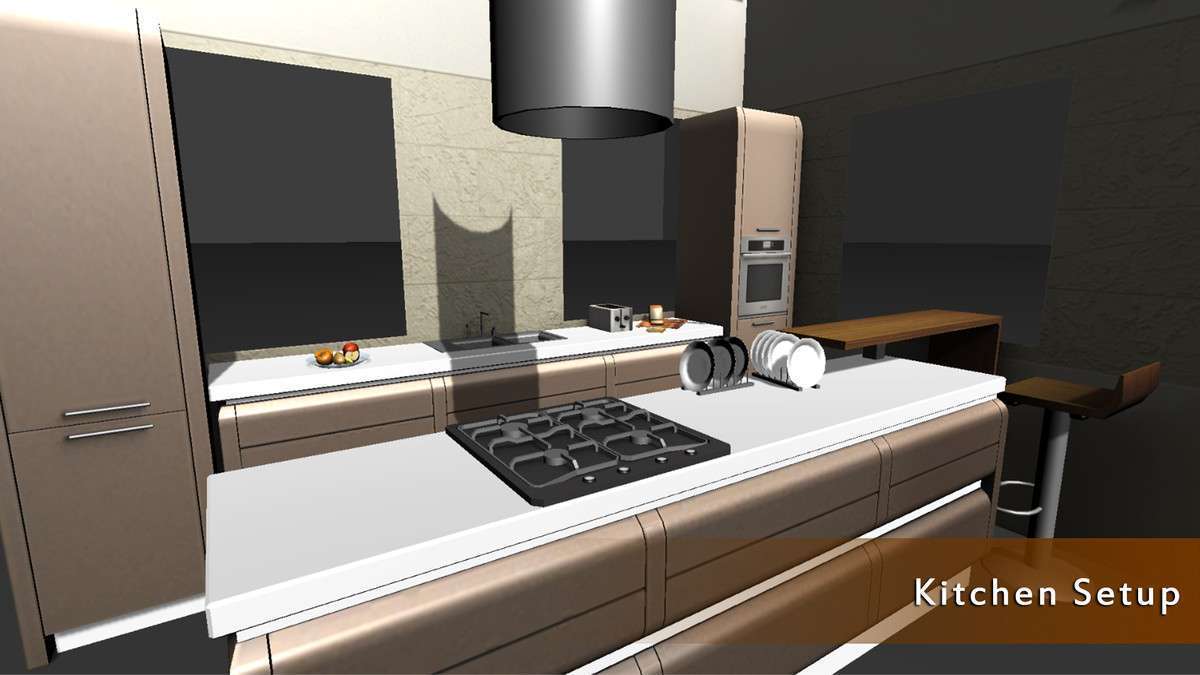
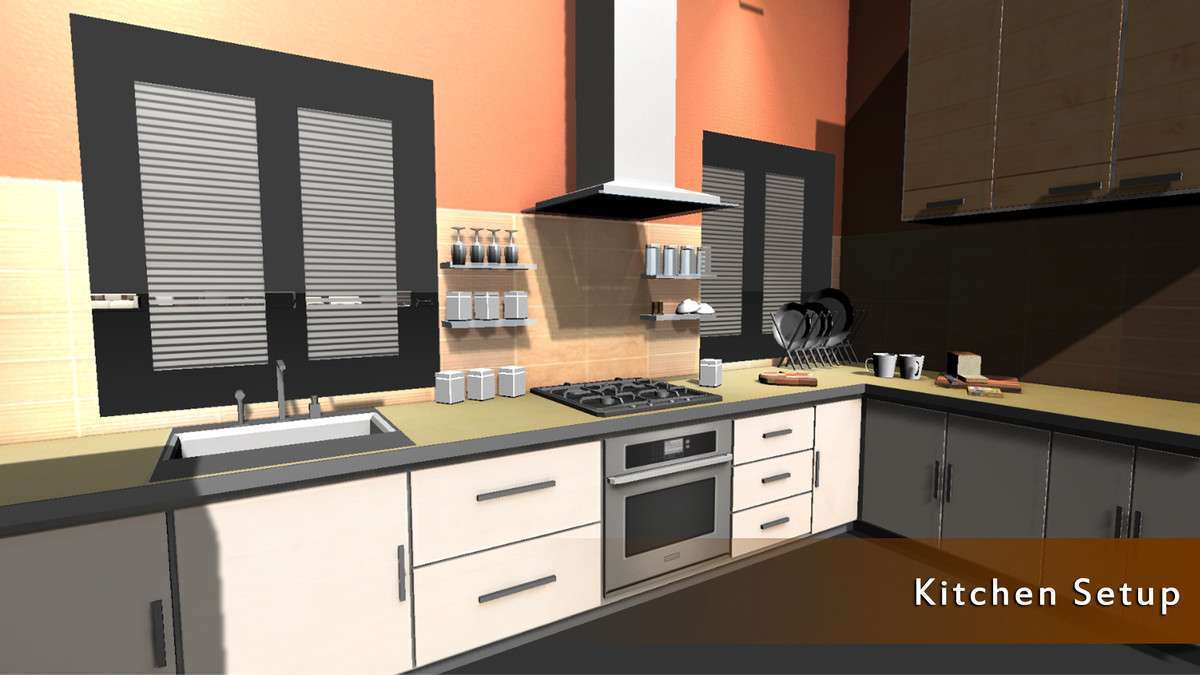
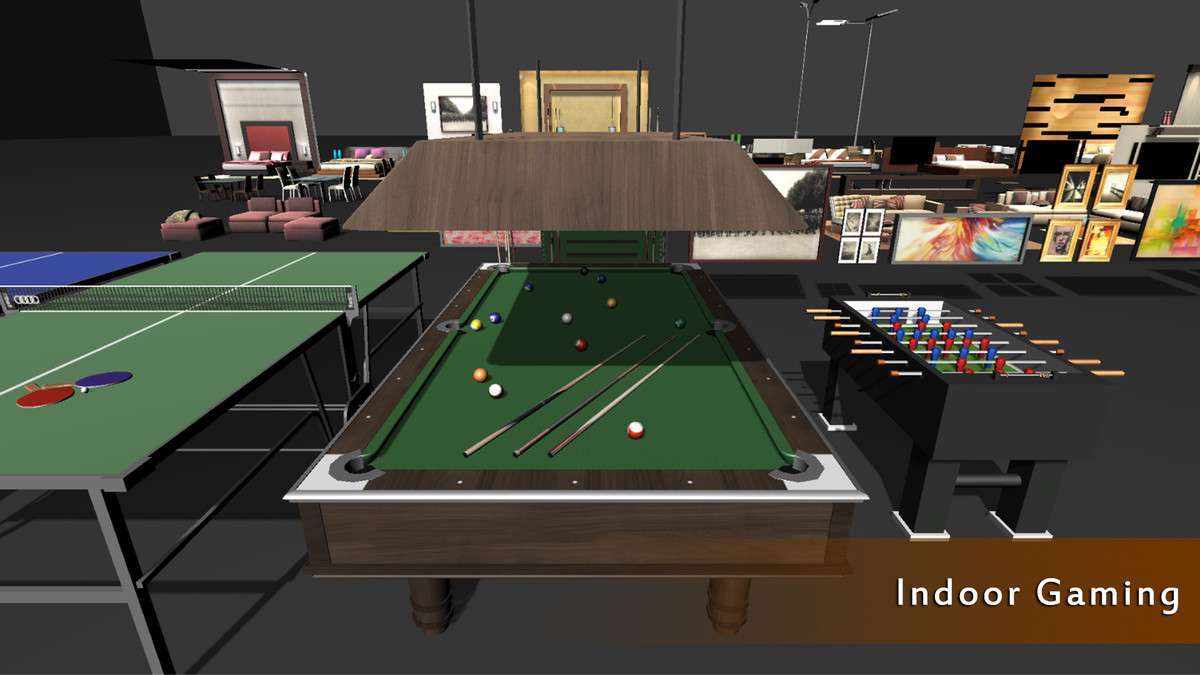
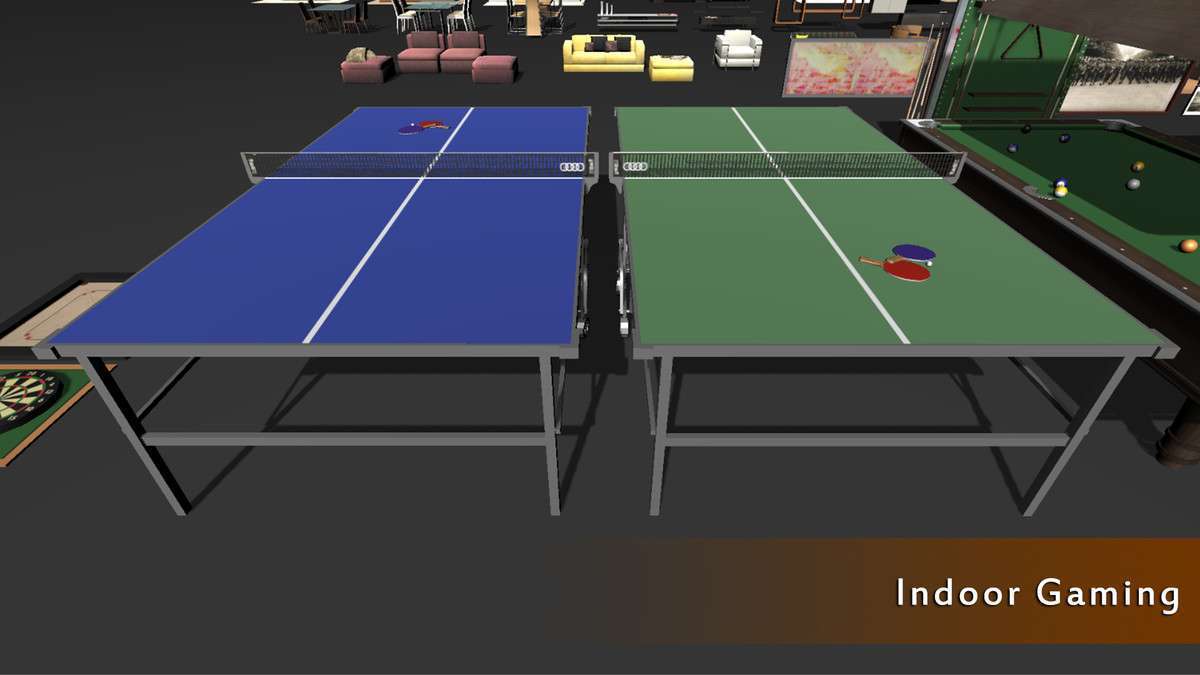
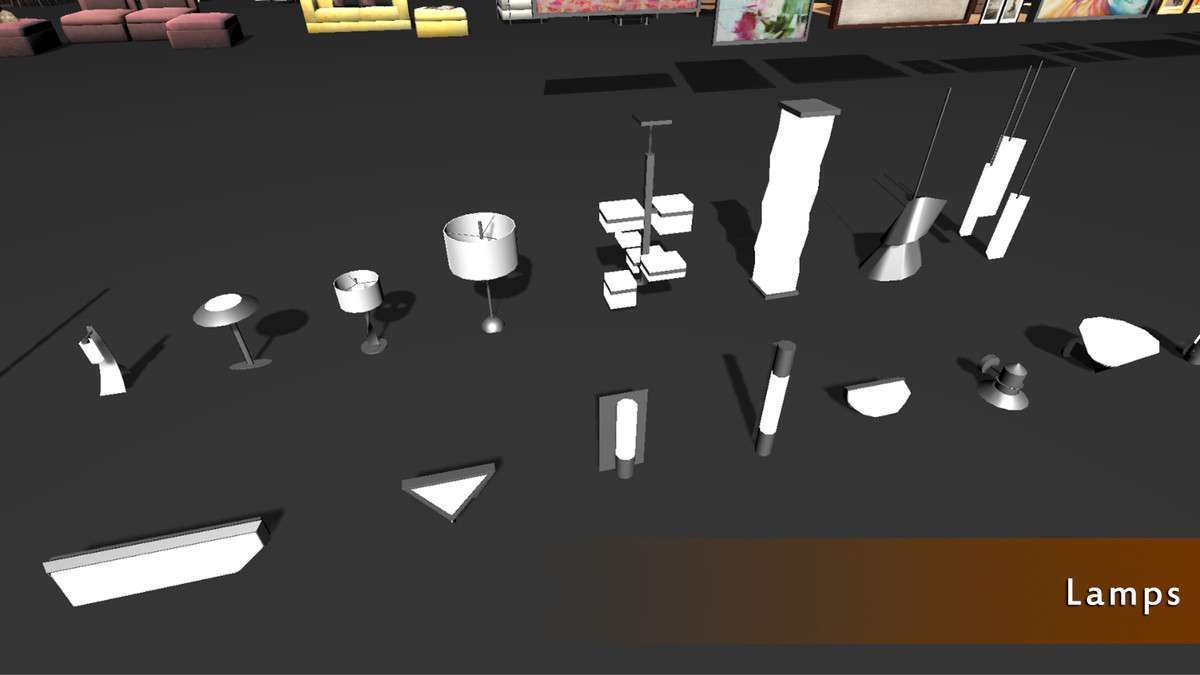
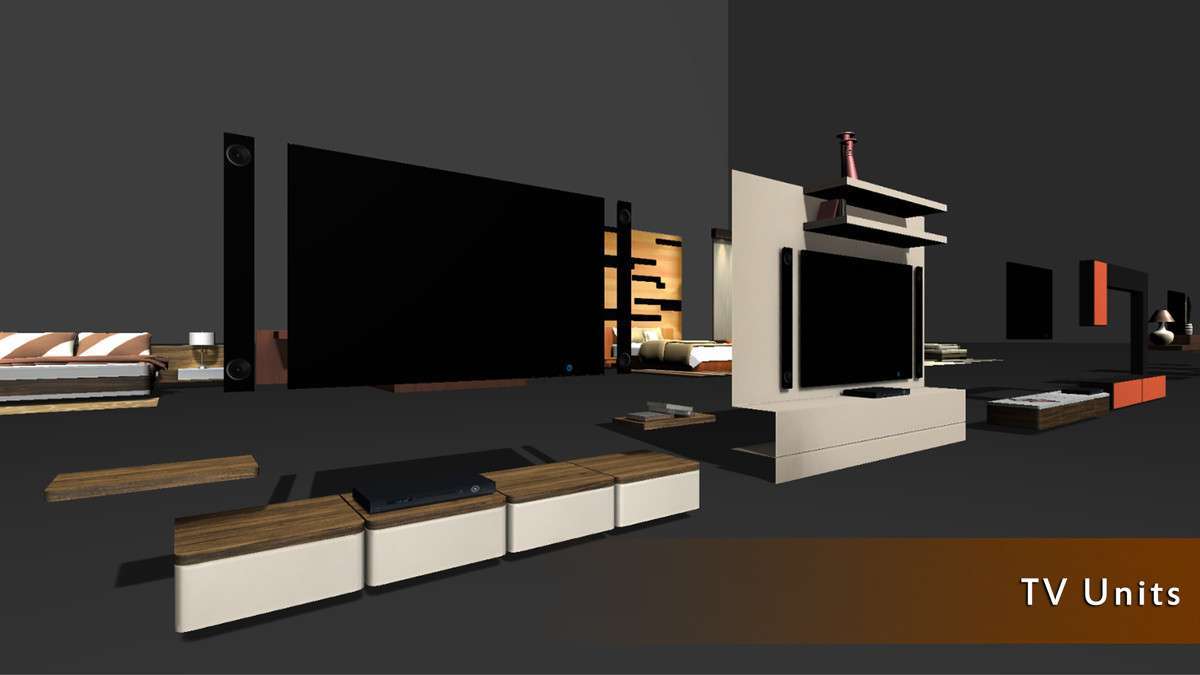
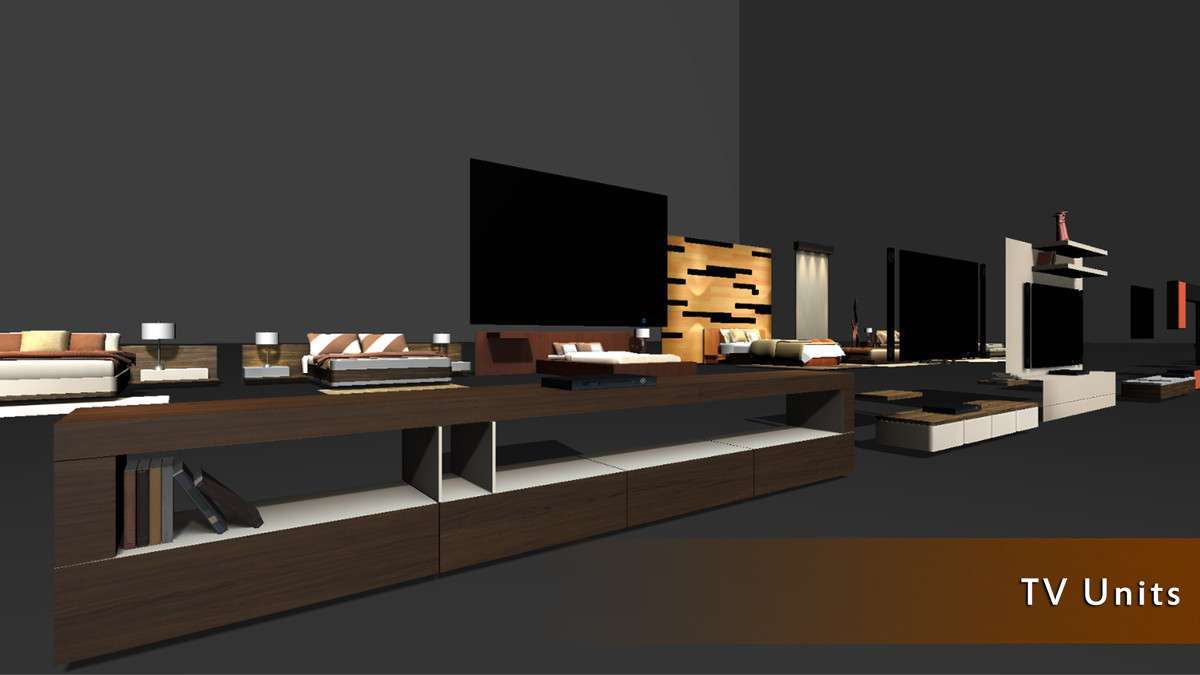
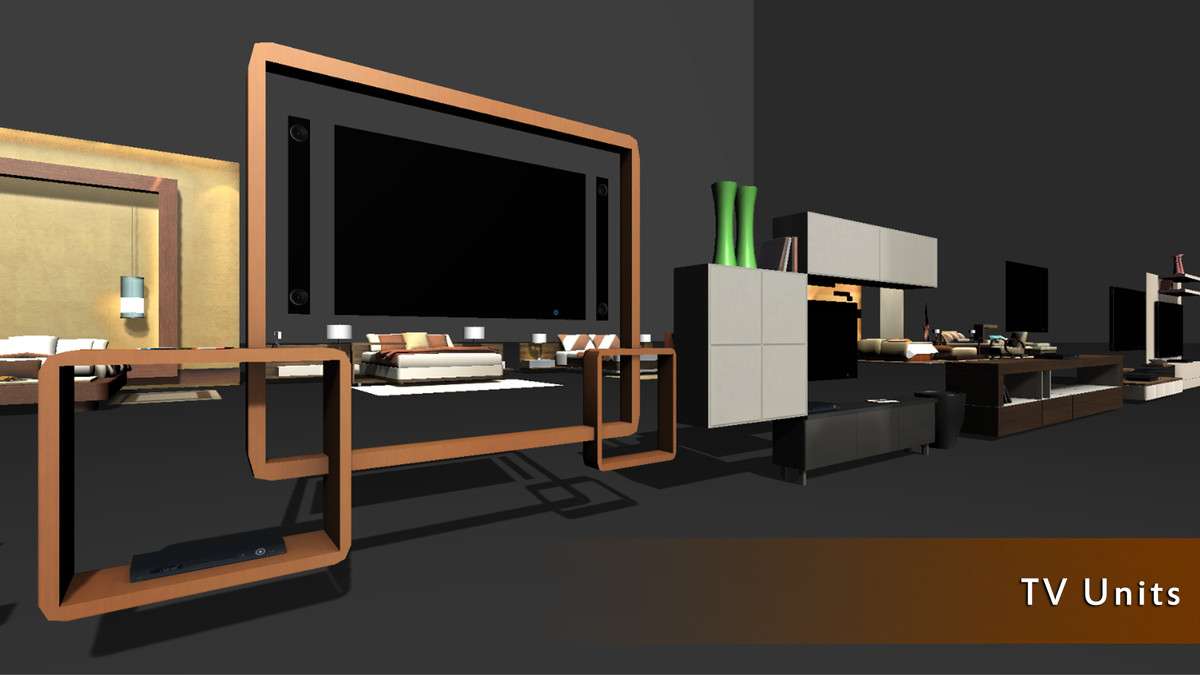
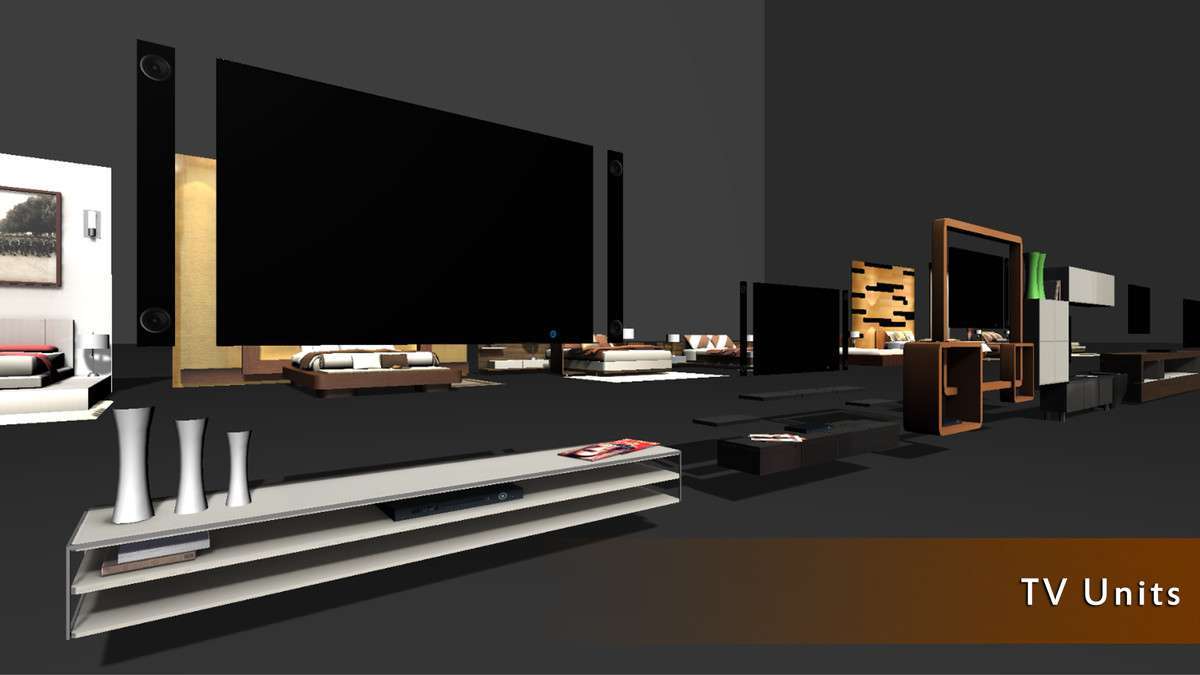
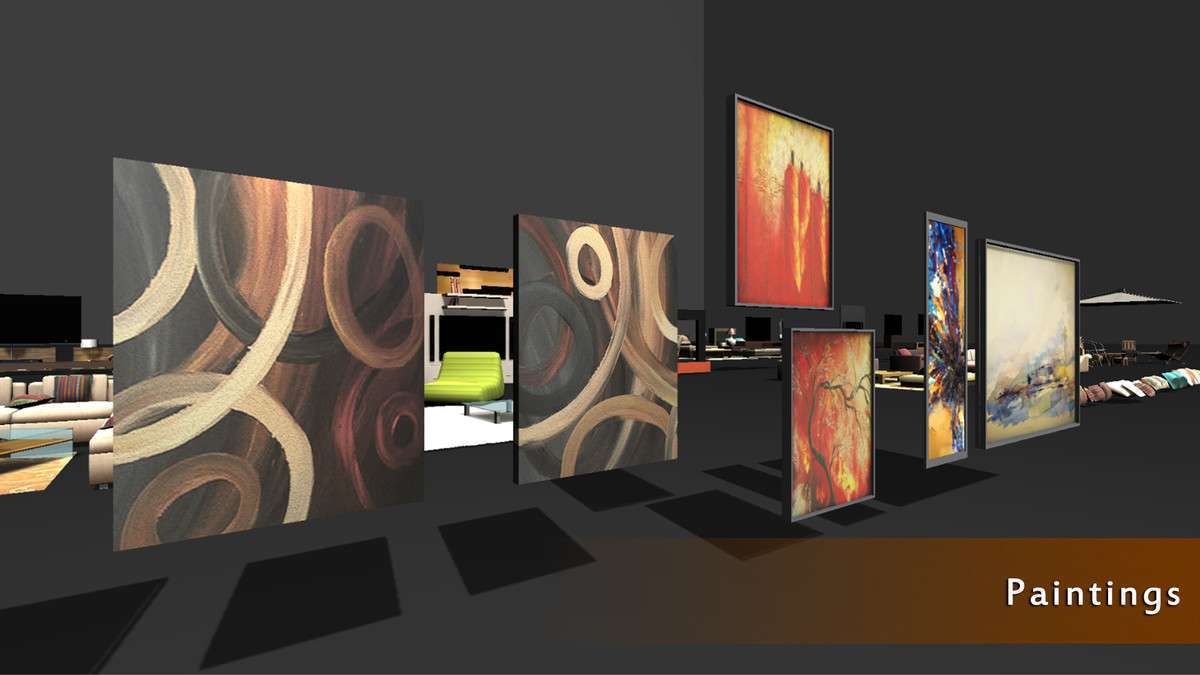
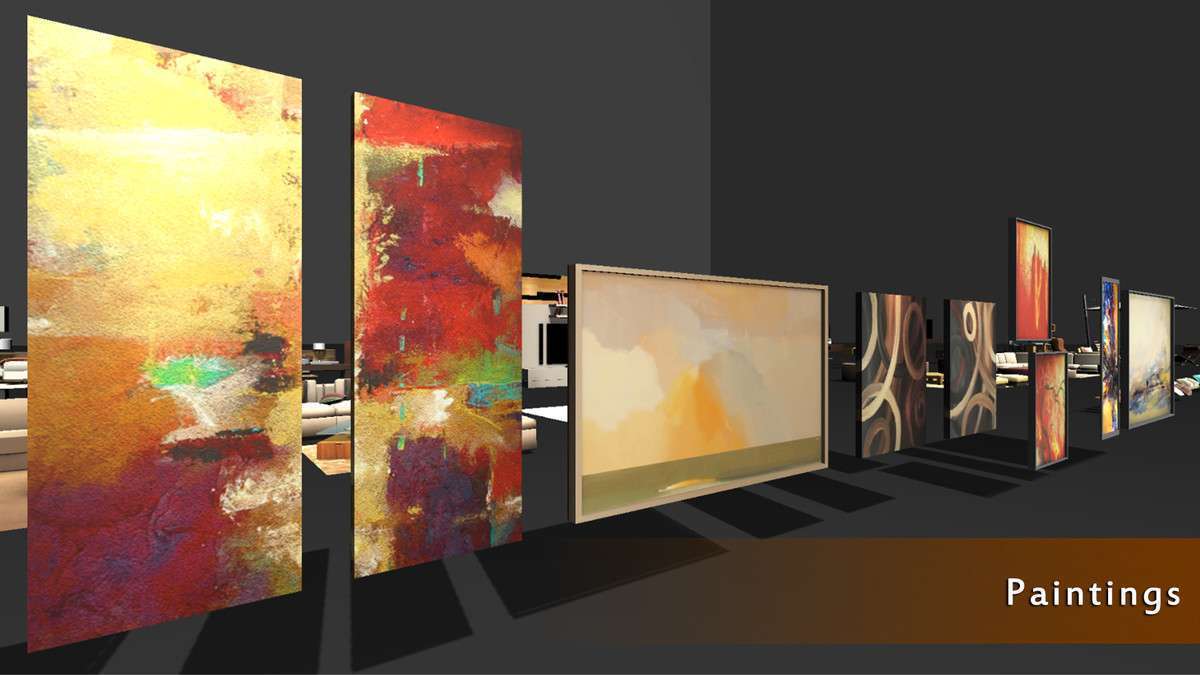
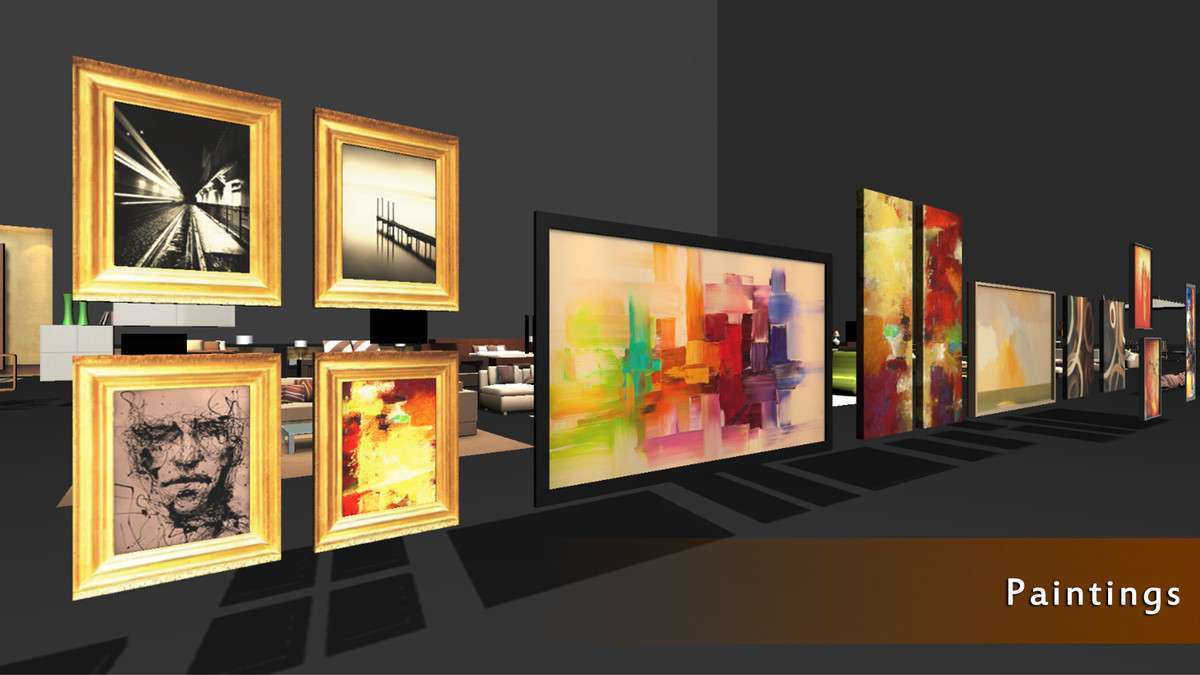
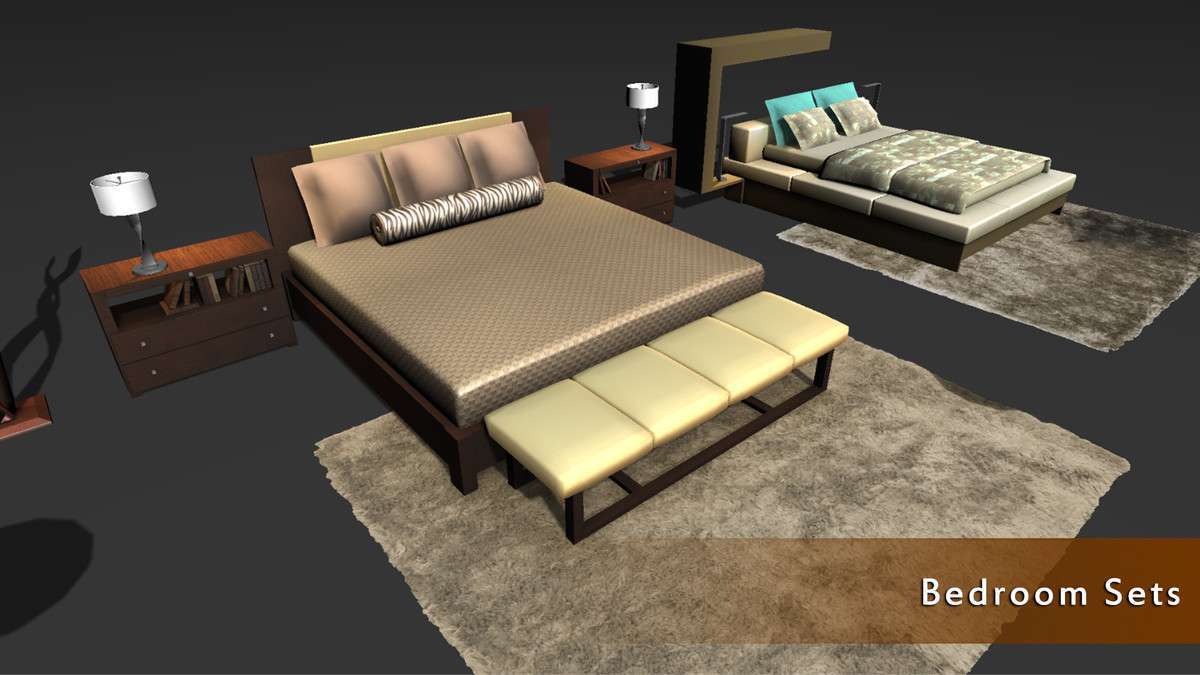
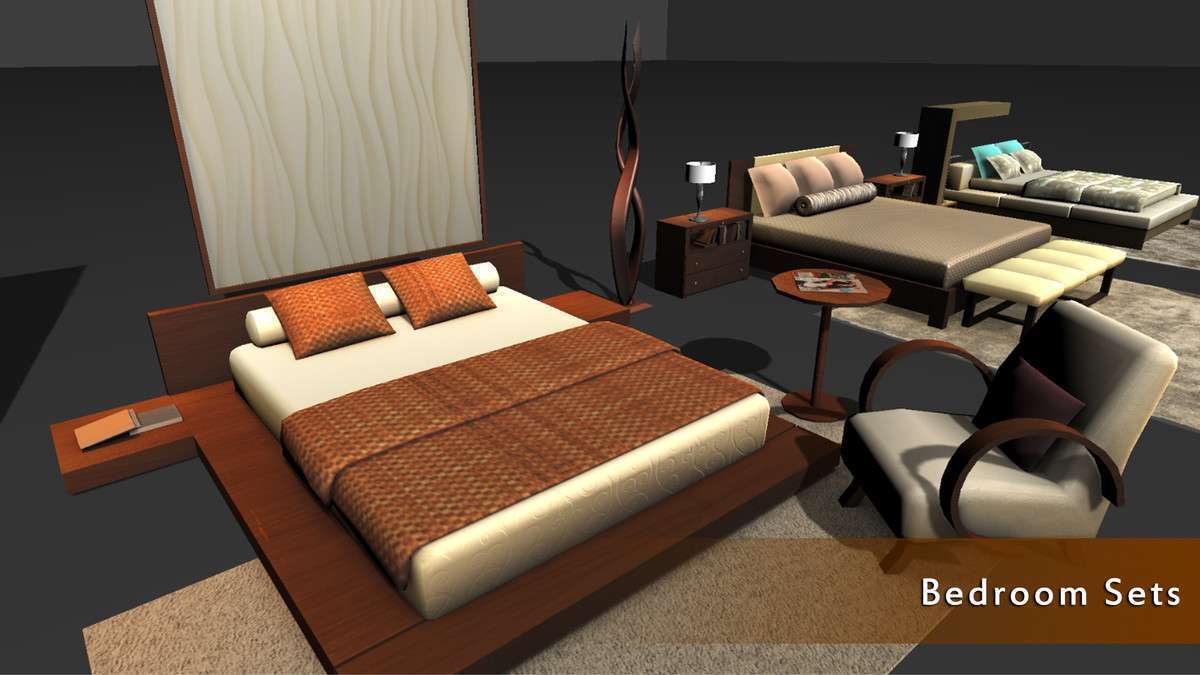
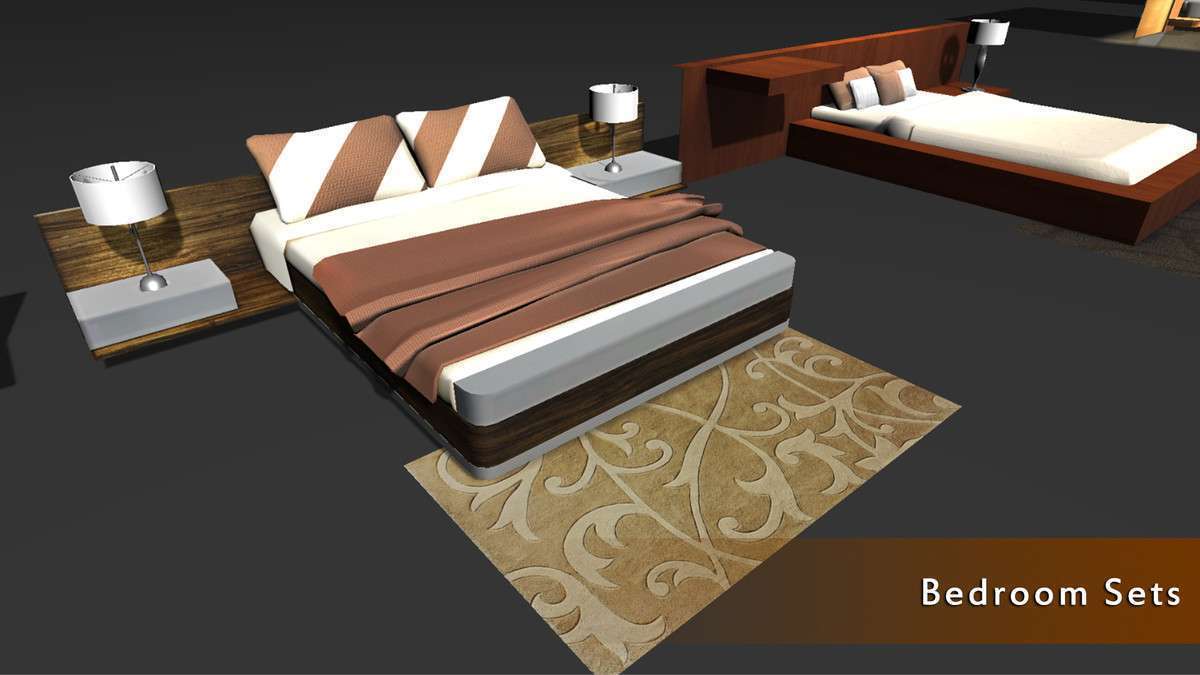
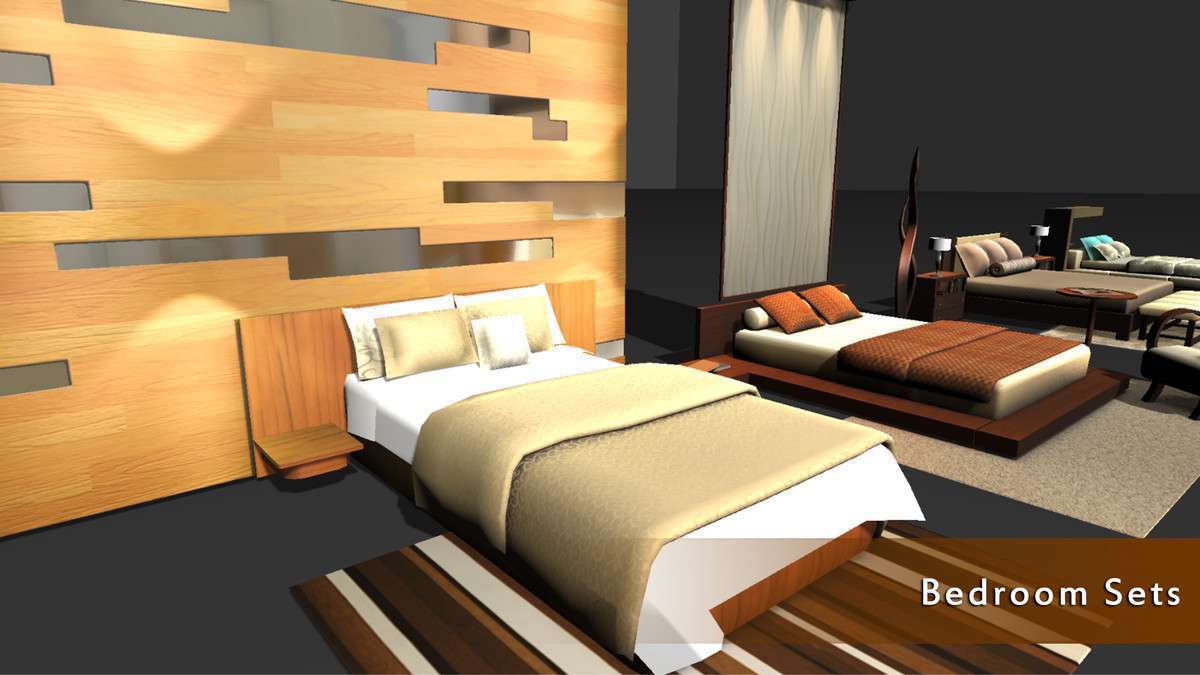
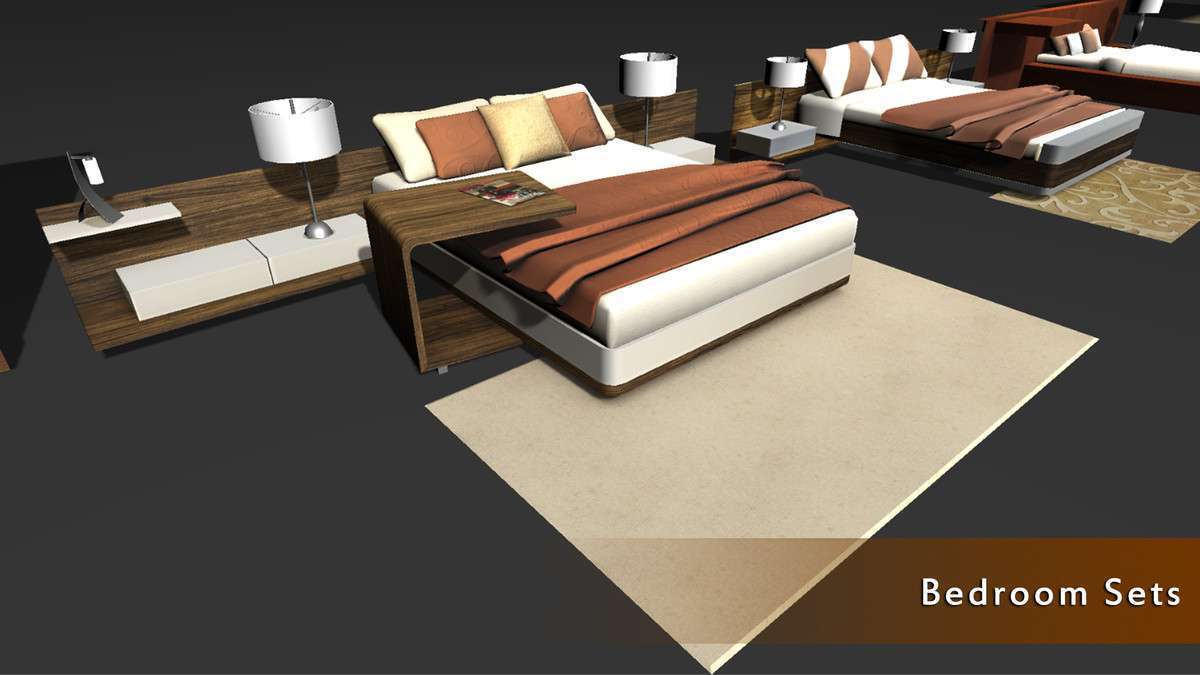
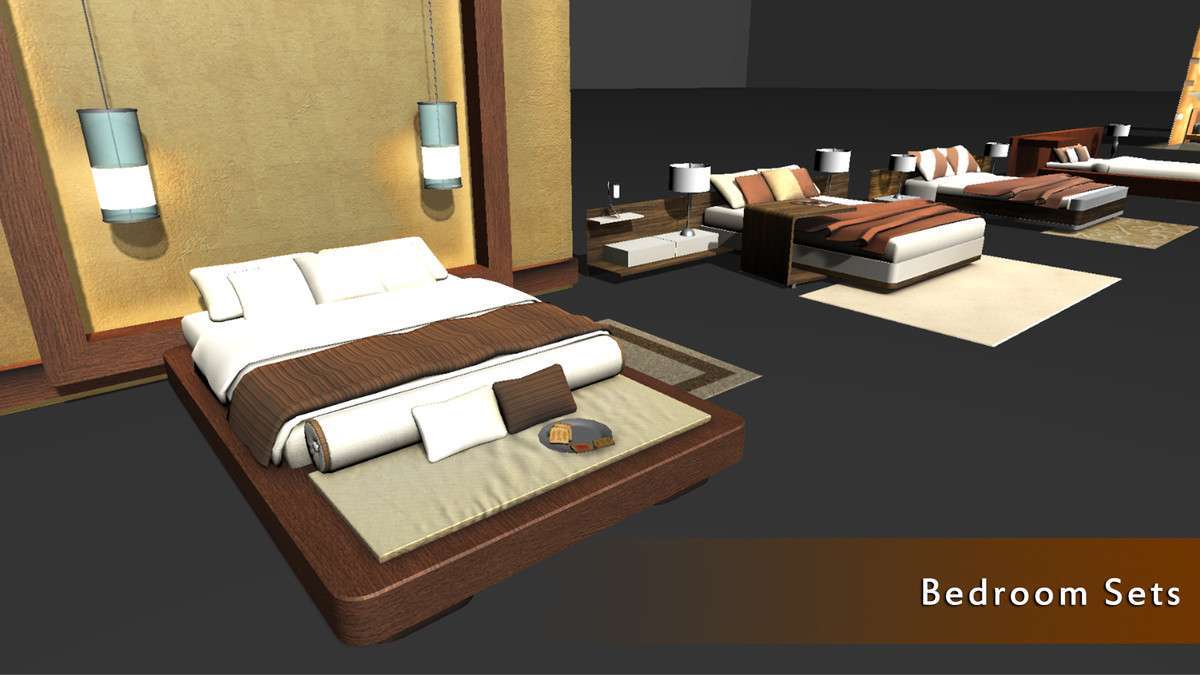
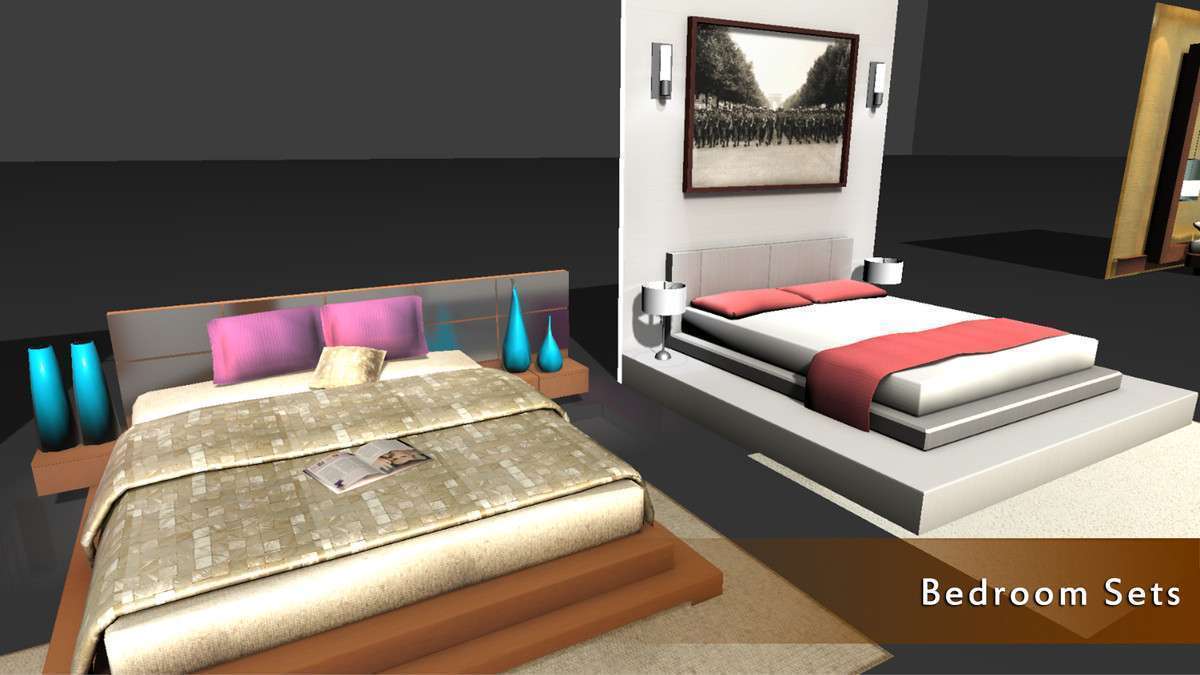
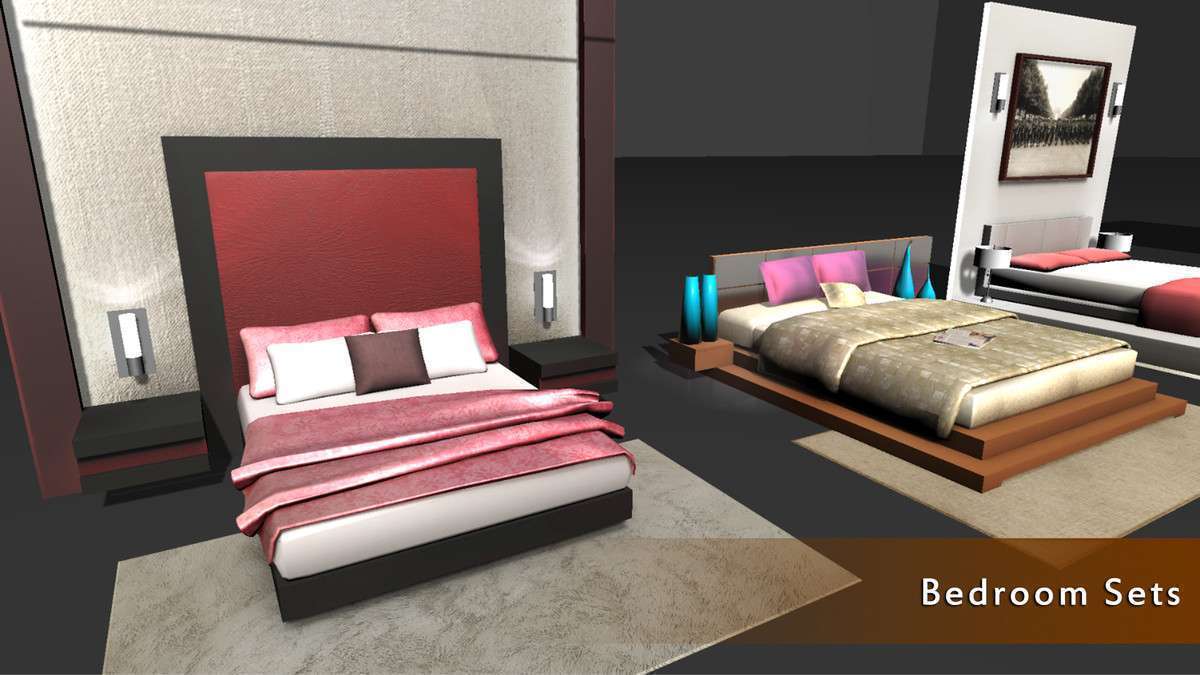
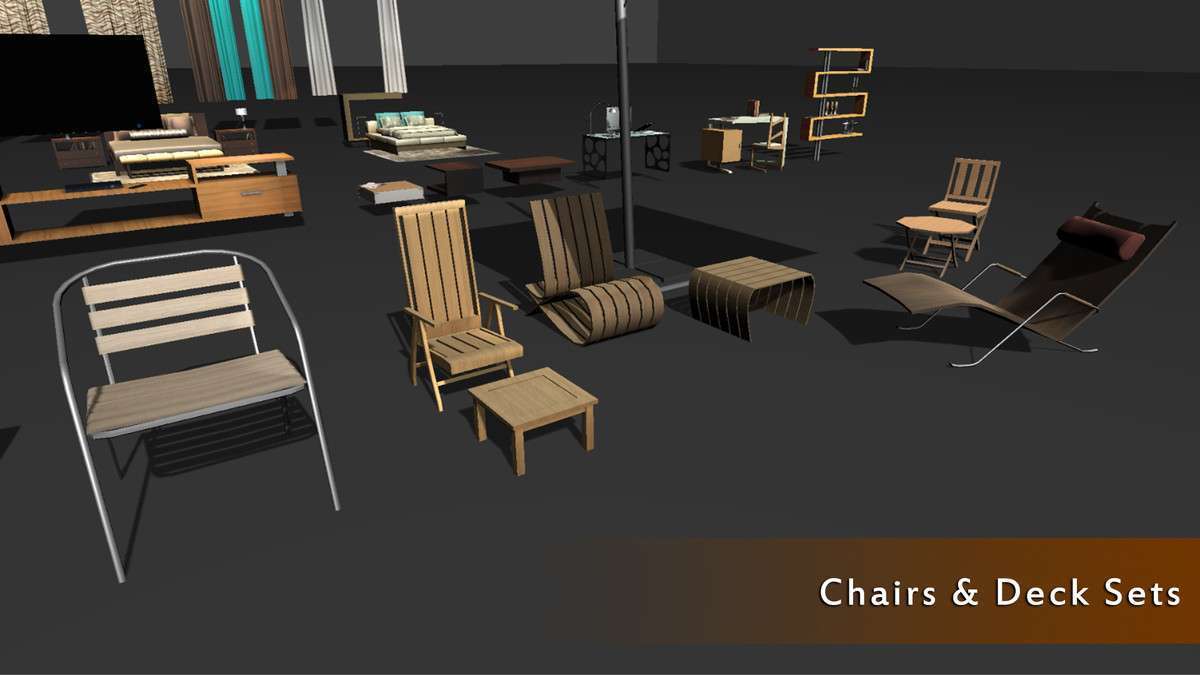
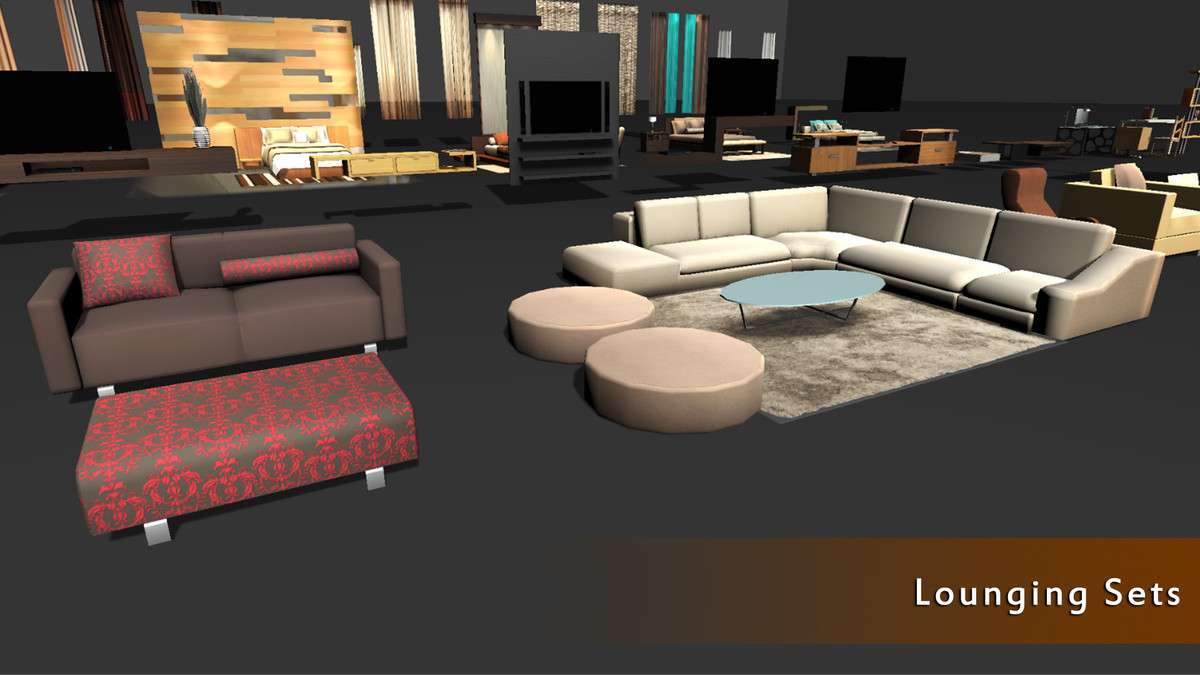
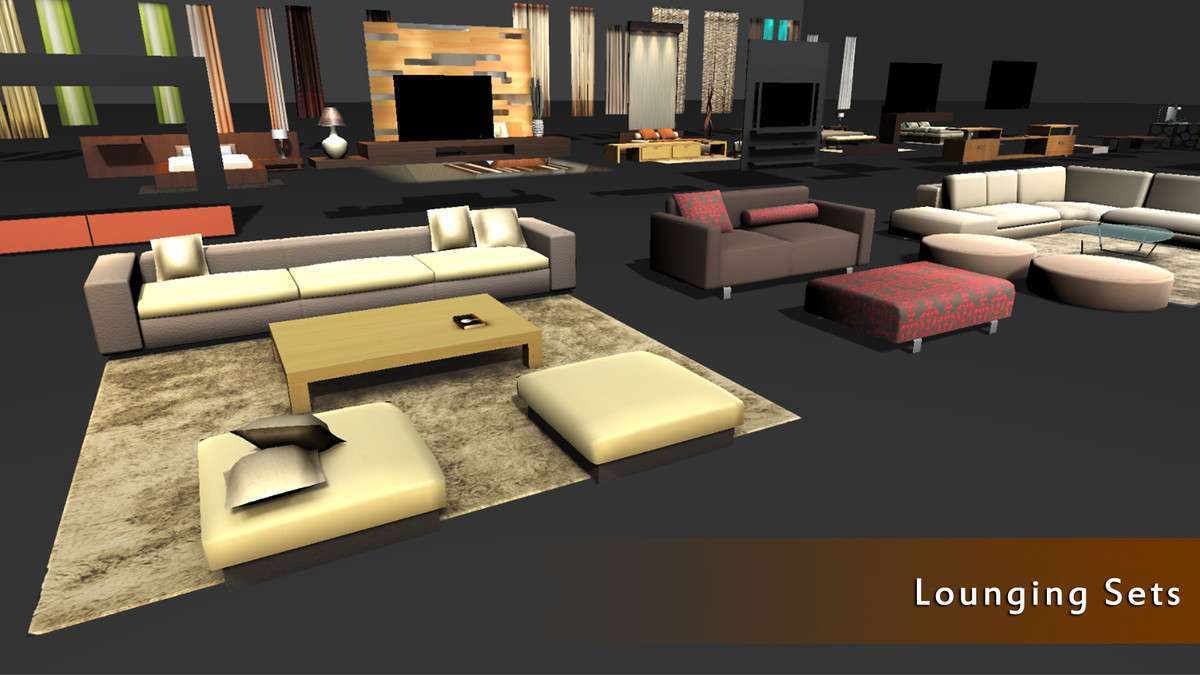
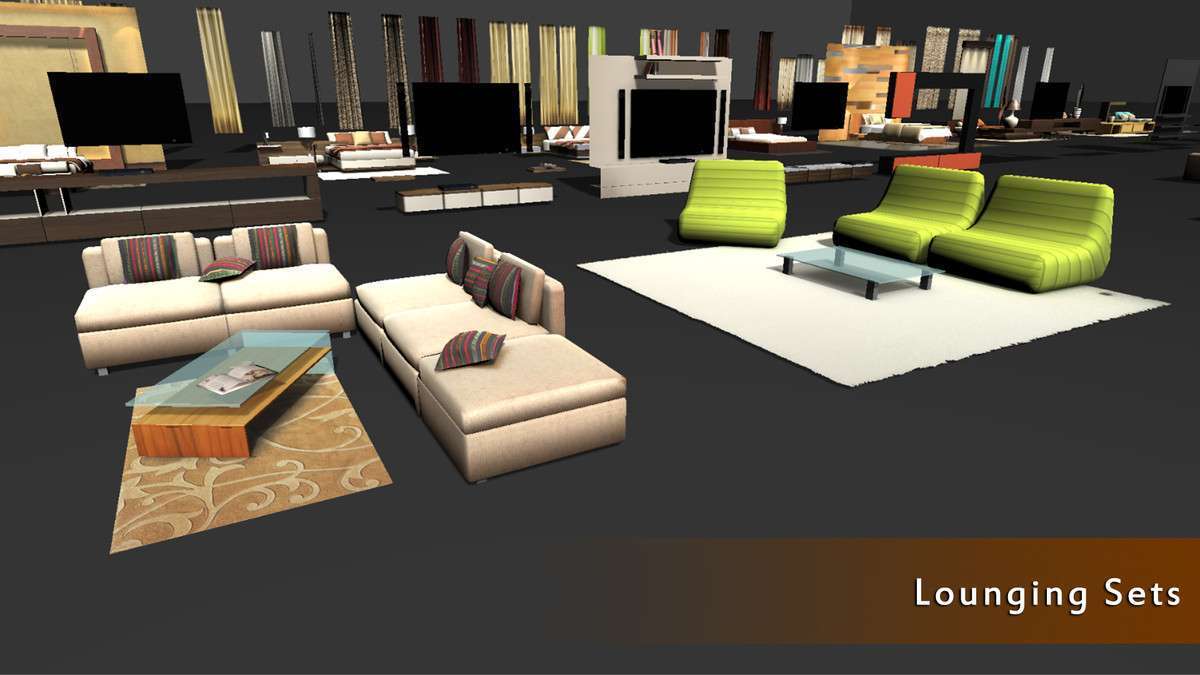
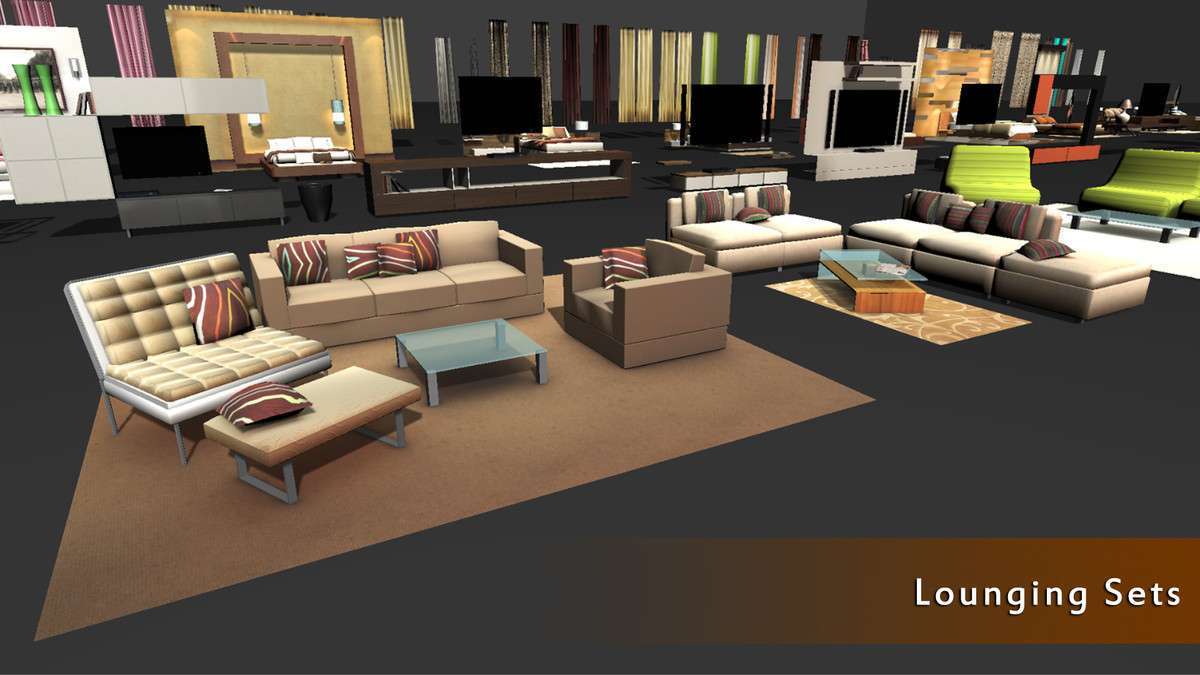
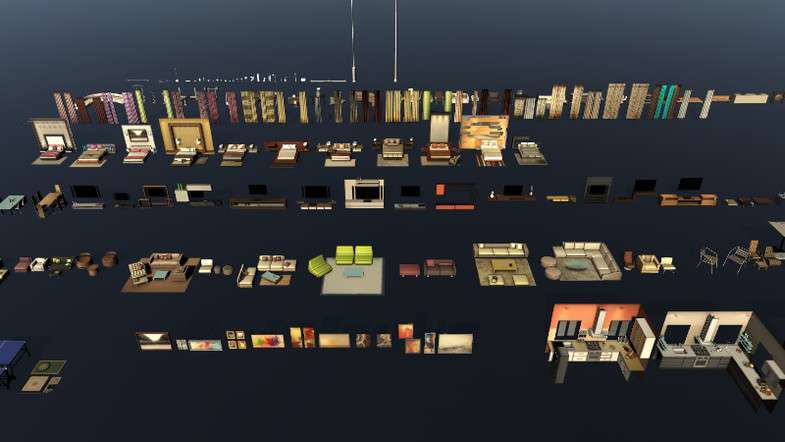
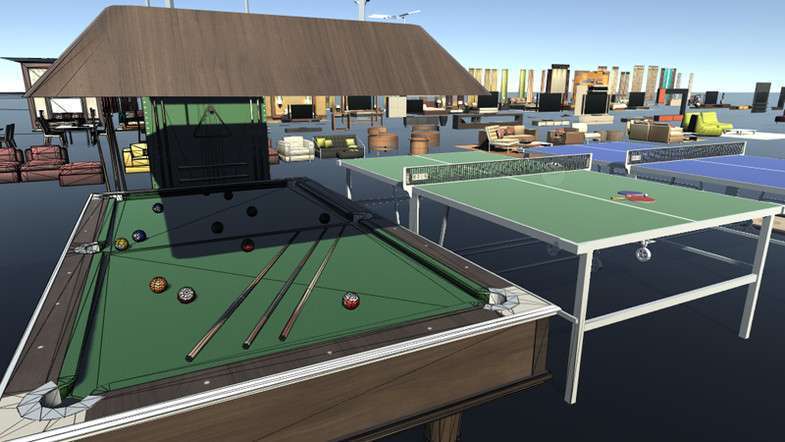
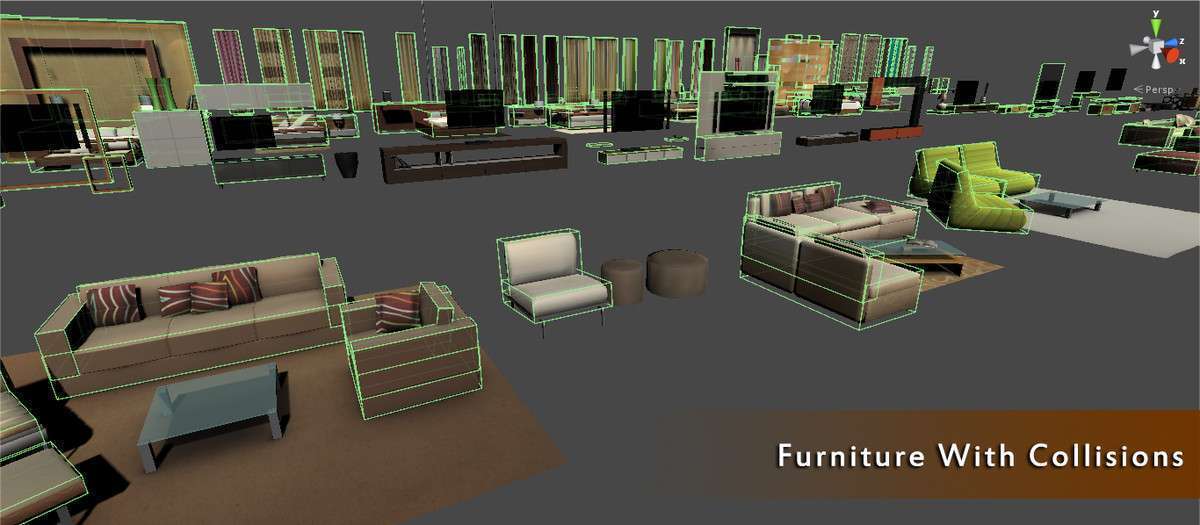
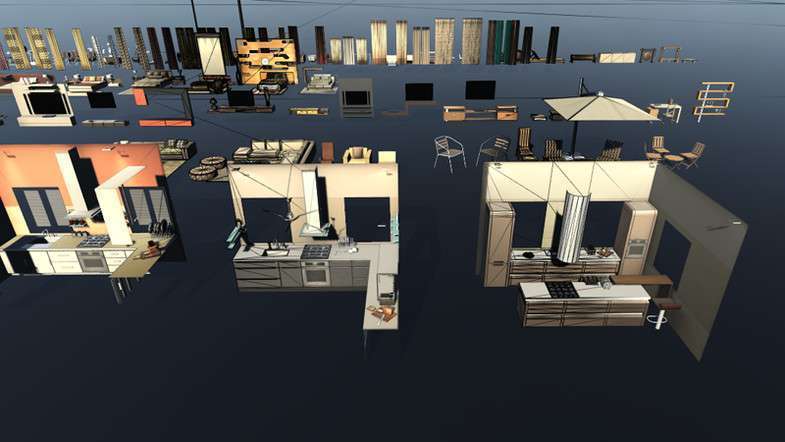
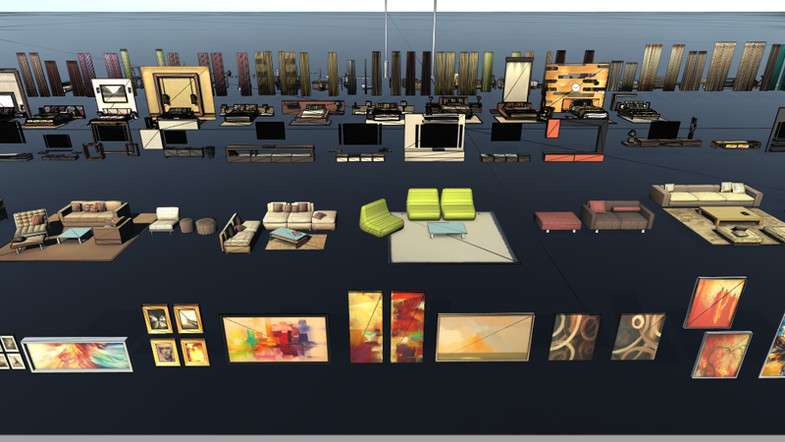
Leveraging the Furniture Mega Pack Unity 2.0.0 assets effectively requires a solid understanding of baked lighting and draw call batching. These 134+ models are manually unwrapped and optimized for Unity’s pre-baked Global Illumination (GI). While the models are low-poly, the high-quality textures and lightmap UVs ensure they hold up well in high-resolution ArchViz presentations.
Integration Tips
- Static Batching: Mark these furniture prefabs as ‘Static’ in the inspector to allow Unity to batch them. This is vital for mobile VR performance where reducing draw calls is the primary optimization goal.
- Lightmap Resolution: Since these are optimized for ArchViz, ensure your ‘Lightmap Resolution’ in the Lighting Tab is high enough to capture the soft shadows on the modern designs. Check for ‘overlapping UVs’ in the import settings if you see artifacts after a bake.
- URP/HDRP Conversion: The assets come with Standard Shader materials. When using URP or HDRP, use the ‘Edit > Rendering > Materials > Convert Selected Materials to URP’ tool to ensure the textures and GI respond correctly to the modern pipelines.
Best Use Cases
- Real-Estate Walkthroughs: The modern design aesthetic and pre-unwrapped lightmap UVs make this pack ideal for rapid prototyping of luxury apartments or office spaces that require high-fidelity baked lighting.
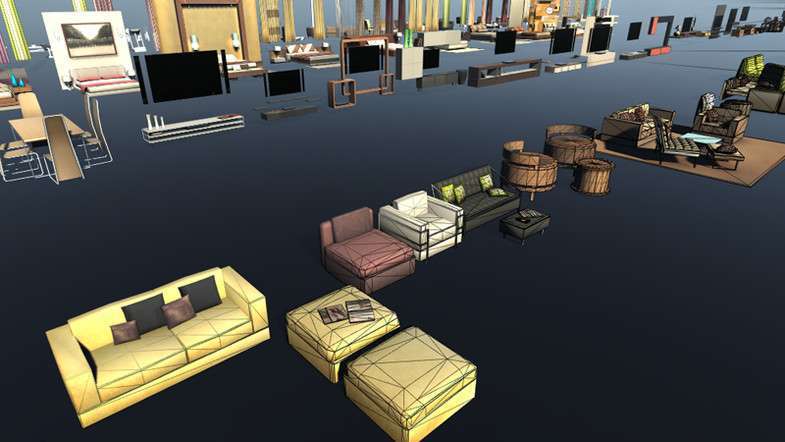
- Mobile Social Simulators: The low-poly nature of the meshes (134 models) allows for dense room decoration on mobile devices without exceeding the vertex count limits of mid-range GPUs.