
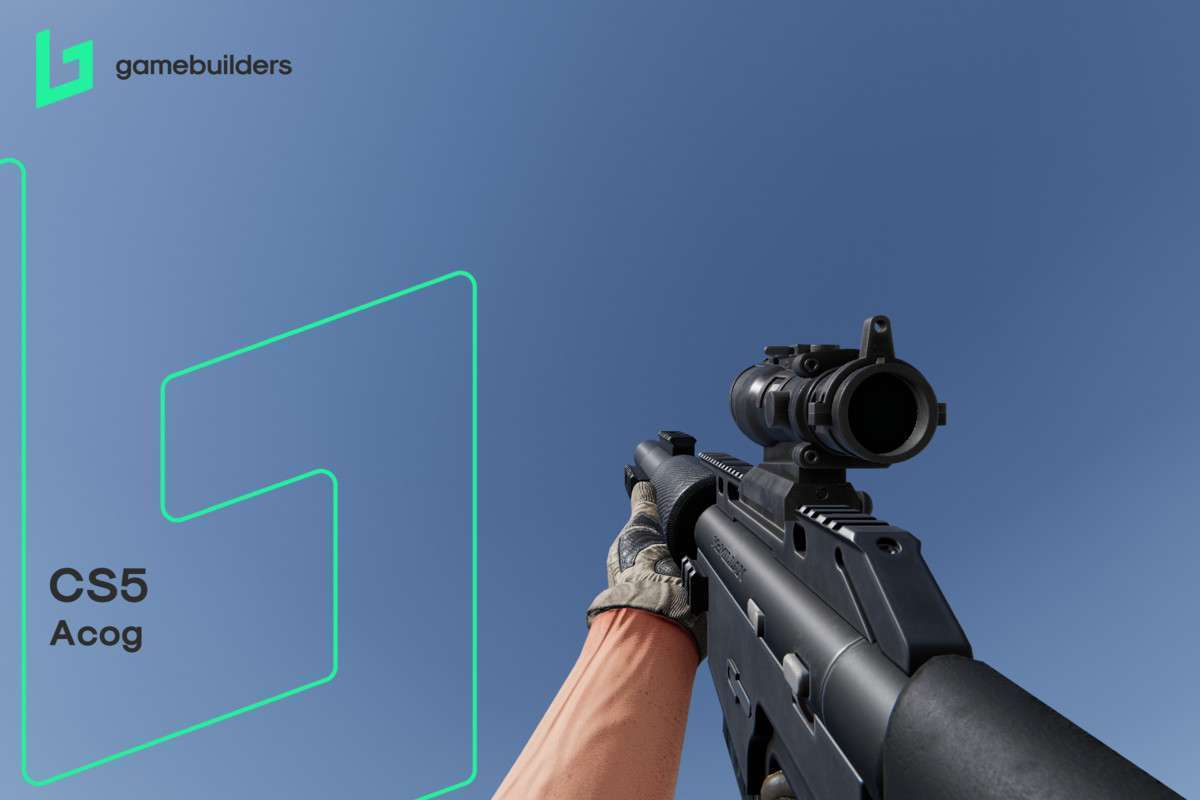


Deep Dive into FPS Builder
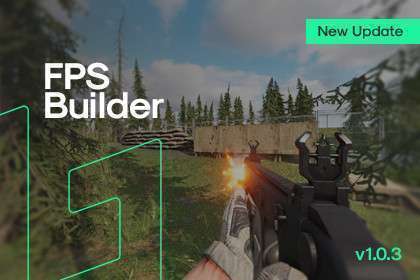
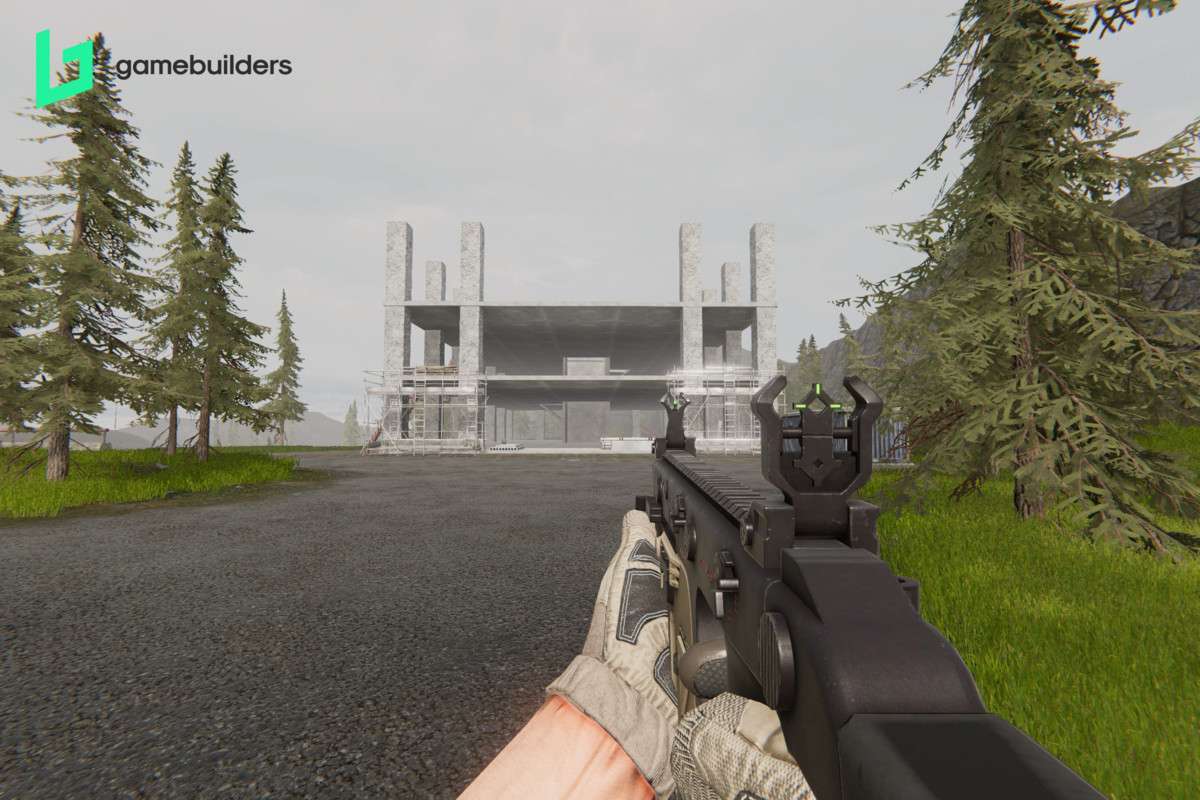
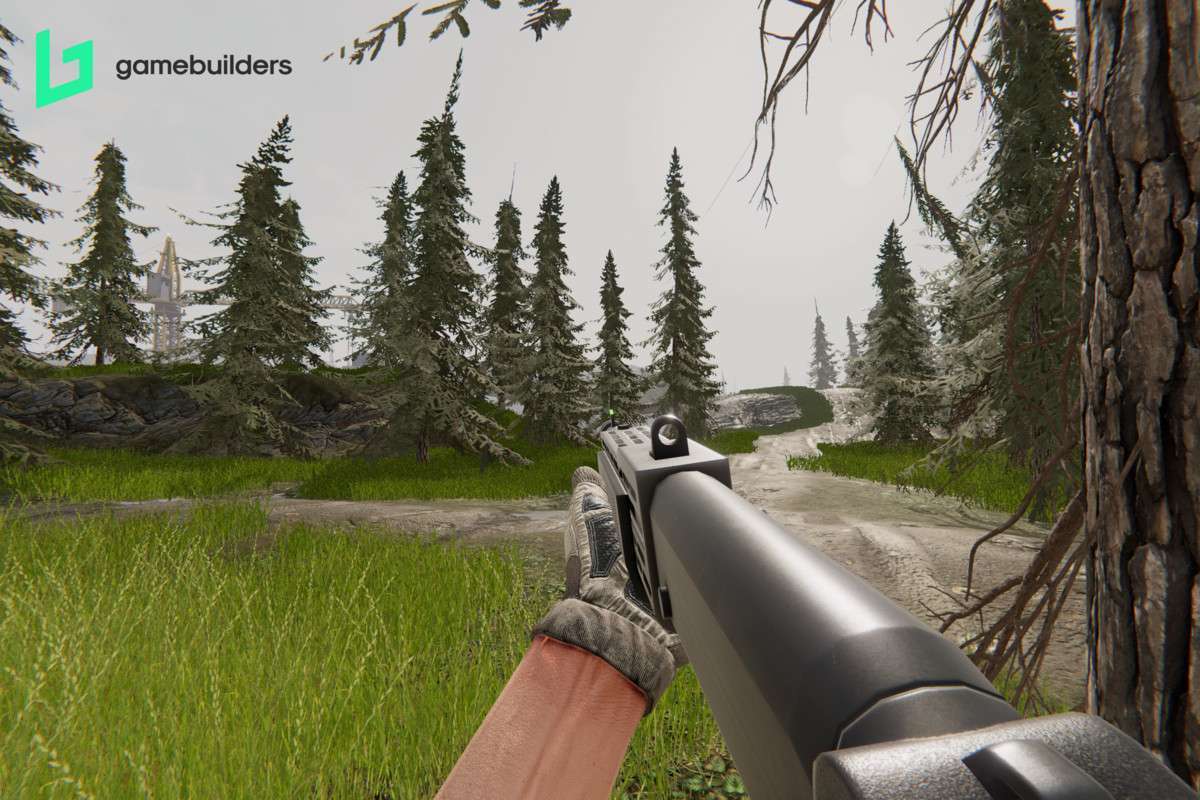
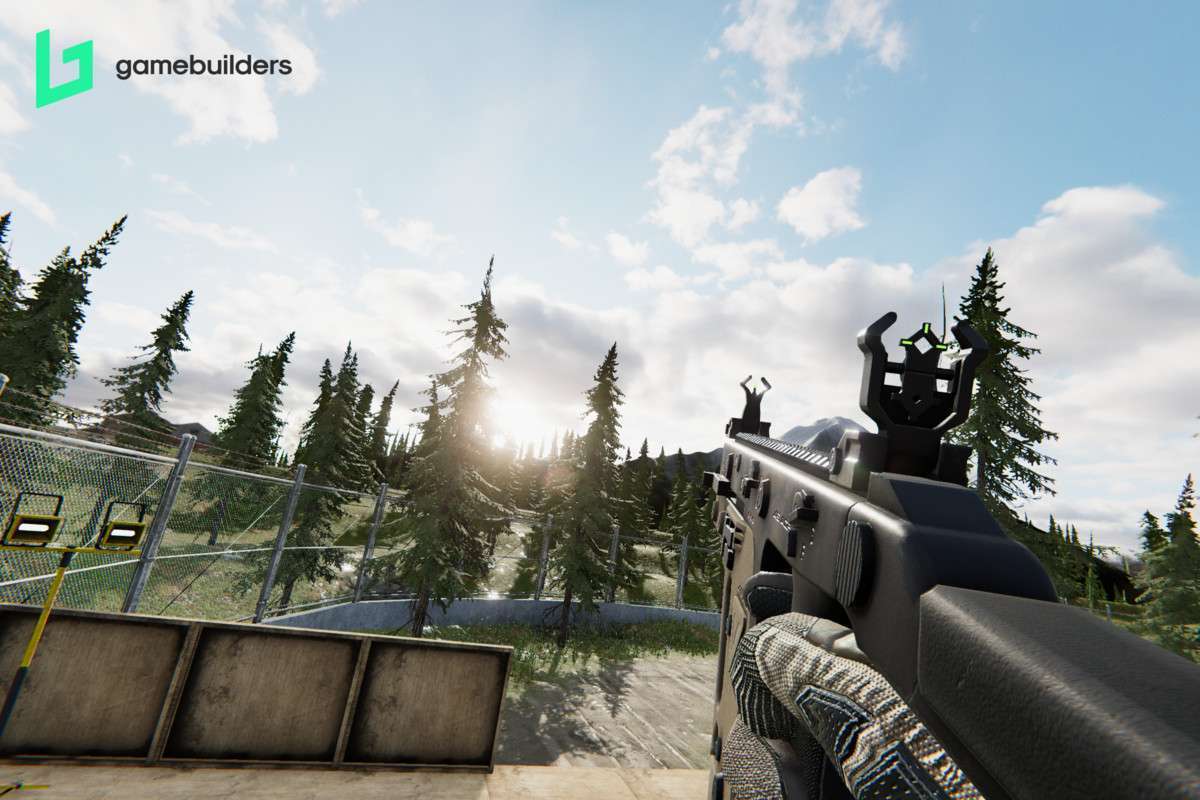
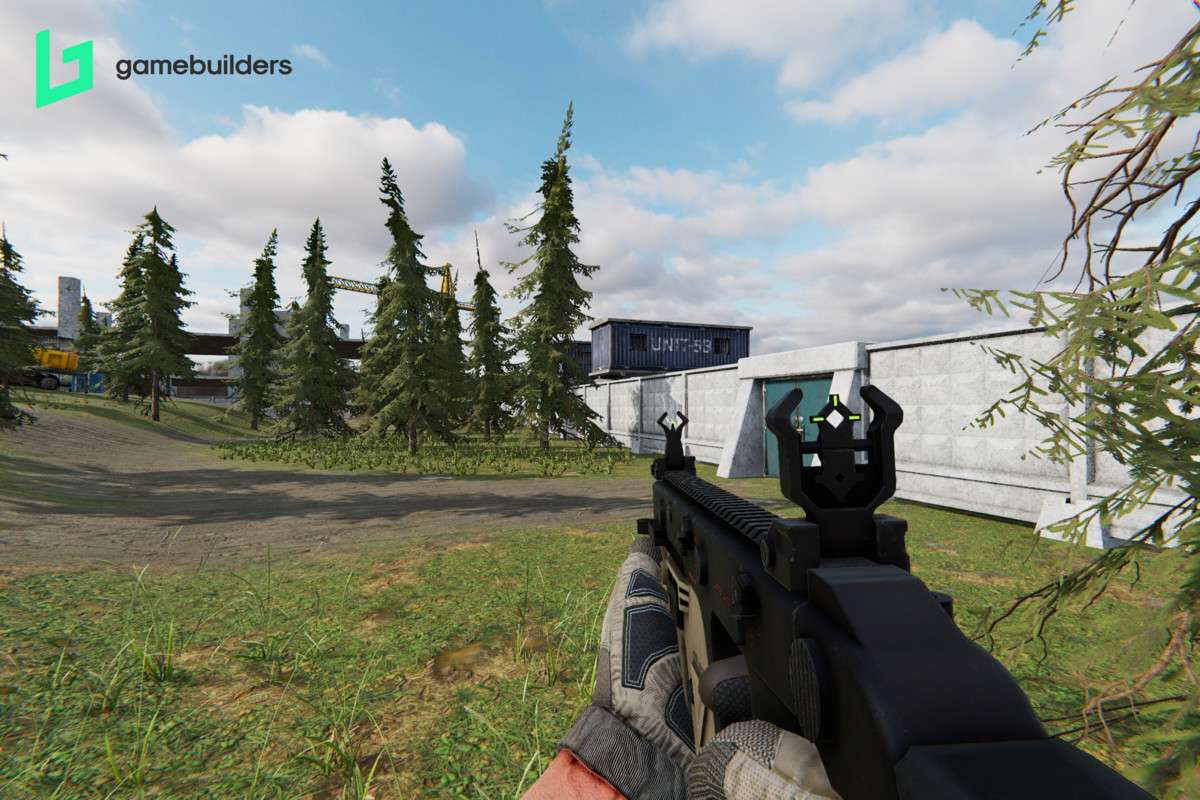
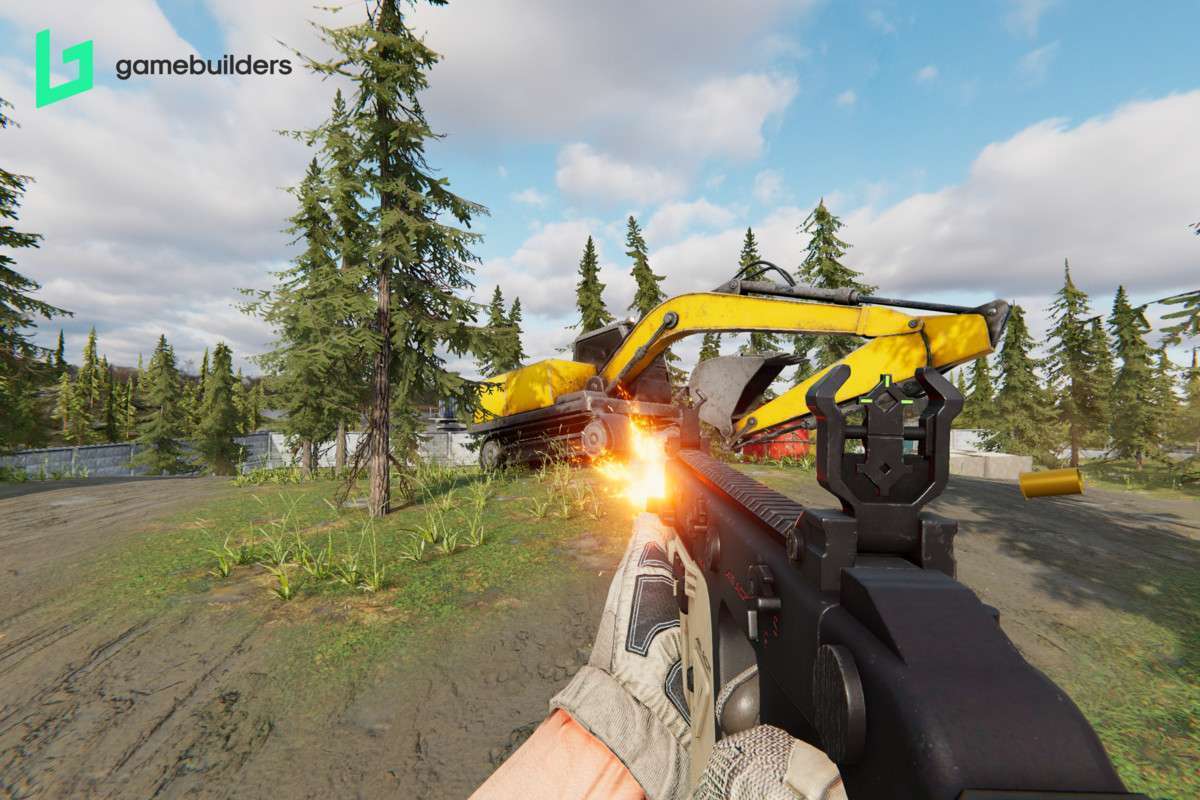
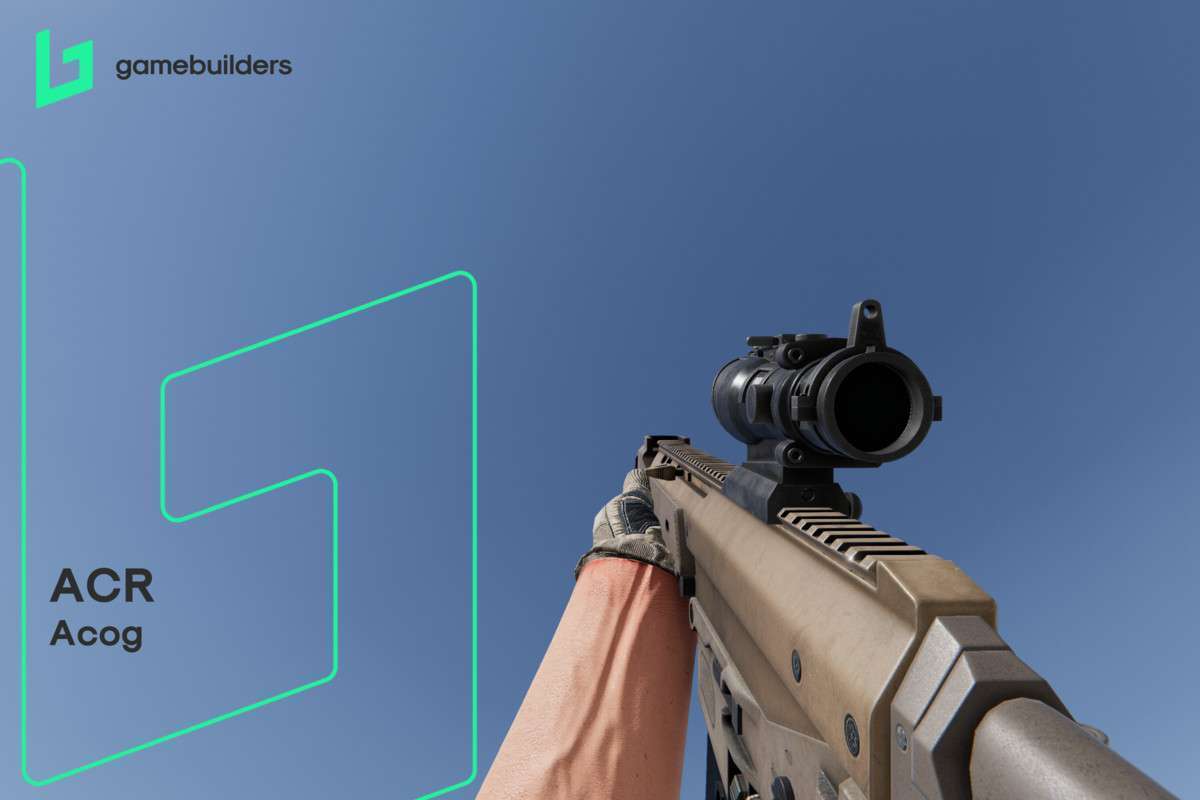
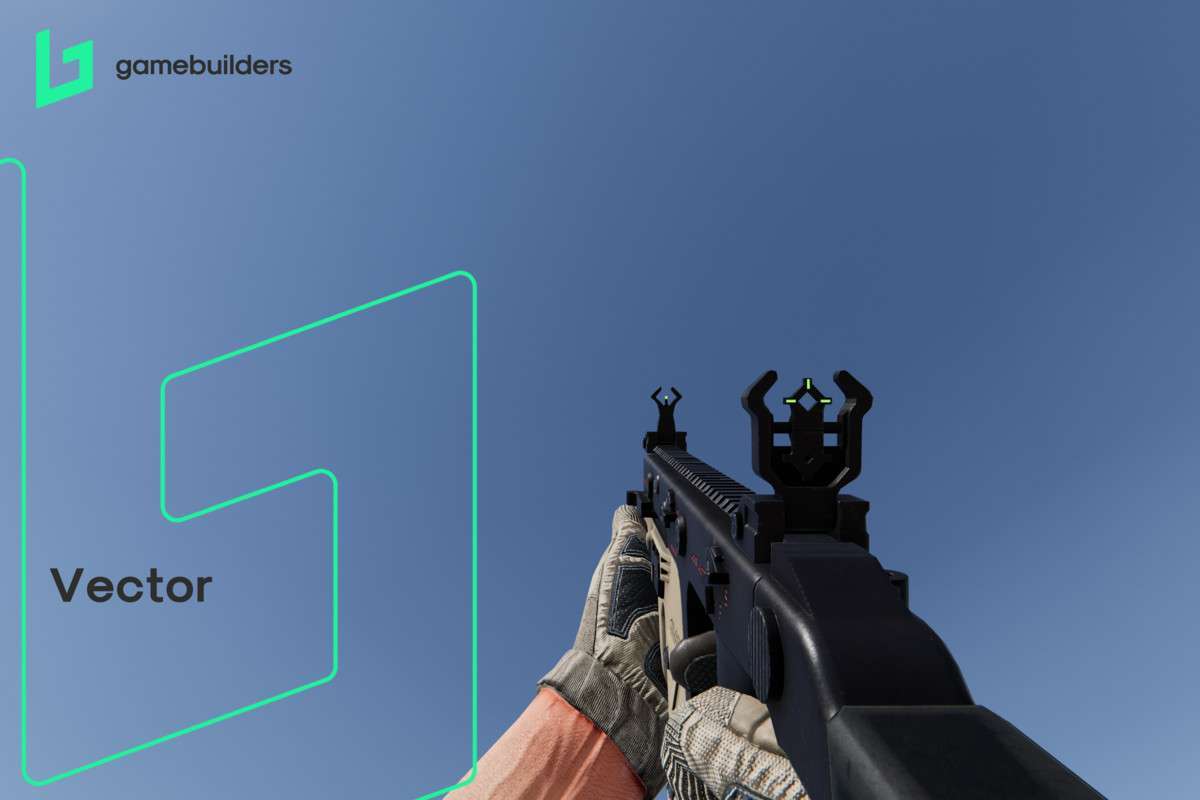
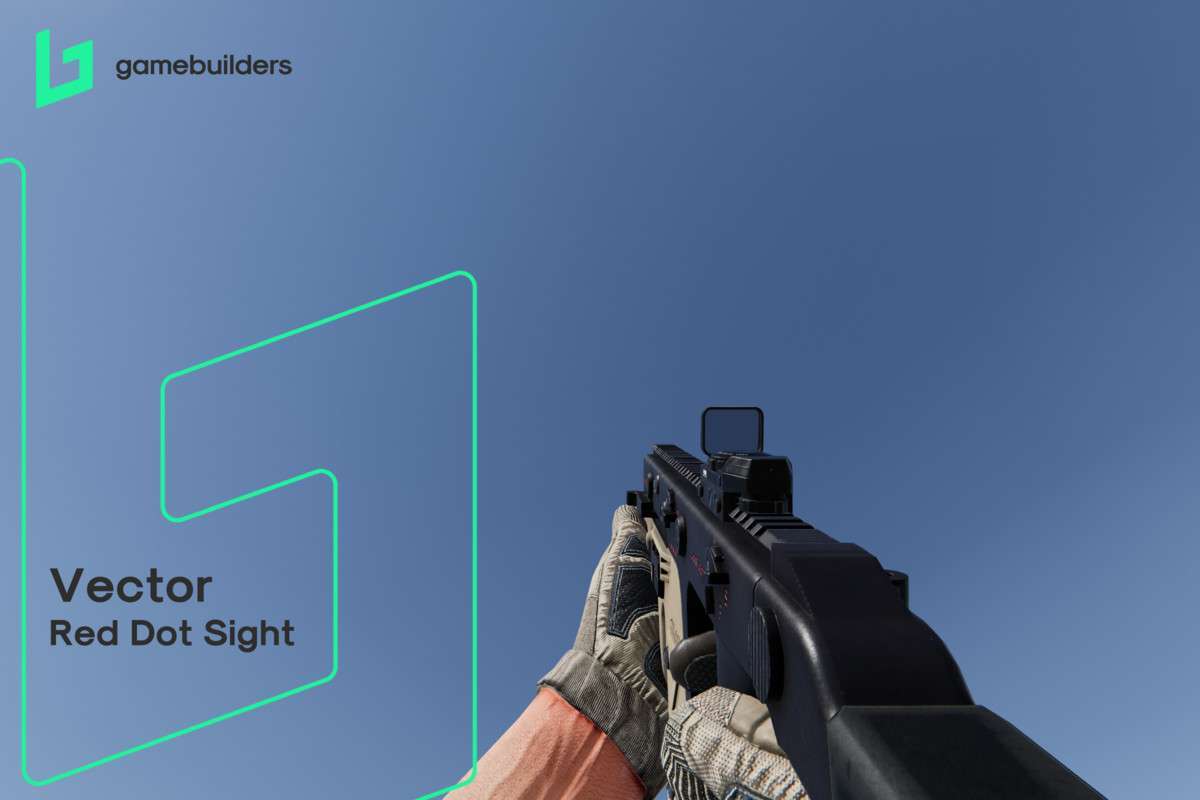
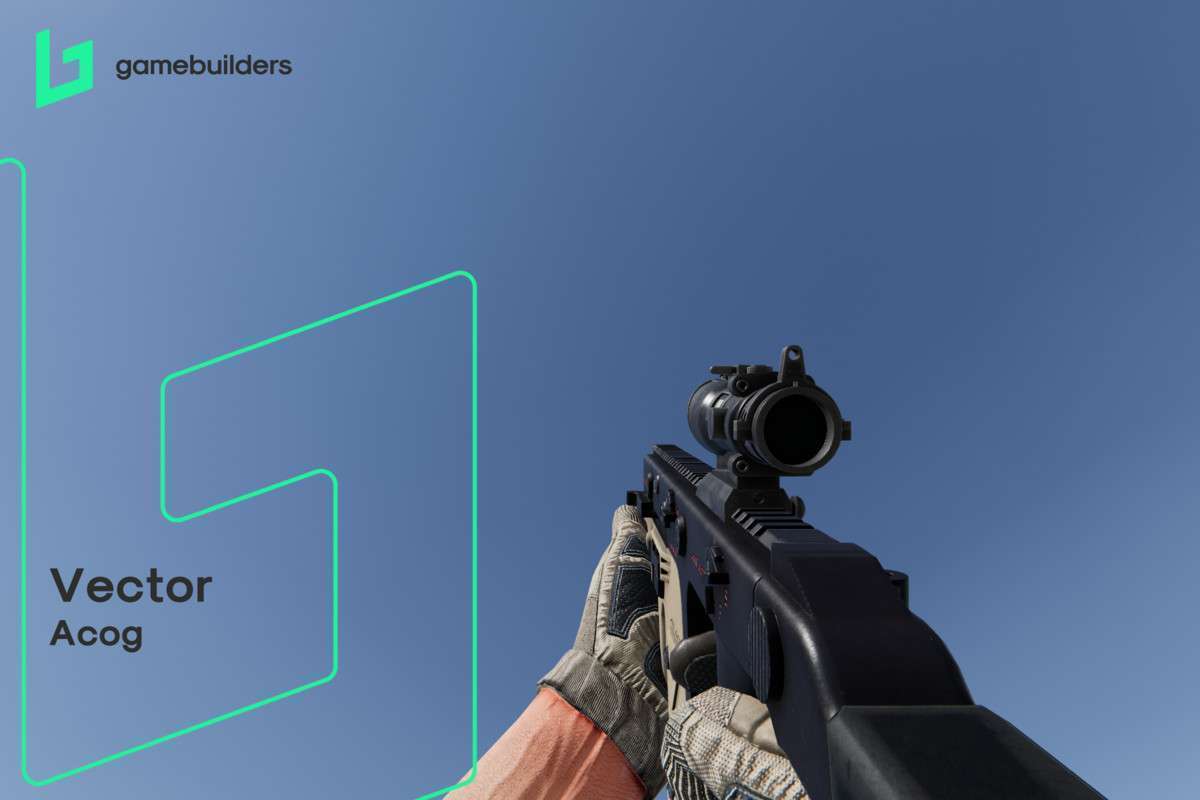
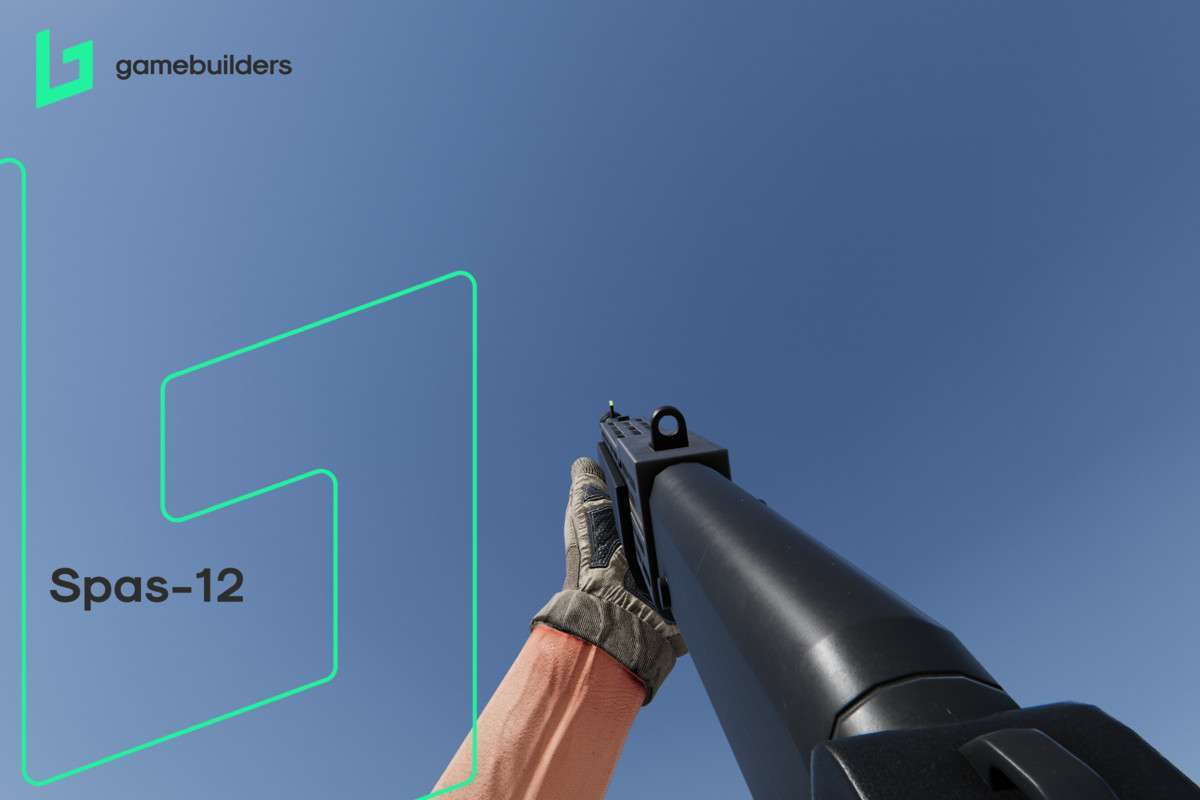
For teams aiming for a ‘AAA’ tactile feel out of the box, FPS Builder Unity offers one of the most robust procedural animation systems available. At version 1.1.0, it moves away from simple keyframe blending and utilizes a physics-driven approach for the Character Controller. This ensures that movement feels weighted and responsive, particularly during complex maneuvers like sliding and ladder climbing, which are often sources of jitter in lesser controllers.
Integration Tips
- 4K Texture Optimization: The included environment packs use 4K textures. While they look great, we recommend using the Unity
Texture Update Strategyand ensuring Crunch Compression is enabled for builds to keep your VRAM usage under control, especially on mid-range hardware. - Input System Compatibility: This asset relies on a custom input wrapper. If you are migrating to the New Input System package, you will need to map the actions to the controller’s internal event delegates.
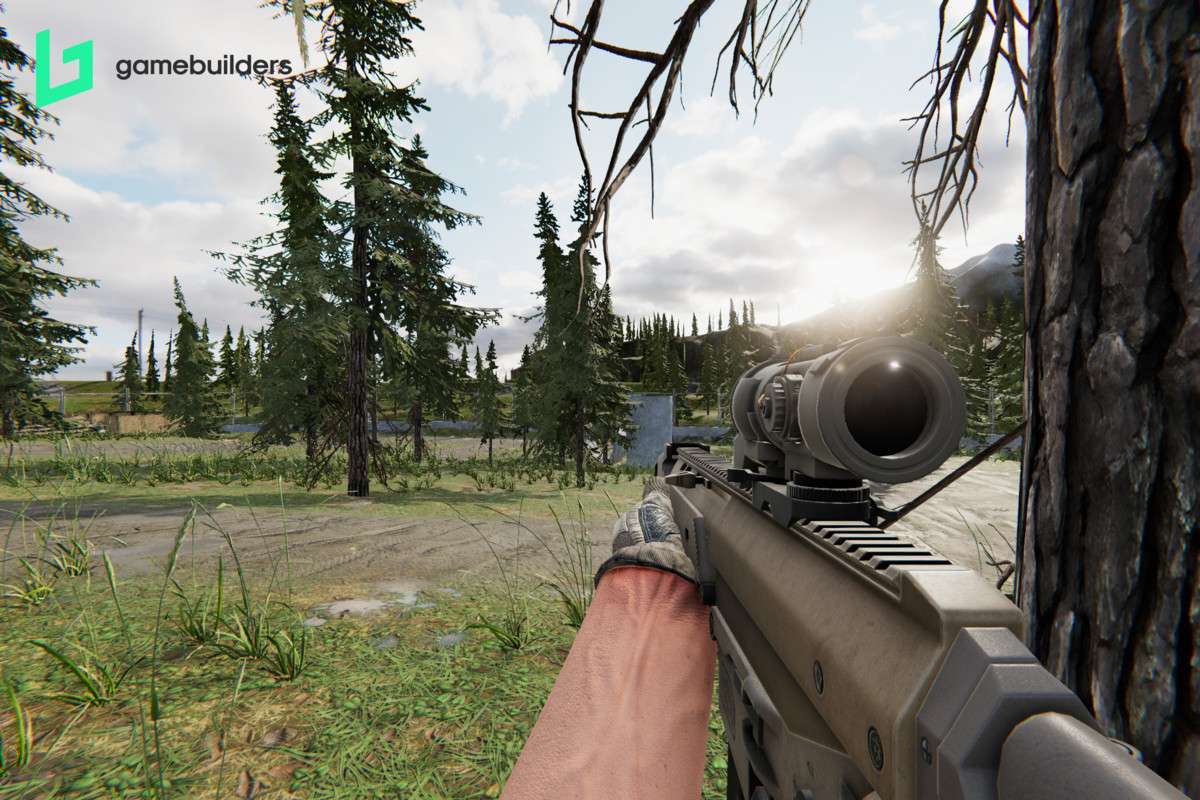
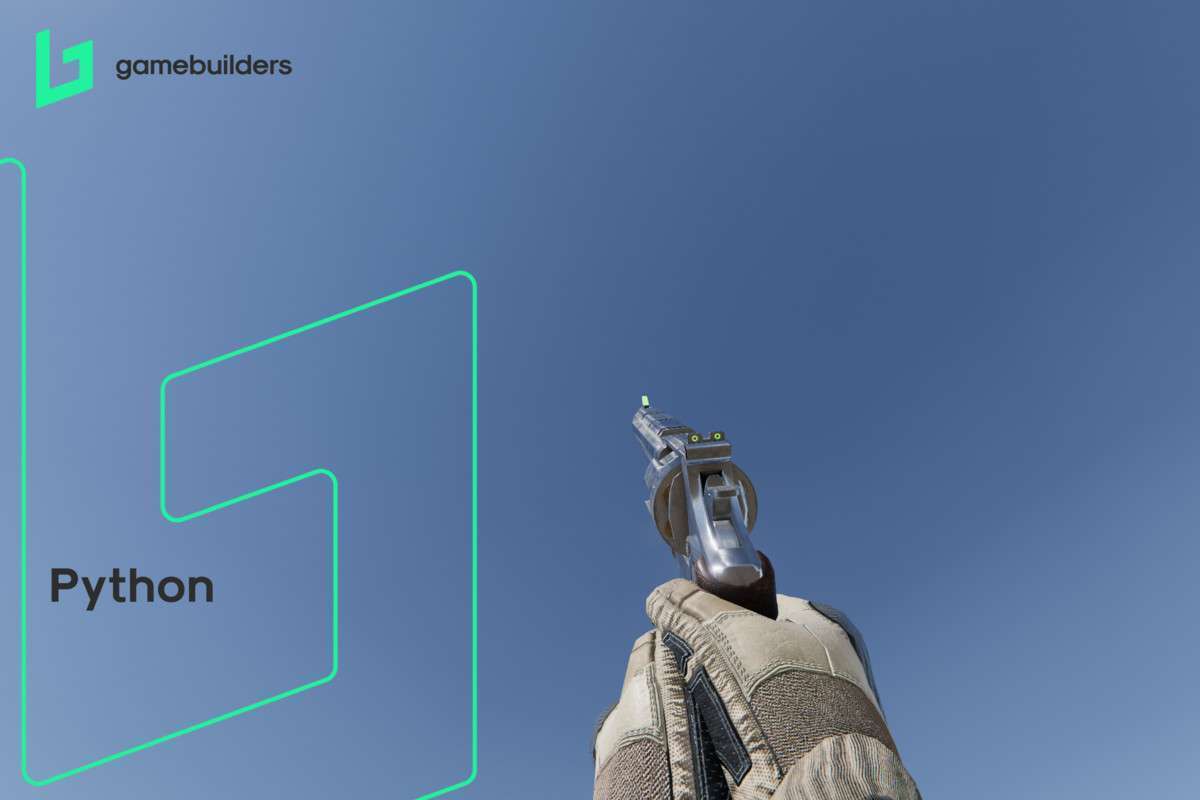
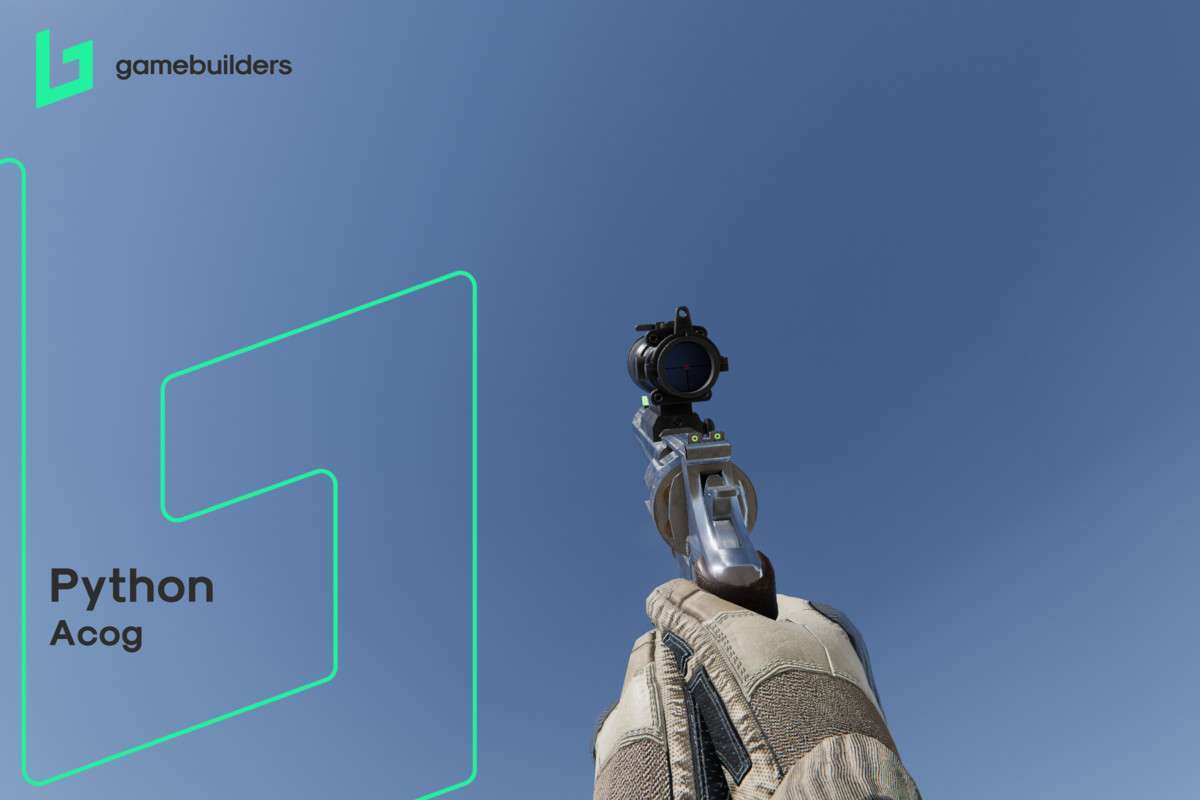
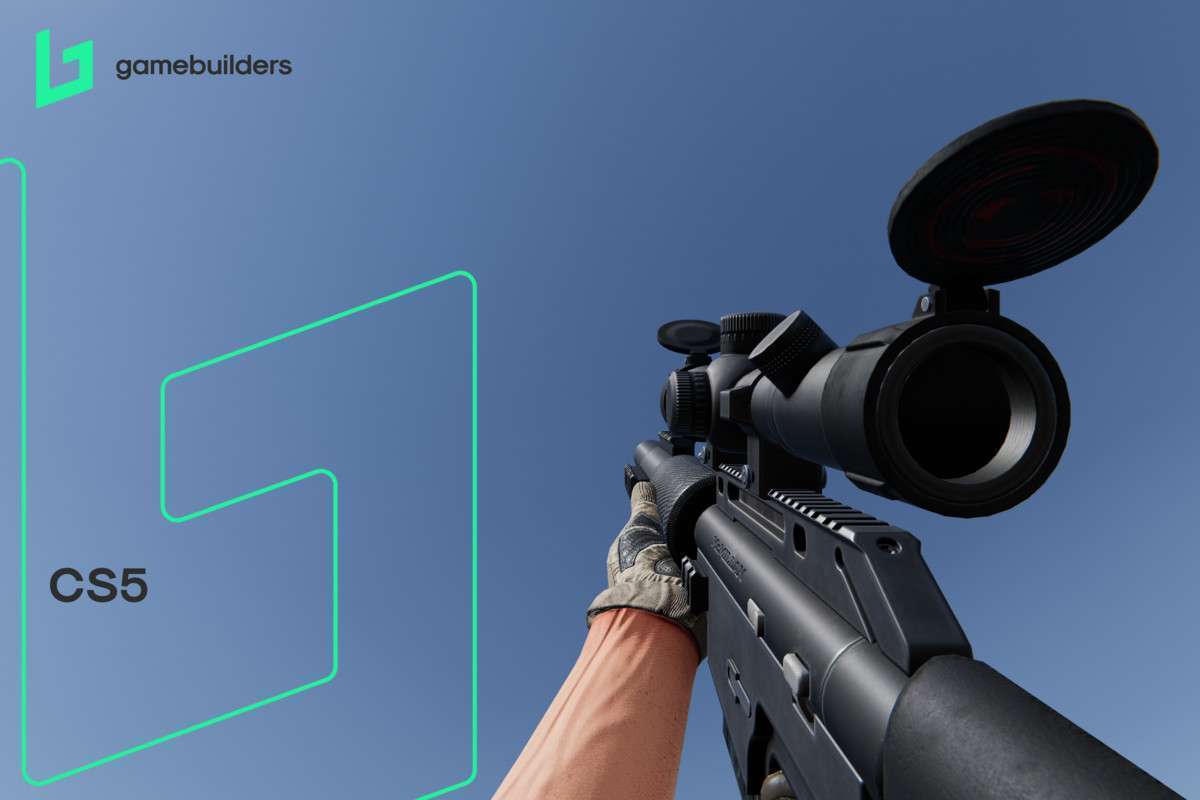
- Procedural Animator Tweaking: Don’t just use the default weapon bobs. Access the procedural animator component to adjust the ‘spring’ and ‘damping’ values to match the weight of different weapon prefabs.
Best Use Cases
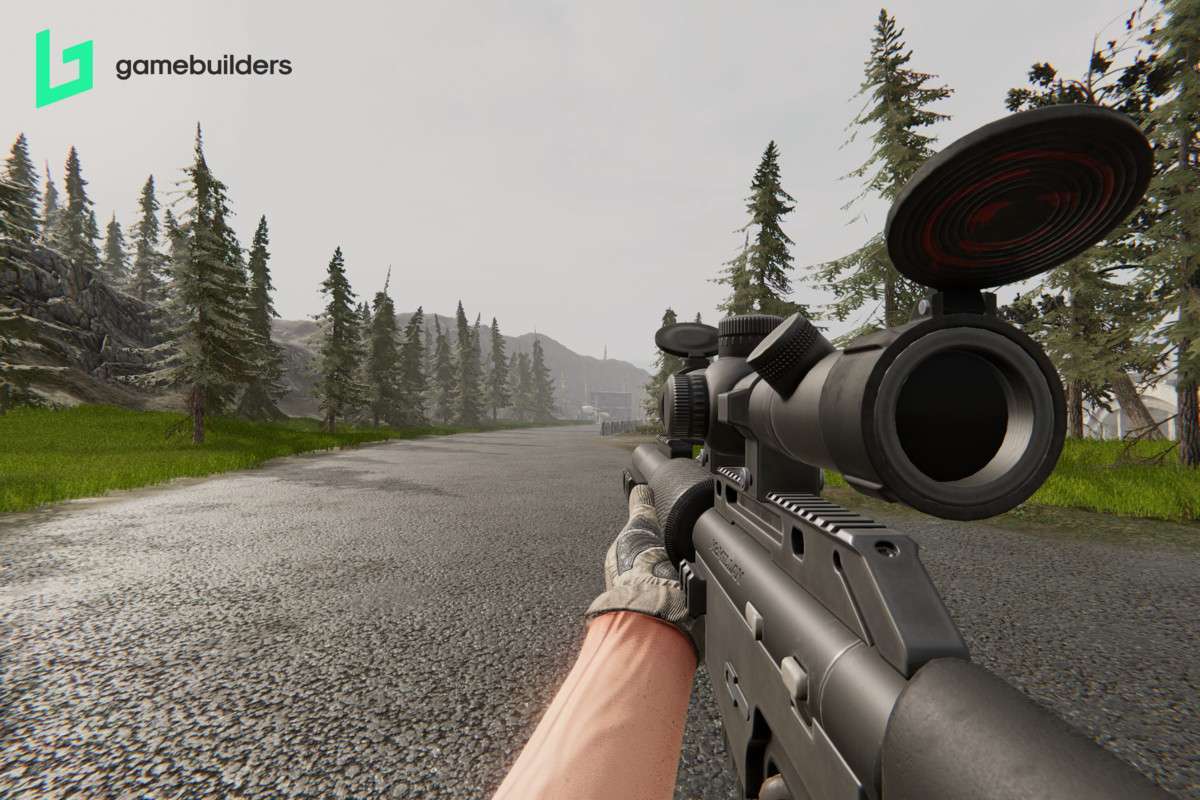
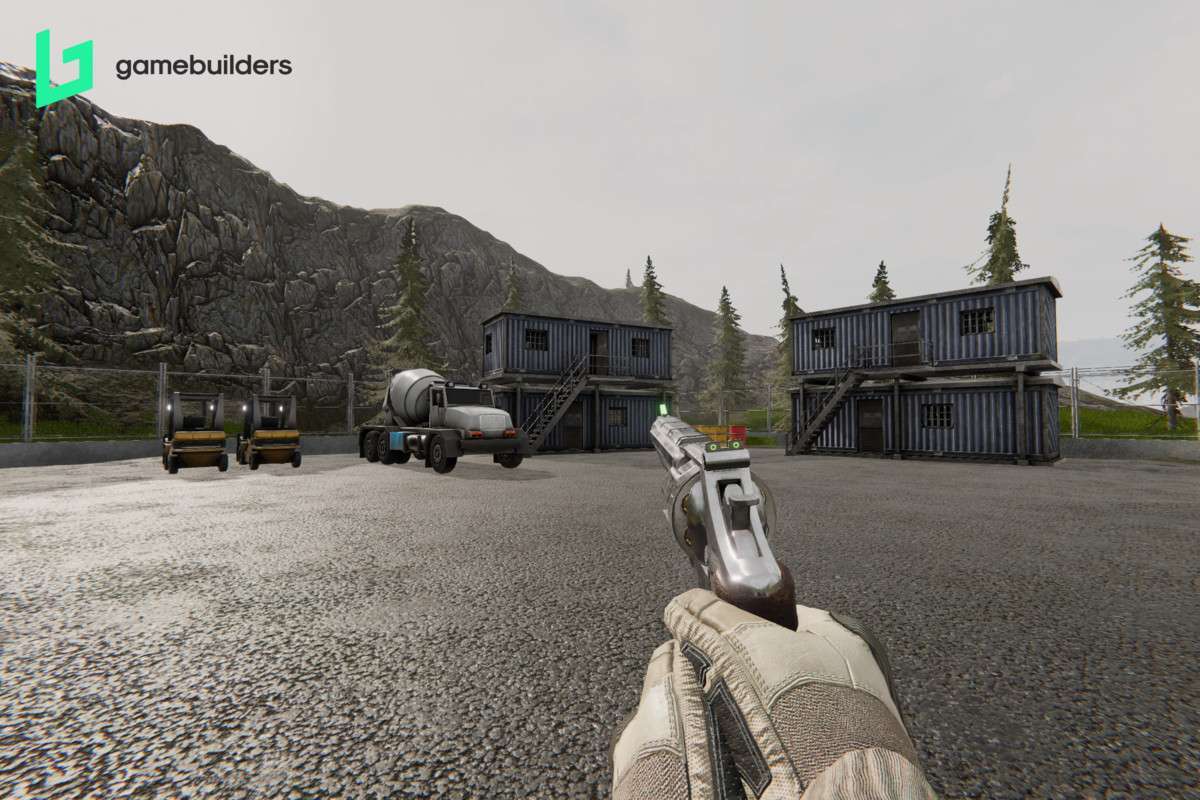
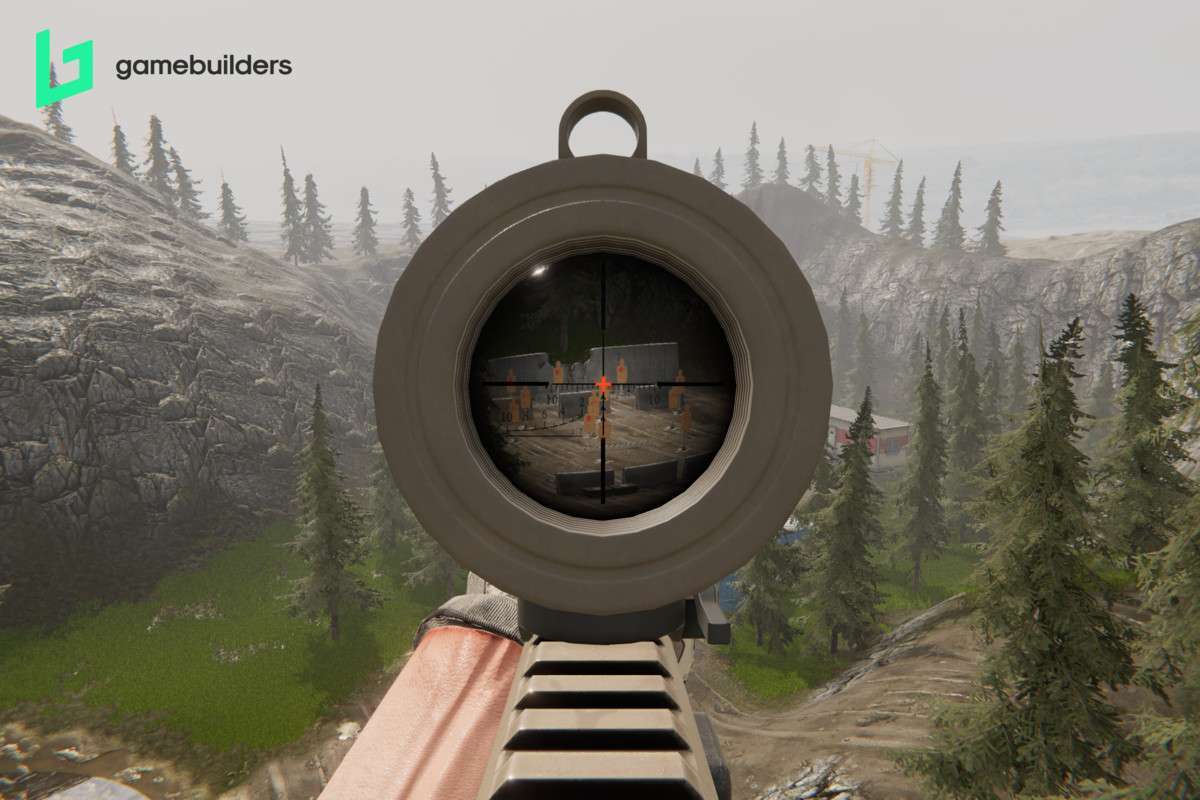
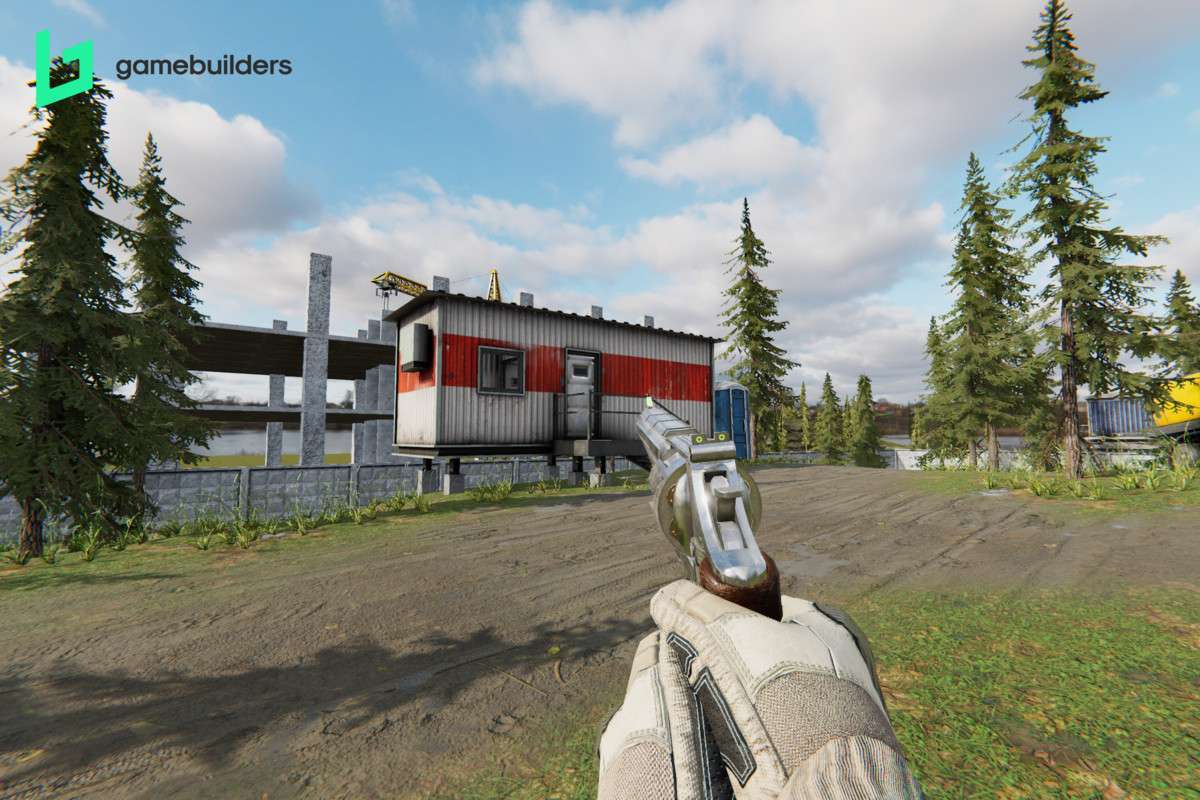
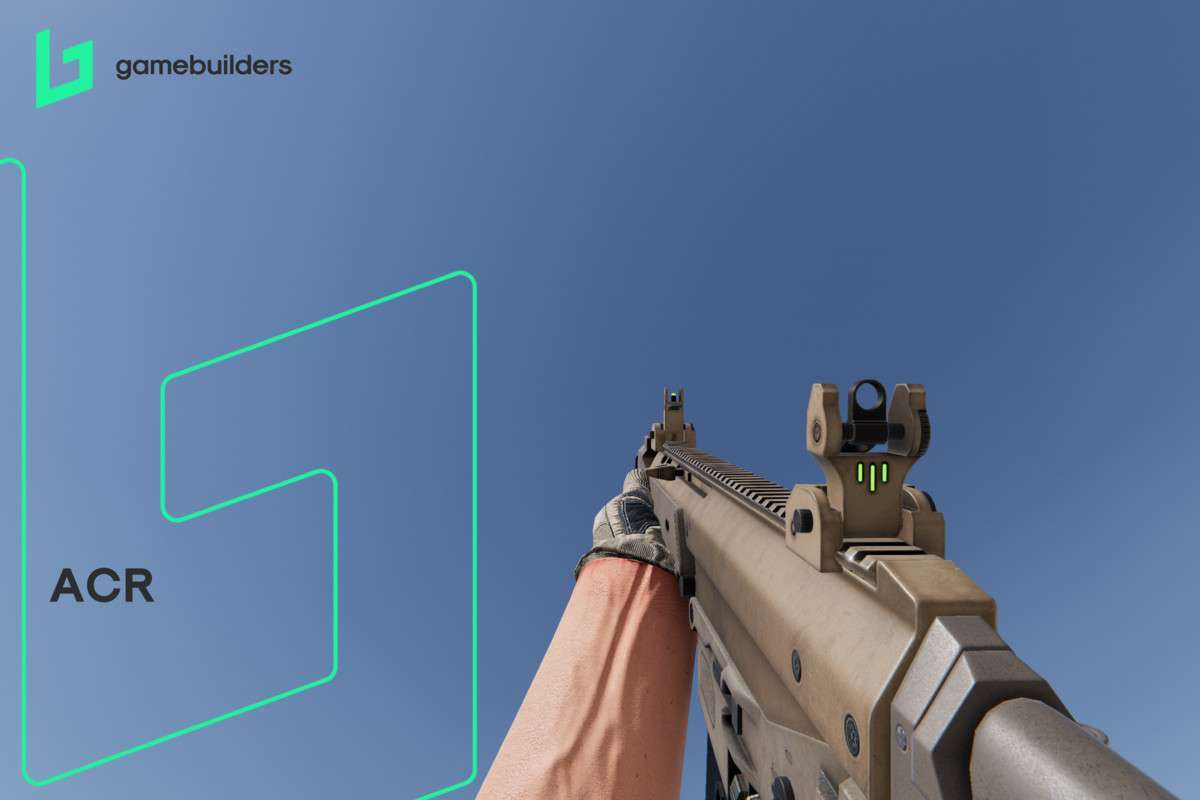
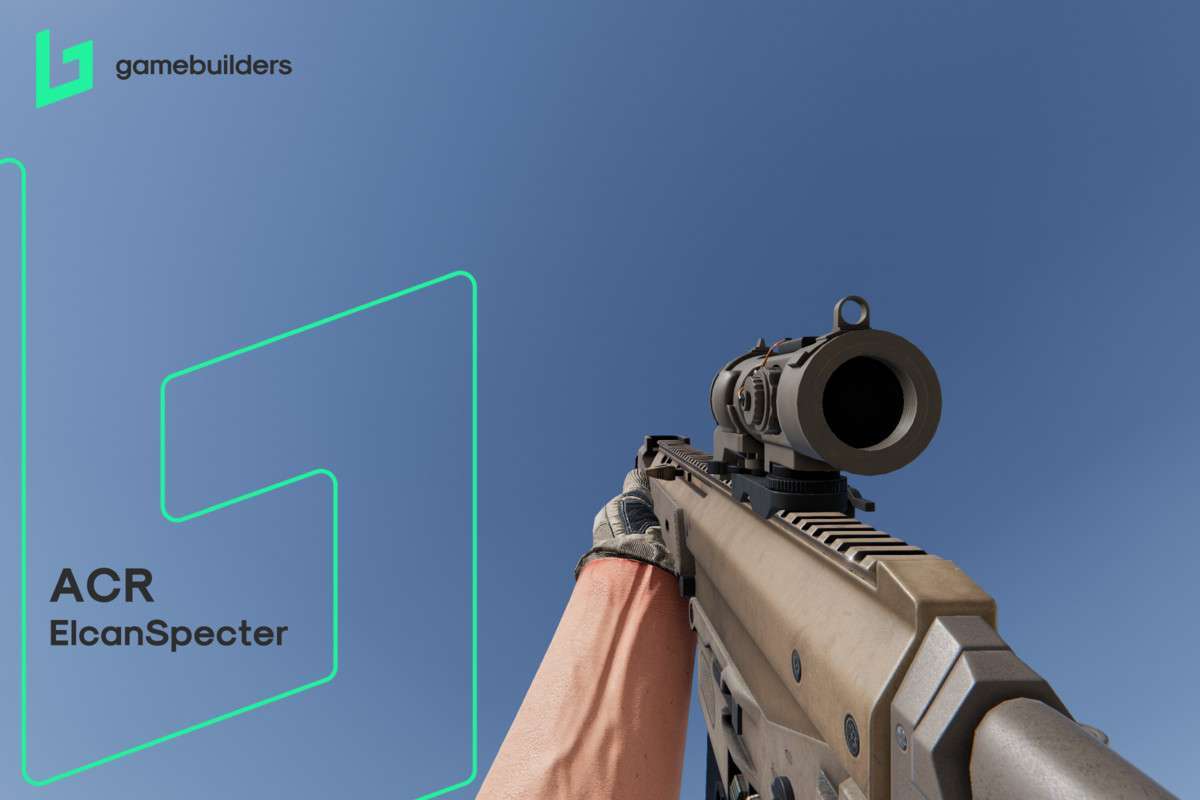
- Tactical Mil-Sims: The advanced health management system (simulating body members) and the high-fidelity weapon simulation make it a perfect fit for games where realism and punishing damage models are core pillars.
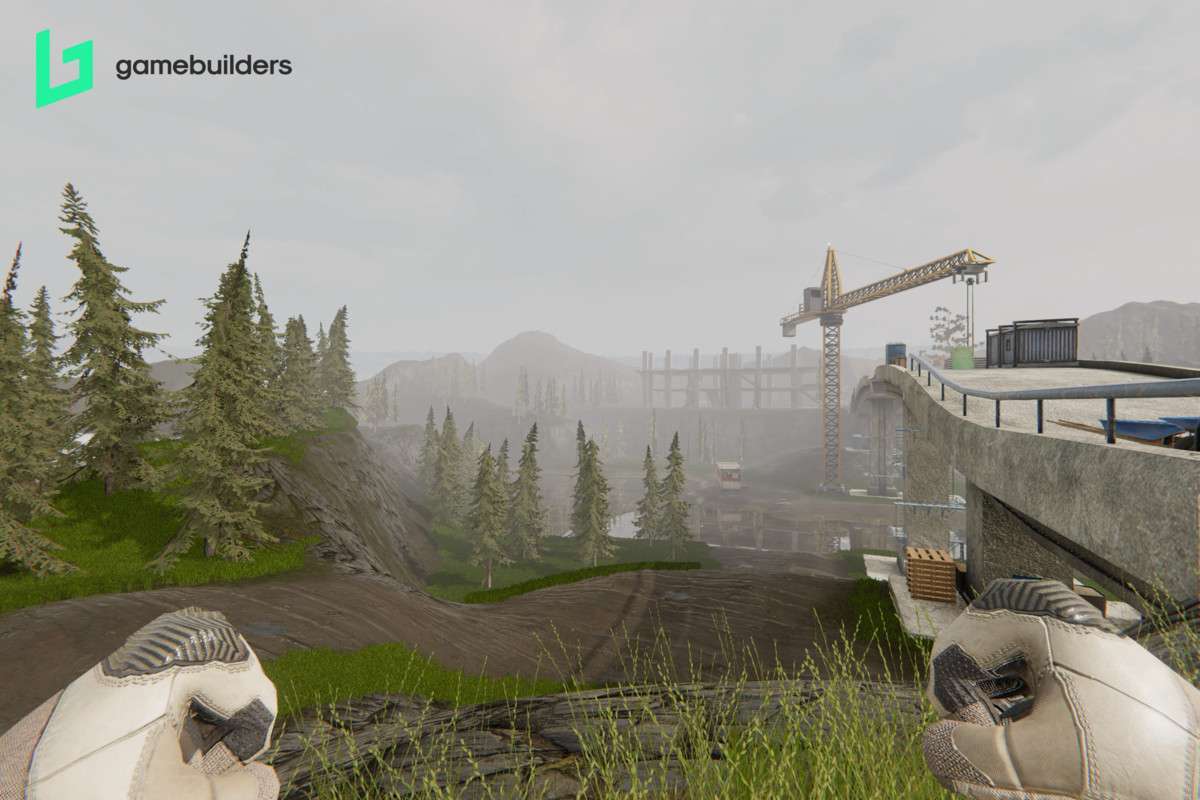
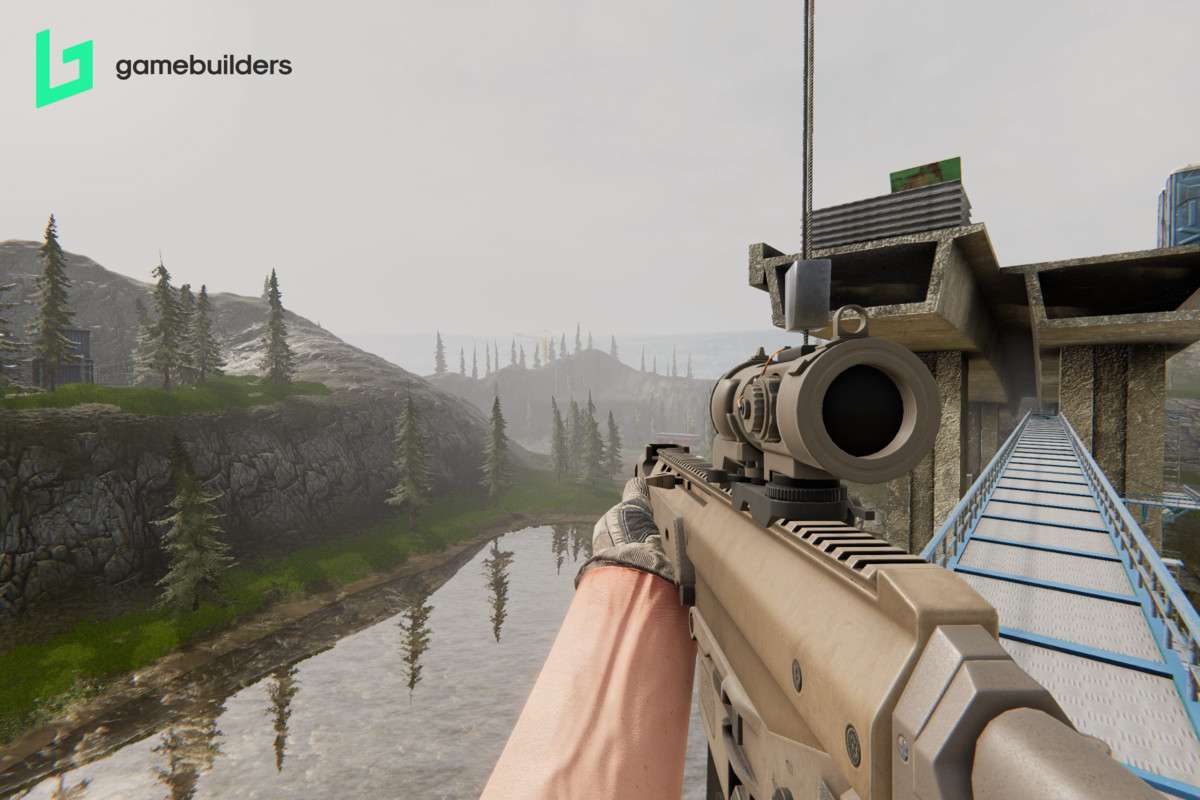
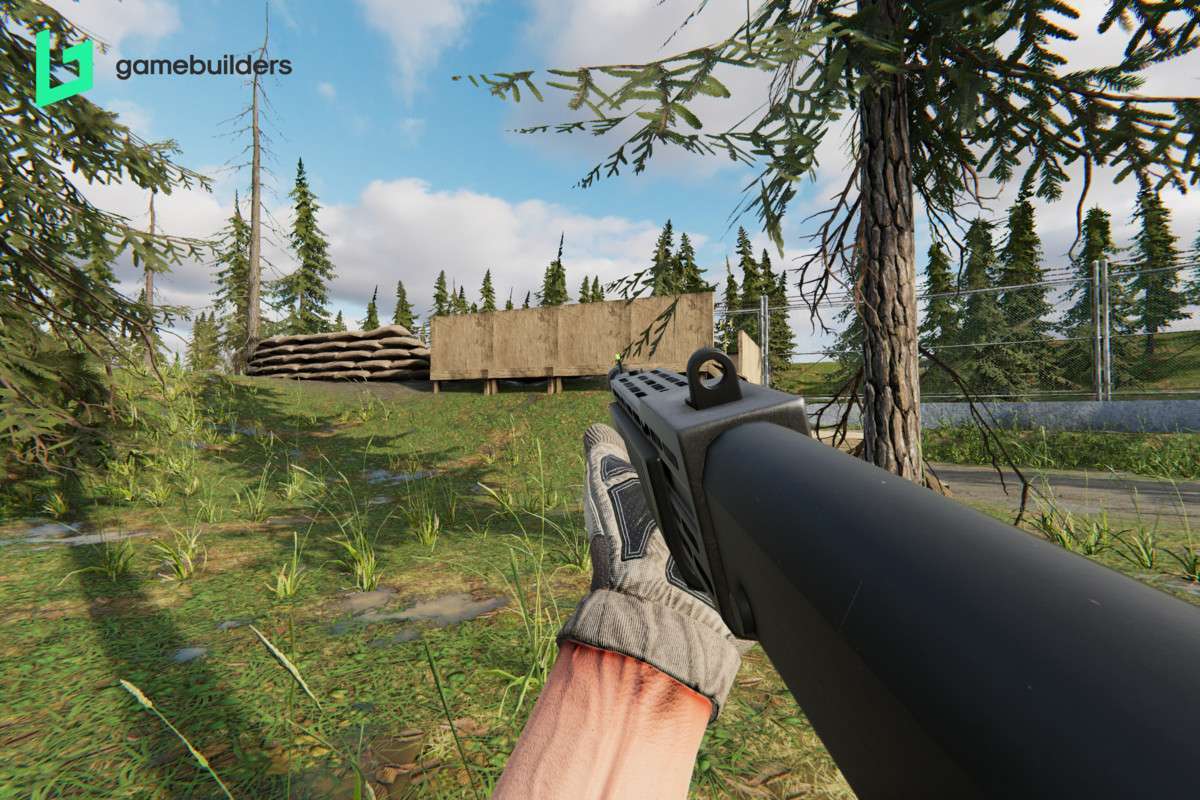
- Narrative-Driven Shooters: The ‘What You See Is What You Get’ philosophy and high-quality art assets allow narrative teams to build atmospheric environments (like the Pine or Bridge maps) quickly while maintaining a high visual bar.