
High-Performance Point Cloud Rendering in Unity
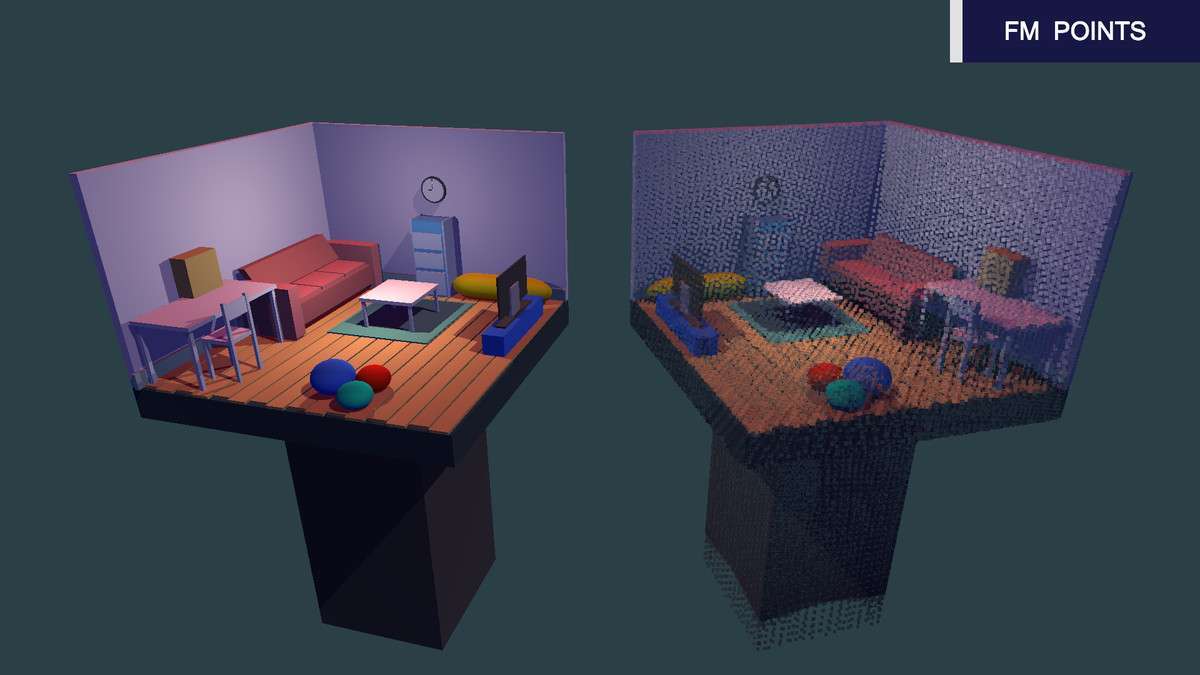
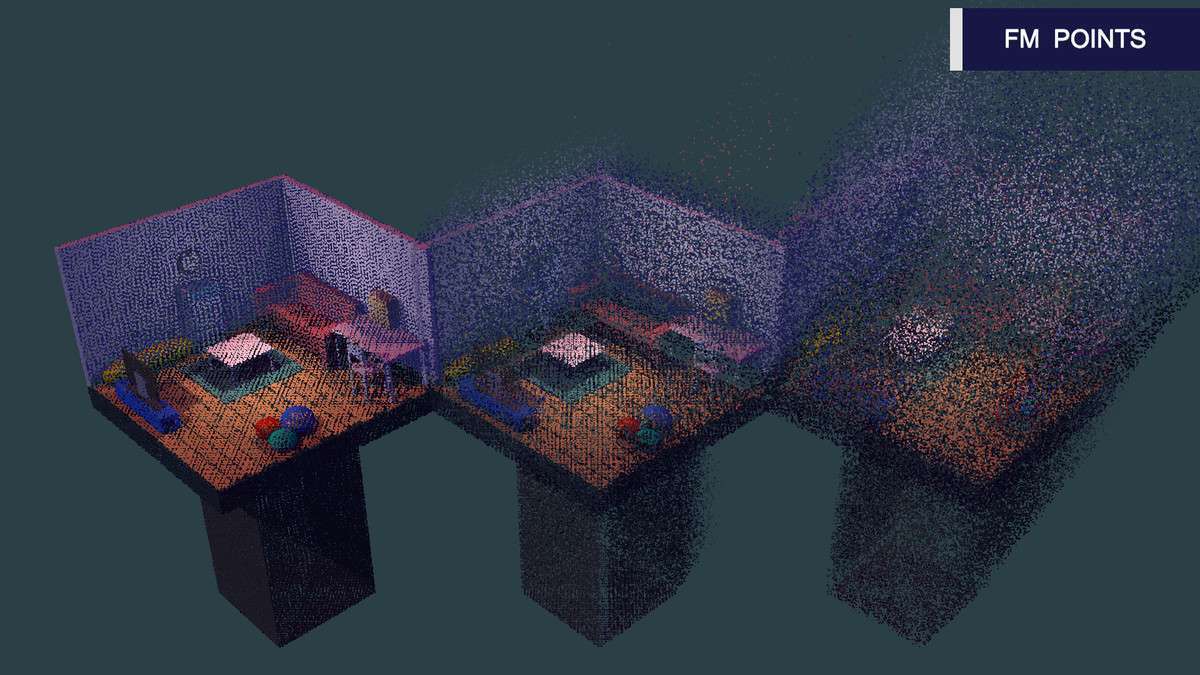
When dealing with massive datasets or looking for a distinct aesthetic, FM POINTS Unity 1.06.0 provides a robust alternative to standard mesh rendering or the heavy overhead of the Shuriken particle system. As a lead dev, I appreciate its ability to convert standard 3D objects into points with minimal draw call impact. Its lightweight nature makes it a go-to for WebGL and mobile projects where traditional geometry would tank the frame rate.
Integration Tips
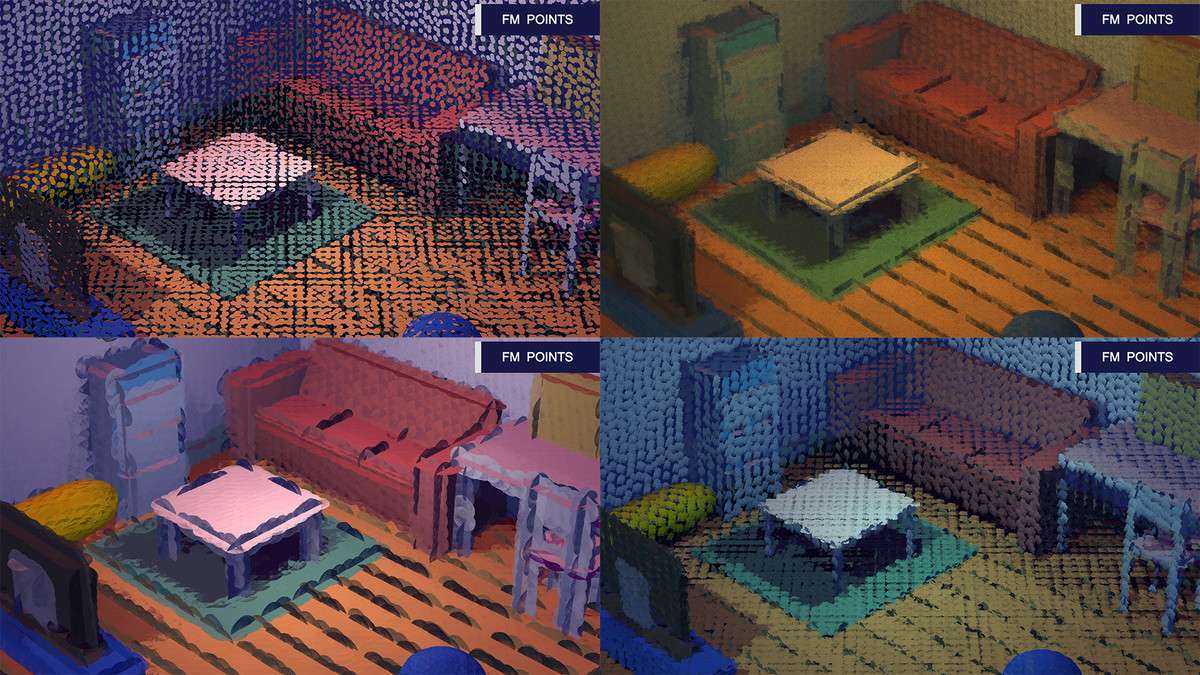
Integrating this into your pipeline requires a focus on data handling. If you are bringing in external scan data, leverage the FMPlyImporterRuntime.cs for runtime loading, especially for WebGL builds where memory management is tight. For those using DX11 or DX12, ensure you utilize the ‘Brush Effect’ for point sizing, as the ‘Fast’ mode has known limitations on these APIs. If you’re targeting mobile (like the iPhone 5 benchmark mentioned), stick to the Unlit shaders to keep the fragment stage as light as possible. Also, consider the experimental Real-Time FX Capture if you need to bake complex scene transitions into a point cloud format mid-runtime.
Best Use Cases
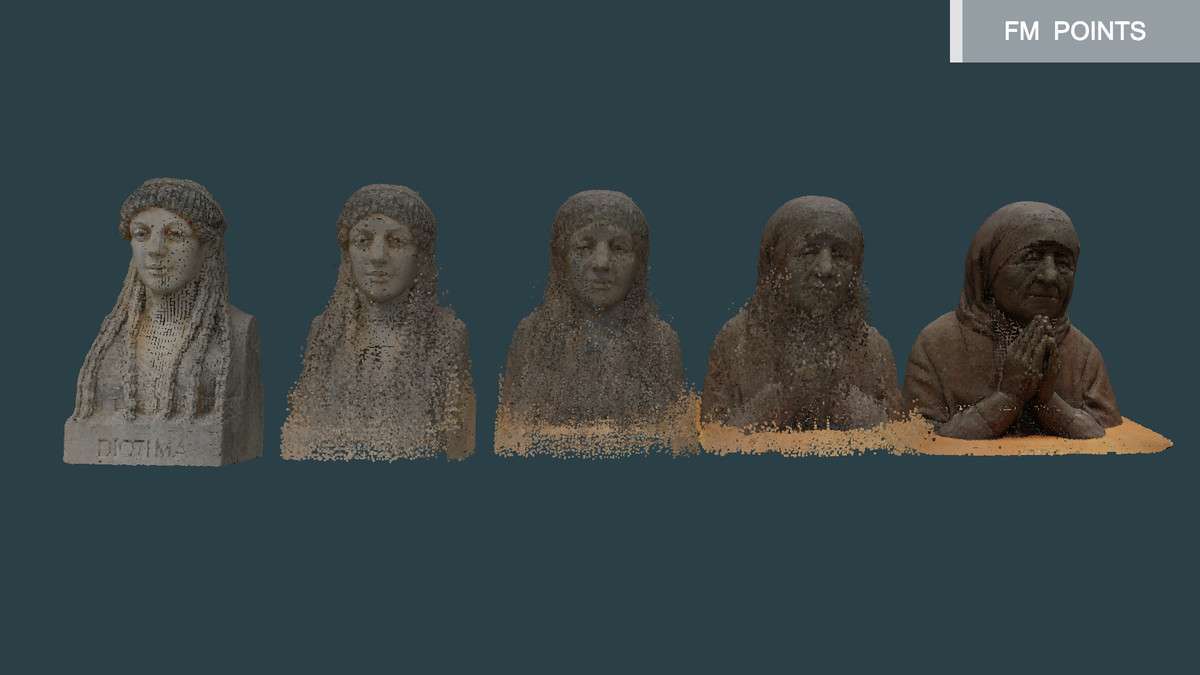
- Architectural Visualization (BIM/Lidar): The .ply support and high-speed rendering allow for displaying massive photogrammetry datasets without the need for complex retopology. It works exceptionally well for walkthroughs where lighting can be baked or handled via the Lambert shader variant.
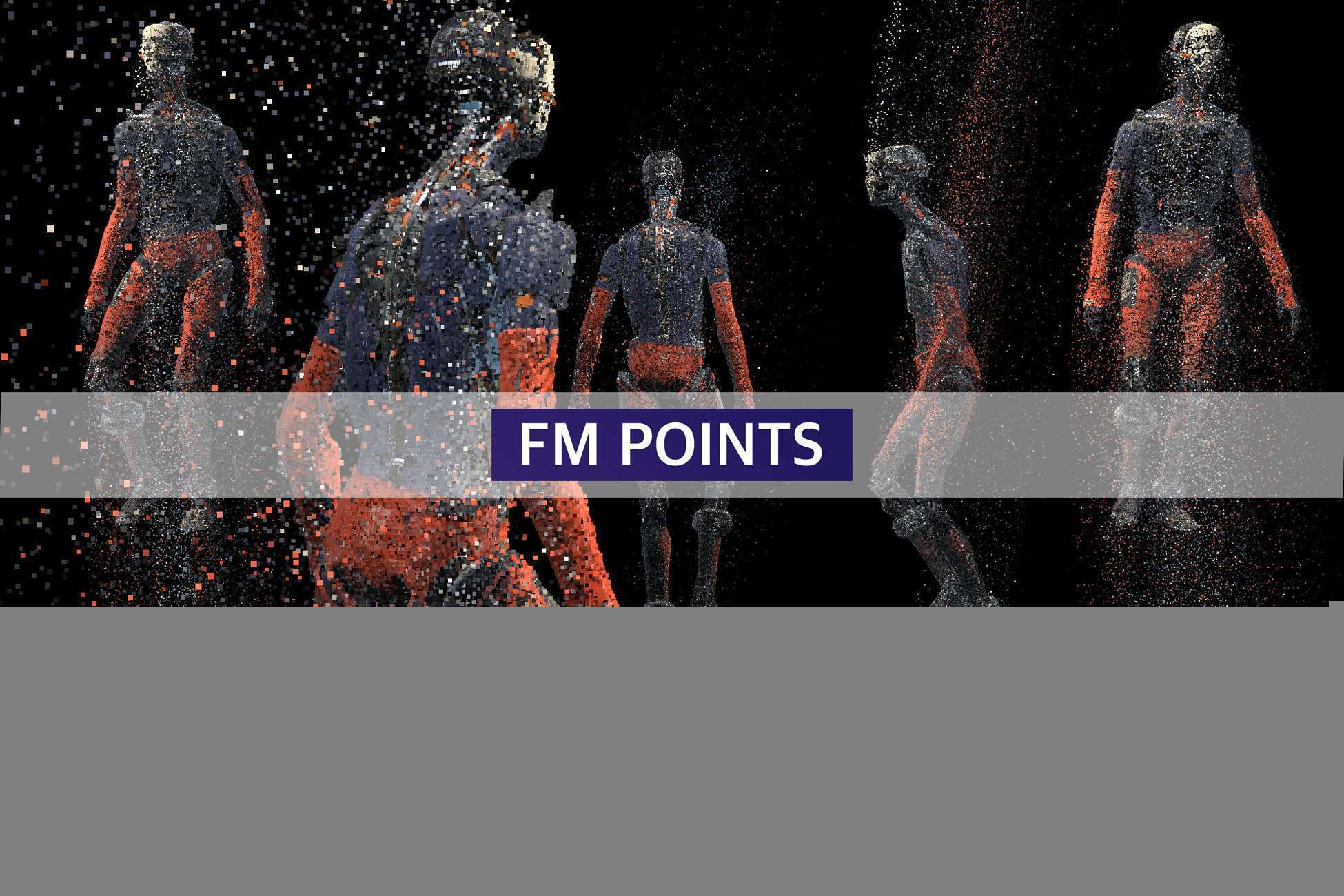
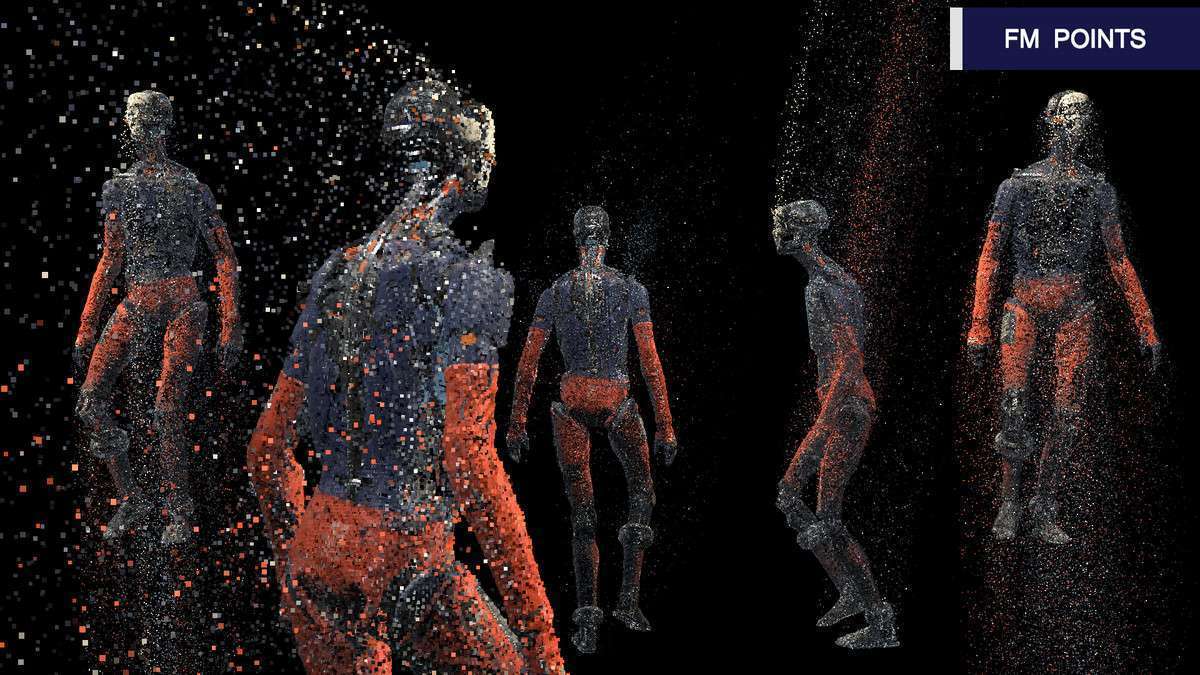
- Sci-Fi / Cyberpunk VFX: The Morphing FX and Dynamic Wind force simulation make it perfect for holographic interfaces or digital-disintegration effects. Since it blends meshes in real-time, you can achieve complex transitions that would typically require expensive compute shaders or custom geometry shaders.