
h2>Streamline Your UI Workflow with Figma Converter for Unity
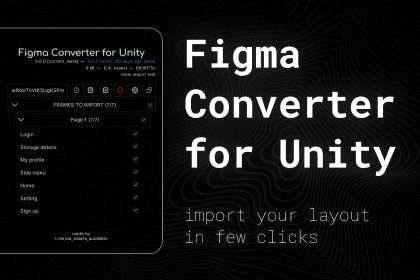
Bridging the gap between design and development often feels like a bottleneck in modern game production. With the Figma Converter for Unity Free Download, you can eliminate the manual labor of recreating layouts by automating the conversion of Figma designs directly into Unity Canvas. This tool facilitates a one-click transfer of your design data, ensuring pixel-perfect accuracy while maintaining project hierarchy. Now updated to version 5.7.2, this asset integrates seamlessly into your production pipeline, allowing developers to focus on logic rather than UI placement.
Advanced Hierarchy Preservation and Asset Management
One of the primary challenges in UI implementation is managing the complex nesting of GameObjects. This converter meticulously preserves the hierarchy of your Figma project, translating frames and groups into organized Unity containers. It handles various file types, including PNG, JPG, and SVG, and utilizes intelligent deduplication to ensure you aren’t bloating your project with sprite duplicates. To optimize draw calls and UI performance, the system automatically creates 9-Sliced sprites and generates prefabs for reusable elements.
- Asset Importing: Native support for PNG, JPG, and SVG vectors.
- Font Integration: Automatically downloads TTF files and converts them into TextMeshPro font assets.
- 9-Slicing Logic: Automatically detects and applies 9-slice borders to sprites for scalable UI elements.
- Scene Safety: Features built-in scene backups to prevent data loss during the conversion process.
Automated Script Generation and Component Mapping
Beyond simple visual conversion, this asset bridges the gap into the scripting layer. It generates C# scripts and automatically serializes GameObjects into either new scripts or your existing codebase. This technical automation ensures that your UI.Button or TMP_InputField components are linked and ready for interaction immediately upon import. The system even handles localization by generating specific files to support multi-language projects.
- UI Components: Automatically maps Image, RawImage, SpriteRenderer, and SVGImage.
- Text Handling: Full support for UI.Text and TextMeshProUGUI.
- Layout Groups: Converts Figma auto-layout features into Horizontal, Vertical, and Grid Layout Groups.
- Interactive Elements: Supports ScrollView, Toggle, and Button component mapping.
Technical Compatibility and Requirements
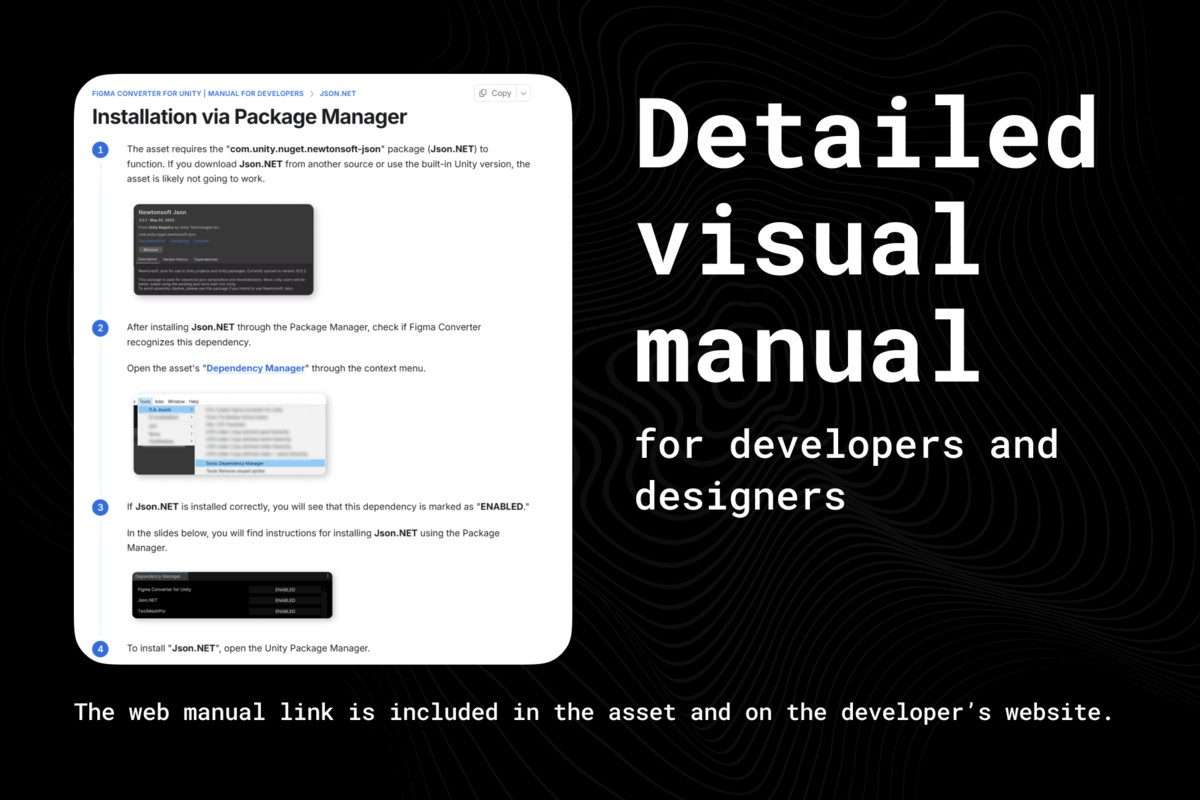
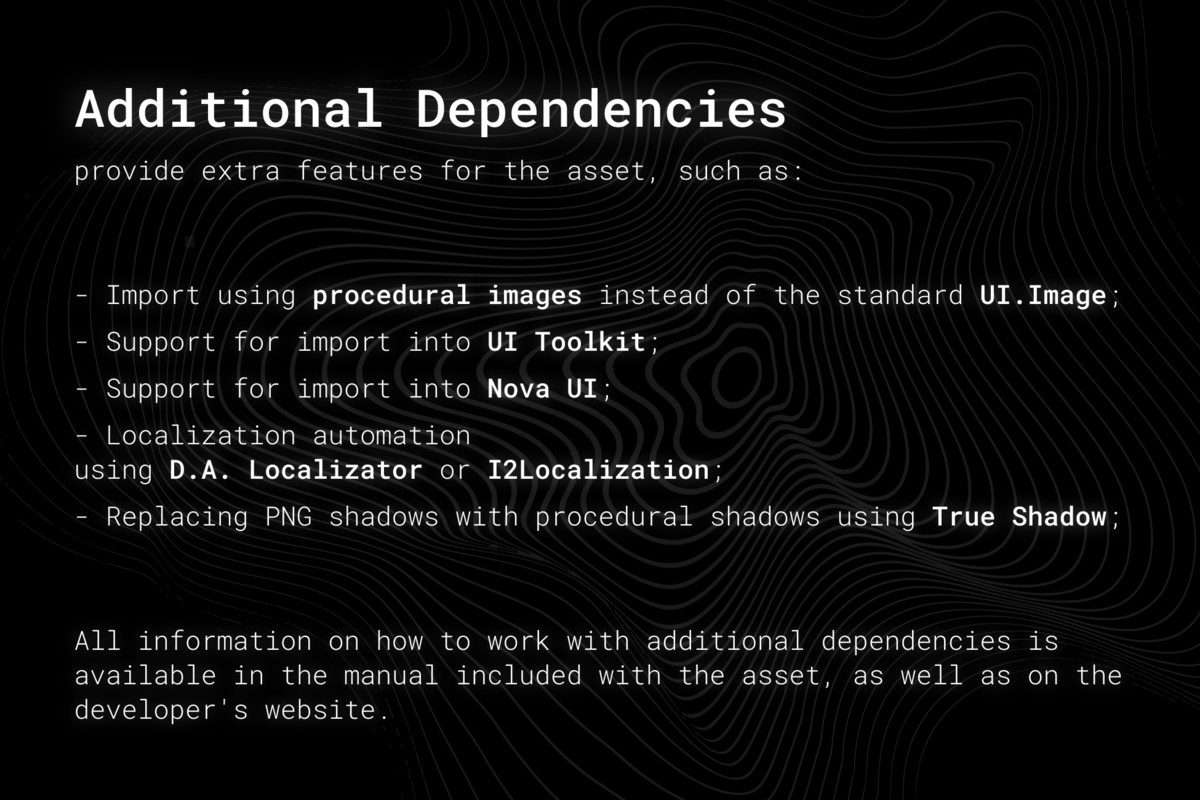
Designed for professional-grade development, the Figma Converter for Unity is compatible with multiple UI frameworks including Nova UI, UI Toolkit (UITK), and the standard Unity UI Extensions. To function correctly, the asset utilizes the com.unity.nuget.newtonsoft-json package for robust JSON parsing of the Figma API data. Whether you are building for Windows, macOS, or mobile, the converter provides a platform-agnostic solution for rapid UI prototyping and implementation.
- External Support: Compatible with Nova UI and UI Toolkit via additional extensions.
- Server Integration: Features built-in MCP Server support for Cursor, Antigravity, and Codex workflows.
- Color Optimization: Auto-colorization of single-color sprites to white, allowing for efficient tinting via the Image component’s color property.