

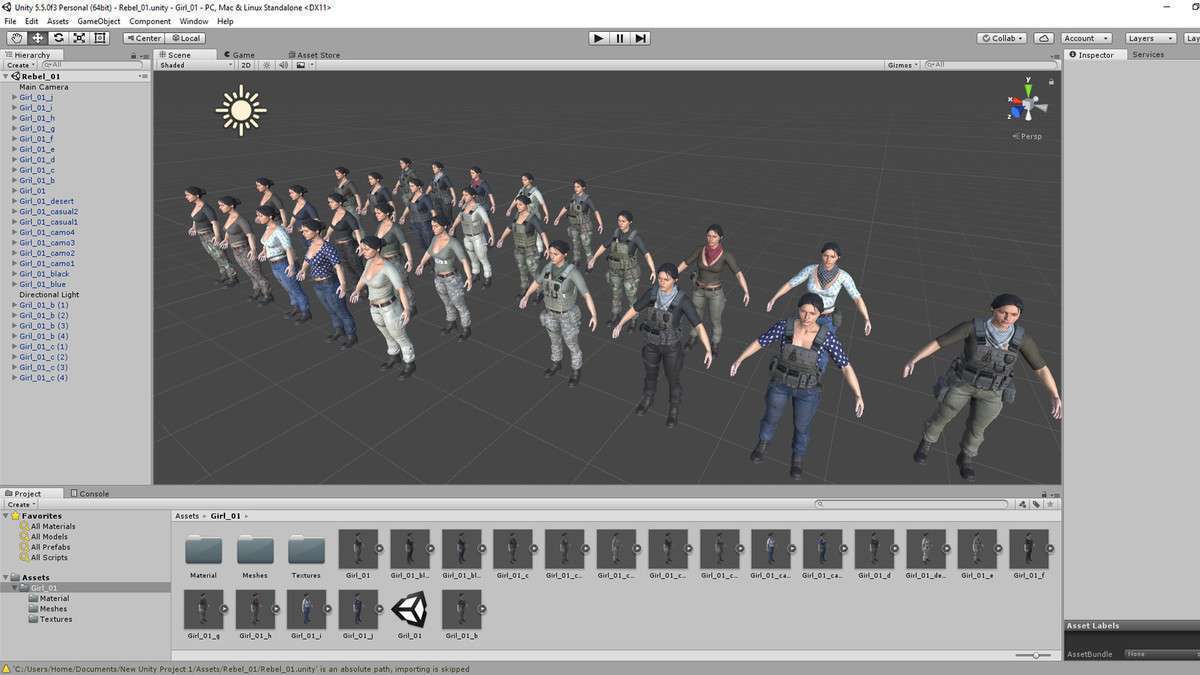
Production-Ready Character Topology and Rigging
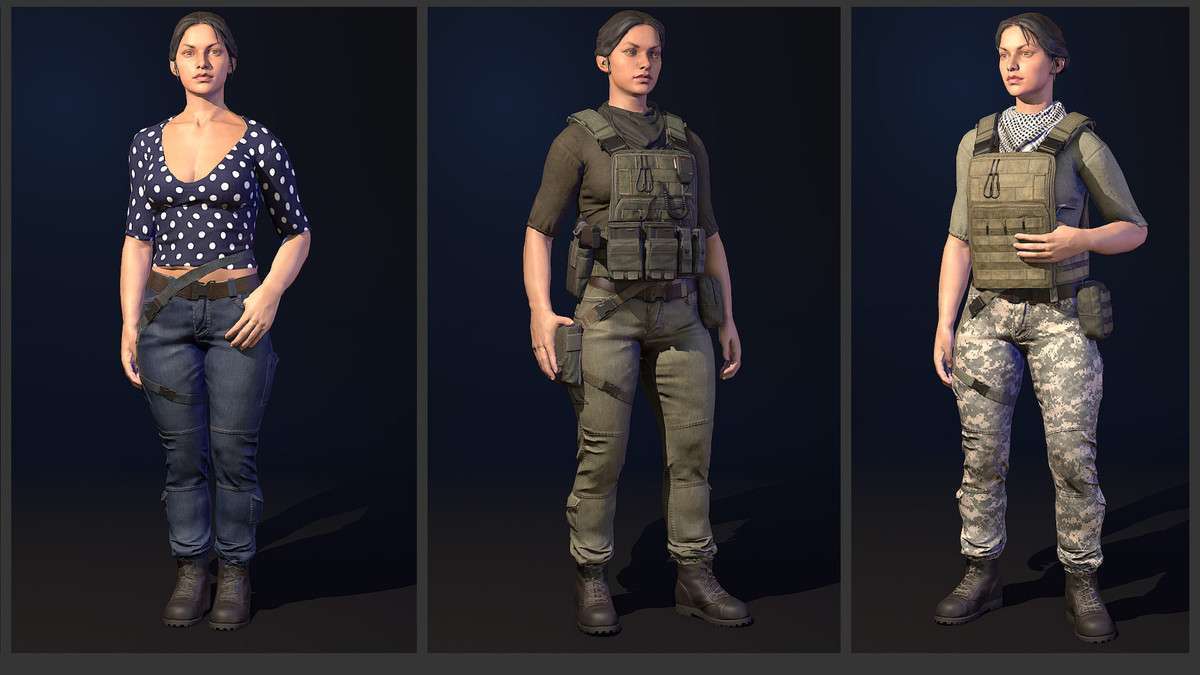
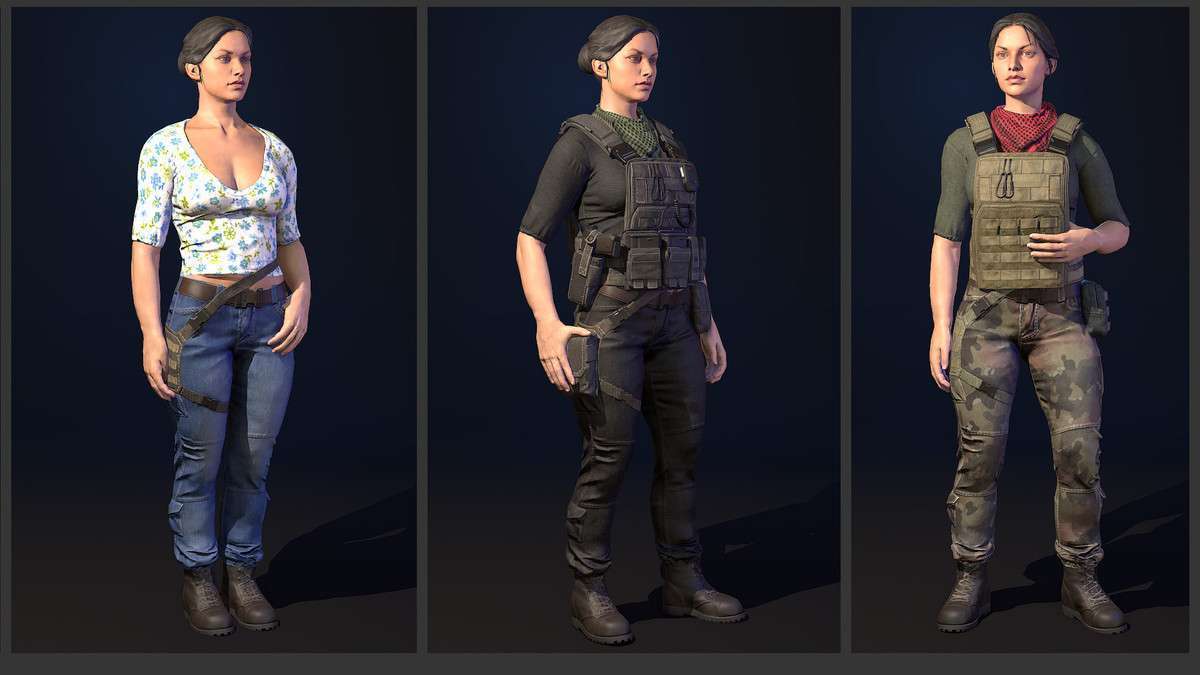
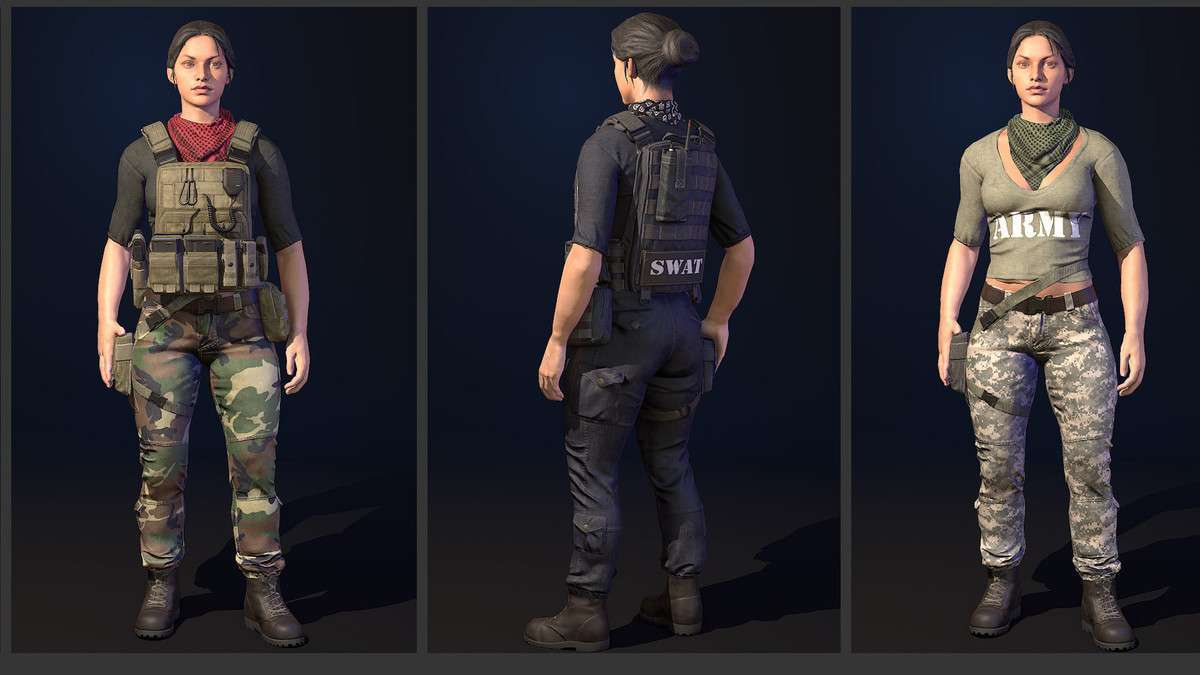
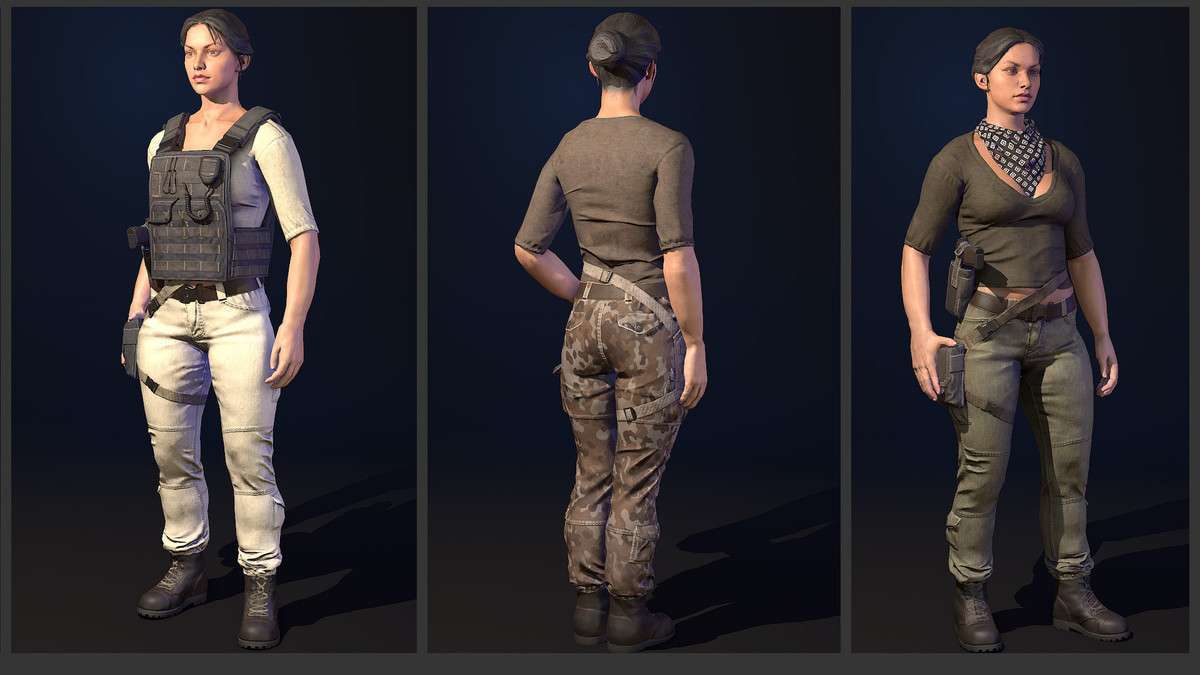
Deploying the Female Hero Unity 1.0.0 prefab into your project significantly reduces the overhead typically associated with character integration. The mesh is delivered at an optimized 15k triangle count, striking a balance between silhouette fidelity and GPU performance. What sets this apart is the inclusion of the WeaponHolder bone within the hierarchy, which simplifies the process of mounting weapon prefabs and ensuring they align correctly with Mecanim combat animations without manual transform patching at runtime.
Integration Tips
- Mecanim Avatar Setup: Upon import, ensure the Animation Type is set to Humanoid in the Rig tab. This asset maps perfectly to the standard Unity Humanoid avatar, making it compatible with the Starter Assets Third Person Controller or any Mixamo-sourced animation sets.
- Material Optimization: The asset uses a PBR metalness workflow. If you are targeting mobile, consider merging the 20 materials into a single texture atlas or using a custom shader that supports material property blocks to reduce draw calls when spawning multiple instances of the character.
- Attachment Points: Leverage the ‘Rebels’ WeaponHolder bone by creating a simple script to parent your weapon prefabs to this transform. This ensures that weapon sway and holster positions remain consistent during complex state machine transitions.
Best Use Cases
- Third-Person Action/Shooters: The modularity of the vest, bags, and radio components makes it ideal for a progression system where gear can be toggled on/off without needing to swap the entire character mesh.
- Rapid Prototyping: For teams in the pre-production phase, the high-quality skinned mesh provides a professional visual baseline for mechanical testing before custom character art is finalized.