
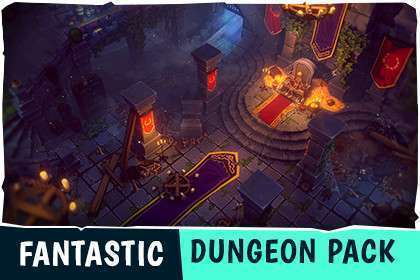
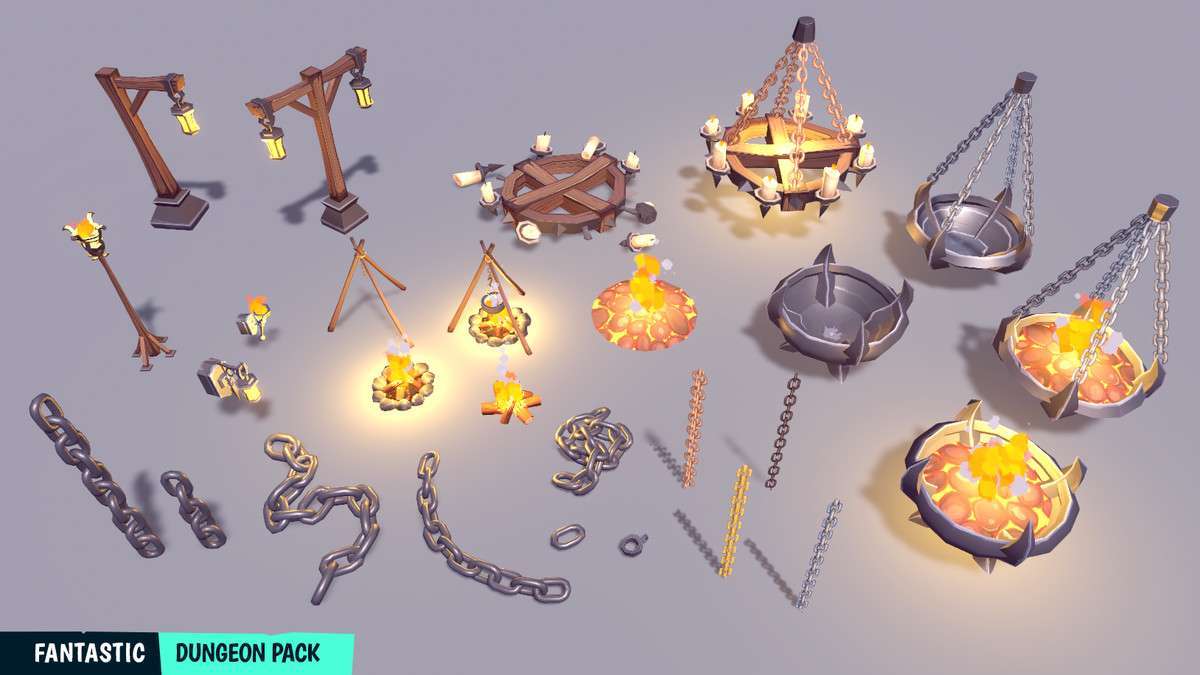
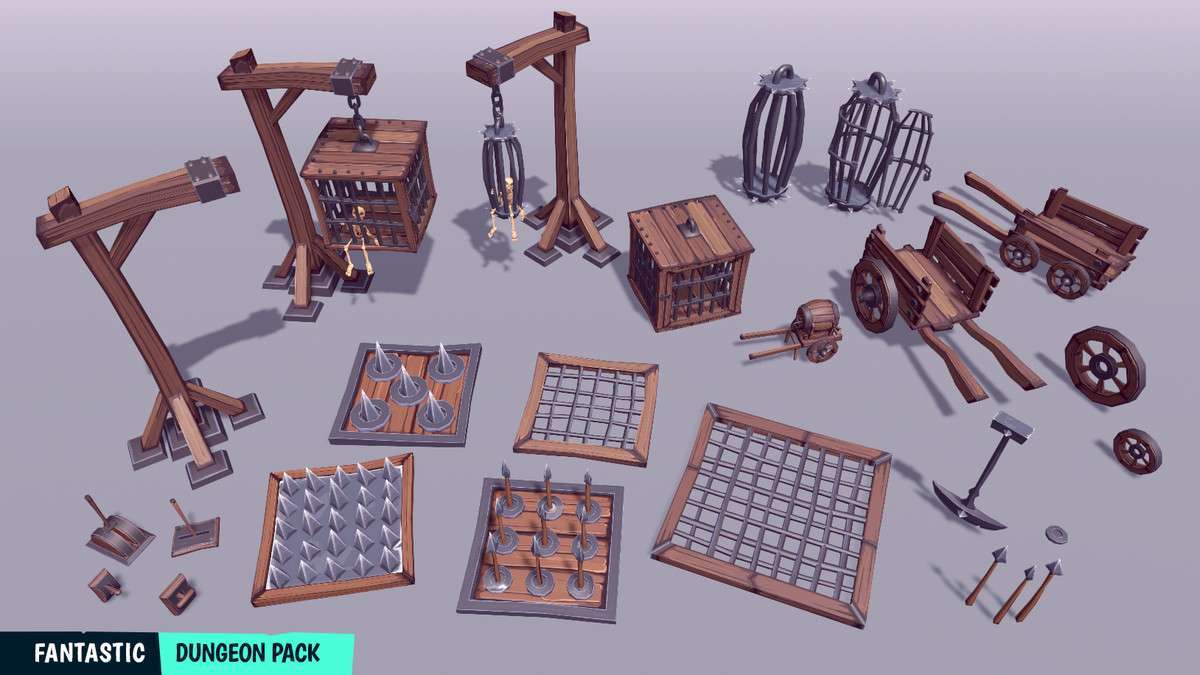
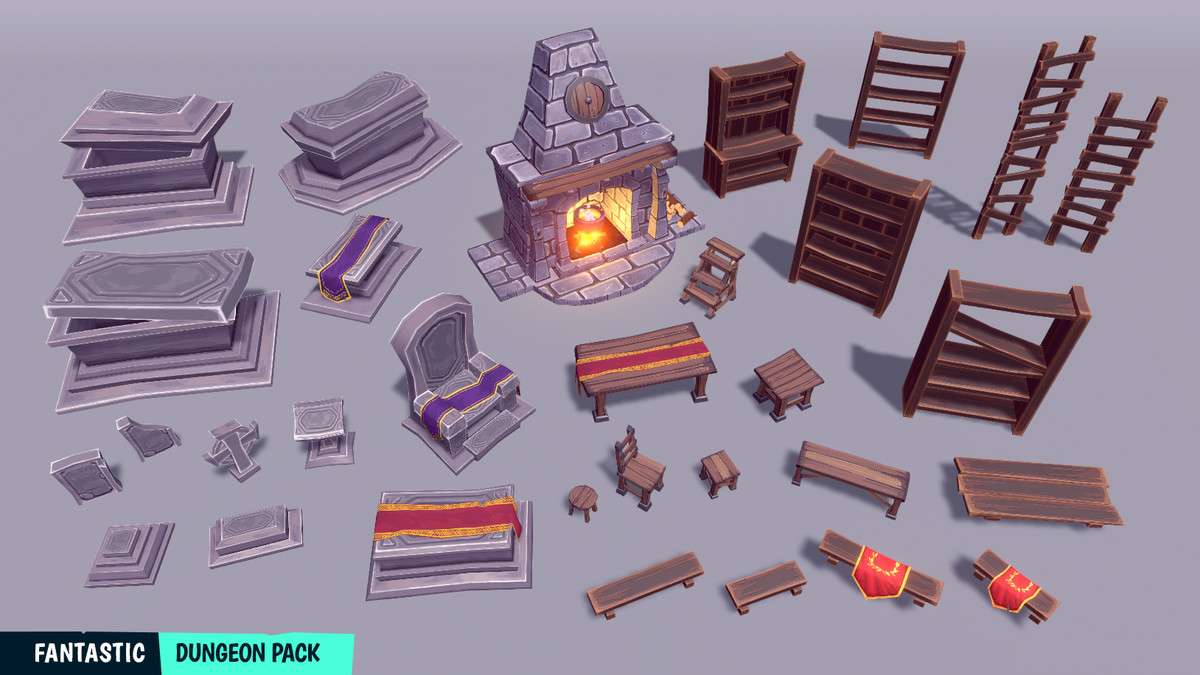
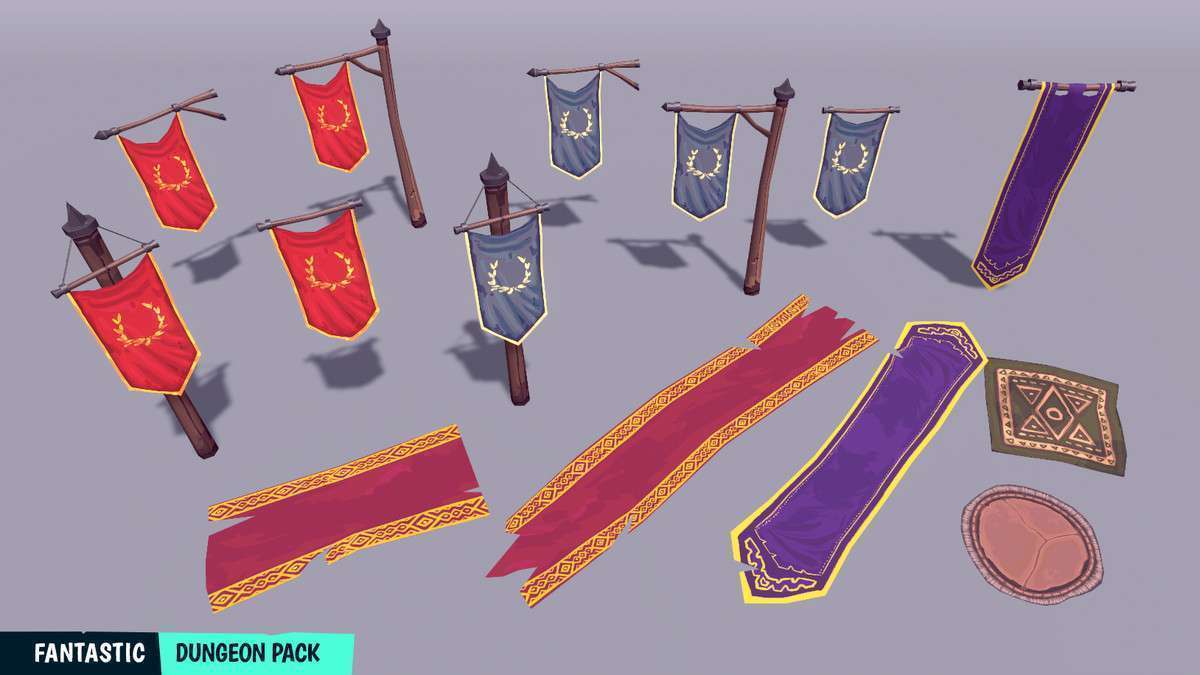
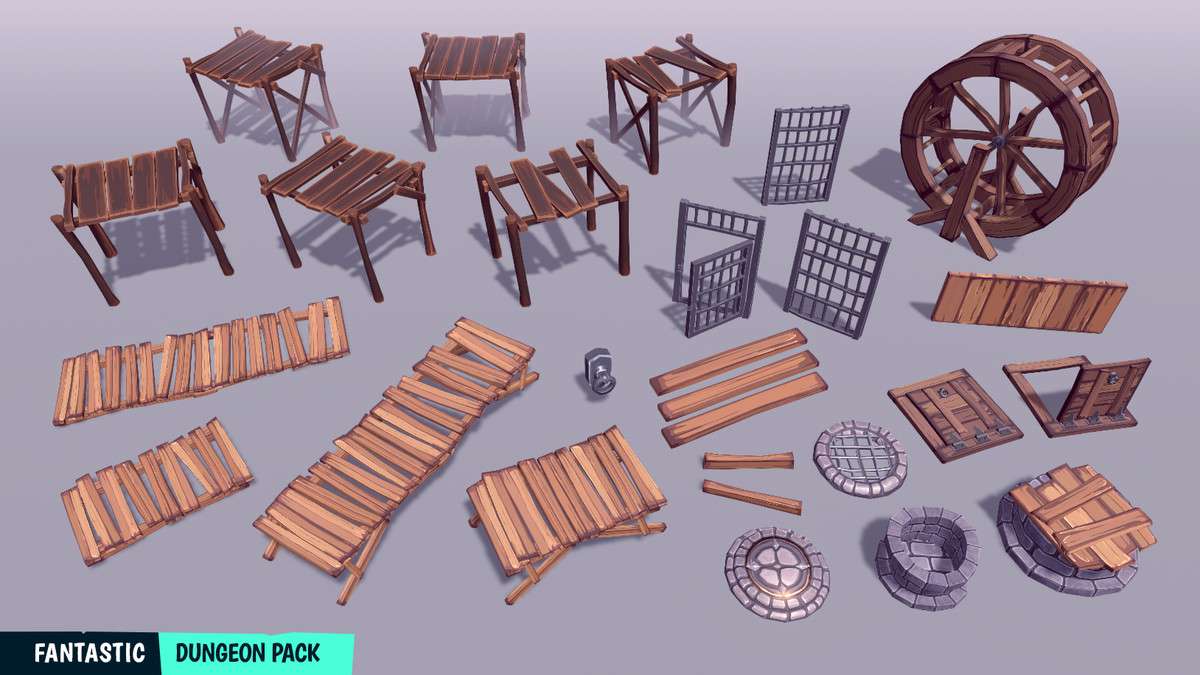
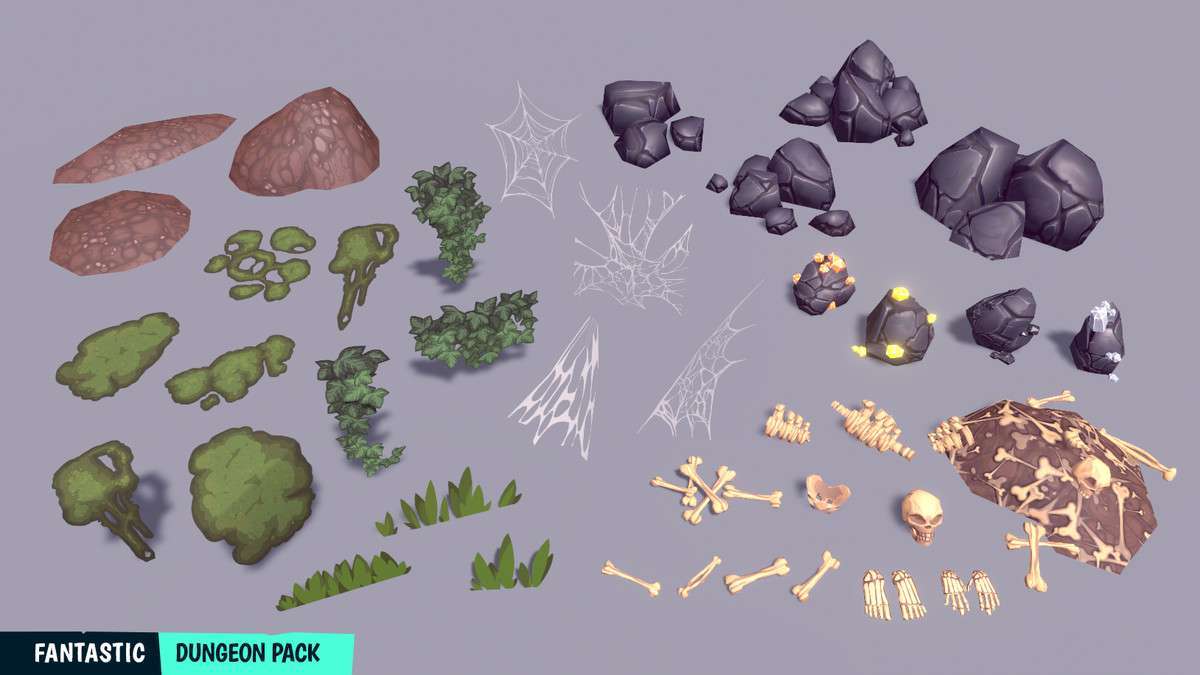
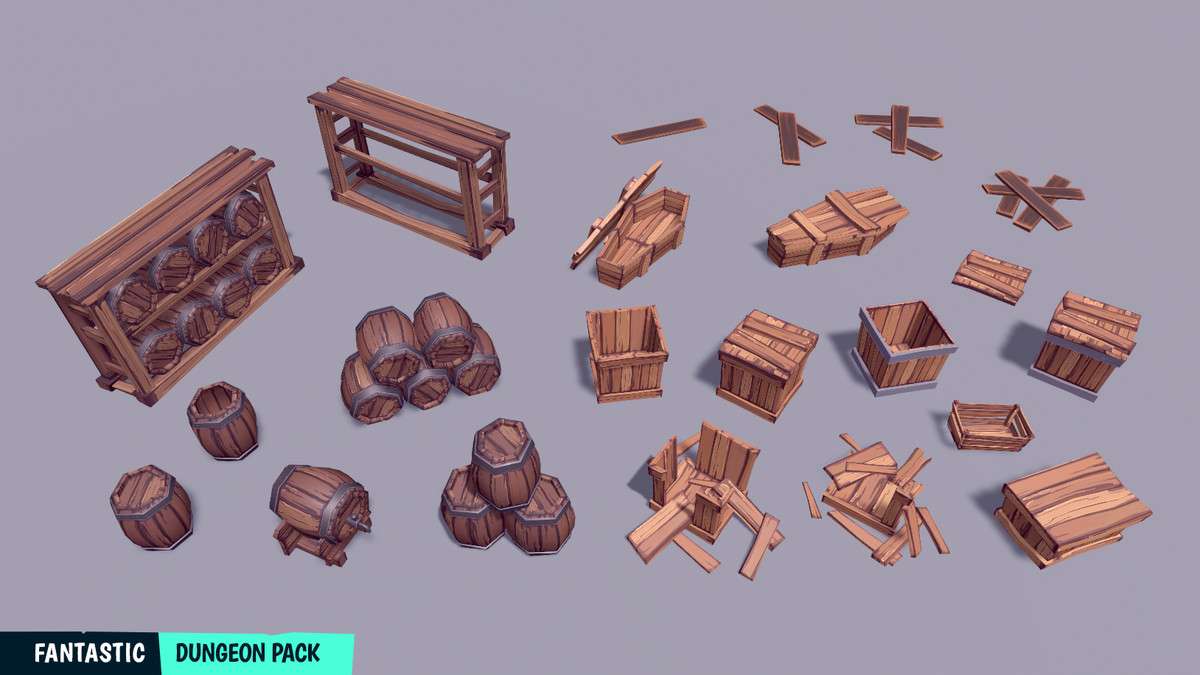
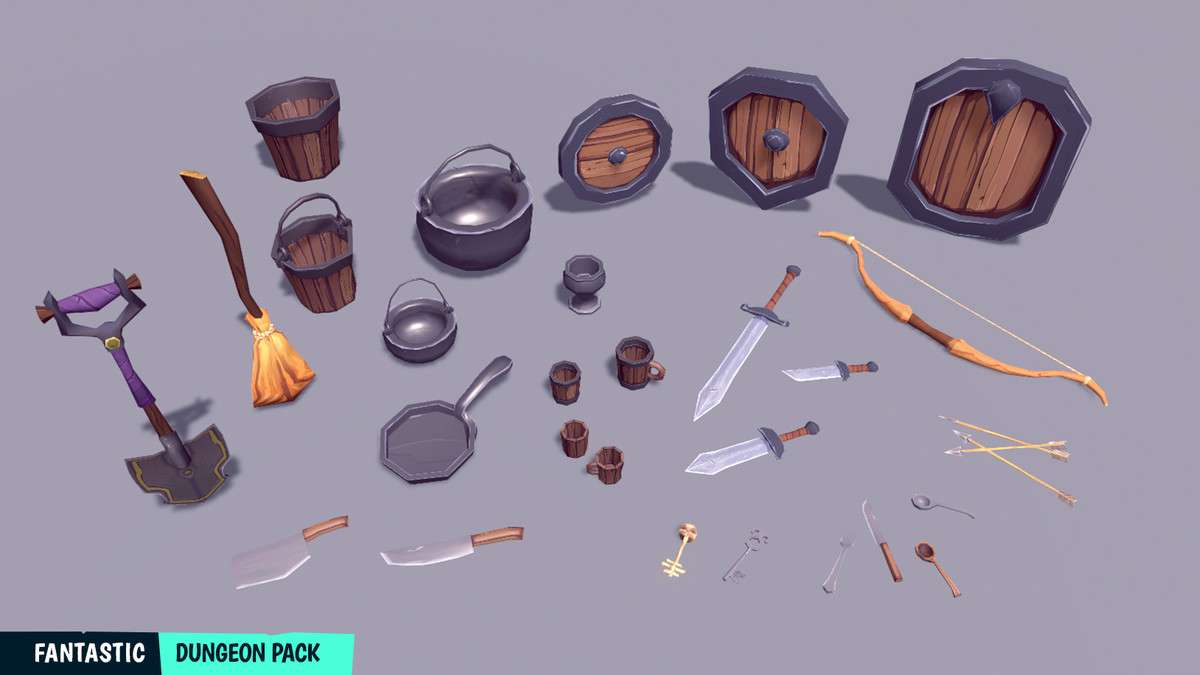
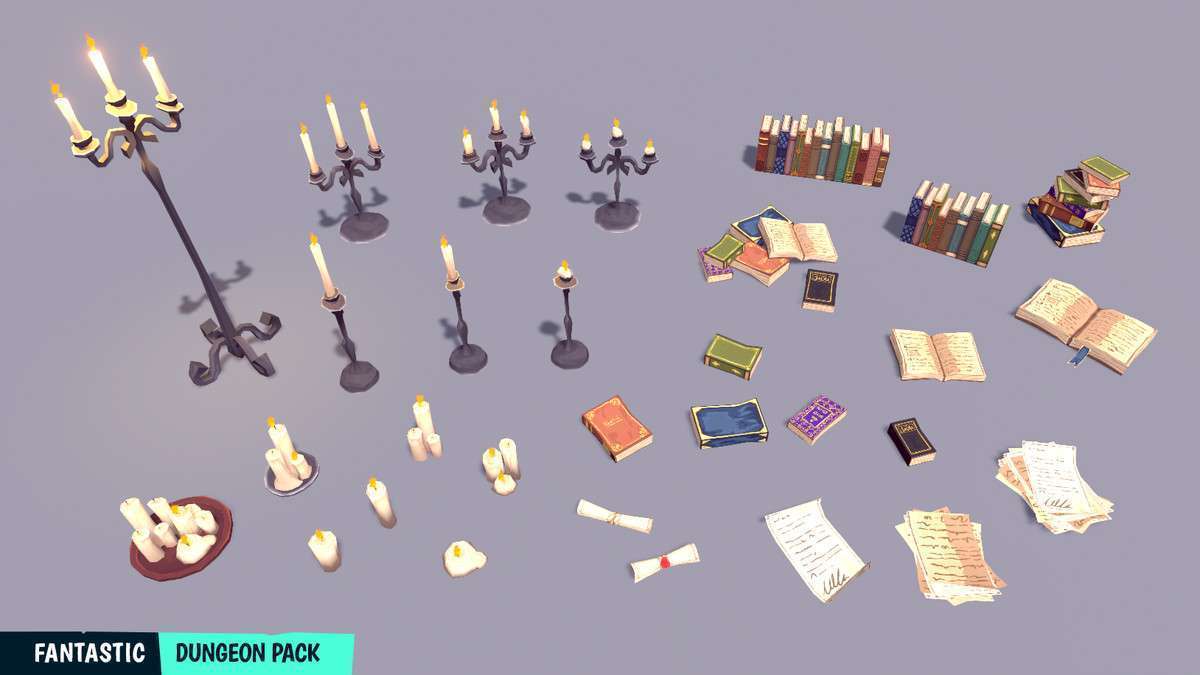
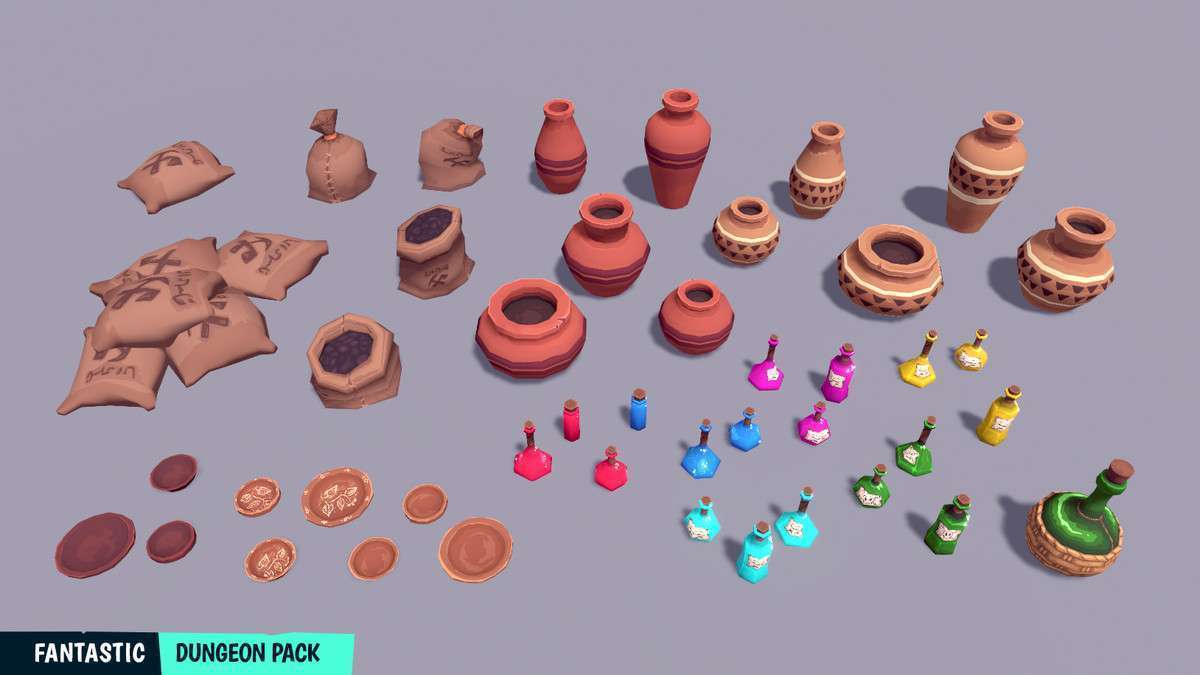
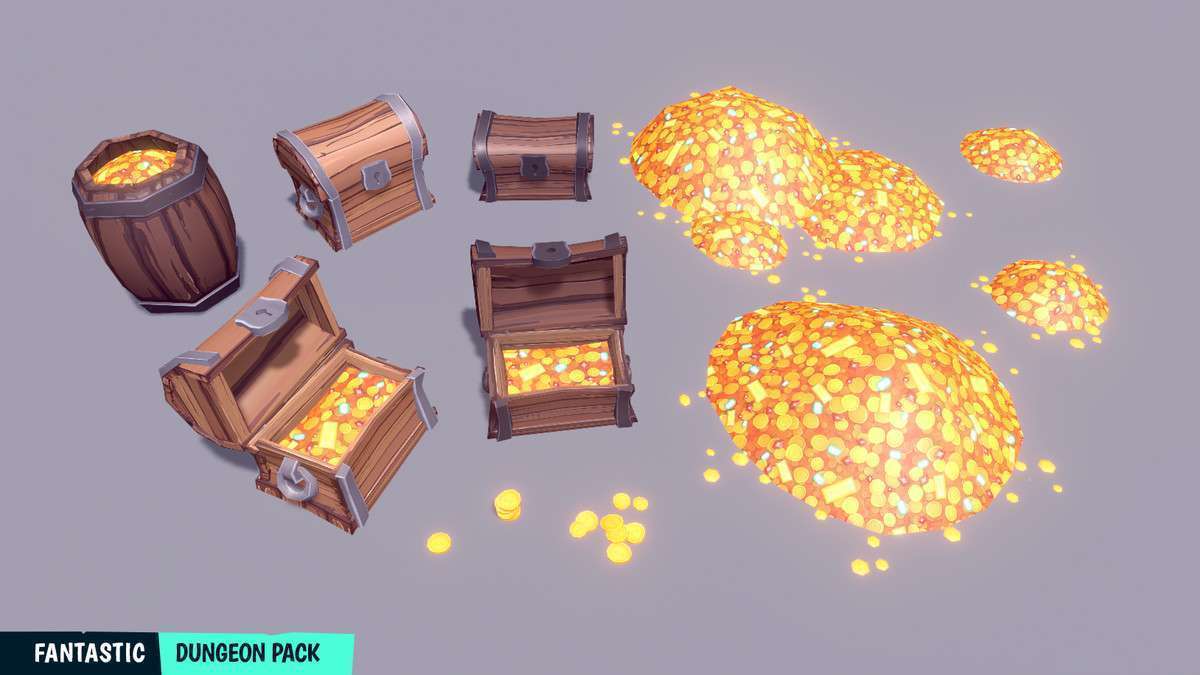
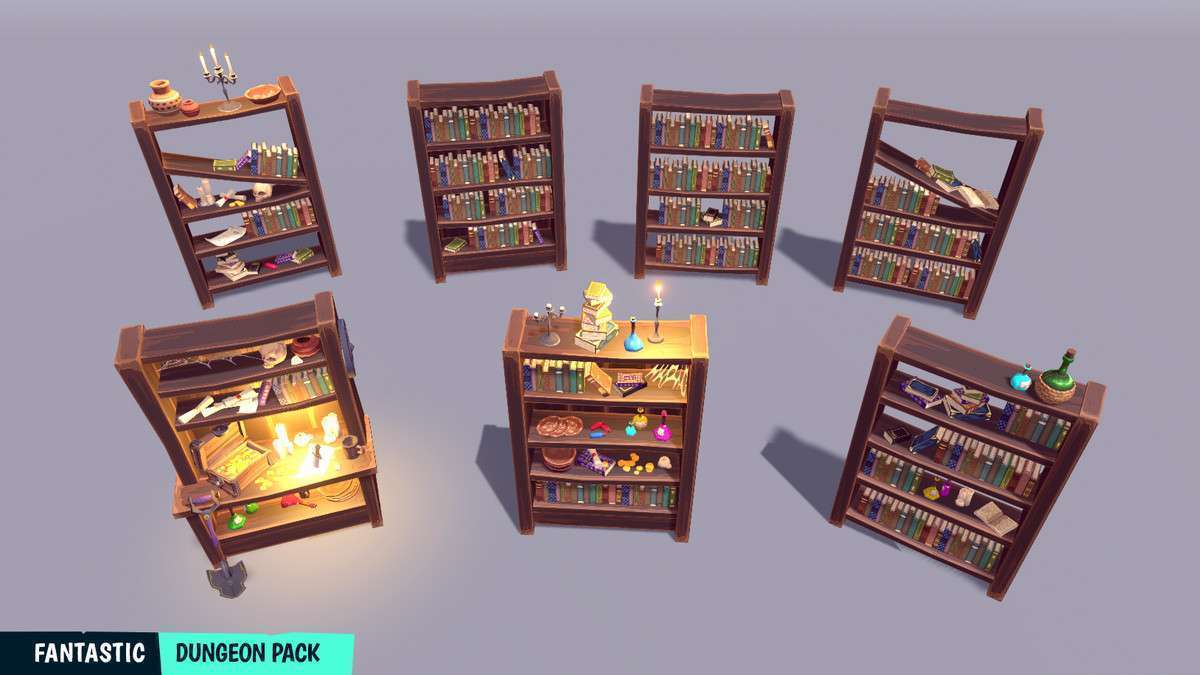
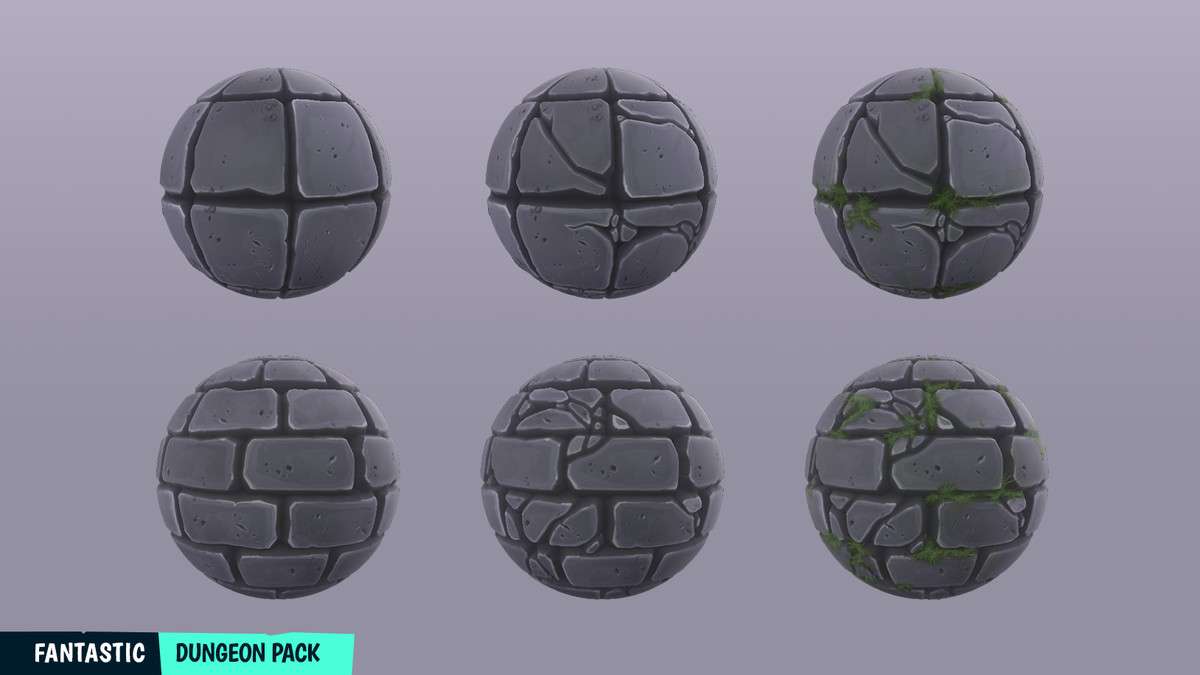
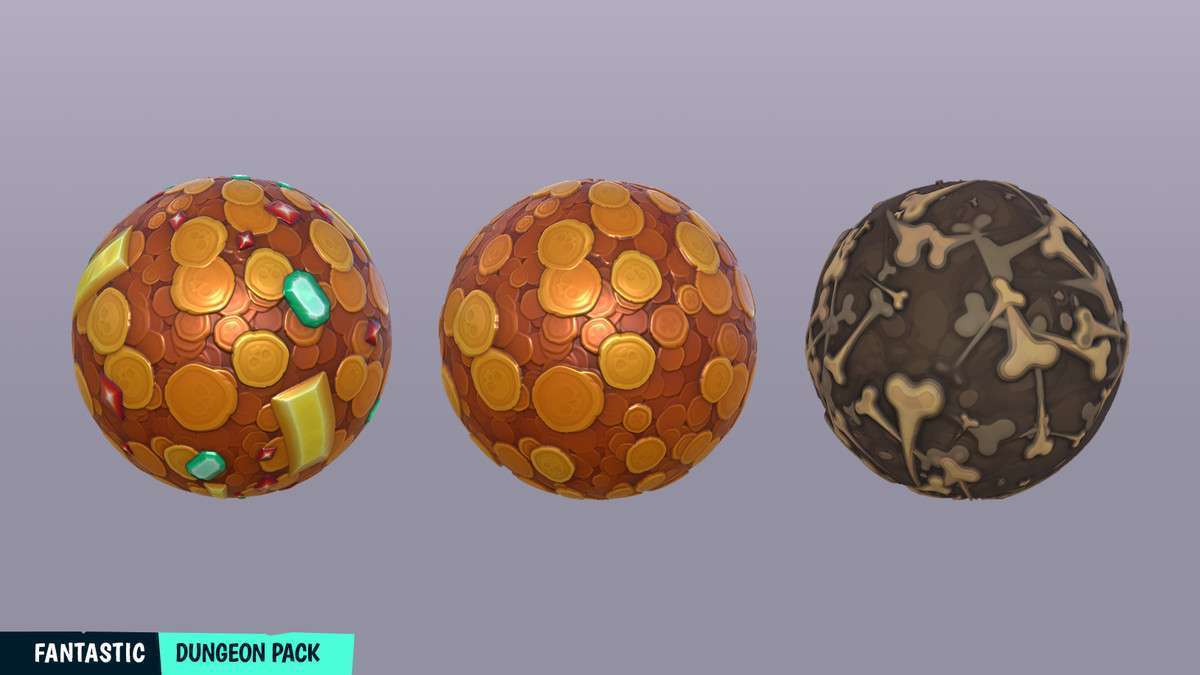
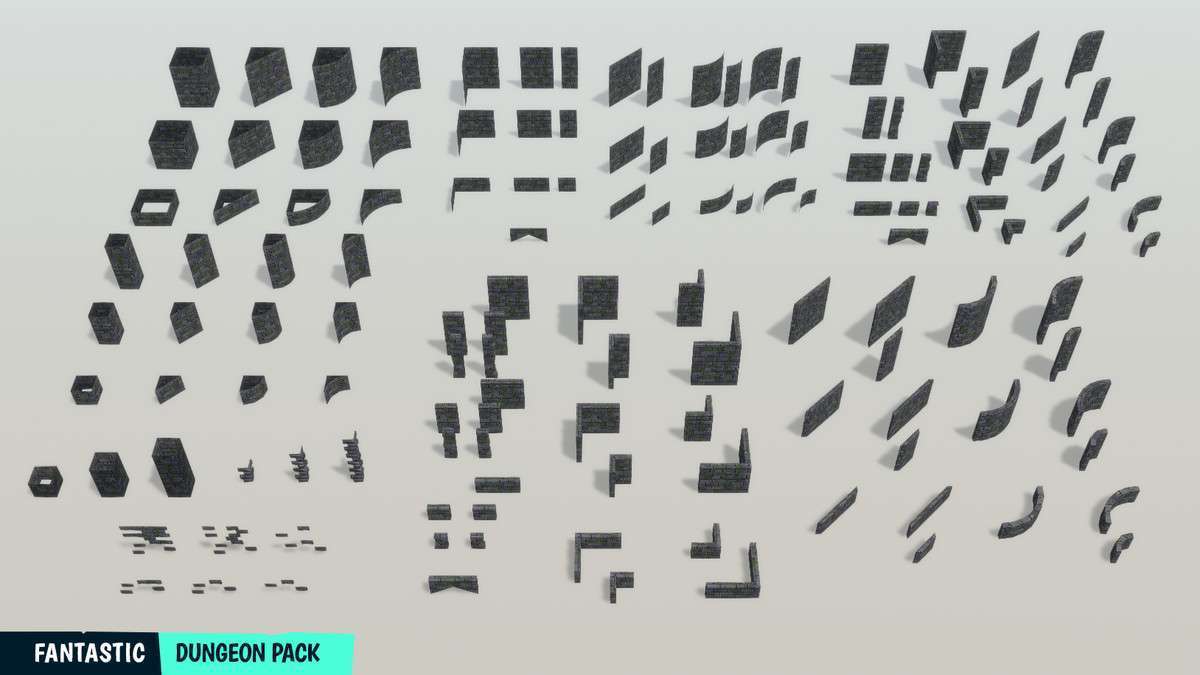
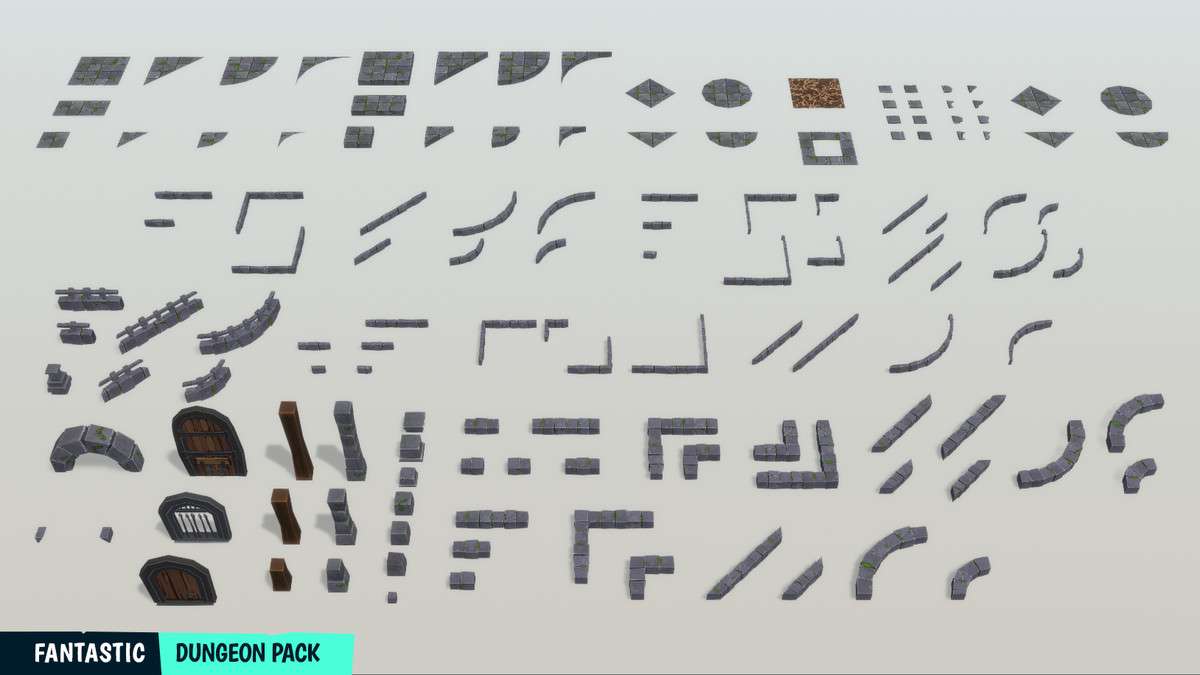
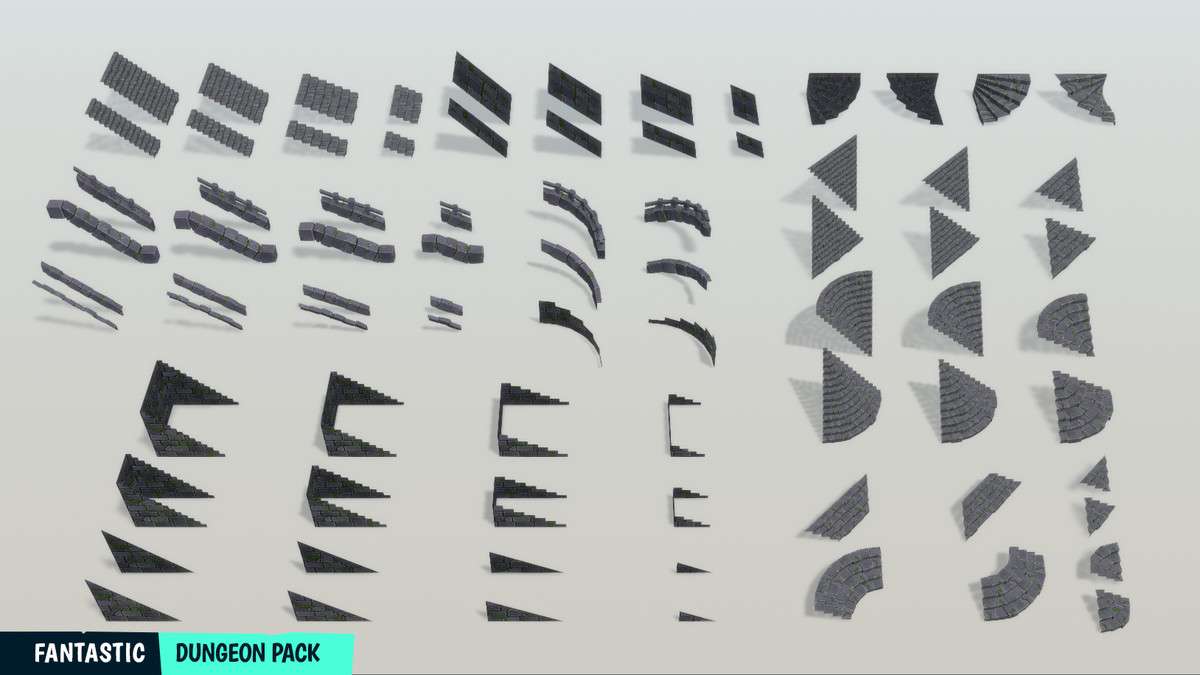
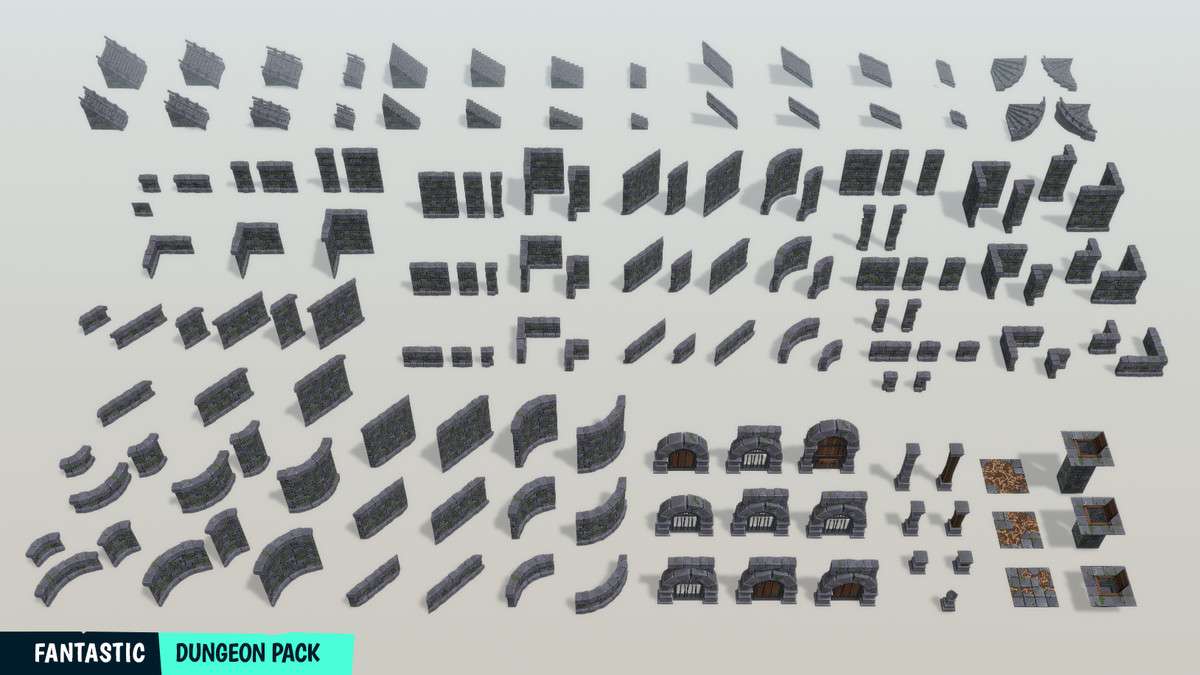
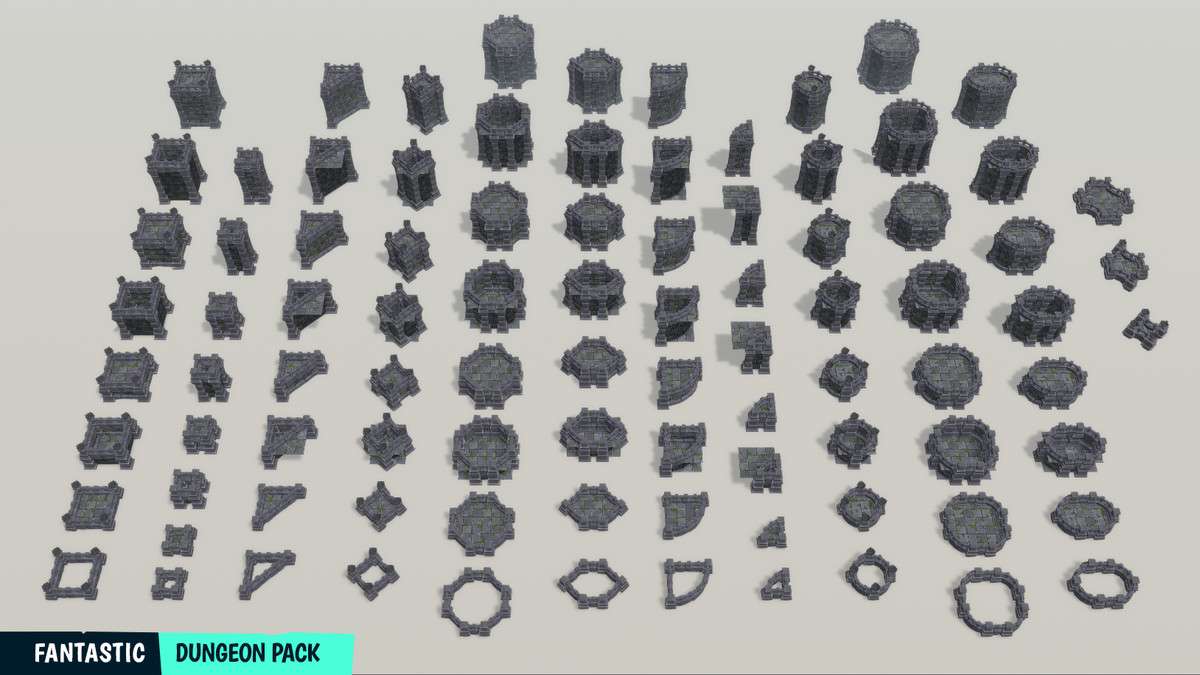
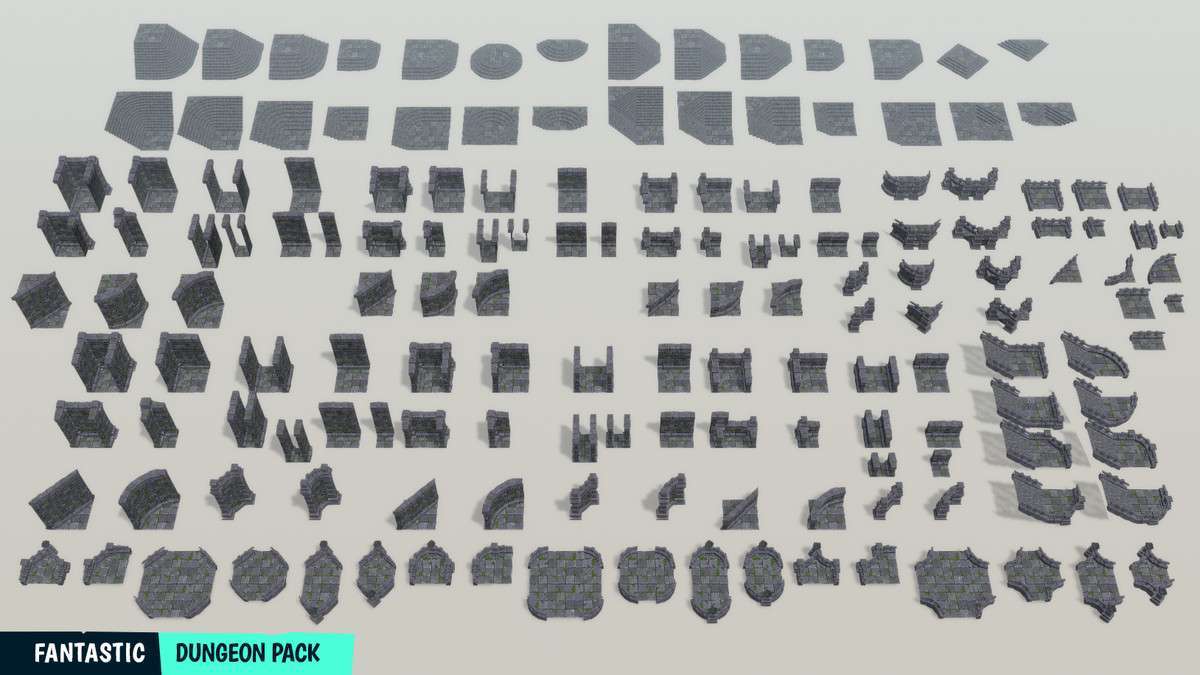
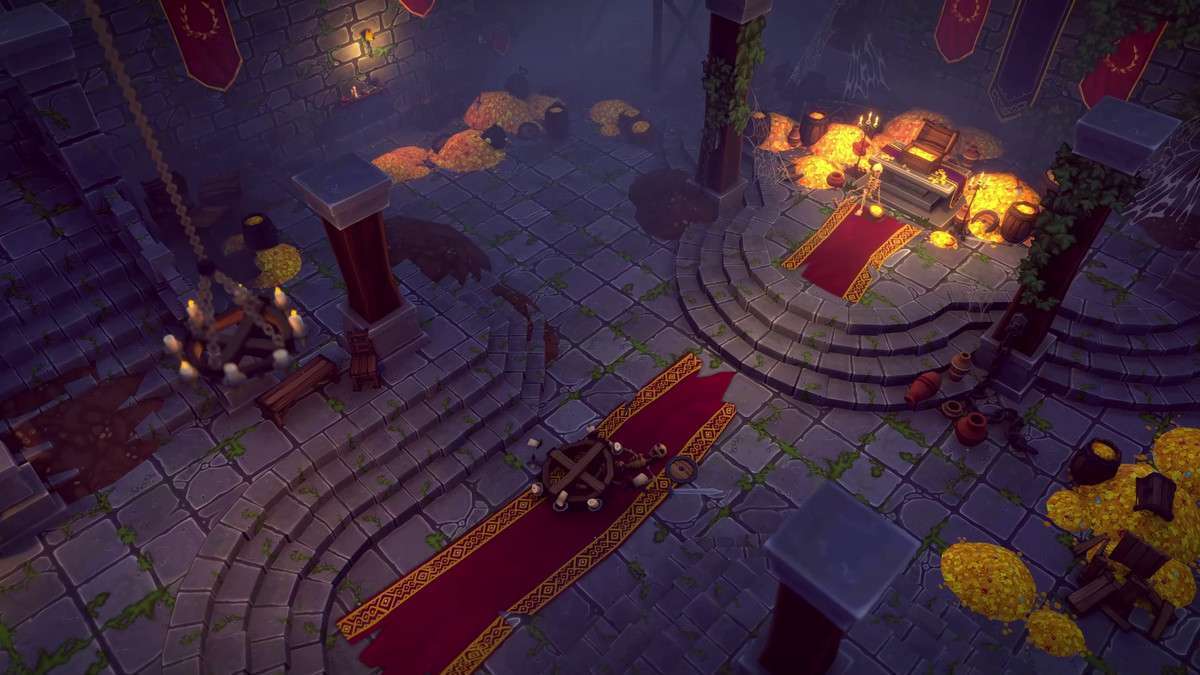
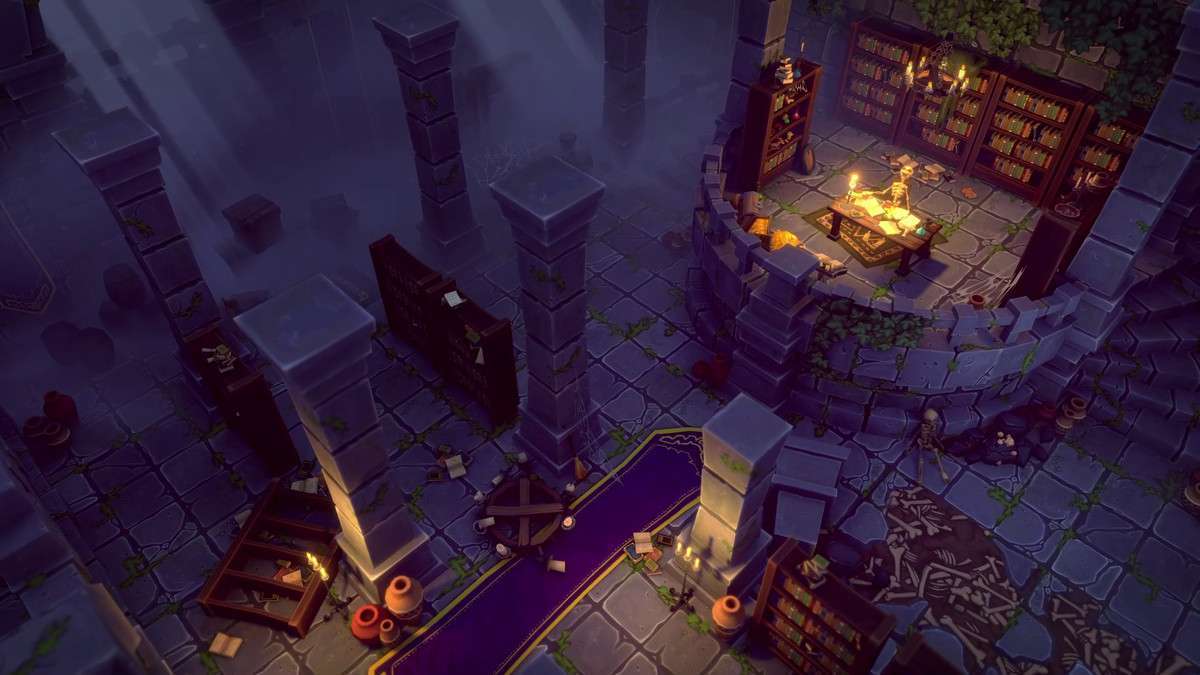
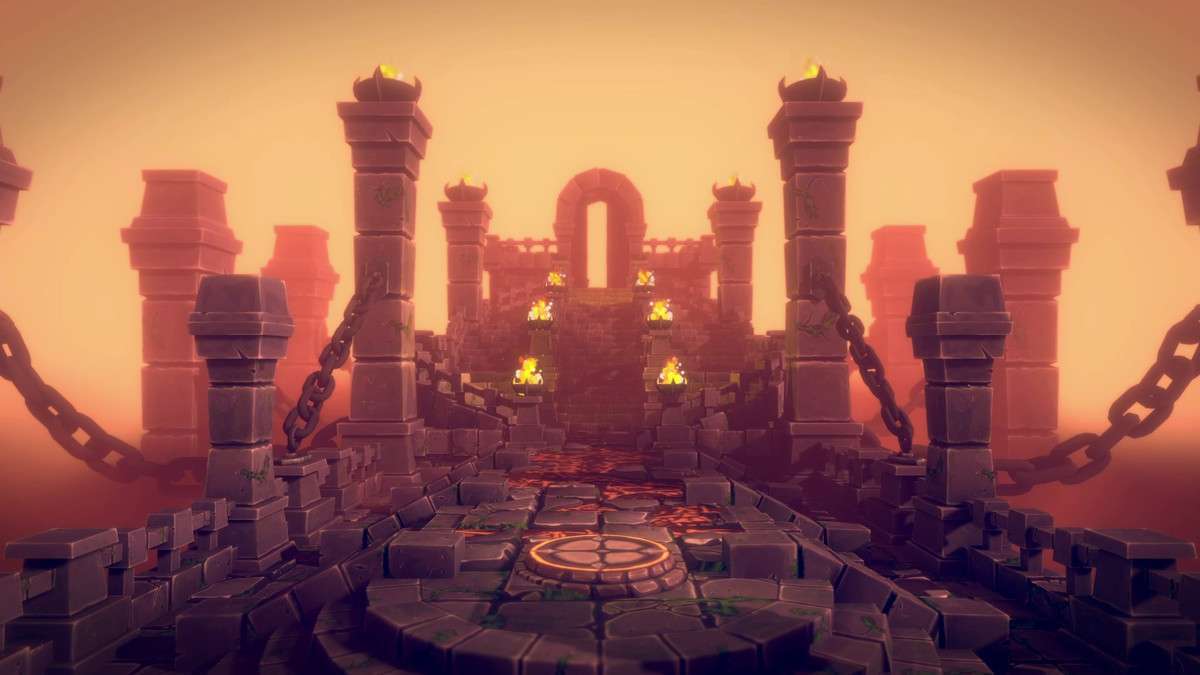
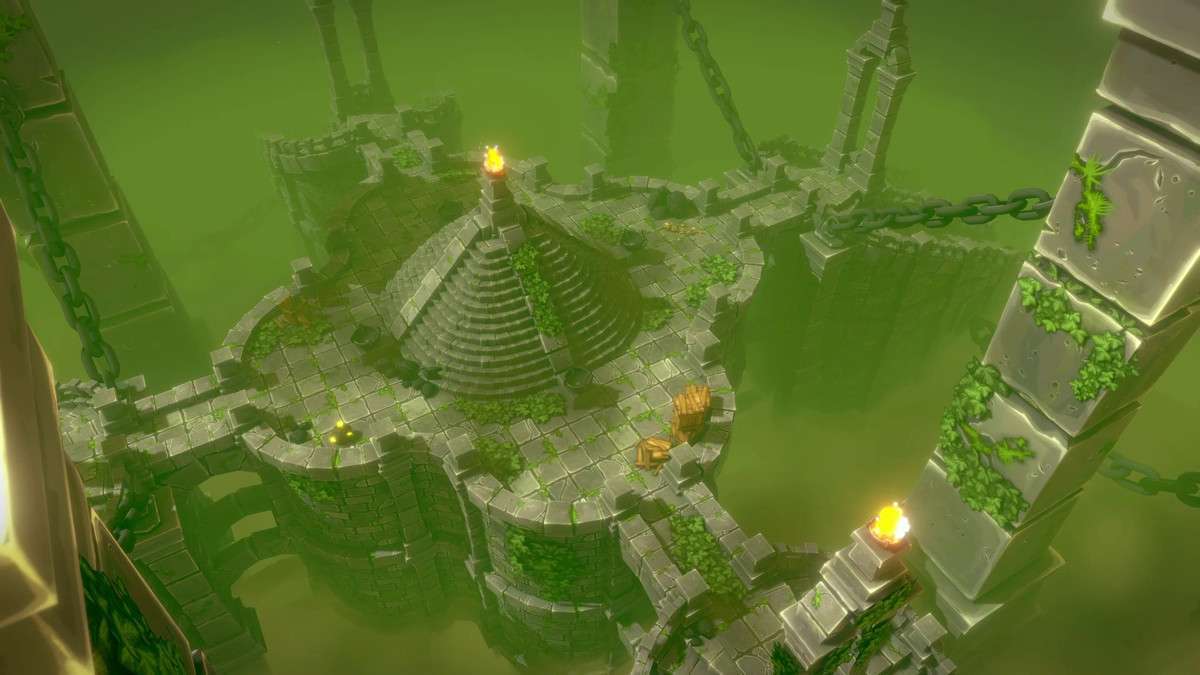
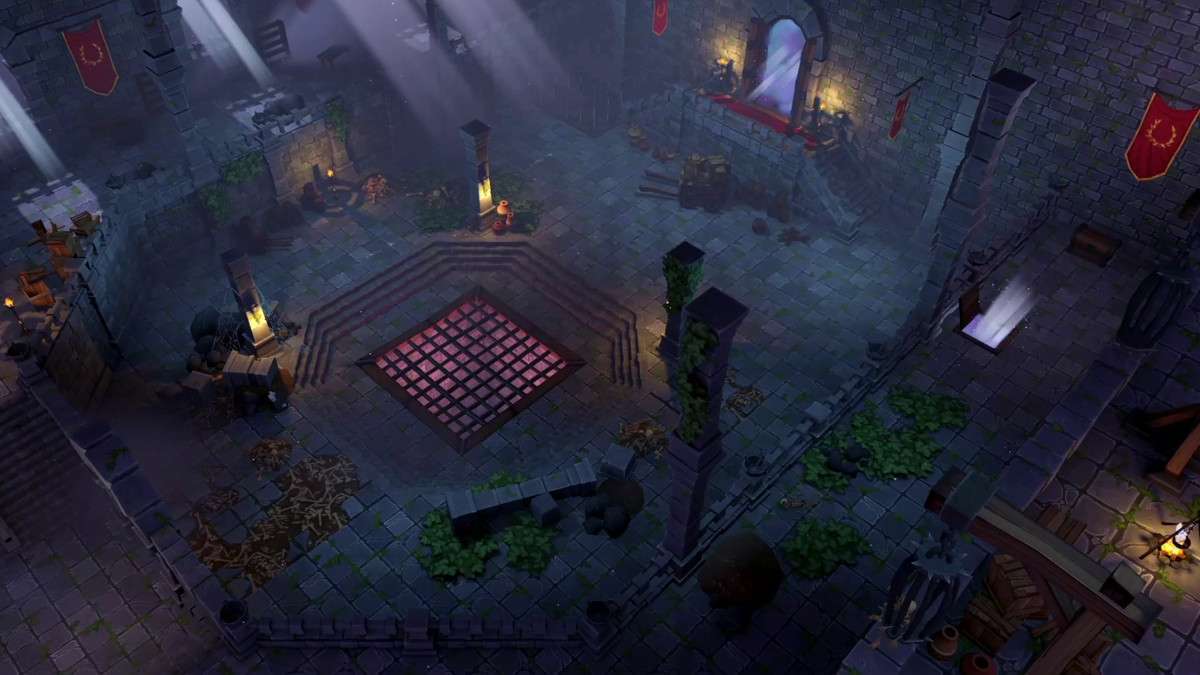
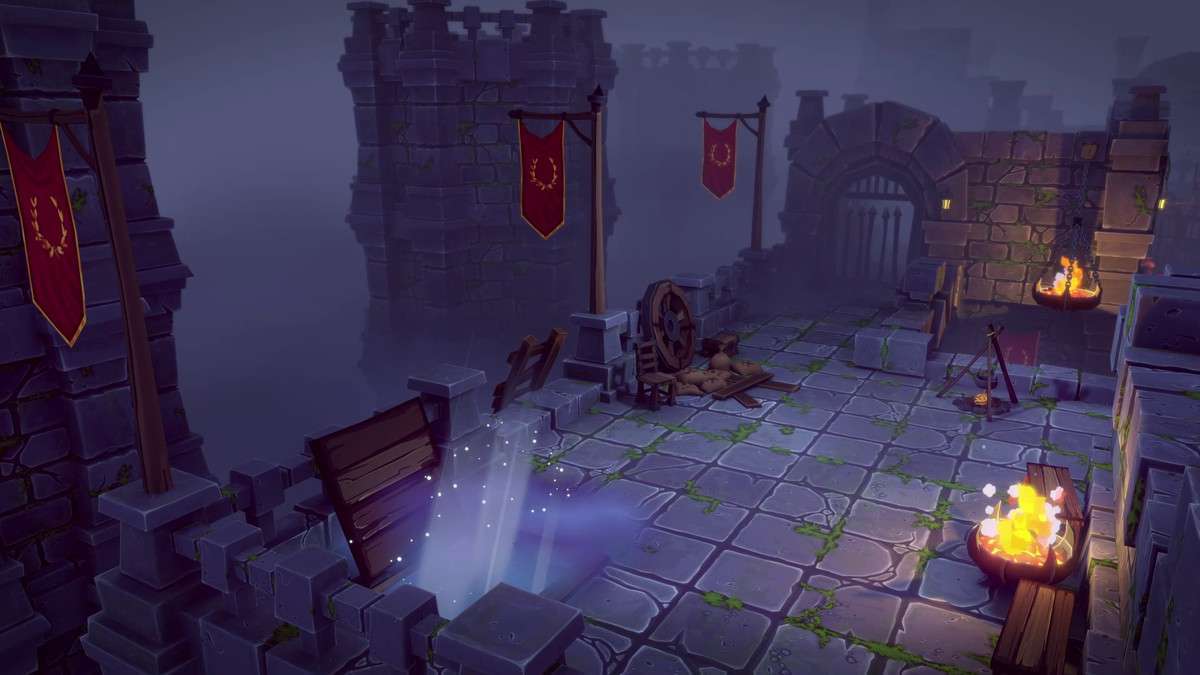
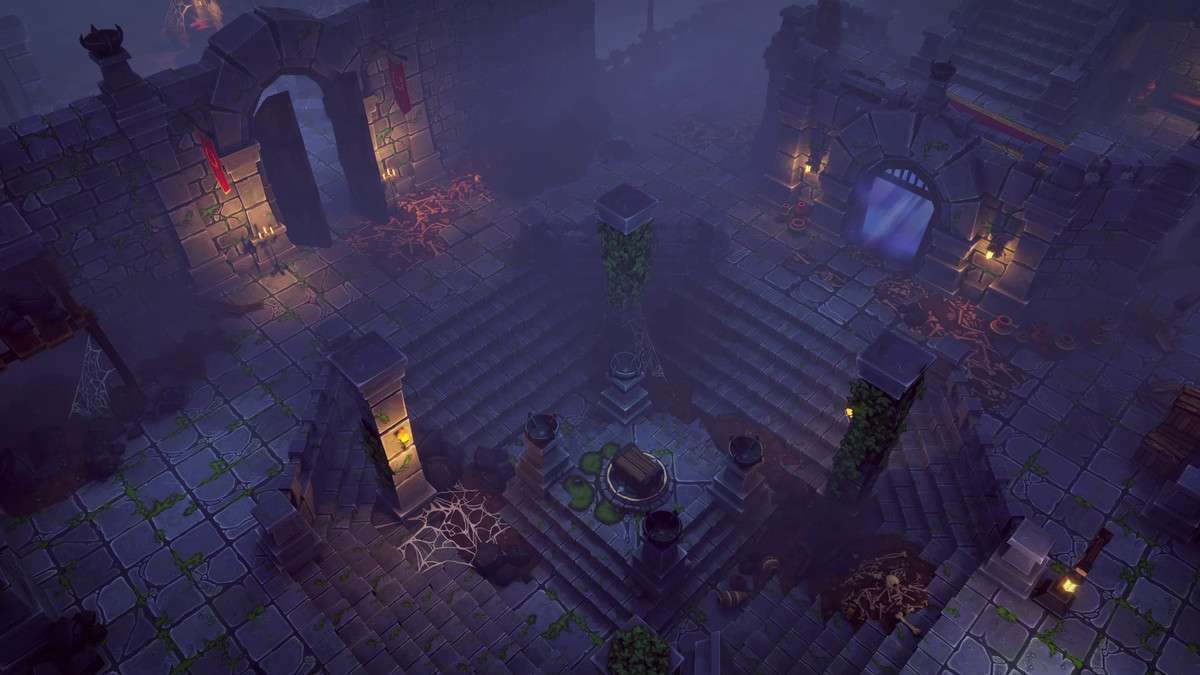
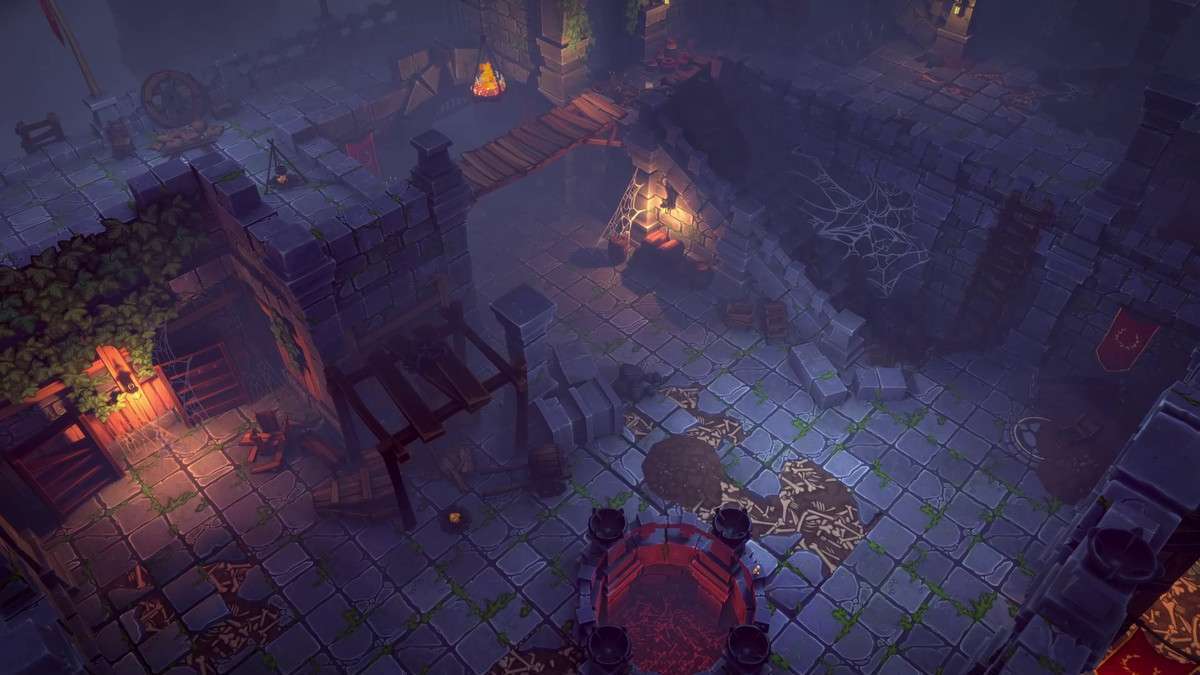
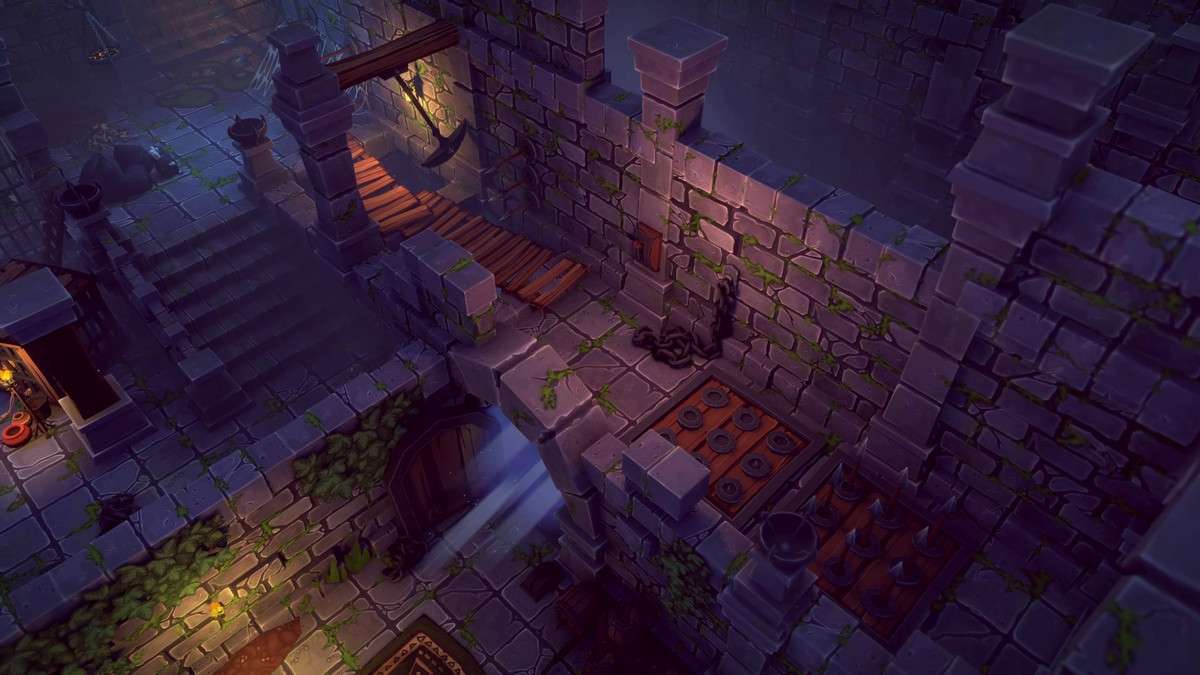
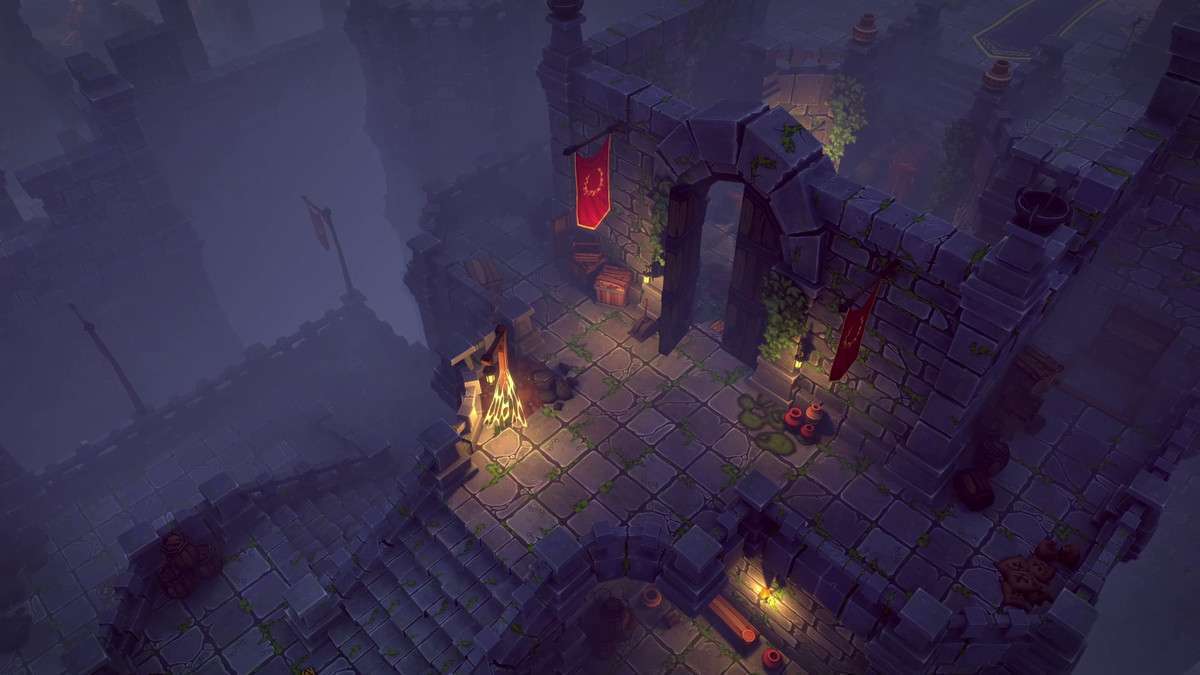
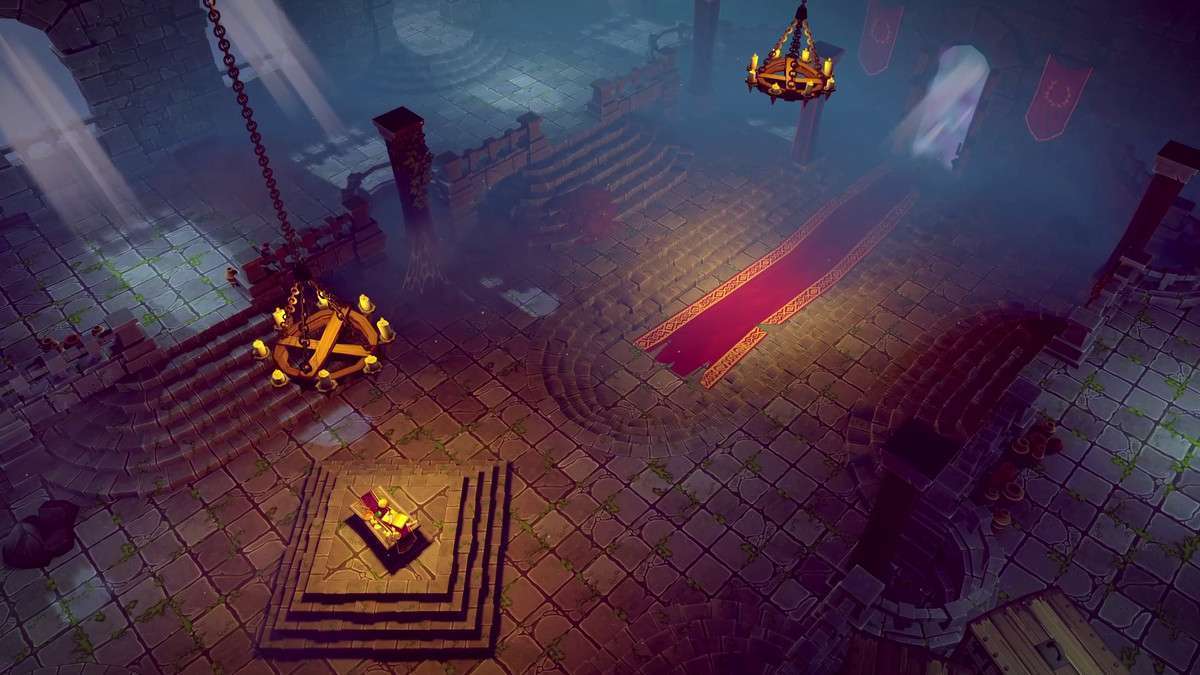
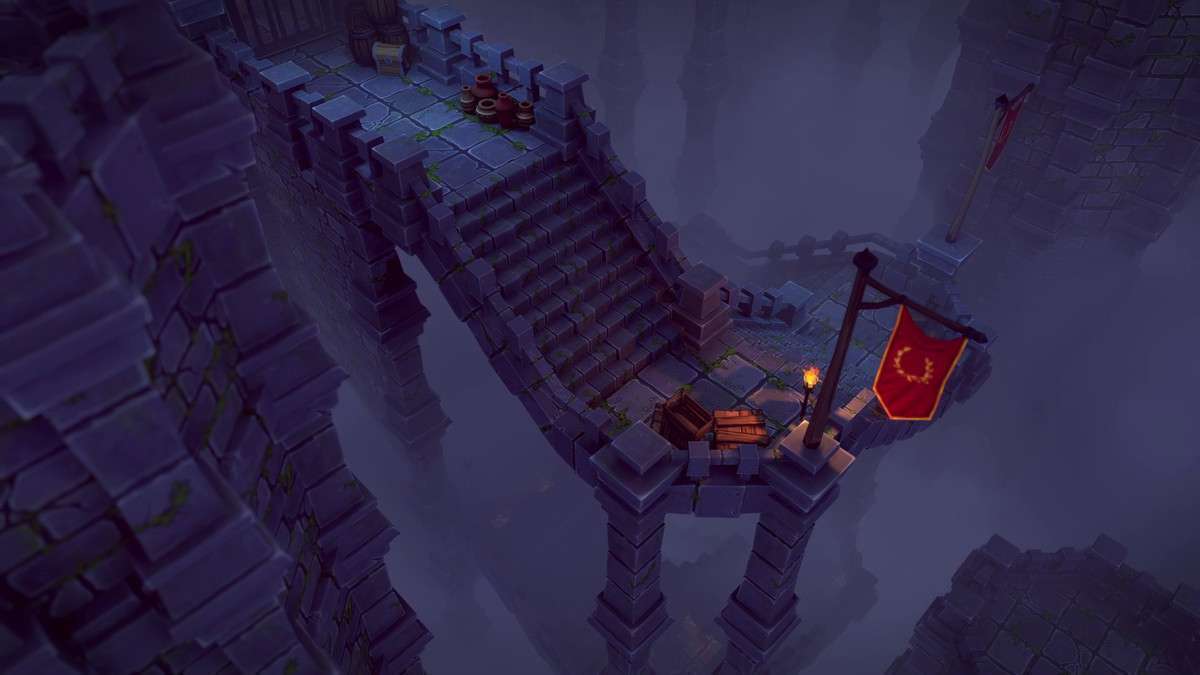
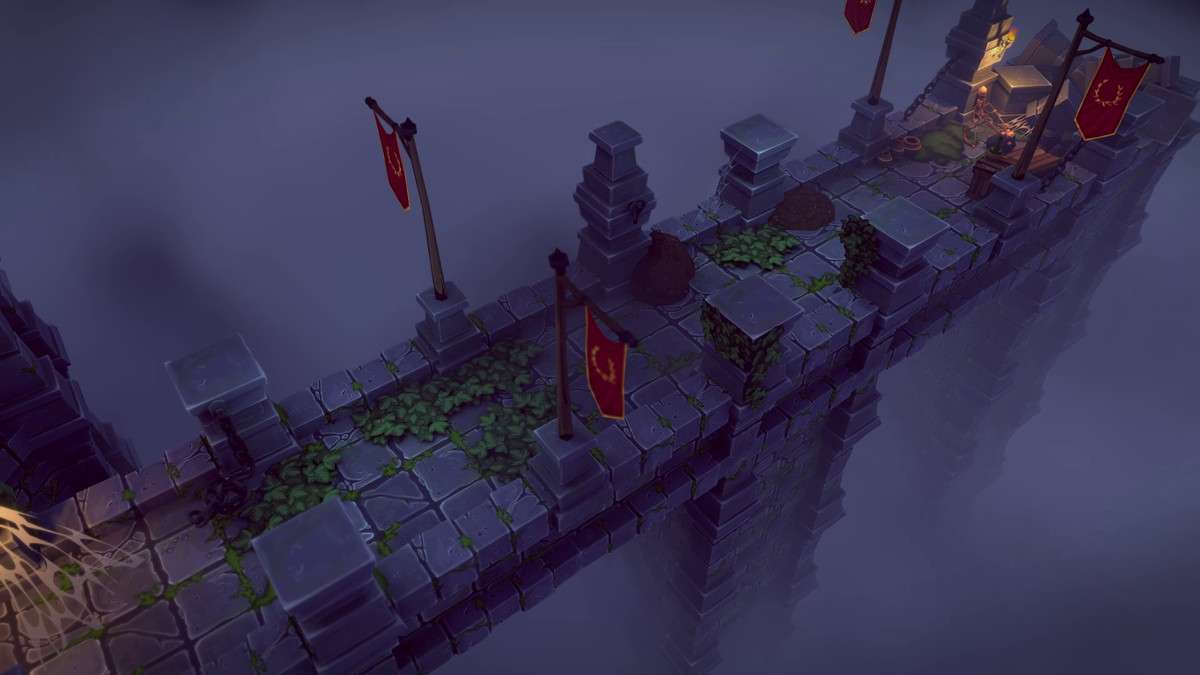
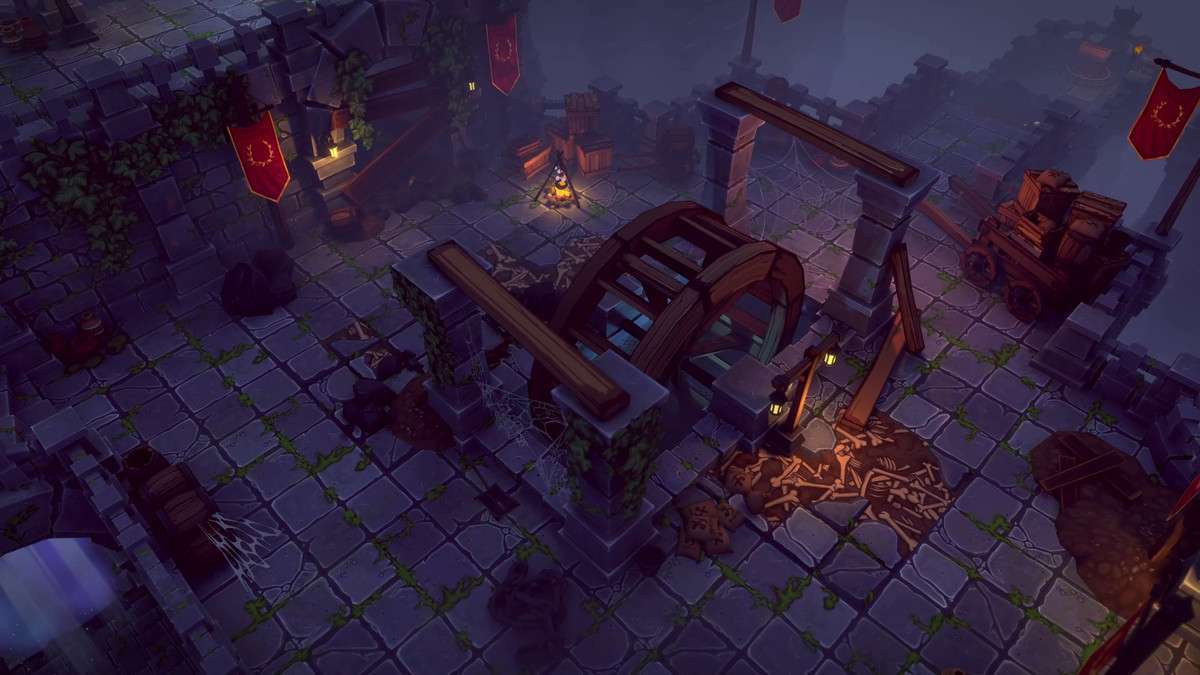
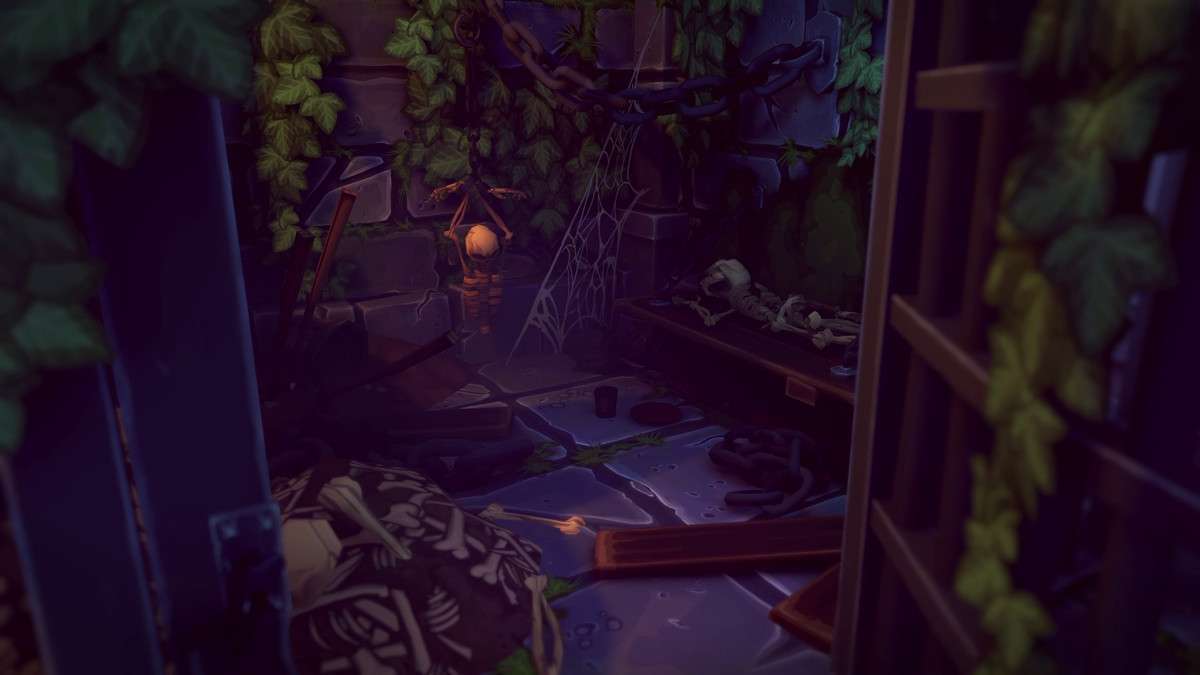
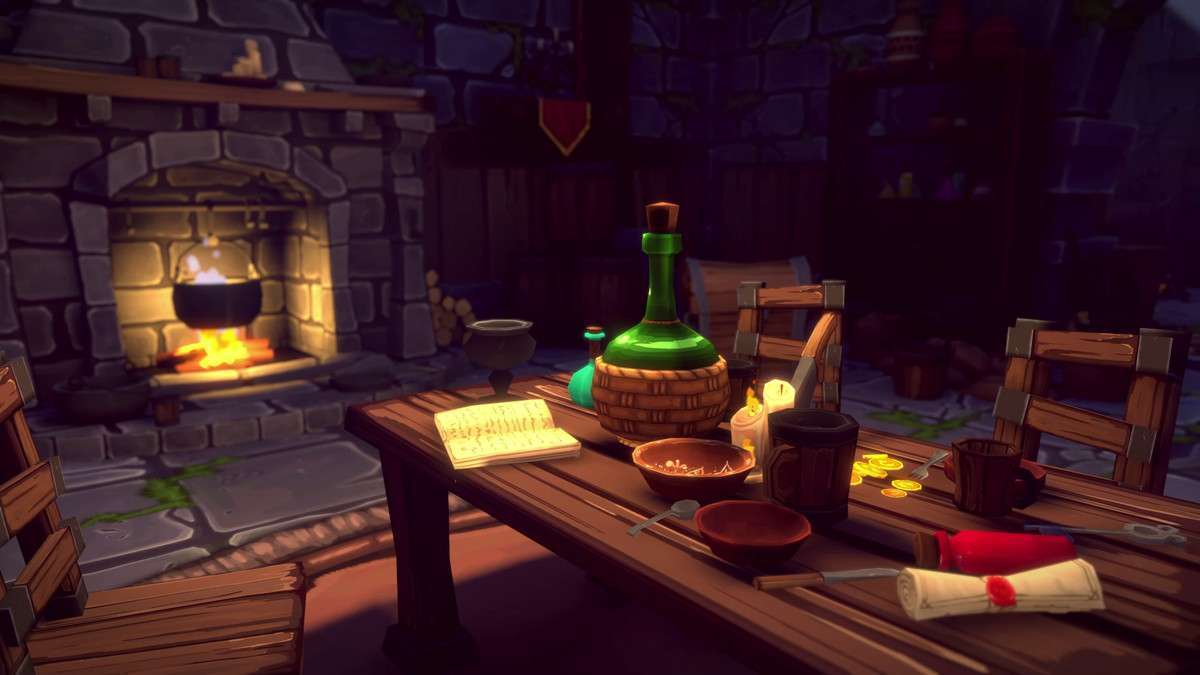



Integrating the FANTASTIC – Dungeon Pack Unity at version provides a robust and highly modular framework for building stylized fantasy dungeons. With over 650 unique assets, including modular architecture, props, and stylized FX like fire, steam, and godrays, this pack is designed for rapid environment creation. Its PBR-ready assets, efficient texture usage (only 3 tileable materials for the entire architecture set), custom lightmap UVs, and built-in colliders streamline the level design pipeline, making it suitable for both top-down and first/third-person perspectives.
Integration Tips
- Modular Level Design Workflow: Leverage Unity’s grid snapping (especially the one-unit grid mentioned) in conjunction with tools like ProBuilder or a custom editor extension for efficient blockout and assembly. Start with rough layouts, then snap in the modular architecture prefabs. The pre-assembled dungeon modules are excellent for rapid prototyping or populating less critical areas.
- Baked Lighting Strategy: The inclusion of custom lightmap UVs on the second channel is a significant performance advantage. For static dungeon layouts, prioritize baking lightmaps using Unity’s Progressive GPU/CPU Lightmapper. This offloads complex lighting calculations from runtime, dramatically improving performance and visual fidelity, especially for emissive elements like torches or magical lights.
- Efficient Prop Placement: For dense prop environments, utilize Unity’s instancing capabilities where possible. For truly static props, consider merging meshes where appropriate (e.g., groups of crates) to reduce draw calls. Implement occlusion culling volumes to prevent rendering geometry that’s not visible from the player’s camera, which is crucial for complex dungeon layouts.
- FX Integration and Post-Processing: The included stylized FX (fire, fog, godrays) are typically Particle Systems or volume textures. Integrate these with Unity’s Post-Processing Stack (or URP/HDRP post-processing volumes) to enhance atmosphere, e.g., using bloom for emissive particles, or volumetric fog settings to blend with the provided fog FX.
- Material Property Blocks for Variations: Although the architecture uses only 3 tileable materials, if you need runtime variations (e.g., slightly different moss colors on walls), use `MaterialPropertyBlock`s on your `MeshRenderer` components. This allows for per-instance material modifications without breaking batching or creating duplicate material assets.
Best Use Cases
- Dungeon Crawlers/ARPGs: This pack excels in creating expansive, visually rich dungeons for genres where exploration and combat are key. The modularity allows for endless dungeon layouts, while the density of props and included FX provide a compelling sense of place, vital for player immersion. Its PBR workflow ensures high visual quality even with complex lighting.
- VR Exploration/Puzzle Games: For virtual reality titles, consistent performance and strong visual presence are paramount. The stylized aesthetic combined with custom lightmap UVs makes it well-suited for baked-light VR environments. This allows developers to build detailed, immersive spaces with predictable performance, minimizing motion sickness and enhancing player presence.