
Leveraging RenderGraph for Atmospheric Lighting
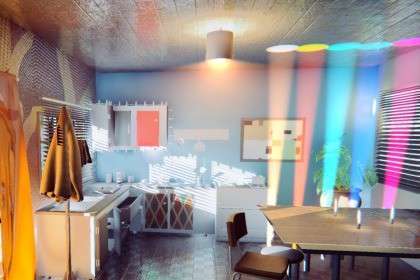
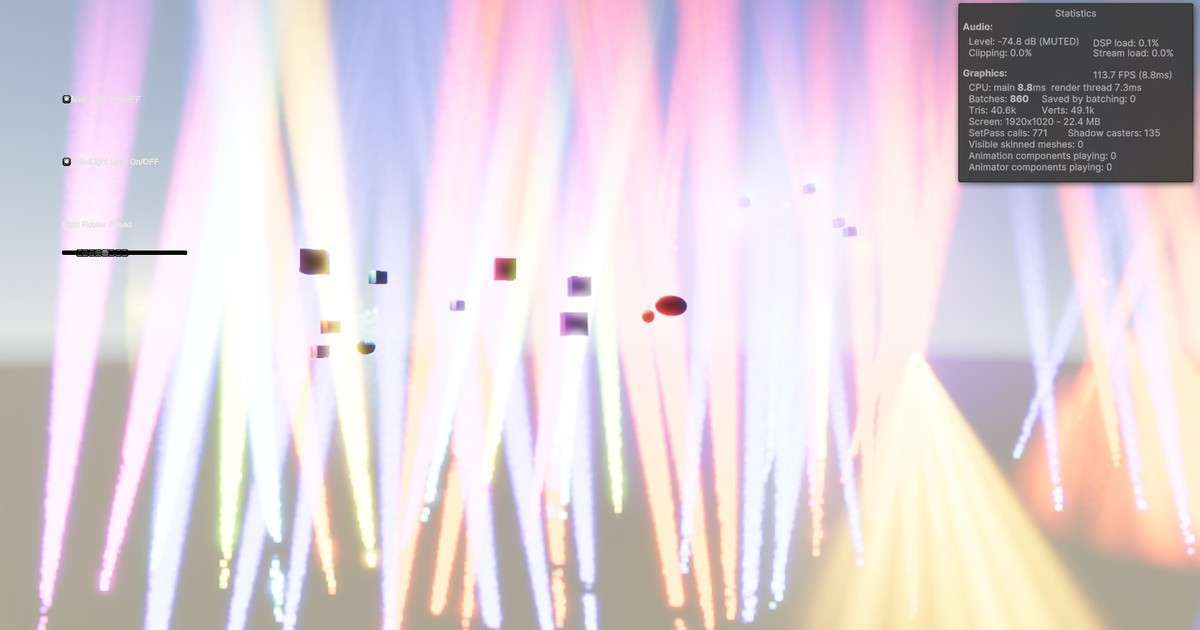
The Ethereal URP 2024 – Volumetric Lighting & Fog Unity 2.6.6 update is a significant leap forward for developers using the new RenderGraph API in Unity 6. By utilizing Forward+ rendering, Ethereal can now handle hundreds of shadowed local lights—a task that previously would have tanked the GPU’s fill rate. This makes it a go-to asset for interior environments where mood and lighting depth are non-negotiable.
Integration Tips
When setting up Ethereal 2024 in Unity 6, ensure you are not using URP’s Compatibility Mode, as the RenderGraph features require the modern pipeline flow. If you see ghosting or shimmering in the fog, check the Temporal AA (TAA) settings in the EXTRAS folder; it’s essential for smoothing out the noise in the volumetric jitter. Also, be aware of the memory leak note for Unity 6 Preview users—use a secondary renderer for your game camera to avoid the scene view bug during long dev sessions.
Best Use Cases
- Horror and Suspense Games: The ability to cast volumetric shadows from small, flickering point lights (like a flashlight or a candle) creates the claustrophobic atmosphere necessary for the genre.
- High-End Architectural Visualization: With support for light cookies and shadow masks, Ethereal allows for physically accurate light shafts that enhance the realism of indoor-to-outdoor transitions.