

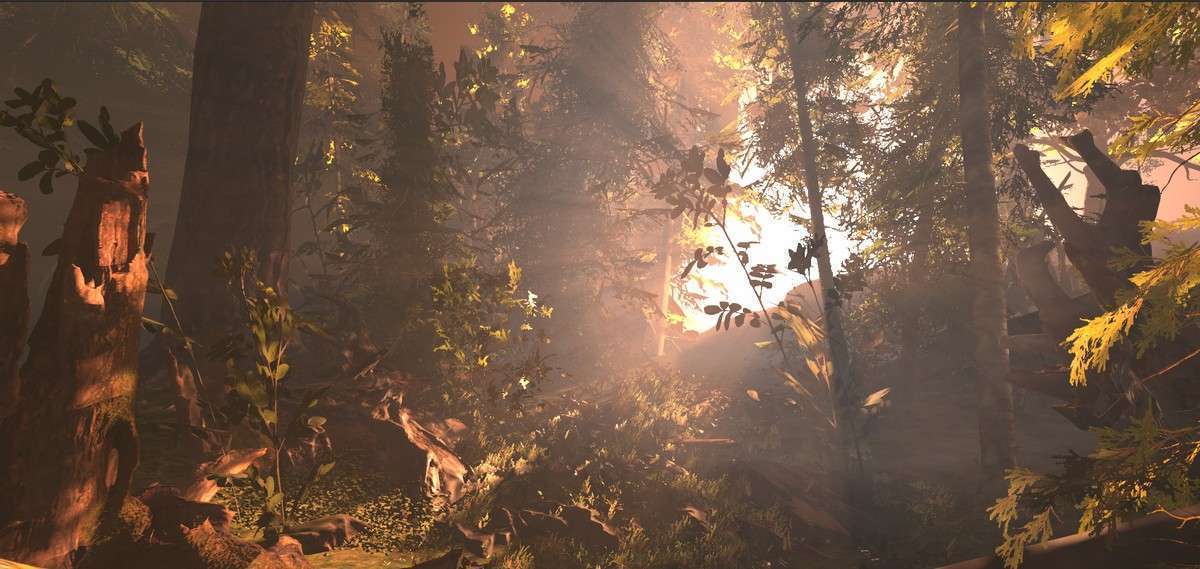
Atmospheric Depth via Ethereal URP Volumetric Lighting
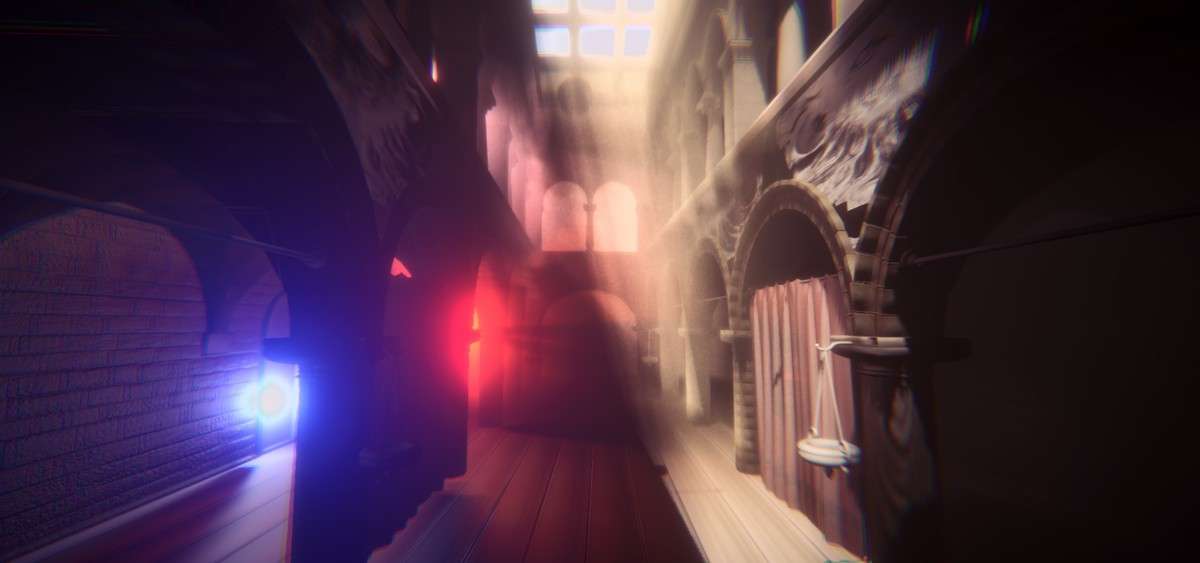
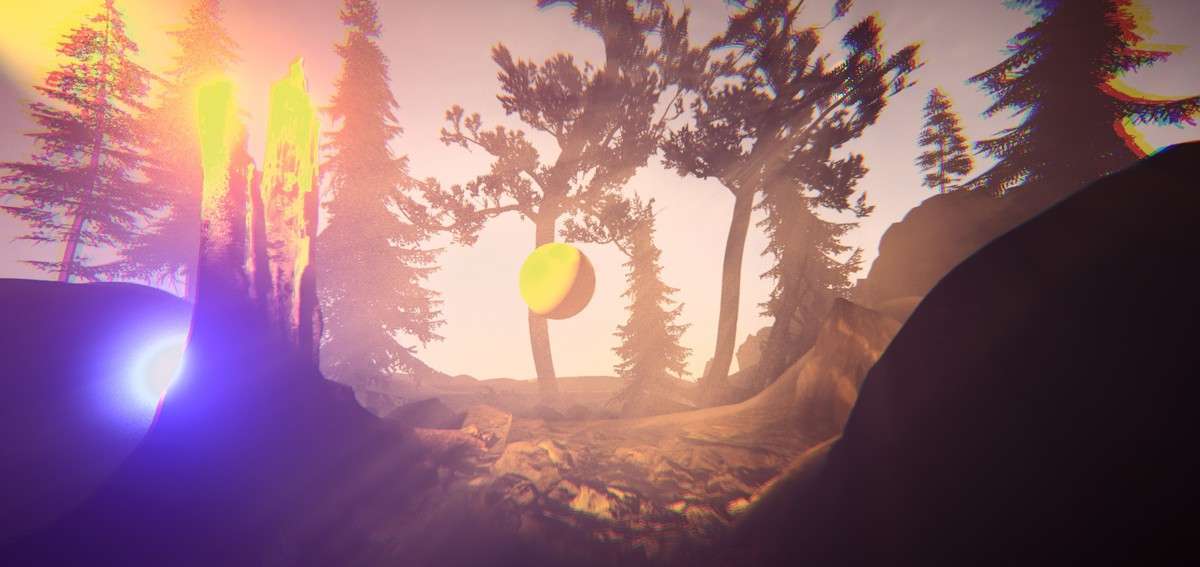
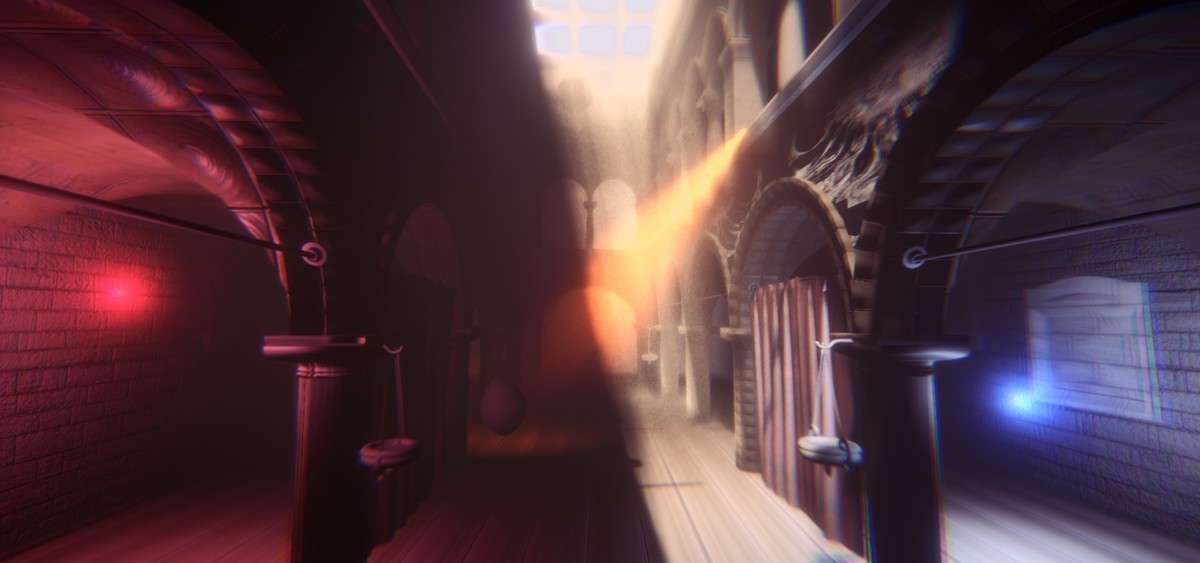
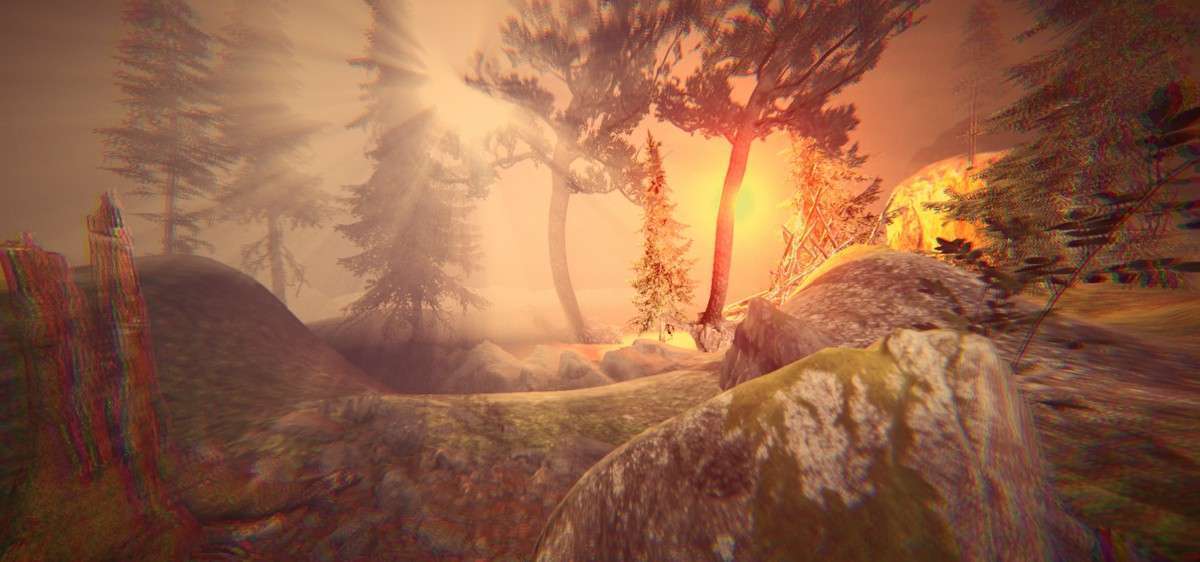
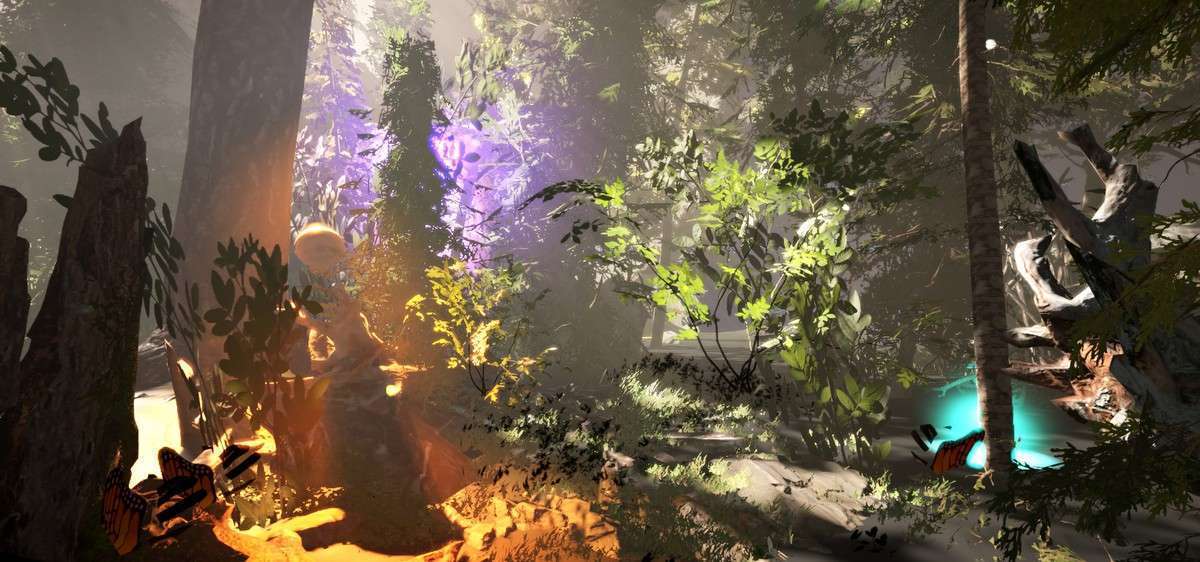
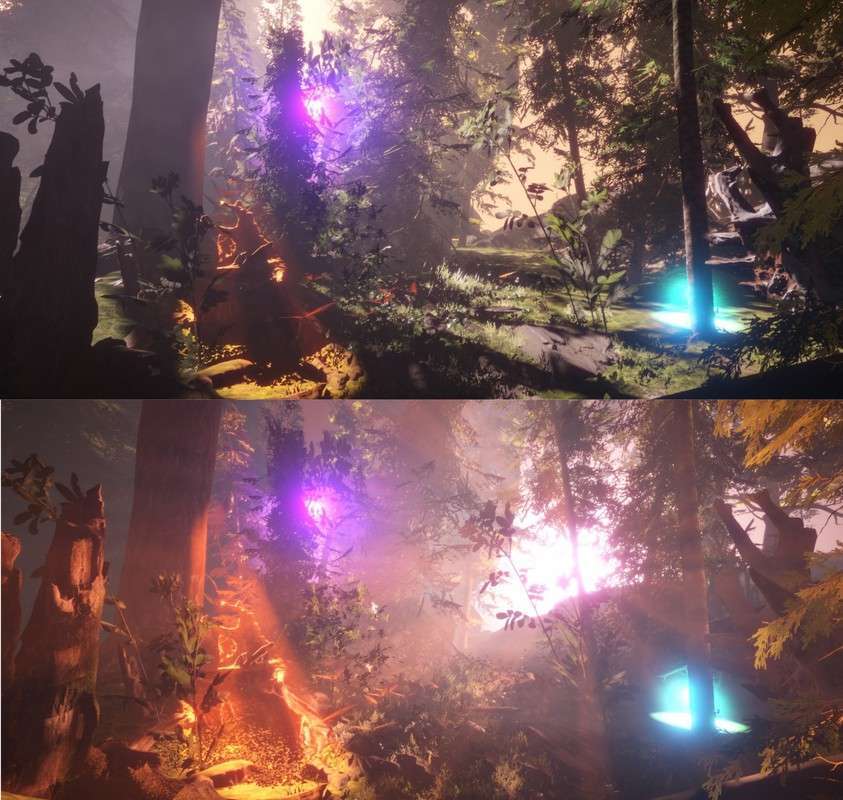
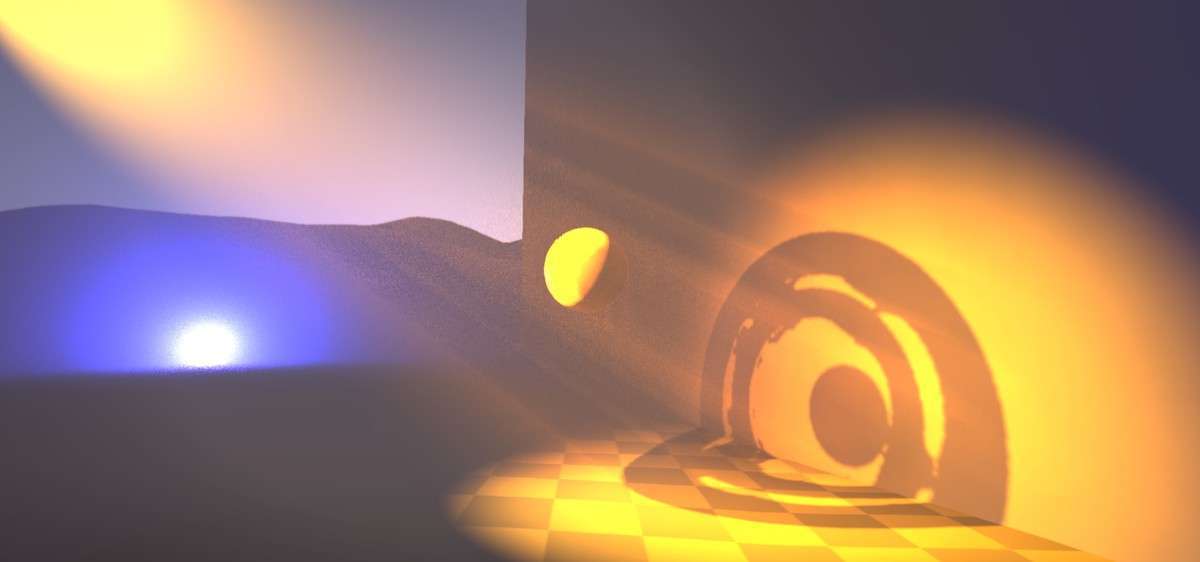
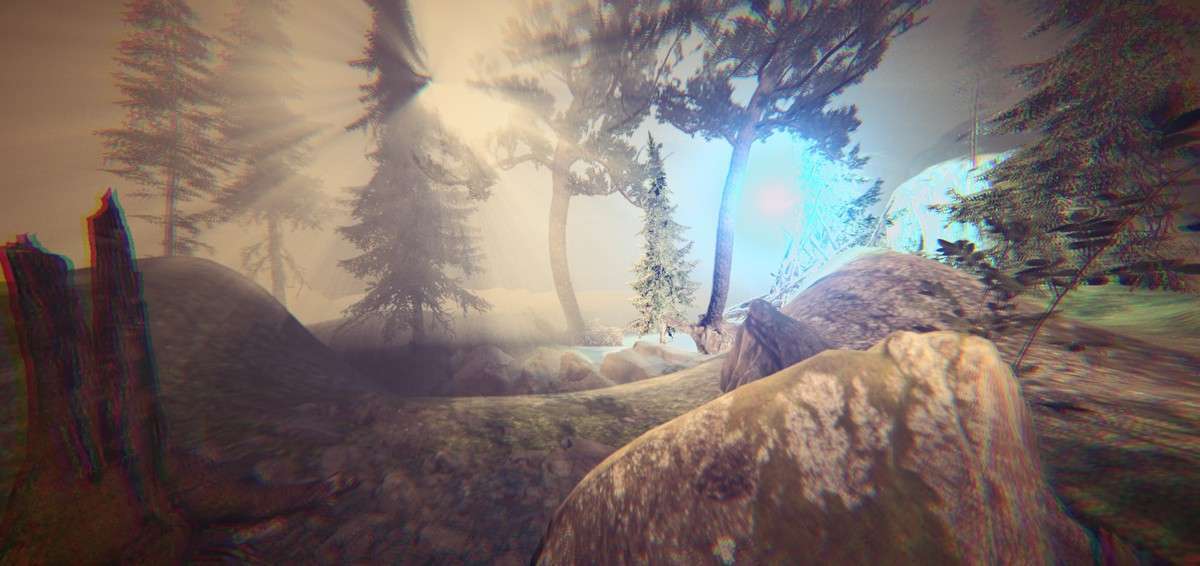
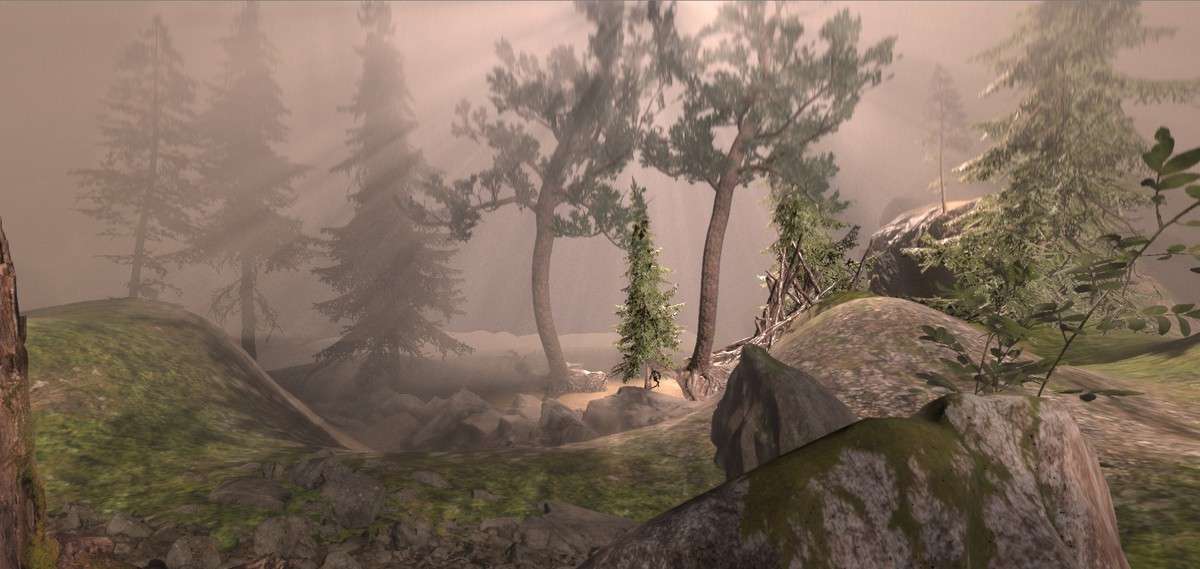
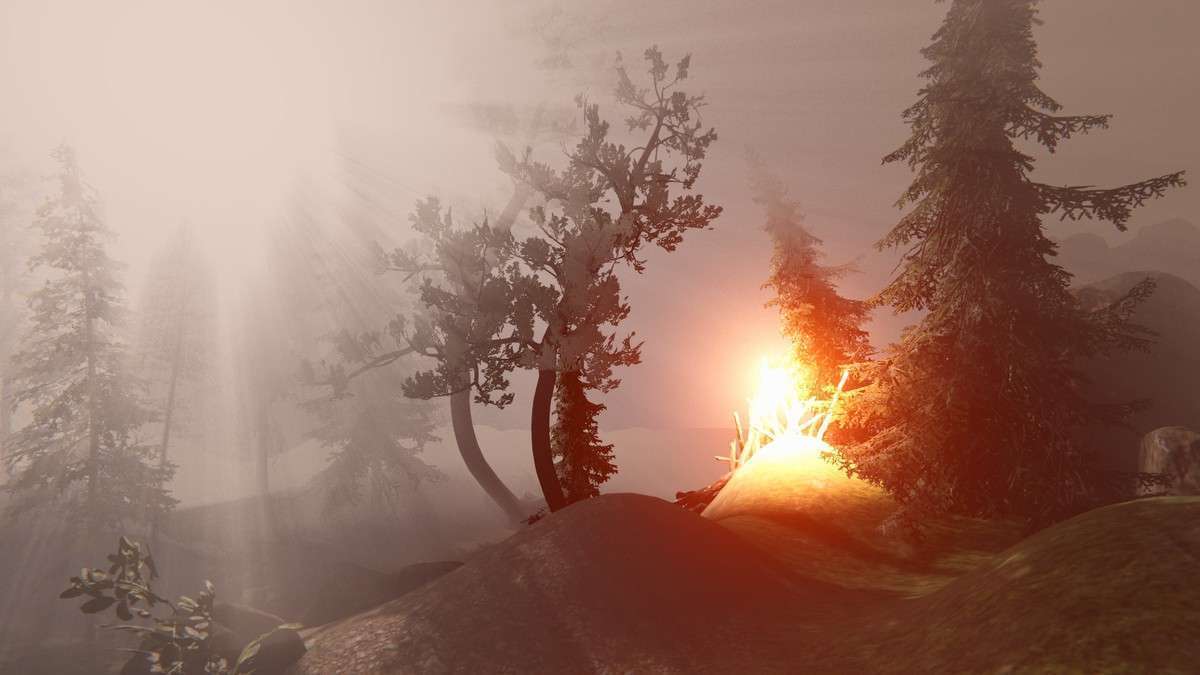
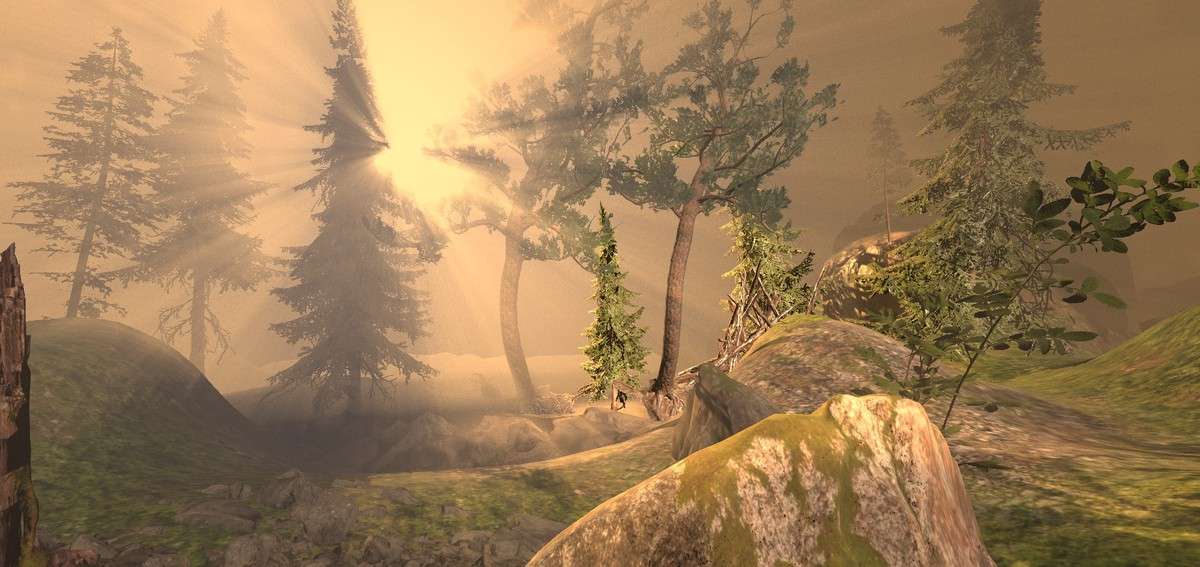
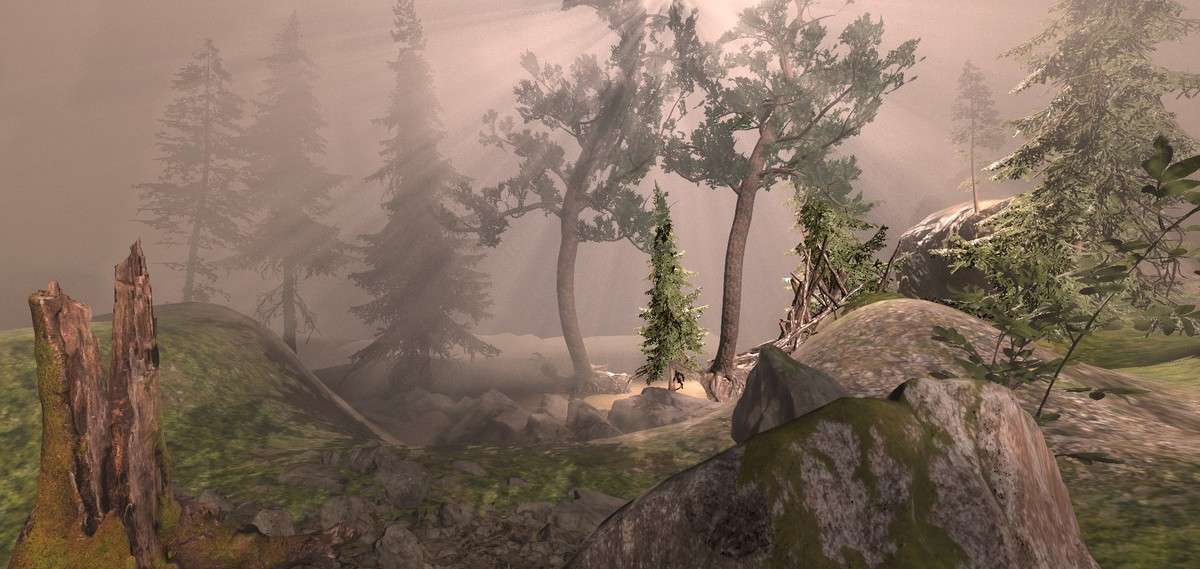
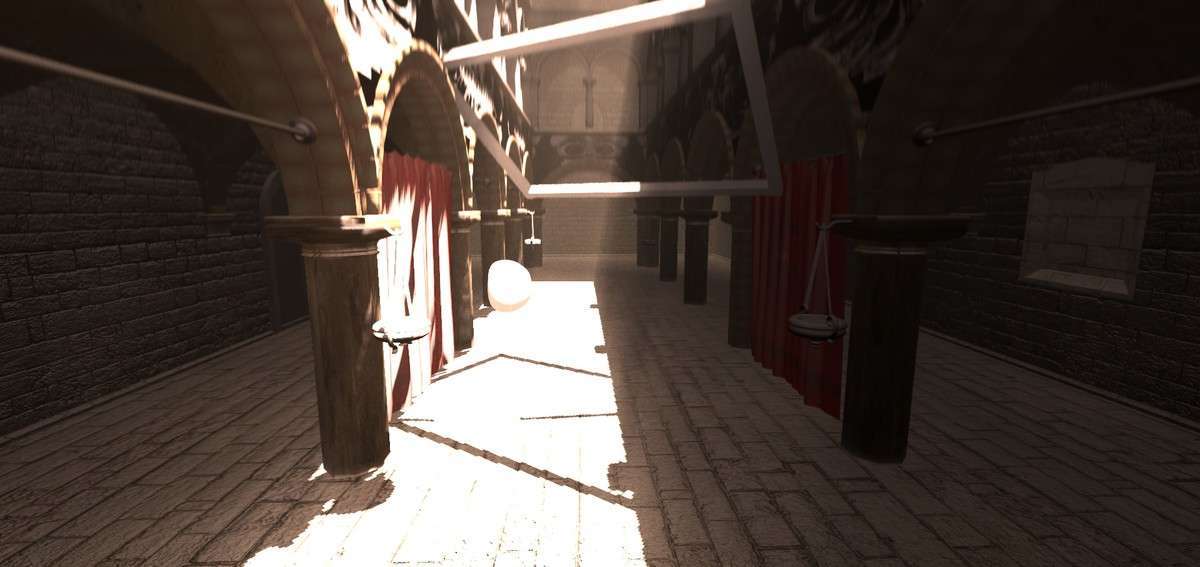
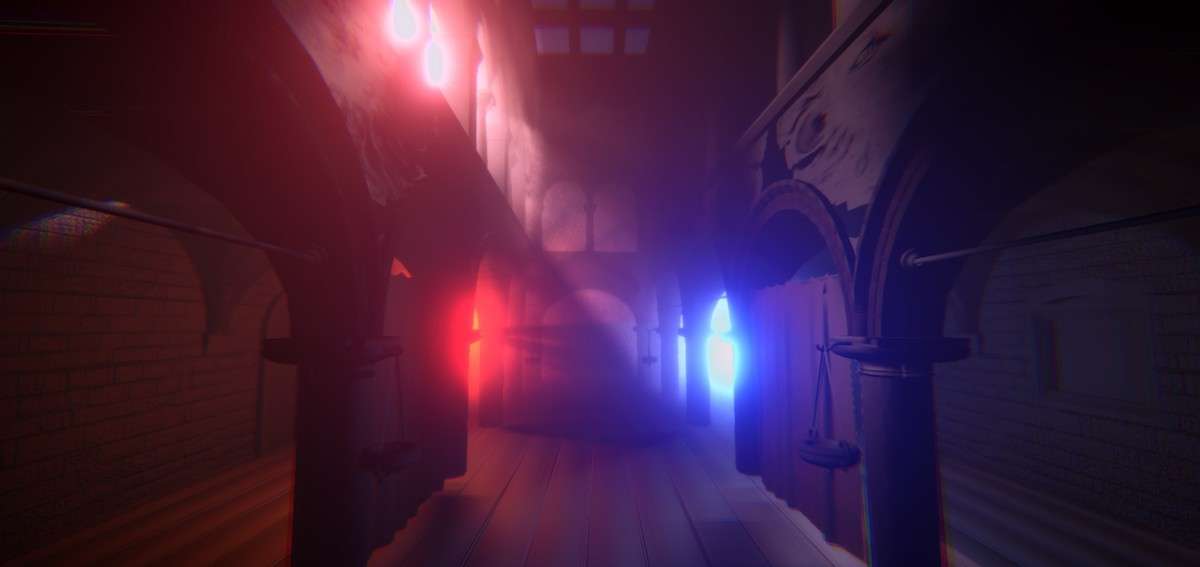
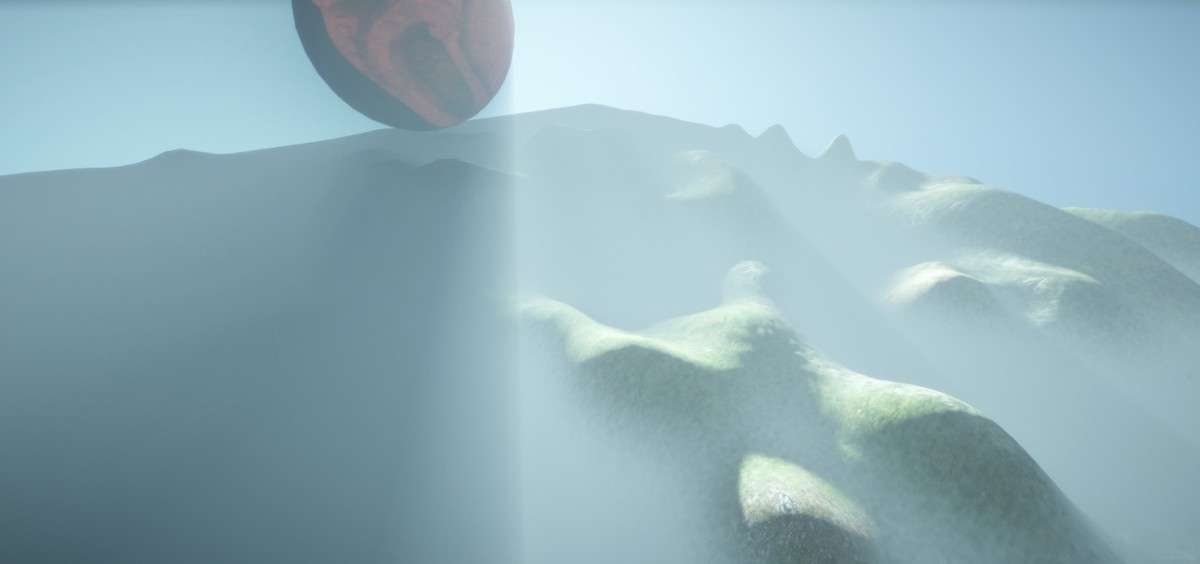
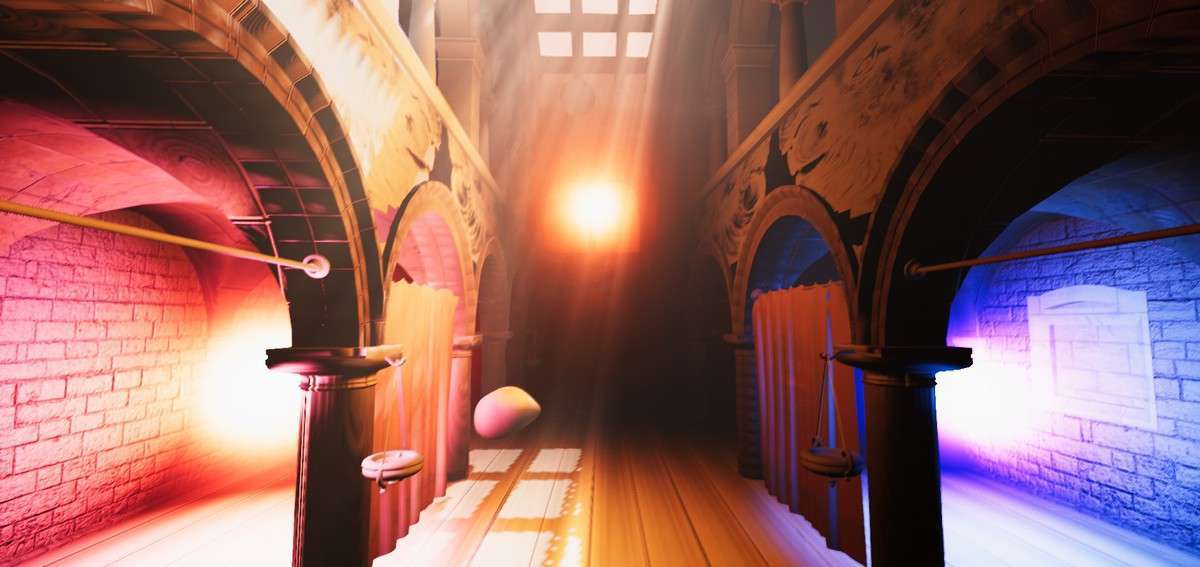
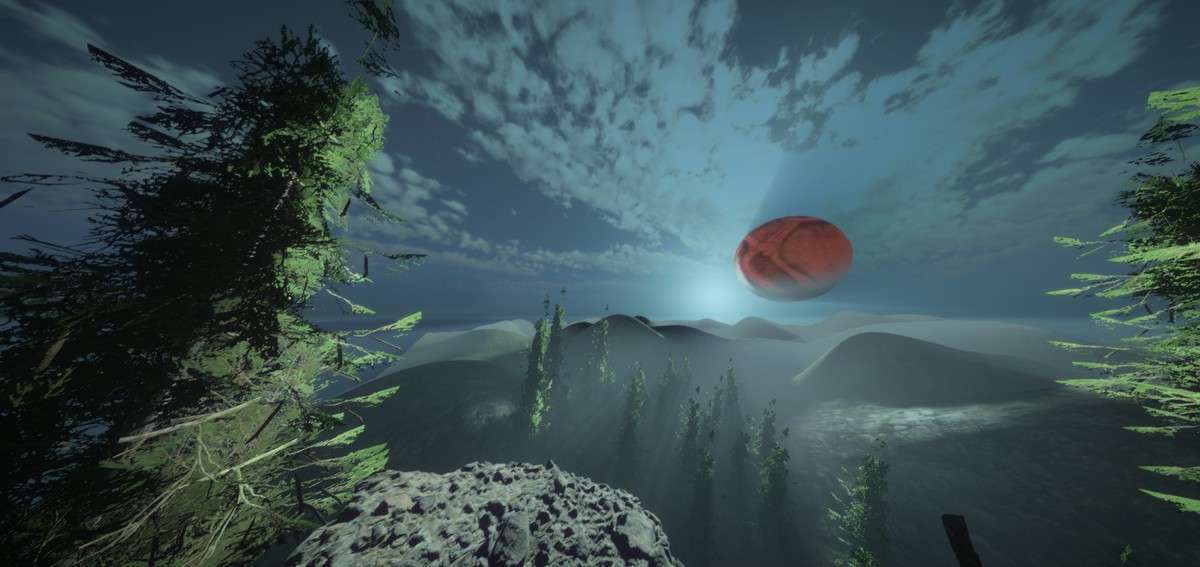
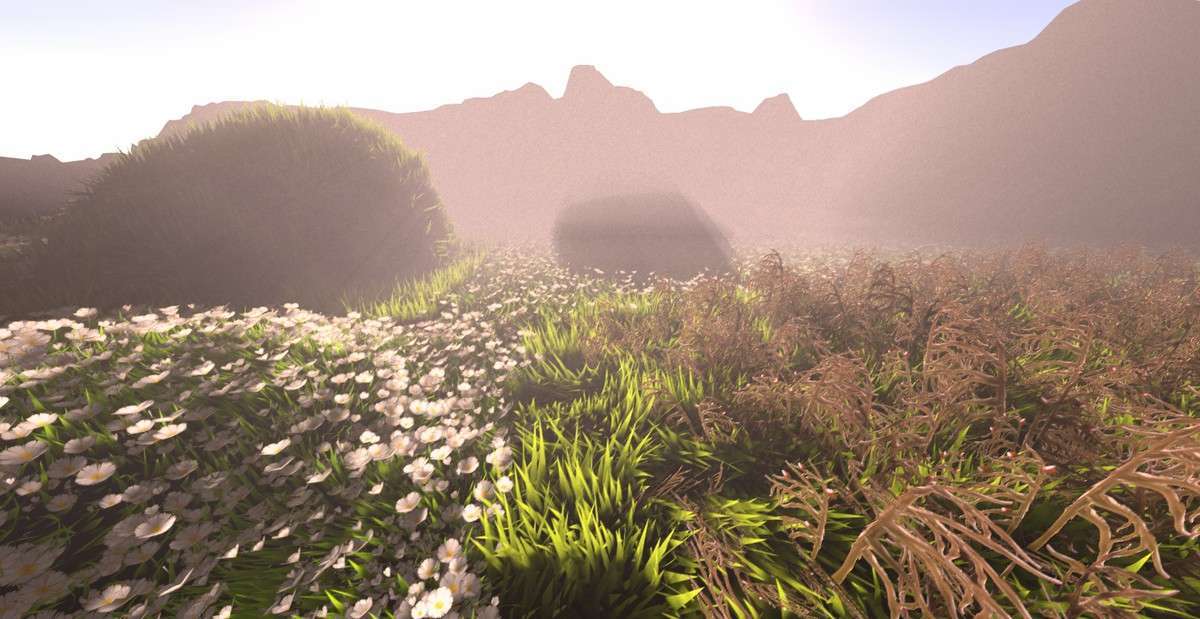
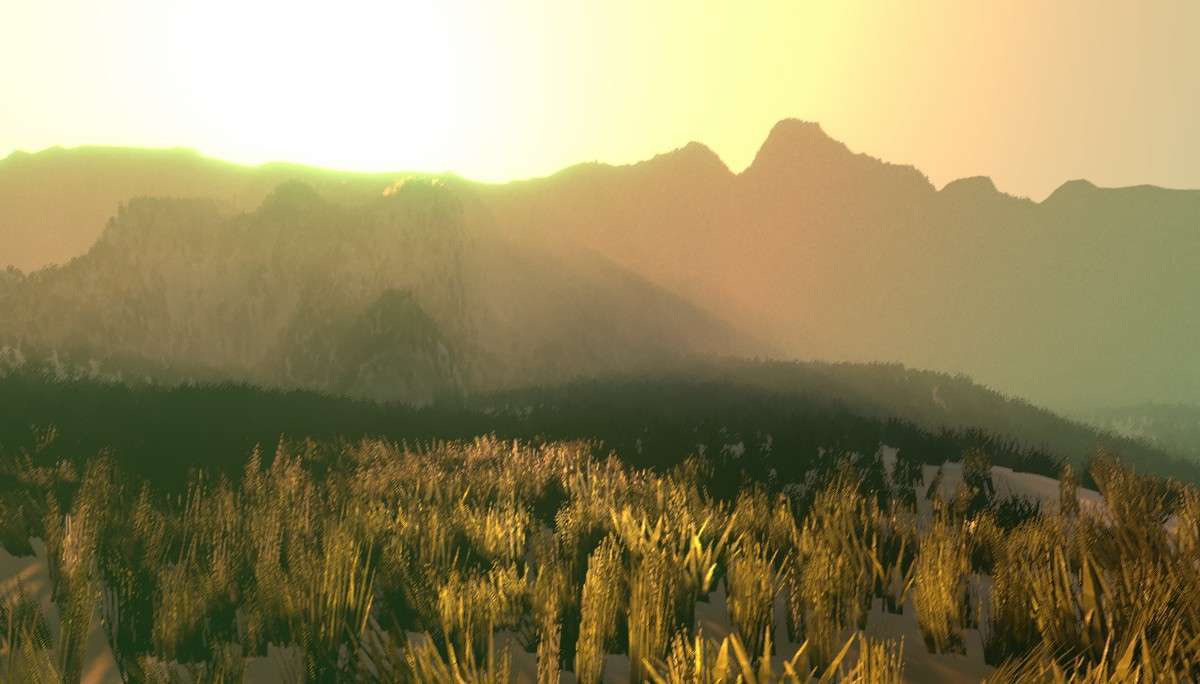
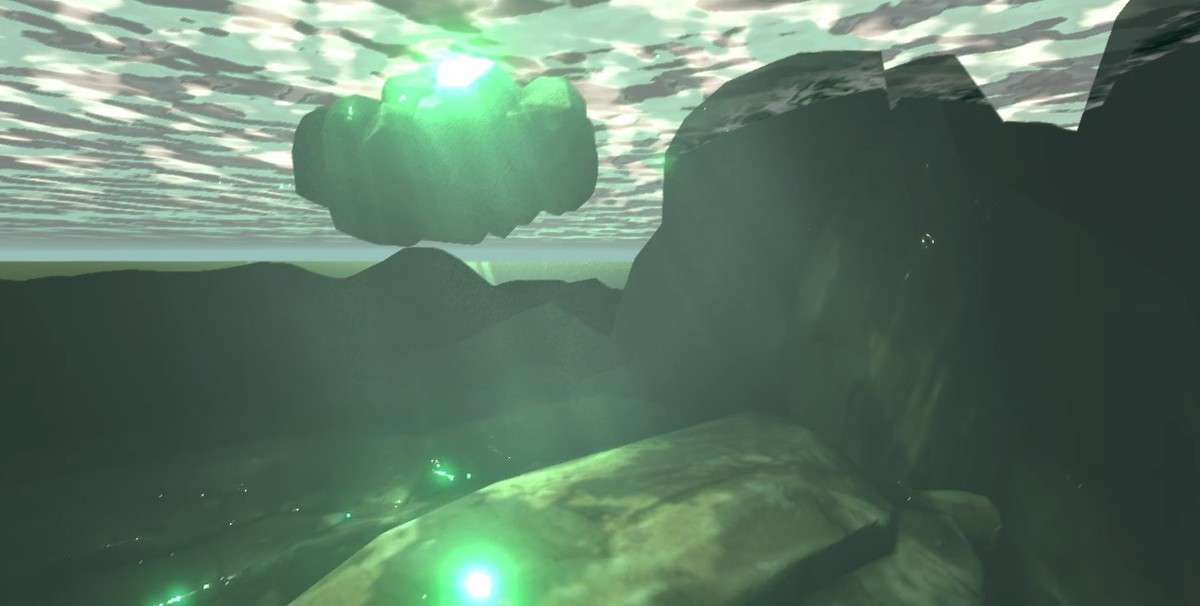
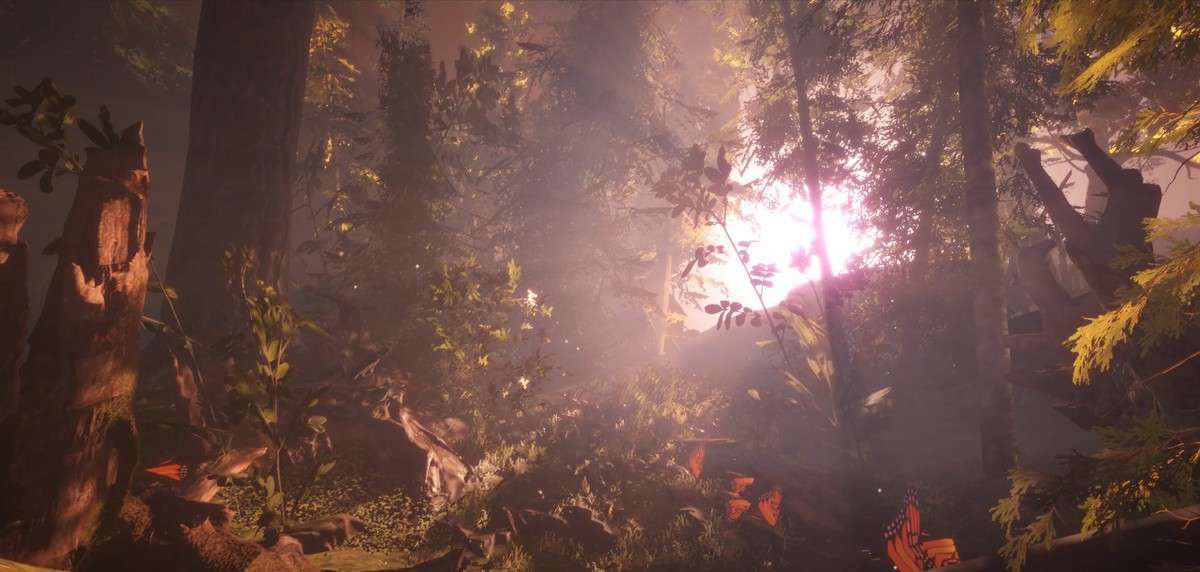
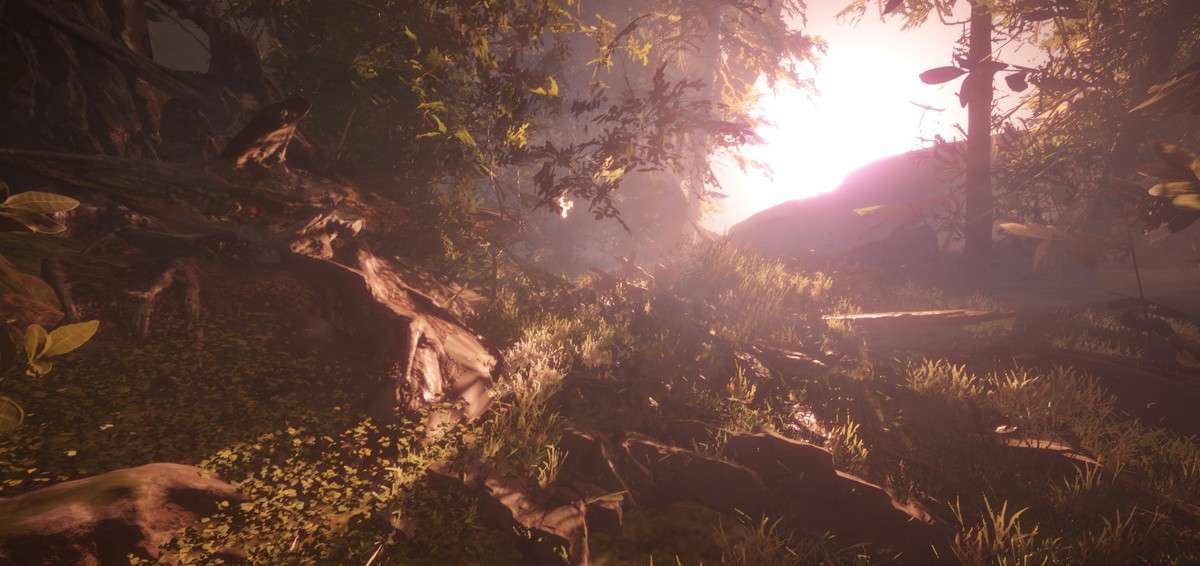
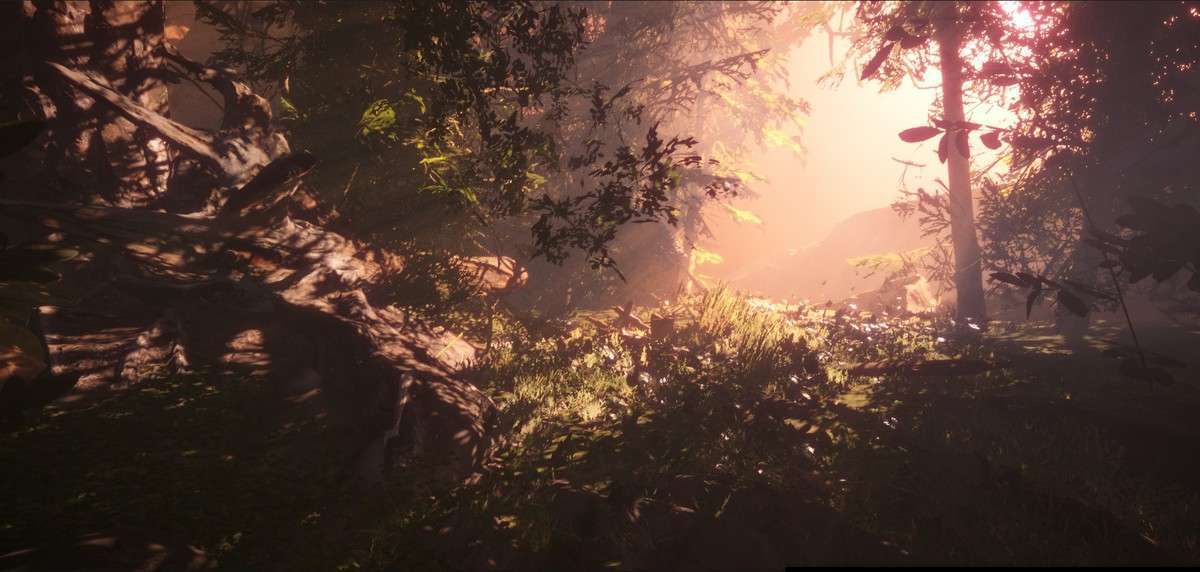
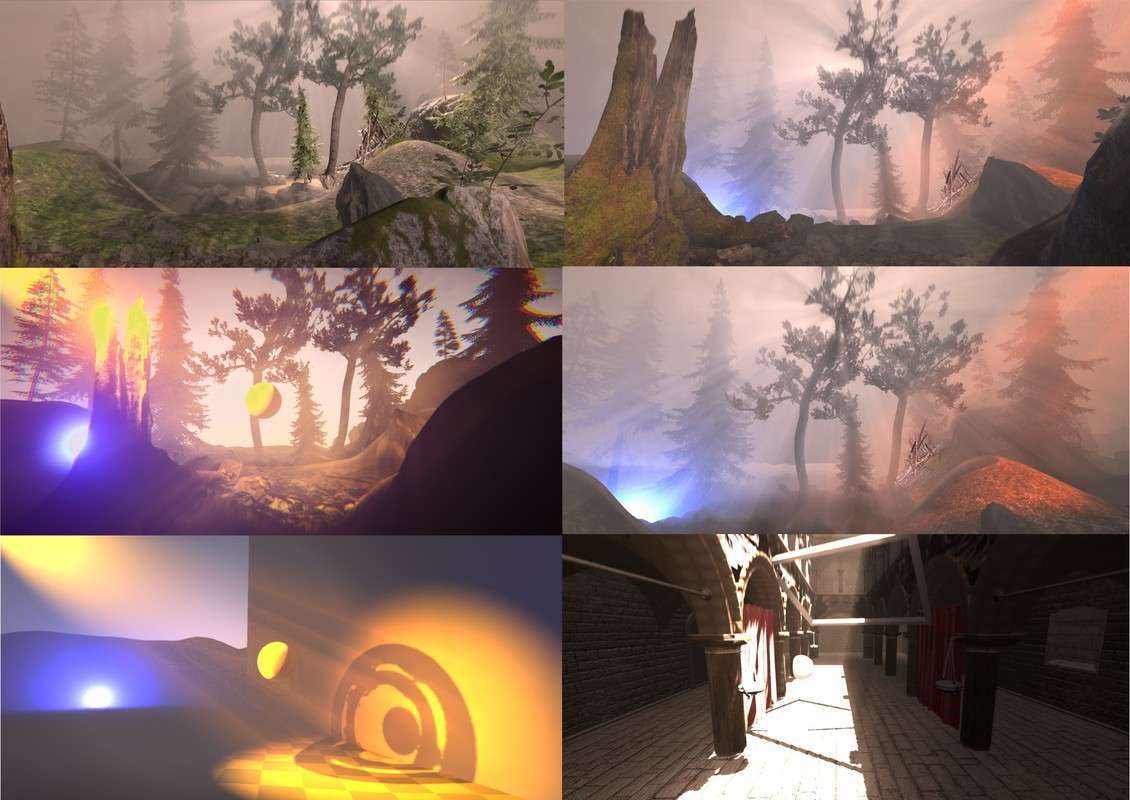
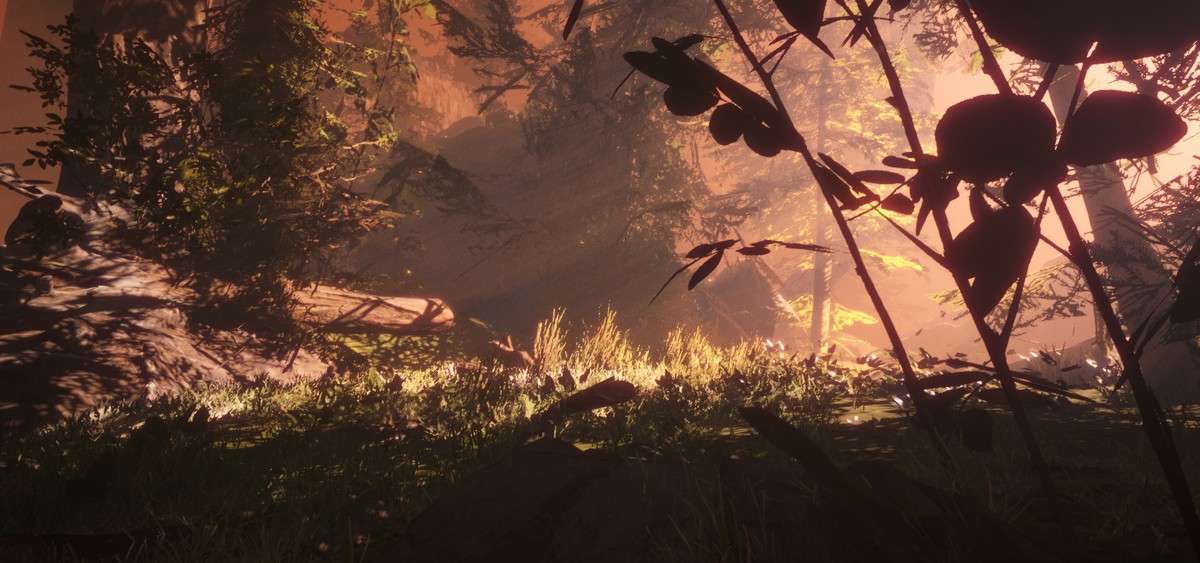
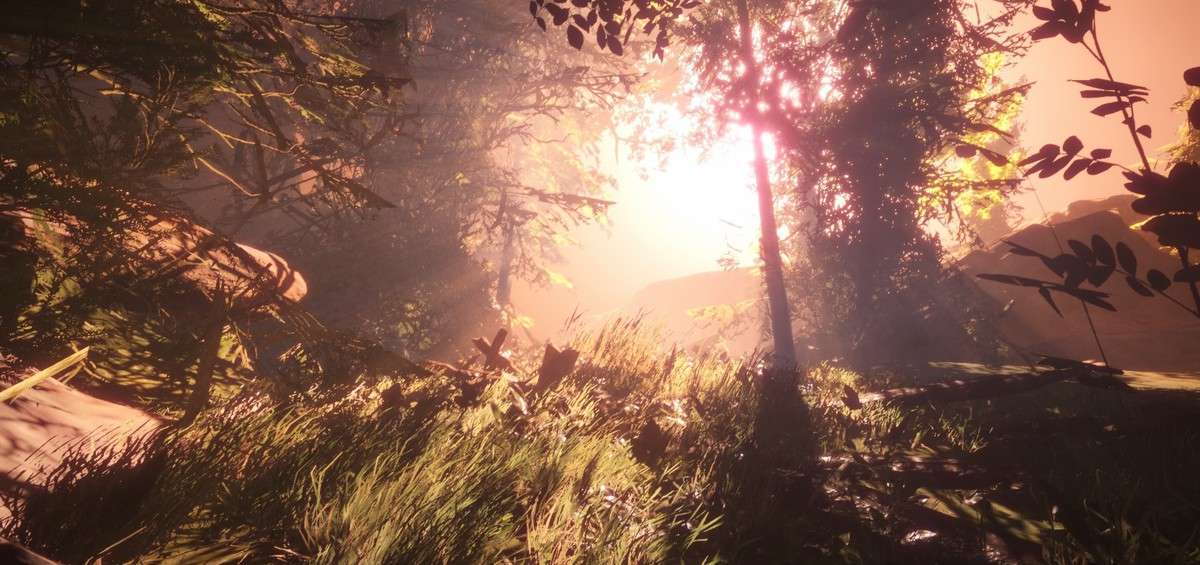
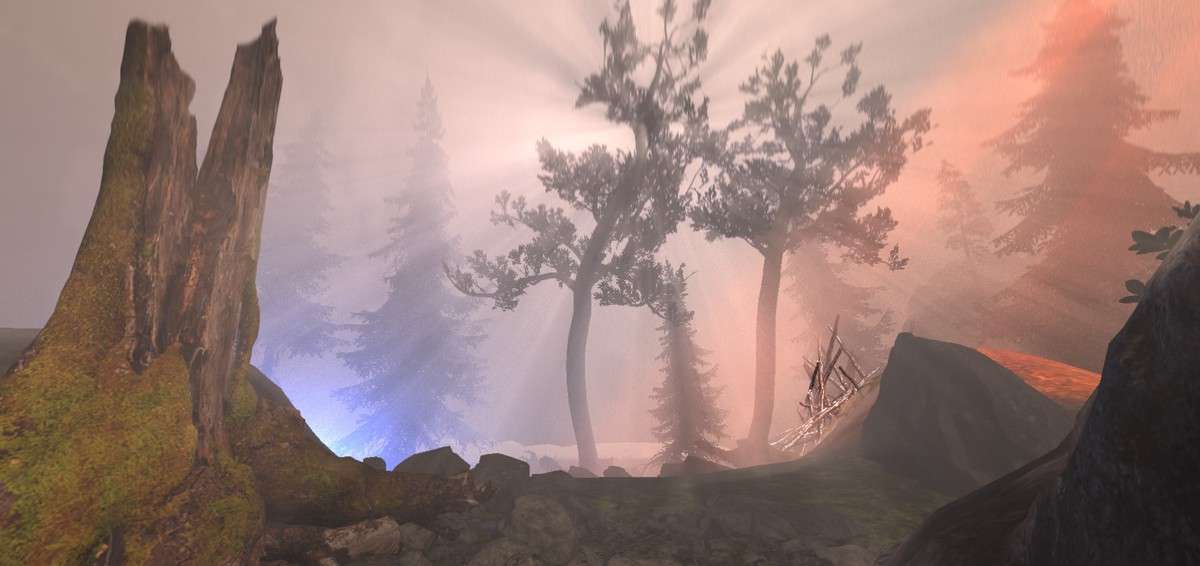
Achieving believable atmospheric scattering in the Universal Render Pipeline requires a dedicated solution for light-particle interaction. Ethereal URP 2021 – Volumetric Lighting & Fog Unity 1.7.6 simulates this by injecting volumetric shadows and light shafts into the URP rendering path. It supports Directional, Spot, and Point lights with native shadow mask compatibility, providing a heavy cinematic feel with minimal performance impact on desktop hardware.
Integration Tips
- Renderer Feature Setup: You must add the Ethereal scriptable renderer feature to your URP Forward Renderer Data asset. Position it after the ‘Opaque’ timing to ensure it correctly occludes objects based on the depth buffer.
- Local Light Limits: While the system can handle many lights, staying within the recommended limit of 6 local lights for volumetric shadows is crucial for maintaining a 60 FPS target on mid-range GPUs. For extra lights, use simple light volumes without shadow casting.
- Noise Textures: Leverage the 3D Noise options for “creeping” fog effects. Ensure your 3D noise texture is properly compressed (using ASTC or BC7) to avoid blocky artifacts in the volumetric medium during slow camera movements.
Best Use Cases
- Atmospheric Horror: Use the height-based fog and occlusion settings to create low-visibility environments where lights pierce through the gloom. The volumetric shadows from spot lights are perfect for flickering flashlight mechanics.
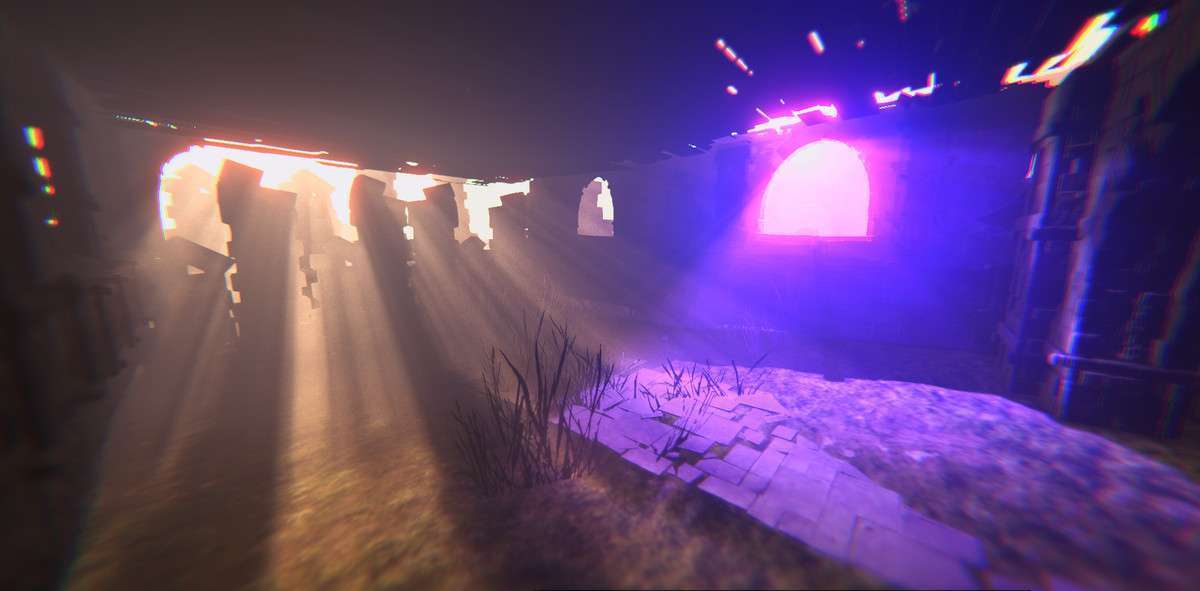
- High-Fidelity Stylized Adventures: The ‘God Ray’ (Light Shaft) effect is essential for forest or cathedral scenes. It allows for dramatic lighting that guides the player’s eye toward specific points of interest.