



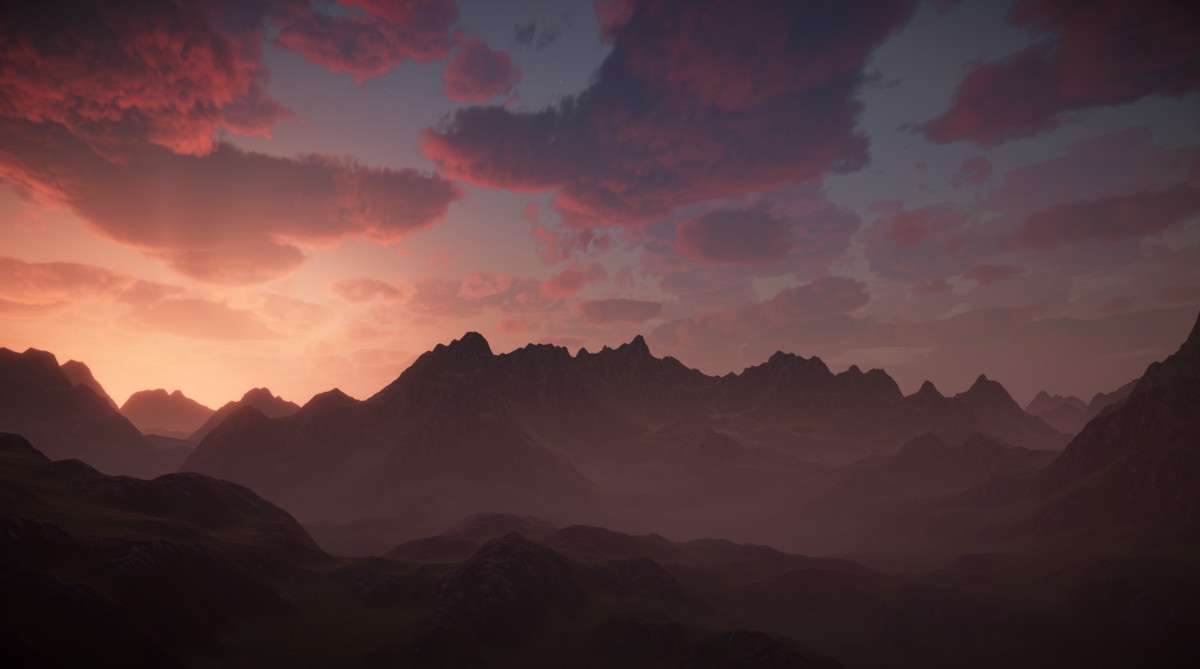
Enviro 3 – Sky and Weather: A Lead Developer’s Perspective
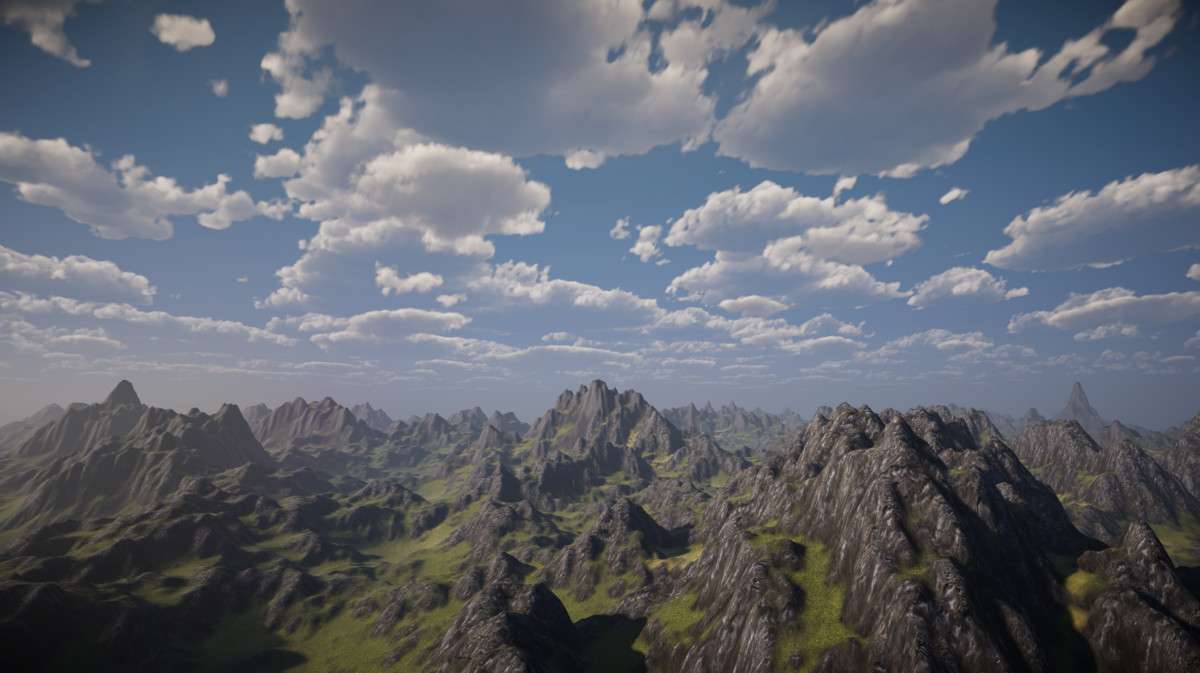
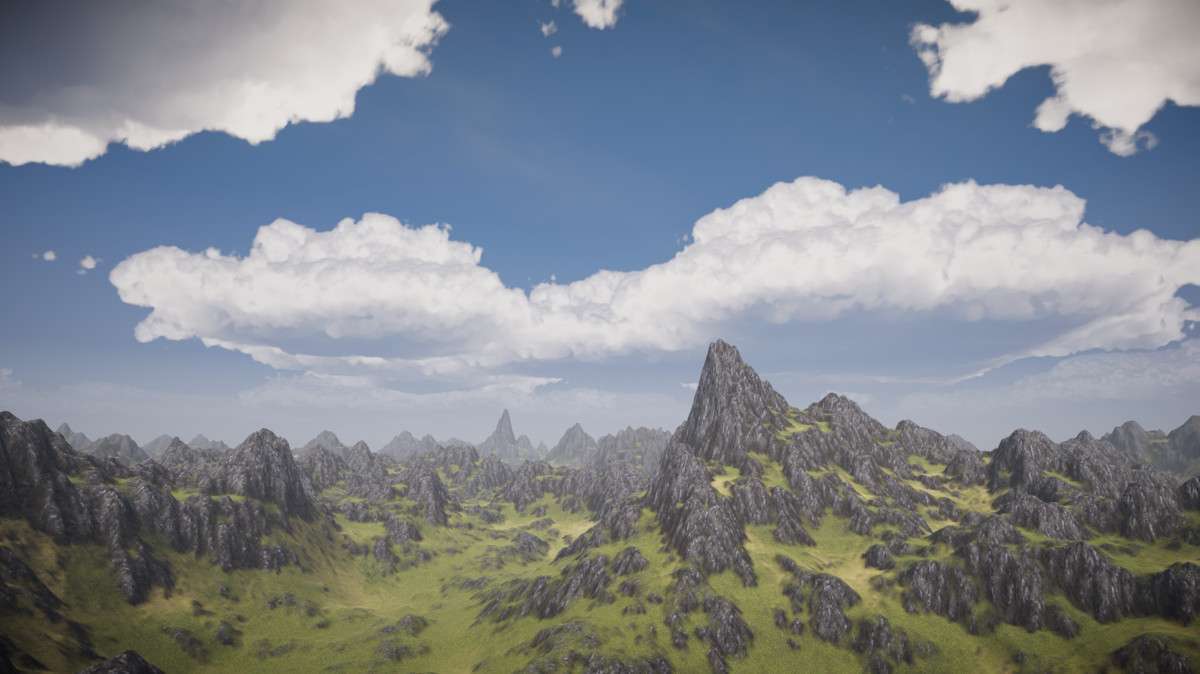
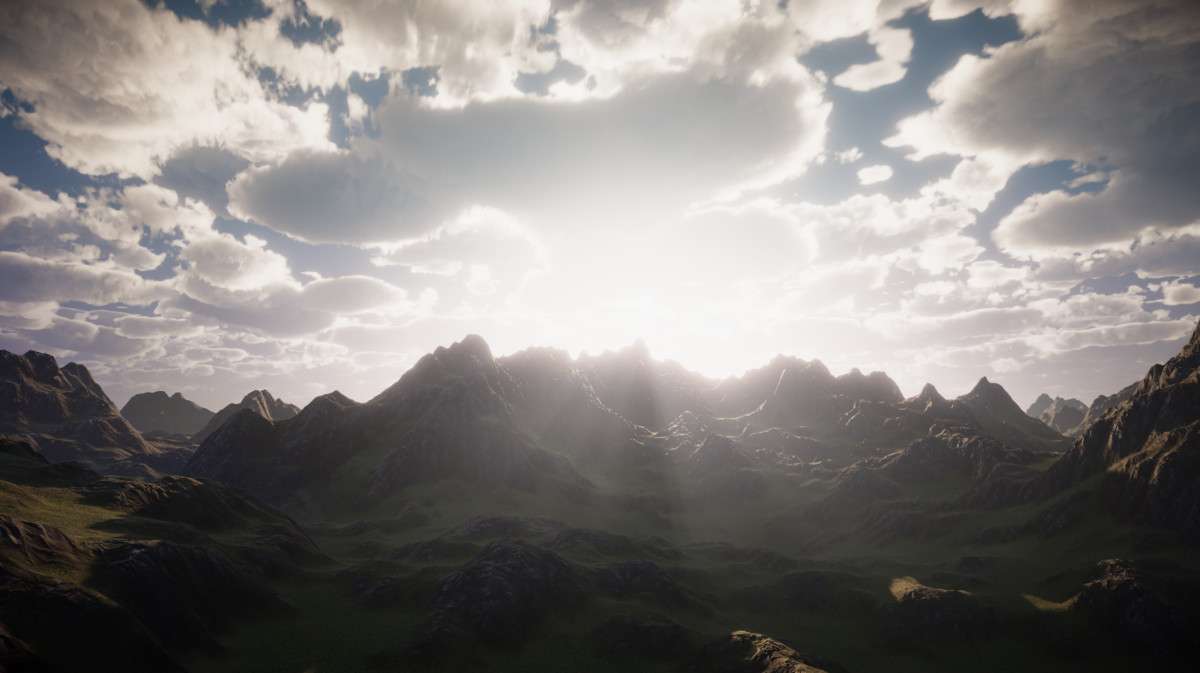
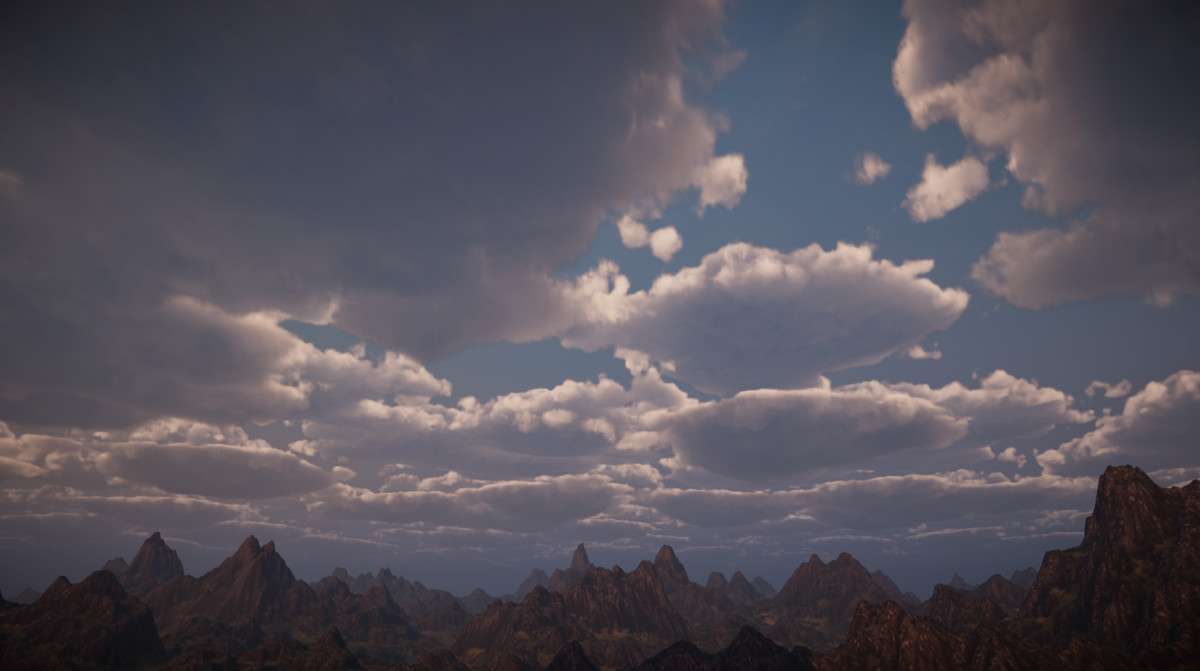
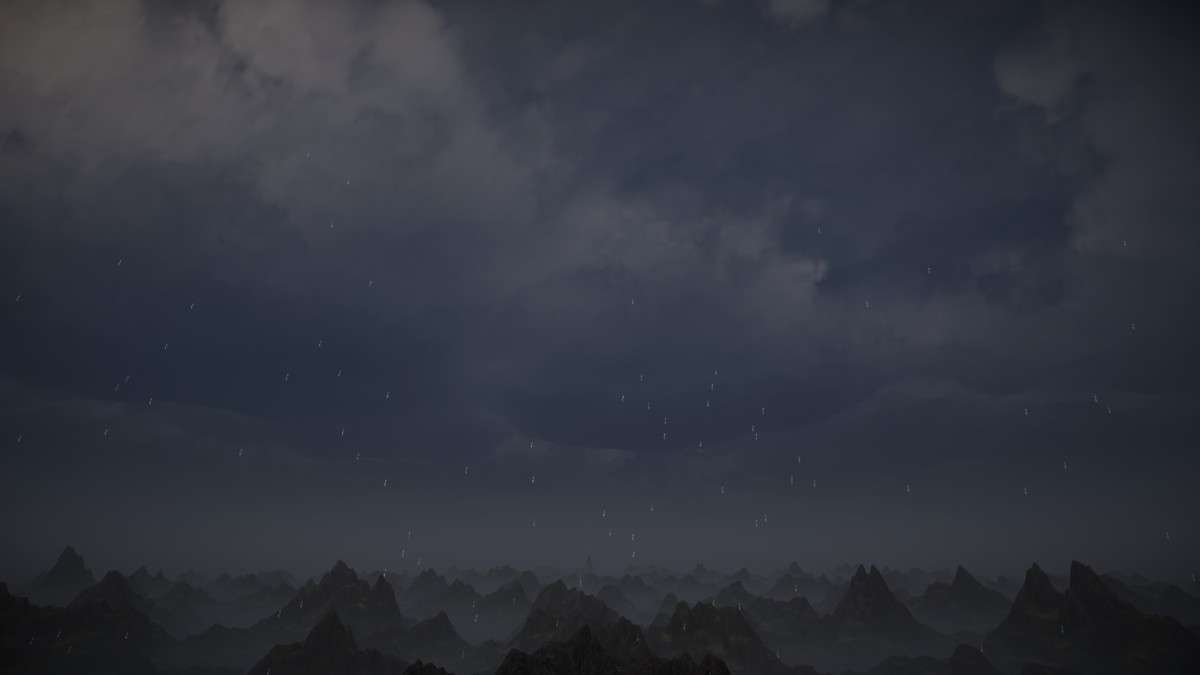
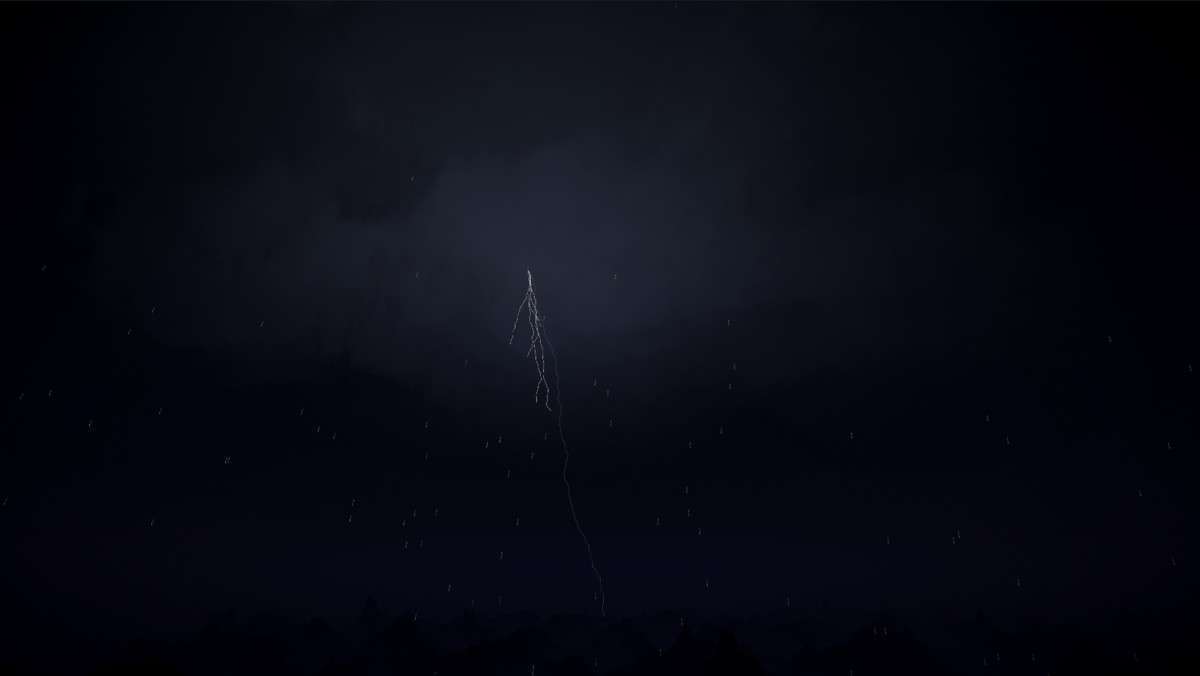
Enviro 3 – Sky and Weather Unity is a comprehensive environmental system that brings dynamic skies, weather, and lighting to your projects. Having shipped titles leveraging Enviro 3 3.2.2, I can attest to its robust architecture and significant impact on visual fidelity without prohibitive performance costs. Its modular design is a game-changer for granular control over scene elements, allowing developers to cherry-pick features like volumetric clouds or dynamic lighting without importing an entire monolithic system. The system’s integration with Unity’s render pipelines is seamless once configured correctly, providing a solid foundation for immersive world-building.
Integration Tips
- Render Pipeline Configuration: First, ensure your project’s
Scriptable Render Pipeline(SRP) is correctly configured *before* importing. Enviro 3 provides different shaders and setup routines forBuilt-in RP,URP, andHDRP. Failure to do this upfront can lead to shader compilation issues or incorrect material rendering. ForURP, verify theRenderer Dataasset hasDepth TextureandOpaque Textureenabled if you plan to use features like screen-space cloud shadows or depth-blended fog, as these rely on those buffers. - Global Lighting Management: Be aware that Enviro 3 aims to fully manage your scene’s
Directional Light,Ambient Lighting, andReflection Probe. If you have existing custom global illumination solutions or static reflection probe setups, you’ll need to disable them or integrate them carefully with Enviro’s system. Typically, you’d let Enviro handle the primaryDirectional LightandSkyboxmaterial assignment to ensure dynamic time-of-day and weather transitions are consistent. - Performance Tuning Volumetric Clouds: The
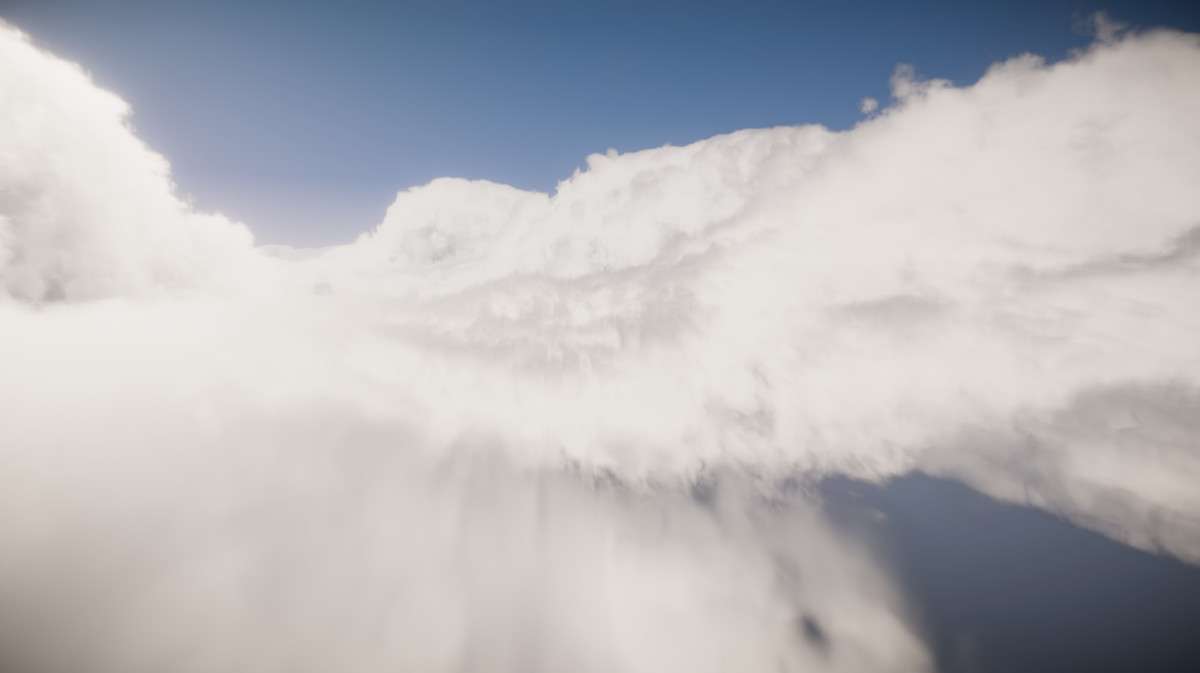
Volumetric Cloudsare powerful but can be performance-intensive. Start with lower quality settings and gradually increase them. Leverage itstemporal reprojectionandLOD systemaggressively. Profiledraw callsandshader complexitywhen integrating to identify bottlenecks. Consider using2D cloudsfor lower-end platforms or scenes where volumetric complexity isn’t critical to maintain target frame rates. - Companion Assets Integration: Enviro 3 works well with Unity’s
VFX Graphfor custom, highly stylized weather effects (e.g., specific rain/snow particle systems not covered by default) and customTerrain Shadersthat can utilize itswetnessandsnow simulationdata via shader properties. This allows for dynamic visual feedback on terrains based on current weather conditions.
Best Use Cases
- Open-World RPGs/Simulation Games: The dynamic
time of day, robustweather systemwithbiome zones, andseason simulationprovide an unparalleled level of environmental realism and gameplay opportunities. Think about tying quest systems to specific weather conditions or player progression influencing seasonal changes. Thewetnessandsnow simulationcan be exposed to gameplay logic or character shaders for a truly immersive experience that reacts to the environment. - Cinematic Experiences/Architectural Visualization: For projects requiring stunning visual fidelity and precise atmospheric control, especially with detailed day-night cycles and varied moods. The
volumetric fogwith realisticlighting raysand the customizableAurora Borealiseffect can dramatically enhance scene ambiance. The deep integration withreflection probesandambient lightingensures consistent visual quality across all scene elements, critical for high-end rendering.