




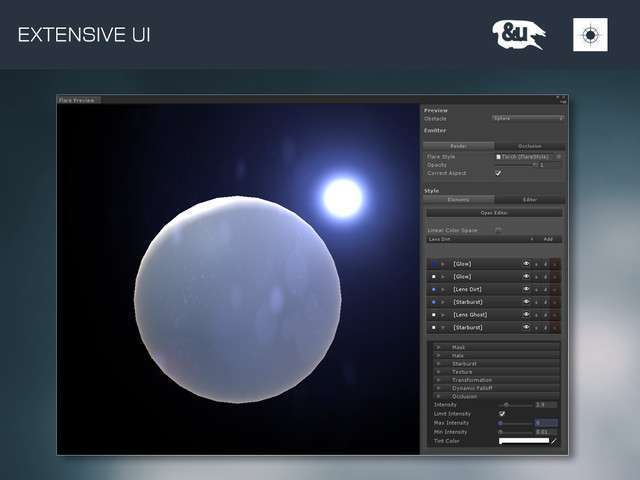
Technical Overview
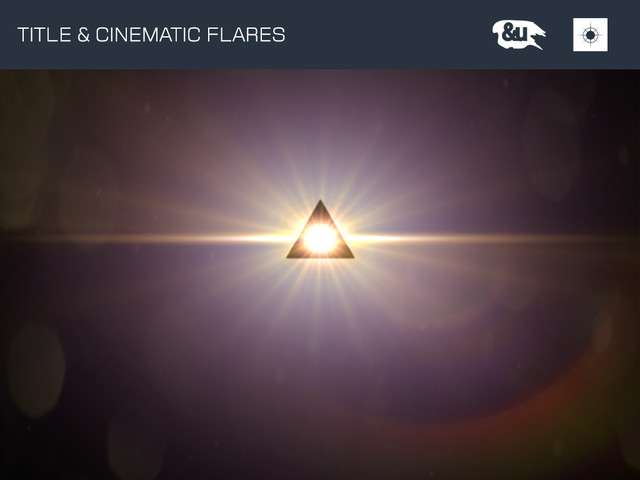
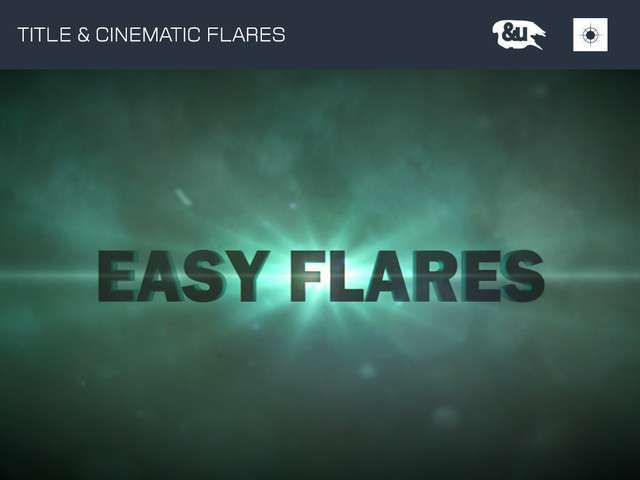
For developers tired of pixelated sprite-based lens flares, Easy Flares Pro Unity offers a procedural rendering path that ensures visual fidelity regardless of camera proximity or resolution. Running 0.9.6, this tool bypasses the standard texture-based flare system in favor of math-driven elements. Note that because these are procedural, each flare layer is essentially a unique draw call; keep an eye on your Frame Debugger if you plan on layering dozens of elements in a single scene.
Integration Tips
- Occlusion Culling: The asset utilizes 3D occlusion for flare visibility. Ensure your environment colliders are properly set up, as the flares rely on raycasting or depth buffer checks to determine when the light source is blocked by geometry.
- Camera Stacking: If you are using a multi-camera setup (common in URP), ensure the Easy Flares script is attached to the main rendering camera and that the Flare Layer is properly configured in your Culling Mask to avoid rendering artifacts.
- Mobile Limitations: As stated in the technical docs, avoid this for low-end mobile. The procedural math overhead and lack of batching will spike the GPU’s fragment stages on older hardware.
Best Use Cases
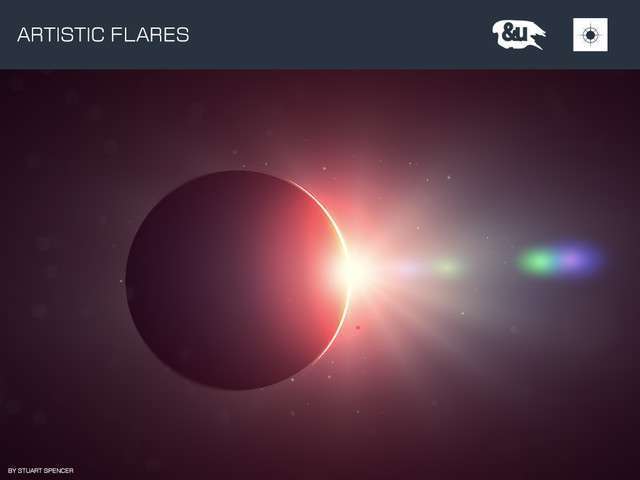
- Sci-Fi Space Simulators: The procedural starbursts and streaks are perfect for high-intensity sun stars where players can rotate the camera 360 degrees without seeing texture seams or resolution popping.
- Cinematic Architectural Visualization: Since performance is less of a concern than visual accuracy in ArchViz, the dynamic falloff and advanced light scattering provide the photorealistic ‘lens look’ required for high-end walkthroughs.