
Automating Level Design with Graph-Based Logic
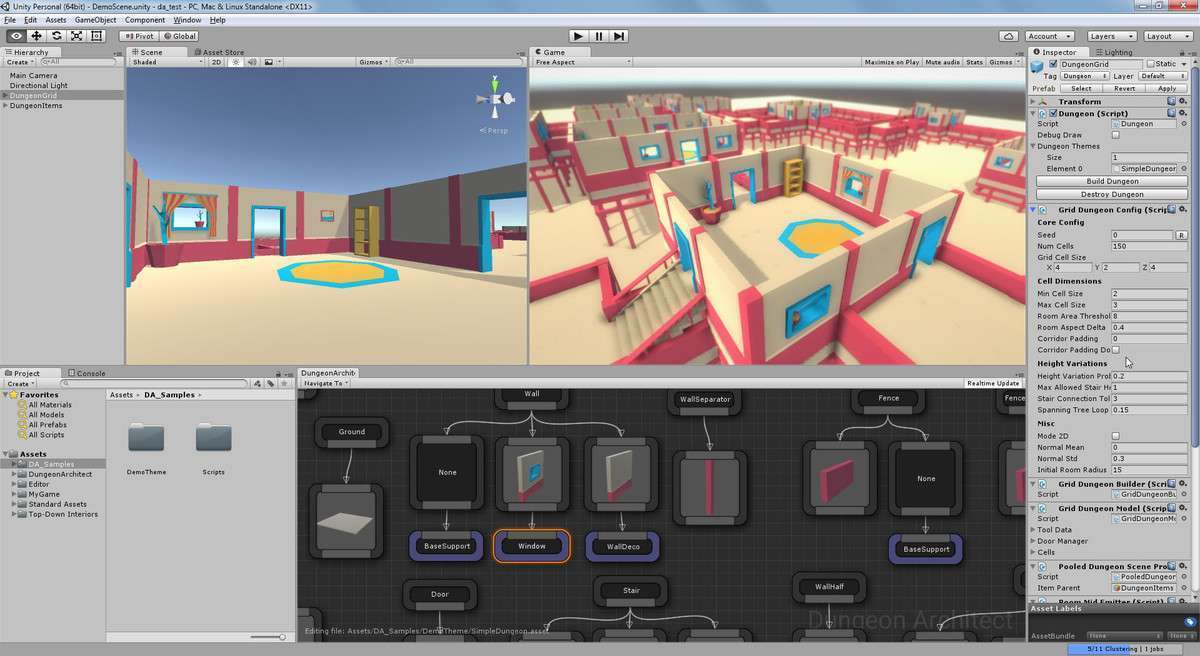
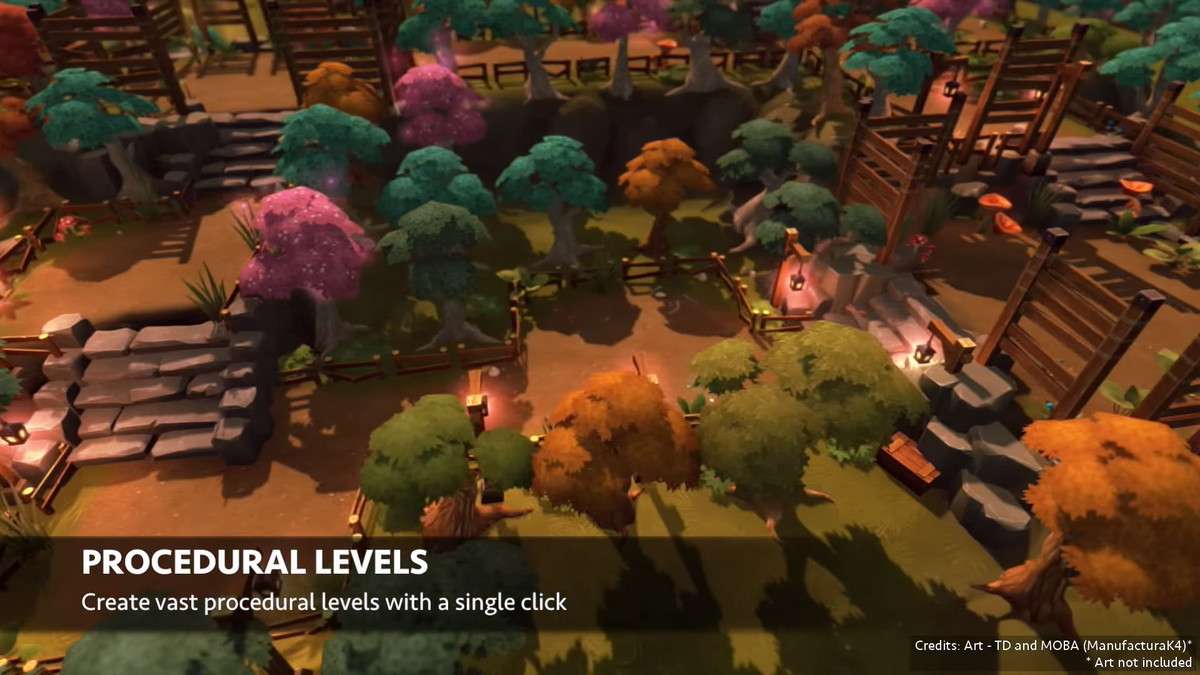
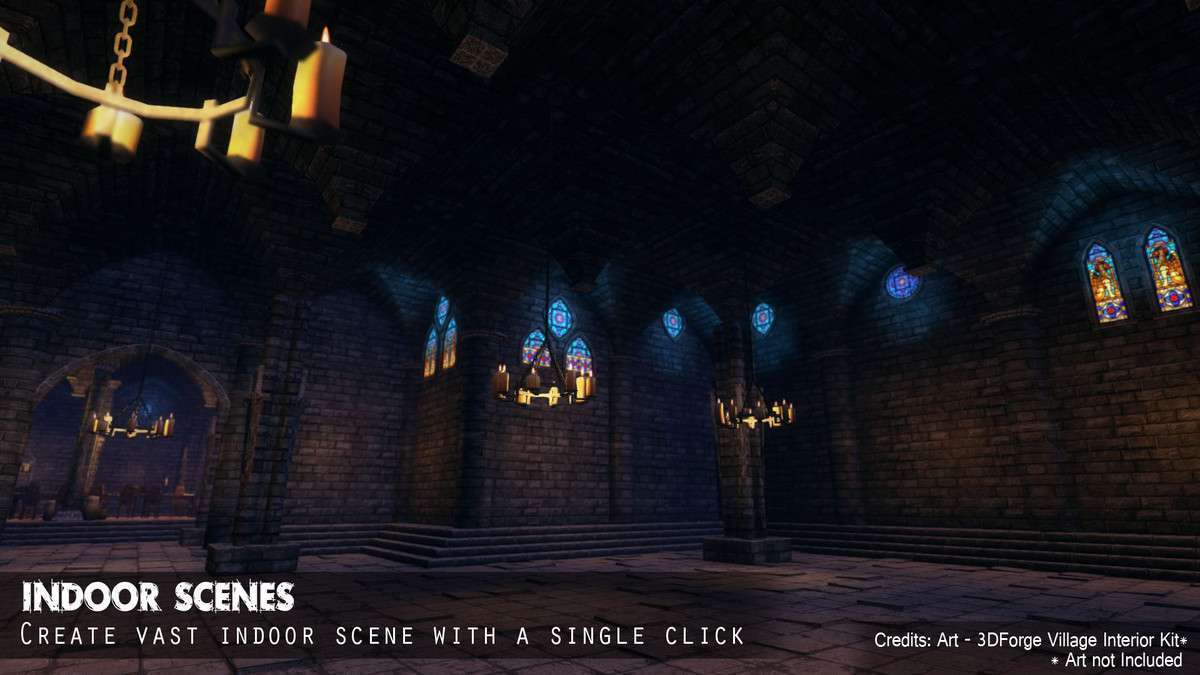
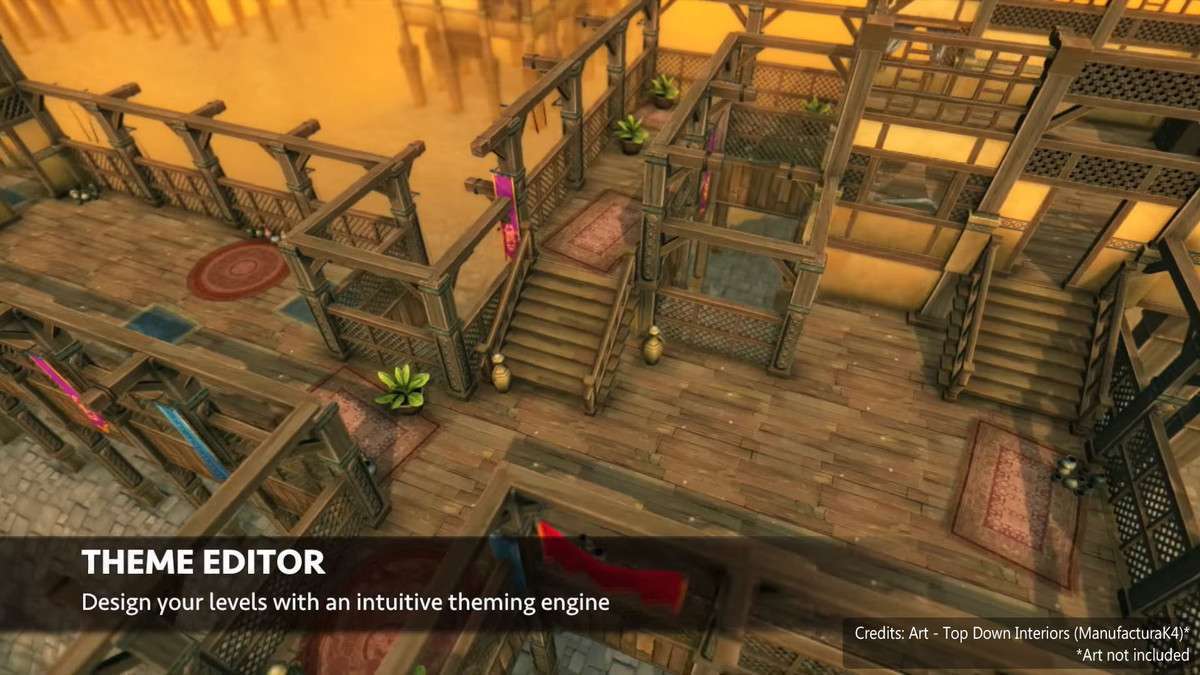
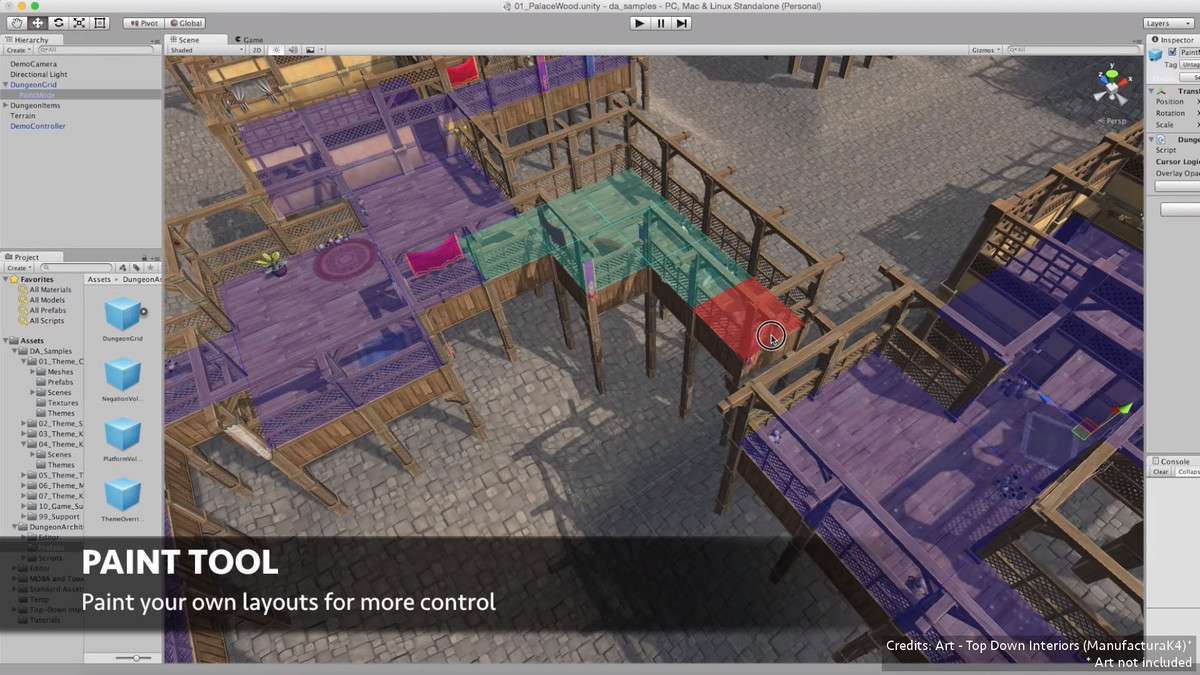
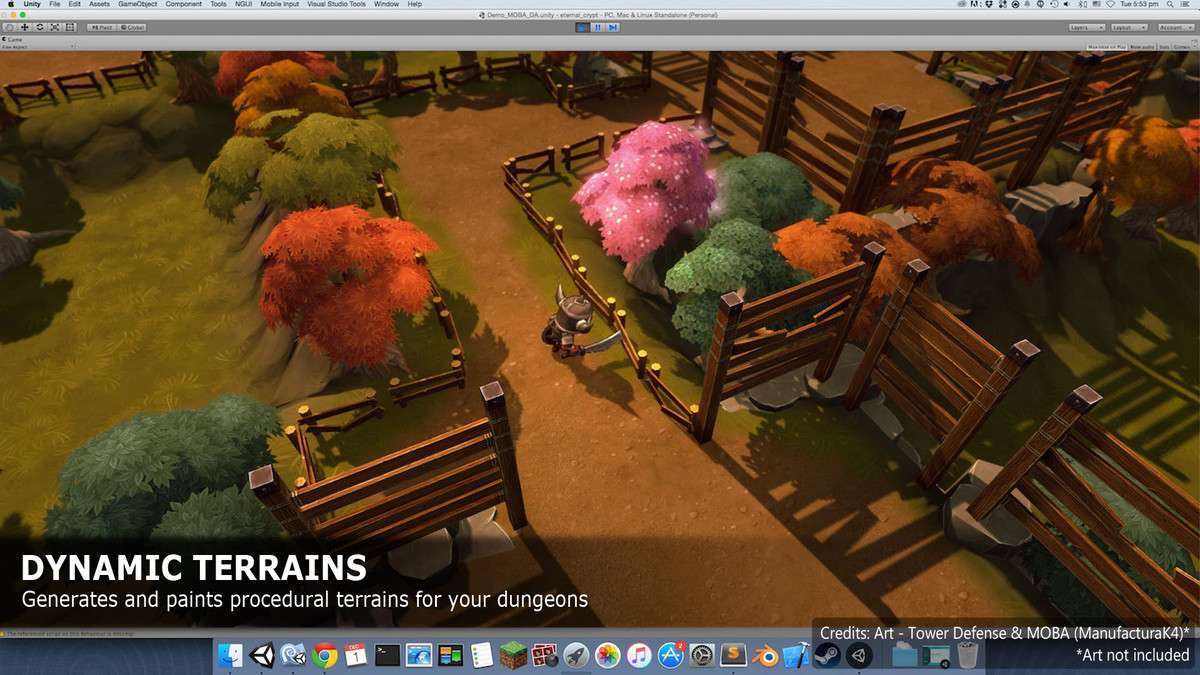
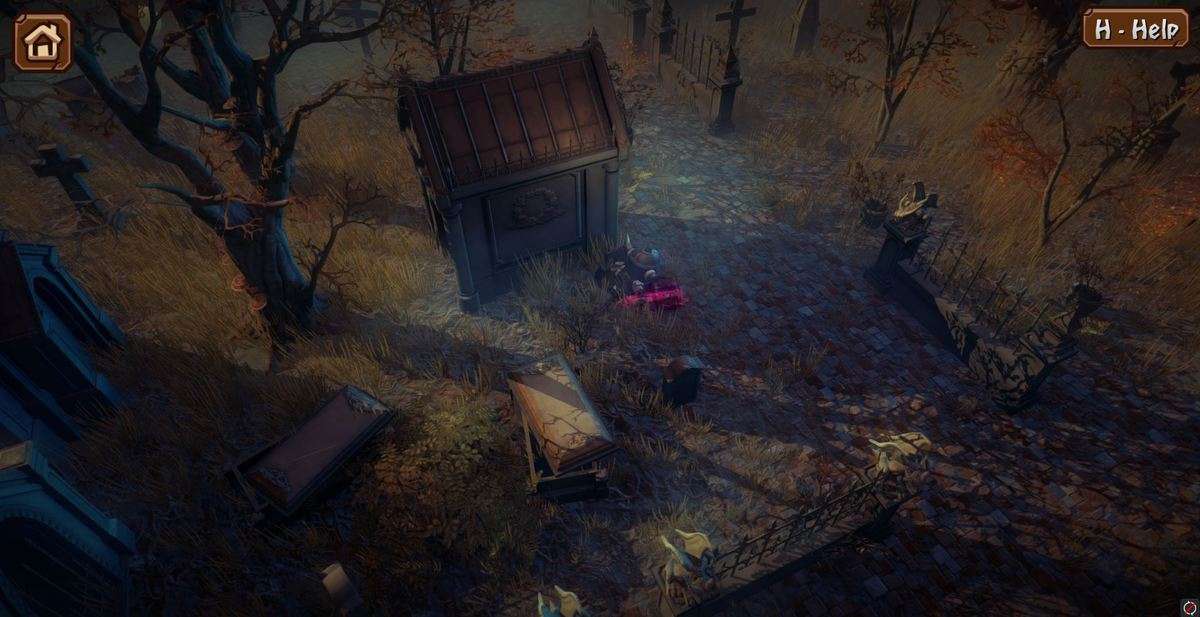
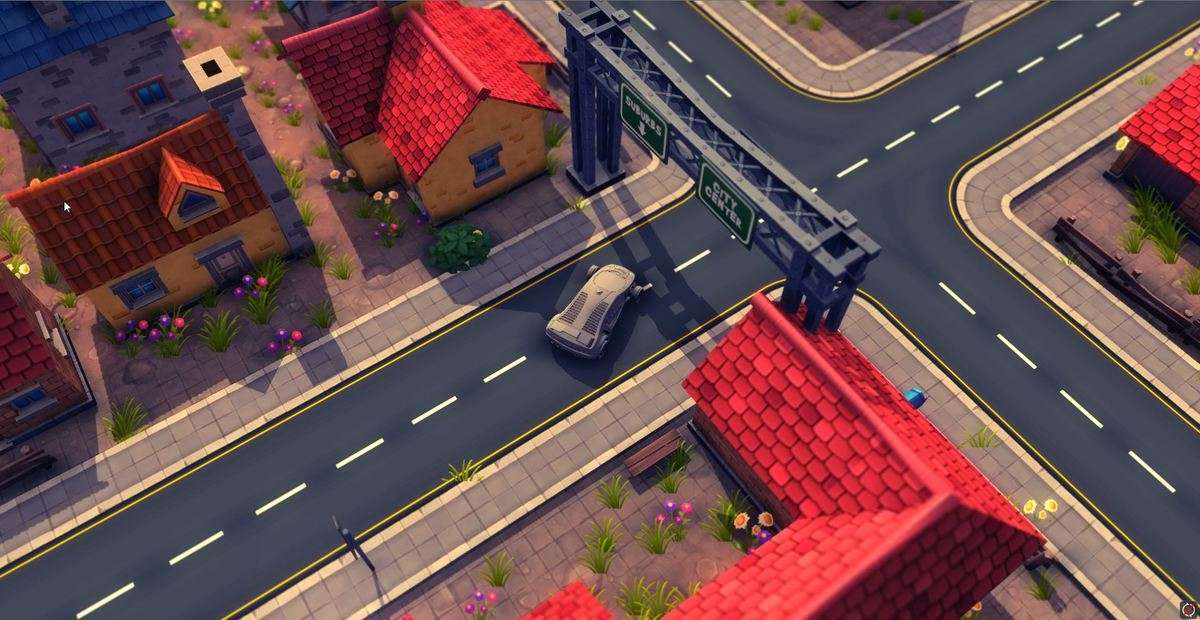
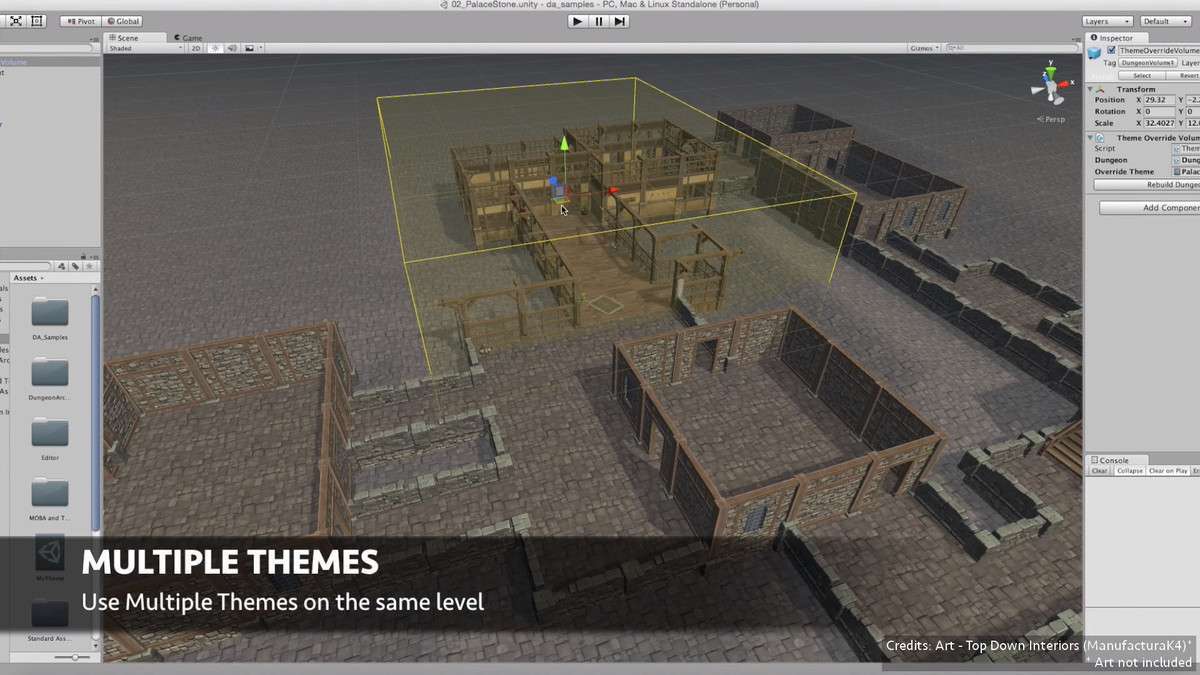
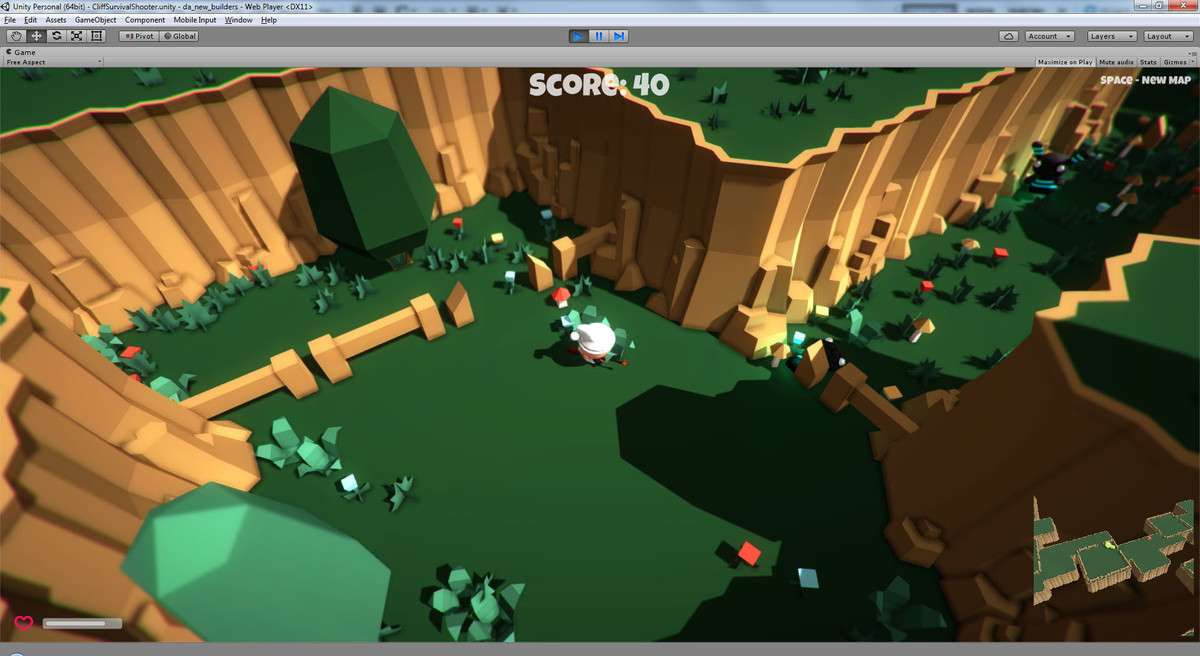
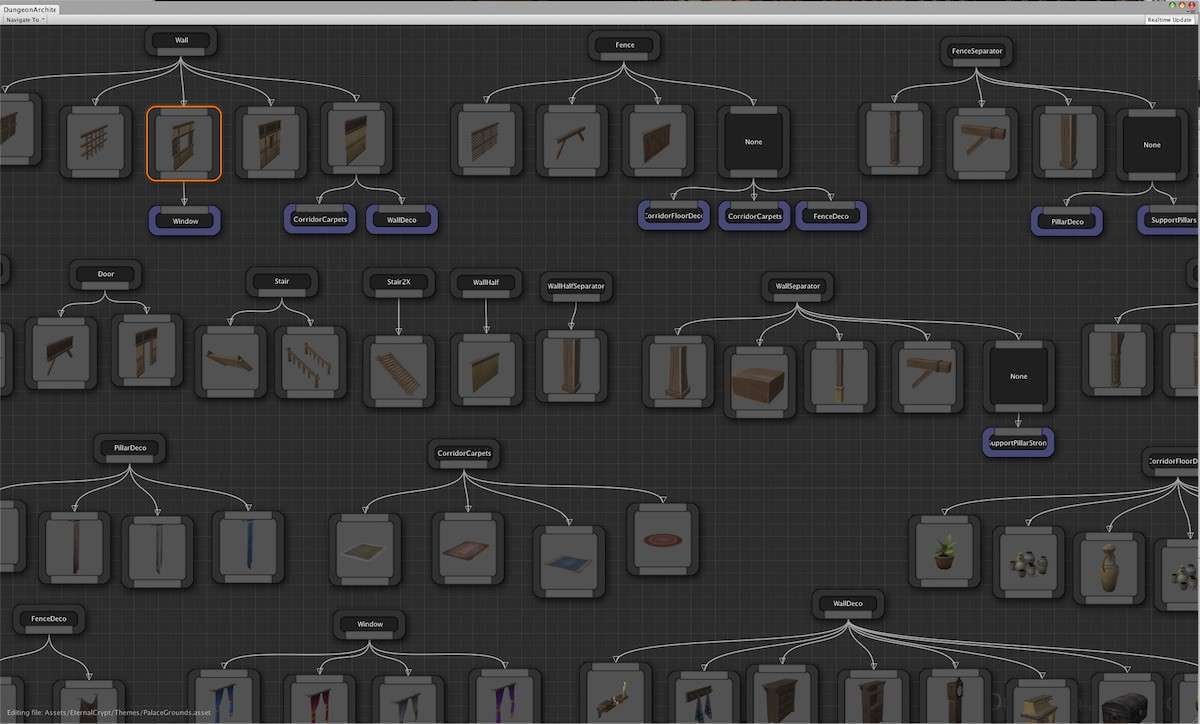
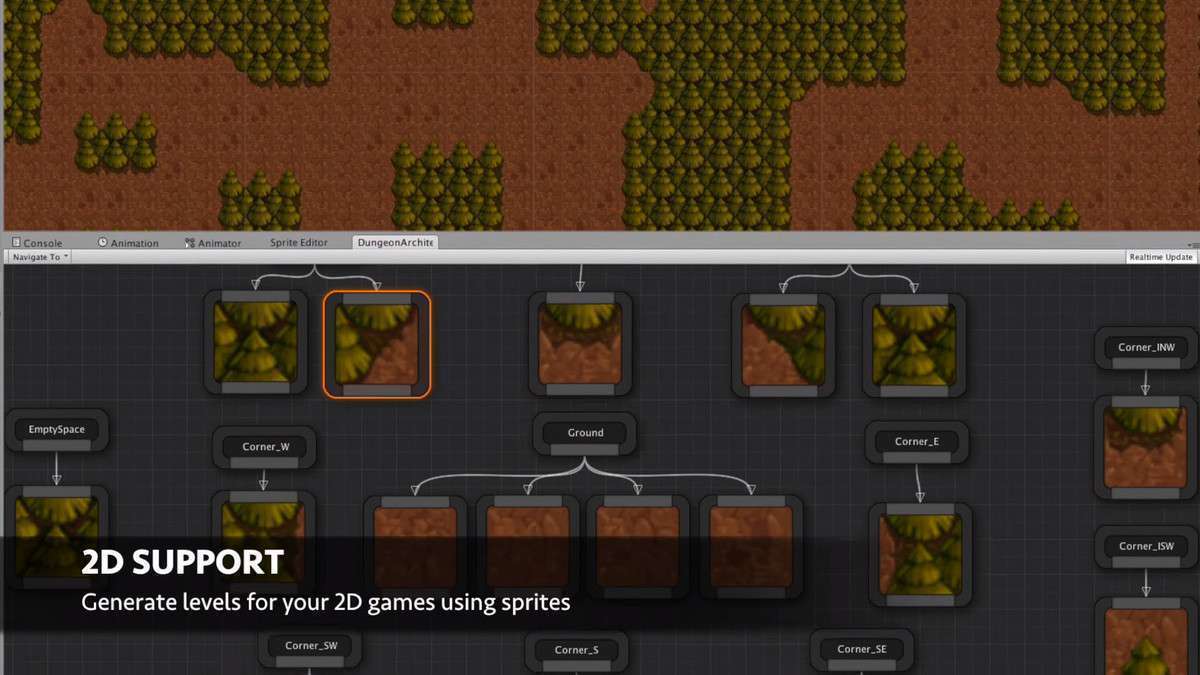
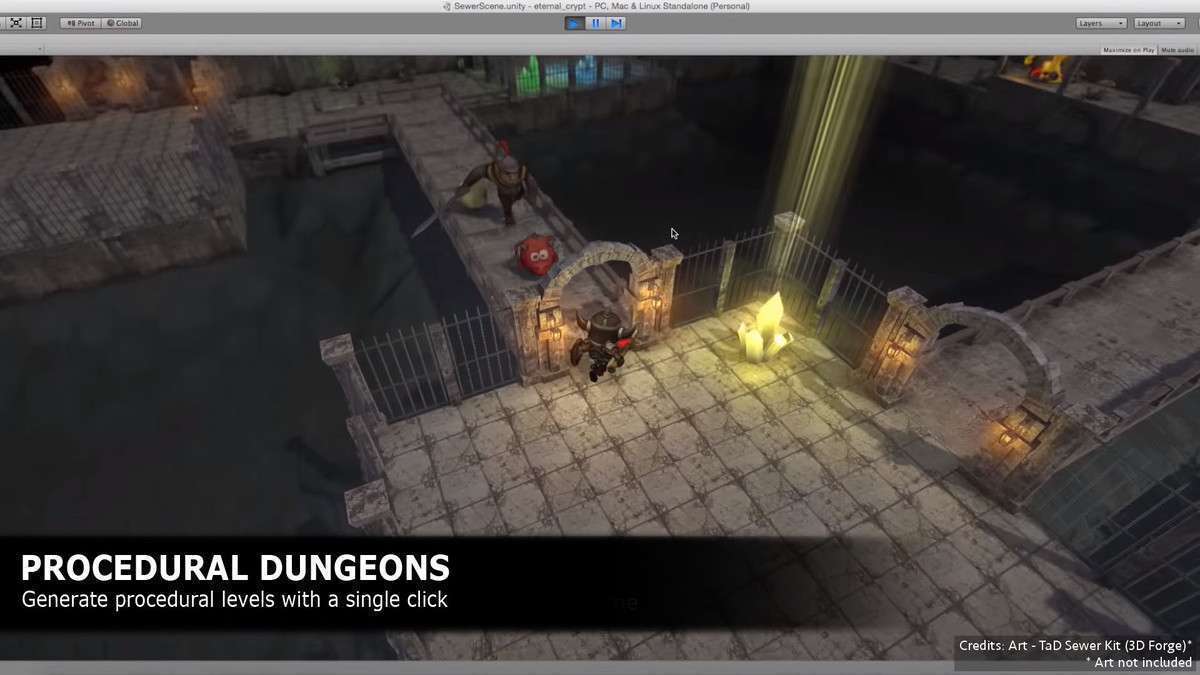
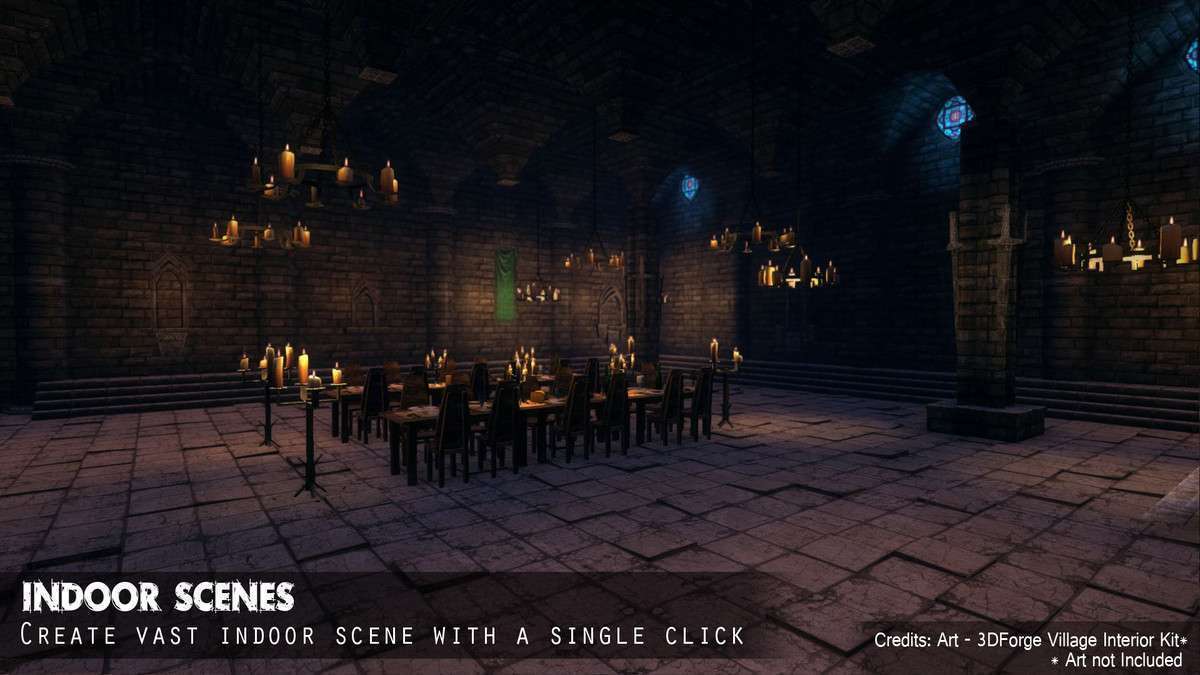
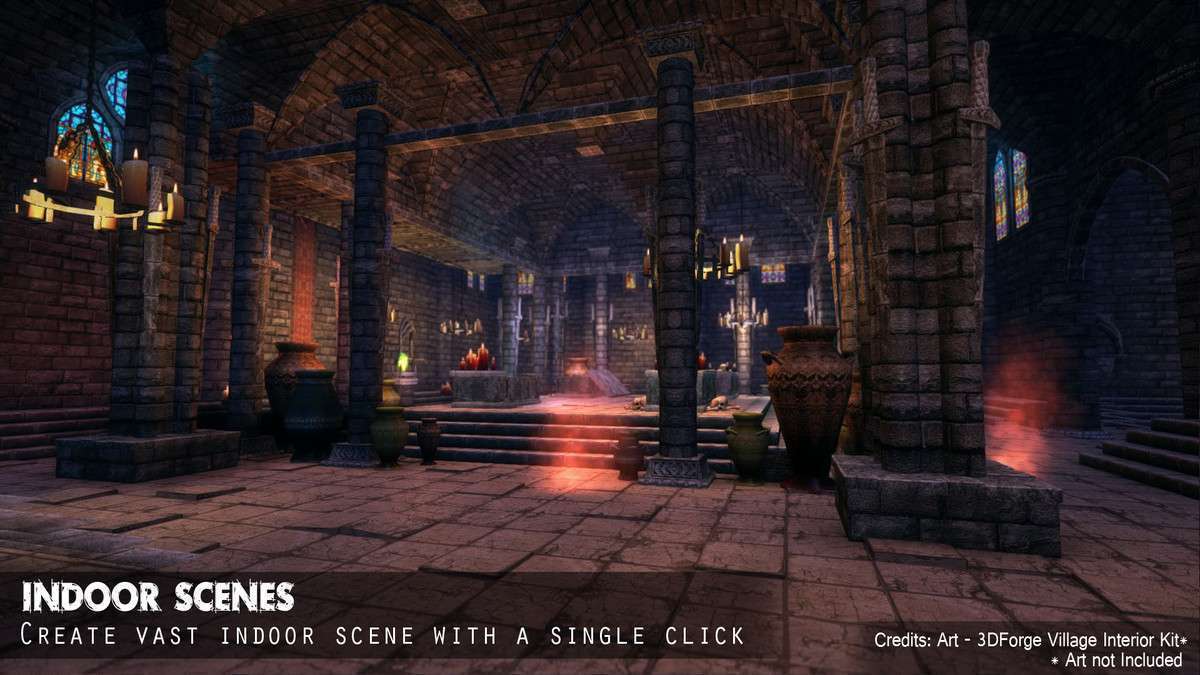
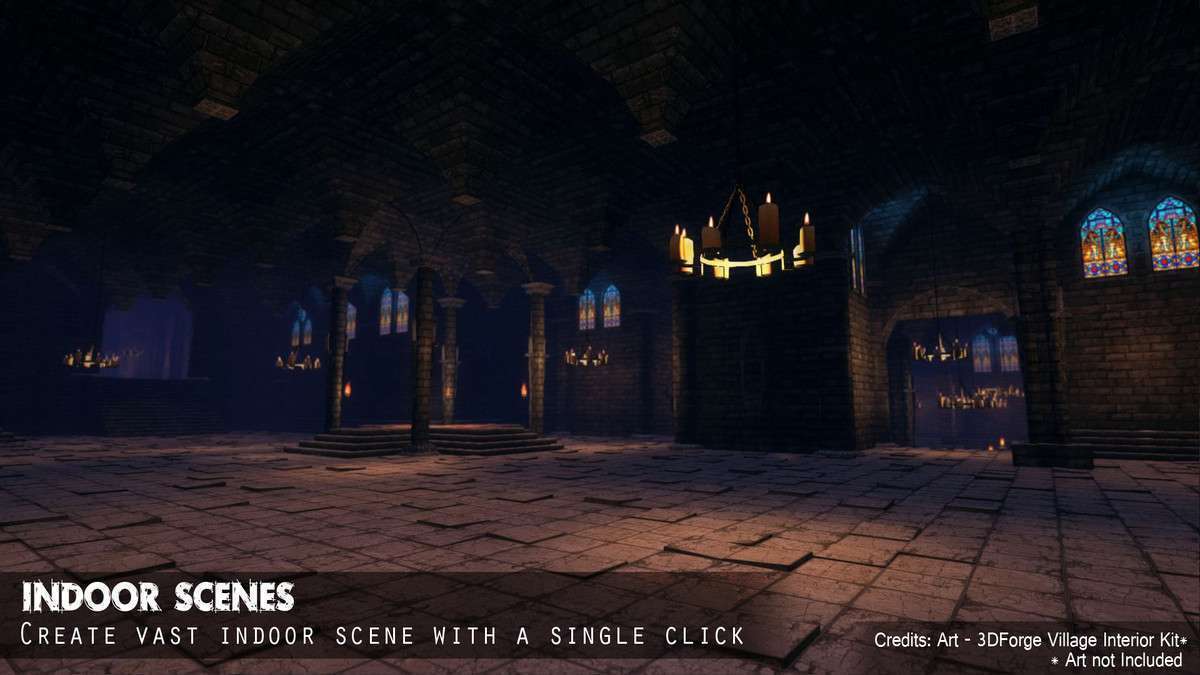
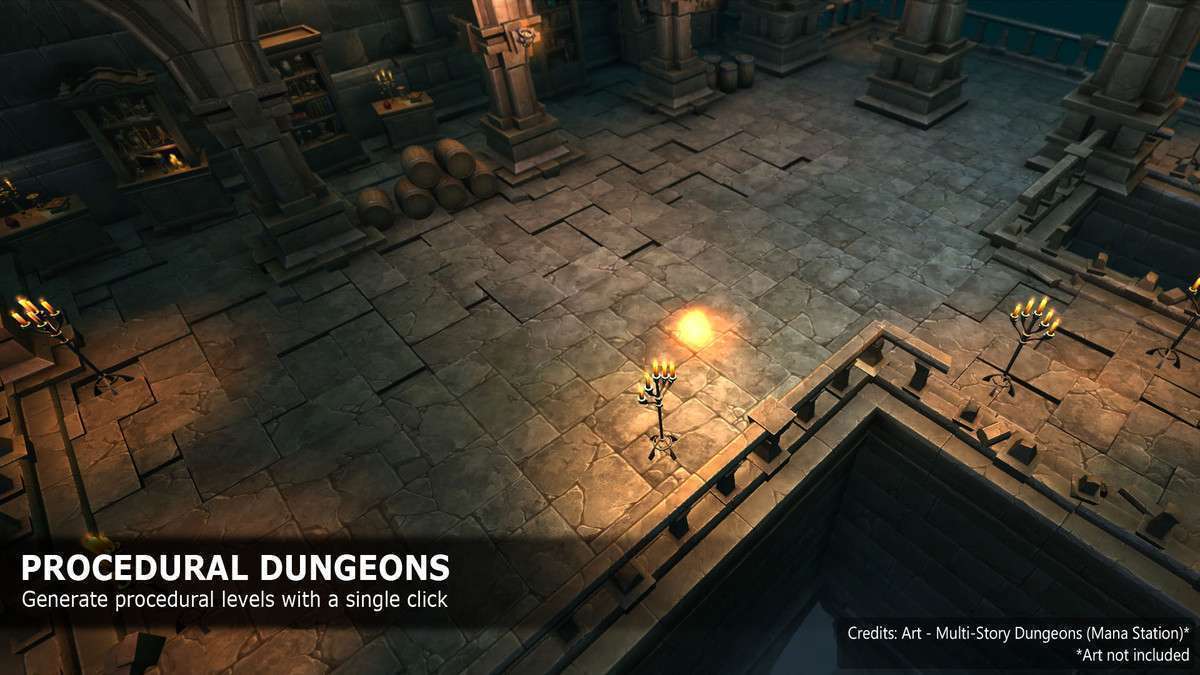
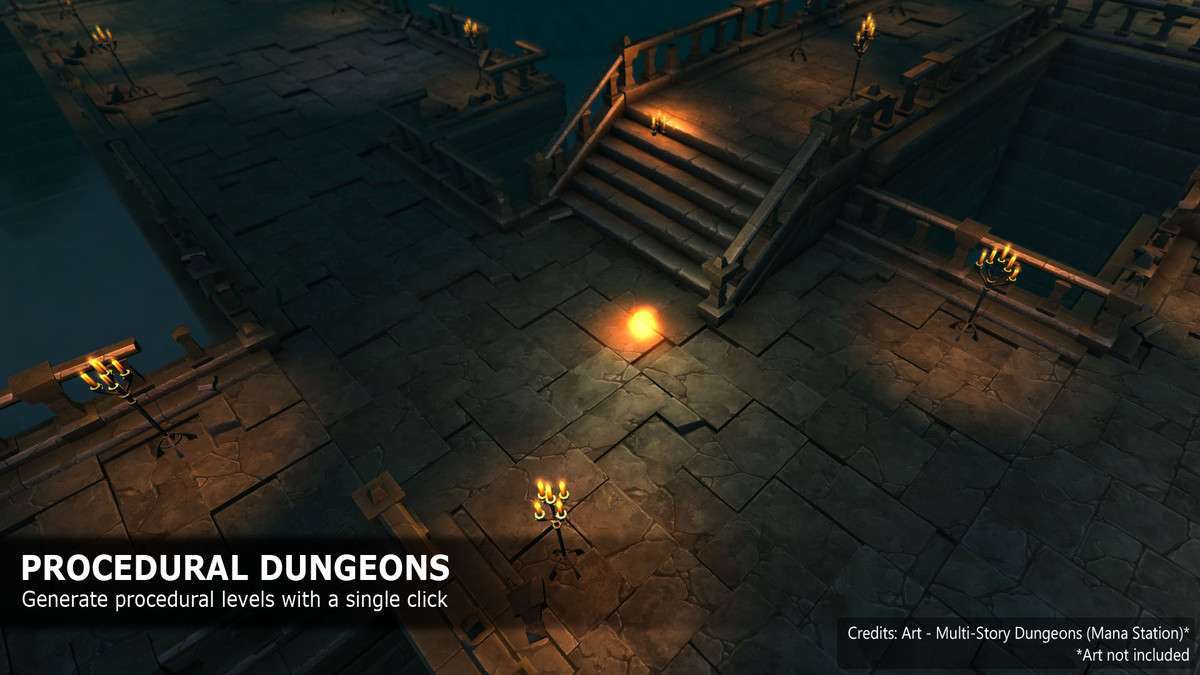
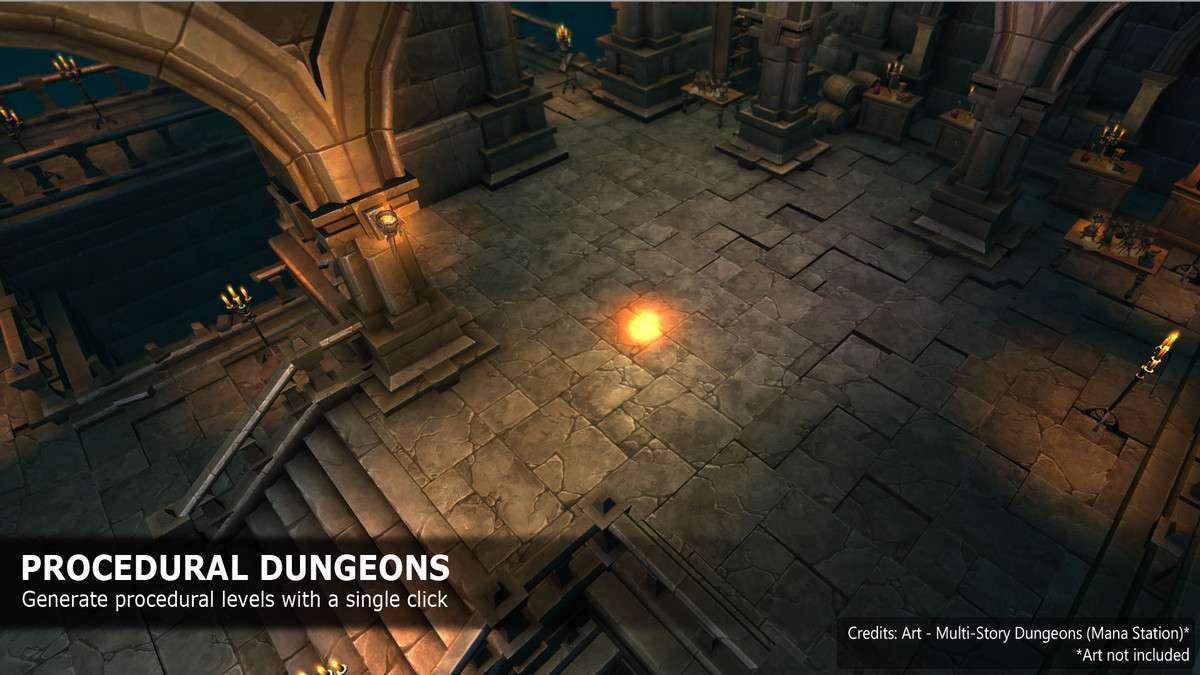
Managing procedural generation manually usually leads to messy codebases and uninspiring layouts. Dungeon Architect Unity 1.19.0 provides a robust abstraction layer between your level logic and your visual assets. By utilizing the Theme Engine, you can swap out entire environment kits—from sci-fi corridors to fantasy dungeons—without touching a single line of generation logic. It leverages a node-based editor that feels more like a blueprint than a script.
Integration Tips
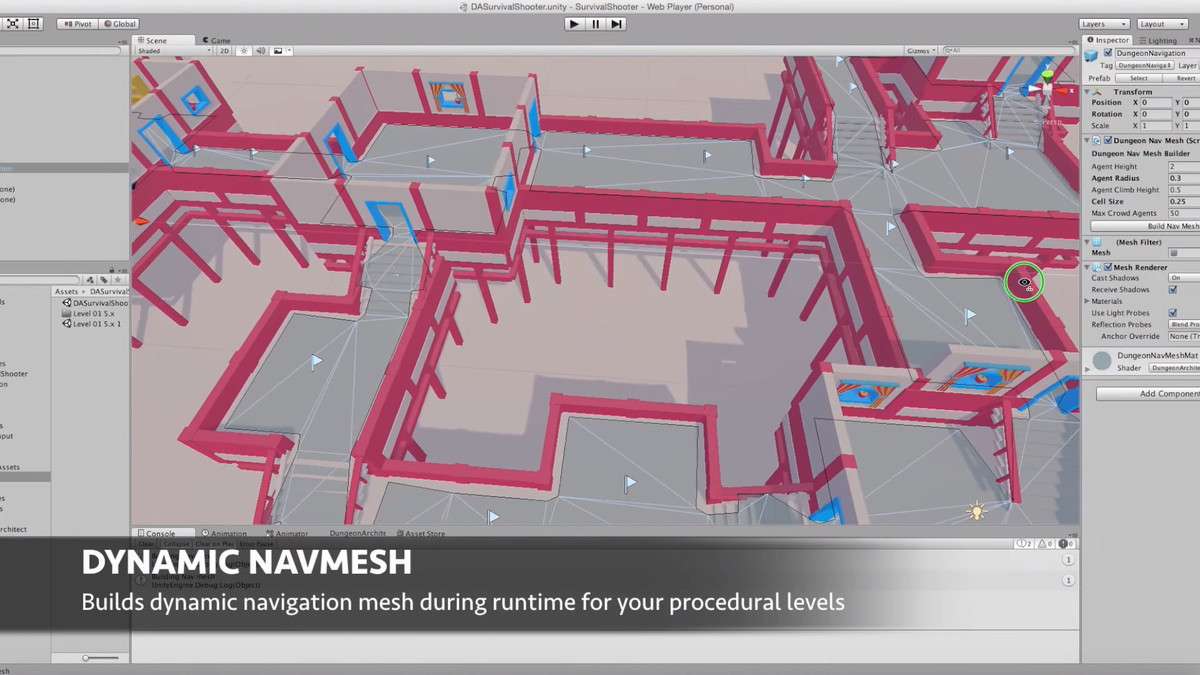
- NavMesh Workflow: When generating levels at runtime, use the ‘NavMeshSurface’ component from the Unity NavMesh Components high-level API. Trigger a rebuild call only after the Dungeon Architect ‘OnDungeonBuildComplete’ event fires to avoid pathfinding errors.
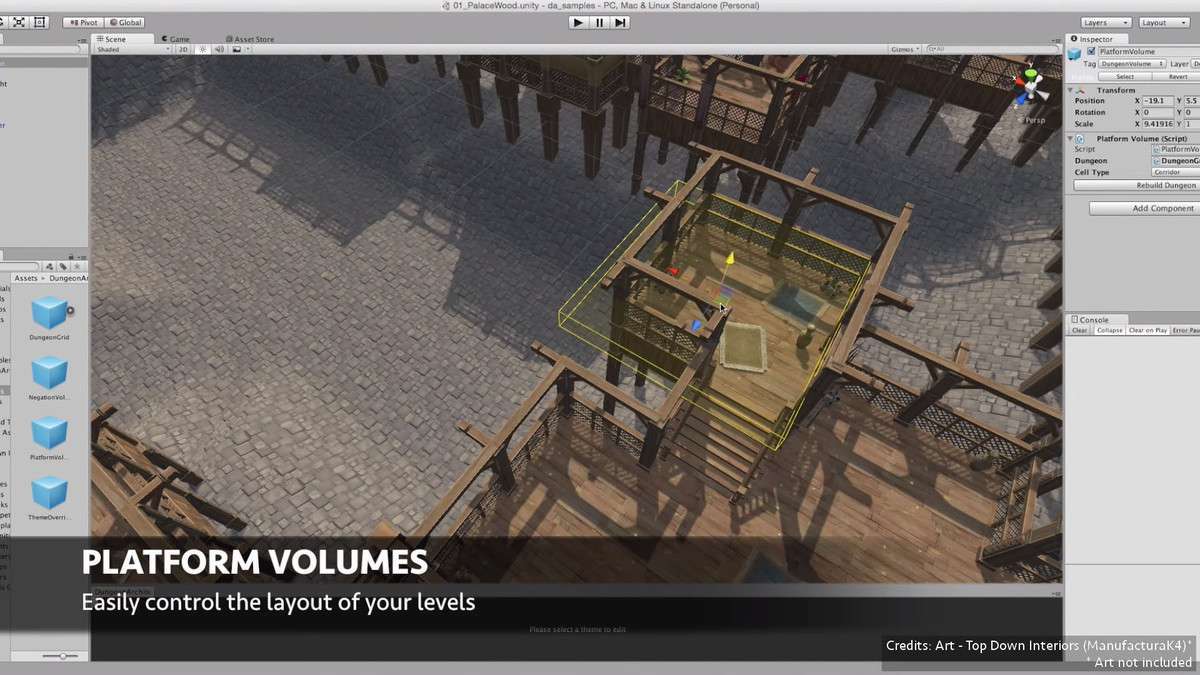
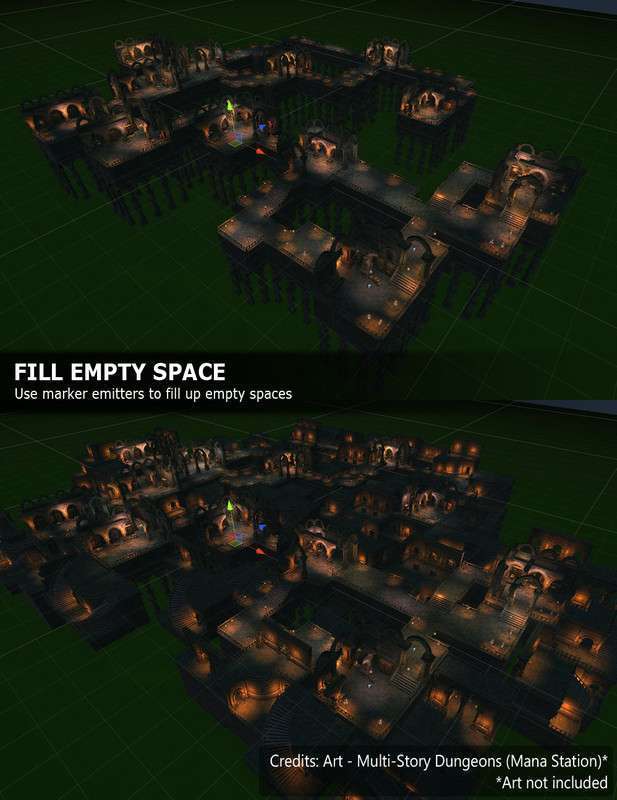
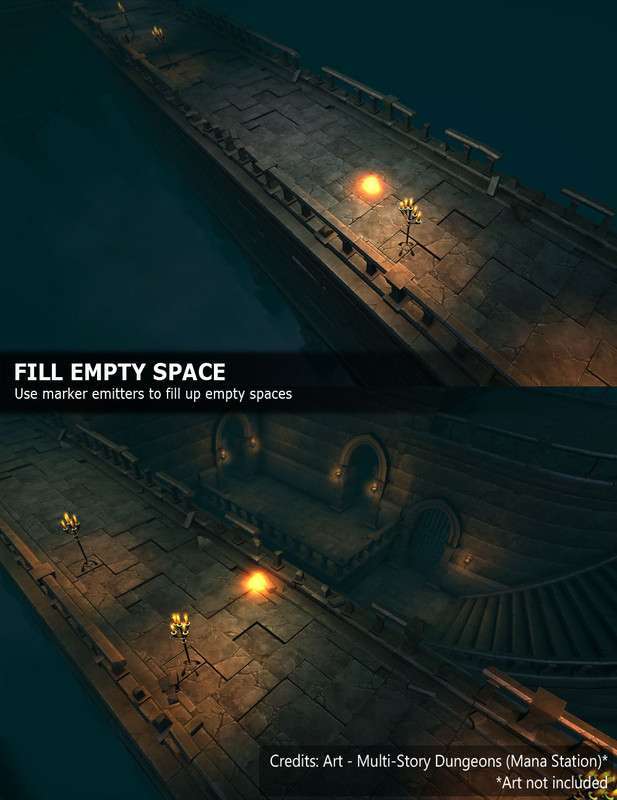
- Volume Management: Use ‘Dungeon Negator’ volumes to prevent the algorithm from placing geometry in areas reserved for cinematic triggers or specific quest NPCs. This is the best way to blend hand-crafted design with procedural randomness.
- Pooling Optimization: For runtime generation, ensure your ‘Theme’ prefabs are properly configured with an object pooling system to prevent the frame-rate hitching that occurs when instantiating hundreds of room segments simultaneously.
Best Use Cases
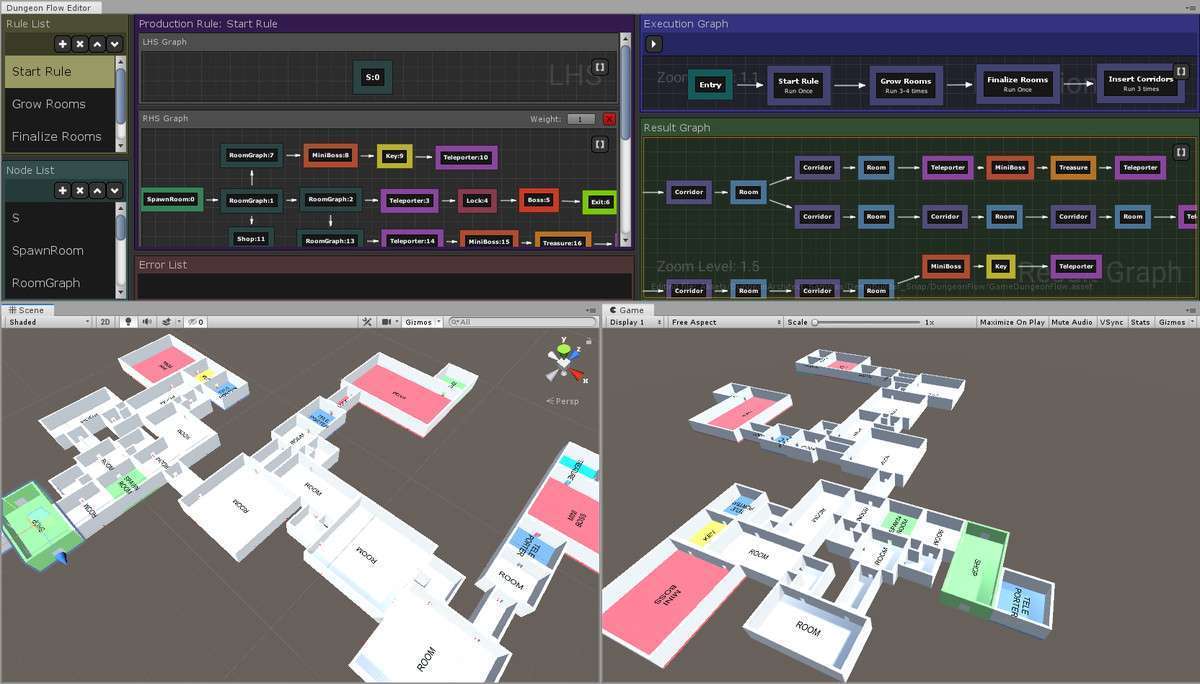
- Roguelike Action Games: Perfect for projects needing high replayability. The Stitch Room Prefab system allows you to maintain the quality of hand-designed rooms while the Graph Grammar handles the unpredictable layout.
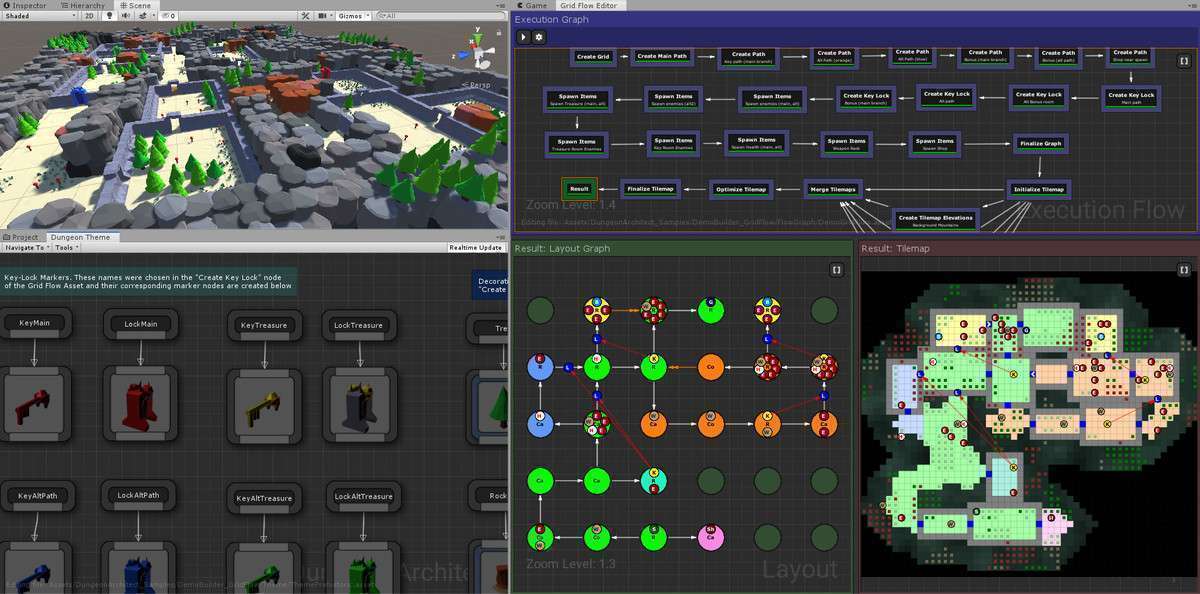
- Action RPGs: Use the GridFlow editor to create traditional RPG dungeon flows (Key -> Lock -> Boss) while ensuring the pathing remains valid and the loot distribution is balanced across the map.