
Overview
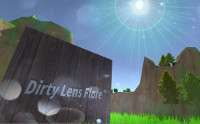
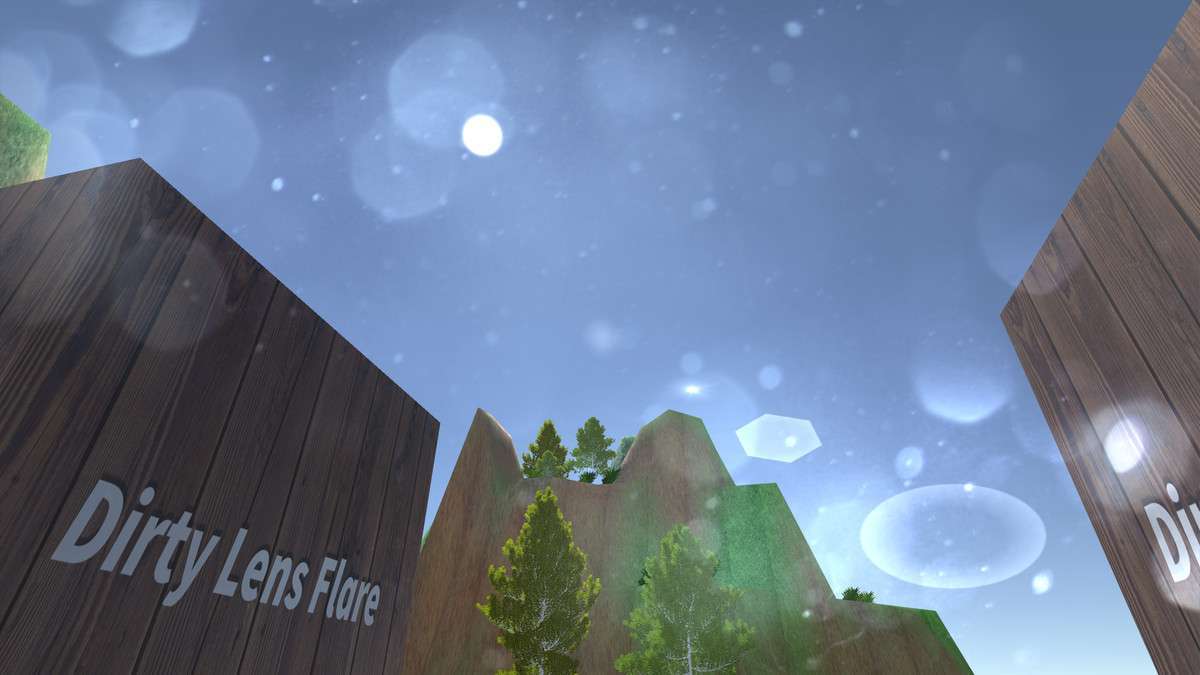
Integrating Dirty Lens Flare Effect For FPS Unity into a project provides a straightforward, performant solution for adding an atmospheric lens flare visual cue. Our team has successfully deployed this effect in projects where a stylized, non-physically based lens flare was desired, particularly for fast-paced first-person experiences. This asset, currently at , serves as a lean alternative to more resource-intensive screen-space post-processing effects, focusing specifically on an overlay-style dirty lens effect.
Integration Tips
- Render Pipeline Compatibility: This asset is primarily designed for the Built-in Render Pipeline (BiRP). For URP or HDRP projects, it will typically integrate as a screen-space overlay effect via a custom render feature or command buffer injection. Ensure the effect is rendered after the main scene but before UI elements to achieve the desired overlay.
- Post-Processing Stack Ordering: If you’re using Unity’s Post Processing Stack v2 or another full-screen effects solution, position the Dirty Lens Flare Effect carefully. It generally performs best as one of the last effects in the chain, ensuring it overlays the final rendered image. Test its interaction with tone mapping, bloom, and color grading to avoid visual conflicts or incorrect alpha blending.
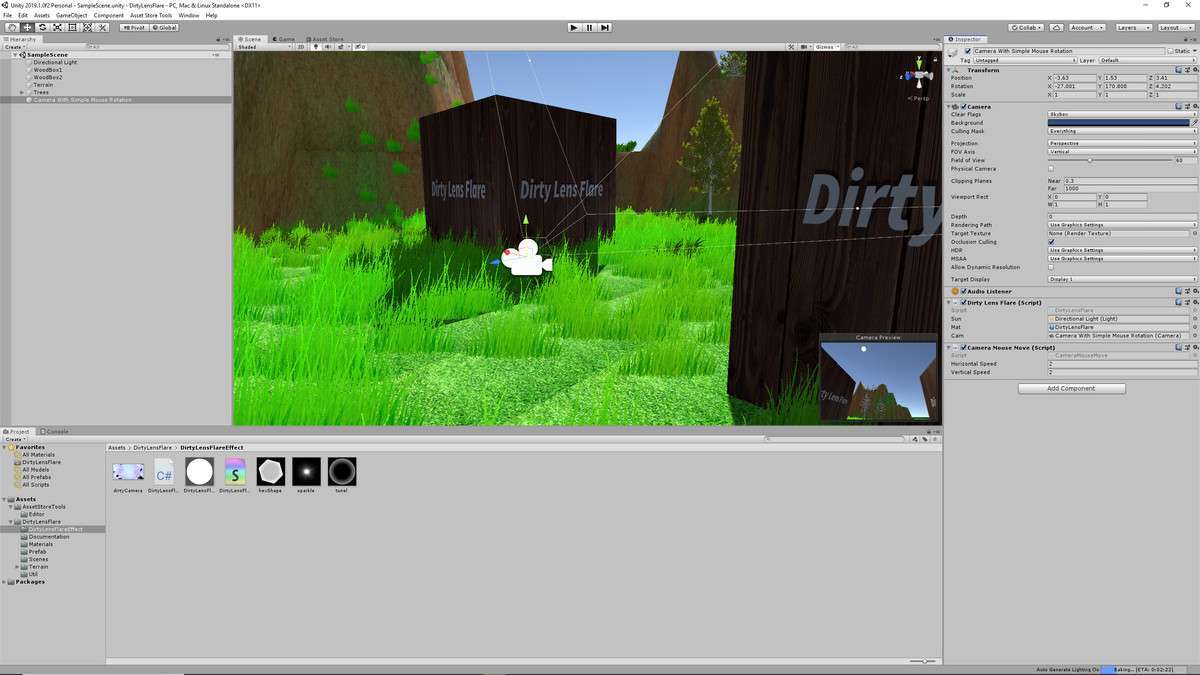
- Customization via Textures: The core of this effect relies on 4 customizable image textures. To achieve unique visual styles, prepare your own high-quality grayscale or colored textures for the flare elements. Experiment with different noise patterns, smudges, and radial gradients. Ensure these textures are imported with appropriate compression settings (e.g., RGBA Compressed PVRTC or ETC2 for mobile, DXT5 for desktop) to minimize VRAM usage.
- Performance Footprint: Given its nature as a simple 2D overlay, the performance impact is negligible, primarily involving a single fullscreen quad draw call and texture sampling. This makes it a strong candidate for projects sensitive to GPU budget, especially on mobile platforms or VR, where complex volumetric or ray-marched effects are not viable.
- Camera Association: Attach the provided script and material directly to your main camera or its parent object. Ensure the camera’s clear flags and culling mask are correctly configured to prevent the flare from interacting unexpectedly with specific layers.
Best Use Cases
- Retro or Stylized FPS Games: For games aiming for a retro aesthetic (e.g., early 2000s shooters) or a highly stylized visual language, this asset provides an authentic, low-cost lens flare. Its image-based nature allows artists to quickly swap out textures to match the game’s art style, creating a distinctive visual signature without the complexity and performance overhead of real-time physically based volumetric flares. It contributes to immersion by simulating camera imperfections.
- Mobile or VR FPS Experiences: Due to its minimal performance footprint, the Dirty Lens Flare Effect For FPS is an excellent choice for mobile or VR applications where every millisecond of frame time is critical. Unlike computationally expensive screen-space volumetric lighting effects, this asset achieves a compelling visual cue with basic texture sampling and blending, making it viable for lower-end hardware while still adding a layer of visual polish and atmosphere to gunplay and environmental lighting.