
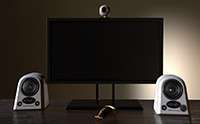
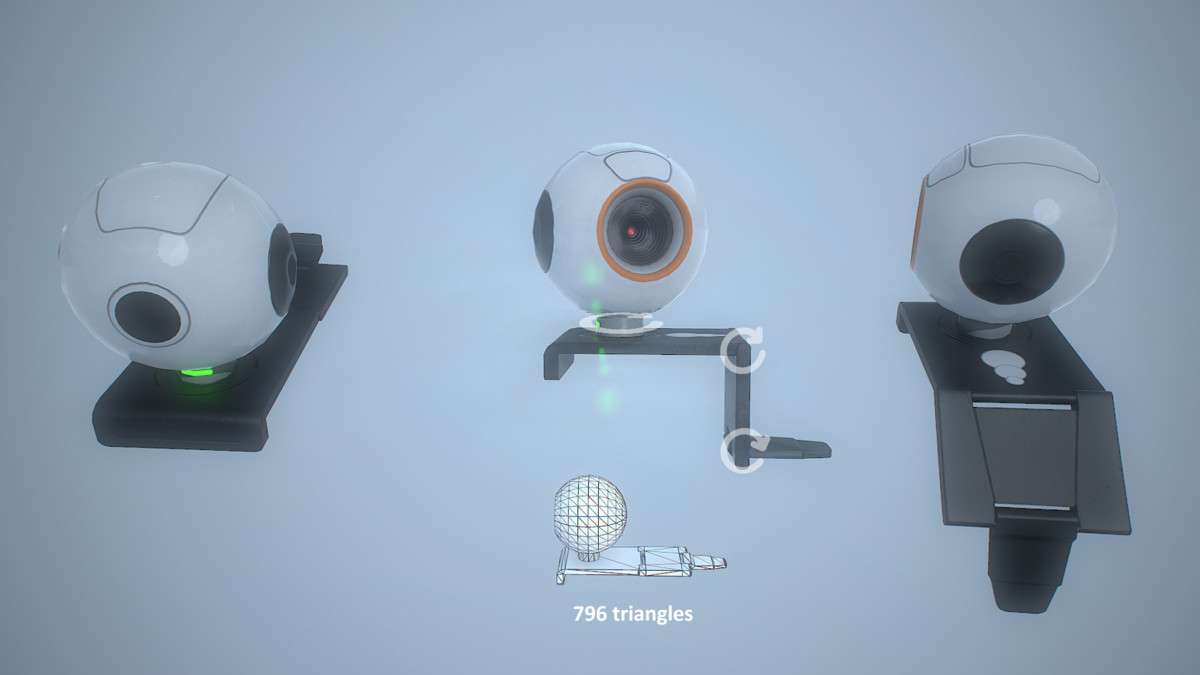
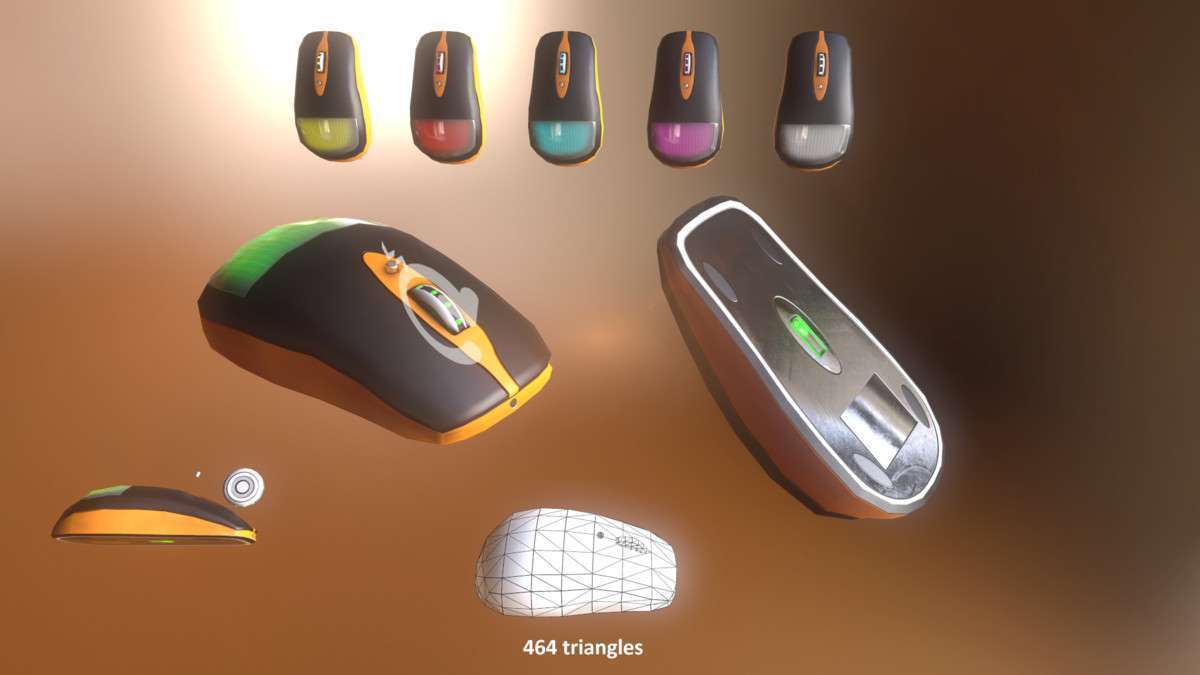
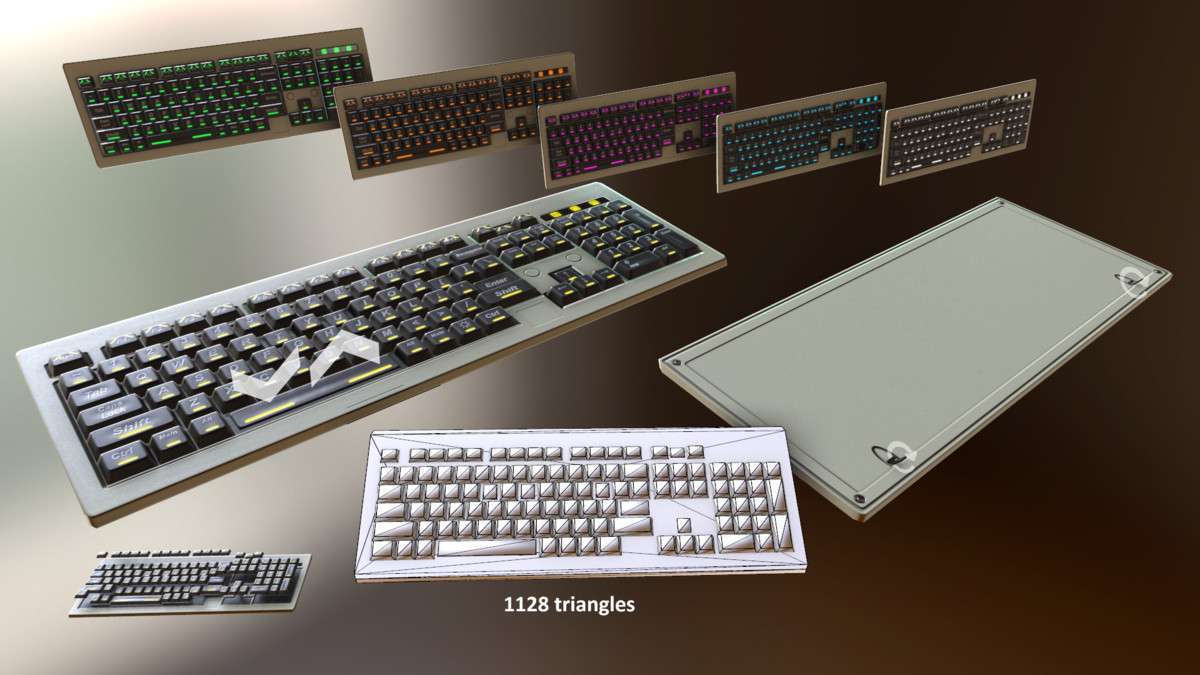
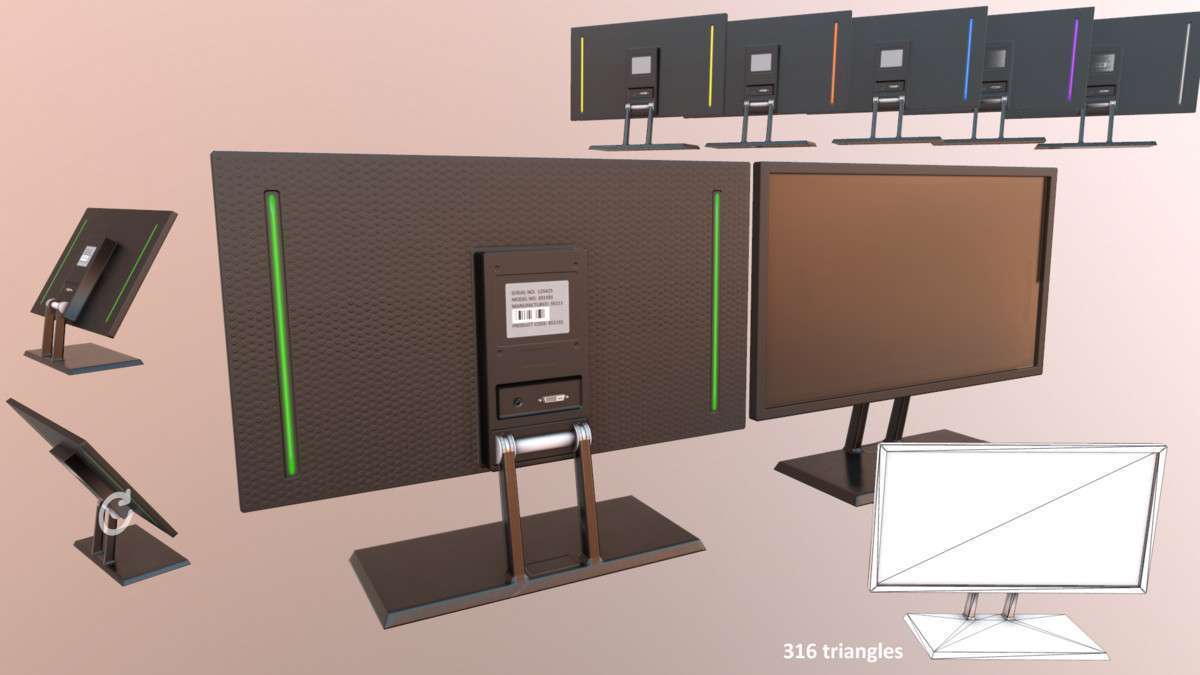
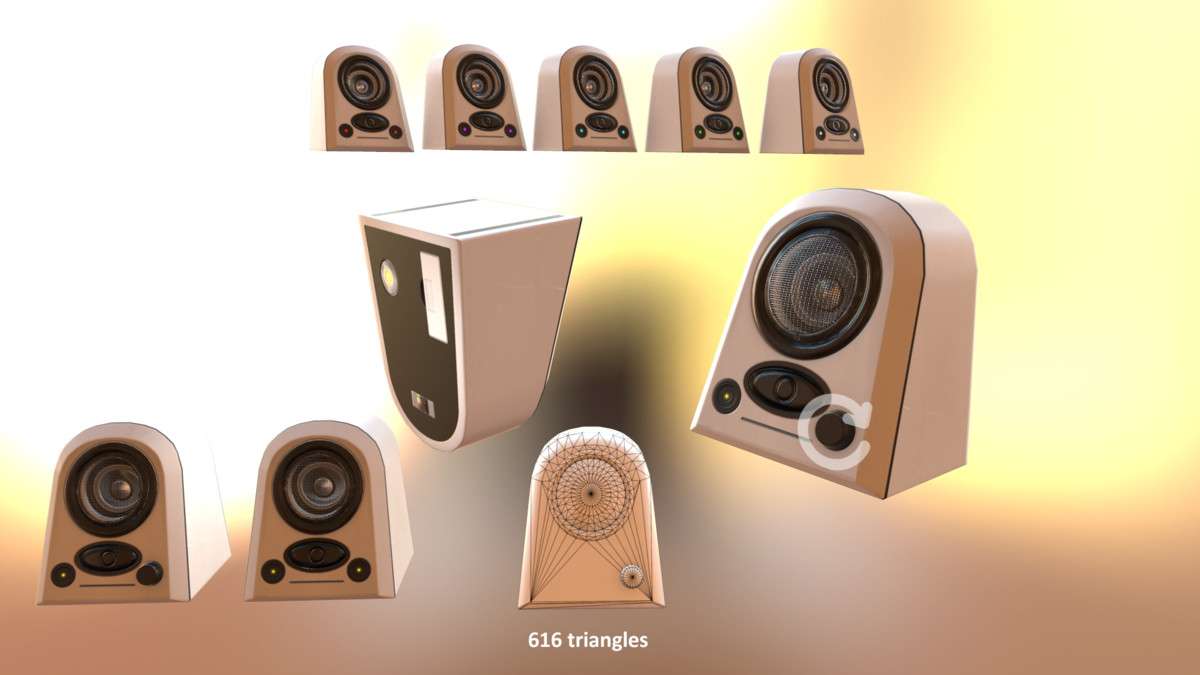
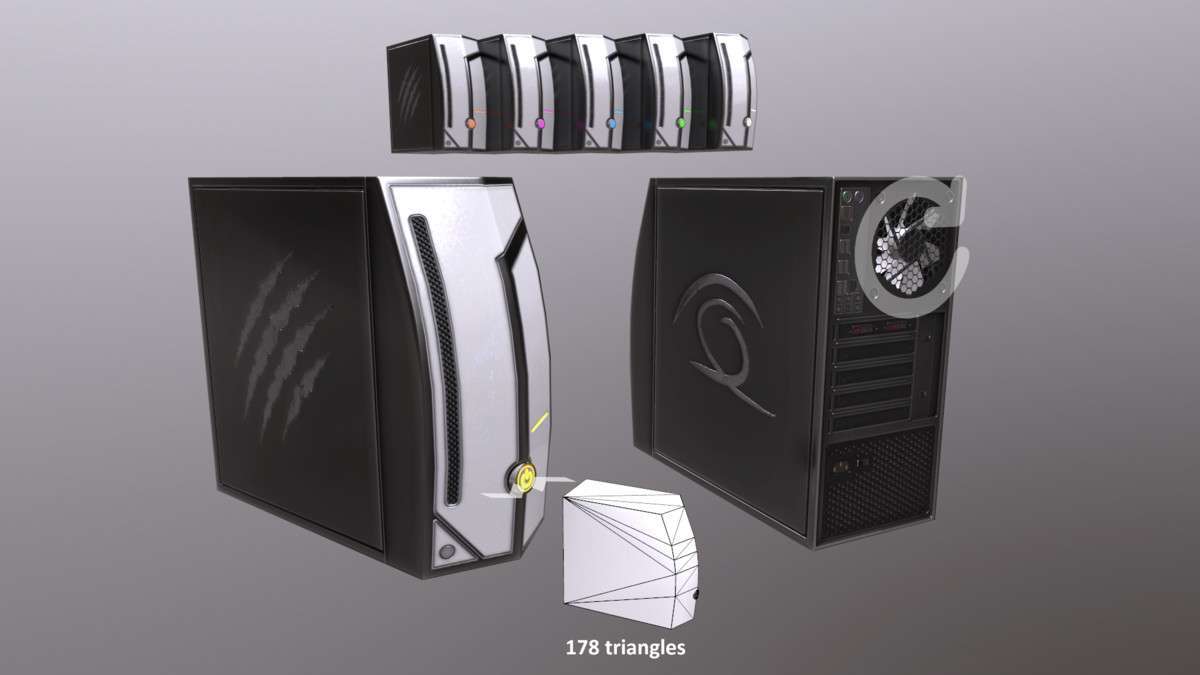
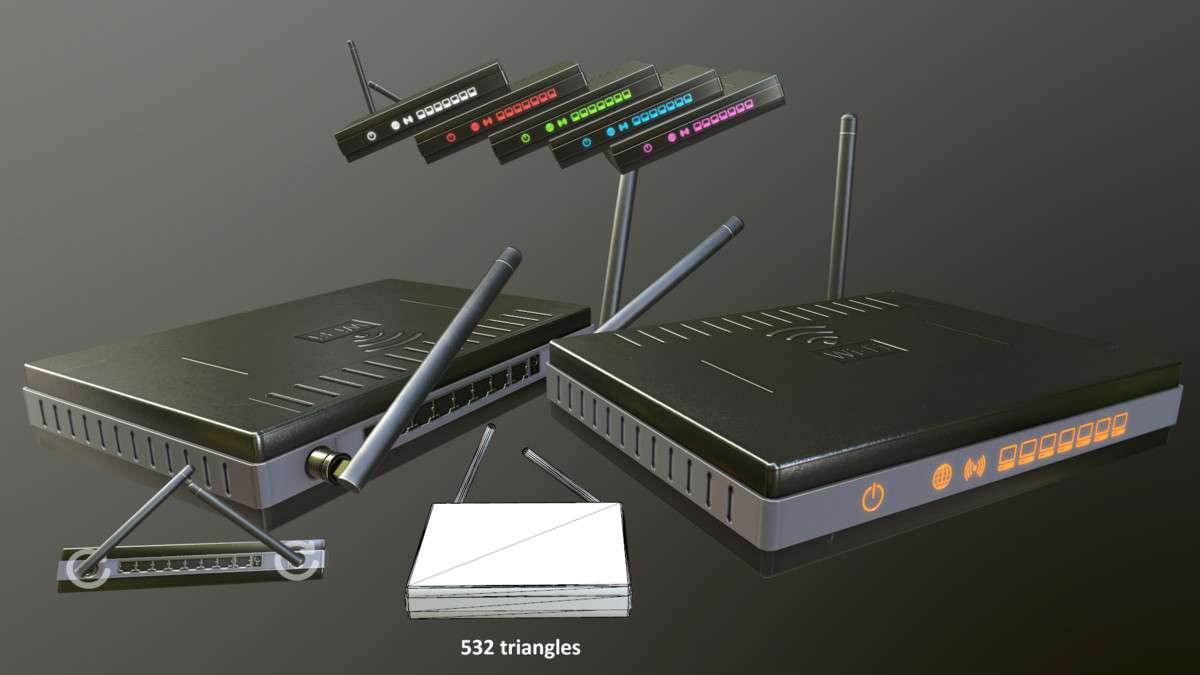
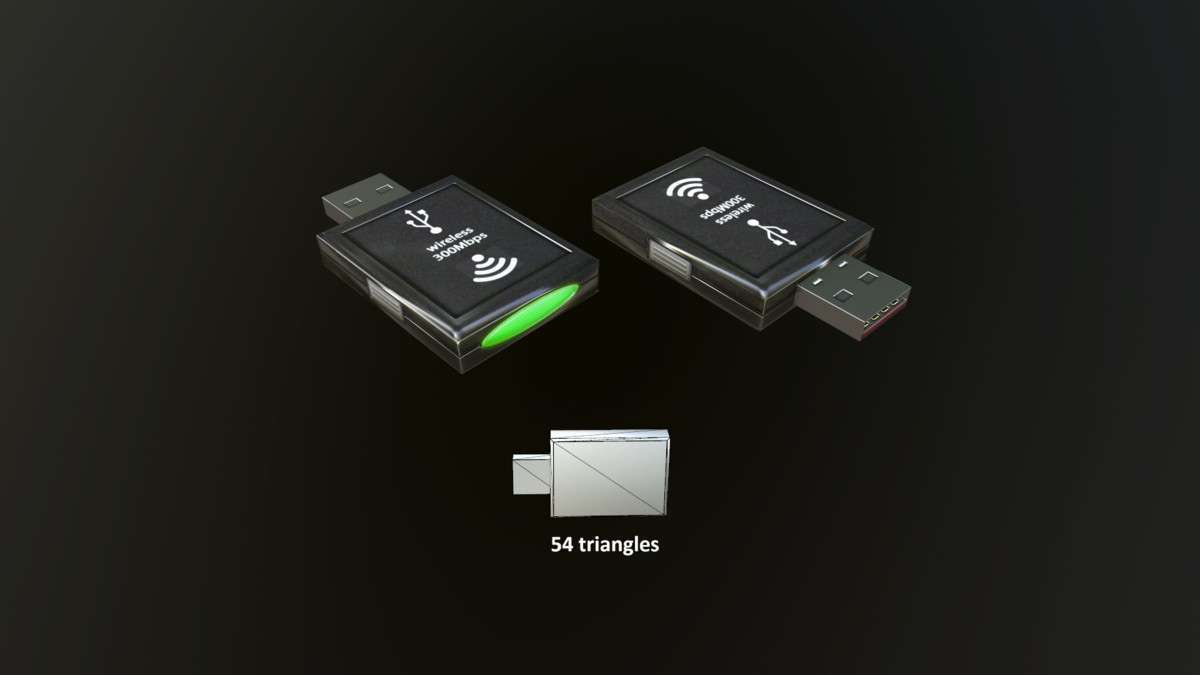
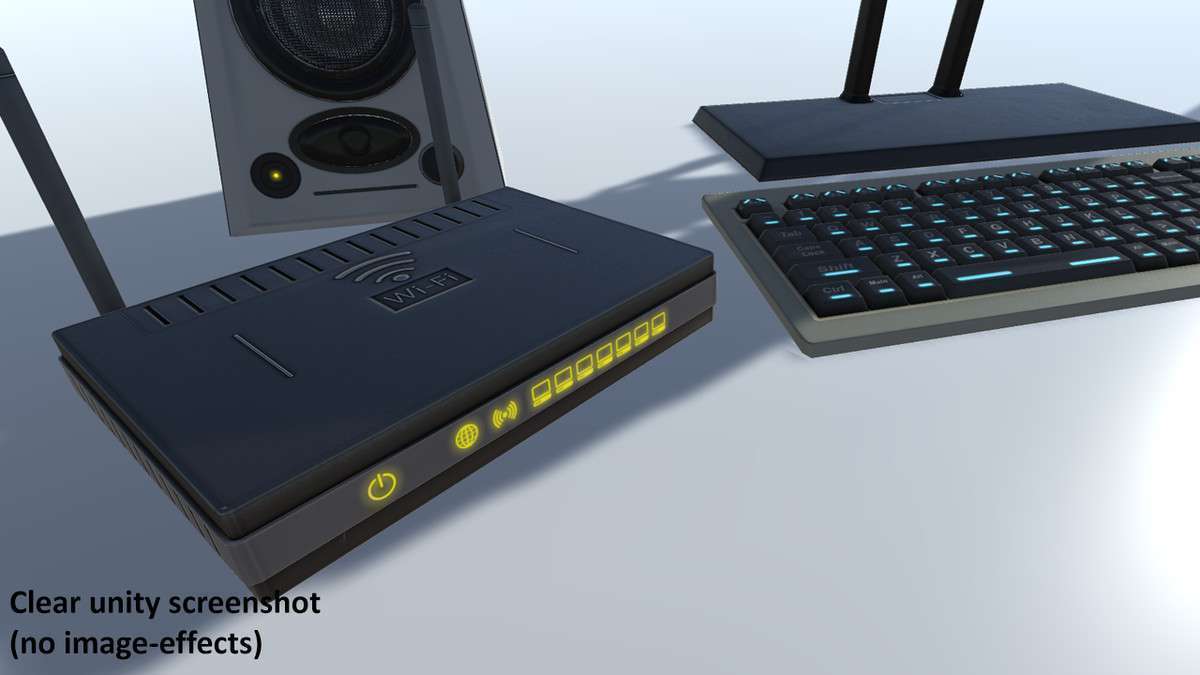
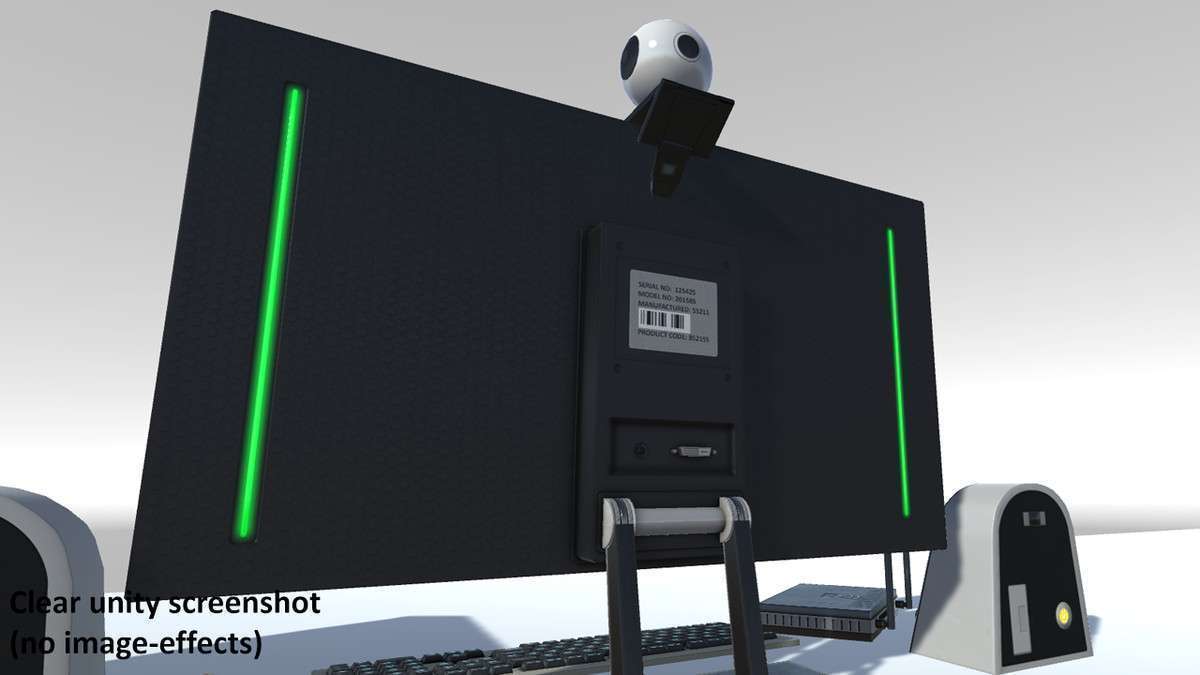
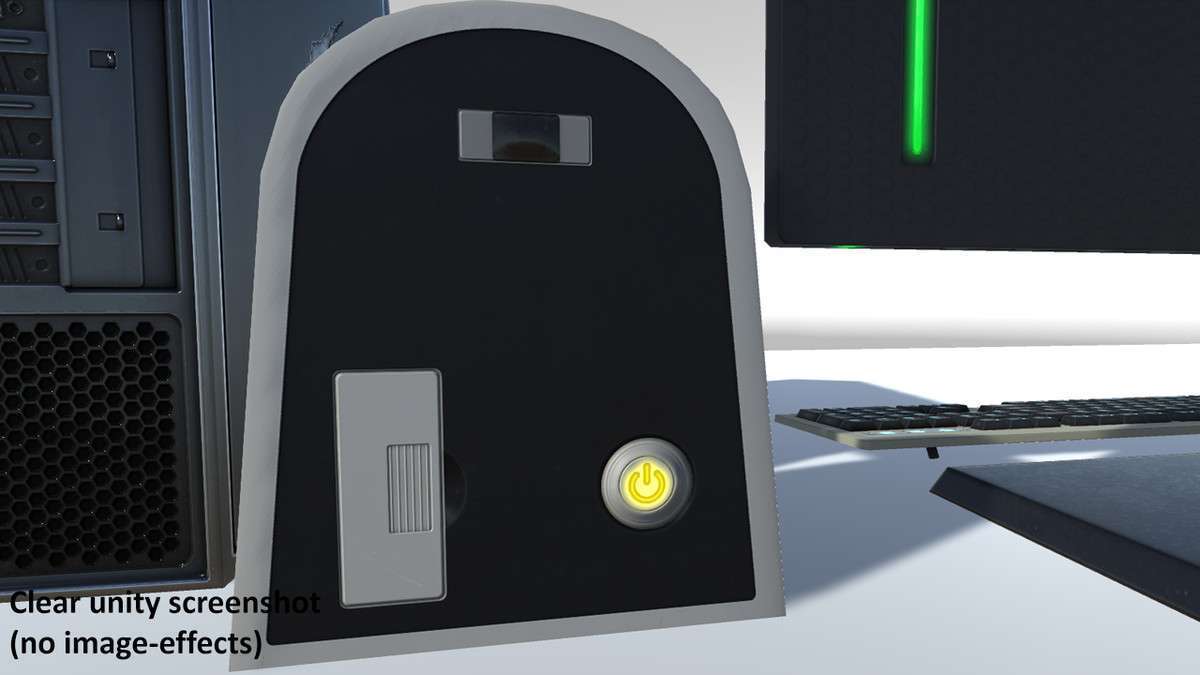
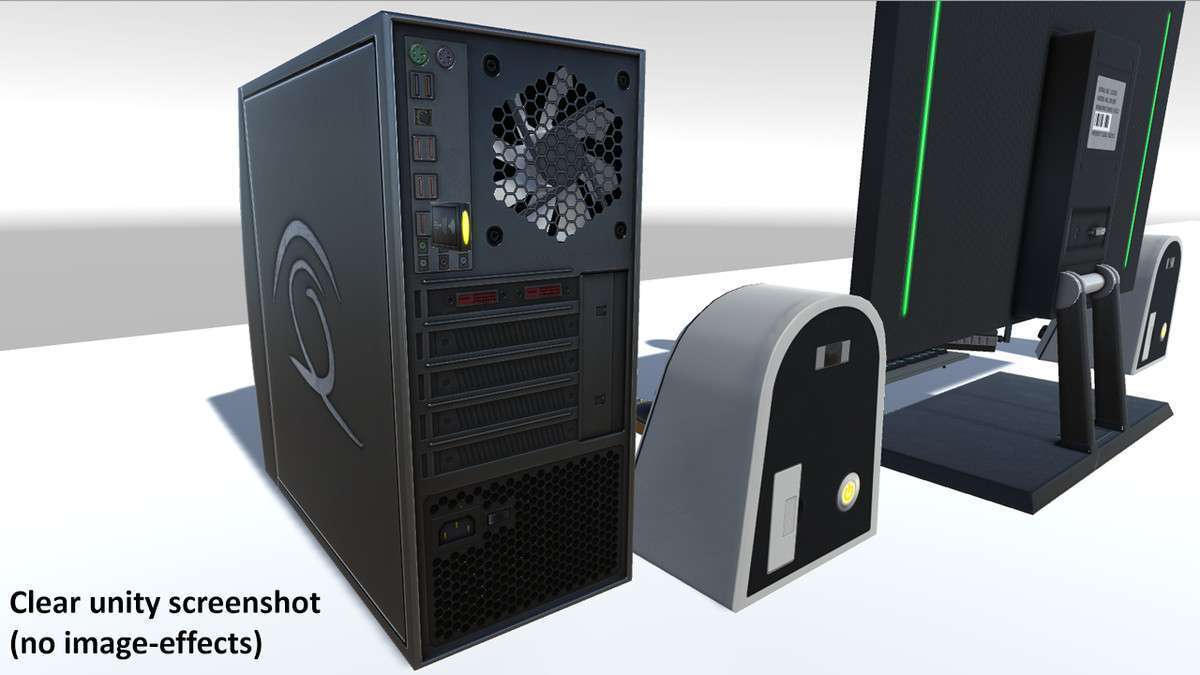
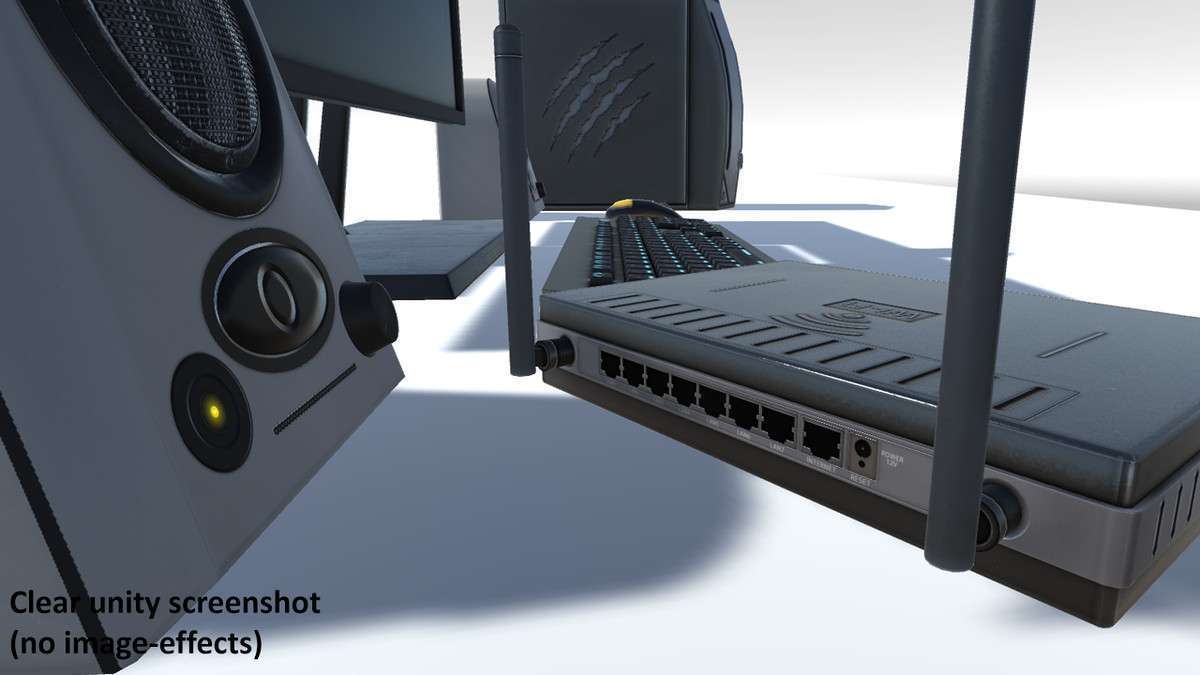
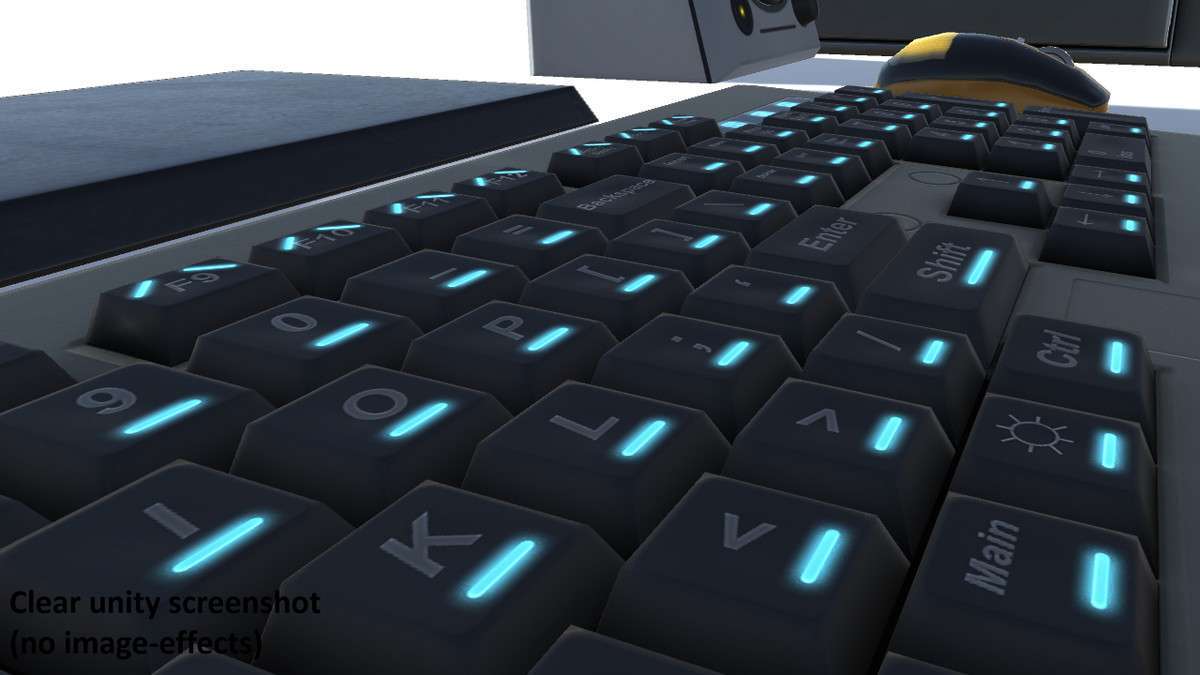
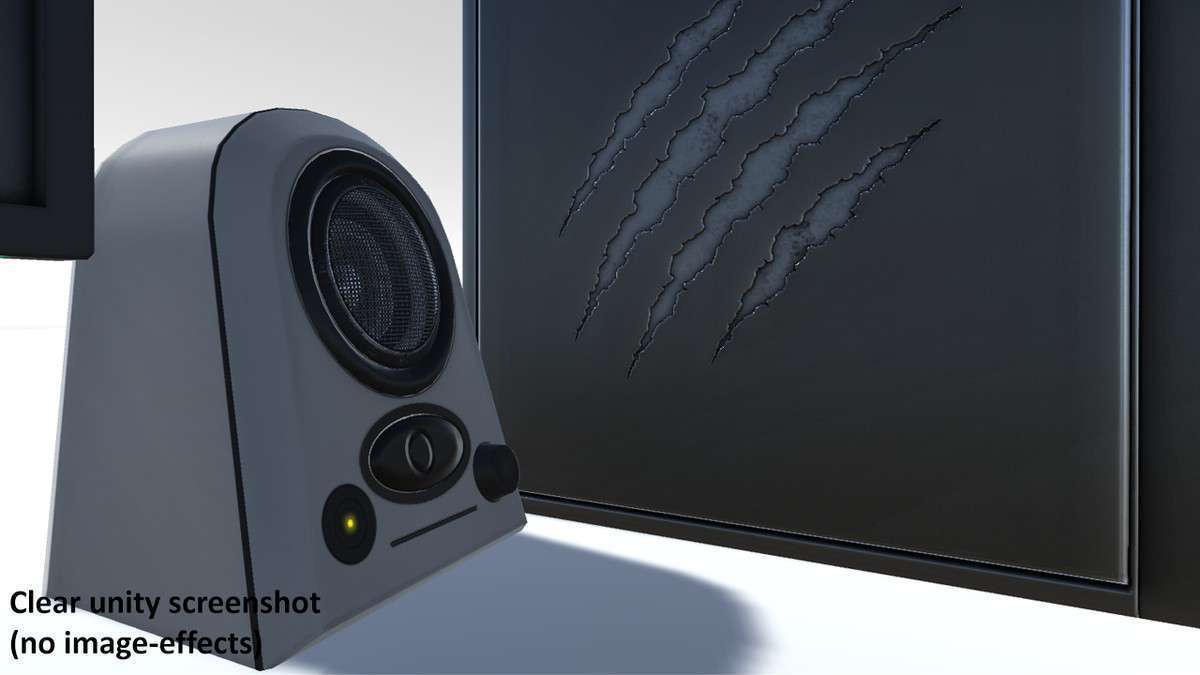
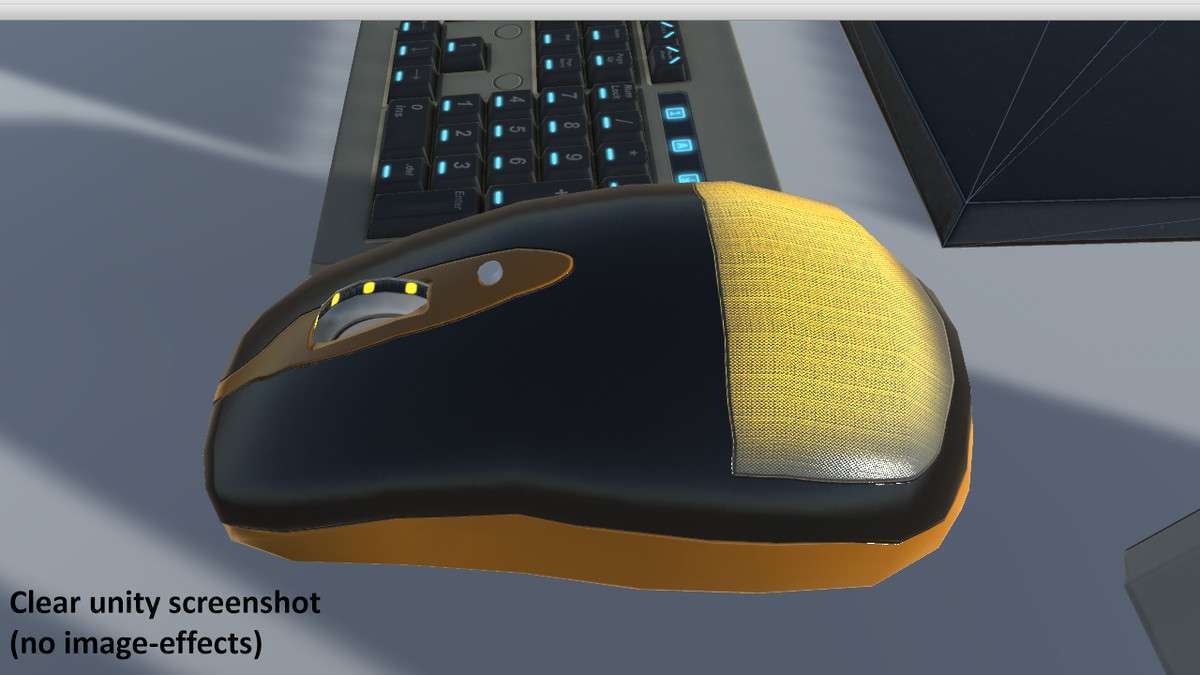
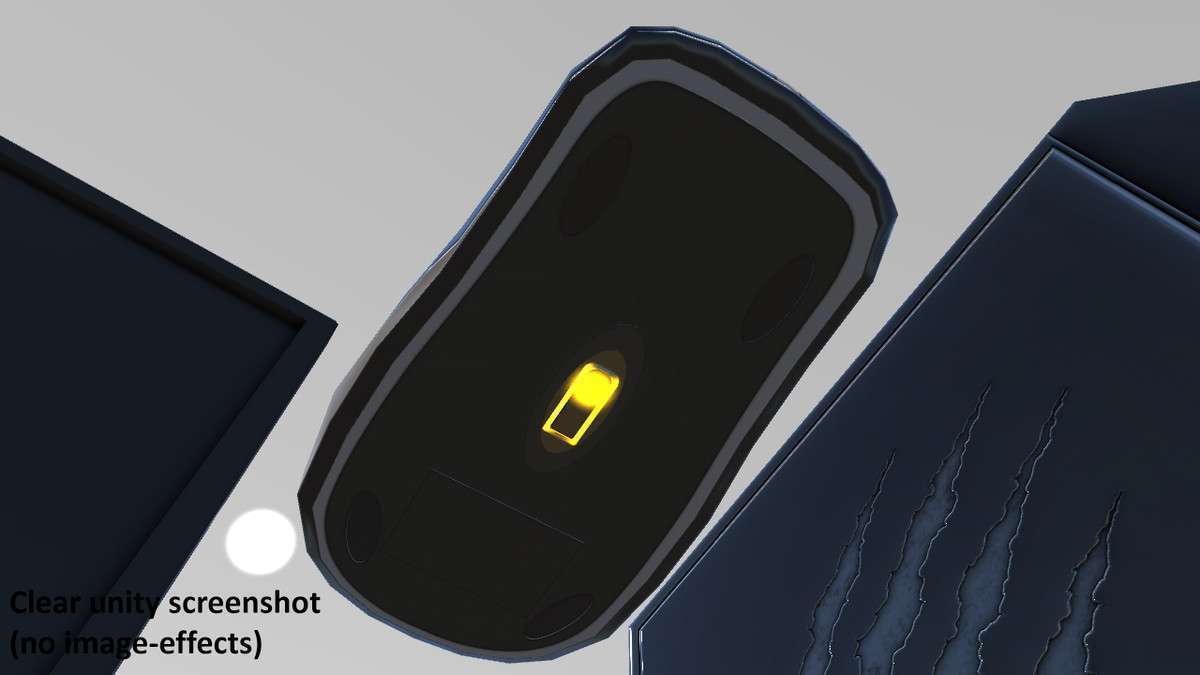
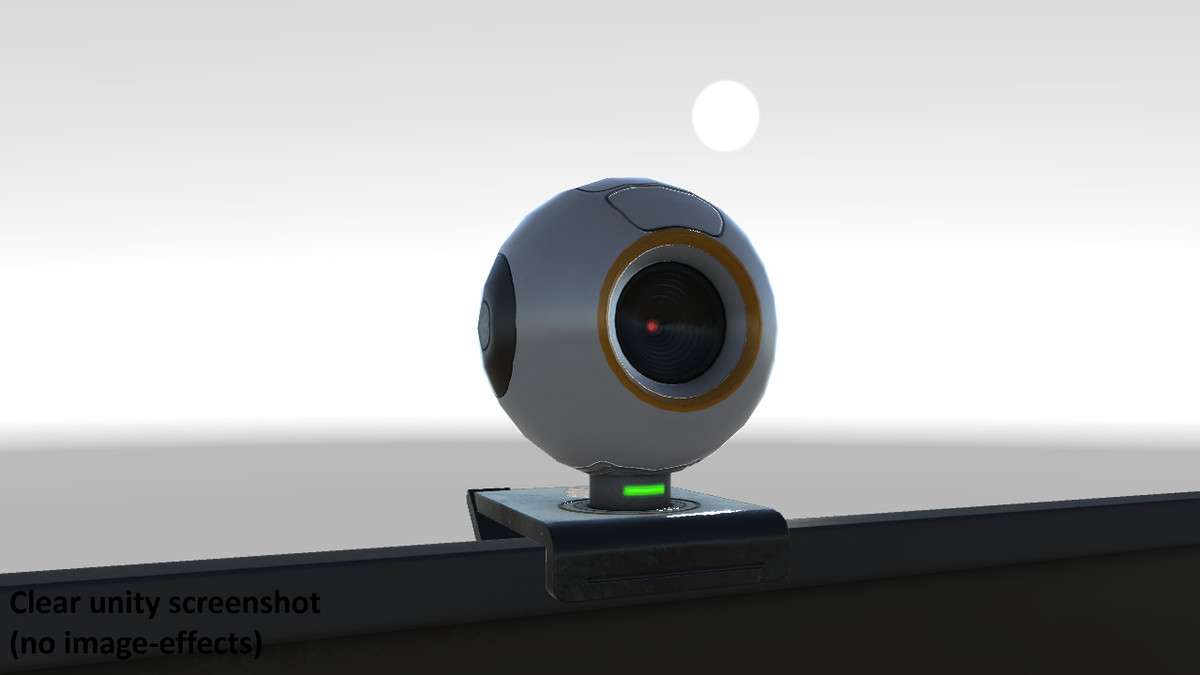
The Desktop PC Set Unity asset, at version , offers a collection of PBR-textured 3D models specifically designed for desktop computer components. Its strength lies in the high-resolution 2048×2048 PBR textures and the modularity of individual elements, which facilitates both static environment dressing and interactive scene components. Developers can achieve a high level of visual fidelity with these prefabs, suitable for close-up shots or interactive elements within a scene, while maintaining performance awareness through careful scene composition.
Integration Tips
Integrating the Desktop PC Set into your Unity project involves more than just dragging prefabs; leveraging its PBR materials and modularity requires specific considerations:
- PBR Workflow Consistency: Ensure your project’s lighting environment, including ambient light and directional/spot lights, is configured for a physically-based rendering workflow. This means using appropriate HDR skyboxes or GI solutions. The asset’s PBR textures (Albedo, Normal, Specular, AO, Emission) are designed to react accurately to realistic lighting conditions. Verify shader compatibility, especially if migrating to URP or HDRP, where standard shaders might need conversion or material re-assignment to your pipeline’s PBR equivalent.
- Leveraging Separate Elements for Interactivity: The asset’s strength is its componentized meshes (e.g., separate monitor screen, individual keyboard keys, mouse wheel). Instead of using the combined mesh, instantiate the prefabs with separate elements. Attach colliders (Box Collider for buttons, Sphere Collider for mouse wheel) and simple interaction scripts (e.g., detecting
OnMouseDownor raycasts) to enable interactive functionality. This allows for gameplay elements like pressing keys to type, rotating a mouse wheel for camera zoom, or turning on a monitor. - Optimizing Emission Maps: The white emission maps are a powerful feature. To change the color dynamically at runtime, access the material’s
_EmissionColorproperty via scripting. For static scenes, bake the desired emission color directly into your lightmaps to save on real-time lighting calculations and contribute to global illumination without extra draw calls for emissive objects. - Batching Considerations: For static arrangements of these prefabs, consider static batching or GPU instancing if you have multiple identical instances using the same material. However, if individual components are animated or interactive, they may break batching. Grouping non-interactive elements into single meshes in DCC software can reduce draw calls if memory permits.
- Baked Fan Animation: The “Computer” model includes a baked fan animation. This is a pre-calculated vertex animation or blend shape. Ensure your import settings for the FBX file allow for animation import. For URP/HDRP, confirm the standard animation components function as expected, or consider converting to a timeline-based animation if needed for synchronization with other scene elements.
Best Use Cases
- Interactive Environment Design in Simulation Games:
This asset is ideal for creating highly detailed, interactive computer setups within simulation games (e.g., hacker simulations, office simulators, IT management games). The separate mesh elements allow for individual button presses, screen rotations, and mouse interactions, directly correlating to gameplay mechanics. The PBR textures ensure a realistic visual experience crucial for immersion, while the ability to dynamically change emission colors can signify power states or interaction feedback without complex shader modifications. This level of granularity supports gameplay-driven interaction rather than purely aesthetic dressing.
- Architectural Visualization and Interior Scenes:
For architectural visualization projects, virtual tours, or highly detailed interior scenes in games or applications, the Desktop PC Set provides high-quality static and semi-interactive props. The realistic PBR materials and high-resolution textures make them suitable for close-up rendering, enhancing the overall realism of the environment. The modularity allows for diverse desk configurations, populating scenes with believable office or personal computing setups, contributing significantly to visual fidelity without requiring extensive custom model creation. The baked fan animation for the computer adds a subtle touch of realism without performance overhead from script-driven animation.