

Technical Overview
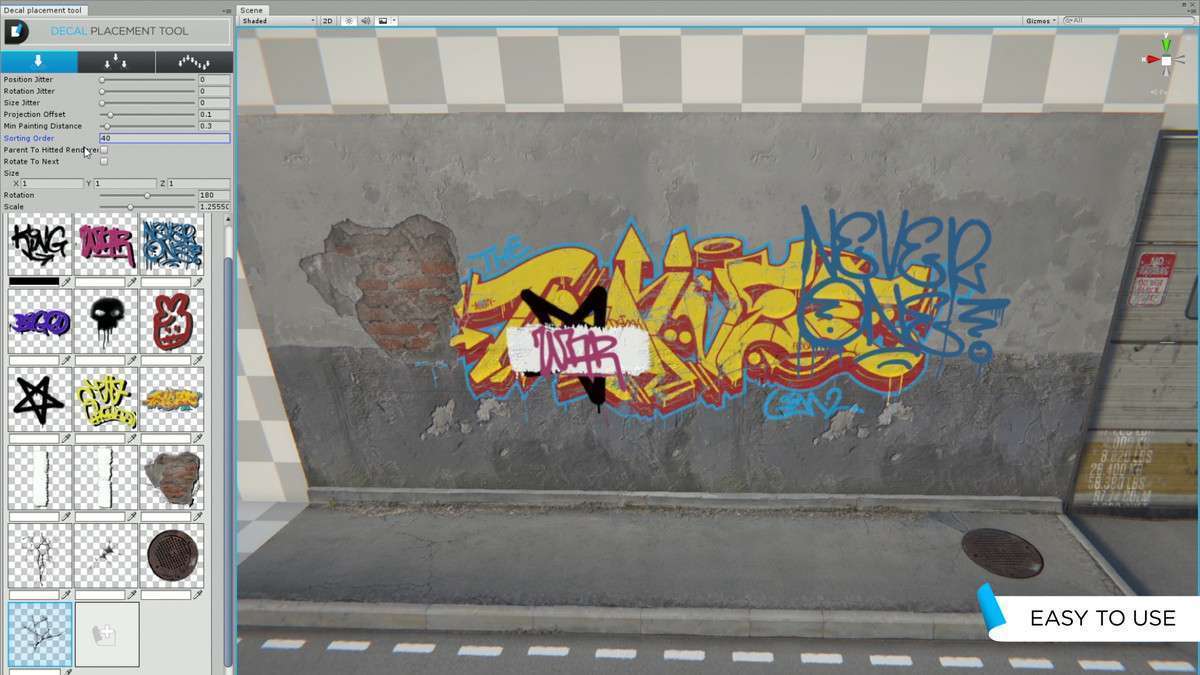
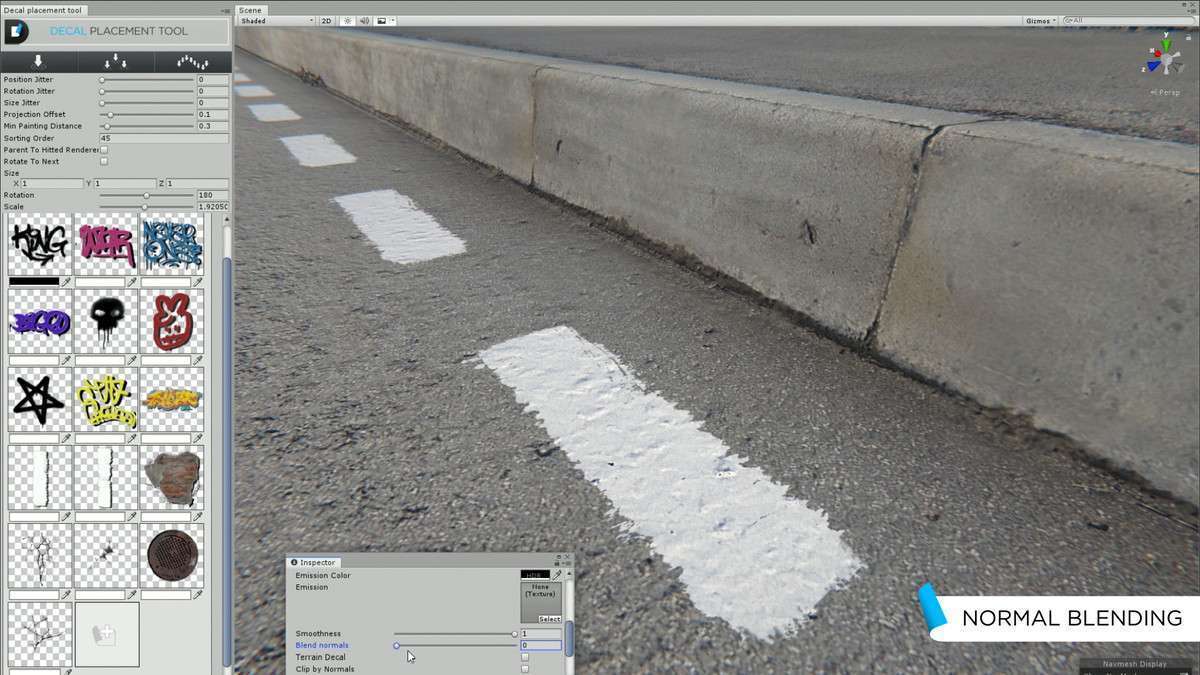
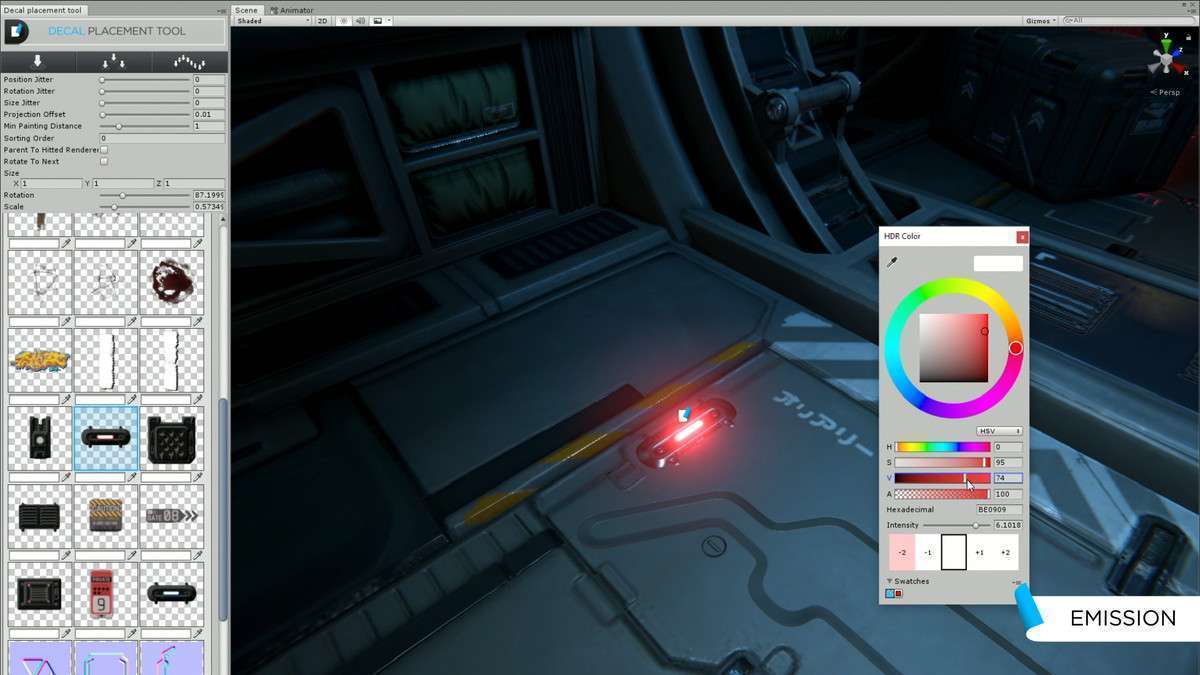
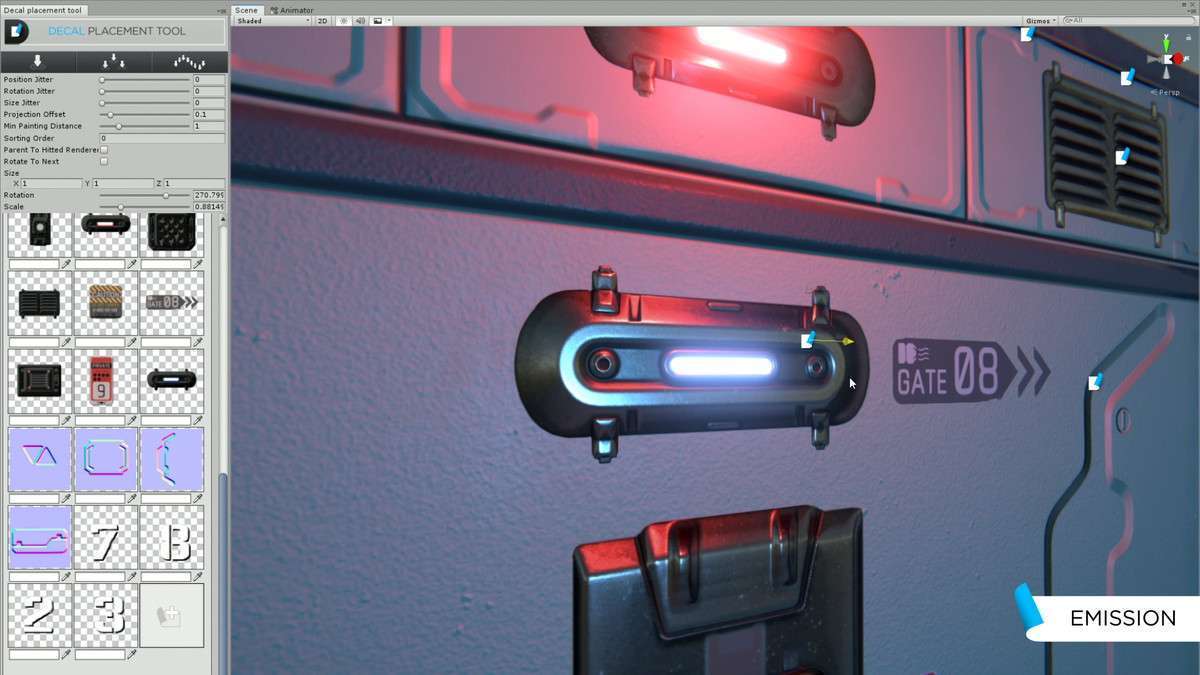
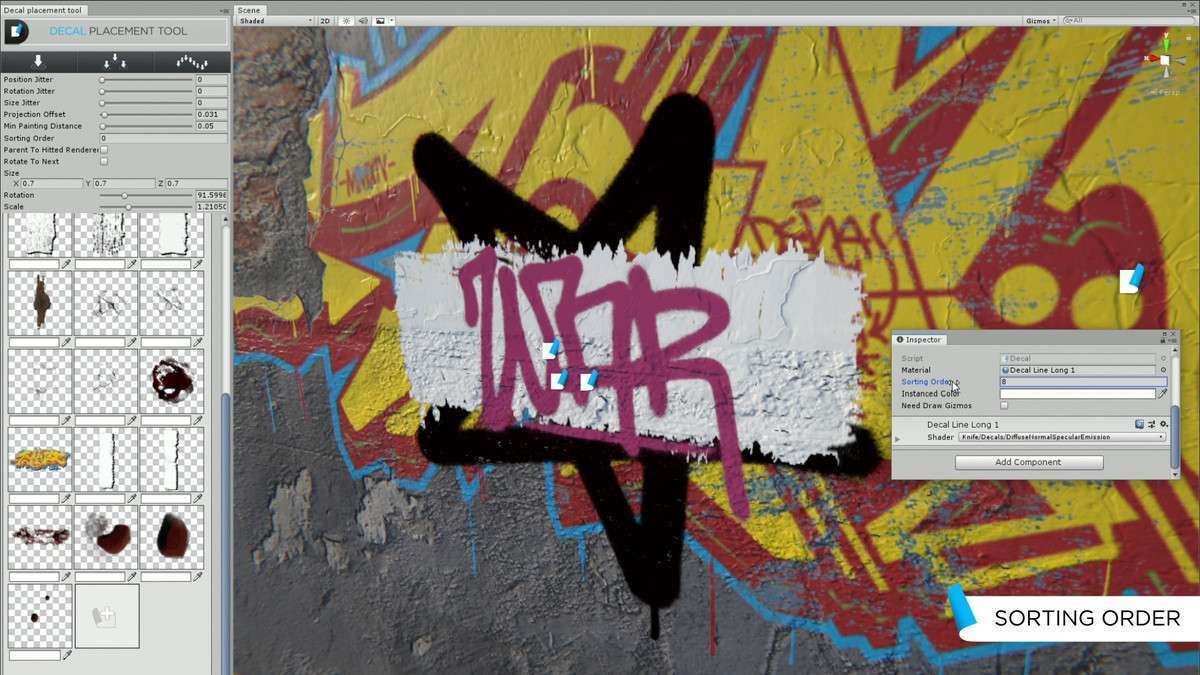
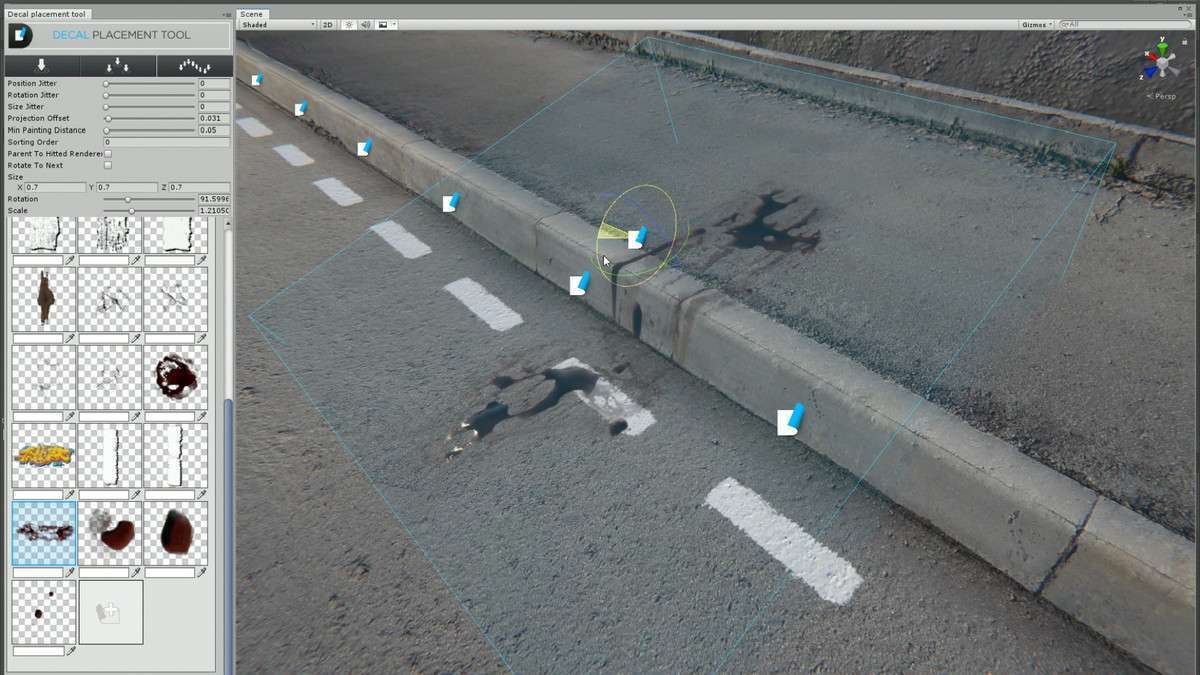
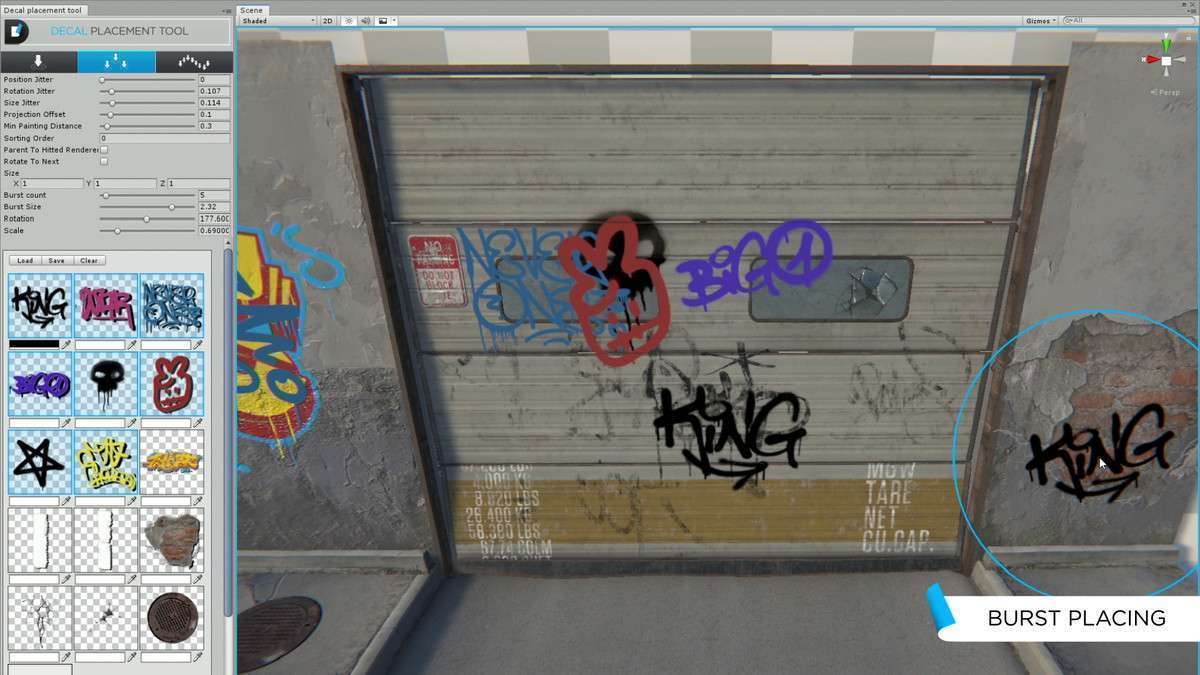
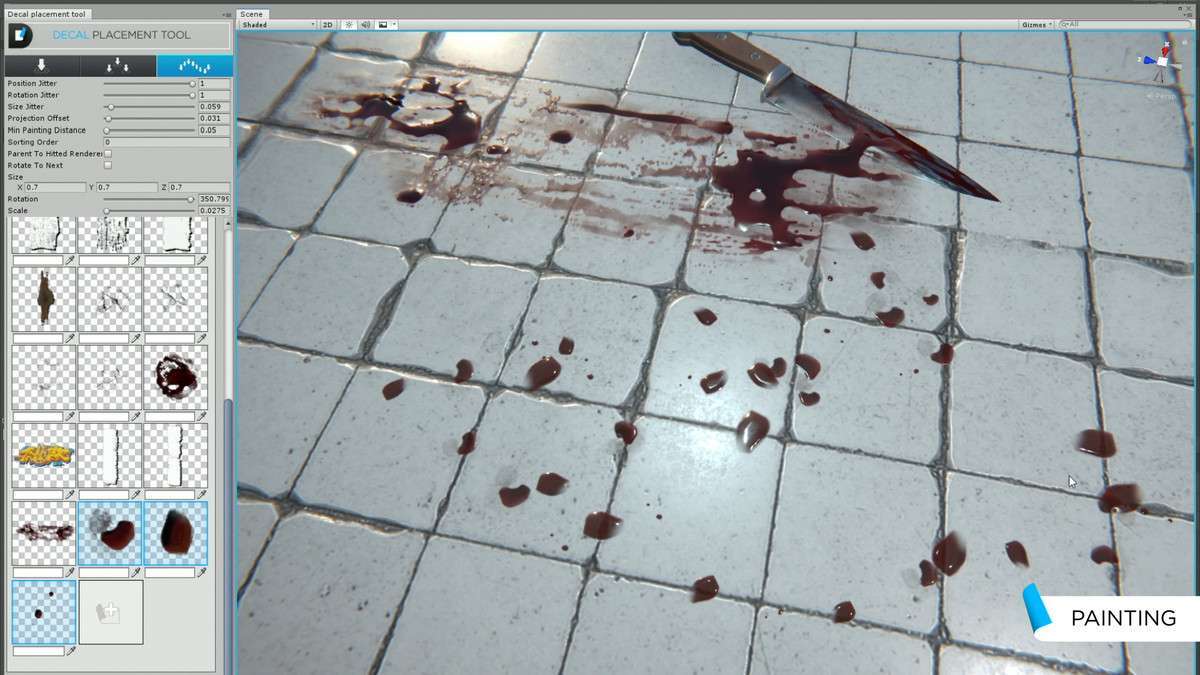
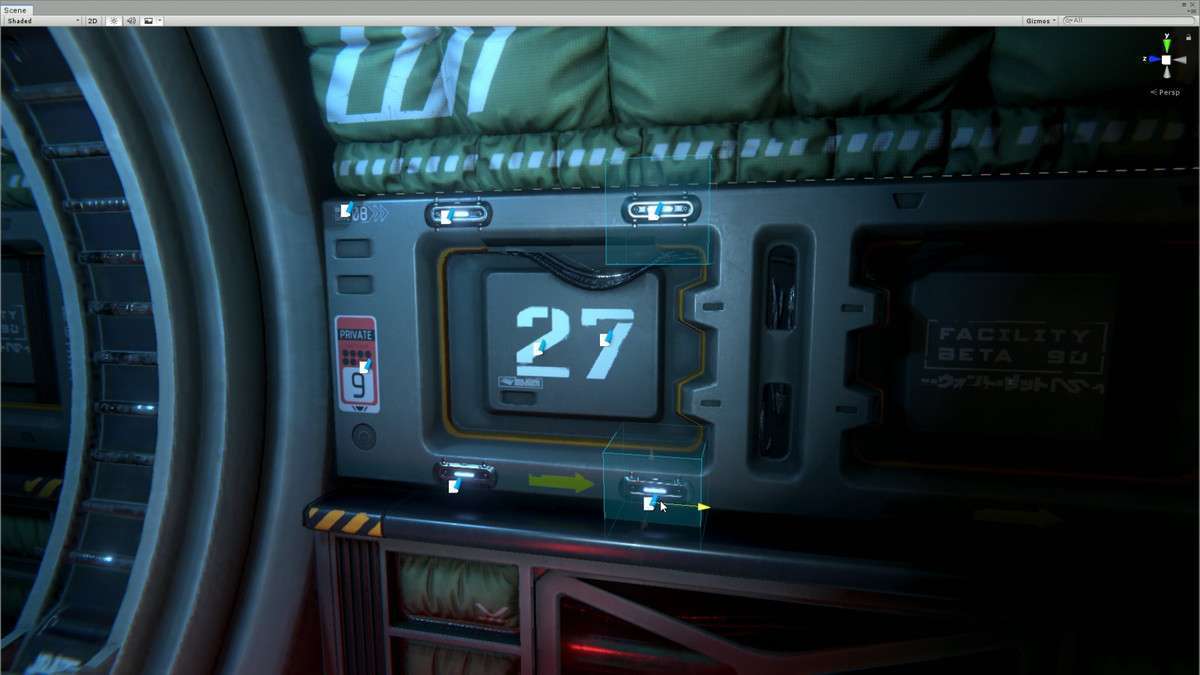
Handling environmental wear and bullet impacts efficiently requires a system that doesn’t rely on expensive mesh generation. Decal Master: Advanced Deferred Decals Unity 1.24.0 utilizes the Deferred rendering path and Command Buffers to project PBR decals with zero impact on the physics engine. The GPU Raycaster is particularly impressive, allowing for runtime decal placement without requiring colliders on your environment meshes—a massive performance save for complex scenes.
Integration Tips
- Rendering Path Requirement: Your camera *must* be set to the Deferred rendering path. Forward rendering will not support the standard deferred decal projection method used here.
- Exclusion Masks: Be diligent with your Layer Masks. You don’t want blood spatters or graffiti projecting onto your UI or the player character’s first-person weapon model. Set up an ‘IgnoreDecals’ layer early.
- GPU Instancing: Ensure ‘Enable GPU Instancing’ is checked on your decal materials. When using the Spawn API for things like bullet holes, instancing will significantly reduce the draw call count when dozens of decals are visible on screen simultaneously.
Best Use Cases
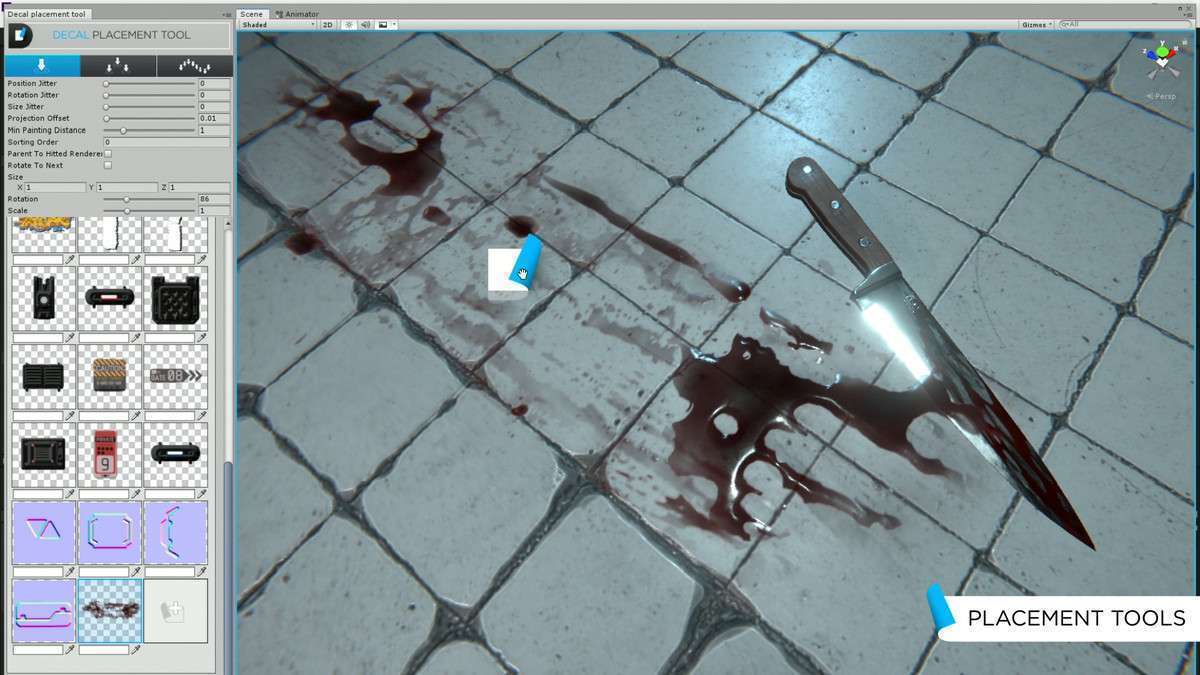
- Gritty First-Person Shooters: The ability to project albedo, normal, and specular maps onto any surface makes it perfect for persistent environmental storytelling like bullet holes, blood, and grime.
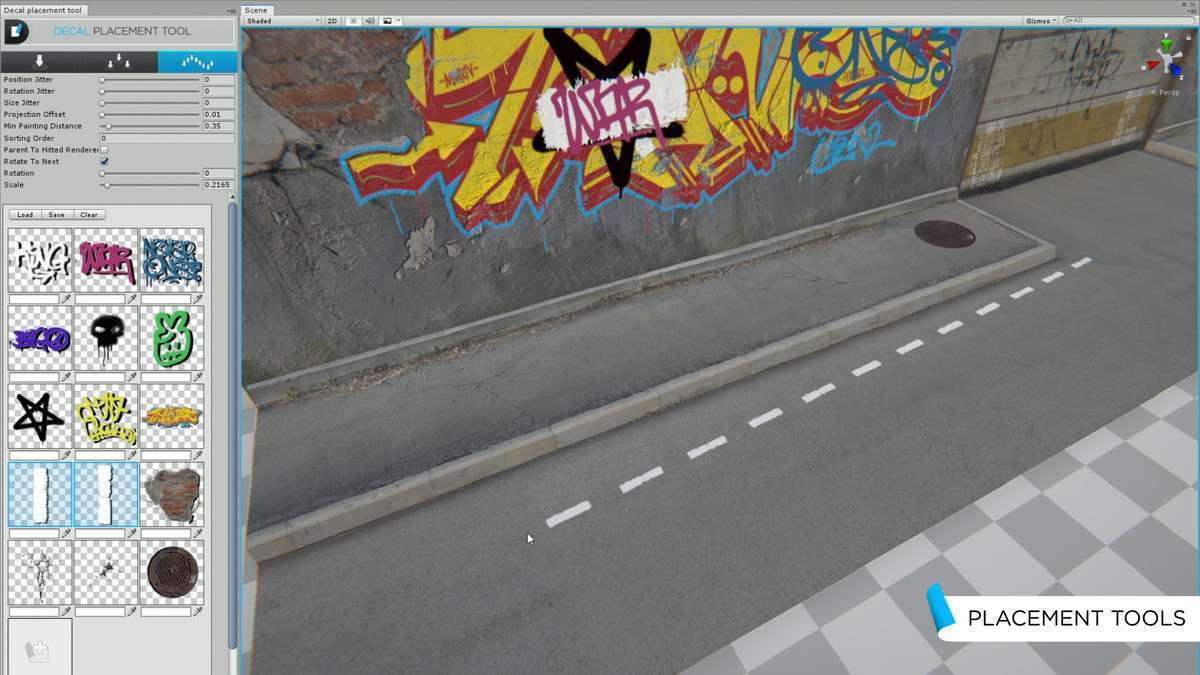
- Urban Sandbox Games: Use the terrain decal blending and UV tiling features to create varied road markings, manhole covers, and trash clusters across large terrain surfaces without high-res texture overhead.