

Technical Overview
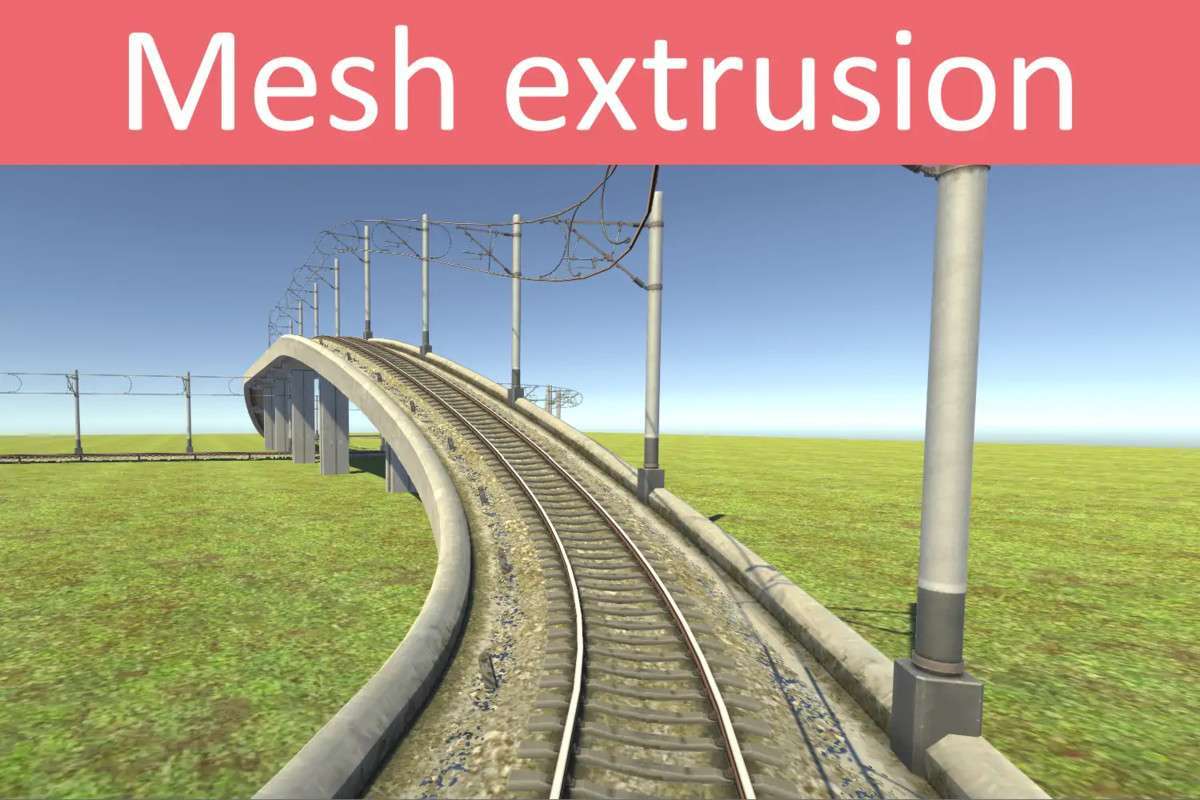
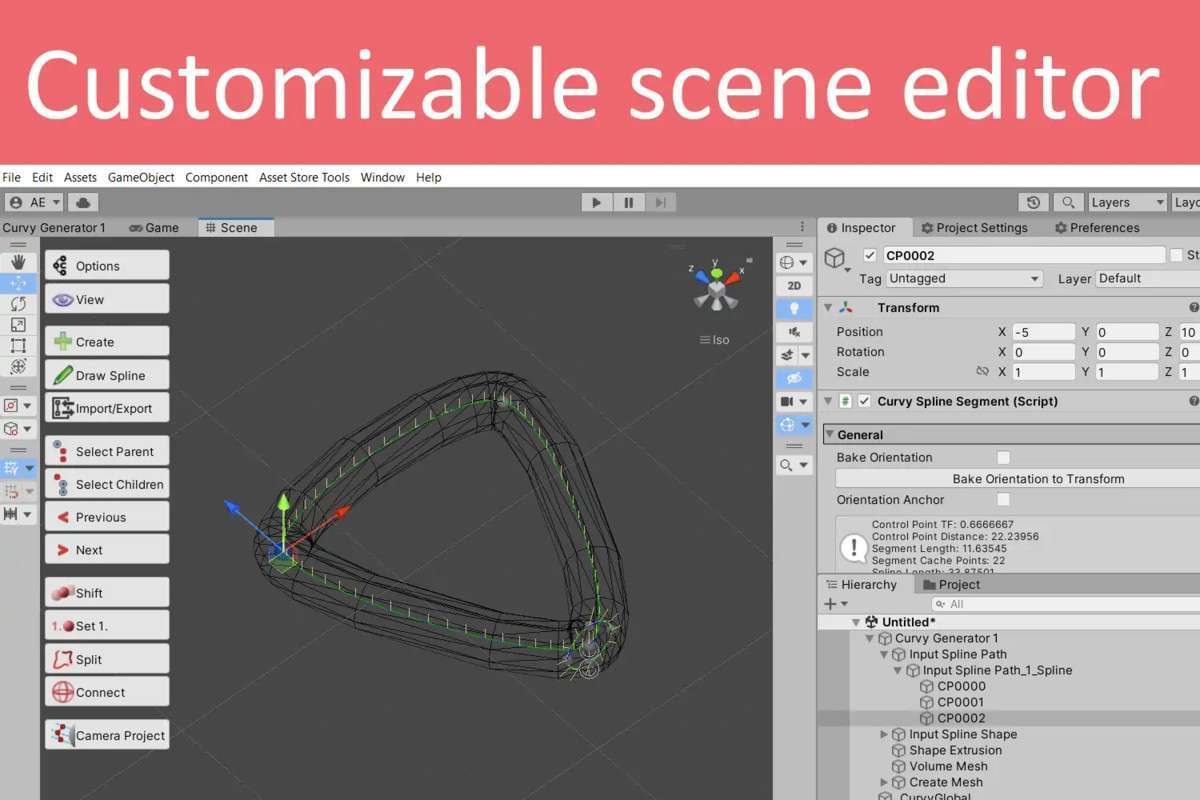
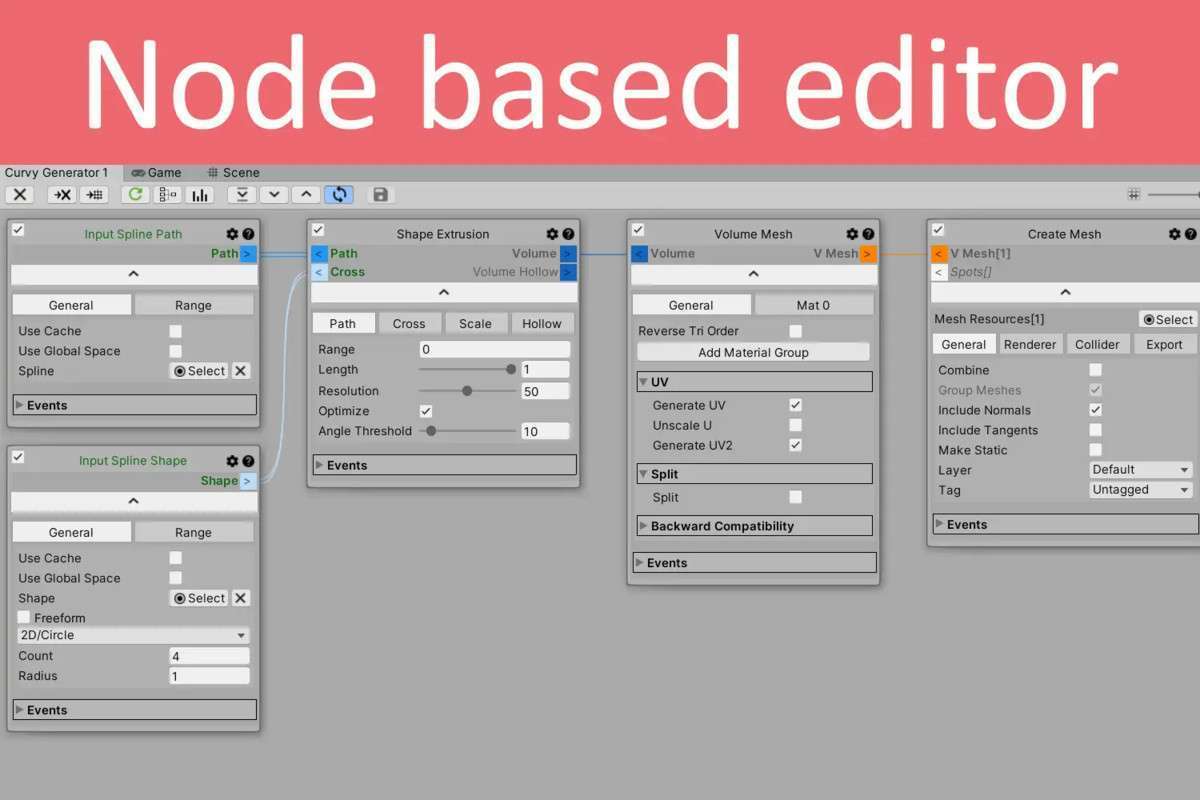
After a decade on the store, Curvy Splines 8 Unity 8.11.1 remains the gold standard for spline-based tool development in Unity. It treats Control Points as standard GameObjects, which means you can use the familiar Unity Move/Rotate handles and even parent objects to them. From a dev perspective, the node-based Curvy Generator is the standout feature—it allows for procedural mesh generation (like roads or pipes) to be handled via a visual logic flow that is highly cache-efficient and thread-safe.
Integration Tips
When migrating from Unity’s native Splines package, use the provided ‘Converter for Unity Splines’ to preserve your path data. For performance-sensitive runtime usage, like object following, make sure to enable caching on the spline component to avoid re-calculating the entire curve length every frame. Also, take advantage of the Assembly Definitions included in the package to keep your project’s compilation times low when working with the extensive Curvy API.
Best Use Cases
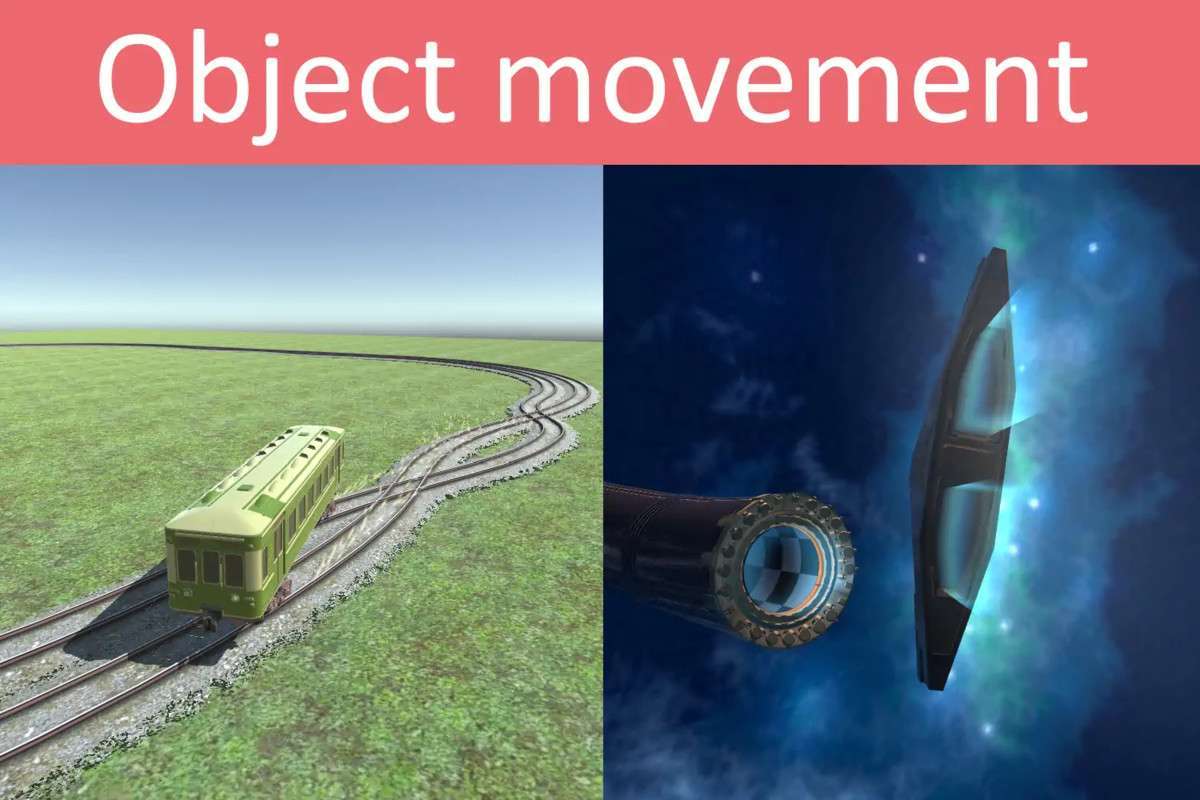
- Racing and Rail-Based Games: The spline controllers are physics-compatible, making them ideal for trains, rollercoasters, or even AI racing lines. The ability to project splines onto colliders simplifies the process of laying tracks over complex terrain.
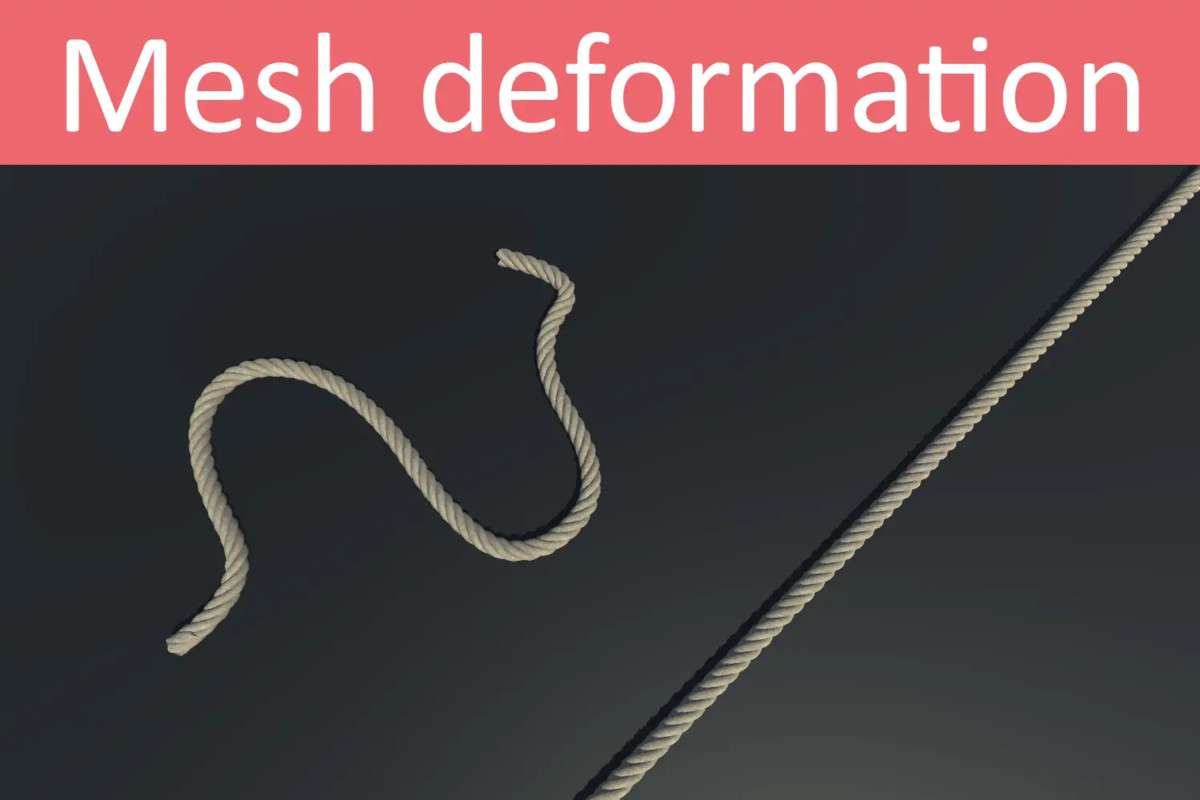
- Dynamic Level Decoration: Use the Curvy Generator for real-time mesh deformation and object scattering. It’s perfect for procedural cables, fences, or stone walls that need to adapt to environmental changes at runtime.