
Procedural Reticle Systems for Modern Shooters
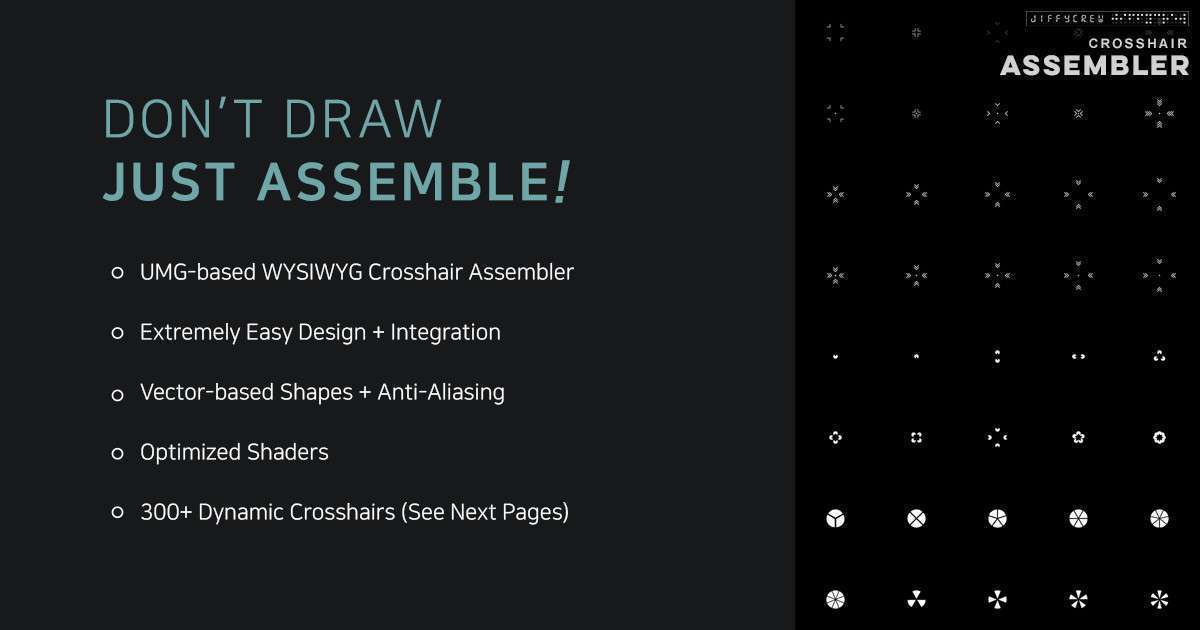
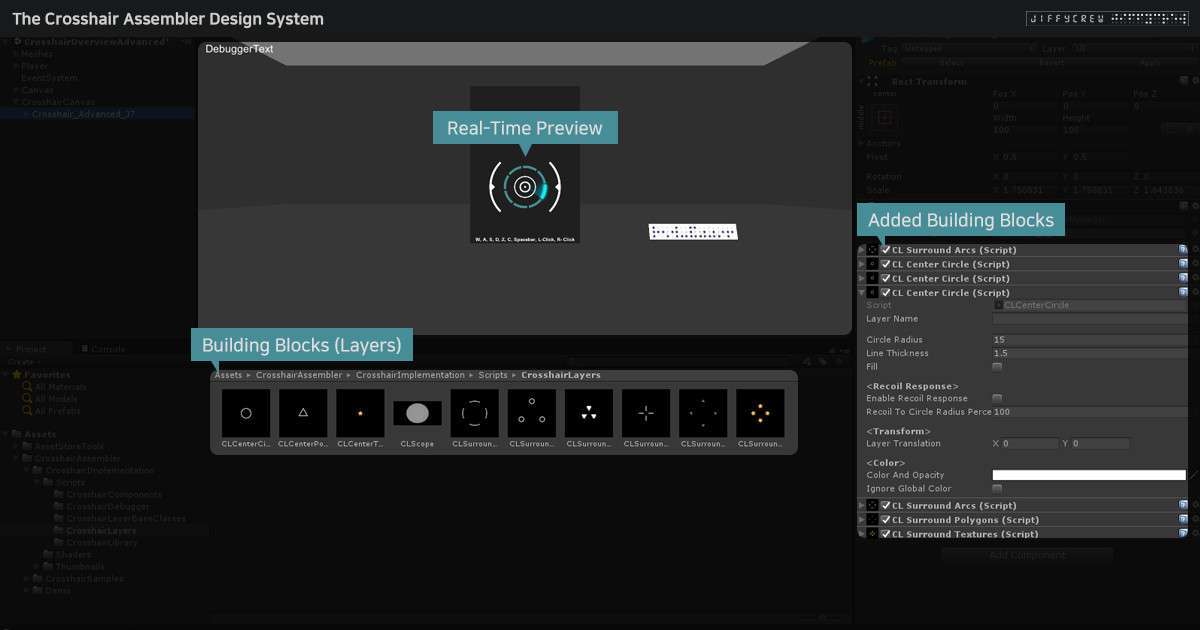
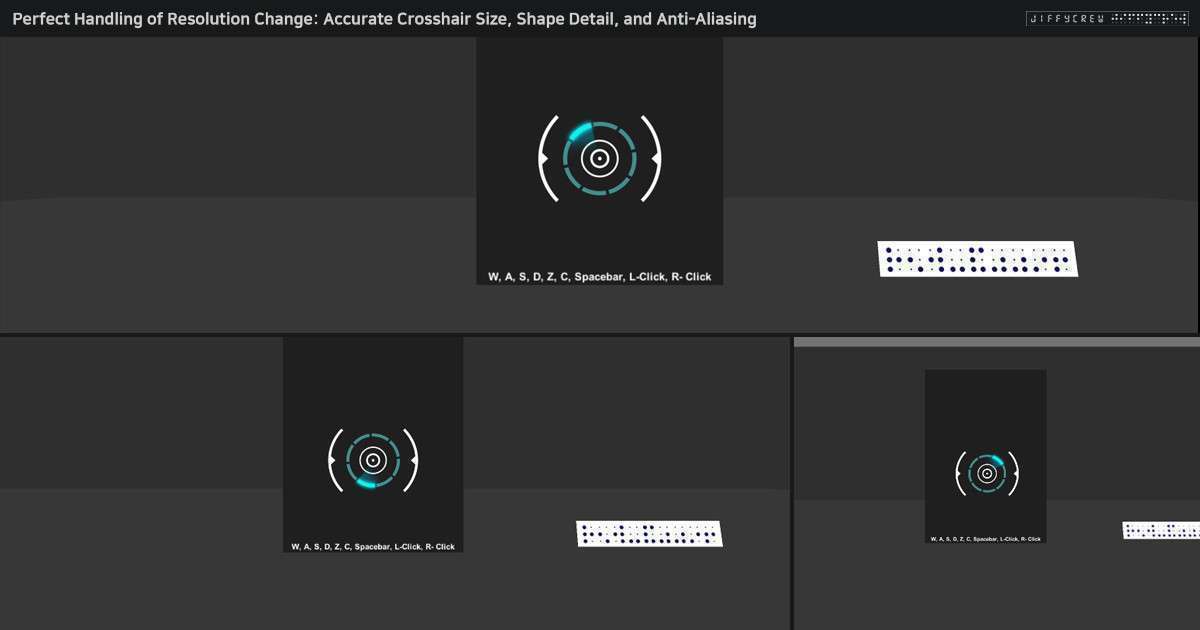
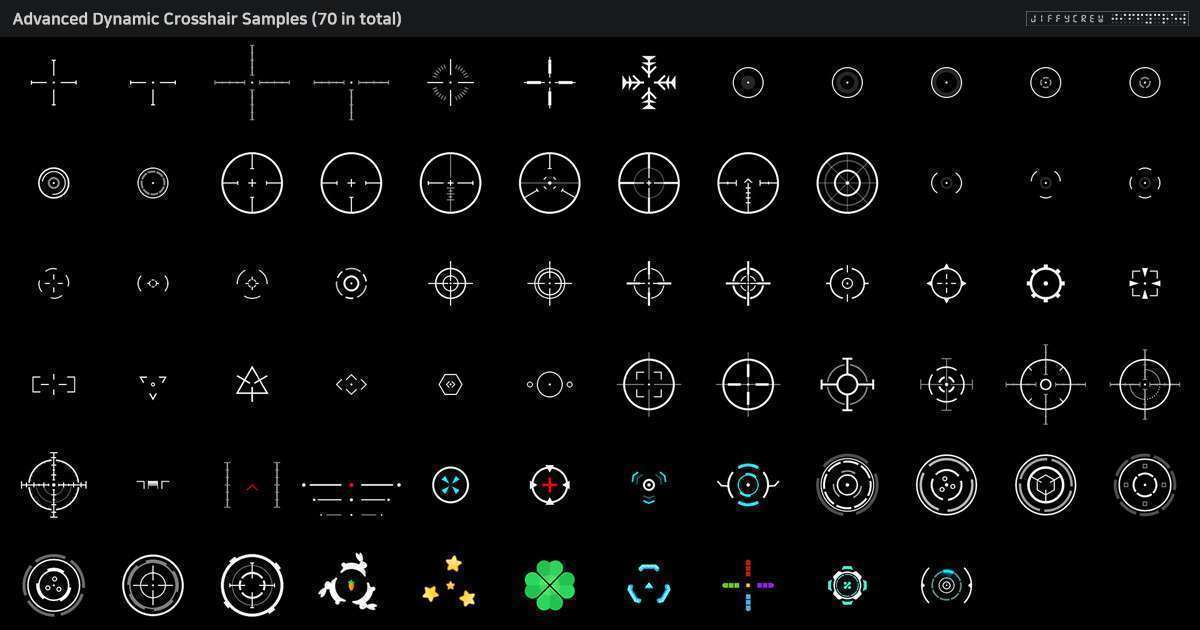
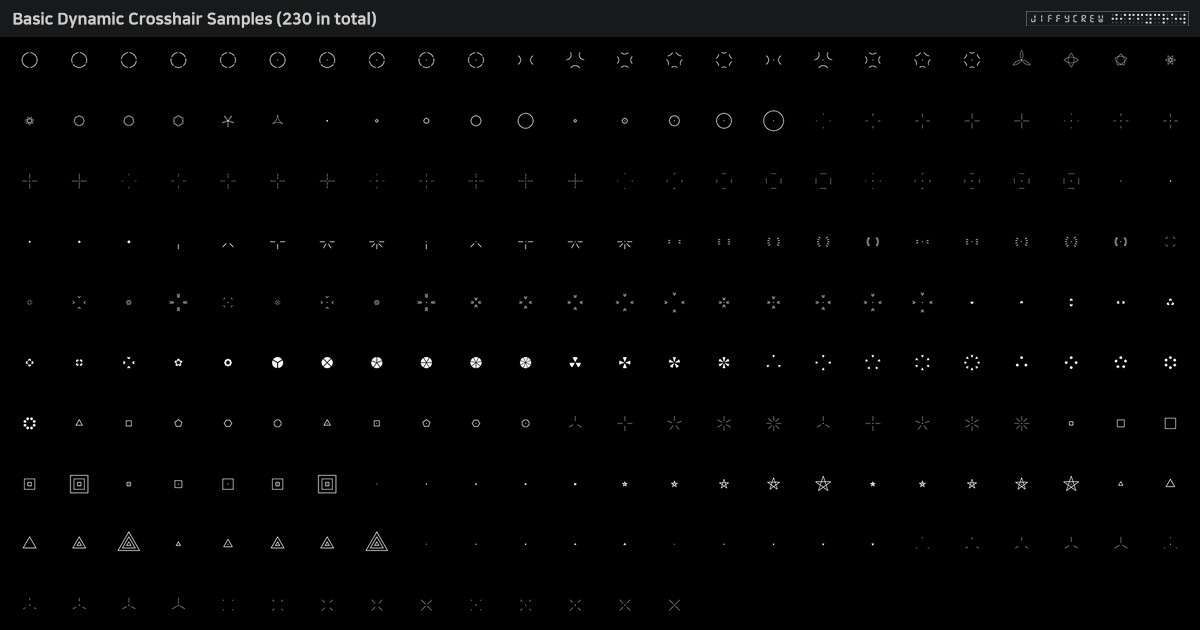
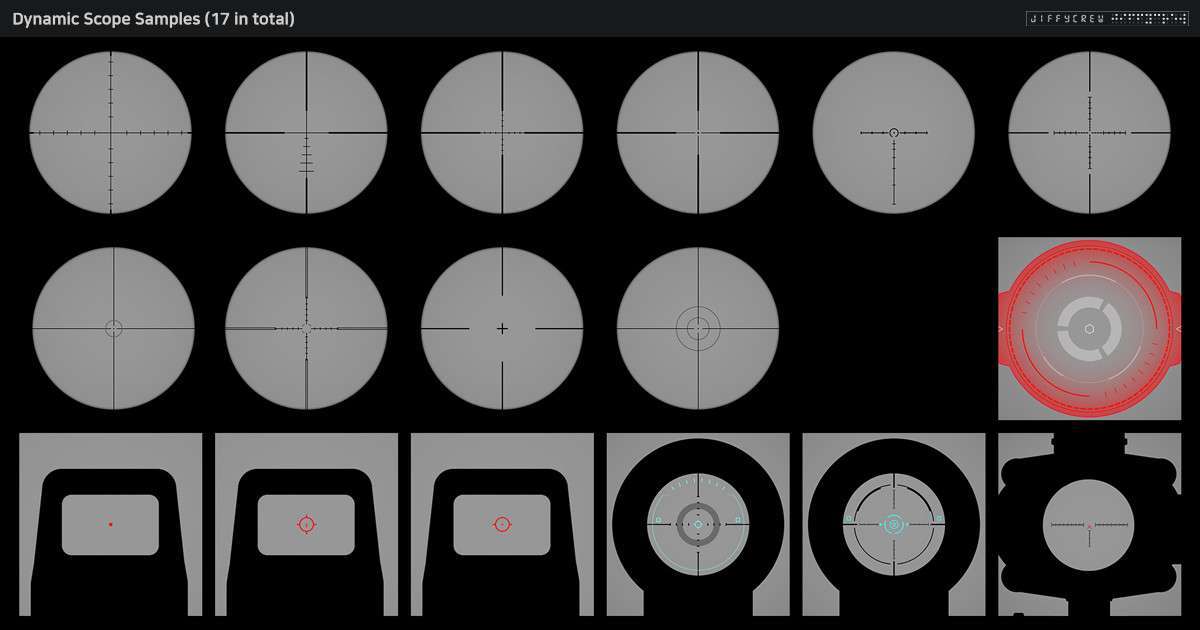
When building tactical shooters, static sprites for UI often fall short because they don’t scale well with dynamic recoil or varied resolutions. Using Crosshair Assembler Unity 1.1.0 allows you to move away from texture-heavy UI and toward a vector-based procedural approach. By utilizing building blocks like arcs, lines, and polygons, you can maintain sharp edges across all aspect ratios without increasing your memory footprint via large texture atlases.
Integration Tips
- Canvas Management: To maximize performance, place your assembler prefabs on a dedicated ‘Overlay’ Canvas. This prevents UI rebuilds of the entire HUD when the crosshair reacts to player movement or fire rate.
- Scripting Dynamic Spread: Instead of manually adjusting sliders at runtime, interface with the provided API to link your weapon’s ‘Bloom’ or ‘Spread’ variables directly to the assembler’s displacement property. This ensures frame-perfect visual feedback.
- Shader Compatibility: Ensure your UI materials are set to handle the vector-based rendering. If you’re using URP, verify that your UI shaders aren’t being overridden by global post-processing effects that could blur the sharp vector edges.
Best Use Cases
- Tactical First-Person Shooters: The dynamic recoil response system is ideal for games requiring precise visual feedback for bullet spread and weapon sway, where a static dot isn’t sufficient for gameplay mechanics.
- Sci-Fi Combat Simulators: The ability to layer unlimited building blocks allows for complex, multi-layered HUDs that can change color or shape based on target locking or weapon heat levels.