
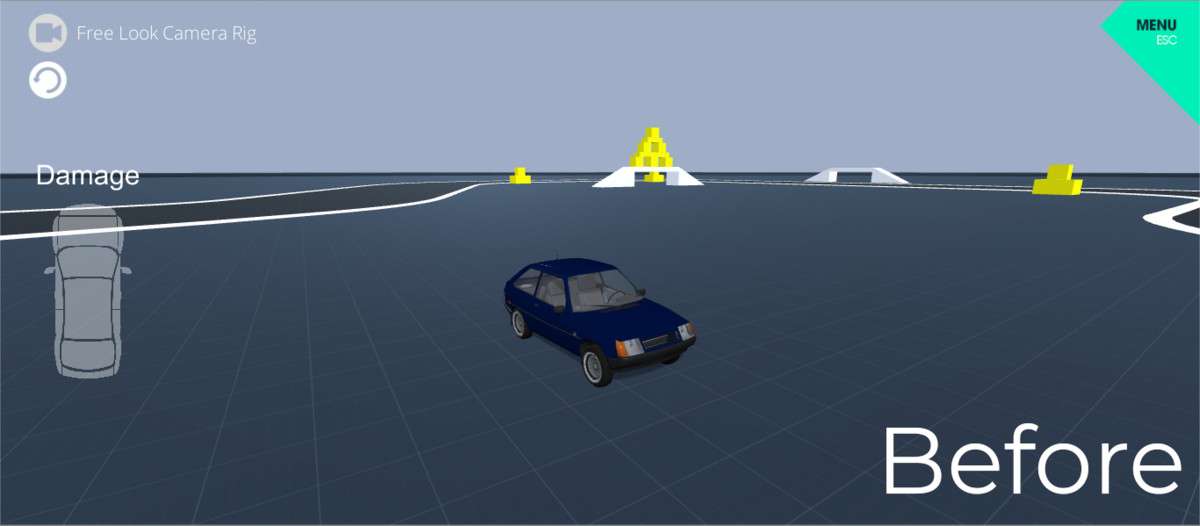
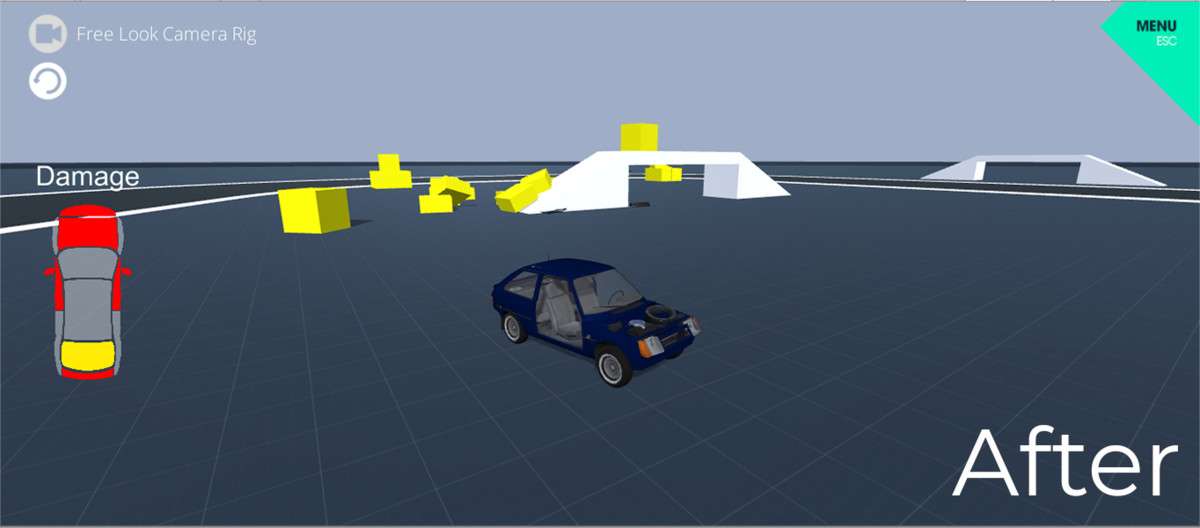
Physics-Based Collision Handling
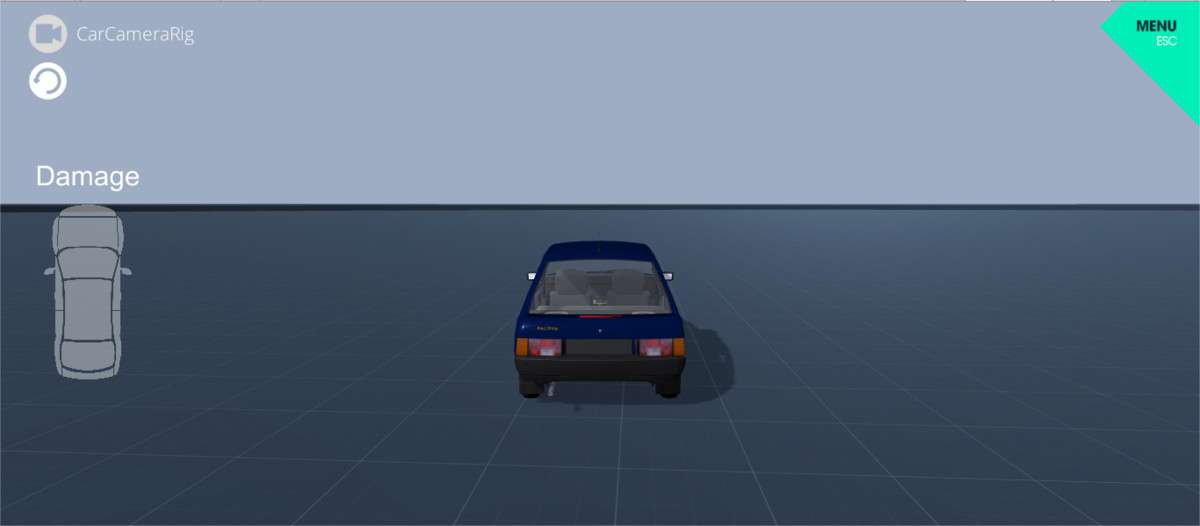
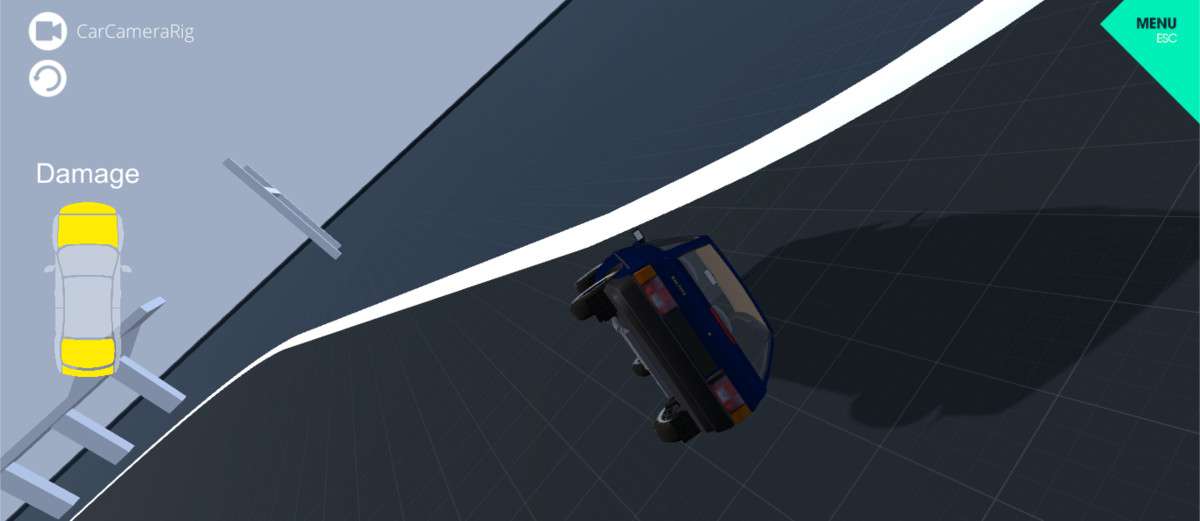
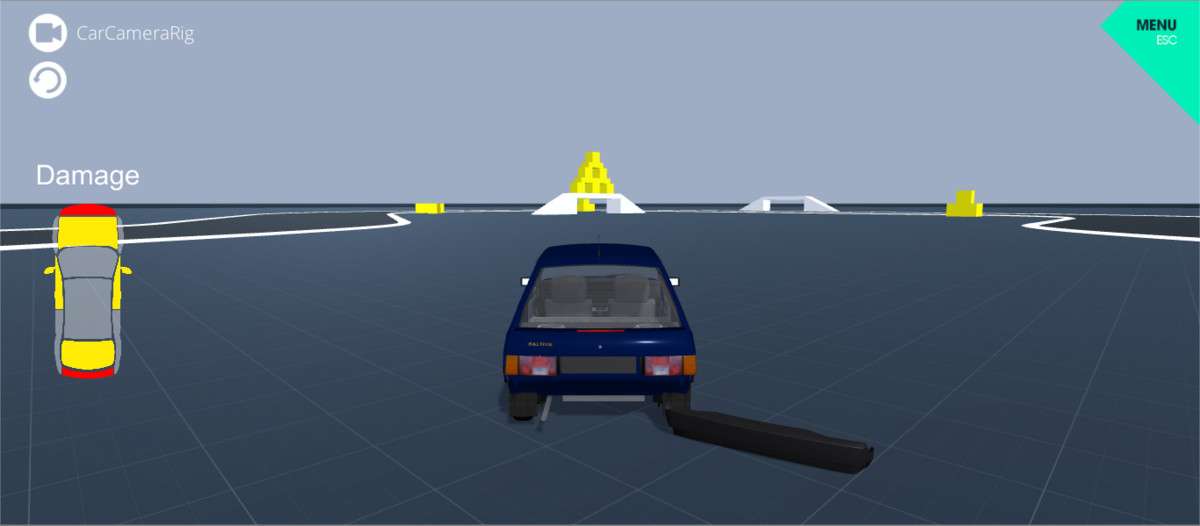
The CrashSystem Unity package 1.0.0 offers a lightweight solution for developers looking to implement visual feedback for high-velocity collisions without the performance tax of a full soft-body physics simulation. By hooking into the OnCollisionEnter lifecycle, the system triggers part detachment and UI updates based on impact magnitude. It is a straightforward script-based implementation that works across all Unity render pipelines (Built-in, URP, and HDRP) because it operates on the Transform and GameObject level rather than shader-based deformation.
Integration Tips
- Mesh Read/Write: If the system attempts to manipulate vertices or detach sub-meshes, ensure that ‘Read/Write Enabled’ is checked in the Import Settings of your 3D models to allow CPU access to the mesh data.
- Collider Complexity: For the best results, use simplified primitive colliders (Box, Sphere, Capsule) on the parent object while using the CrashSystem to swap or detach child prefabs. Using complex Mesh Colliders for the actual ‘crash’ detection can lead to physics jitter or dropped frames during high-speed impacts.
- Layer Collision Matrix: To prevent detached parts from colliding with the source vehicle and causing physics explosions, move detached debris to a specific ‘Debris’ layer and disable its collision with the ‘Player’ layer in the Project Settings.
Best Use Cases
- Arcade Racers: Perfect for titles that need immediate, visceral feedback when a player hits a wall, providing visual ‘breakage’ without needing complex damage masks or expensive vertex shaders.
- Hyper-Casual Destruction Games: The simplicity of the UI-to-collision hook makes it ideal for quick-turnaround projects where players earn points or see damage stats based on physics interactions.