
Standardizing Multi-Platform Input
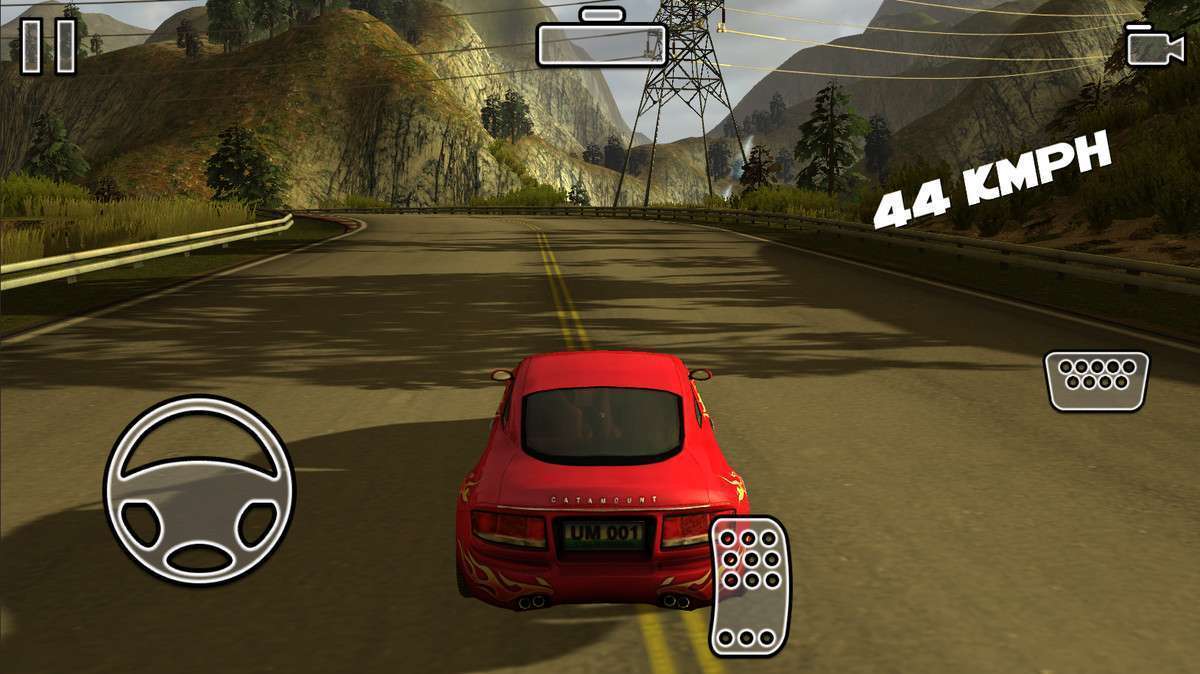
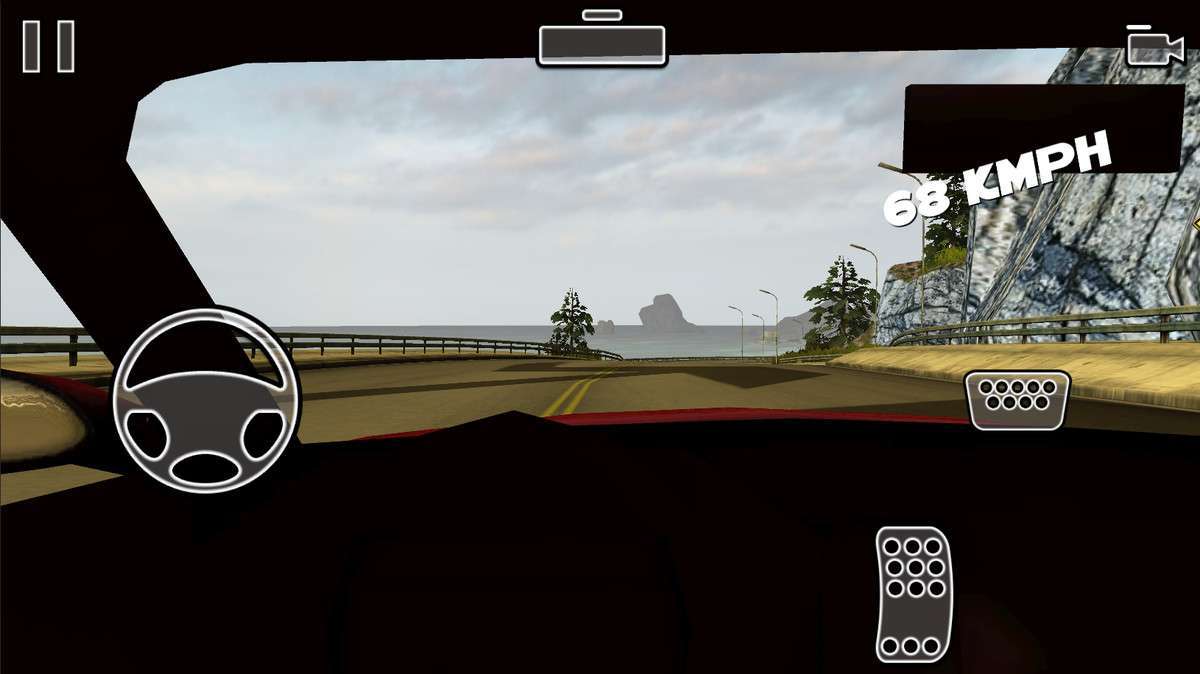
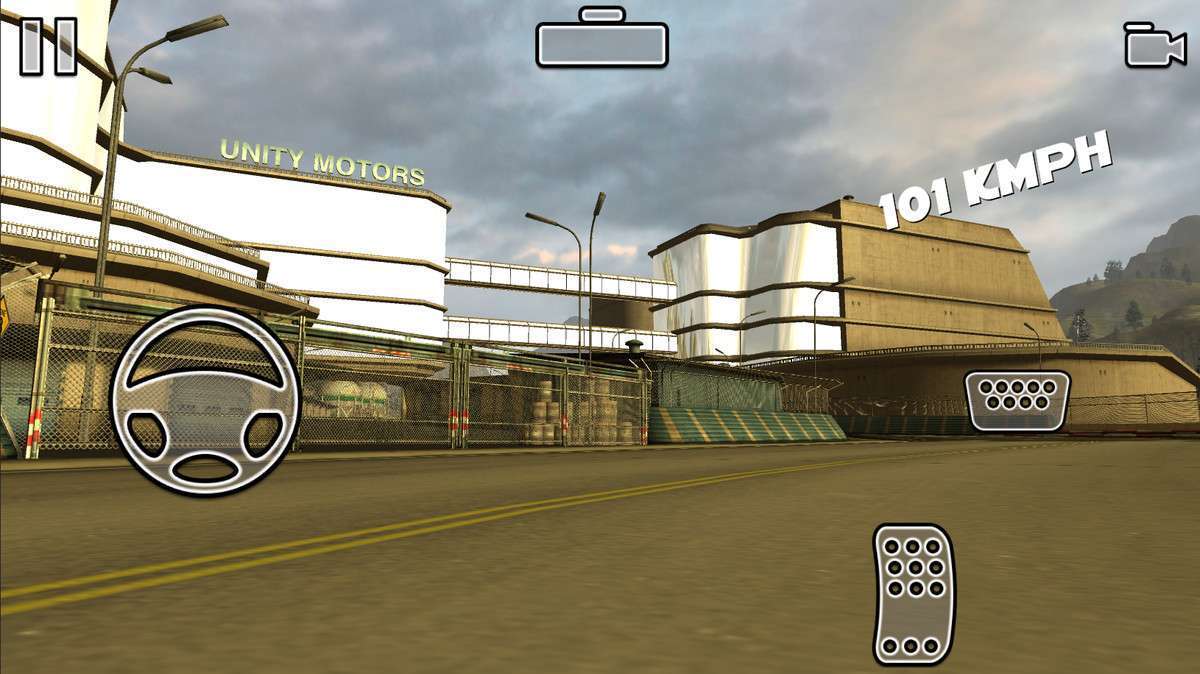
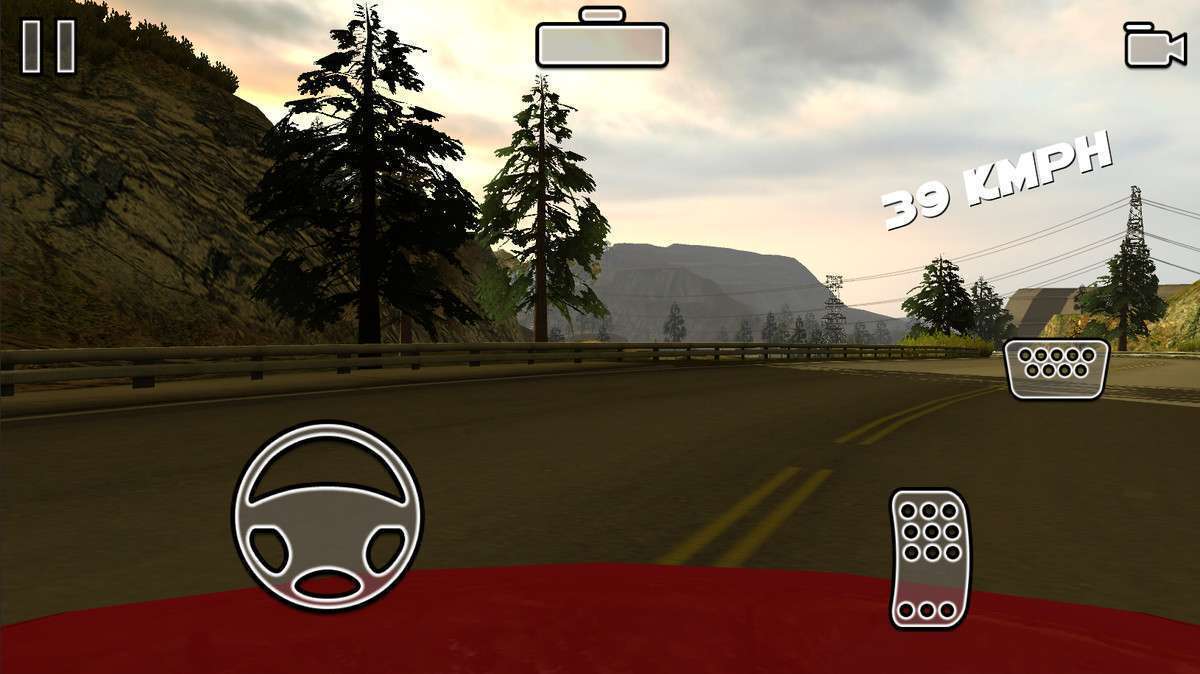
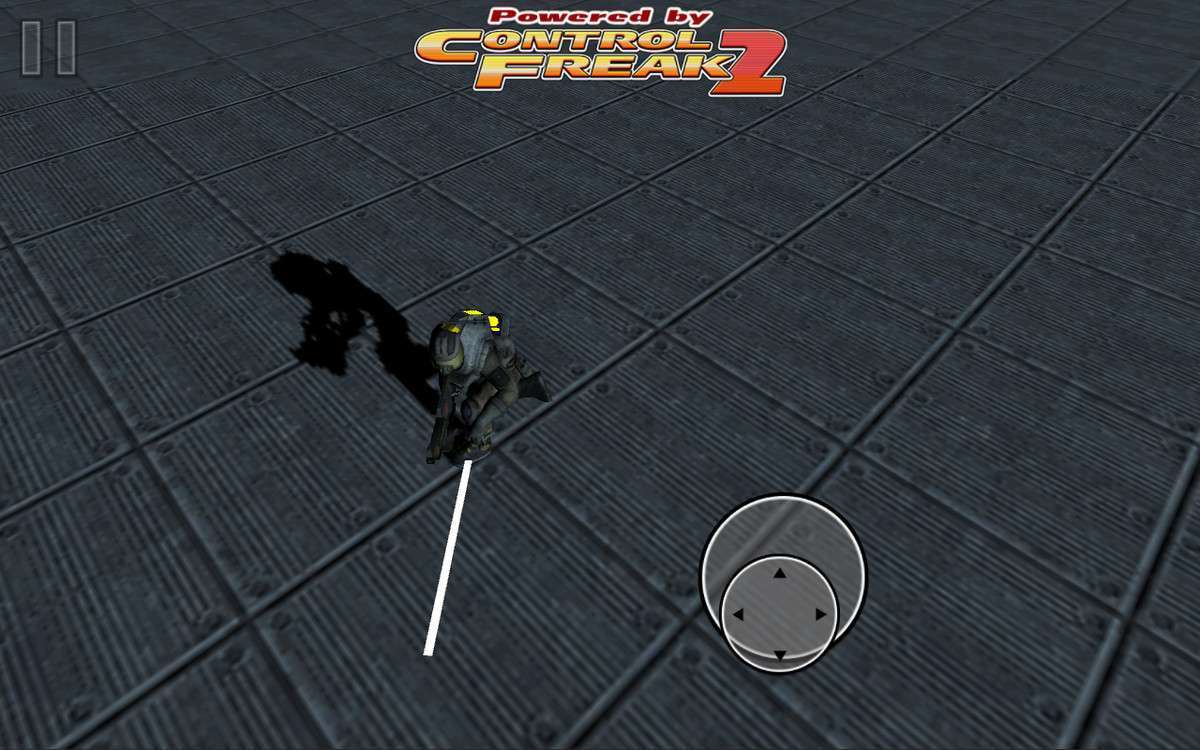
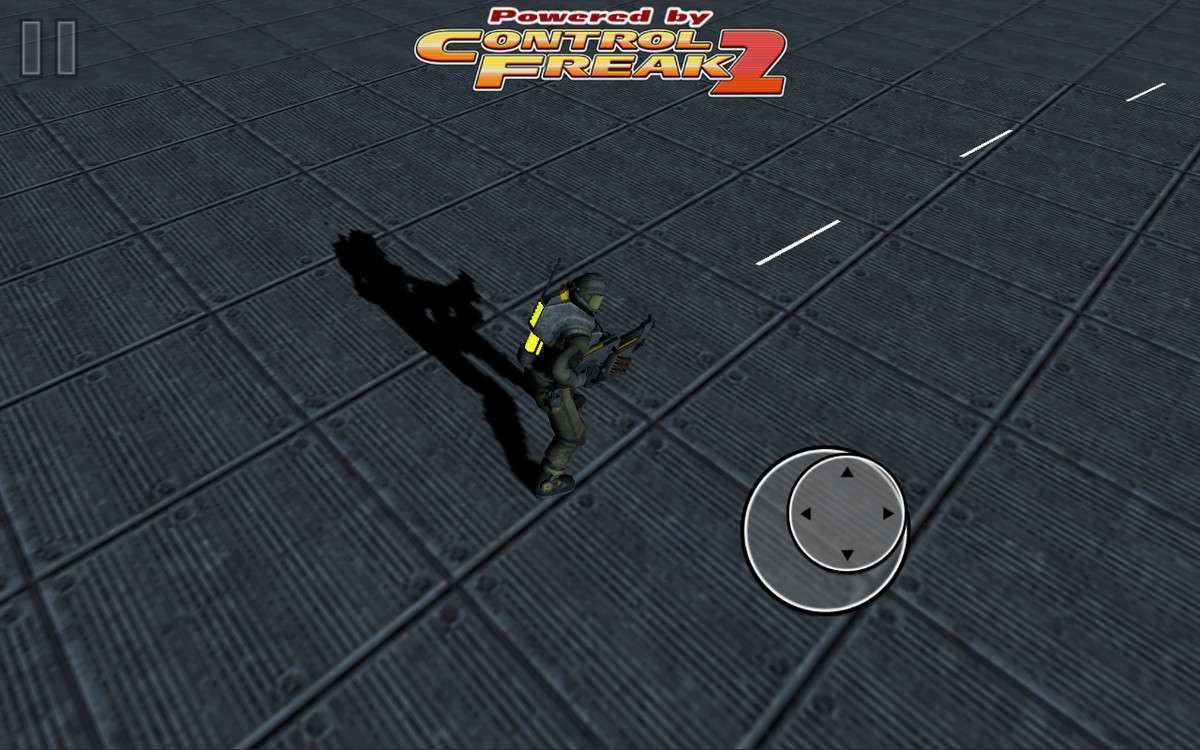
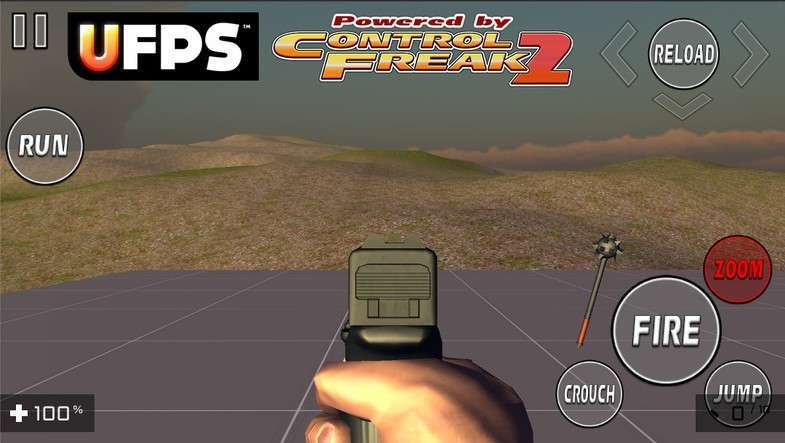
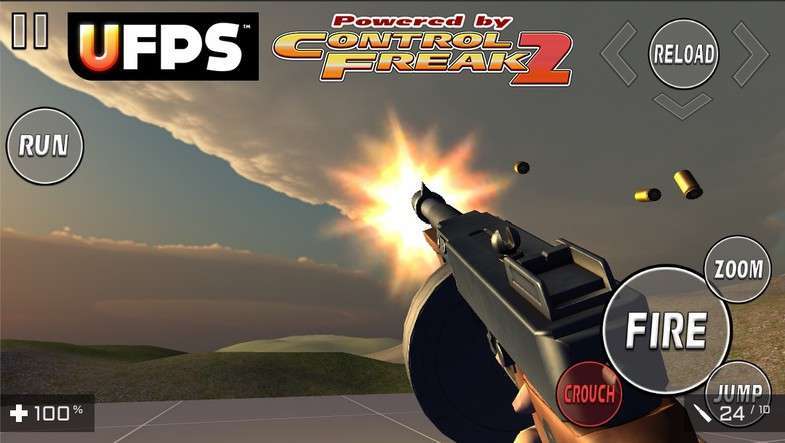
Implementing Control Freak 2 Unity 2.8.3 is often the fastest way to solve the headache of cross-platform input without refactoring your entire codebase to the new Input System. As a senior developer, I value its ability to act as a wrapper; it essentially simulates standard Unity Input calls, meaning you can keep your legacy logic while gaining advanced multi-touch and virtual joystick support with minimal friction.
Integration Tips
- Automatic Conversion: Use the included Script Converter to scan your project for `Input.GetAxis` or `Input.GetButton` calls. It will automatically swap them for Control Freak’s static class, which is a massive time-saver for porting older desktop titles to mobile.
- Rig Layering: Keep your Input Rigs on a separate UI layer. This prevents touch events from being blocked by gameplay UI or Raycast targets that shouldn’t be handling movement input.
- Cinemachine Binding: If using Cinemachine, you can easily bind a Control Freak virtual axis to the POV or Orbital Transposer components to get smooth mobile camera controls without custom scripting.
Best Use Cases
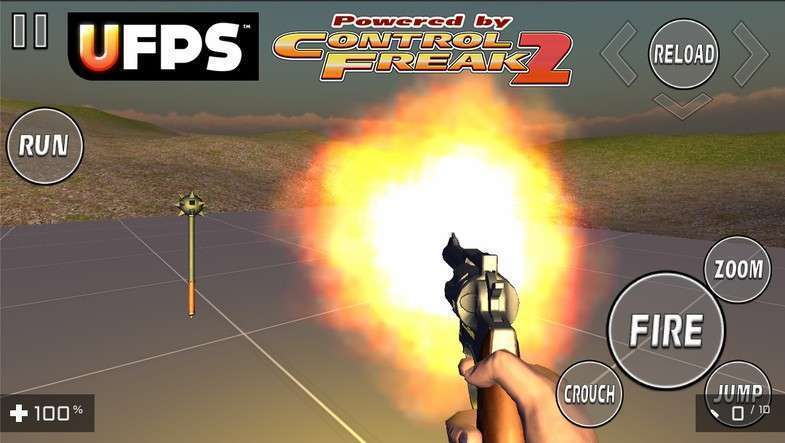
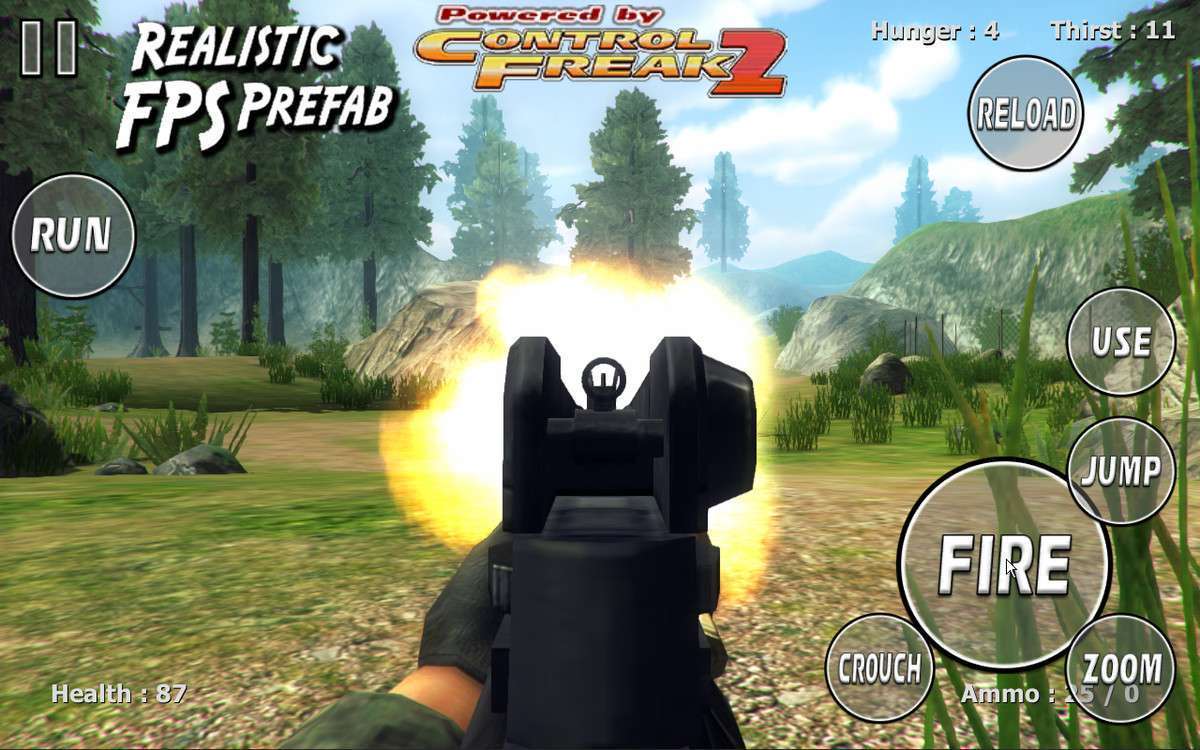
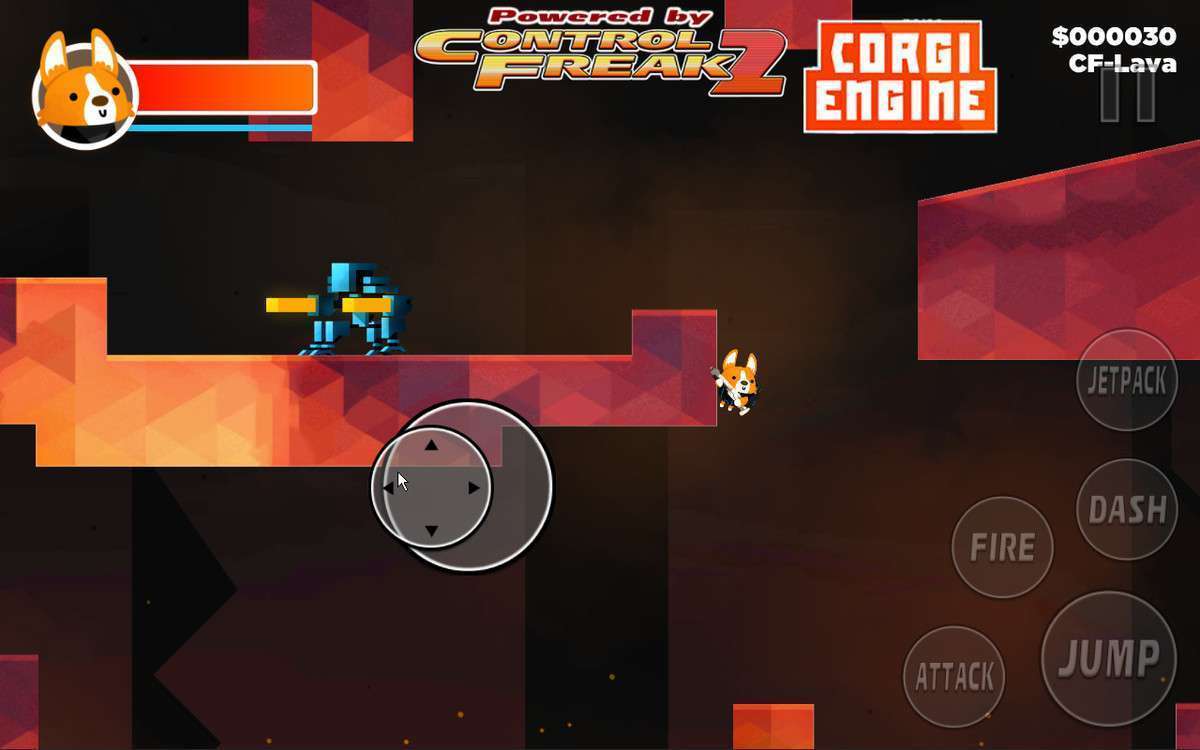
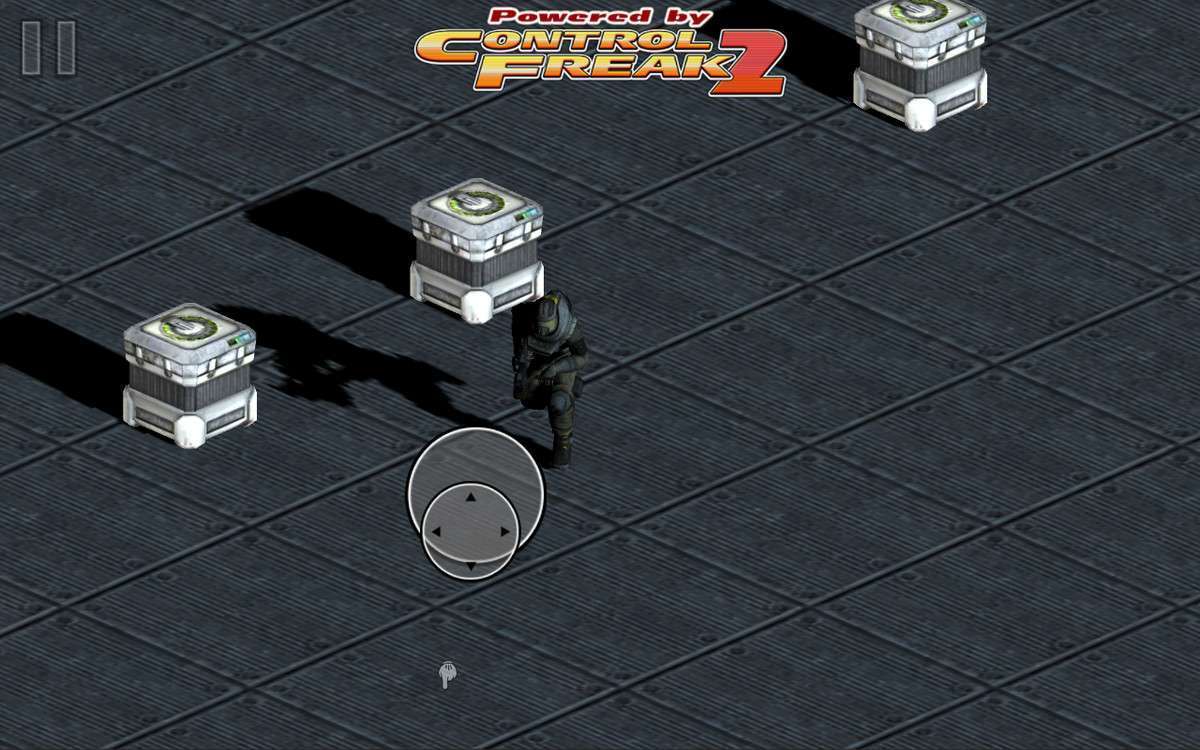
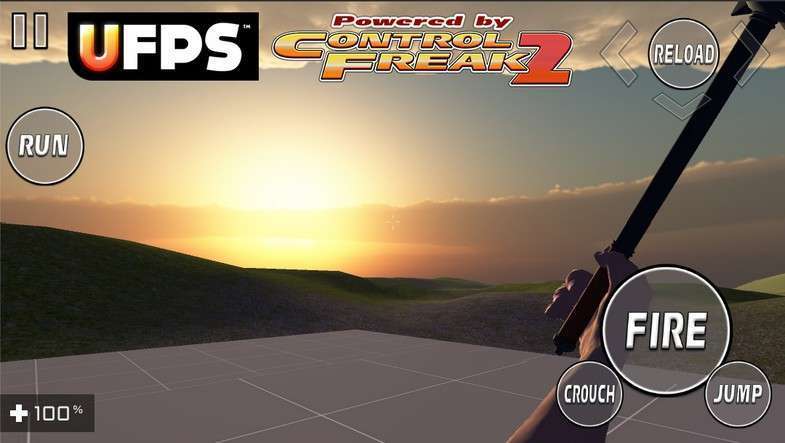
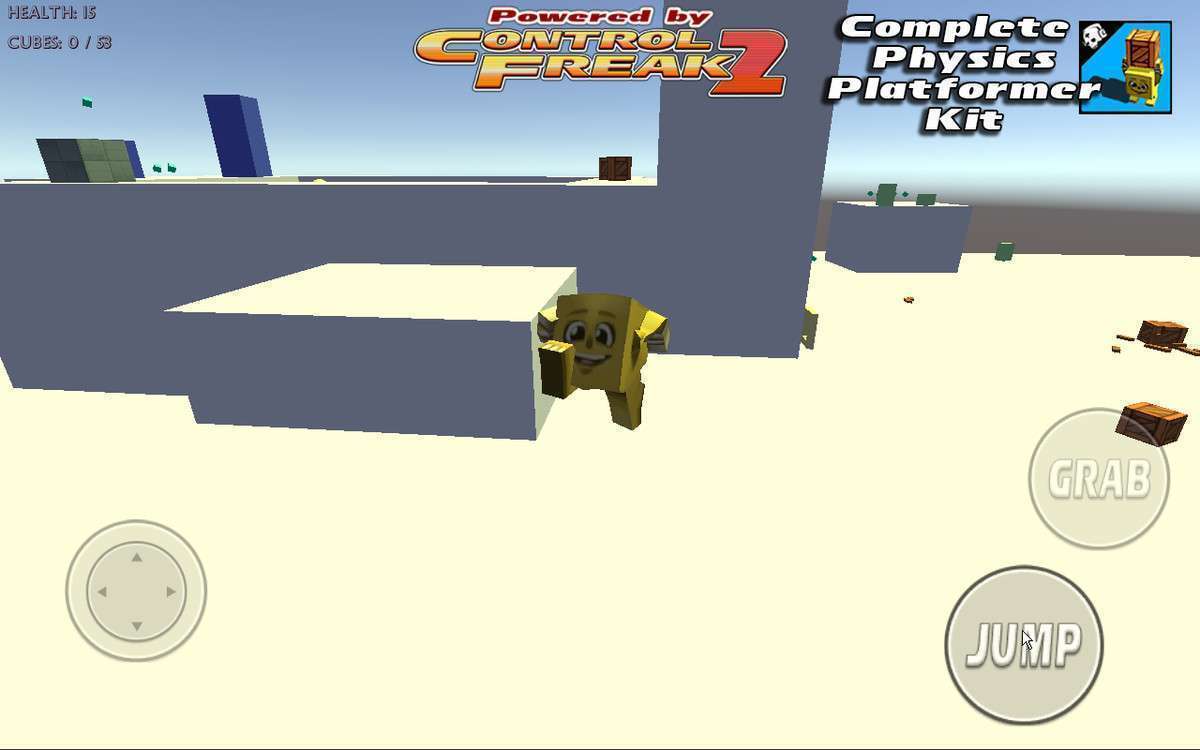
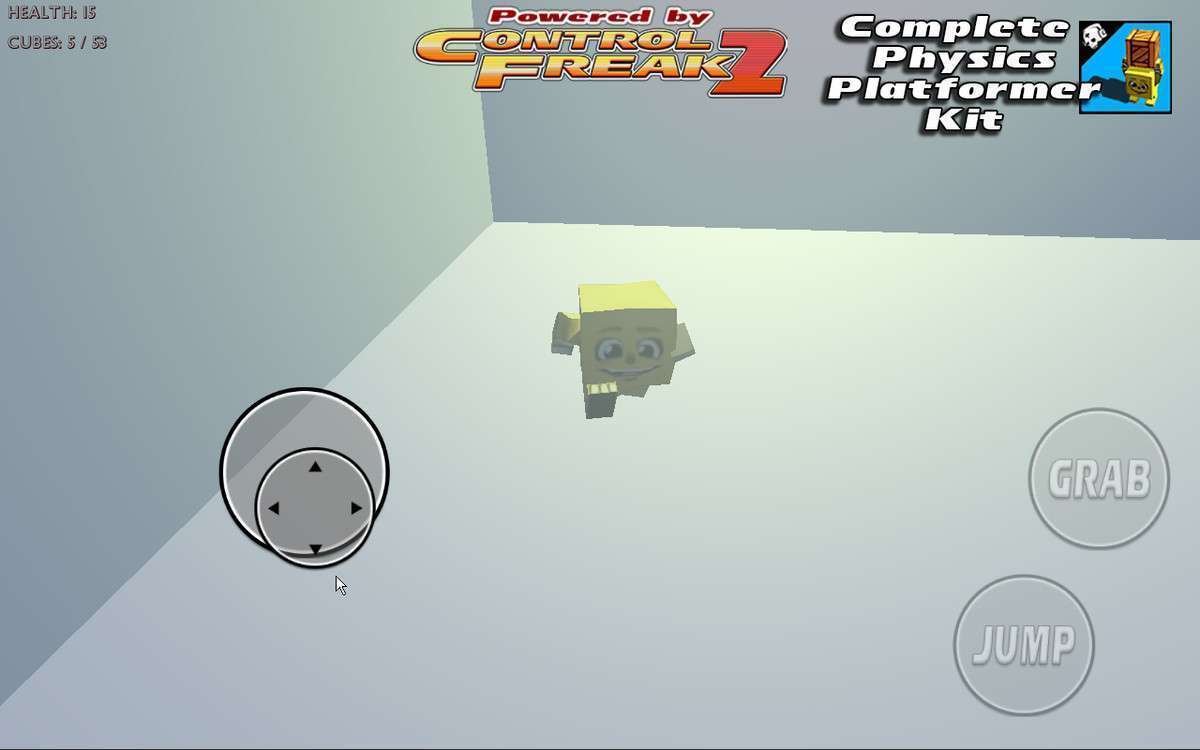
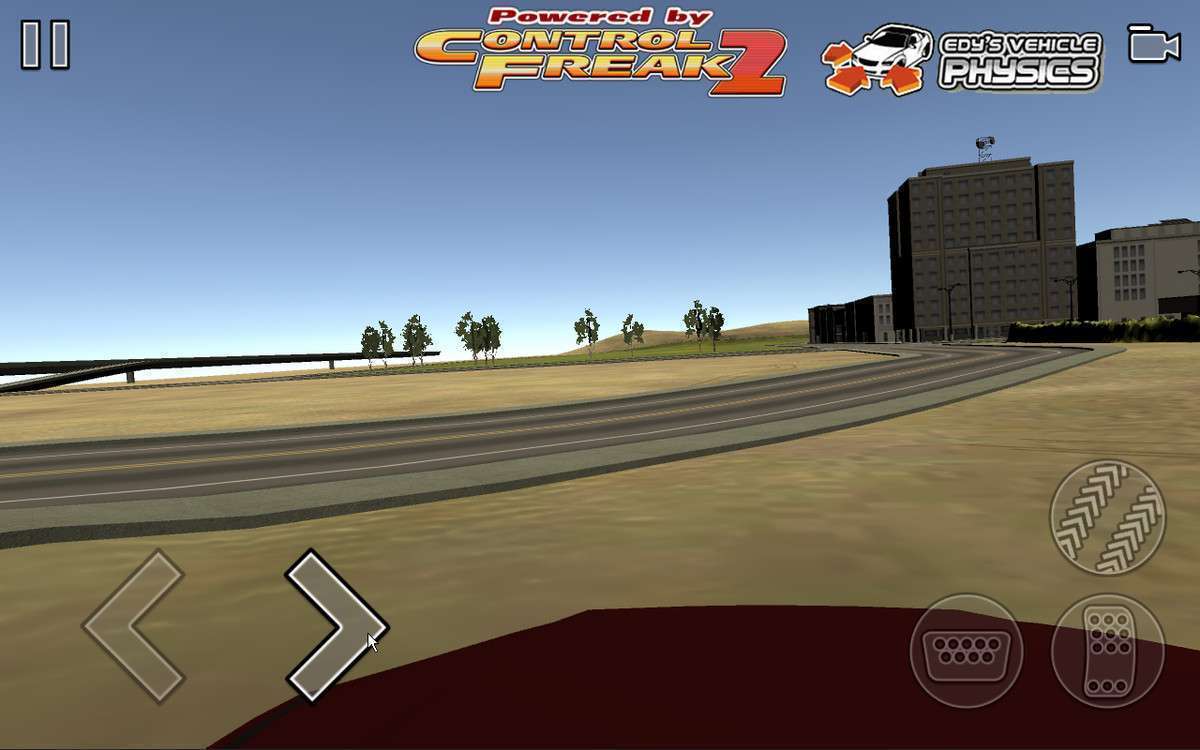
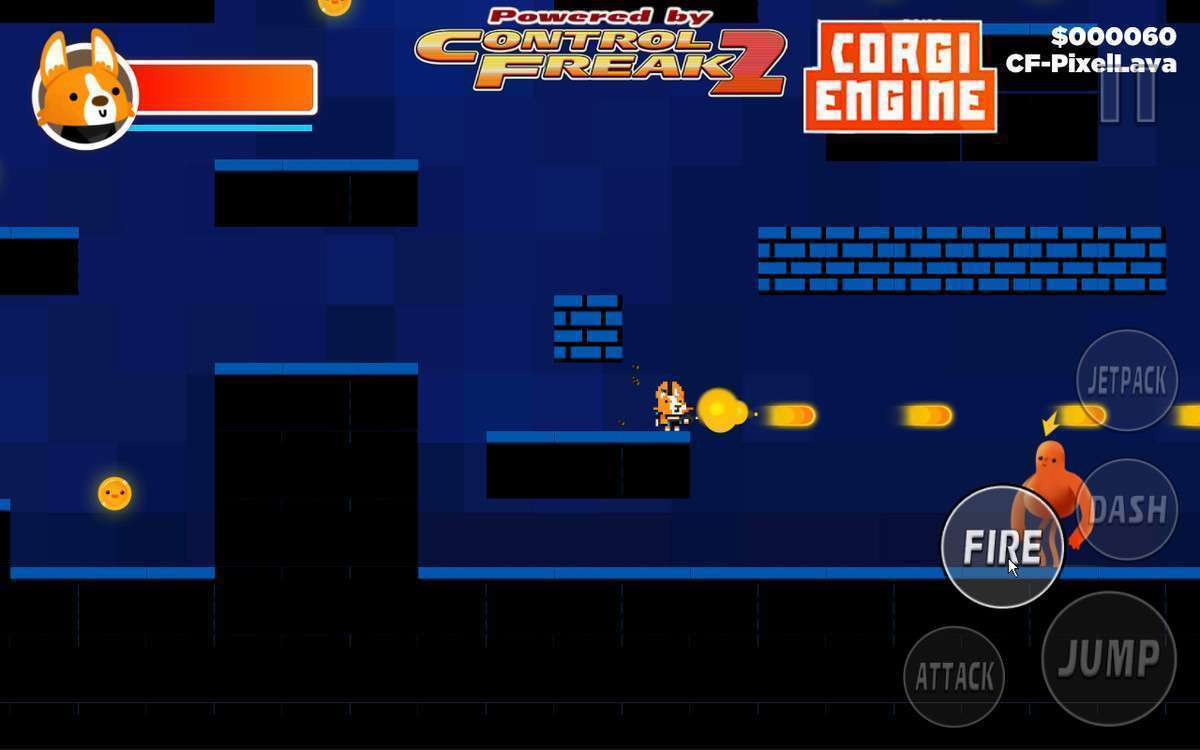
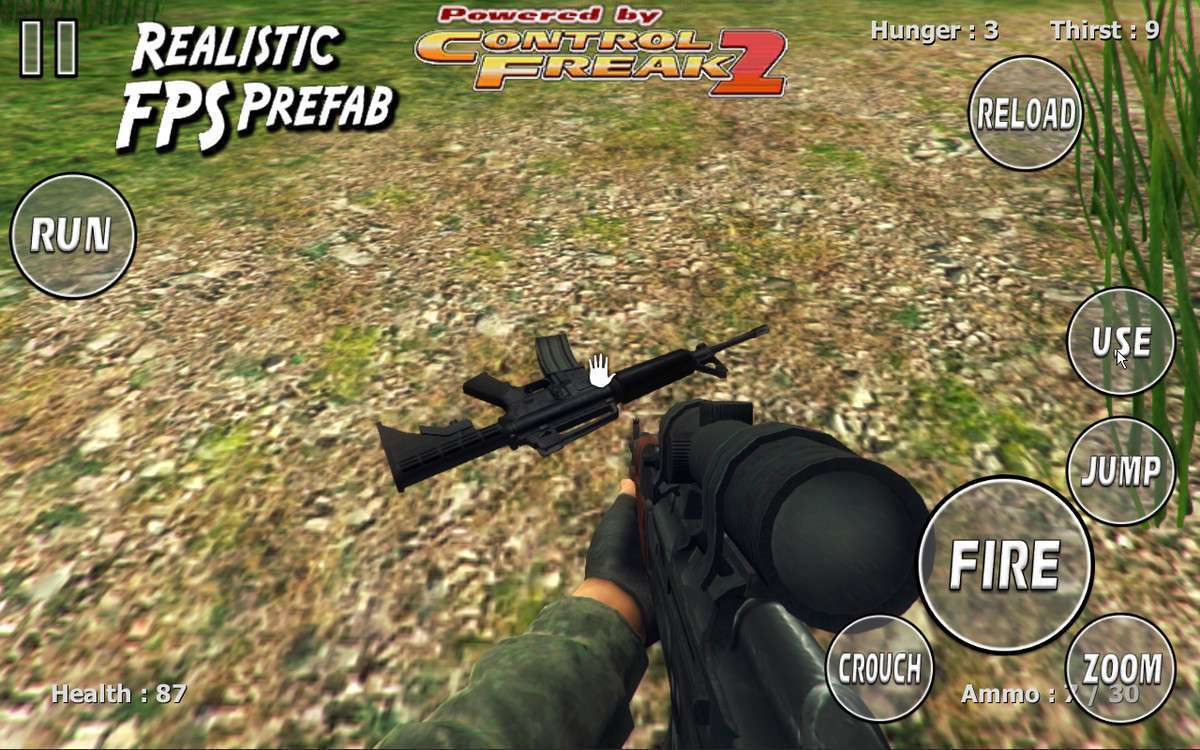
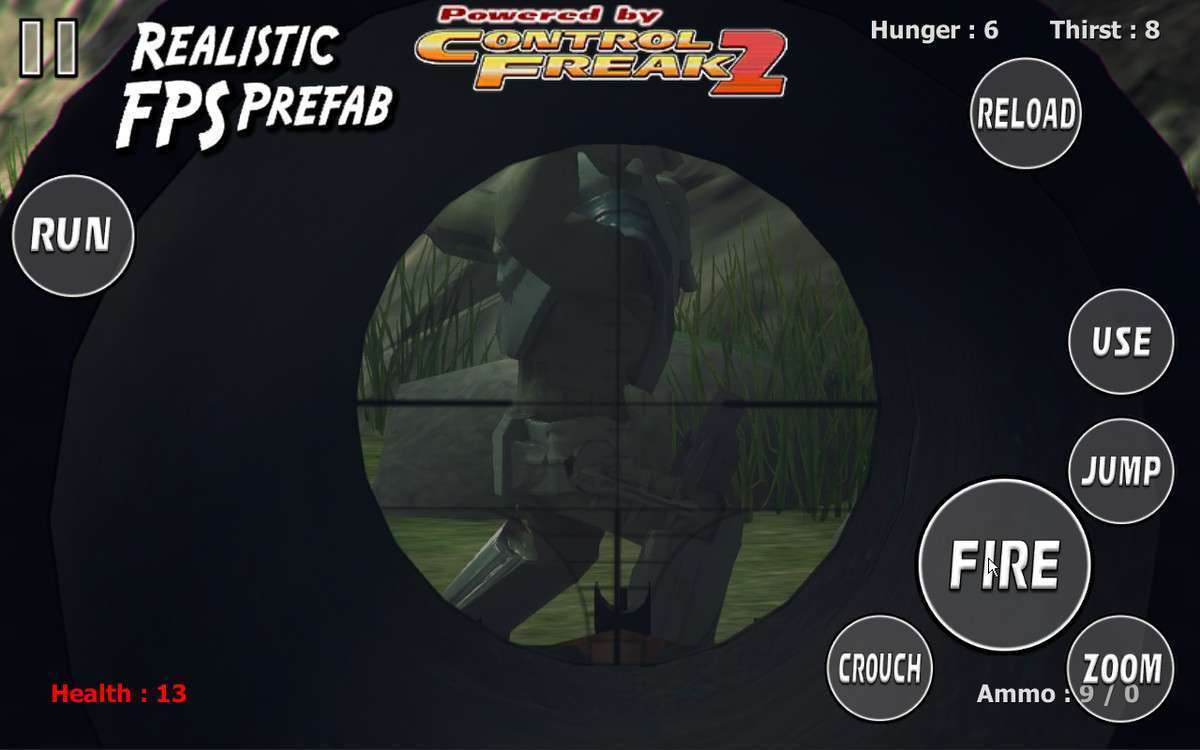
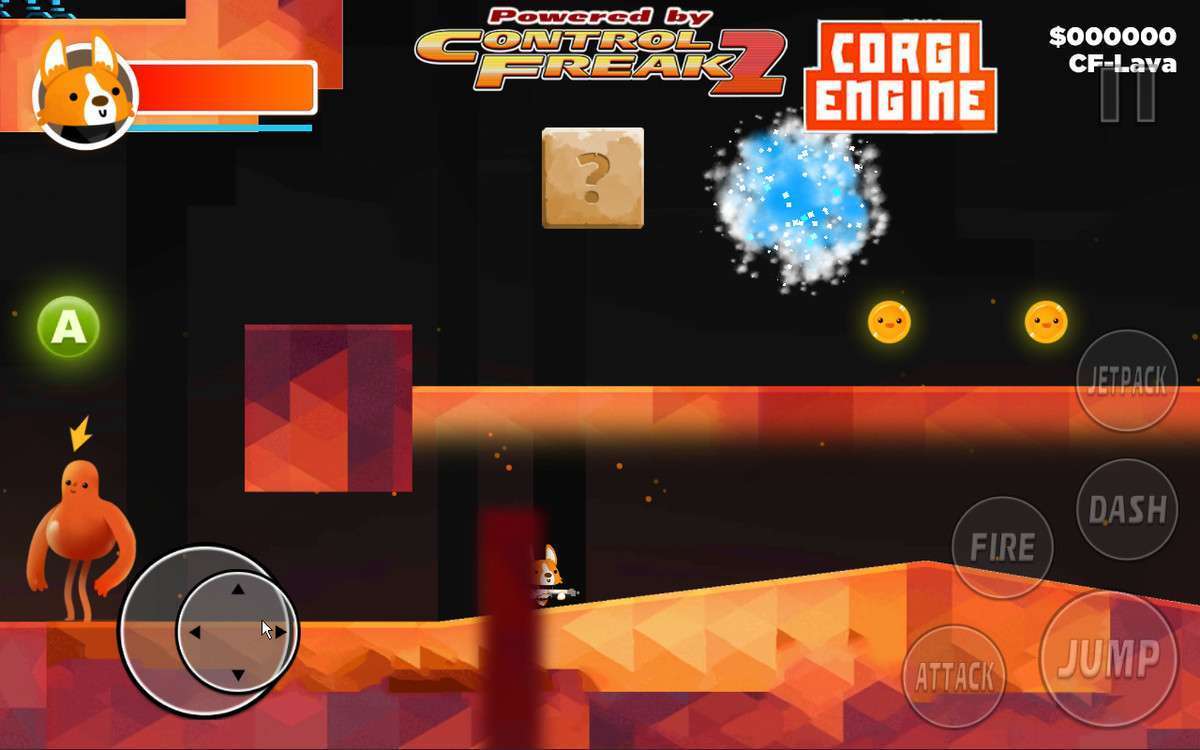
- Mobile Ports of PC Games: When you need to add complex virtual joysticks, trackpads, and multi-finger gestures to a game originally designed for keyboard/mouse without rewriting the character controller logic.
- Rapid Prototyping: Ideal for game jams or quick iterations where you need a functional input rig that works on both a dev machine and a touch device instantly without configuring complex Action Maps.