





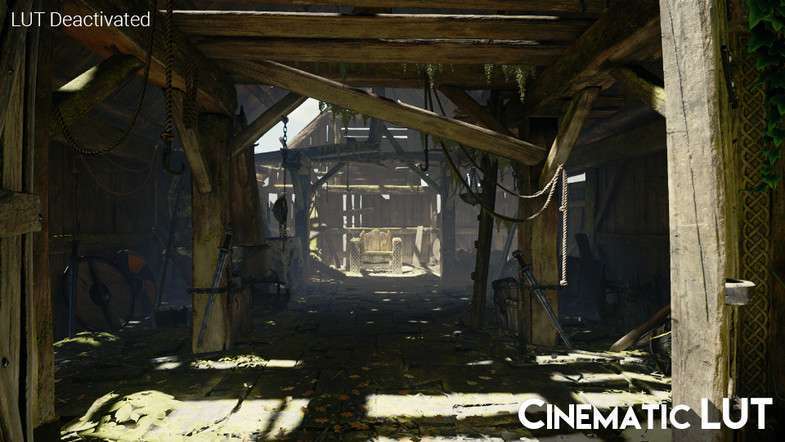
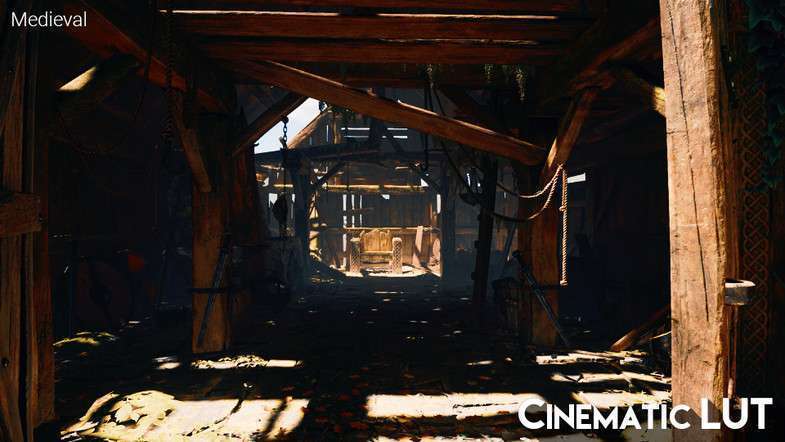
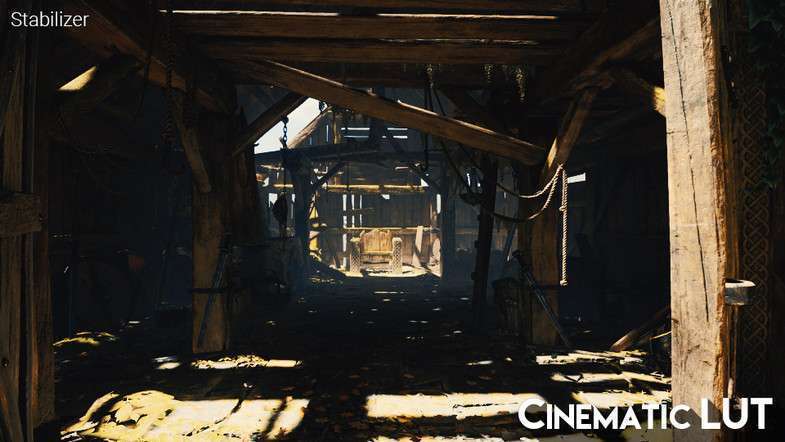
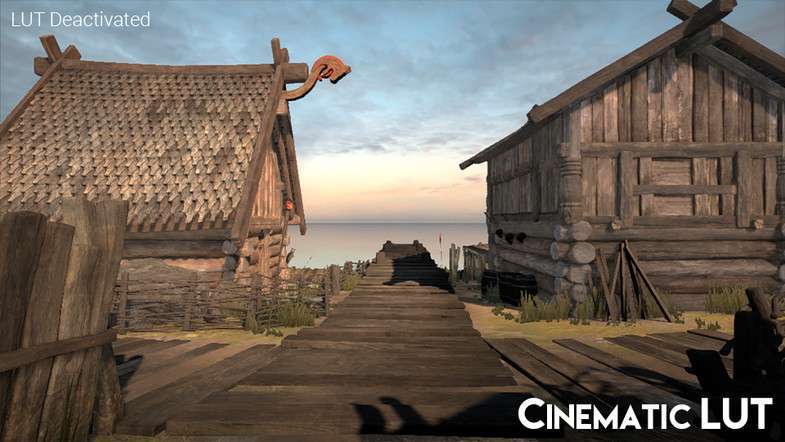
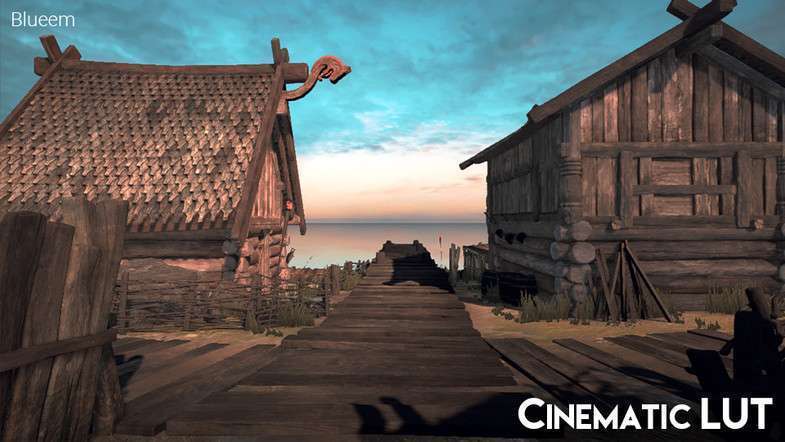
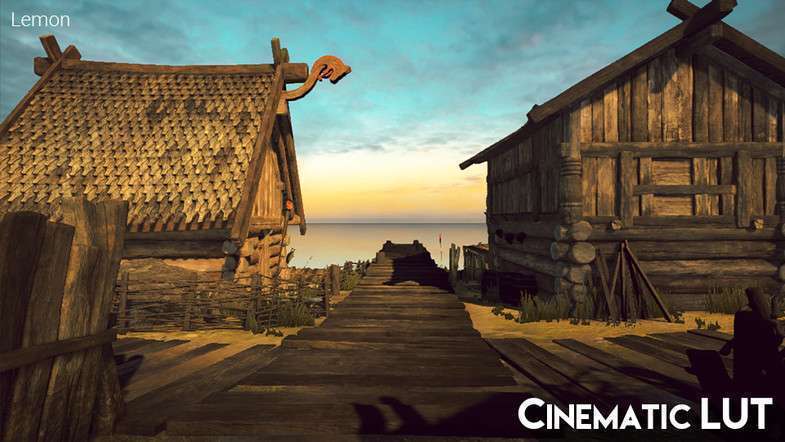
Cinematic LUT Pack Unity: Expert Page
Integrating a high-quality Look Up Table (LUT) solution is a cornerstone for efficient color grading in modern Unity projects. The Cinematic LUT Pack Unity, available in version 1.1.0, offers a robust collection of pre-calibrated LUTs, enabling rapid visual prototyping and final-pass color correction without extensive shader development. As a lead developer, I’ve found this asset invaluable for quickly establishing distinct visual moods and maintaining visual consistency across diverse scenes, especially when working with the Post Processing Stack.
Integration Tips
- Post-Processing Stack V2 / URP/HDRP Volumes: This pack is designed to integrate seamlessly with Unity’s official Post Processing Stack V2. For Universal Render Pipeline (URP) or High Definition Render Pipeline (HDRP) projects, leverage their respective Volume systems. Ensure you have the latest Post Processing package installed via the Package Manager.
- Setup Workflow: Attach a
PostProcessVolumecomponent to an empty GameObject in your scene and aPostProcessLayercomponent to your main camera. Create a newPostProcessProfileasset and assign it to the volume. Within the profile, add a “Color Grading” effect and select “Lookup Table” mode. Assign one of the provided LUT textures from the Cinematic LUT Pack. - Color Space Awareness: Most professional LUTs, including those in this pack, are designed for a linear color space workflow. Ensure your project’s color space is set to Linear (Edit -> Project Settings -> Player -> Other Settings -> Color Space) for accurate results, as sRGB interpretation can lead to unintended shifts.
- Performance Considerations: Applying a LUT is a highly optimized 2D texture lookup operation, incurring minimal per-frame GPU cost. However, remember that the overall performance of your post-processing stack depends on the cumulative cost of all enabled effects. Profile your game on target hardware to ensure optimal performance, particularly on mobile.
- Custom Shader Compatibility: If you’re using custom shaders that perform their own color transformations or are not designed to integrate with the rendering pipeline’s color grading injection points, you might see unexpected results. Ensure your custom materials are using PBR shaders compatible with your chosen SRP.
Best Use Cases
- Rapid Visual Prototyping for Stylized Games: For projects requiring distinct visual styles (e.g., retro, film noir, specific genre aesthetics), LUTs offer an incredibly fast way to iterate on mood and atmosphere. This asset allows artists to preview various looks instantly, reducing the need for costly custom shader development and accelerating artistic feedback loops. The low runtime overhead means you can experiment widely without compromising performance.
- Efficient Color Grading for Mobile Titles: Mobile platforms are highly performance-constrained. Implementing complex, real-time color correction shaders can be prohibitively expensive in terms of GPU cycles and draw calls. The Cinematic LUT Pack provides a performance-friendly alternative, achieving professional-grade color grading through an optimized texture lookup, enabling a polished visual presentation even on lower-end devices with minimal performance impact.