
Photogrammetry Workflow with Castle Valley Collection 1
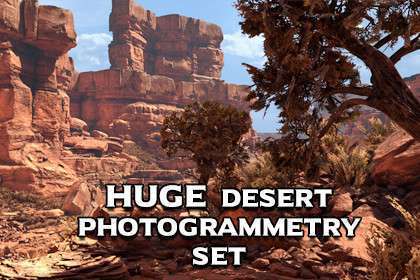
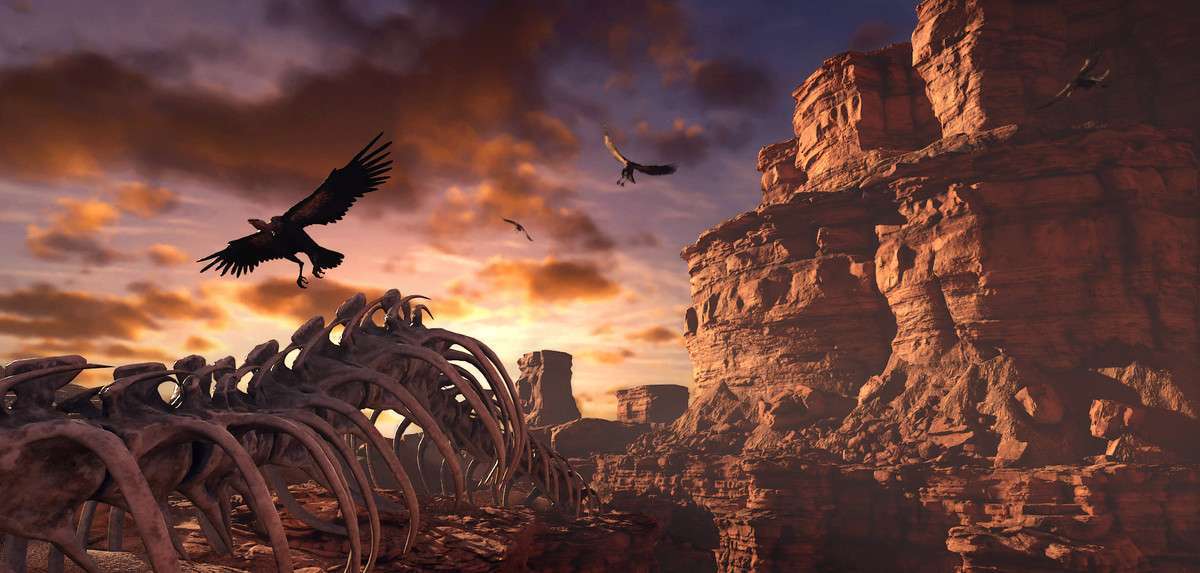
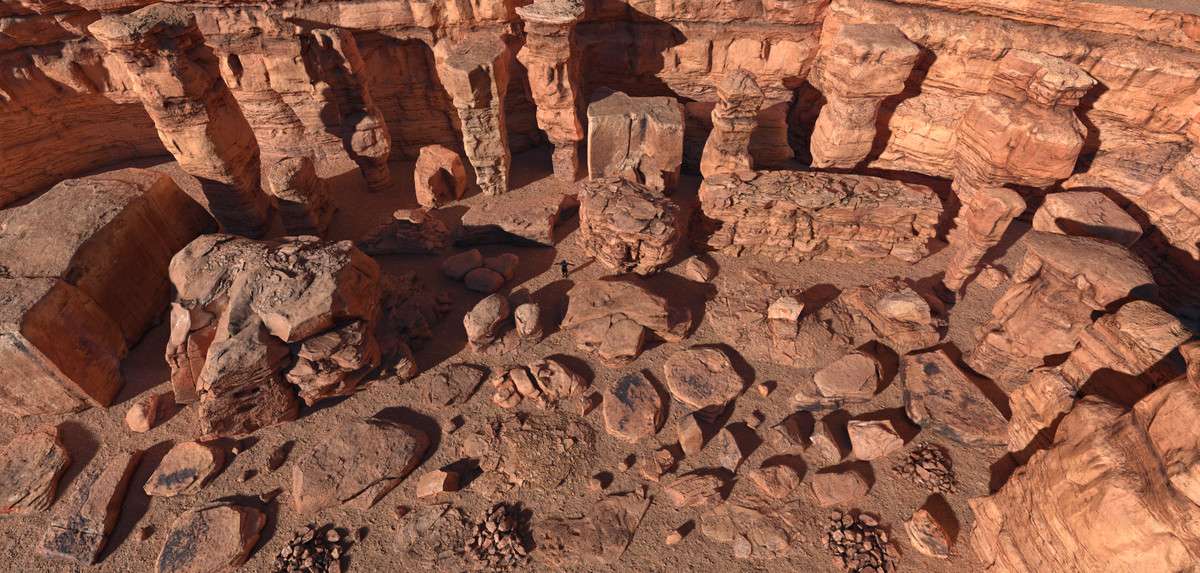
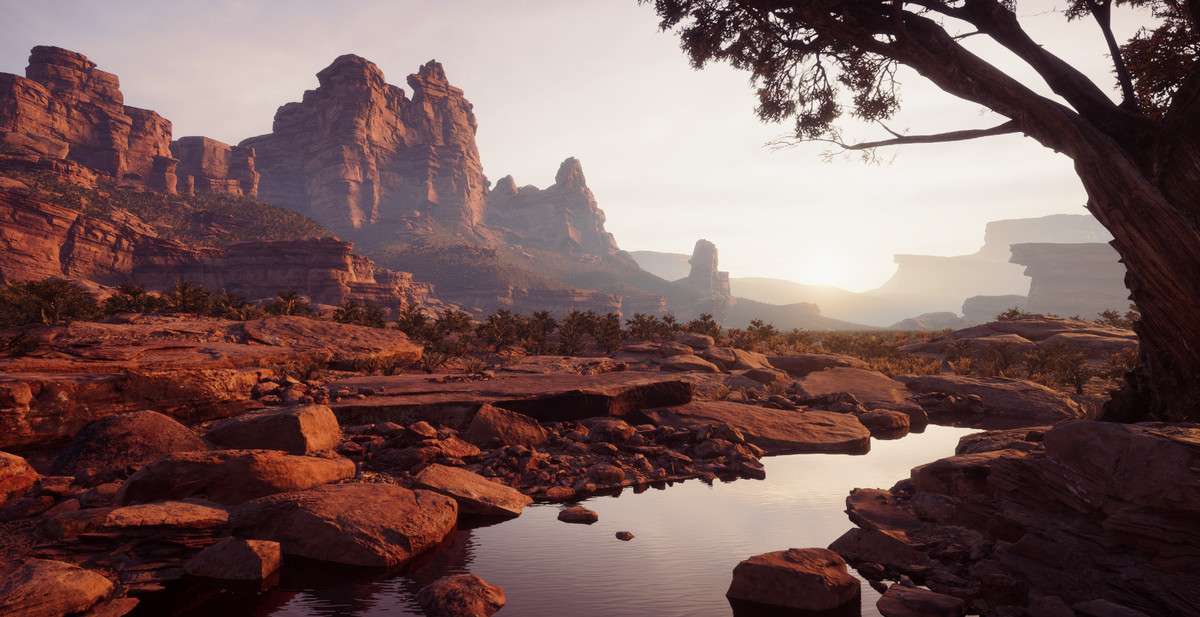
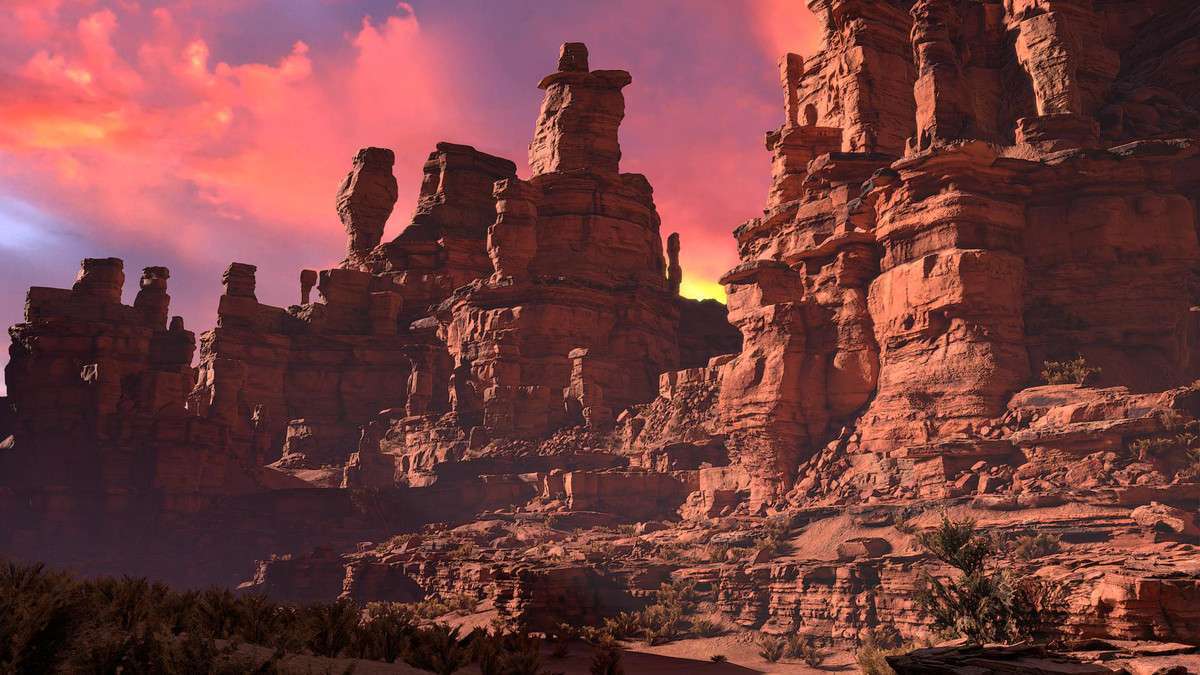
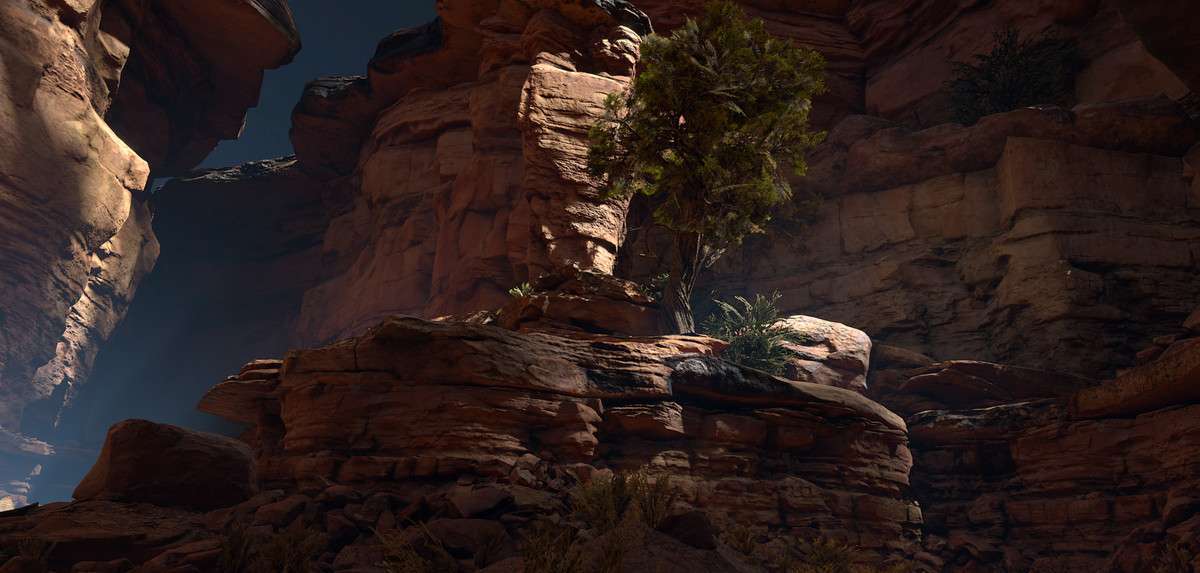
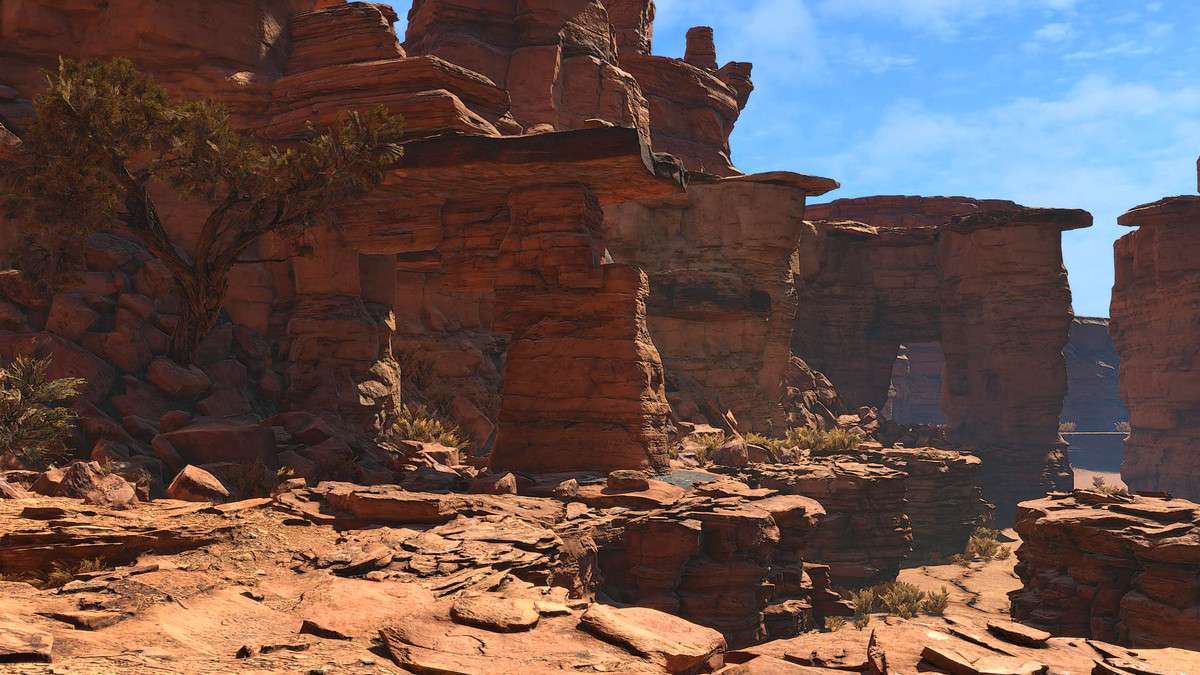
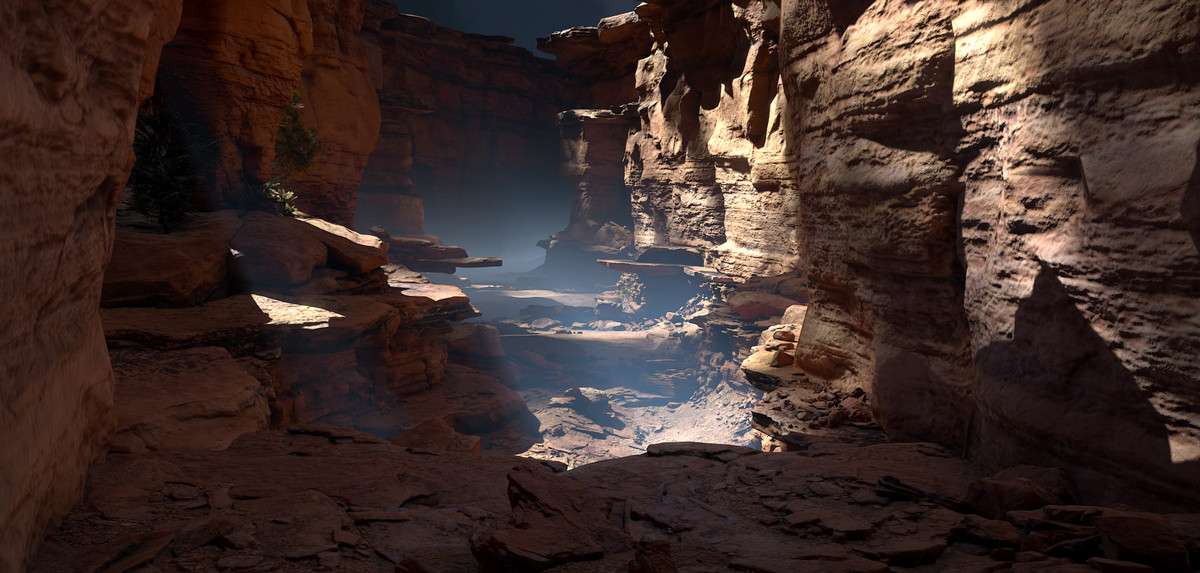
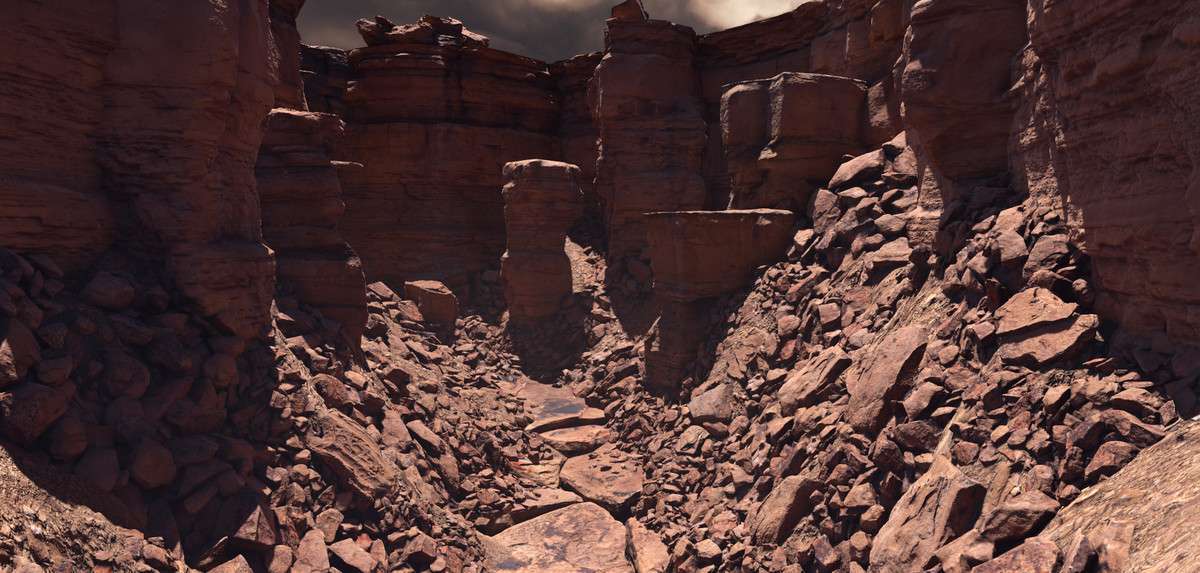
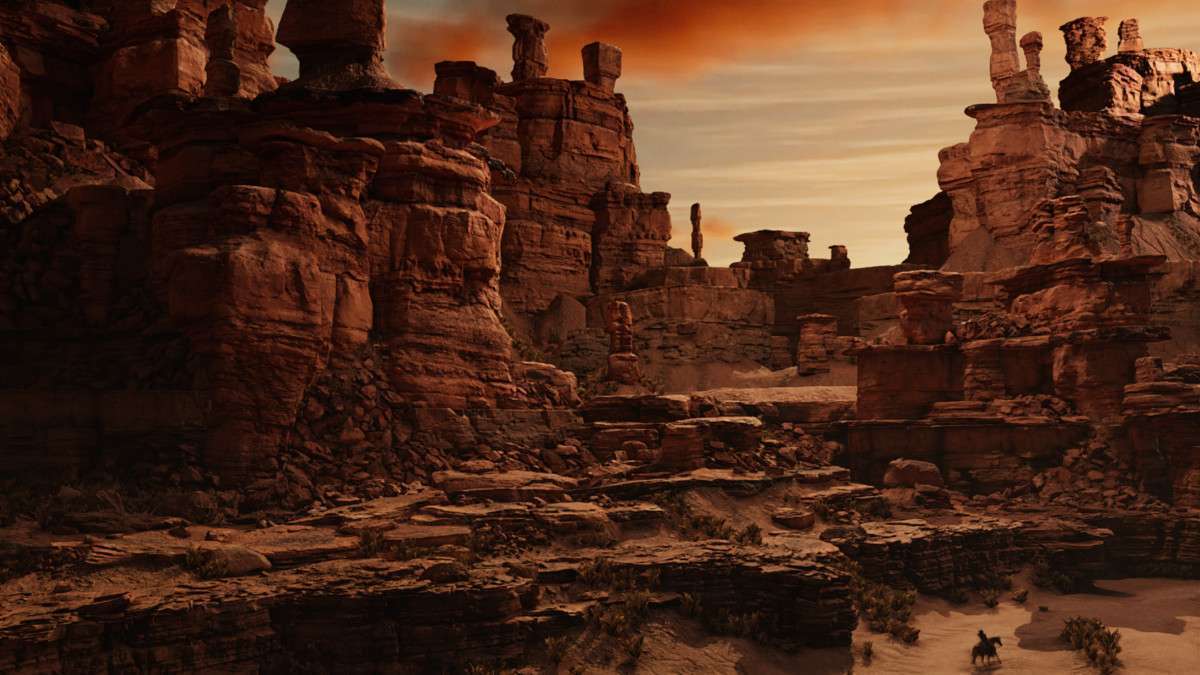
Standard height-mapped terrains often lack the verticality and sharp geological features required for AAA-quality environments. Castle Valley Collection 1 Unity 1.9.0 provides a massive library of over 100 sandstone formations. These are not procedural; they are hand-retopologized photogrammetry assets that bring Utah’s desert geology into your scene with 4K textures and high-accuracy convex colliders.
Integration Tips
- VRAM Management: The 4K textures are high-quality but can lead to a large memory footprint in massive scenes. Use the ‘Max Size’ override in the Texture Import settings to scale down distant background cliffs to 1024 or 2048 to save VRAM.
- LOD Optimization: Each asset comes with 4 LOD levels. Check your Quality Settings’ ‘LOD Bias’ to ensure transitions aren’t happening too early. For wide vistas, consider using a custom shader that supports LOD dithering to hide the transition between the high-poly mesh and the lower-poly versions.
- Terrain Blending: To integrate these cliffs into your terrain seamlessly, use a ‘triplanar’ or ‘slope-blended’ shader on your Unity Terrain that matches the sandstone textures. This prevents the harsh intersection lines where a mesh meets the ground.
Best Use Cases
- Open-World Survival: The “Plateau” and “Spires” assets allow for complex vertical level design. Players can climb, hide, or build on these surfaces, which have much more interesting topology than standard terrain tools can provide.
- Arena Shooters: The ‘Obstacles’ and ‘Boulders’ prefabs are ideal for creating high-fidelity cover. The fast convex colliders ensure that projectile physics and player movement remain performant even in fast-paced combat.