
Optimizing Impact Feedback with Bullet Impact VFX
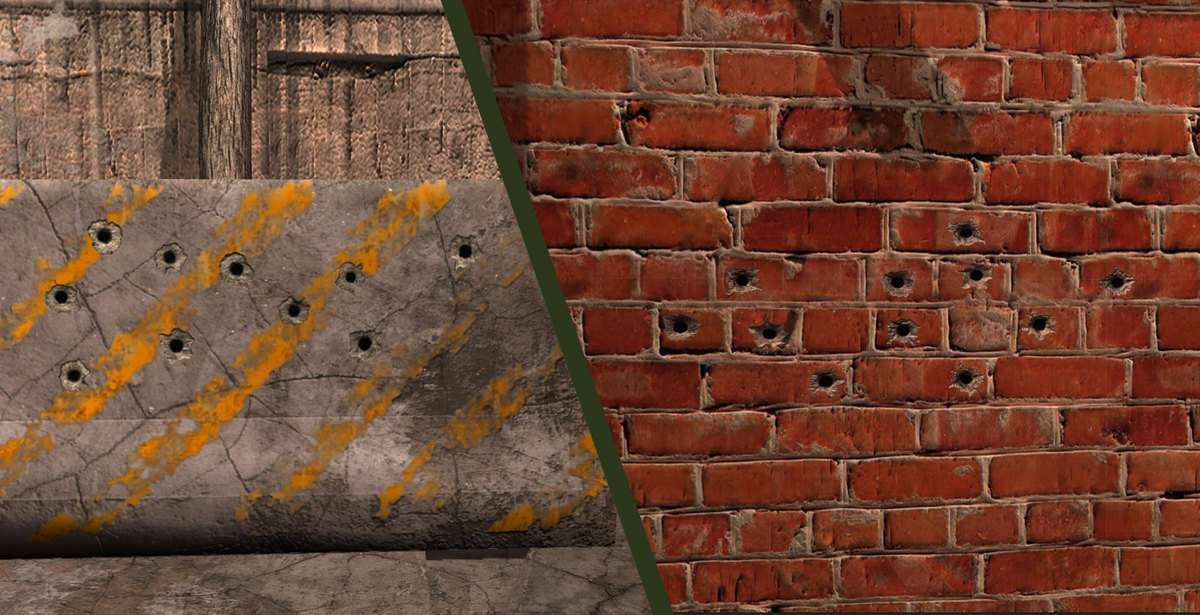
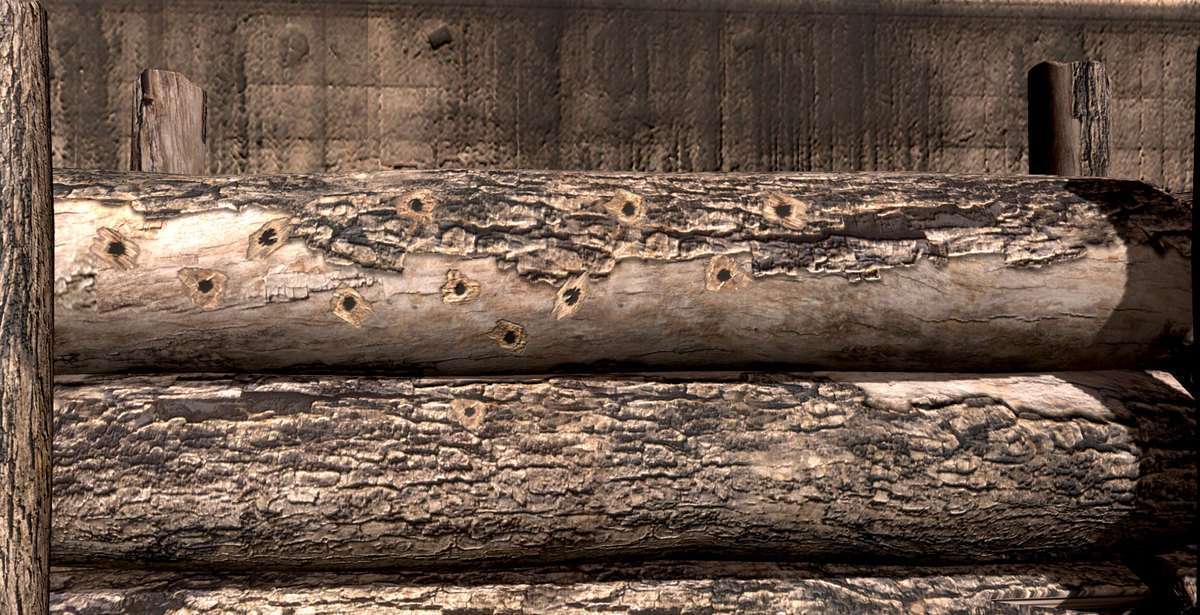
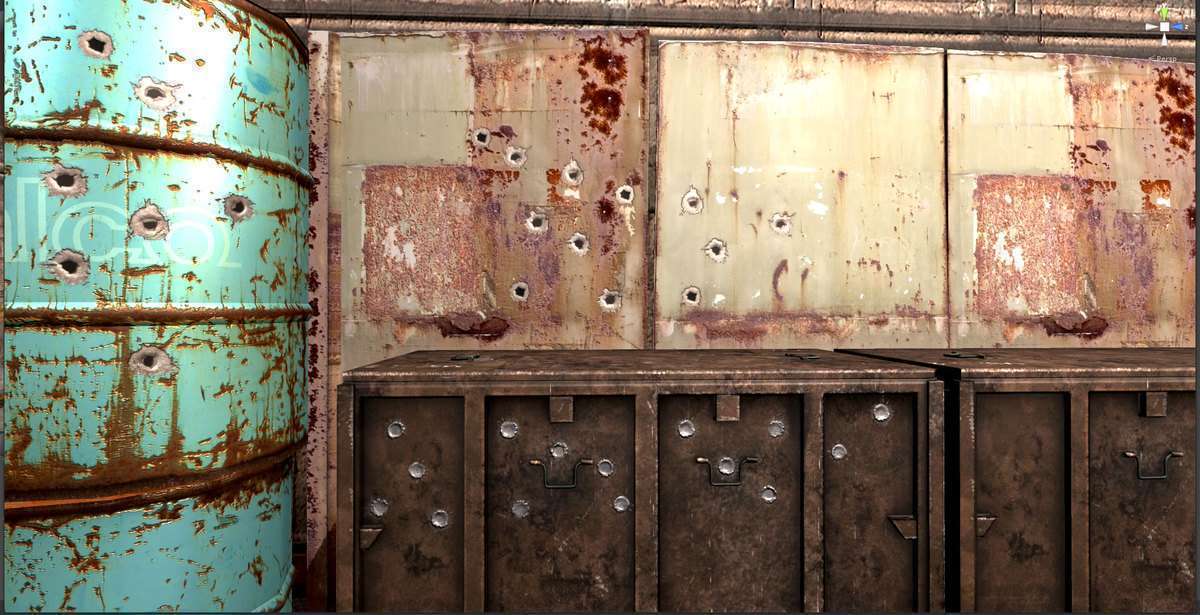
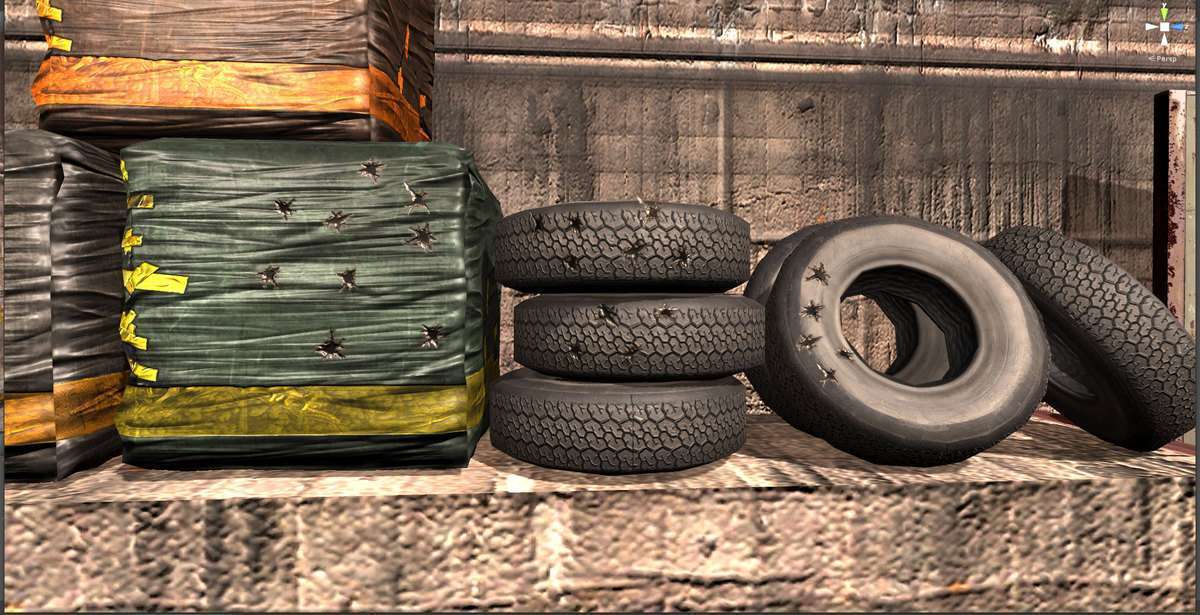
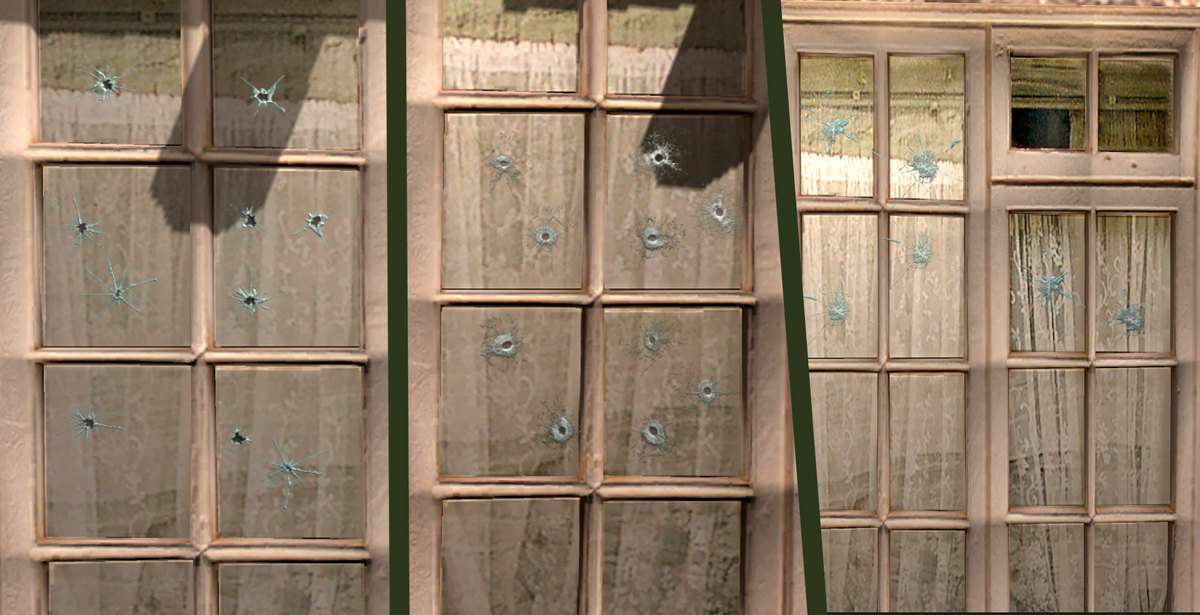
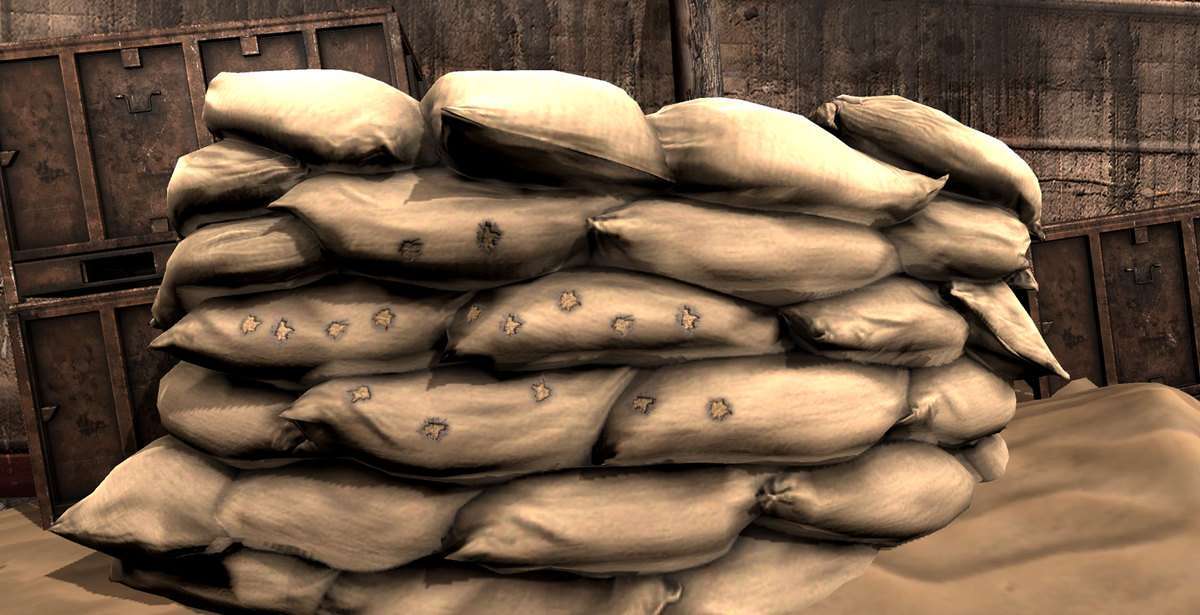
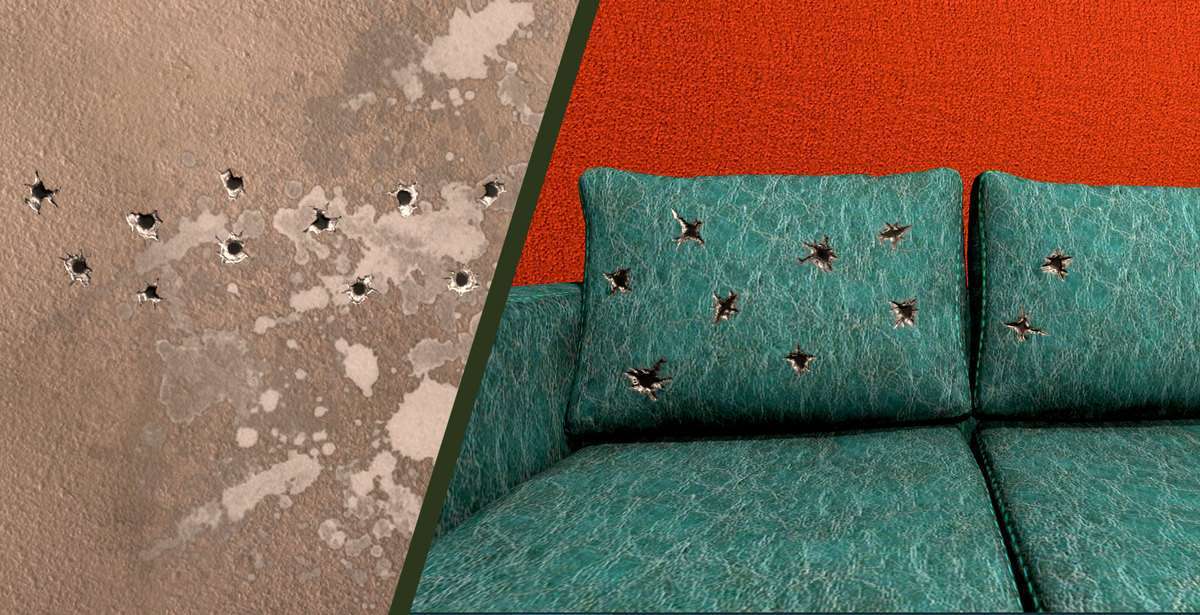
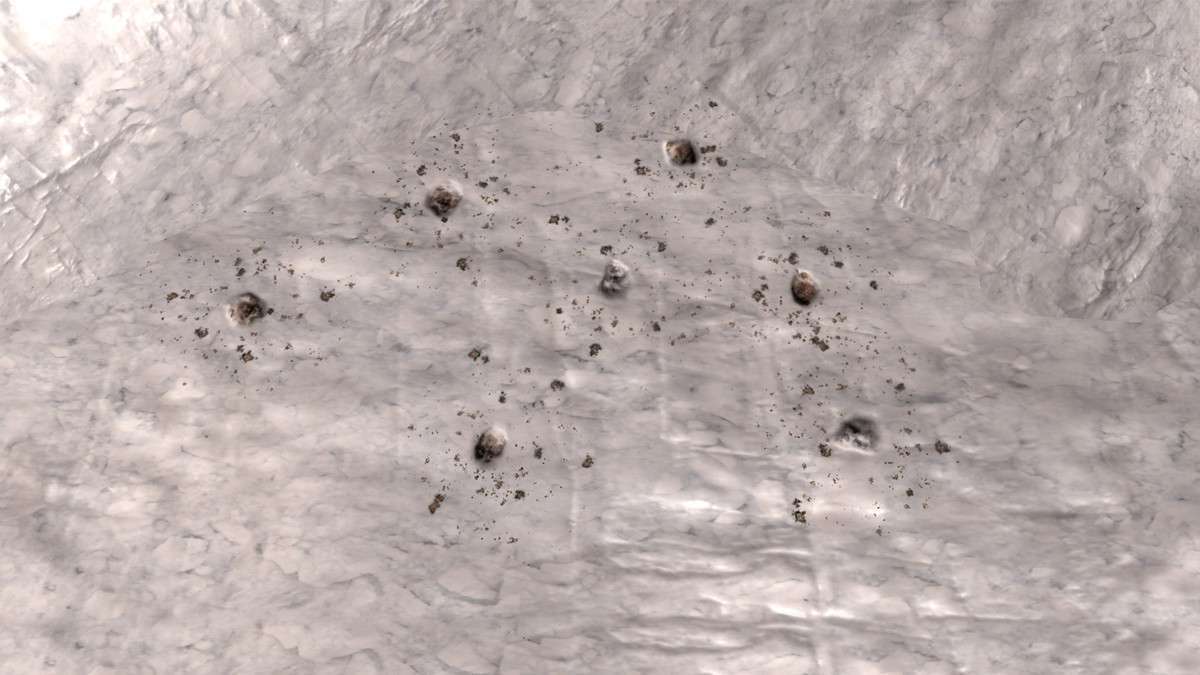
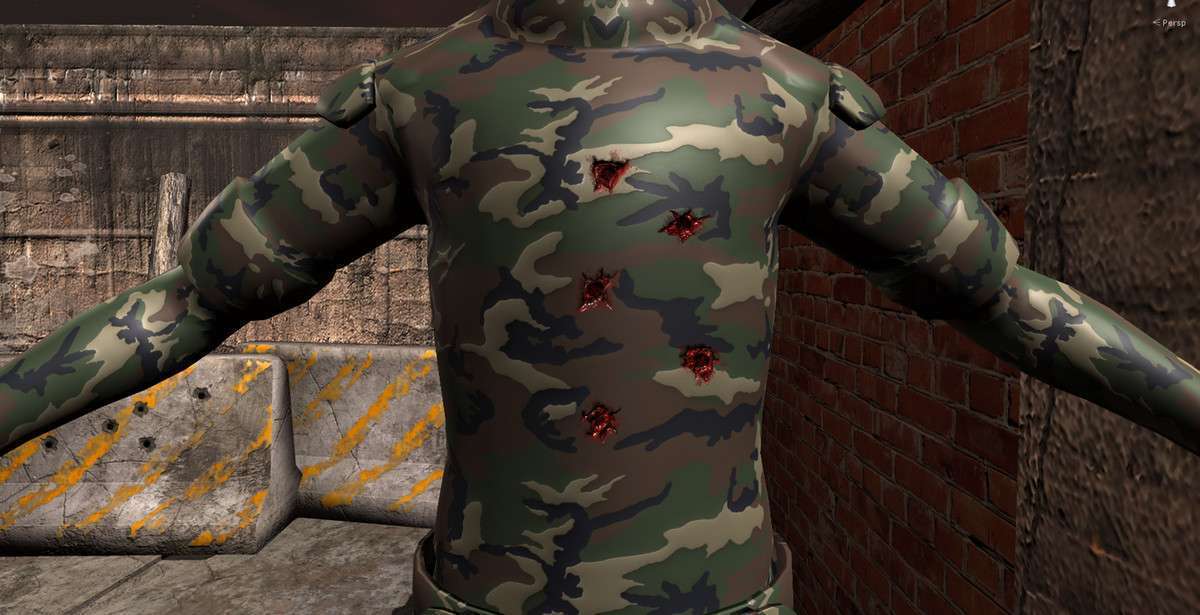
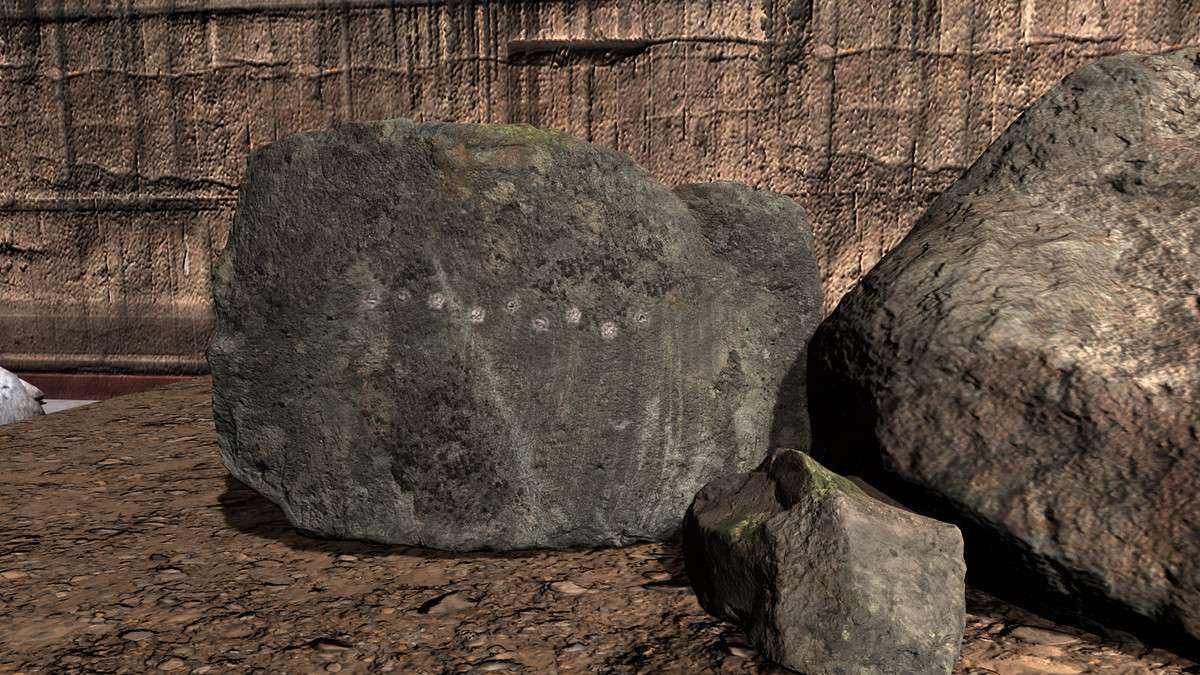
The Bullet Impact VFX and Bullet Hole Decals With Sounds Unity pack is our go-to solution for visual feedback consistency. Operating on 1.6.0, it addresses the ‘triple threat’ of impact effects: the particle system (FX), the decal (bullet hole), and the audio clip (SFX). By centralizing these into a single workflow based on Physics Materials, it significantly reduces the logic required in your weapon’s RaycastHit processing.
Integration Tips
- Physics Material Mapping: To get the most out of this asset, you must assign the provided 21 Physical Materials to your scene colliders. Your shooting script should then read
hit.collider.sharedMaterialto determine which prefab to spawn. - Decal Projector vs. Mesh Decals: If you are using URP, make sure to use the included URP Updater. The pack supports modern Decal Projectors which are much more efficient and avoid the ‘z-fighting’ issues common with traditional quad-based decals.
- Pooling is Mandatory: With 21 different impact types, you should never
Instantiatethese at runtime. Wrap the impact spawner in a simple Object Pooler to avoid GC spikes during heavy firefights.
Best Use Cases
- Competitive Online Shooters: The optimized particle counts and clean audio files provide clear hit registration feedback, which is crucial for competitive integrity.
- Destructible Environments: Because the pack includes specific FX for materials like glass, ice, and fabric, it’s excellent for games where the environment needs to react realistically to high-volume gunfire.