
Optimize Your Unity Build Size Efficiently
Managing build sizes is critical for mobile and web deployments. The Build Report Tool 3.11.12 provides a comprehensive technical breakdown of your binary, allowing you to identify exactly which textures, scripts, and prefabs are inflating your disk footprint. If you are looking for a way to streamline your project, obtaining the Build Report Tool Free Download is the first step toward significant optimization.
Technical Insights and Asset Breakdown
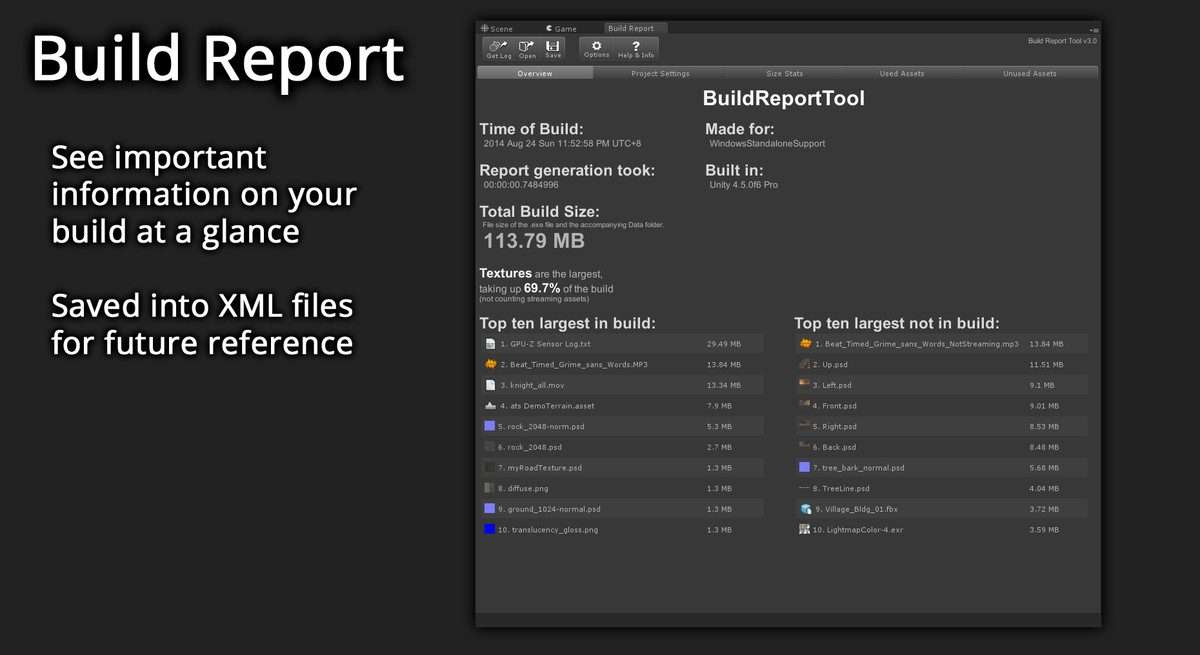
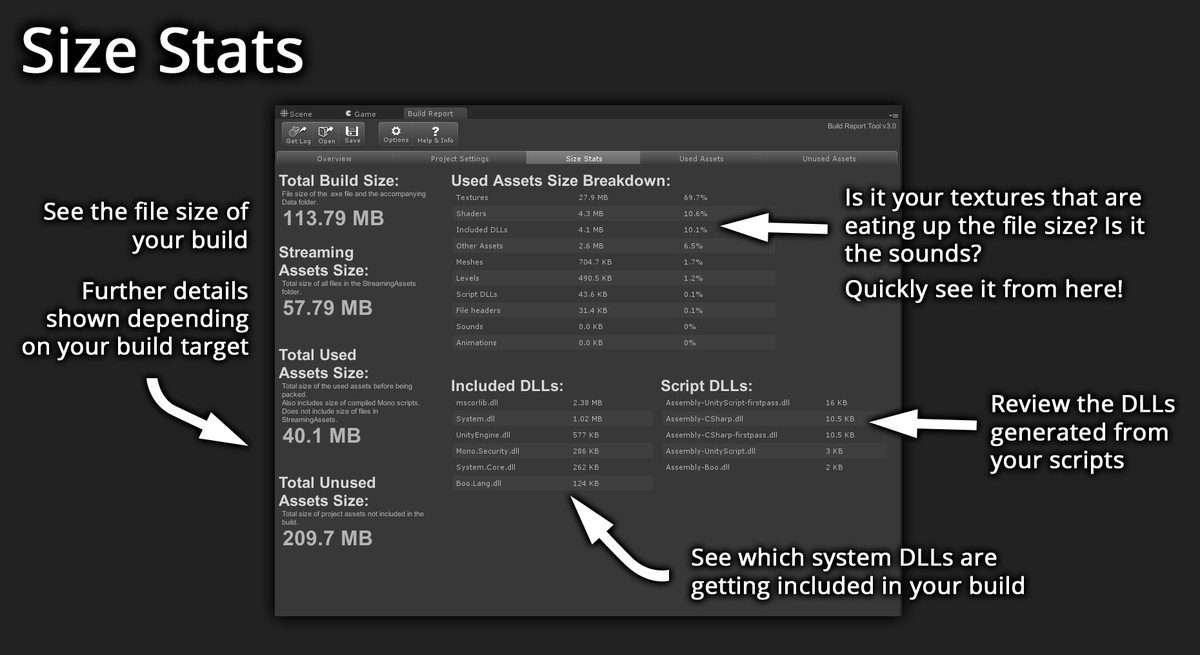
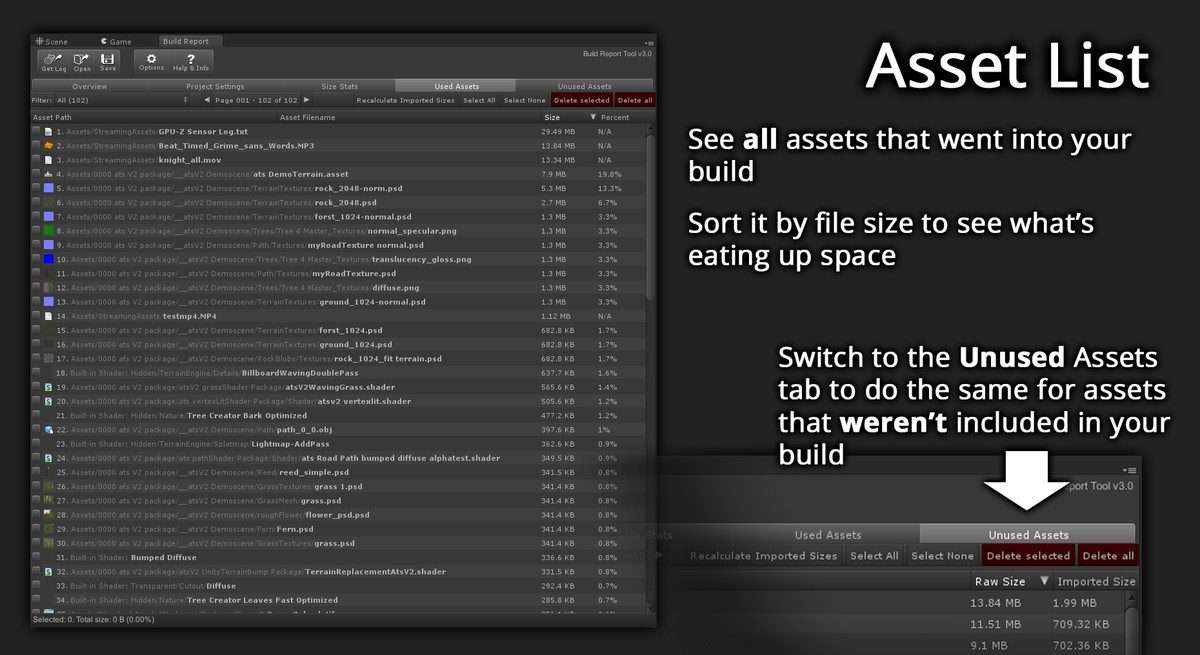
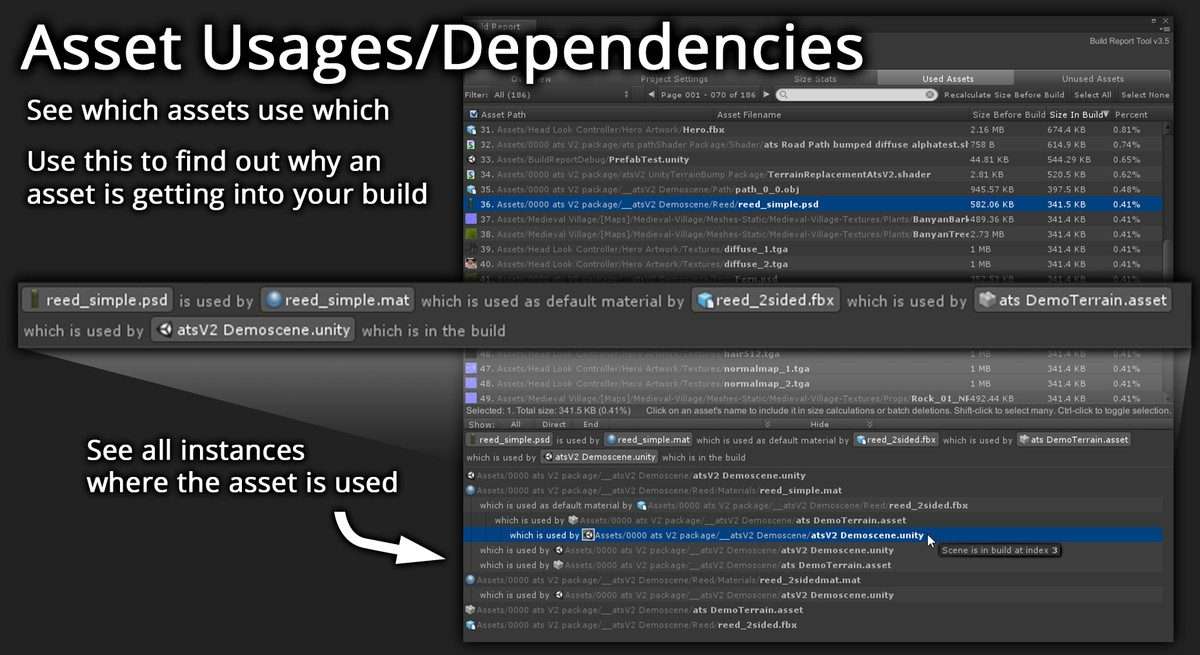
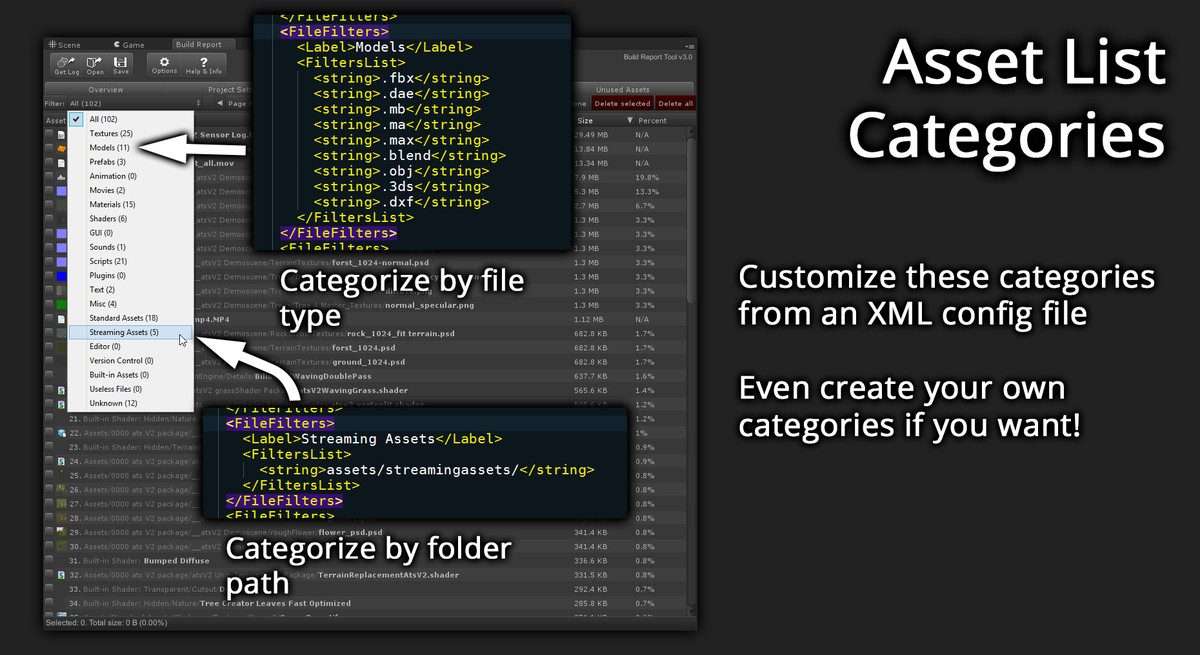
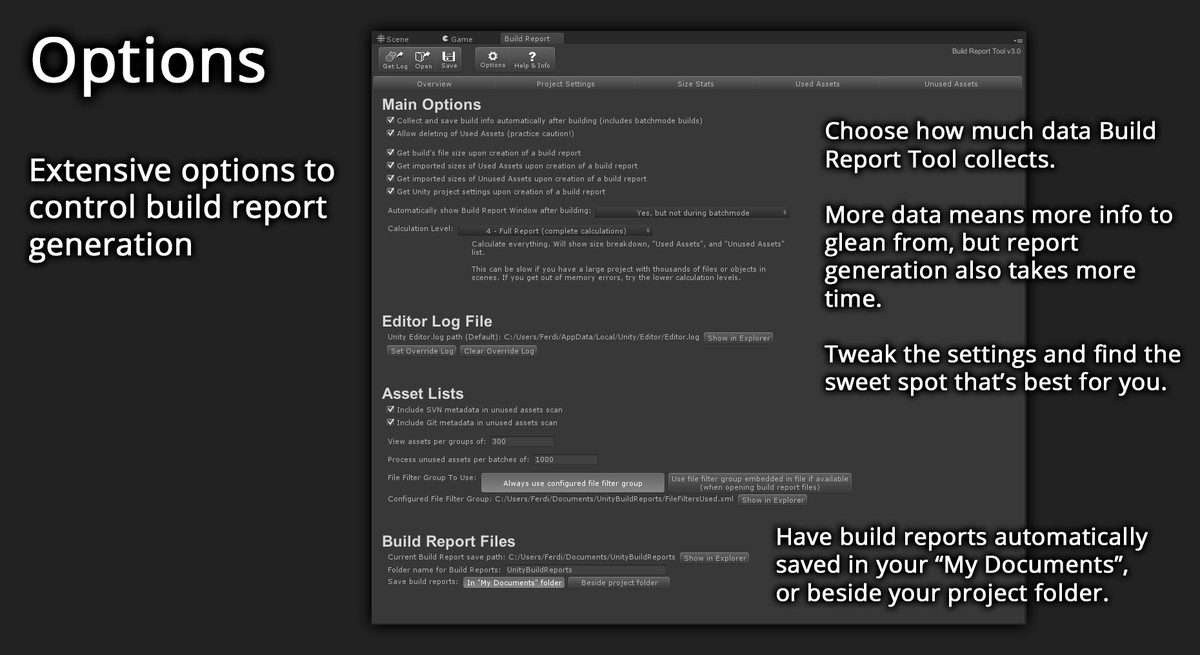
This utility parses Unity’s build log into a readable front-end, surfacing data that is usually buried. It categorizes assets by size and identifies dependencies, helping you understand why specific assets are being pulled into the build. Note that this tool currently focuses on the main build process and does not detect assets processed via Asset Bundles or Addressables.
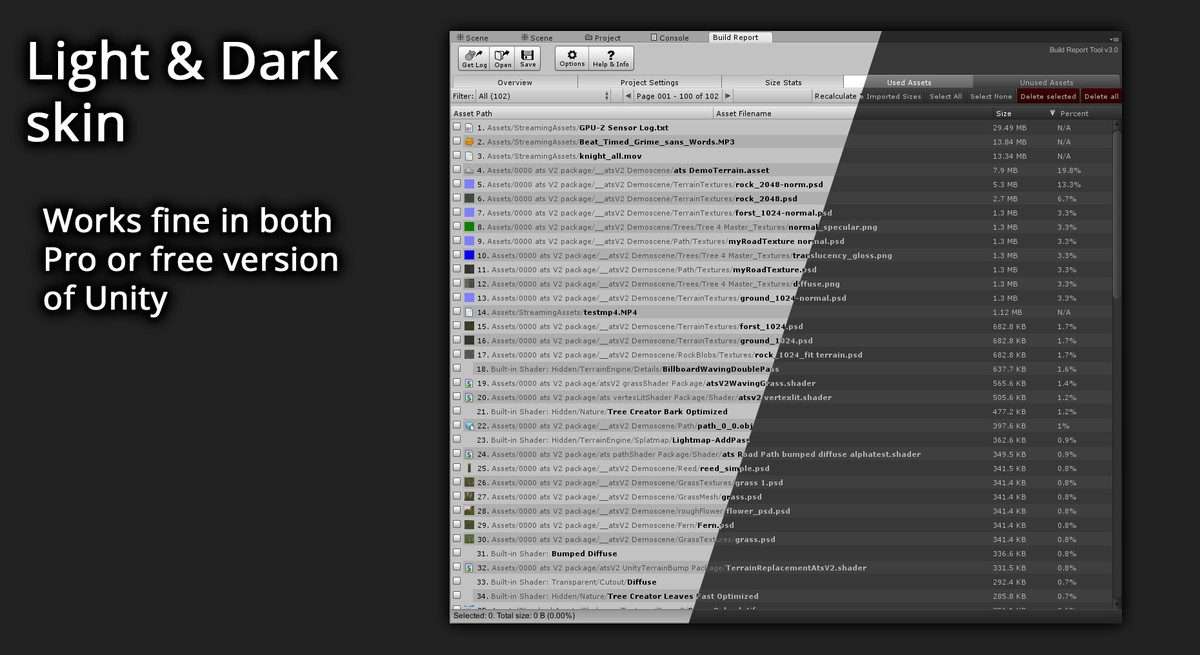
- Unused Assets List: Identify and prune redundant files from your project folder that aren’t reaching the final build.
- Dependency Tracking: Trace the hierarchy of asset usage to see which prefab or scene is referencing a heavy texture.
- DLL Monitoring: View a detailed list of managed DLLs and their respective storage impact.
- XML Export: Save reports to XML for CI/CD pipeline integration or team review.
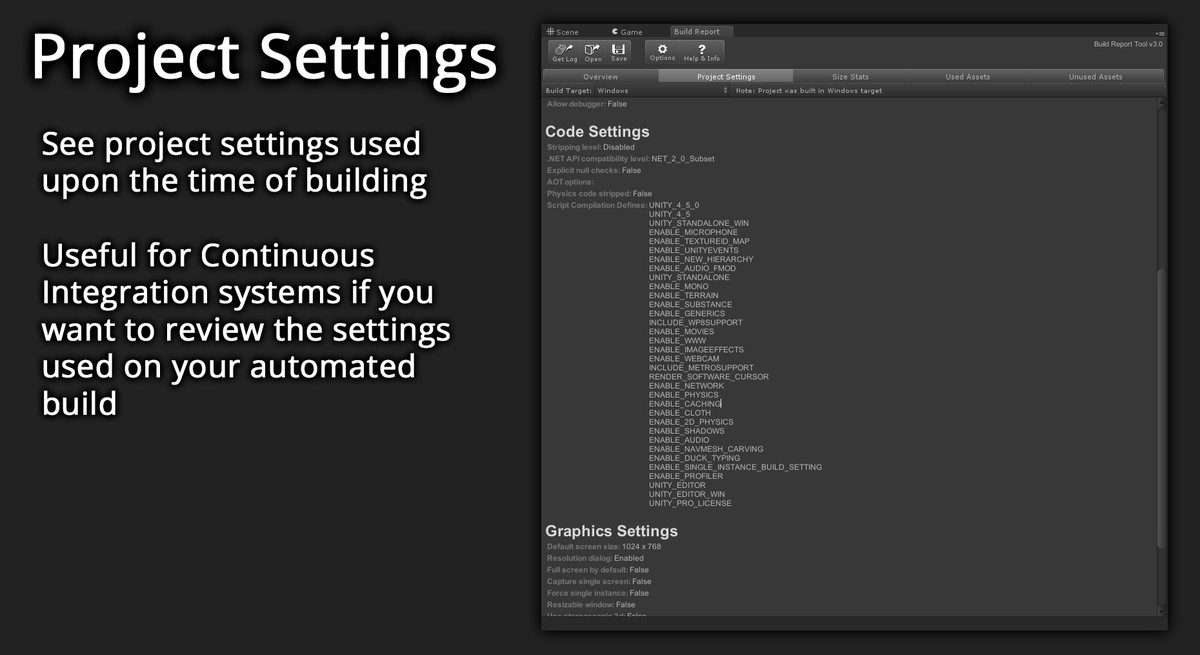
- Project Settings Snapshot: Audit the specific build settings used during the compilation process.
Compatible with Unity Personal and Pro editions, this tool is essential for developers aiming for tight distribution limits without compromising on visual quality.