
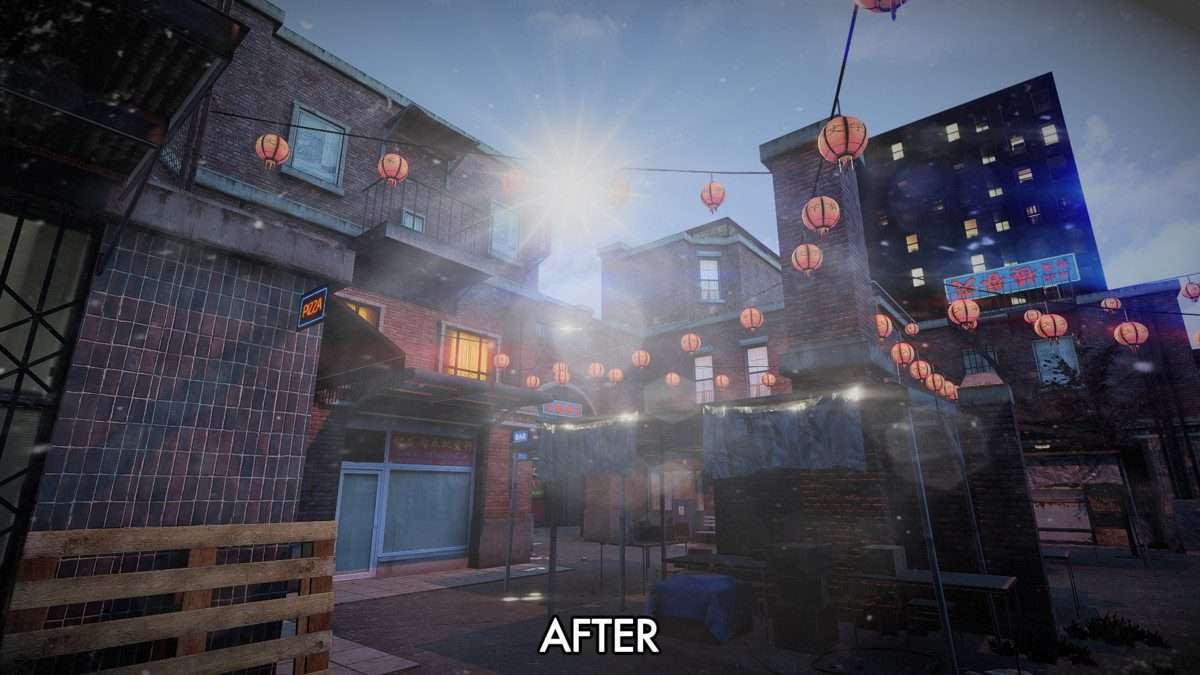
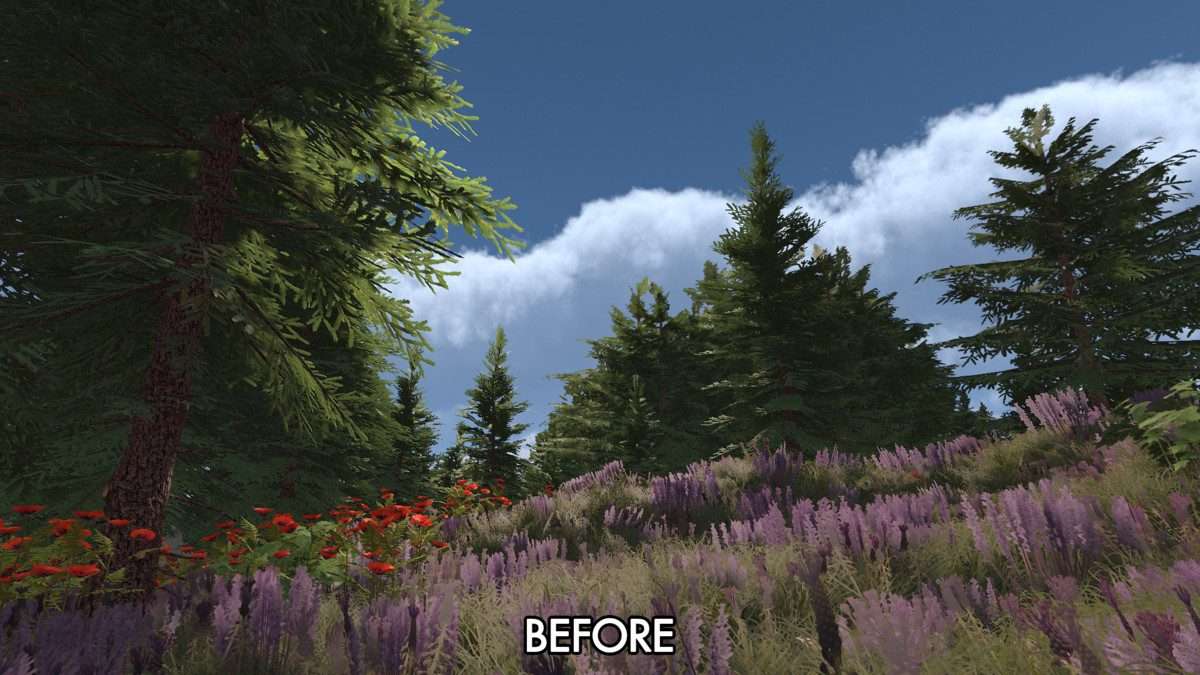
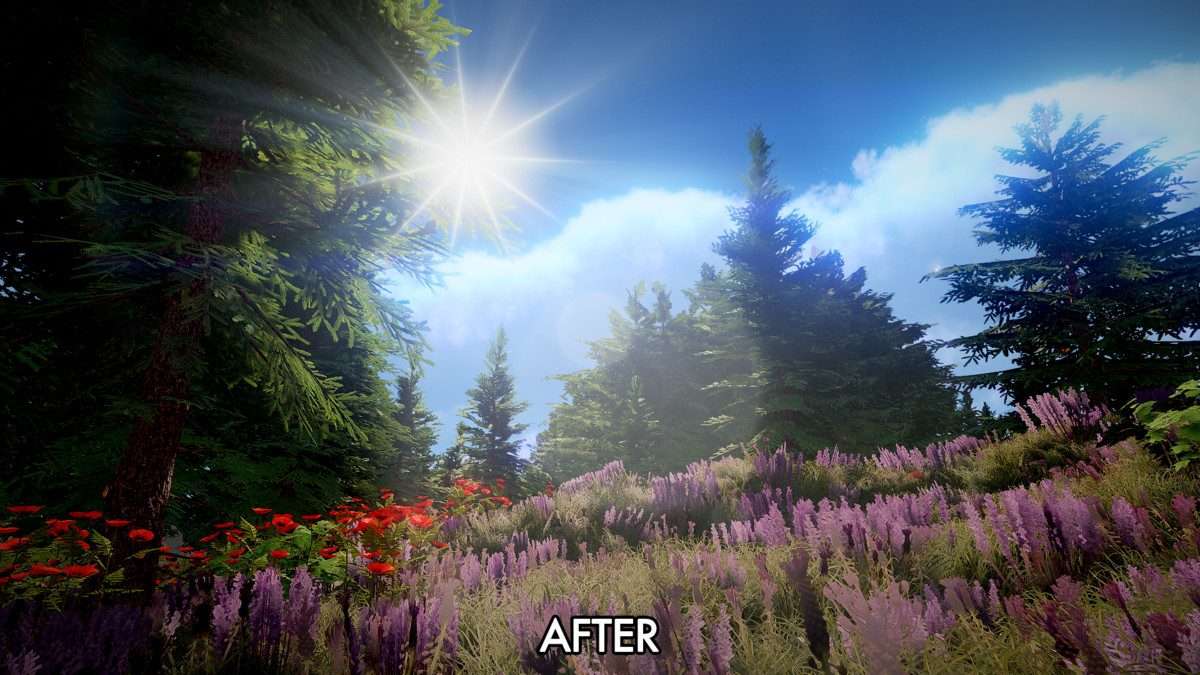



Professional Grade Visual Finishing
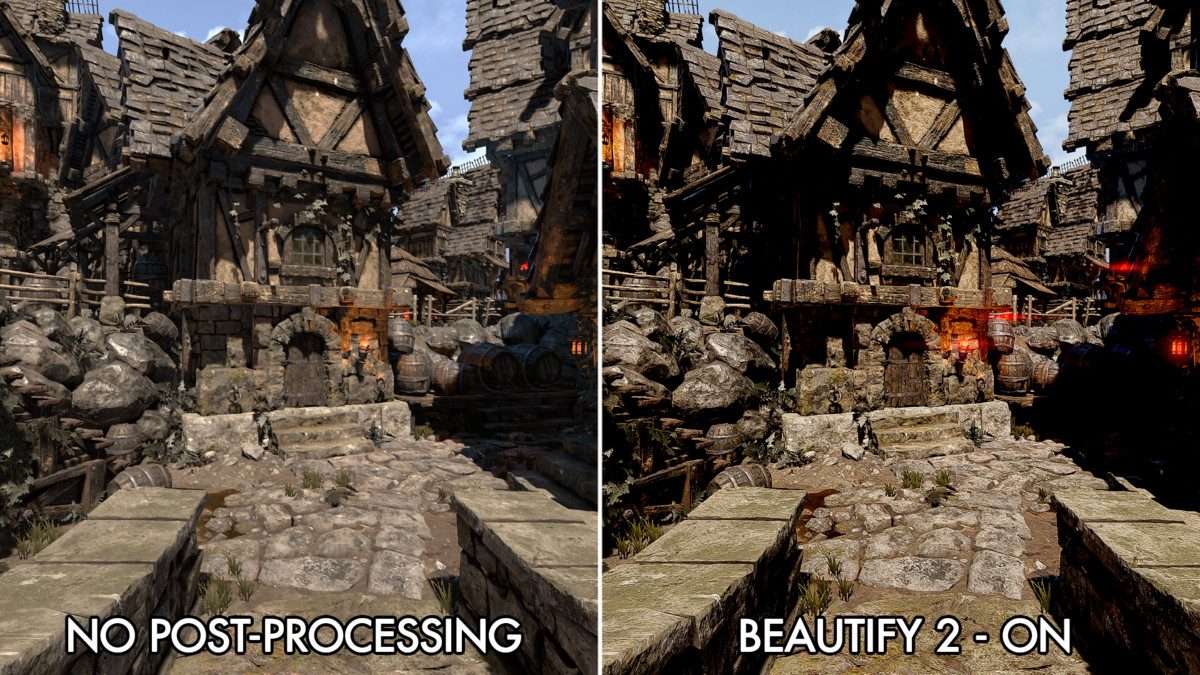
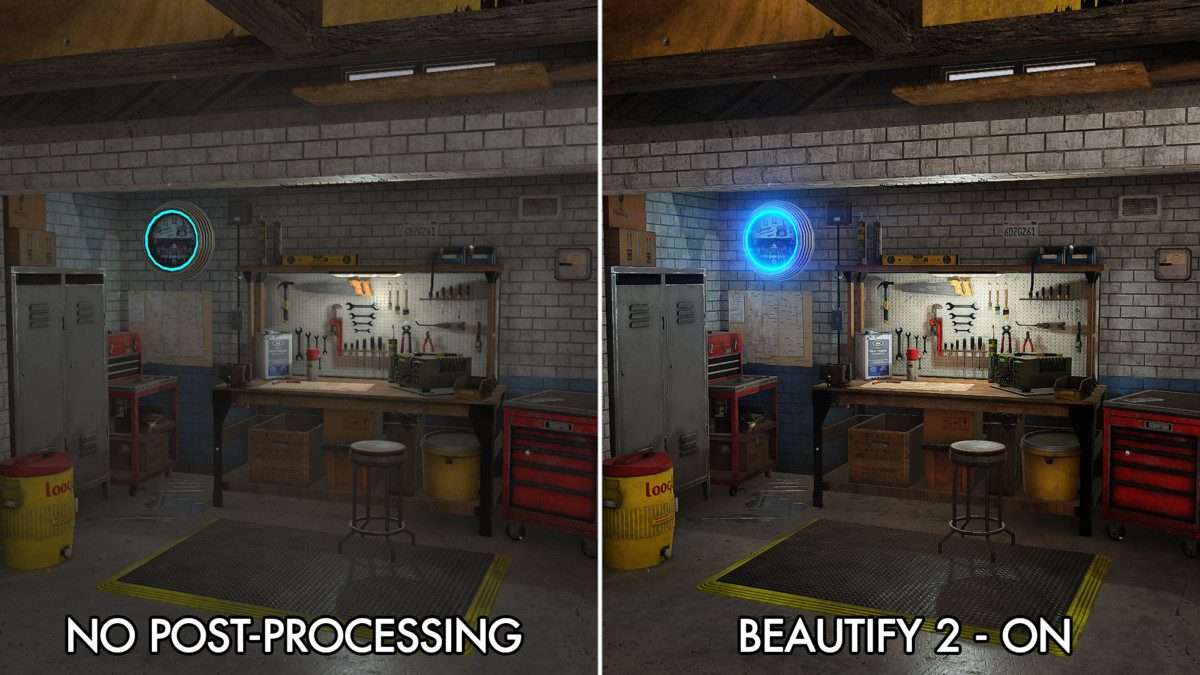
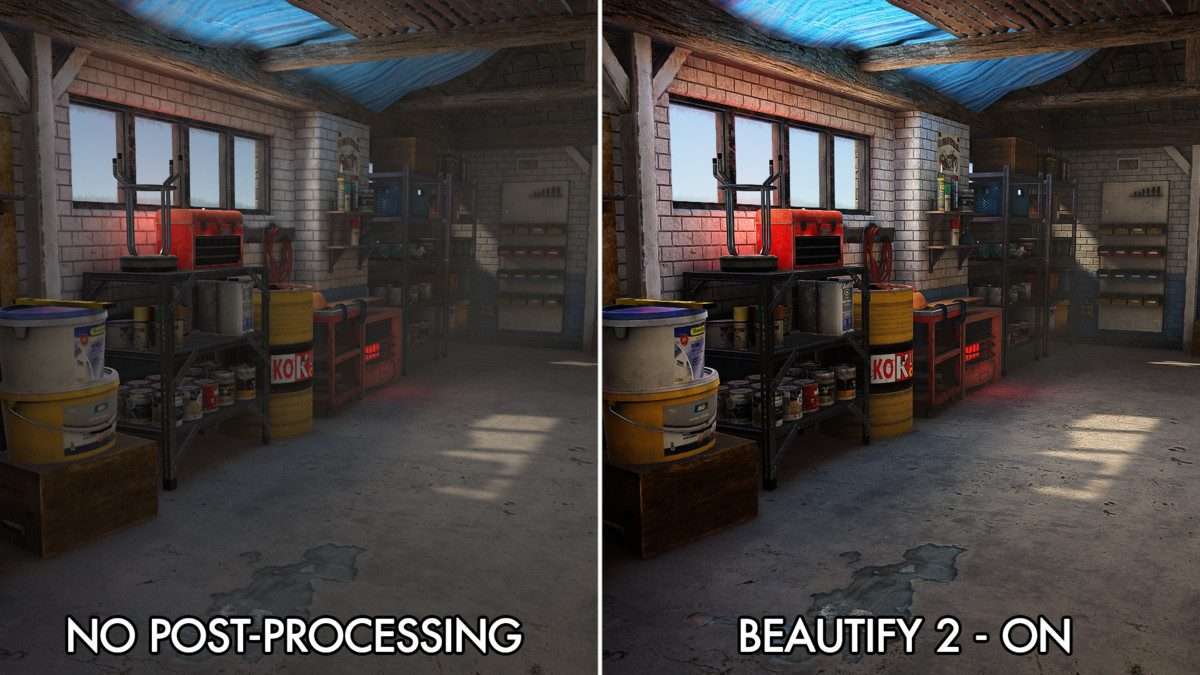
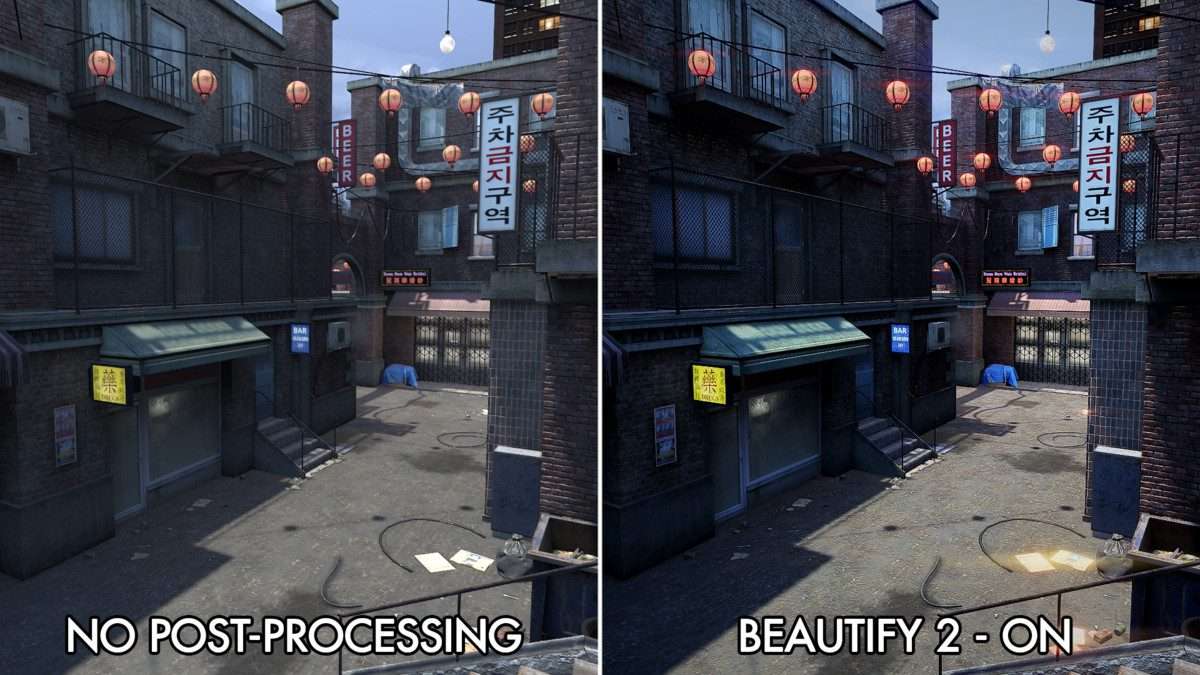
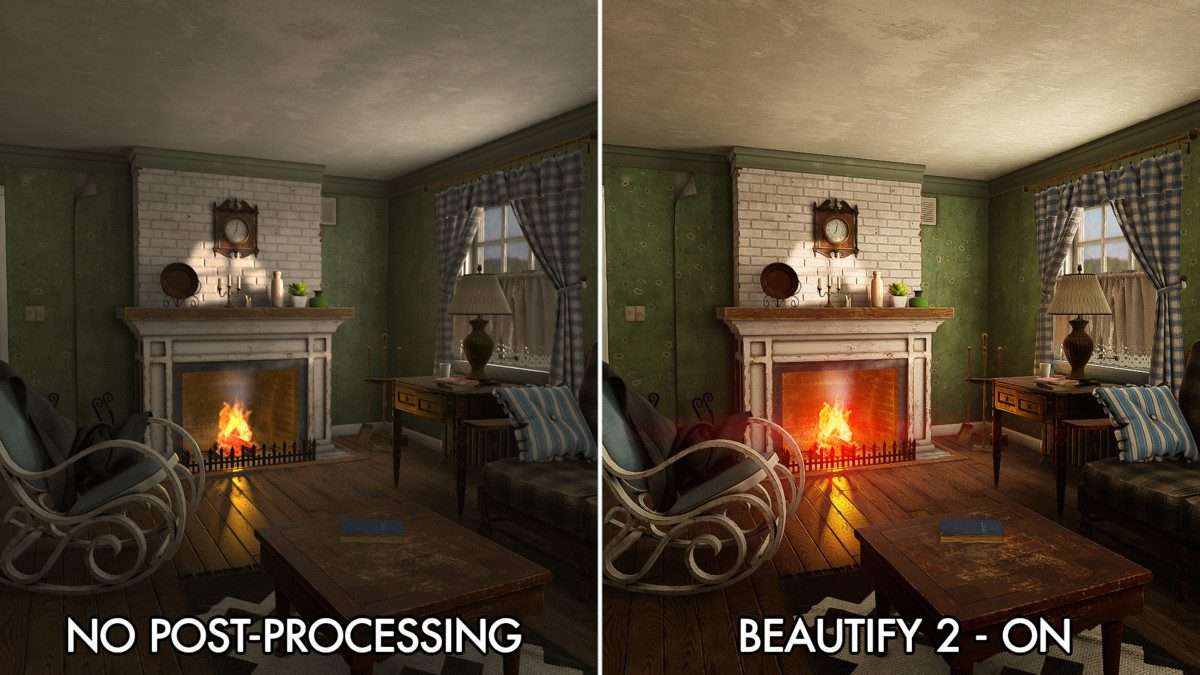
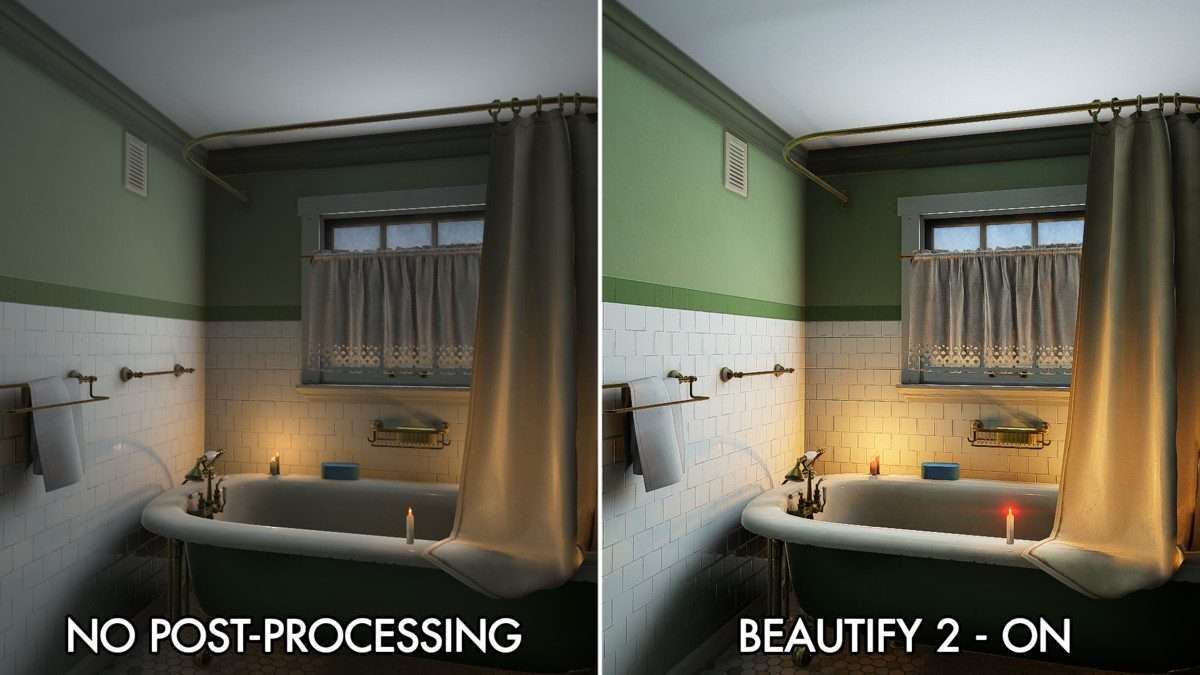
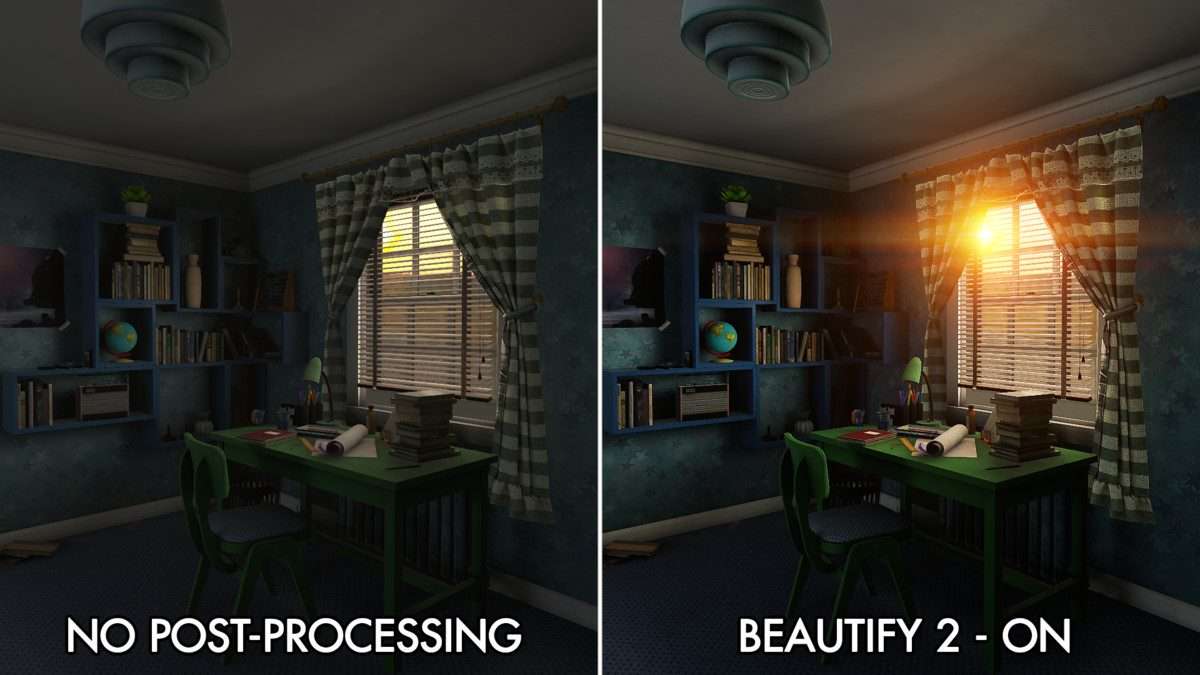
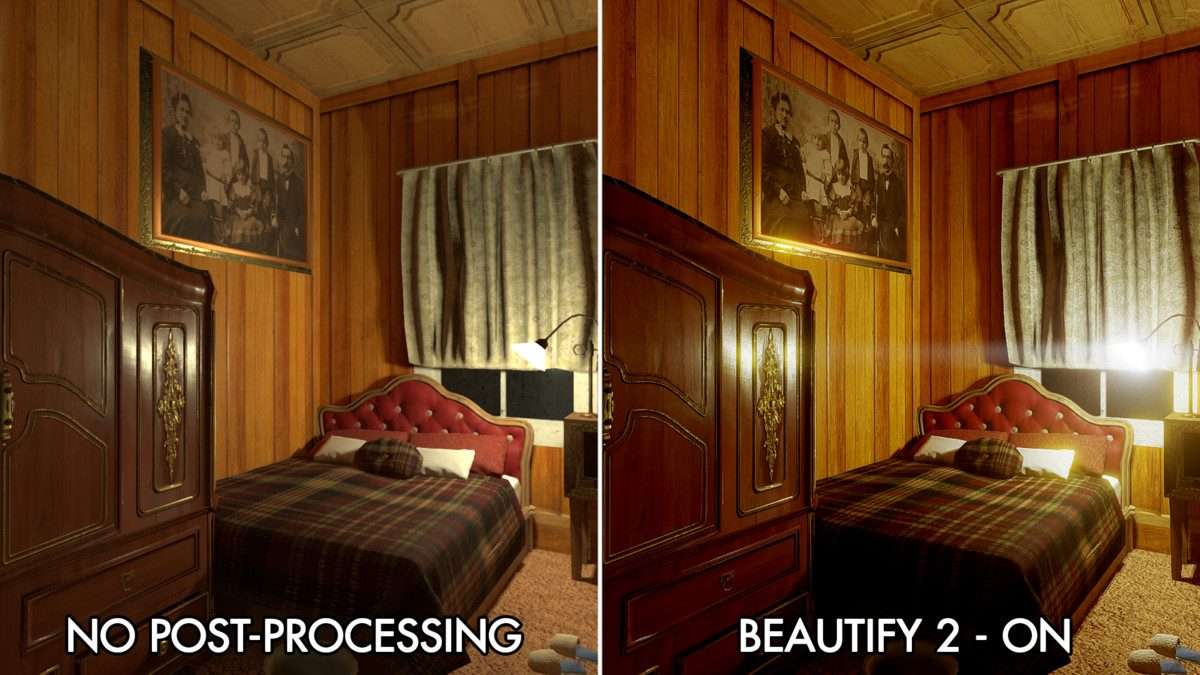
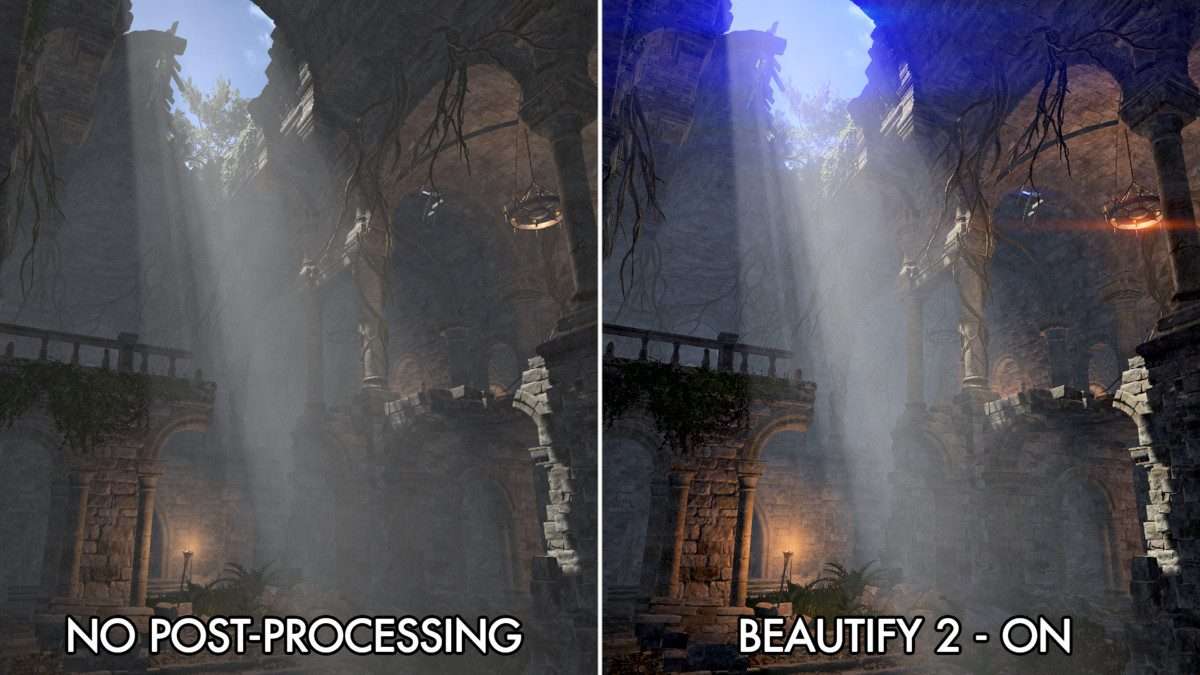
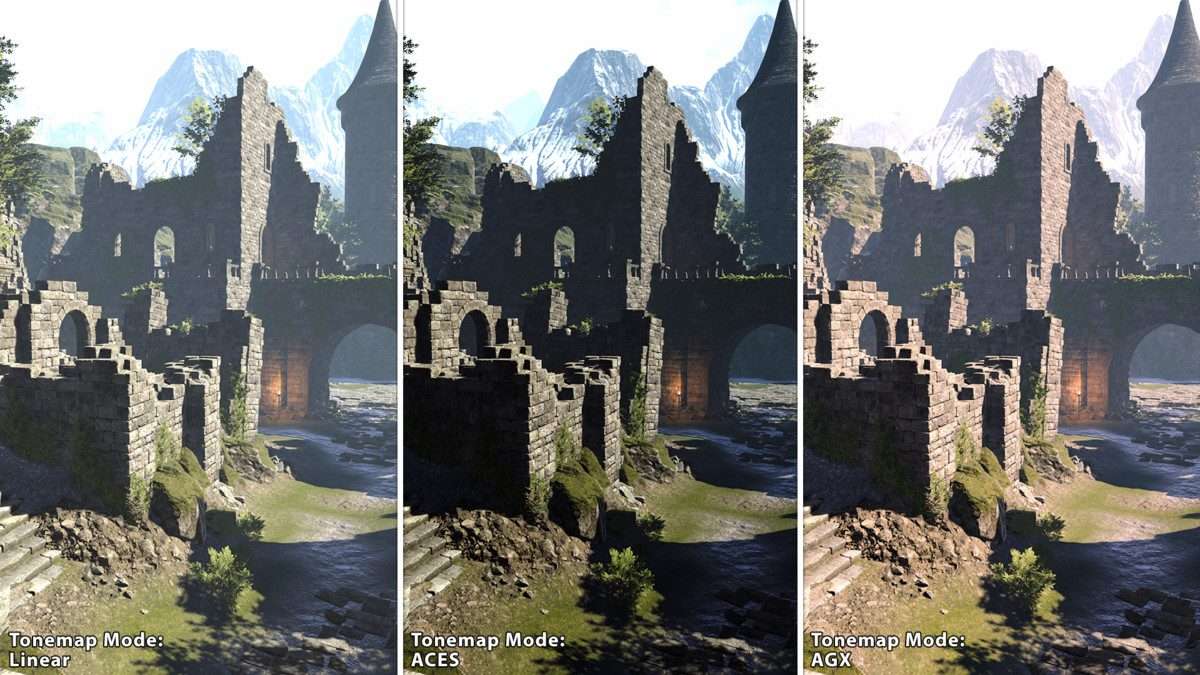
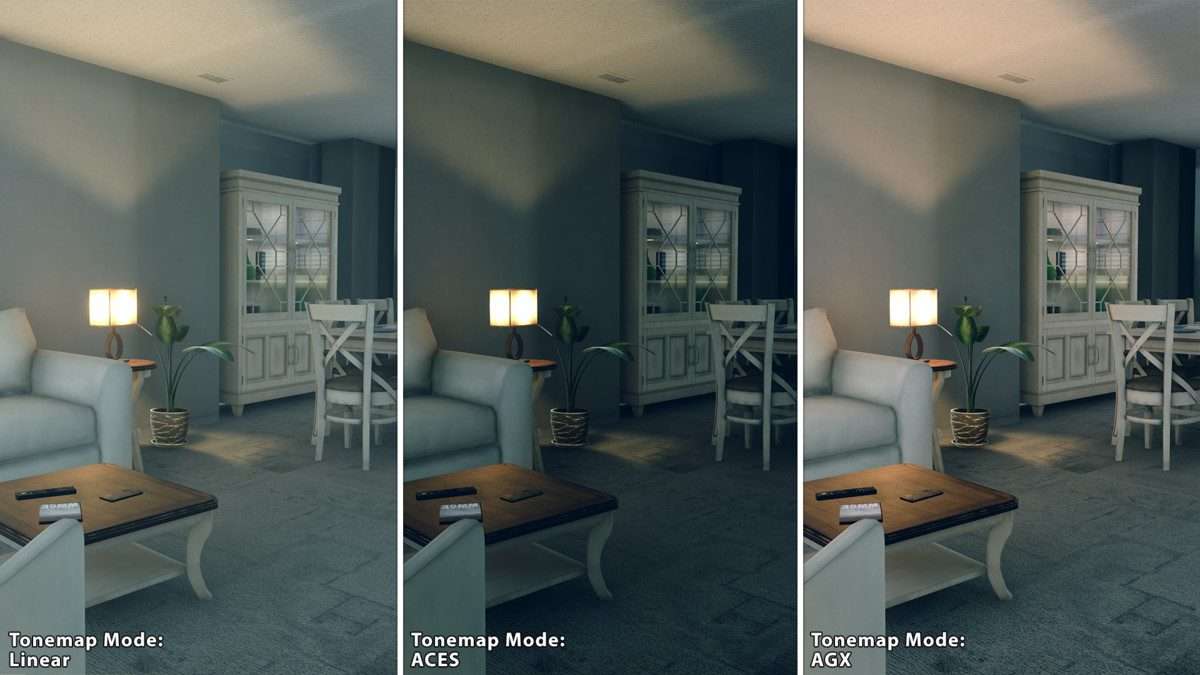
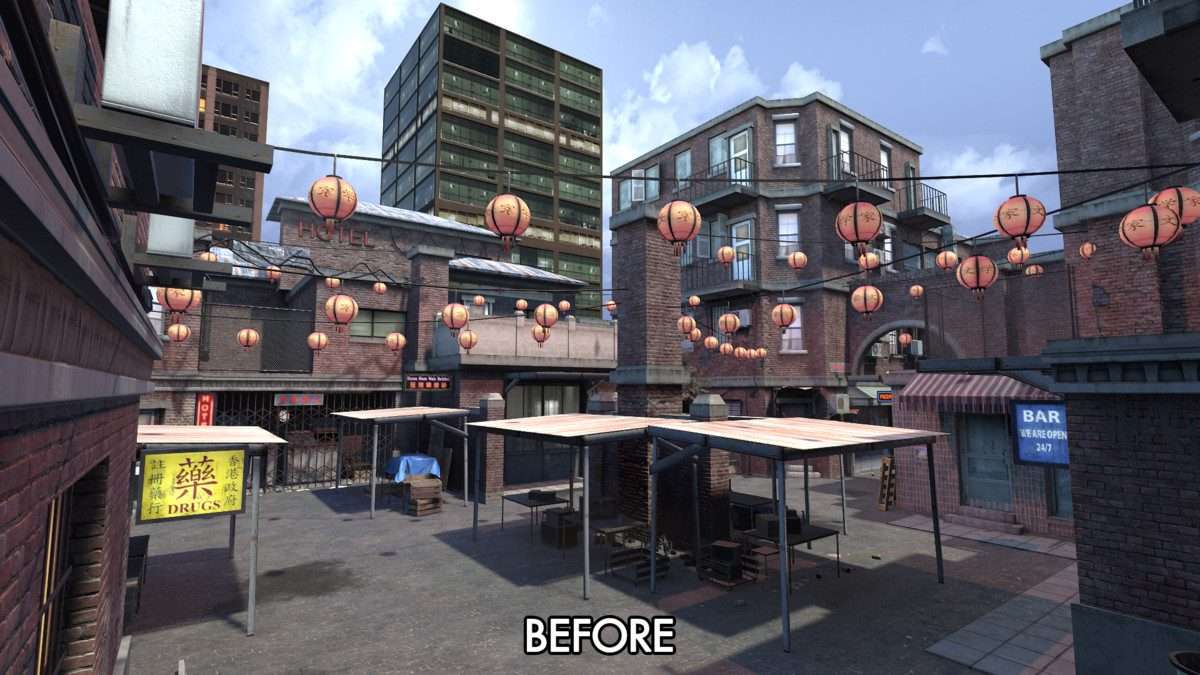
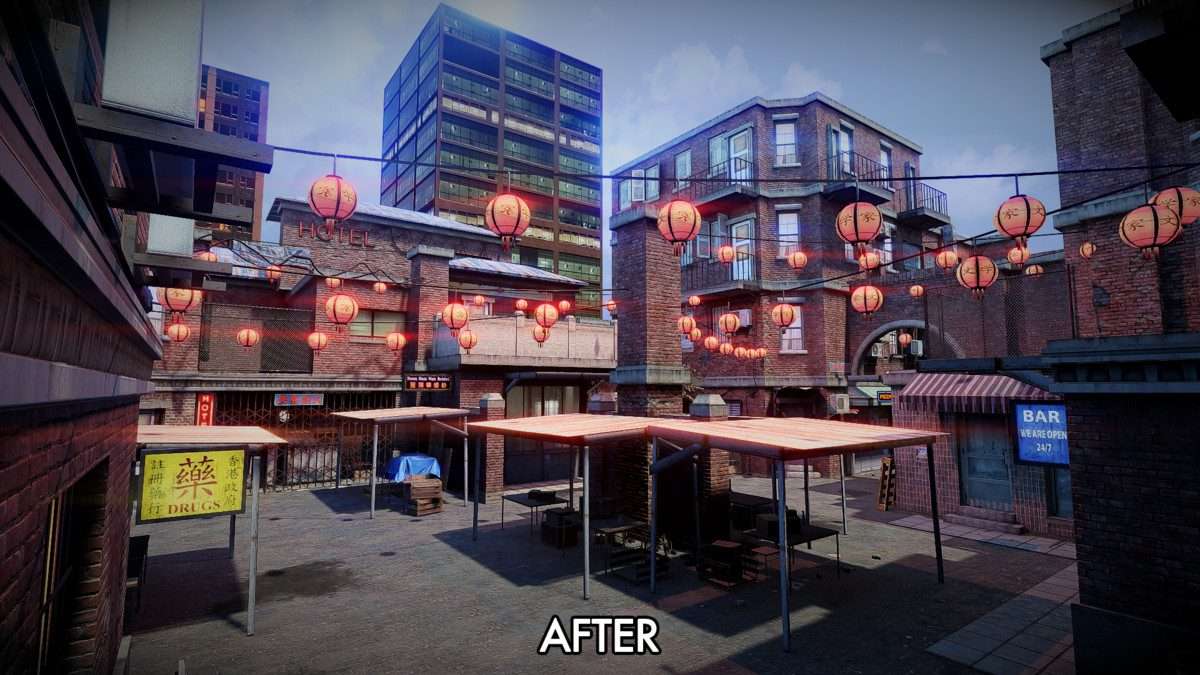
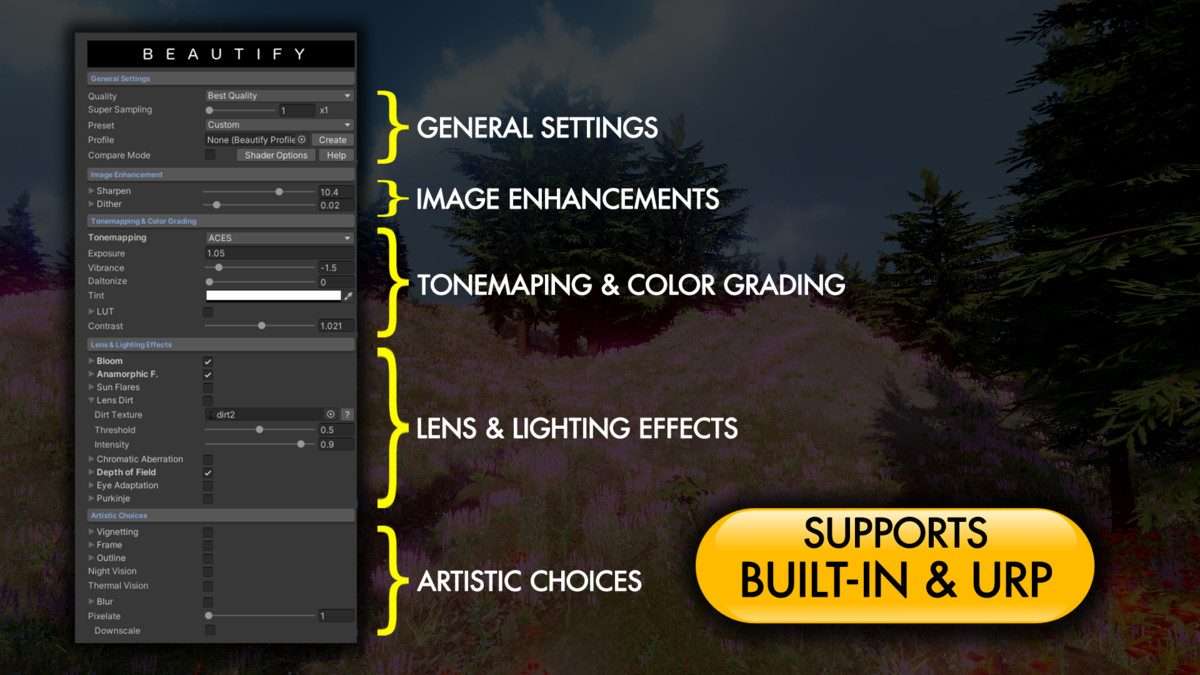
In a production environment, Beautify 3 – Advanced Post Processing Unity is often the final layer that transforms a flat scene into a polished product. Unlike the standard URP/HDRP volume systems, Beautify uses a custom single-pass approach that reduces draw calls and improves overall frame stability. Currently supported in 25.0.0, it provides a specific sharpening algorithm that recovers micro-detail in textures without the ringing artifacts common in standard high-pass filters. Its ability to handle ACES/AGX tonemapping directly within its stack simplifies the color pipeline significantly.
Integration Tips
- When using URP, make sure to add the Beautify Renderer Feature to your Forward Renderer asset. Without this, the custom post-processing passes will not be injected into the frame.
- If you are using other anti-aliasing techniques like TAA, disable the internal sharpening in the post-processing stack to avoid over-processed, ‘crunchy’ visuals.
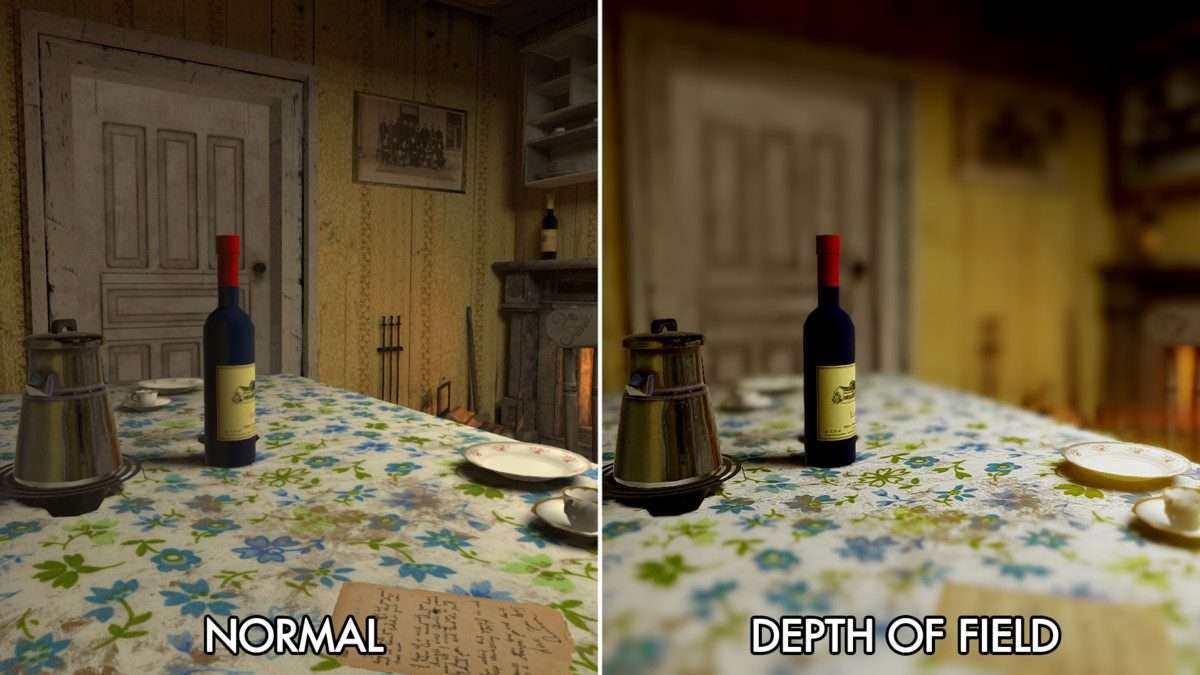
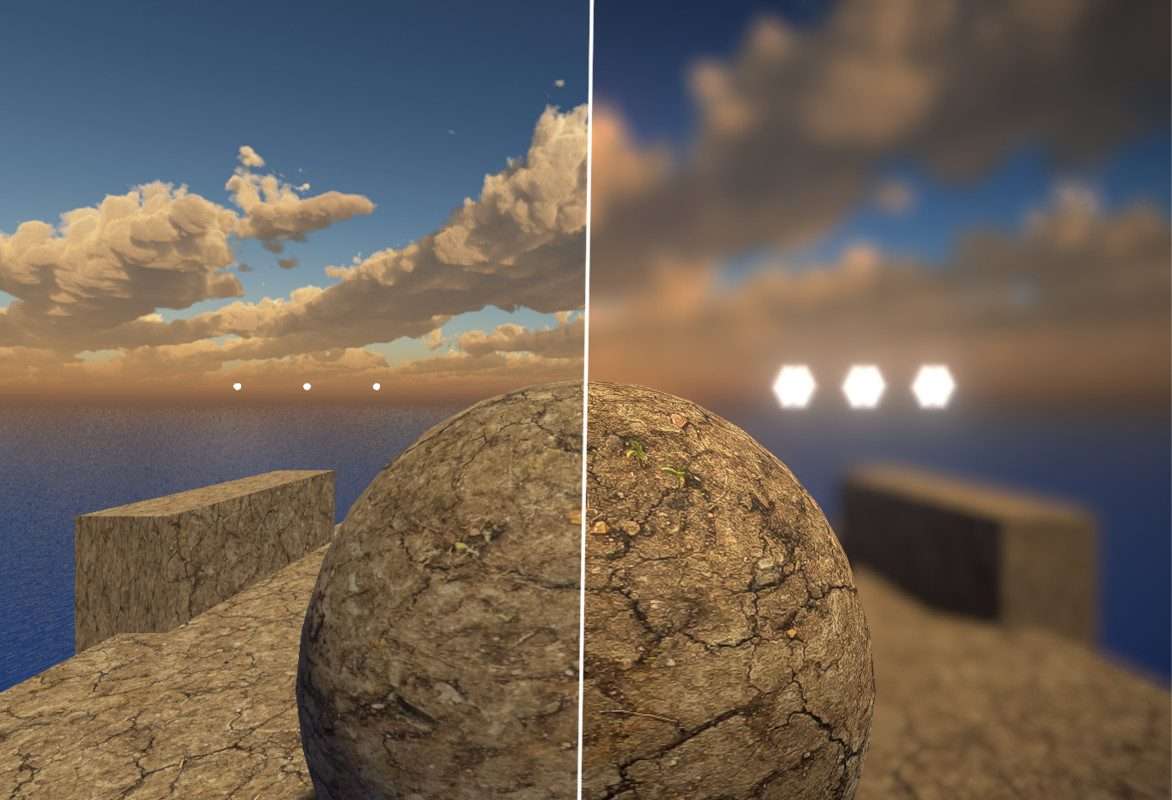
- For VR projects, Beautify supports Single Pass Instanced rendering, but you should monitor the GPU impact of the Depth of Field effect, as hexagonal bokeh can be expensive on mobile VR chipsets like the Quest 3.
- Use the ‘Exclude Layer’ feature in the Depth of Field settings to keep UI or specific gameplay elements sharp while blurring the background.
Best Use Cases
- Mobile 3D RPGs: Performance is king on mobile. Beautify’s integrated bloom and sharpening allow you to achieve a high-end look on mobile GPUs without the overhead of multiple full-screen passes.
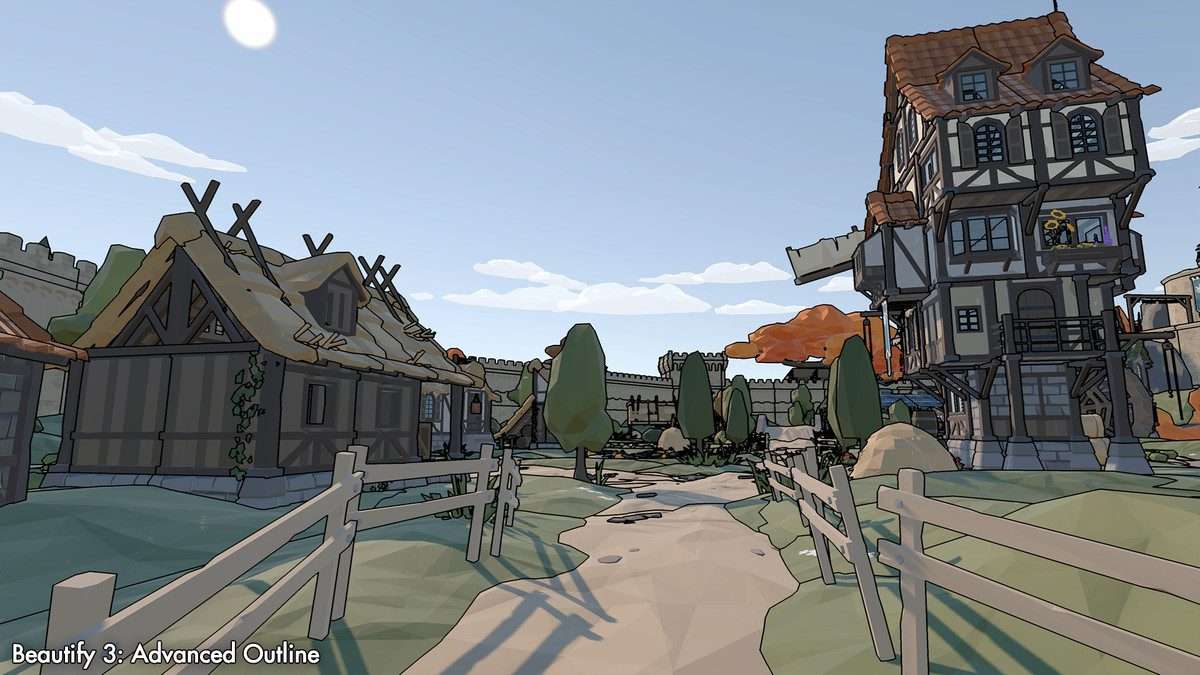
- Stylized Action Games: The Advanced Outline and Daltonize effects are perfect for creating high-contrast, readable characters in fast-paced environments, ensuring the player never loses sight of the action.