
Accelerating Your Lighting Workflow
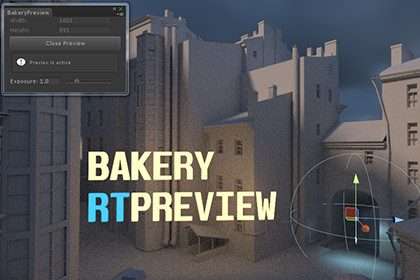
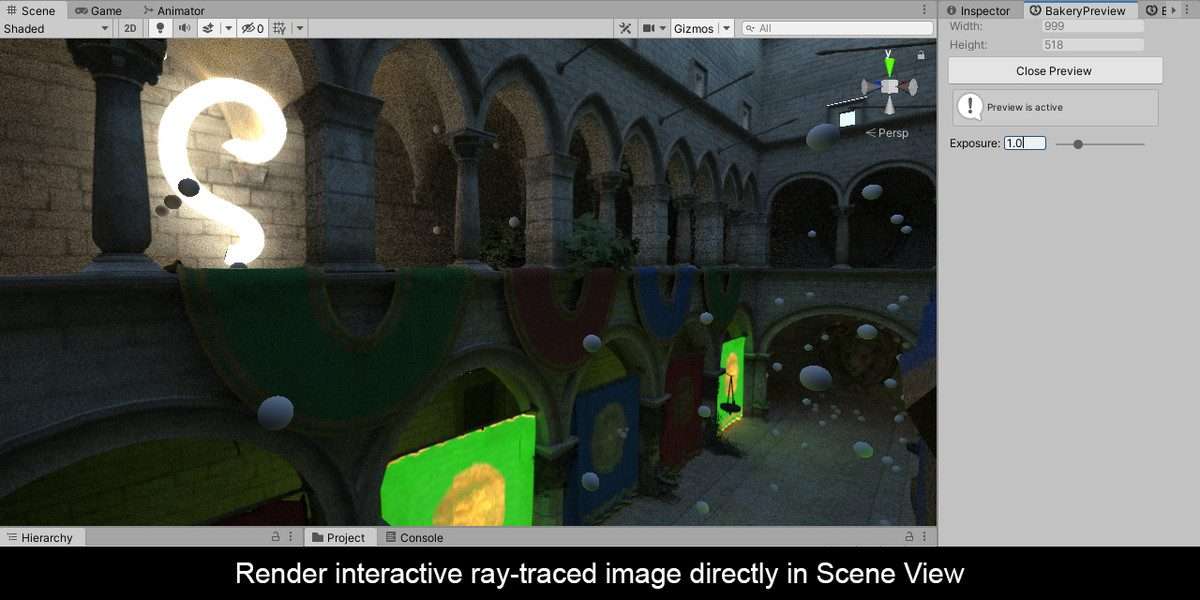
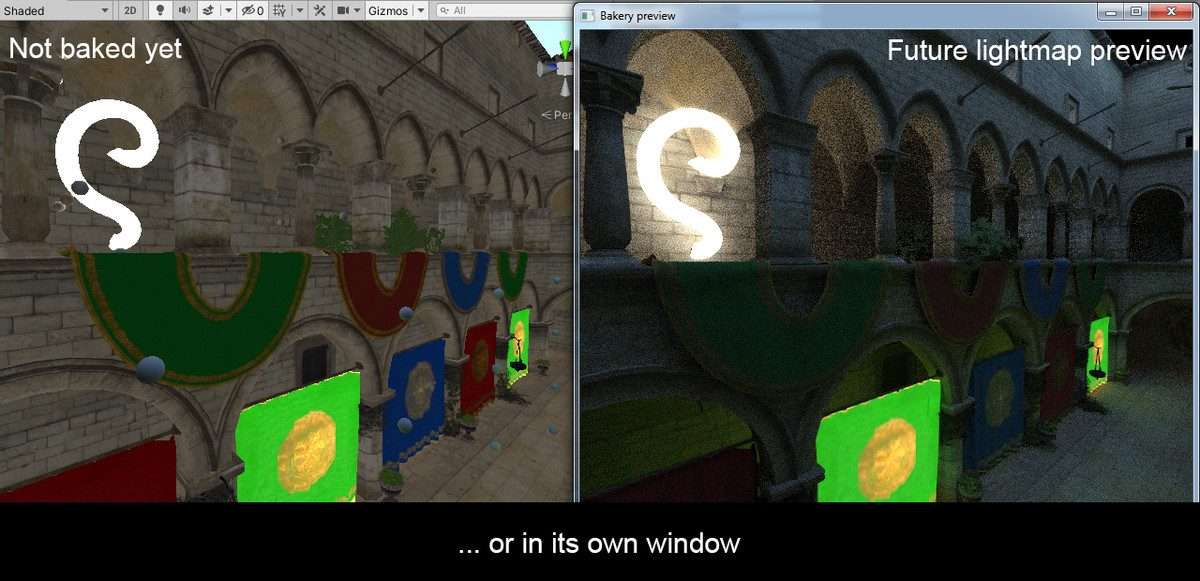
Using Bakery Real-Time Preview Unity allows developers to bypass the traditional ‘bake and wait’ cycle that plagues lighting artists. This tool acts as a bridge between the high-fidelity Bakery Lightmapper and a live viewport, leveraging ray tracing to show exactly how light interacts with your geometry and materials before you commit to a full bake. Running on 1.196.0, it ensures that your UV layouts and material properties are correctly interpreted by the Bakery engine, preventing common artifacts like light leaking or texel density mismatches before the final render pass.
Integration Tips
- Ensure Bakery v1.98 or higher is already installed in your project; RTPreview is an extension, not a standalone lightmapper.
- Verify that your hardware supports RTX; while it functions on standard GPUs, the acceleration on OptiX-compatible cards is what makes this a true real-time experience for rapid iteration.
- Be mindful of the ‘Preview Lightmap’ mode vs. ‘Production Lightmap’ mode. Always check the Bakery Scene Settings to ensure the ray count in the preview isn’t so high that it chokes your Editor’s frame rate during scene navigation.
- If your scene uses custom shaders, ensure they have a proper meta pass, as RTPreview relies on these to calculate bounces accurately.
Best Use Cases
- Interior ArchViz Projects: High-precision lighting is non-negotiable here. RTPreview allows you to tweak indirect bounce intensity and skybox contributions in real-time, which is essential when matching specific real-world references without wasting hours on iterative bakes.
- Atmospheric Narrative Games: For projects relying heavily on mood and contrast (like horror or noir-style adventures), RTPreview lets you position light sources to hit specific environmental silhouettes perfectly, ensuring the final baked result matches the cinematic intent.