


Production-Grade Global Illumination
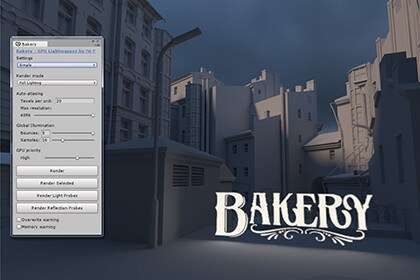
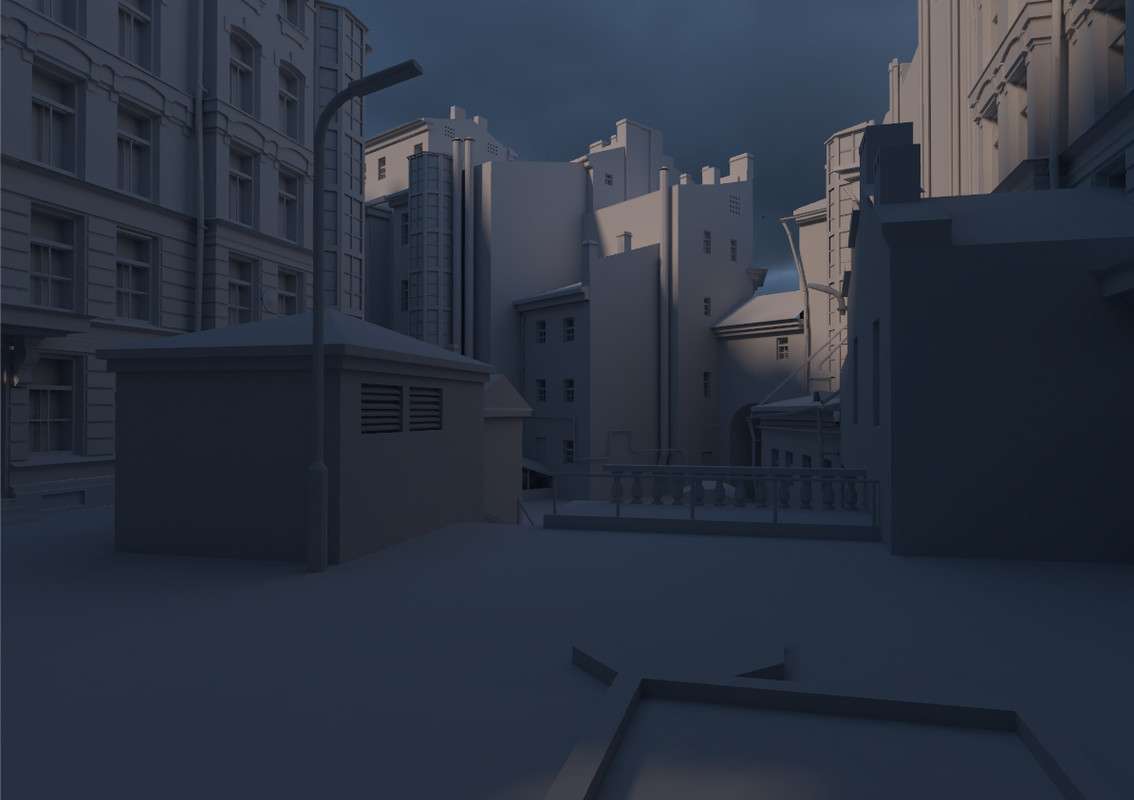
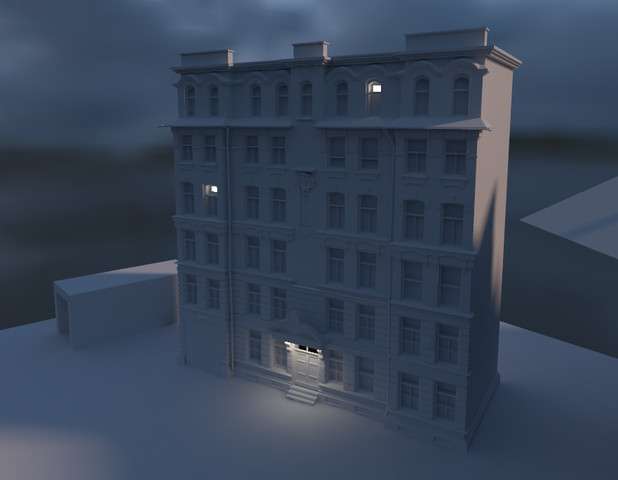
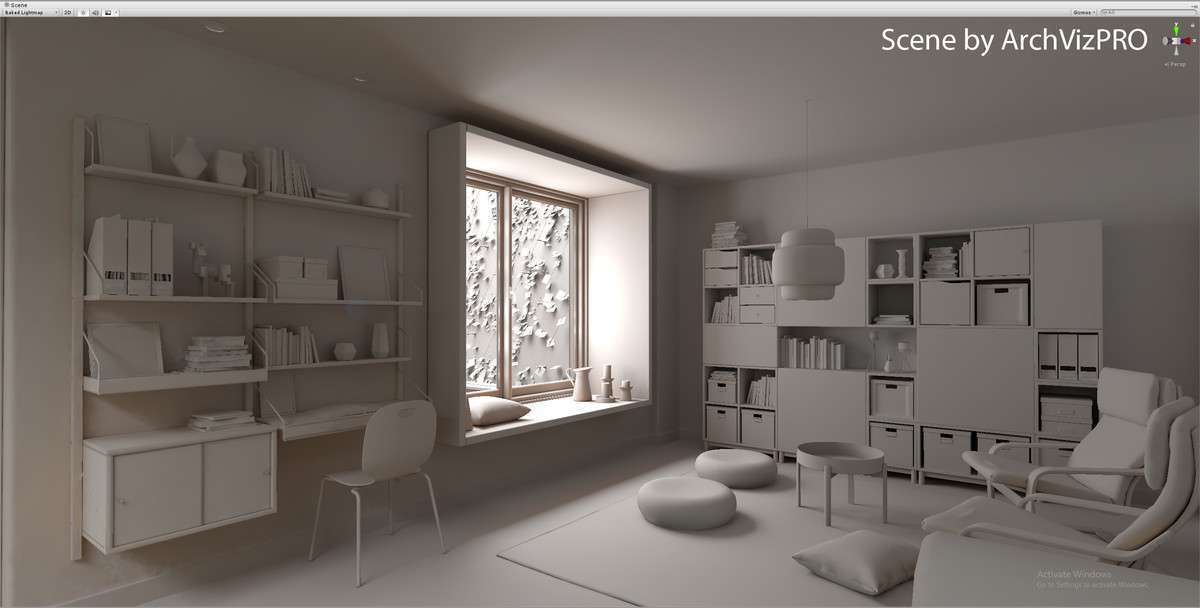
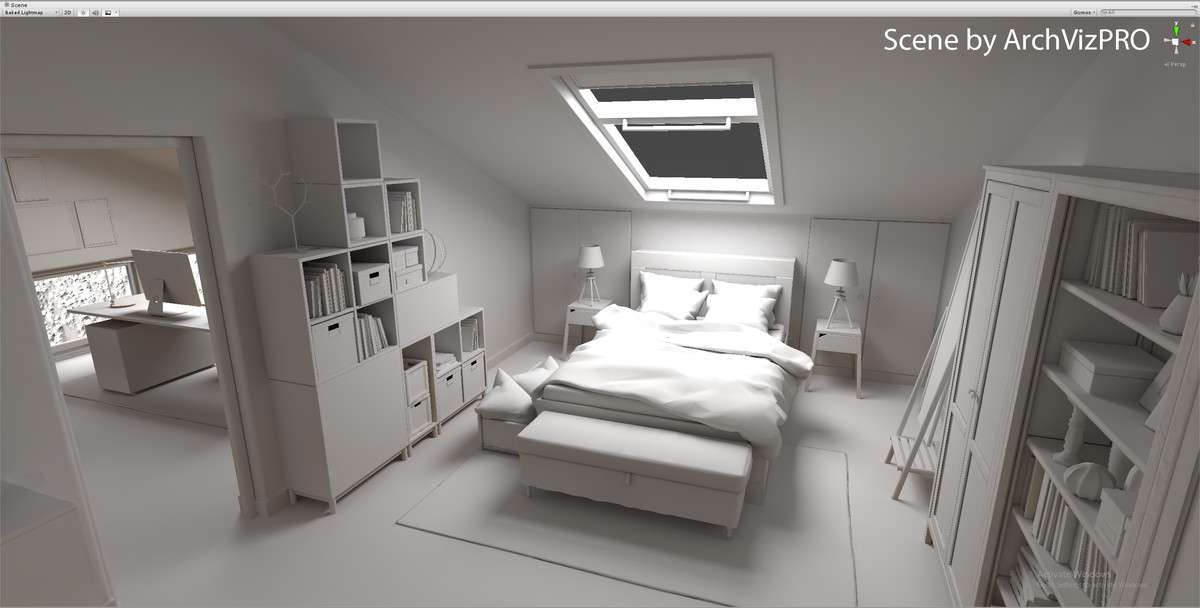
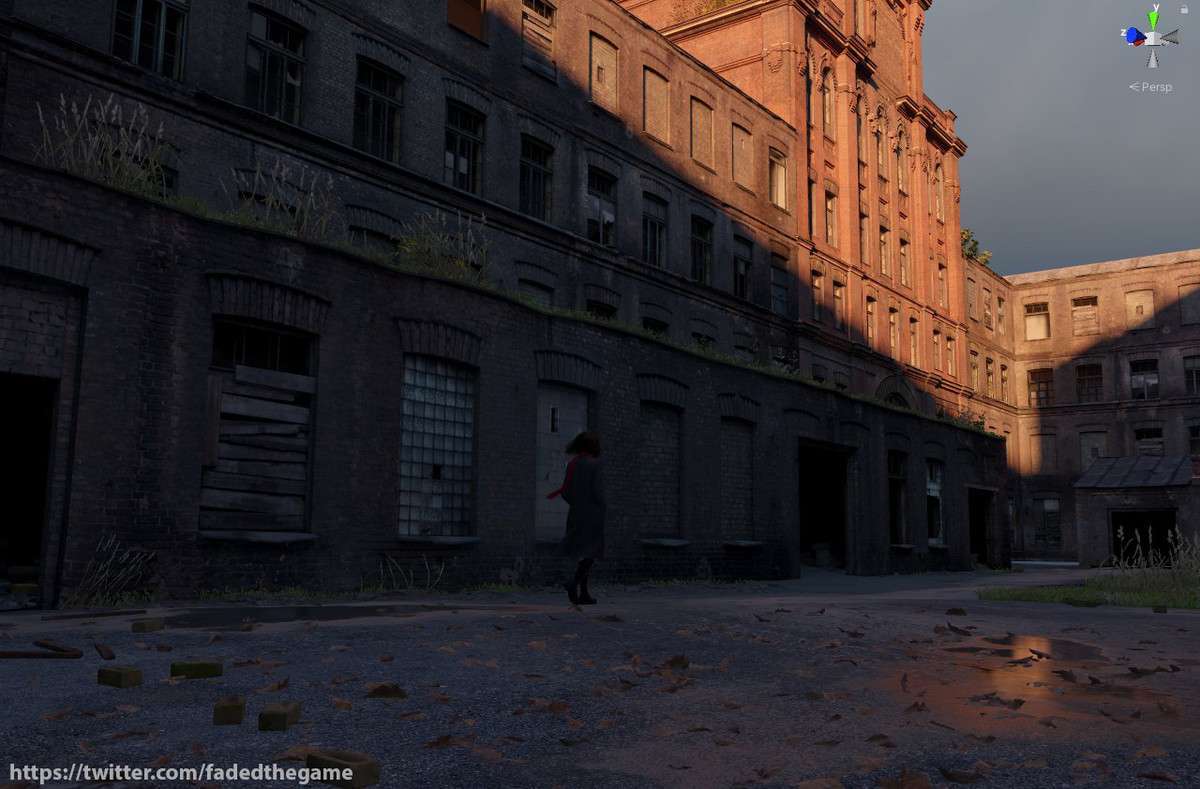
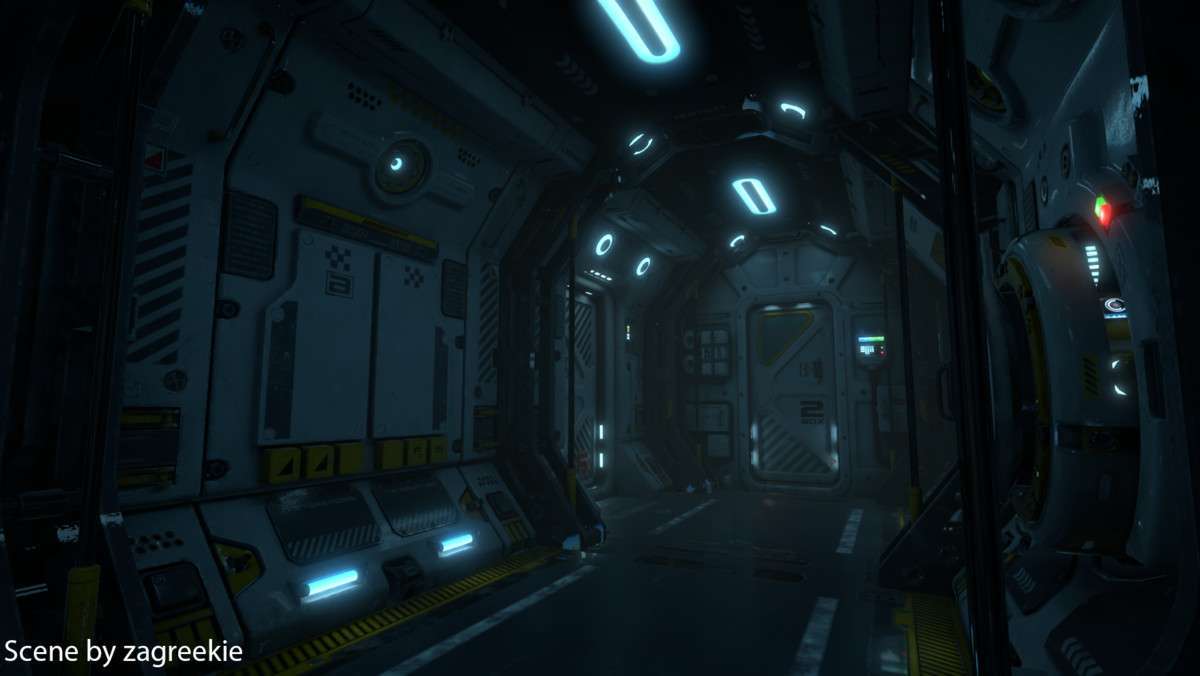
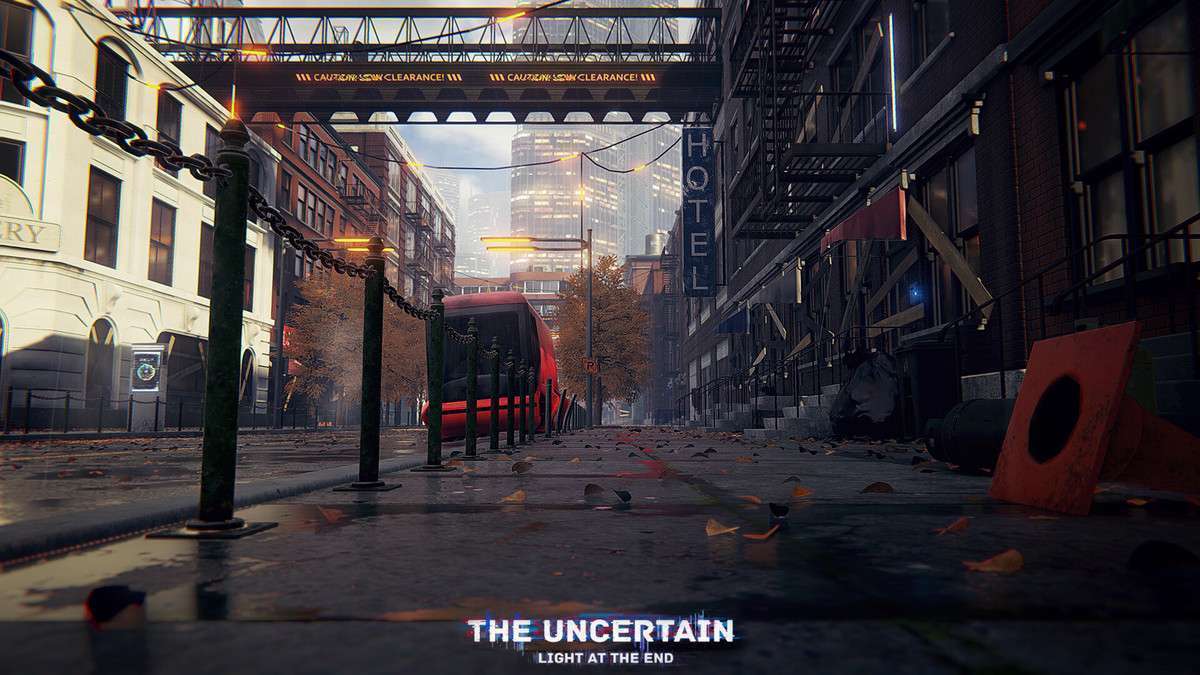
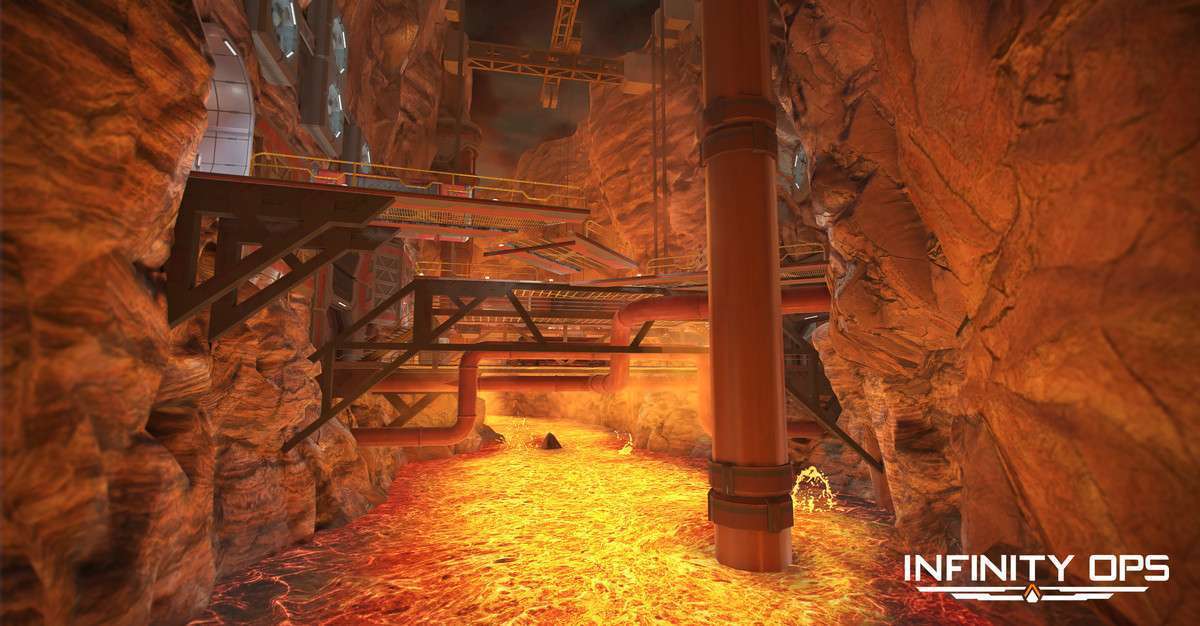
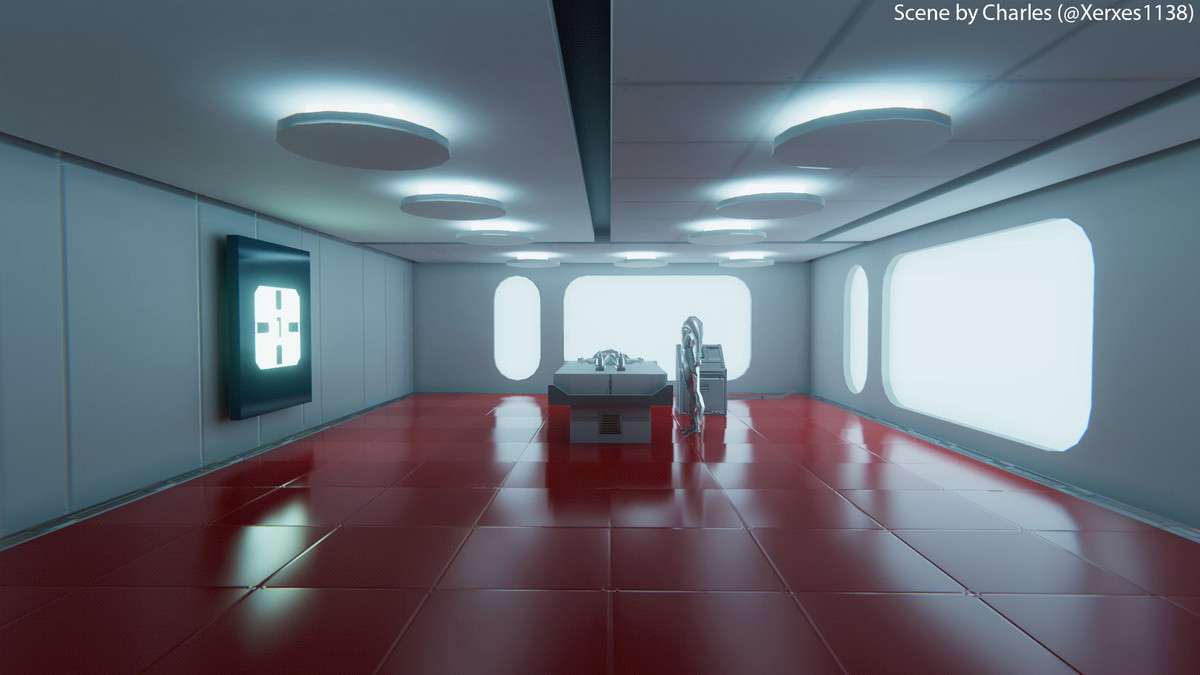
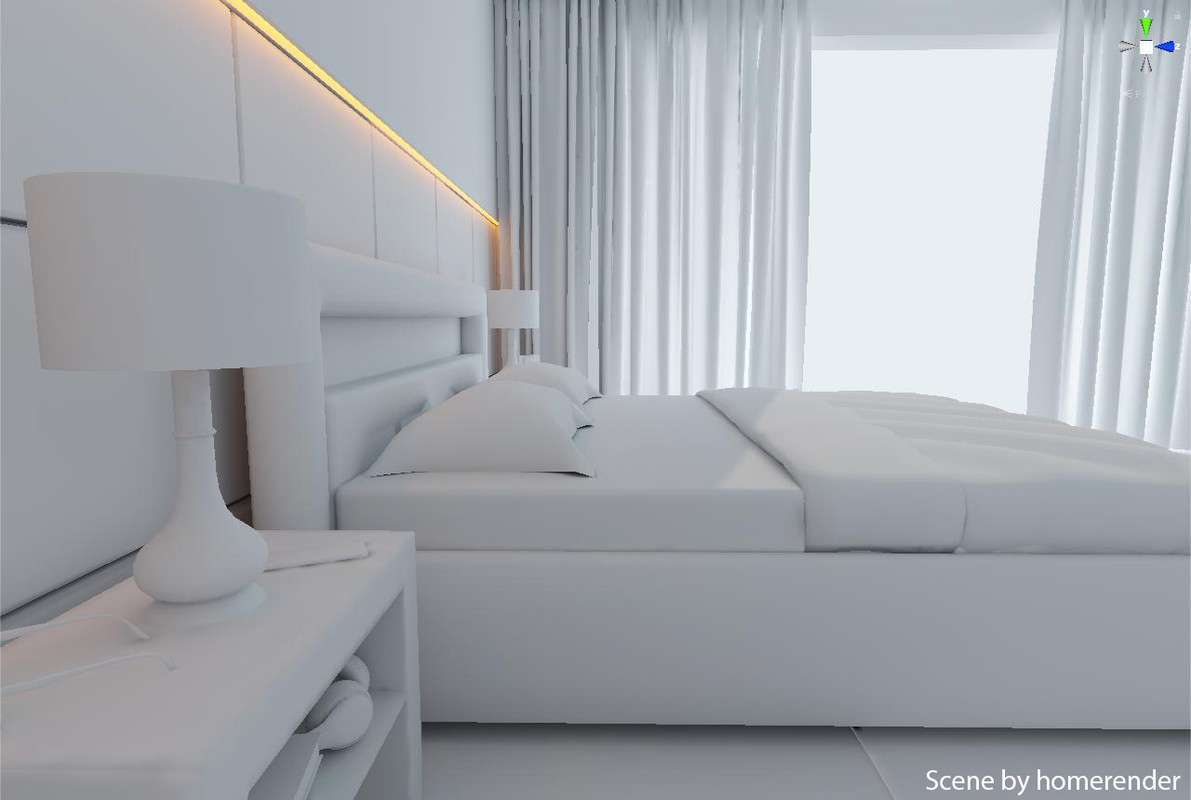
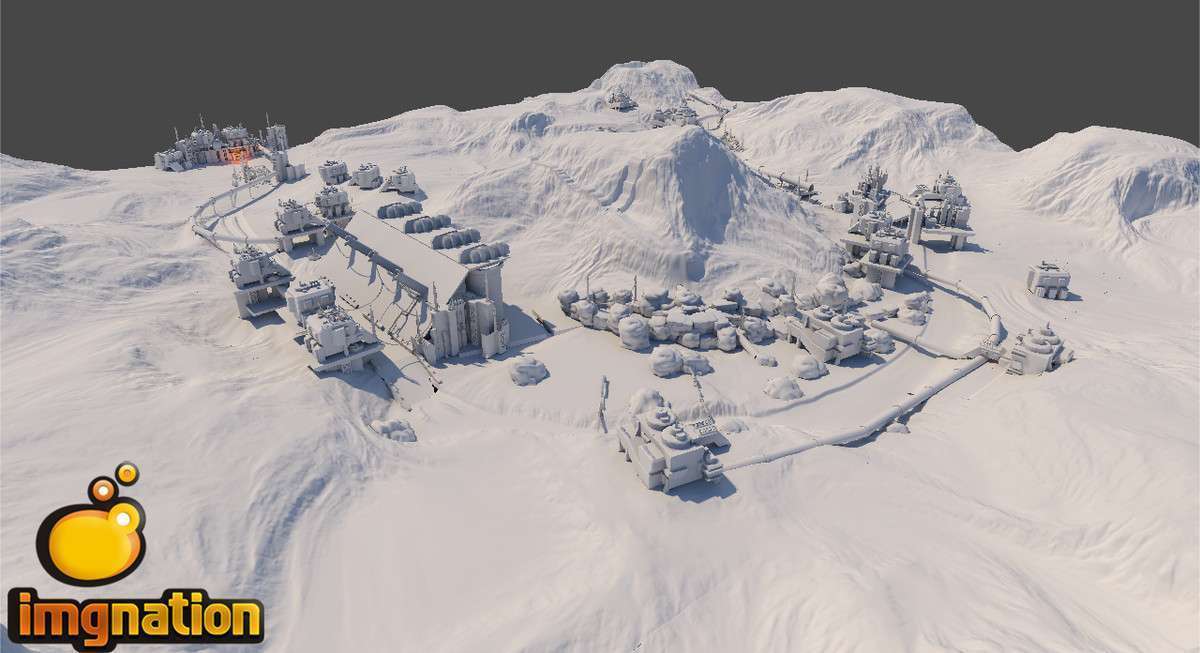
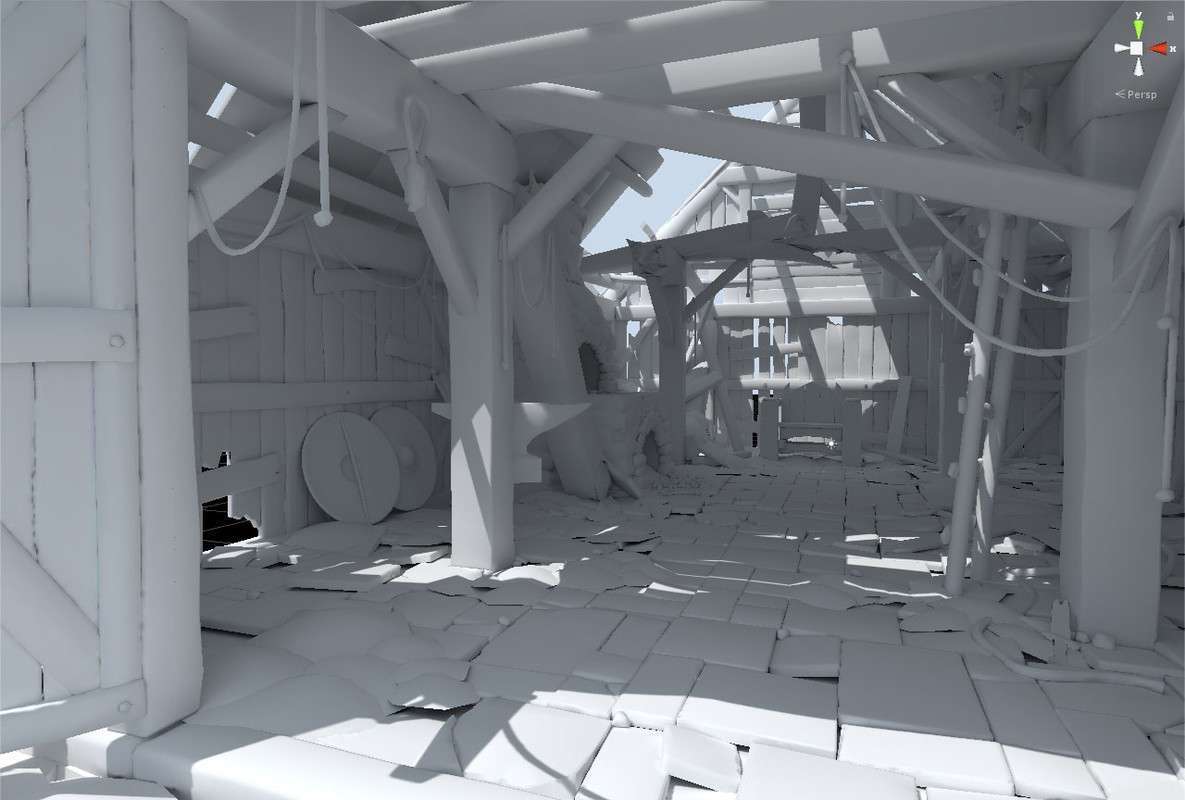
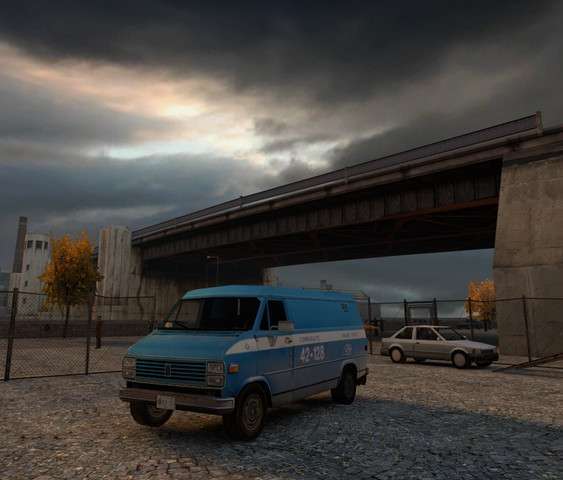
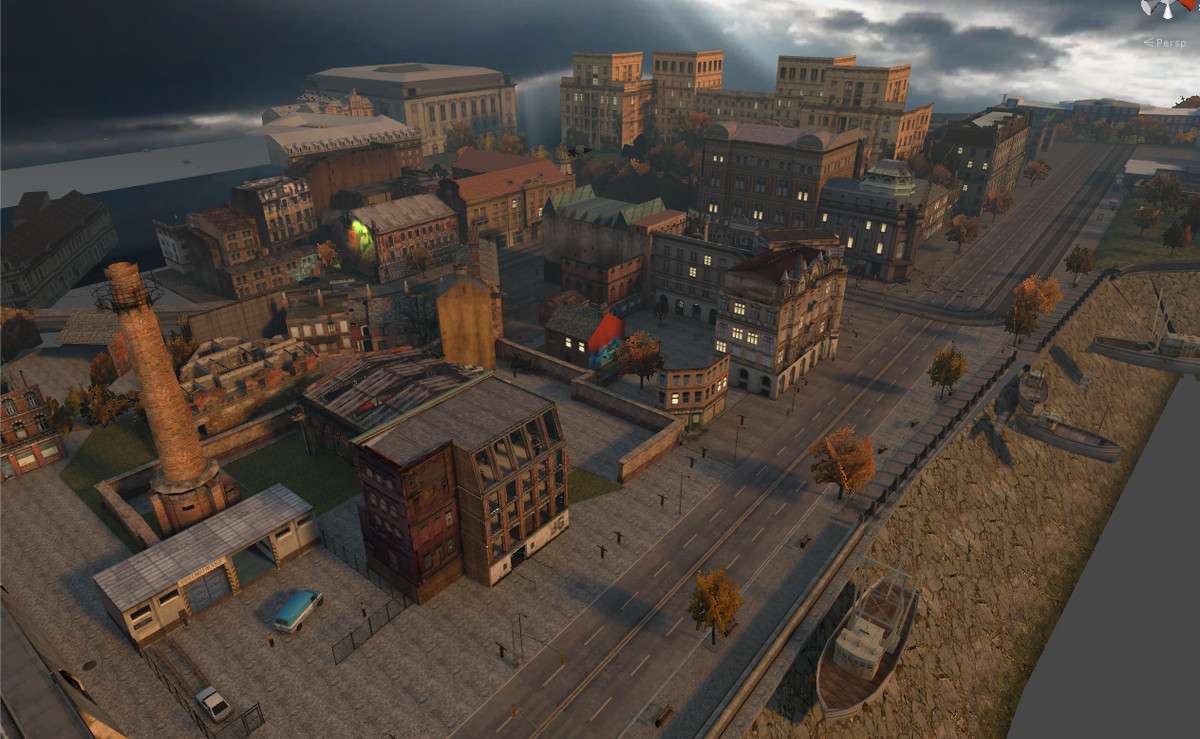
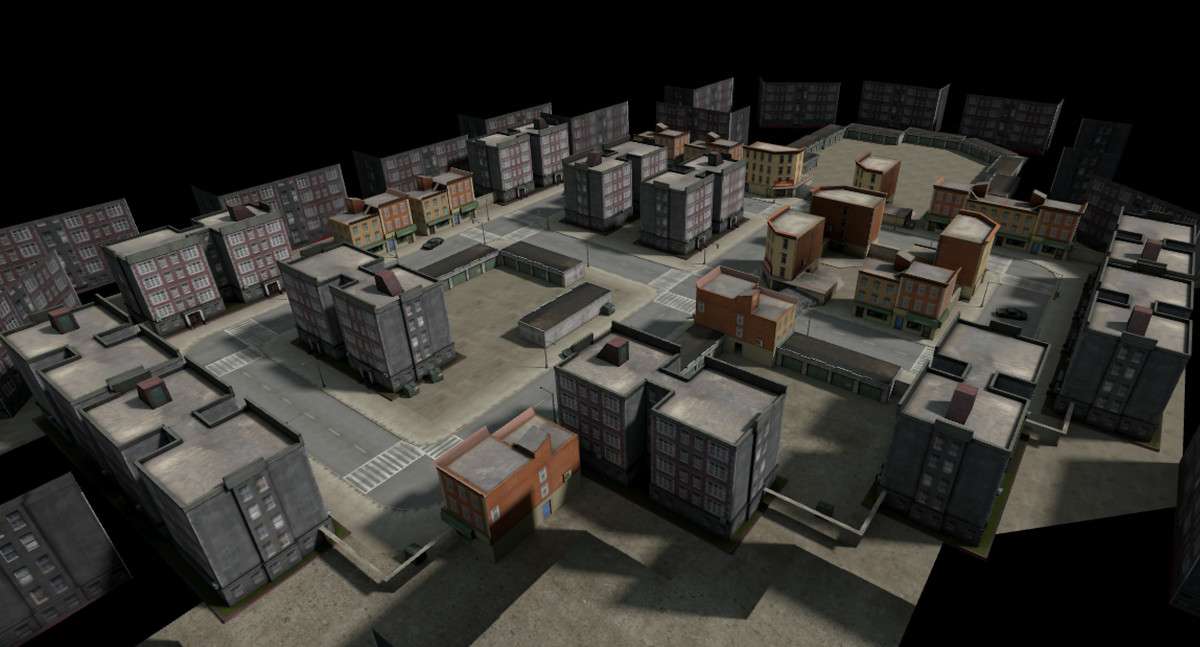
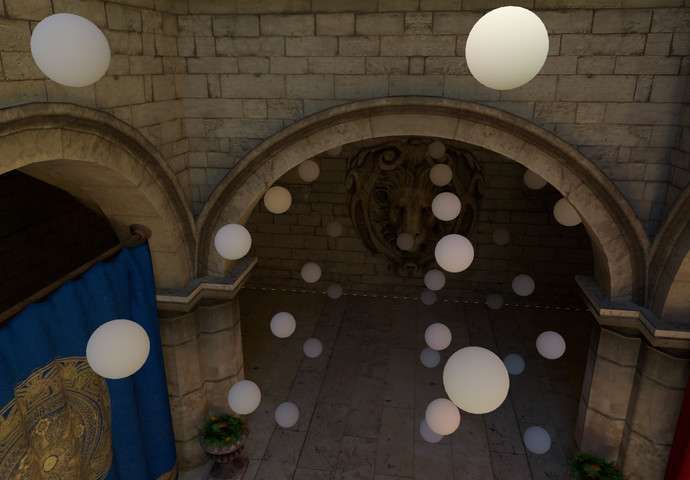
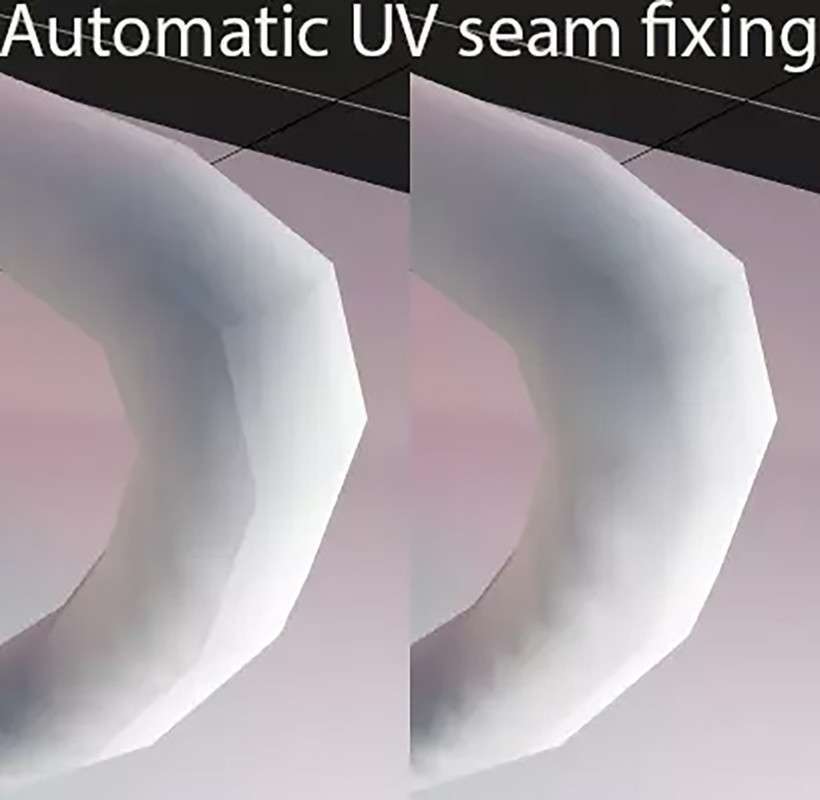
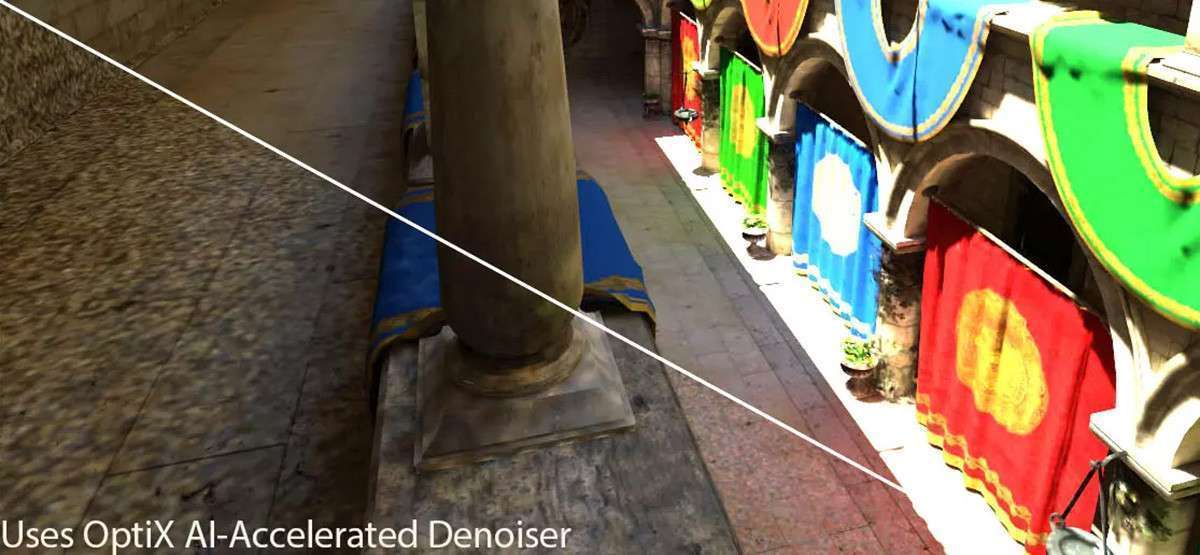
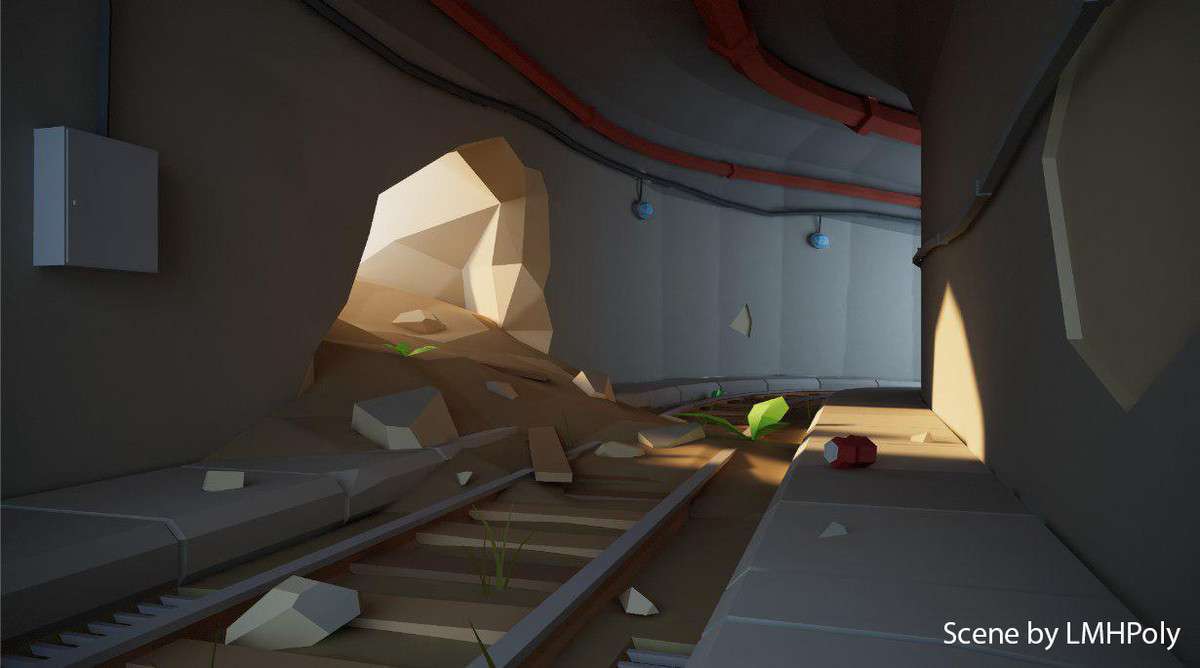
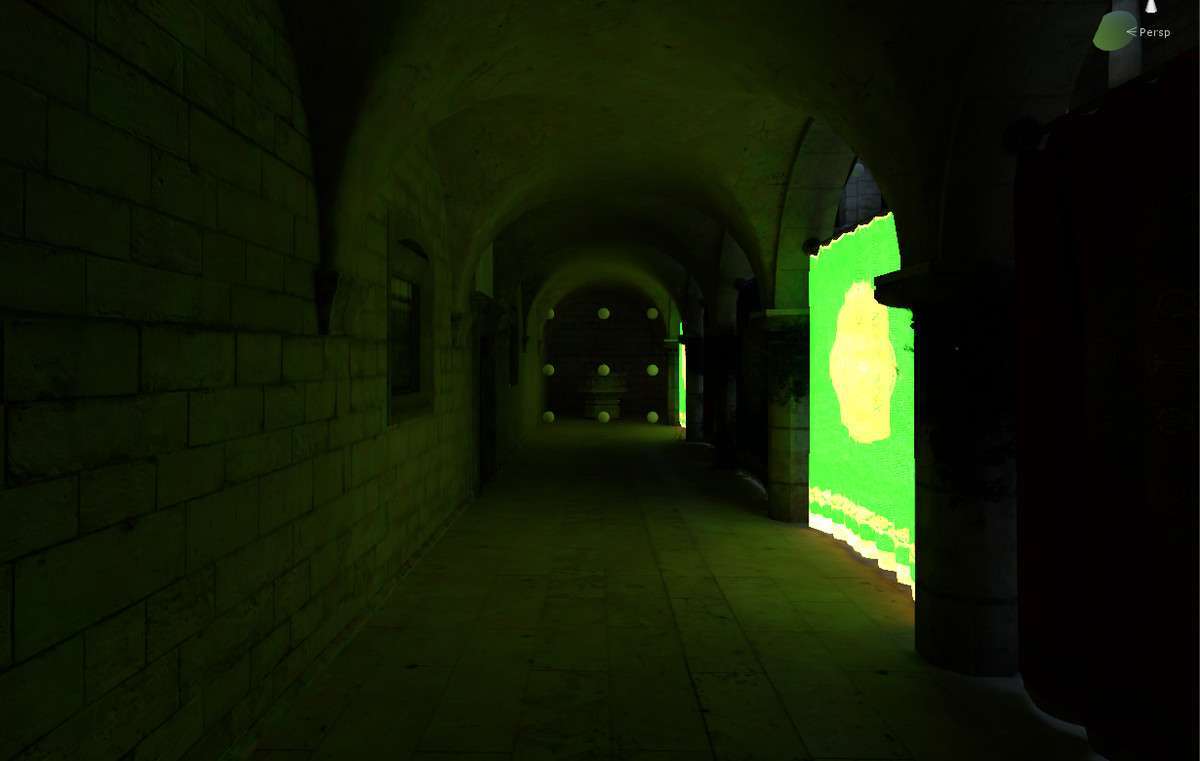
For any project targeting high-end visuals, the default Progressive Lightmapper often falls short in terms of speed and noise reduction. Bakery – GPU Lightmapper Unity 1.96.0 leverages NVIDIA’s RTX hardware and AI denoisers to provide physically correct Global Illumination in a fraction of the time. Because it bypasses the standard Unity lightmap bake flow, it avoids common artifacts like light leaking through thin geometry and UV seam mismatching that plague standard Enlighten or Progressive bakes.
Integration Tips
- UV2 Generation: Bakery is sensitive to UV overlaps. Always ensure your static meshes have a dedicated, non-overlapping UV2 channel. While Unity can generate these on import, for hero assets, it is best to manually unwrap them in a DCC tool like Blender or Maya to maximize texel density.
- Shader Compatibility: While Bakery works with standard URP/HDRP shaders, for the best results with emissive materials, use the provided Bakery-specific shaders or the ‘Bakery Lightmap Group’ component to define how specific objects should contribute to the GI bounce.
- Memory Management: Since bakes happen on the GPU, VRAM is your primary bottleneck. If you encounter crashes during the ‘Packing’ phase, try reducing the ‘Max Chart Size’ or splitting your scene into multiple ‘Bakery Volumes’ to process them sequentially.
Best Use Cases
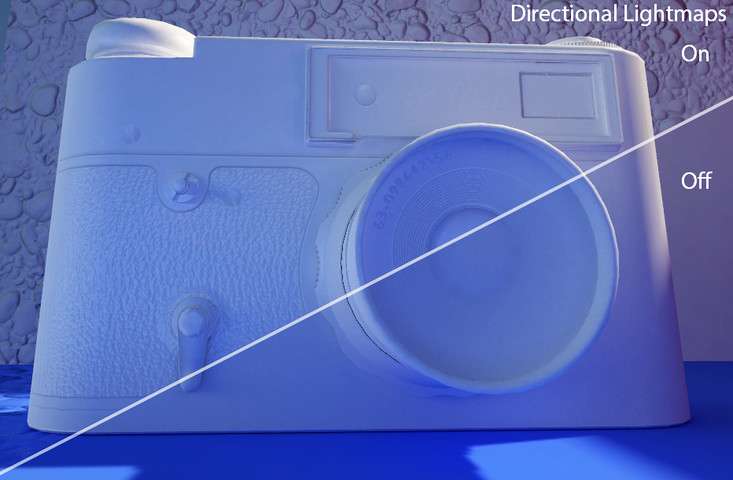
- VR/XR Development: Achieving 72, 90, or 120 FPS in VR requires strictly baked lighting. Bakery allows for high-quality shadowmasks and directional lightmaps that provide the depth of real-time lighting without the massive per-pixel GPU cost.
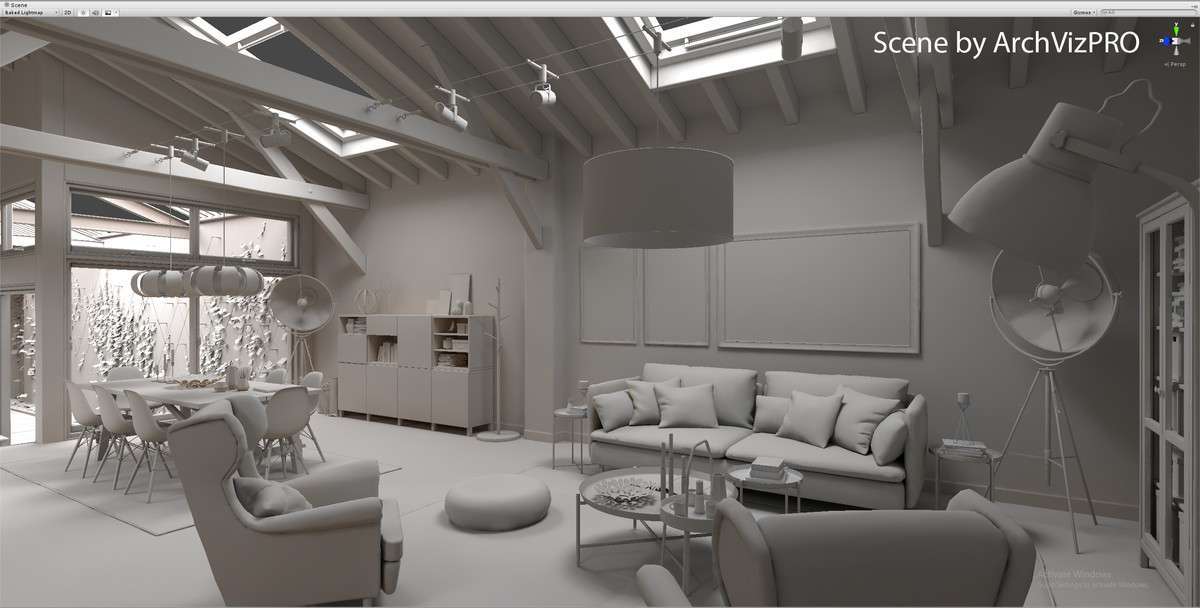
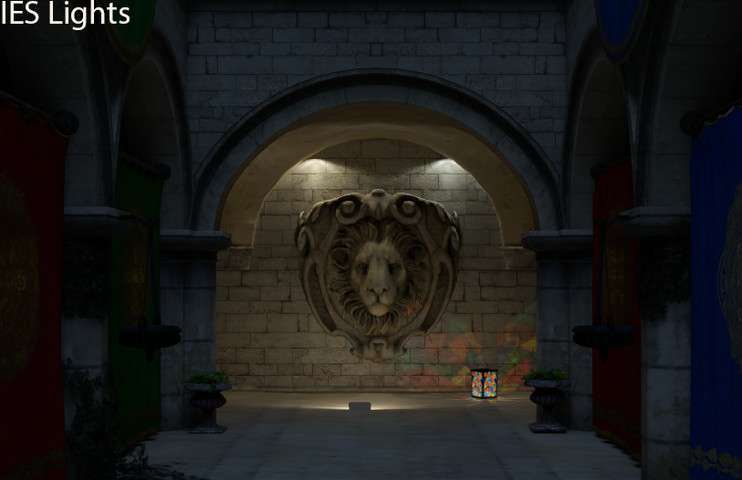
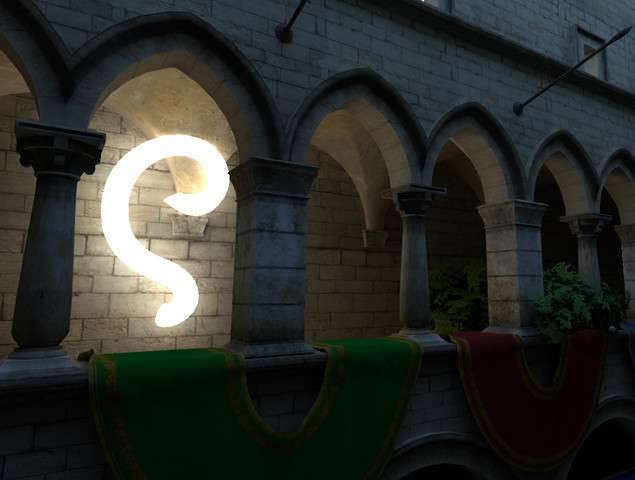
- Architectural Visualization: When physical accuracy is non-negotiable, Bakery’s support for IES light profiles and physically based falloff ensures that the digital twin matches the real-world lighting specifications provided by manufacturers.