
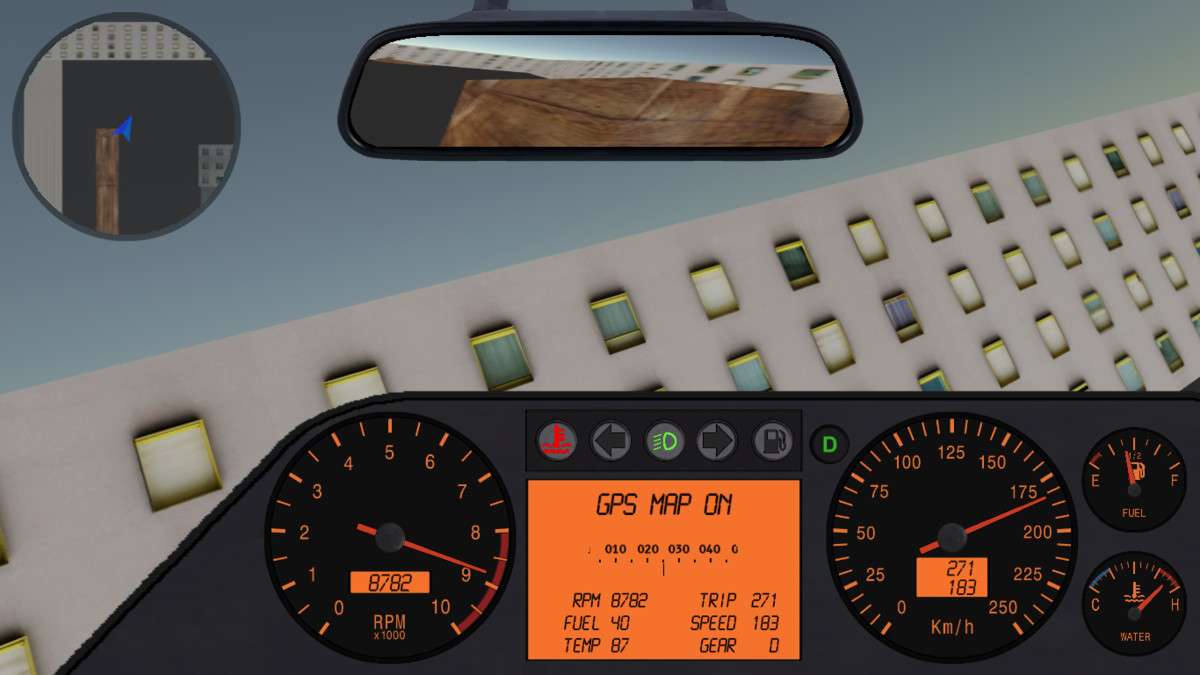
Professional Vehicle Instrumentation for Unity
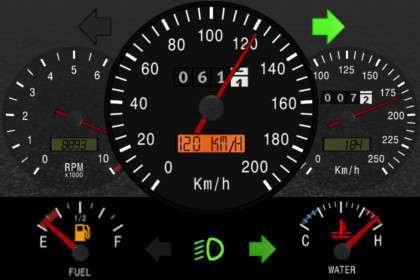
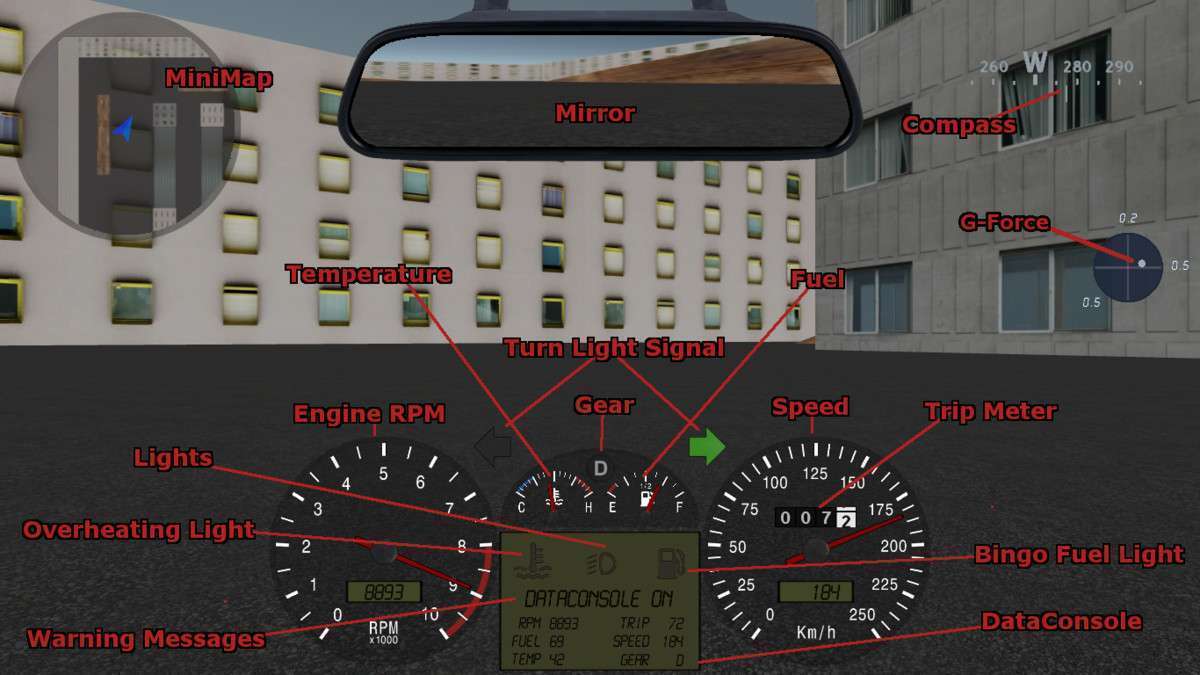
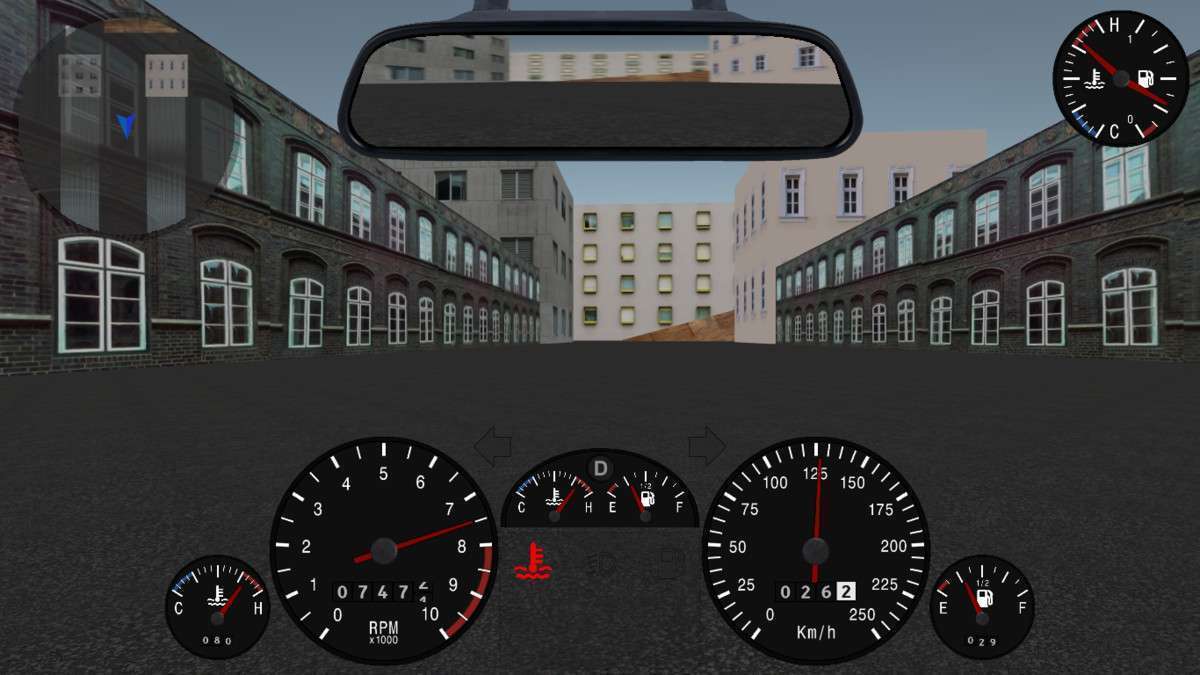
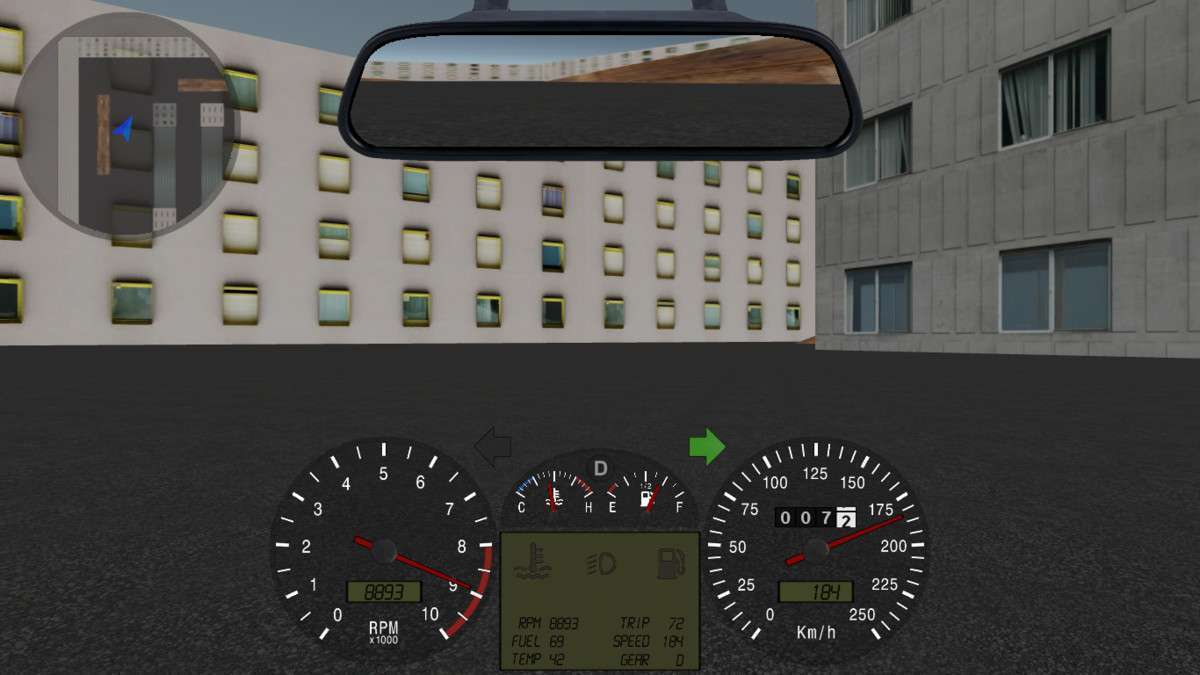
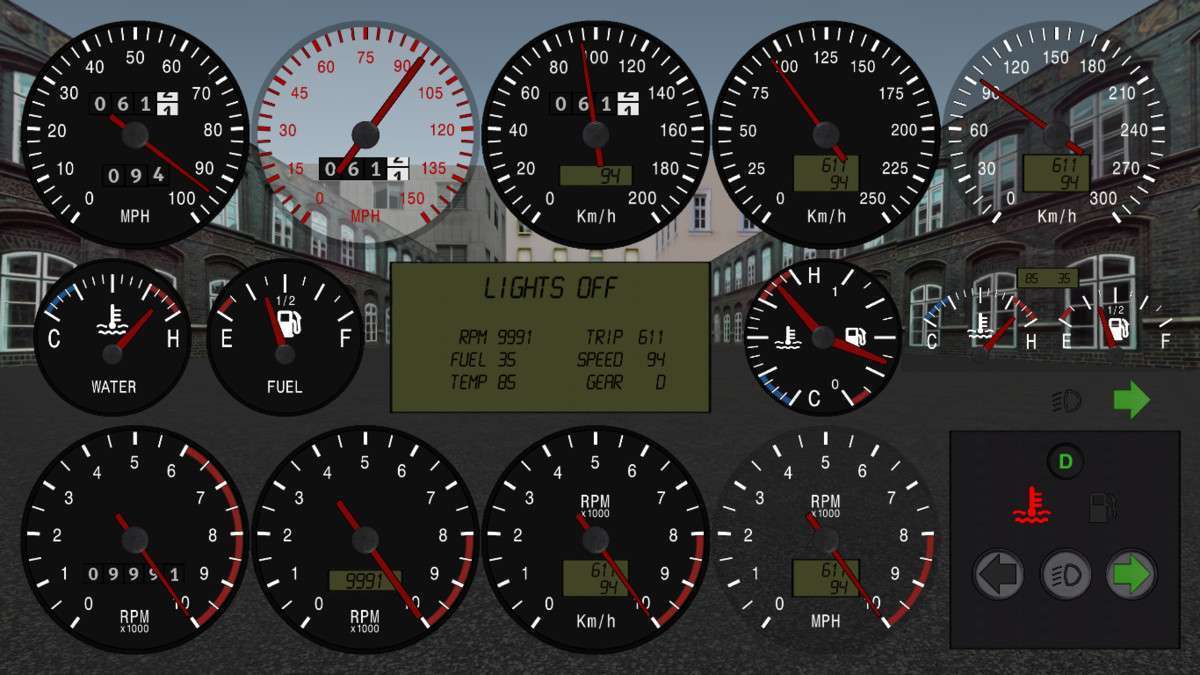
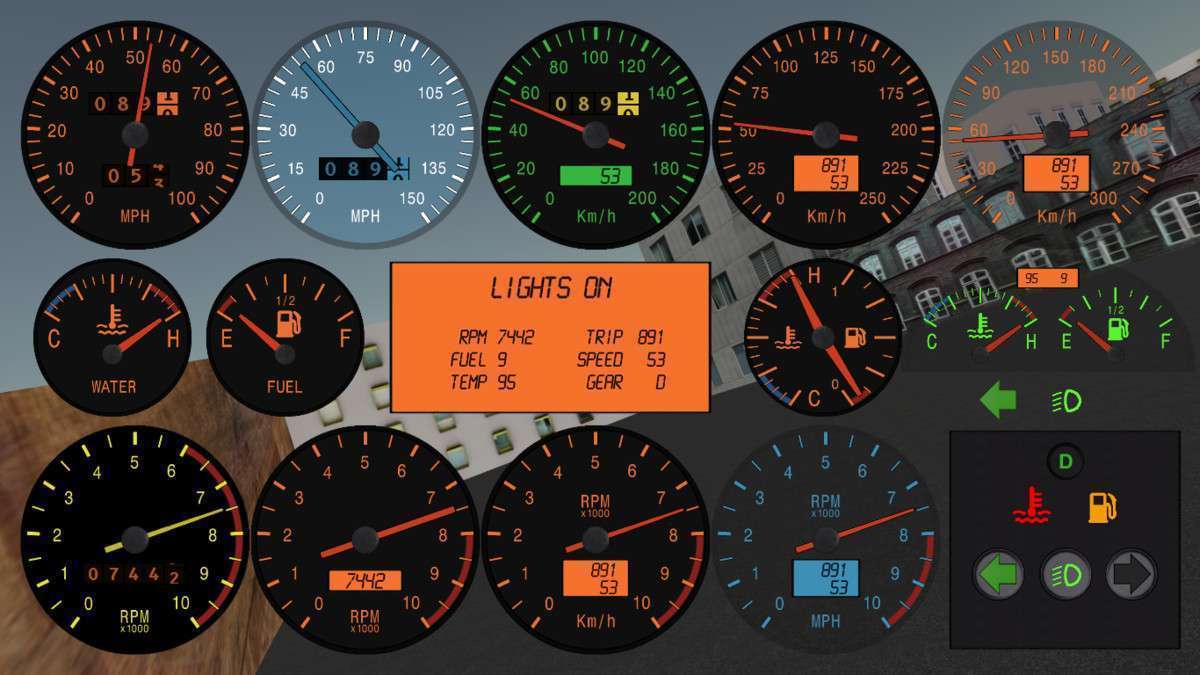
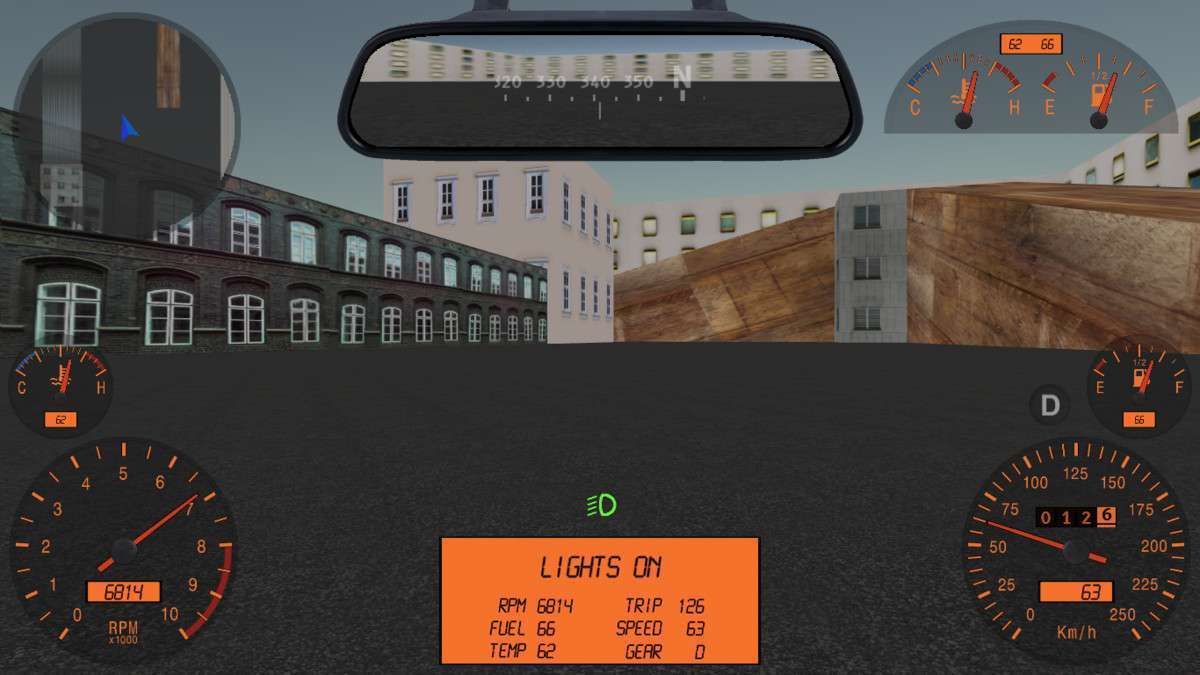
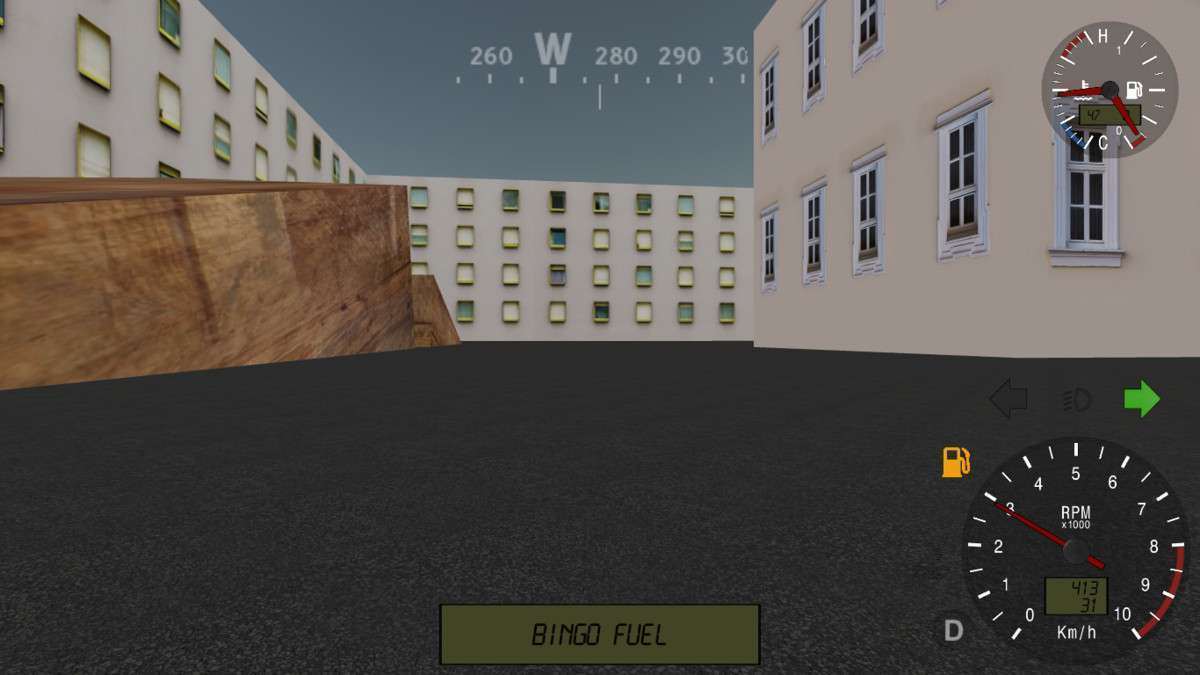
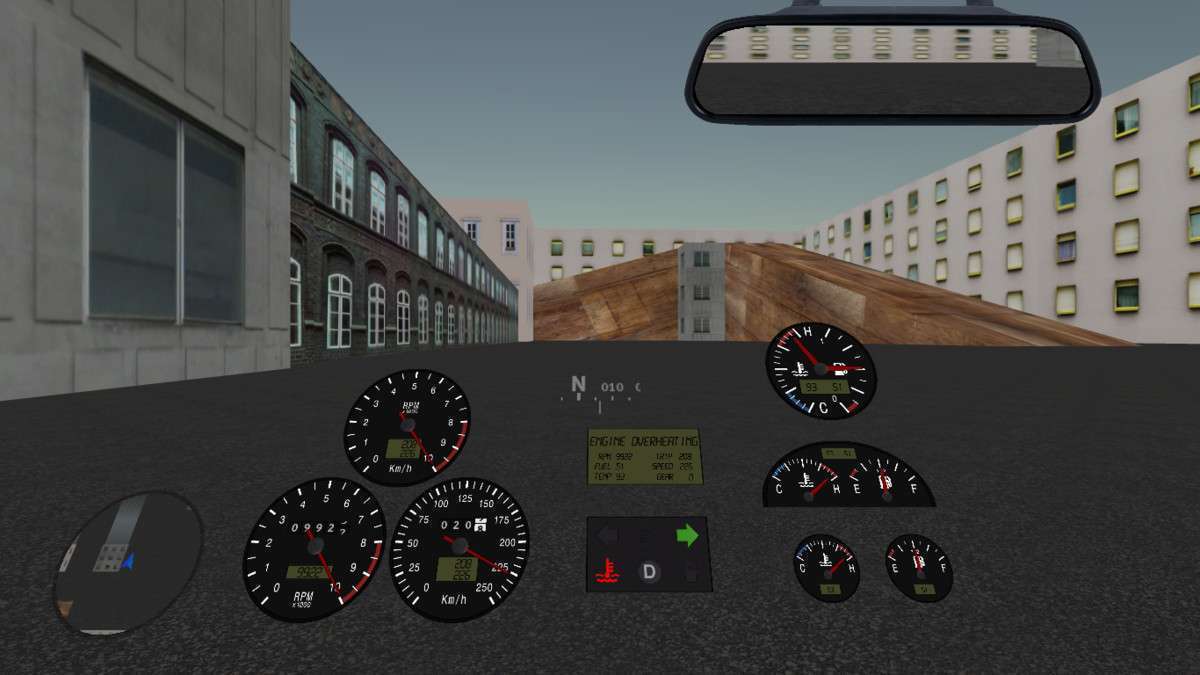
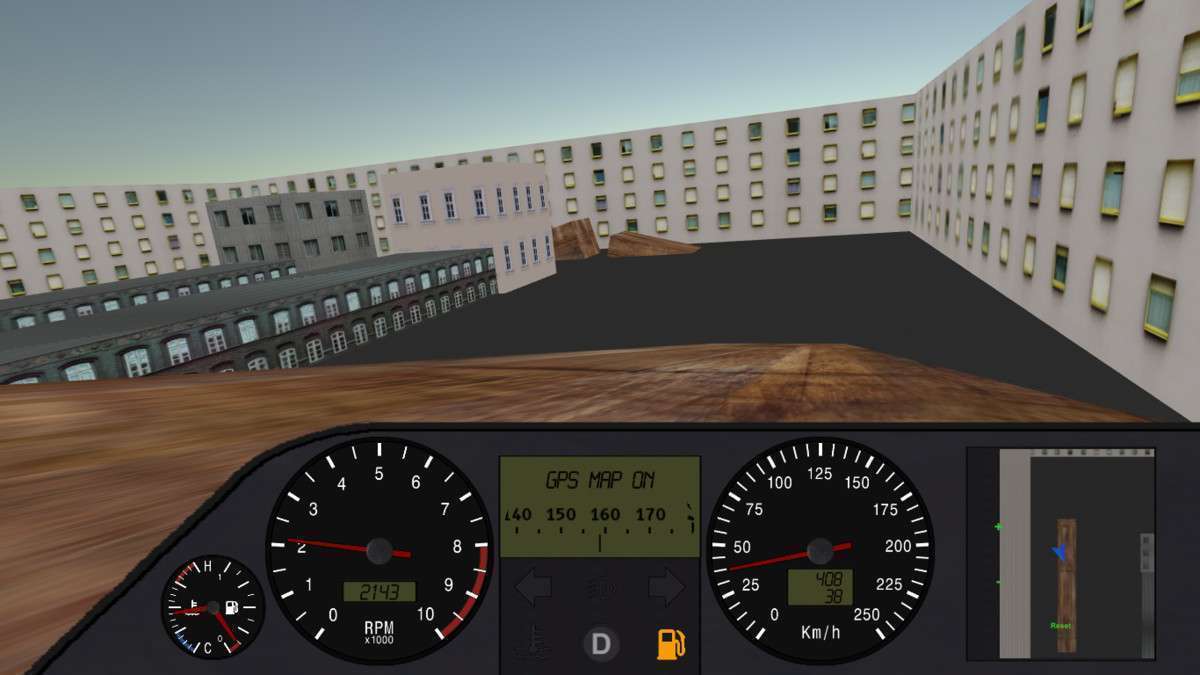
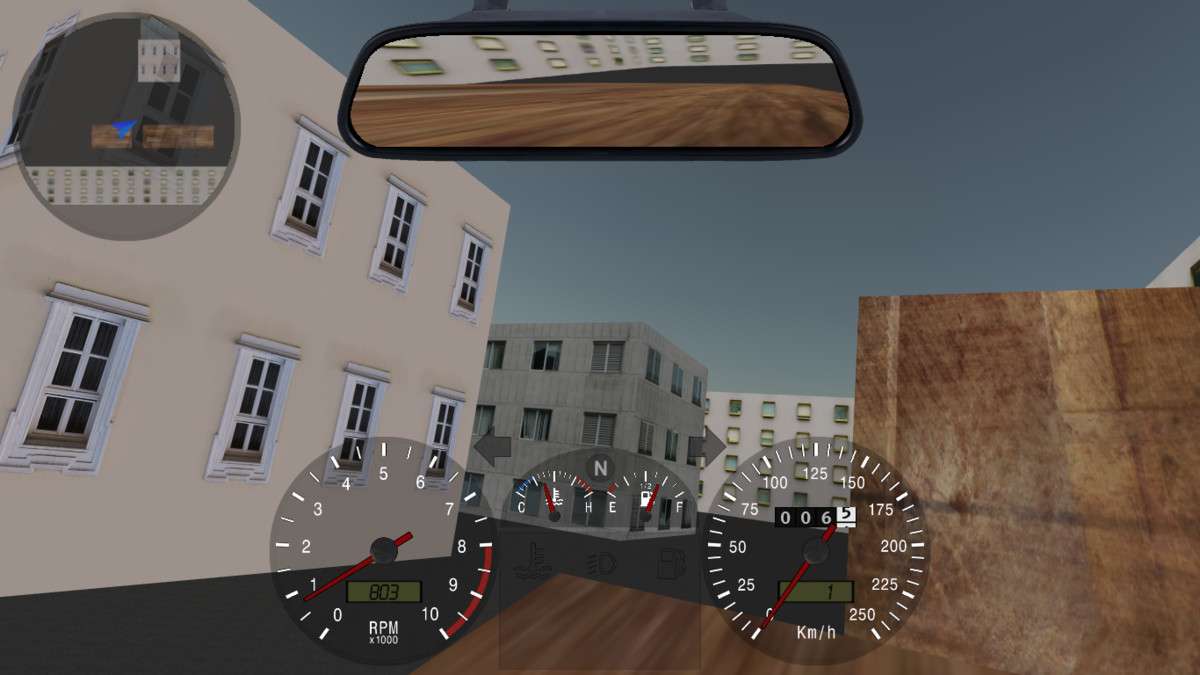
When shipping driving titles, the Automotive Gauges – GUI & Code Unity 1.2.0 asset saves significant engineering time by providing a decoupled, prefab-based system for high-fidelity dashboards. The asset handles the complex logic of interpolating physics data into smooth visual representations. Whether you are implementing a digital HUD or a 3D physical dashboard in world coordinates, the provided scripts handle the math for RPM, G-force, and fuel consumption out of the box, allowing you to focus on the UI/UX polish.
Integration Tips
To integrate with a custom vehicle controller, simply point the Gauge Controller script to your vehicle’s transform. If your physics engine produces jittery velocity data, utilize the built-in LowPassFilter factor within the inspector; a value between 0.1 and 0.3 is usually the sweet spot for analog needles. For mobile optimization, prefer the Digital Display options over the Analog Rolling Digits to reduce the number of active Animators and Draw Calls in your UI Canvas.
Best Use Cases
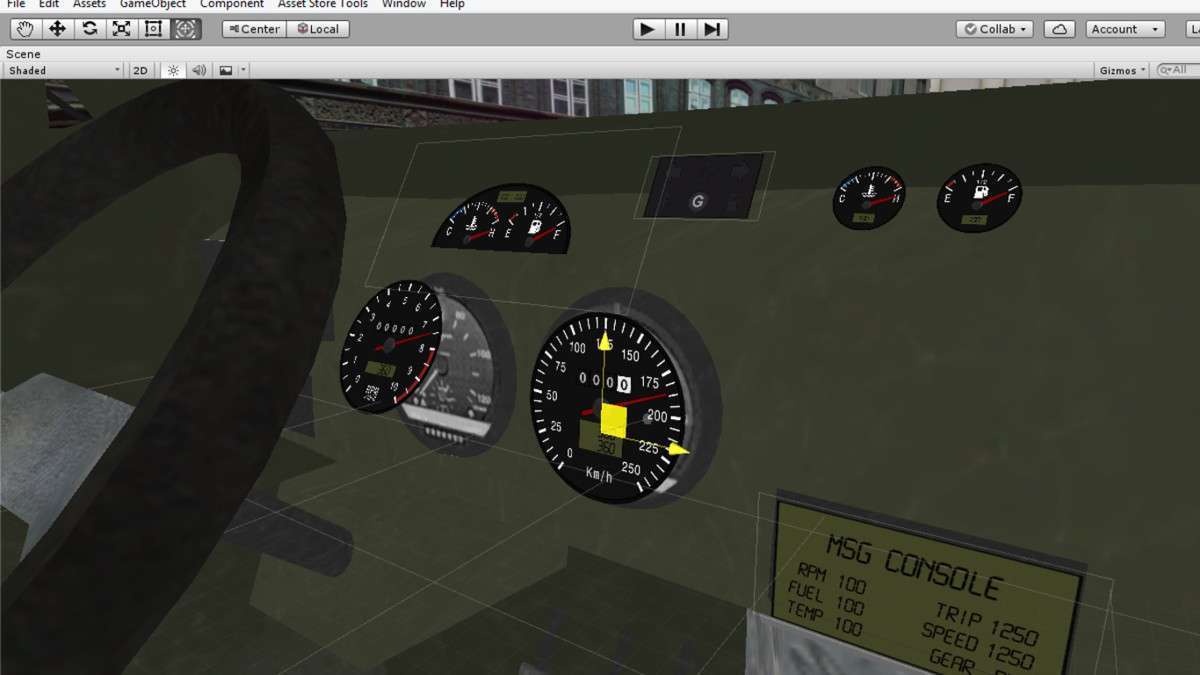
- Simulation Racing Games: The 3D Prefab in WorldCoordinates allows for rapid setup of realistic cockpits where gauges respond to lighting and shadows, essential for immersion in high-end PC/Console sims.
- VR Driving Experiences: Since the asset supports 3D world-space UI, it is ideal for VR where traditional screen-space HUDs cause nausea. The G-Force meter and rearview mirror prefabs are particularly useful for cockpit-based spatial awareness.