
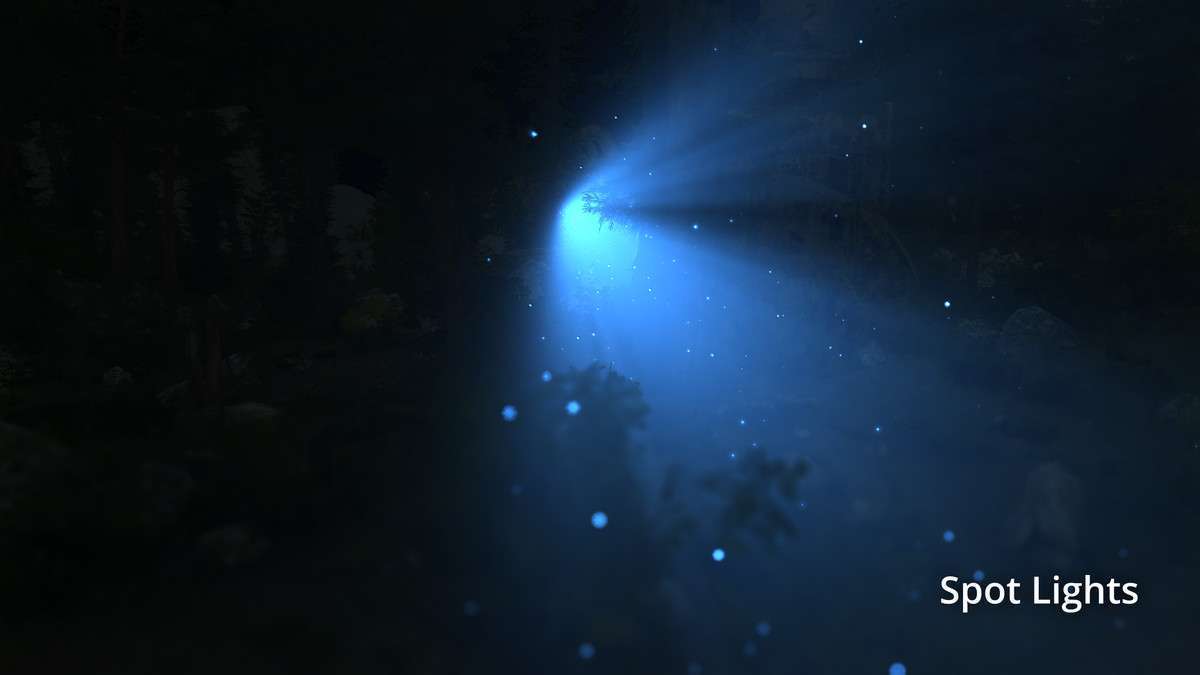
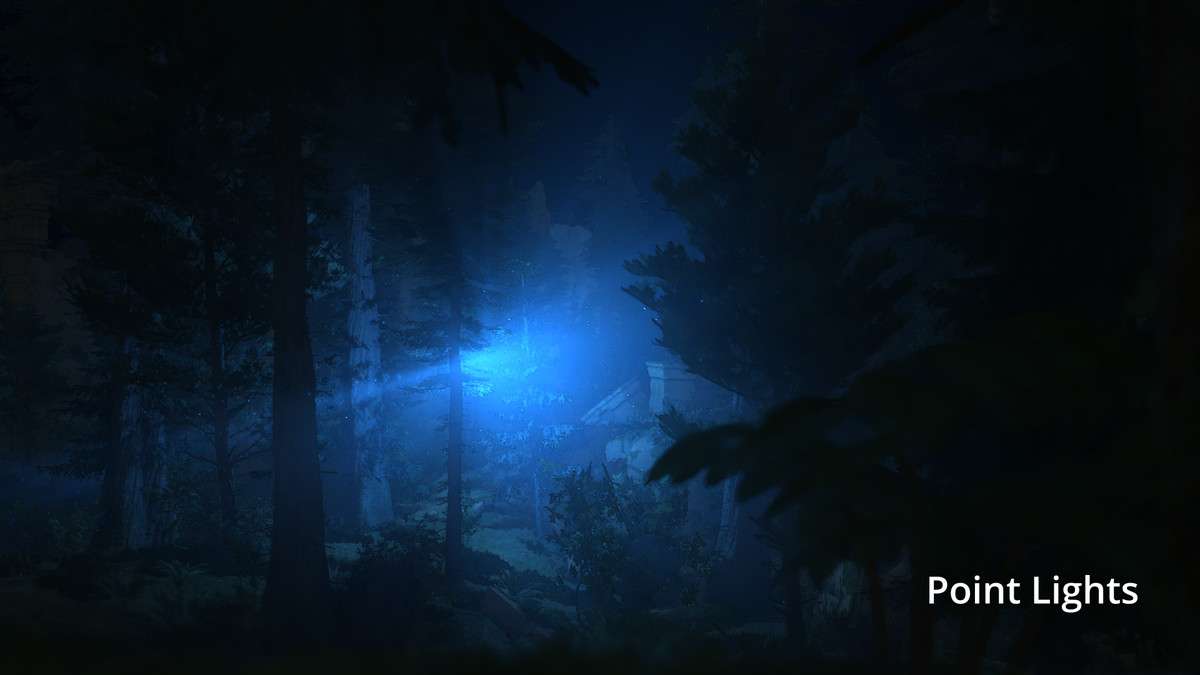
Overview
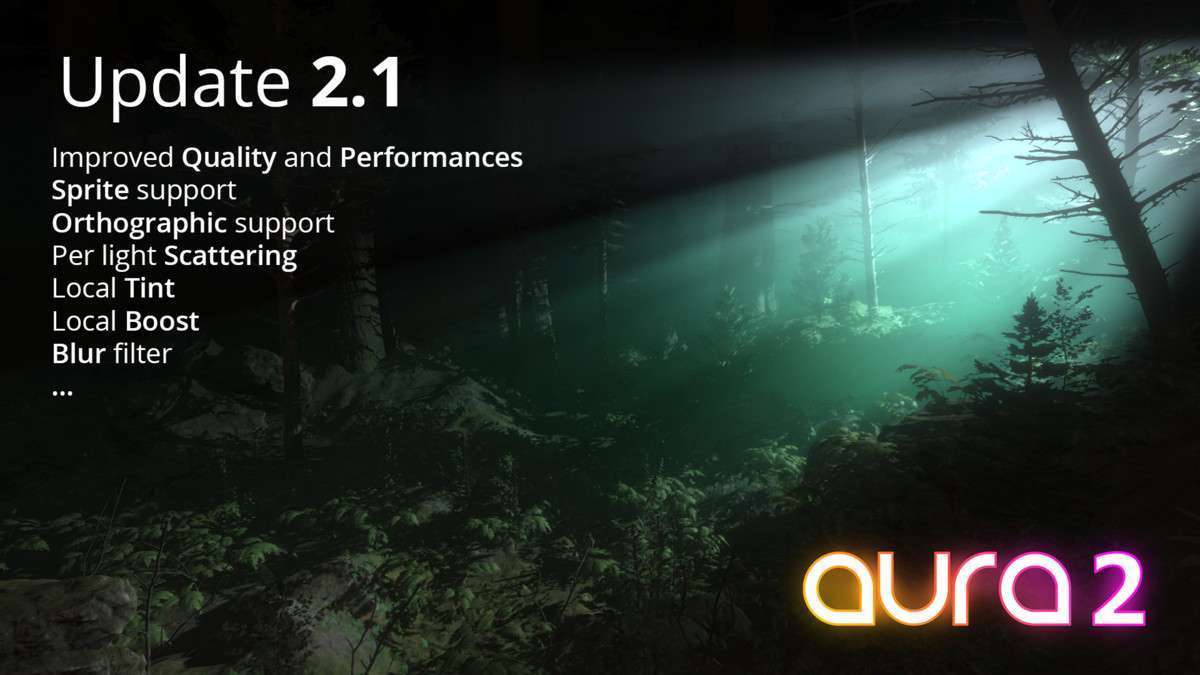
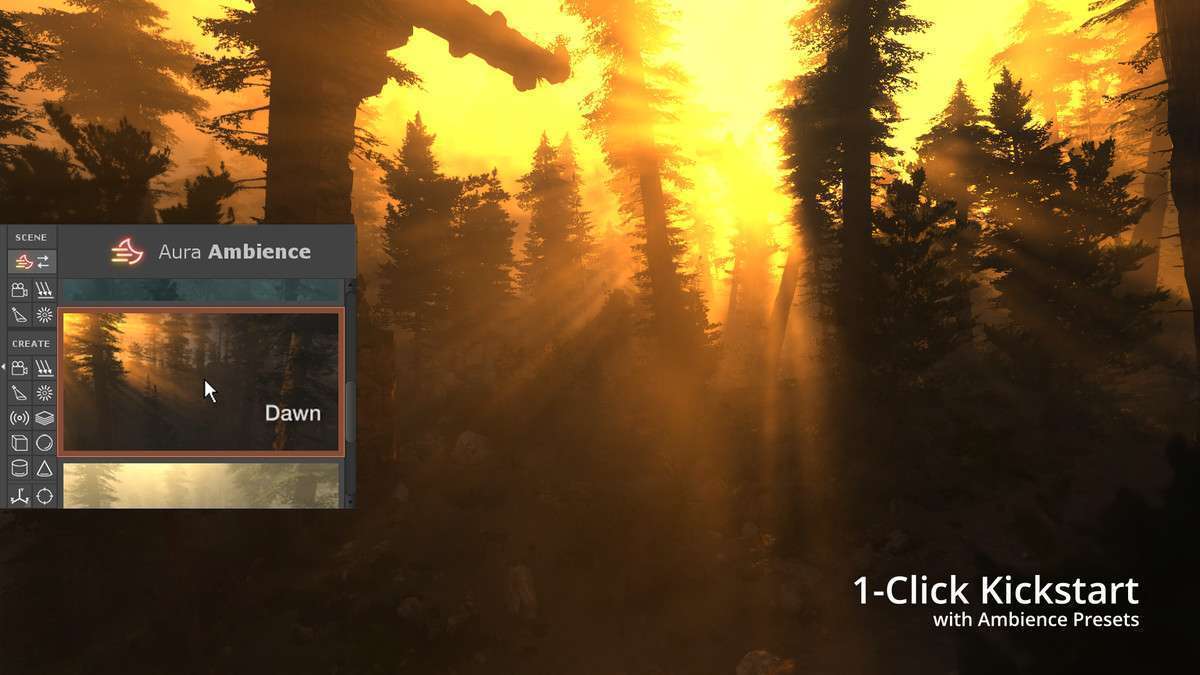
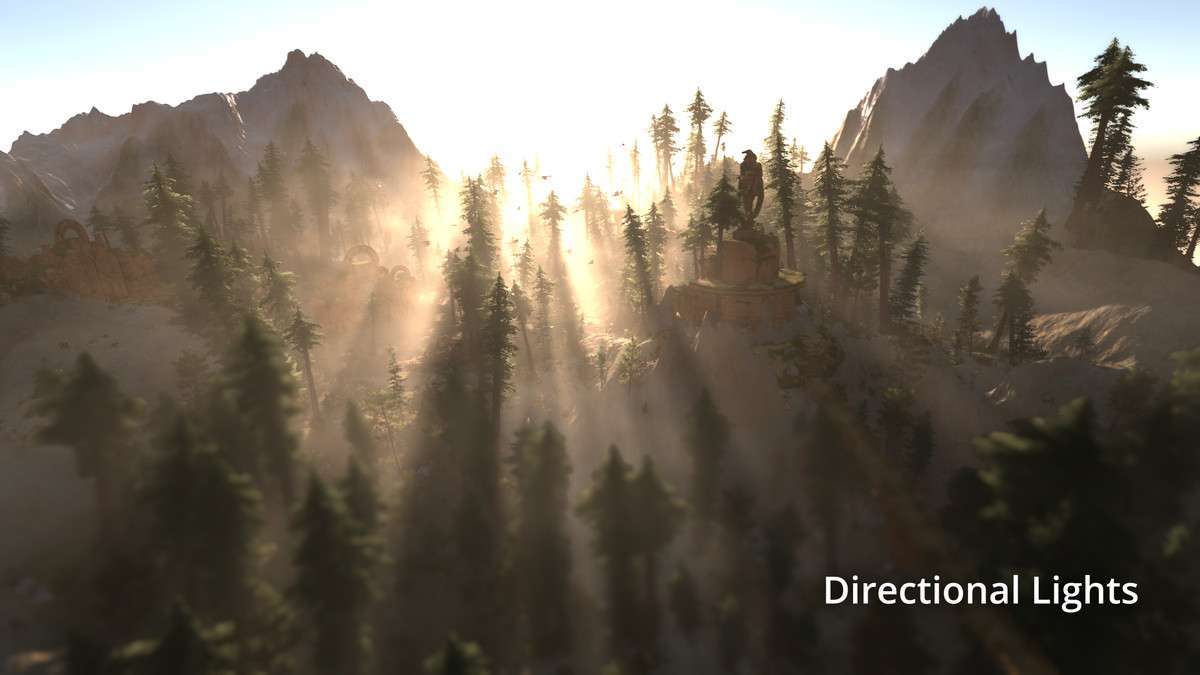
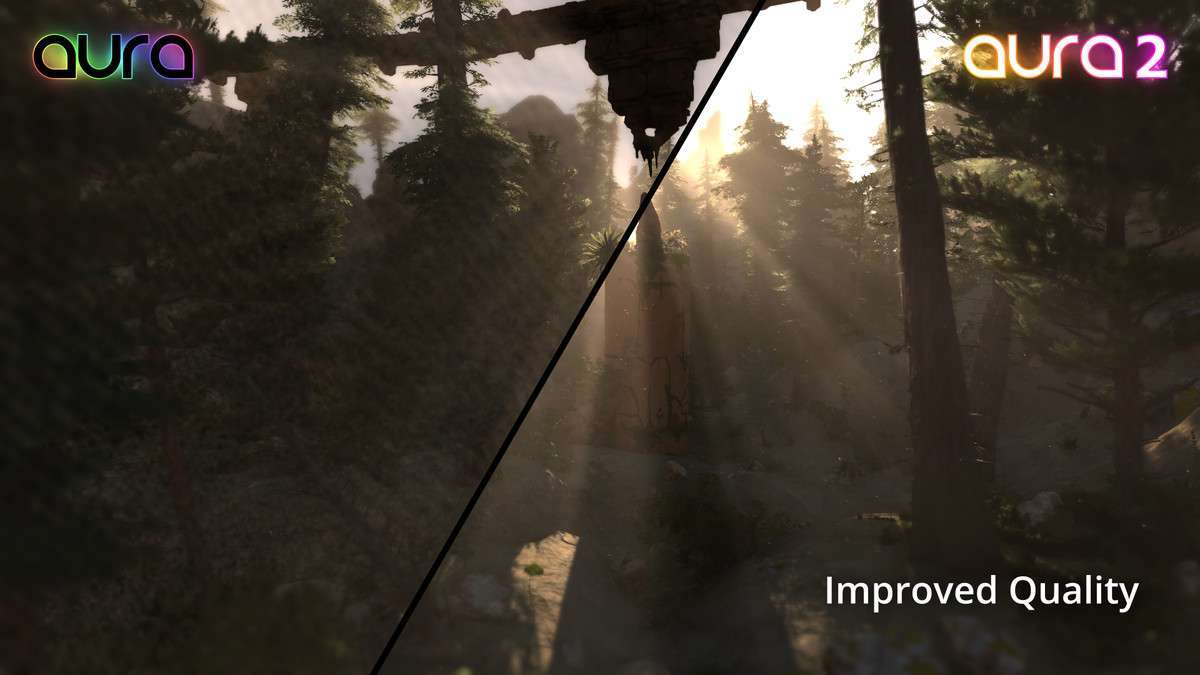
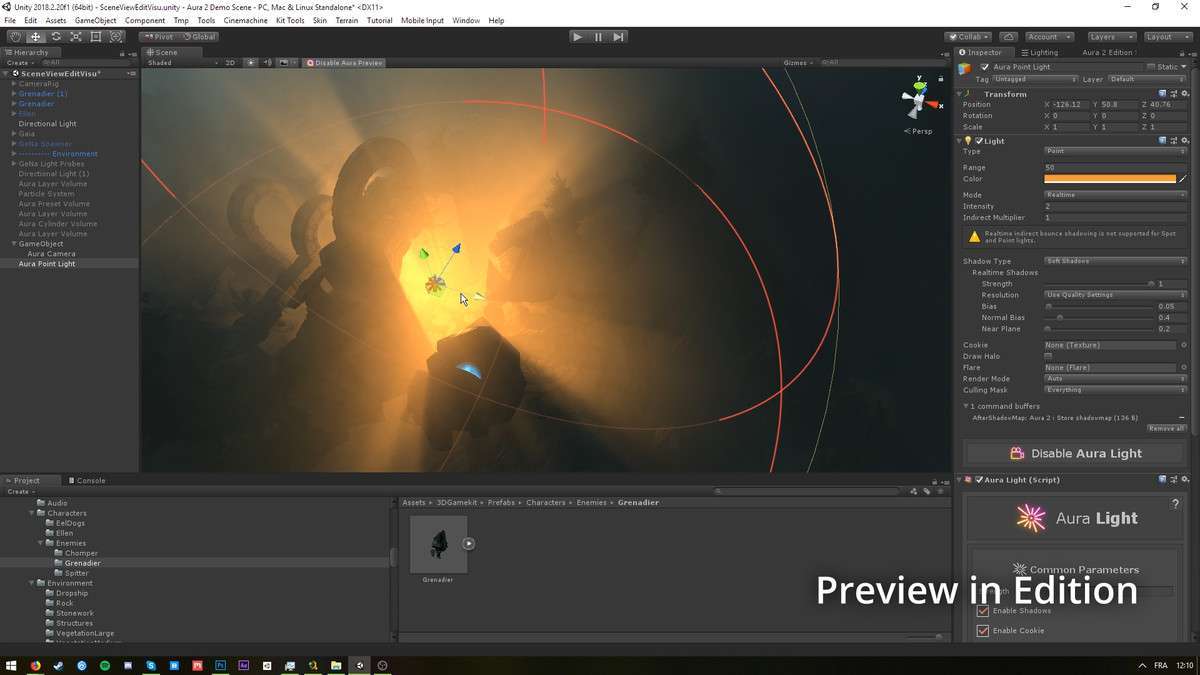
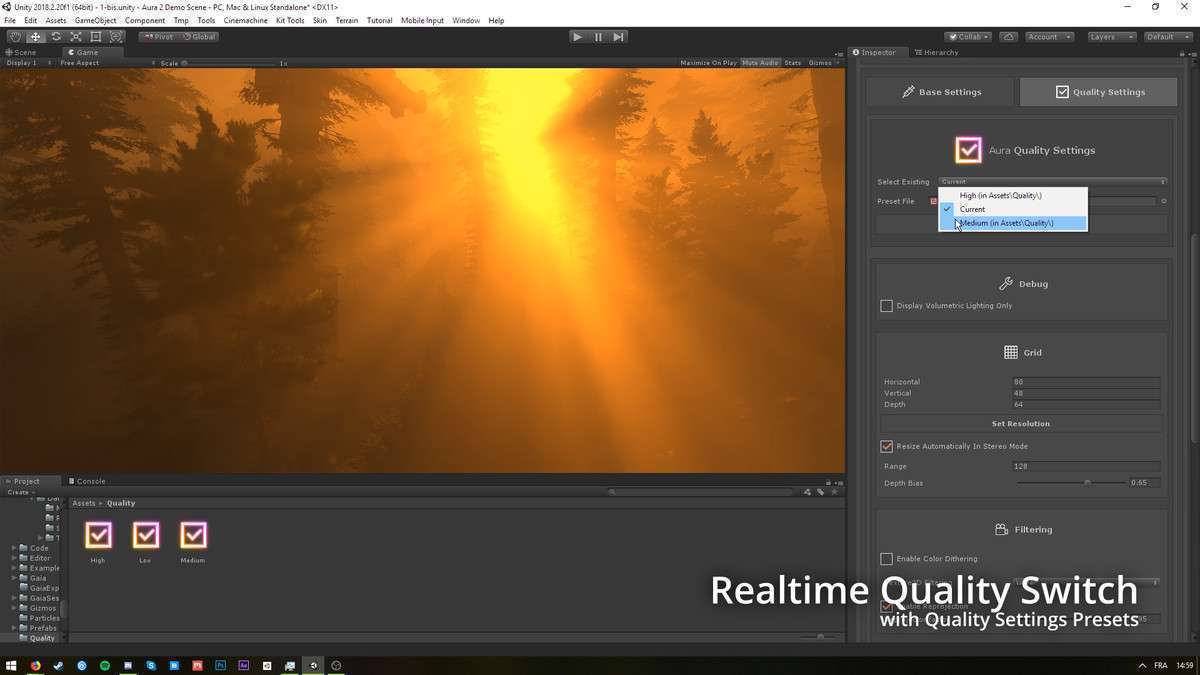
Aura 2 – Volumetric Lighting & Fog Unity provides a robust, high-quality solution for atmospheric effects within the Built-in Render Pipeline (BiRP). While its future is tied to BiRP’s deprecation, for existing projects or those with short development cycles on BiRP, this asset, currently at 2.1.15, remains a powerful tool for simulating realistic light scattering, godrays, and fog. Our experience with Aura 2 highlights its ability to significantly enhance visual fidelity and depth in compatible projects.
Integration Tips
- BiRP Exclusivity & Deprecation: Crucially, Aura 2 is designed exclusively for the Built-in Render Pipeline. Do not consider this asset for URP, HDRP, or custom SRP projects. It is best suited for existing BiRP projects or new projects with a very short development timeline where a full SRP migration is not feasible. Be aware of its planned deprecation timeline, which aligns with Unity 6.x.
- Hardware Requirements: Aura 2 strictly requires full support for ComputeShaders, RenderTextures (including 3D), and Texture2DArrays. Verify these capabilities on all target platforms, especially lower-end mobile devices or older console hardware, as lack of support will prevent the asset from functioning.
- Transparent Object Shader Modification: As noted by the publisher, transparent objects will require modified shaders to correctly display volumetric lighting. This involves adding specific passes or injecting Aura 2’s output into your custom transparent shaders. Be prepared to dive into shader code to achieve seamless integration for assets like glass, water, or particle effects. The package includes example shaders and documentation for this process.
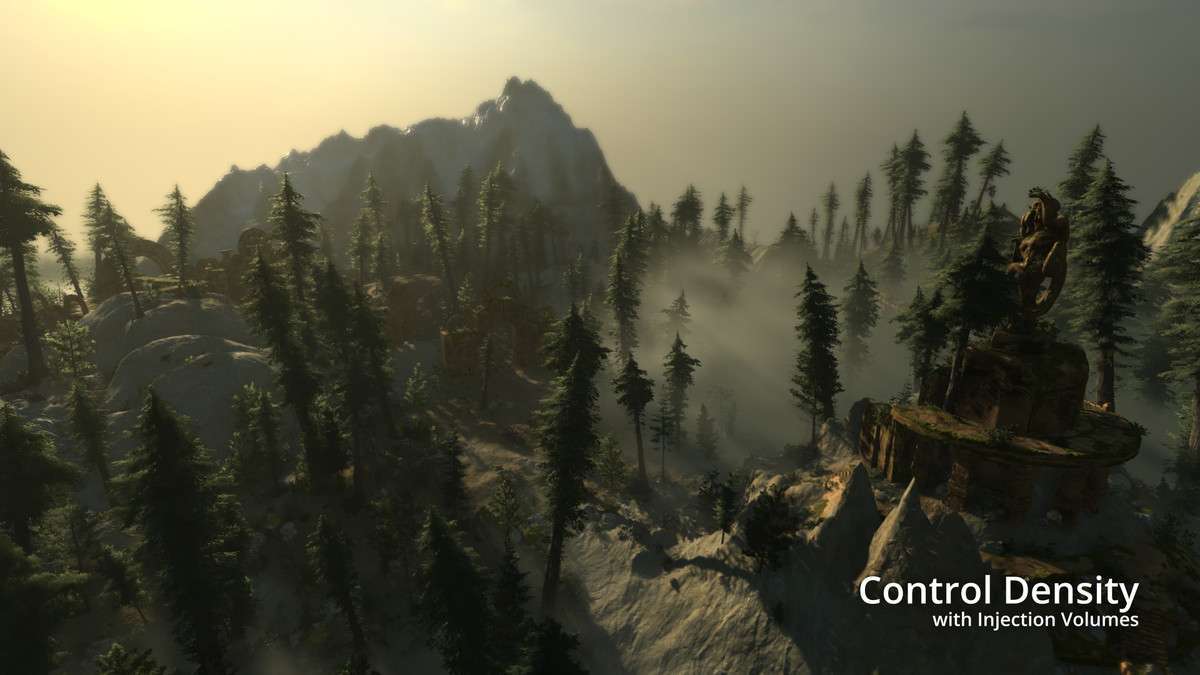
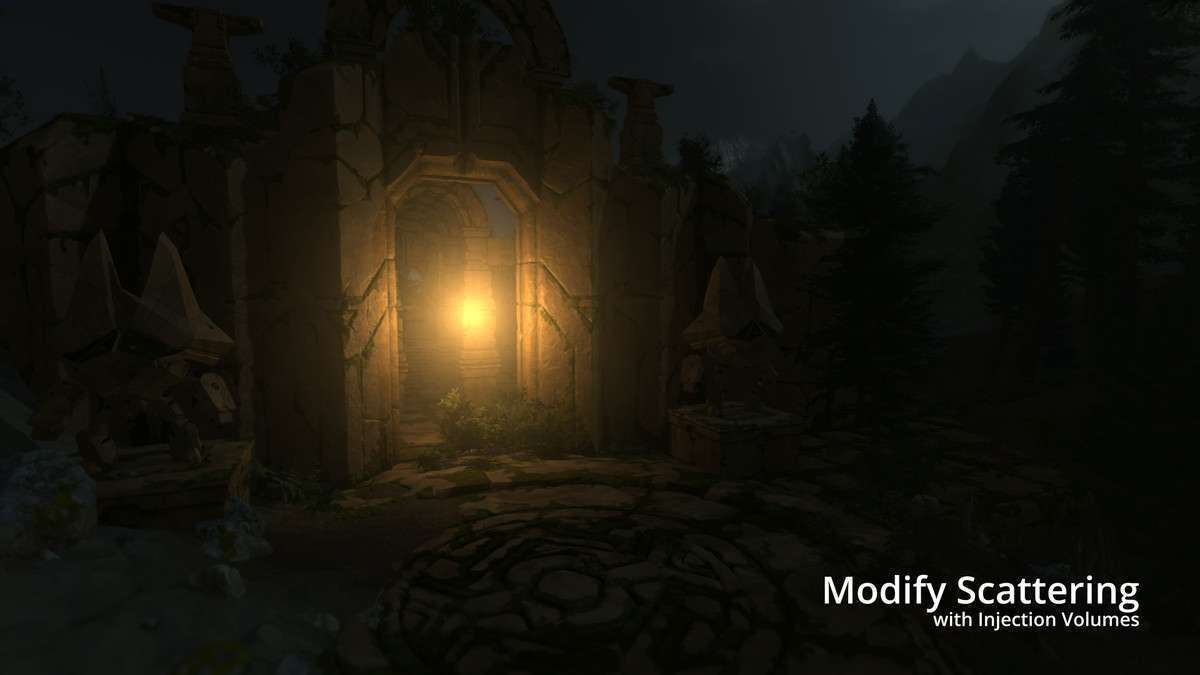
- Control Volumes for Optimization: Leverage Aura 2’s comprehensive Control Volumes (Box, Sphere, Cylinder, etc.) for precise control over volumetric effects. Instead of applying a global, resource-intensive effect, use volumes to localize density, scattering, and tinting. This allows for targeted visual enhancements and can significantly reduce overdraw in areas where volumetric effects are not needed, optimizing performance.
- Compatibility with Other Tools: Aura 2 integrates well with environment tools like Gaia and shader editors like Amplify Shader Editor. When working with custom shaders from Amplify, ensure any modifications required for transparent objects are correctly implemented within the Amplify Shader graph, potentially using custom nodes for Aura 2’s volumetric data.
Best Use Cases
- Existing BiRP Projects Requiring High-Fidelity Atmosphere: For established Built-in Render Pipeline projects where a full migration to URP or HDRP is not practical due to cost or time, Aura 2 provides an unparalleled volumetric lighting and fog solution. It allows teams to achieve visually stunning godrays and atmospheric density with full light and shadow support, elevating the visual quality of their BiRP title without disrupting an existing pipeline.
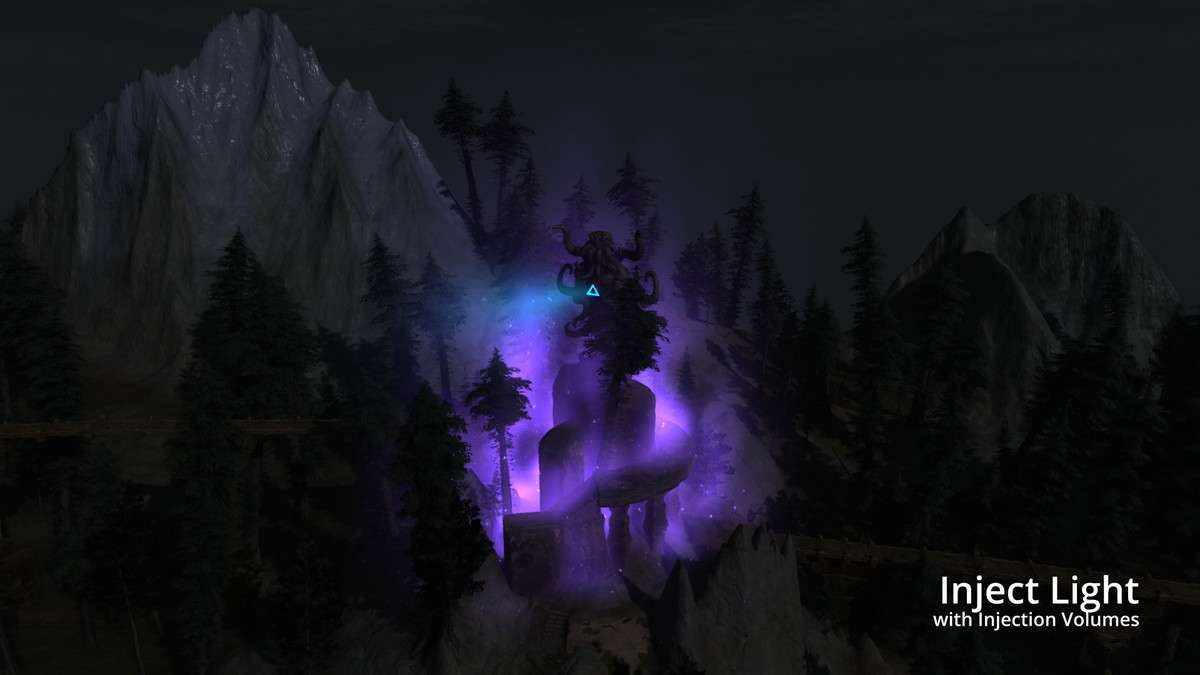
- Cinematic or Linear Game Experiences on BiRP: Aura 2’s granular control via volumes and its high rendering quality make it ideal for highly curated cinematic sequences or linear gameplay segments within a BiRP project. Developers can precisely sculpt the atmospheric mood for key moments, enhancing storytelling and visual impact. The ability to control light injection, density, and tint allows for dramatic visual compositions that can be optimized per scene due to the controlled nature of linear content.