


Advanced Temporal Filtering for Built-In Pipeline
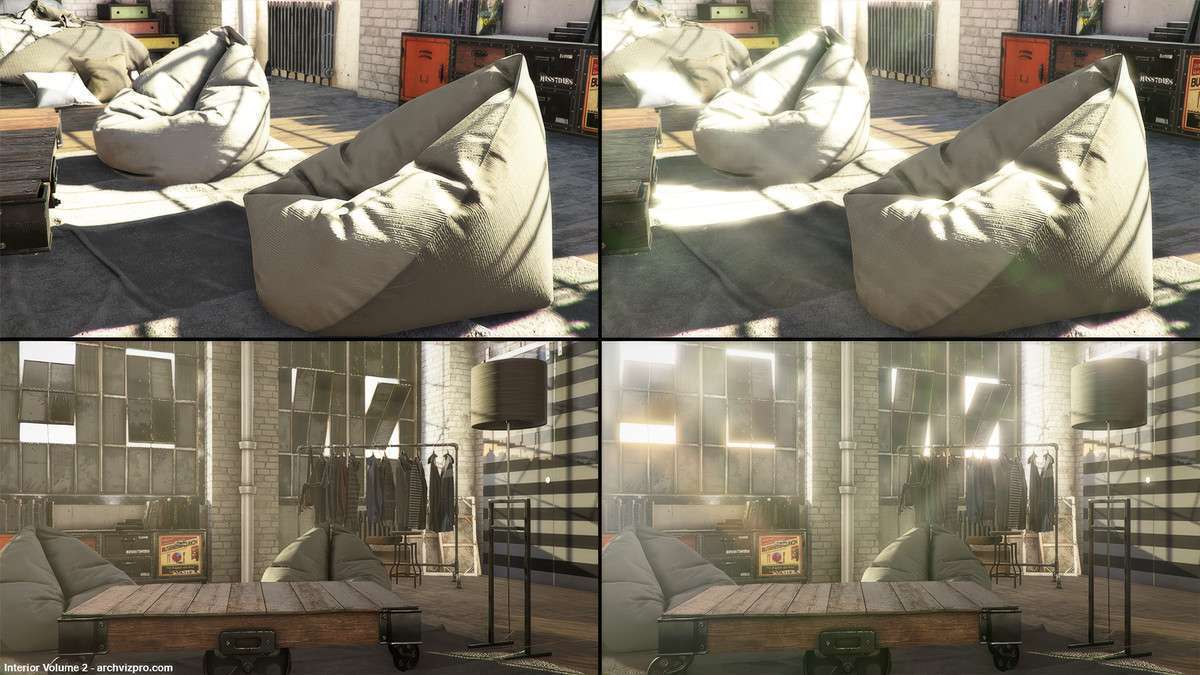
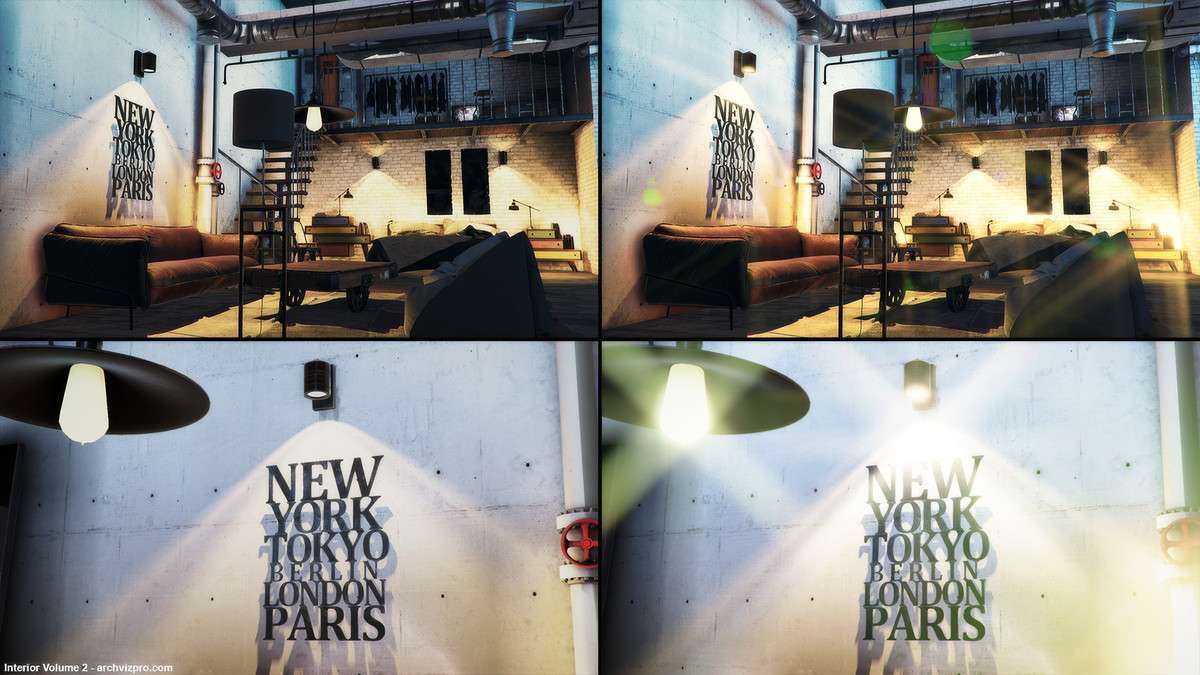
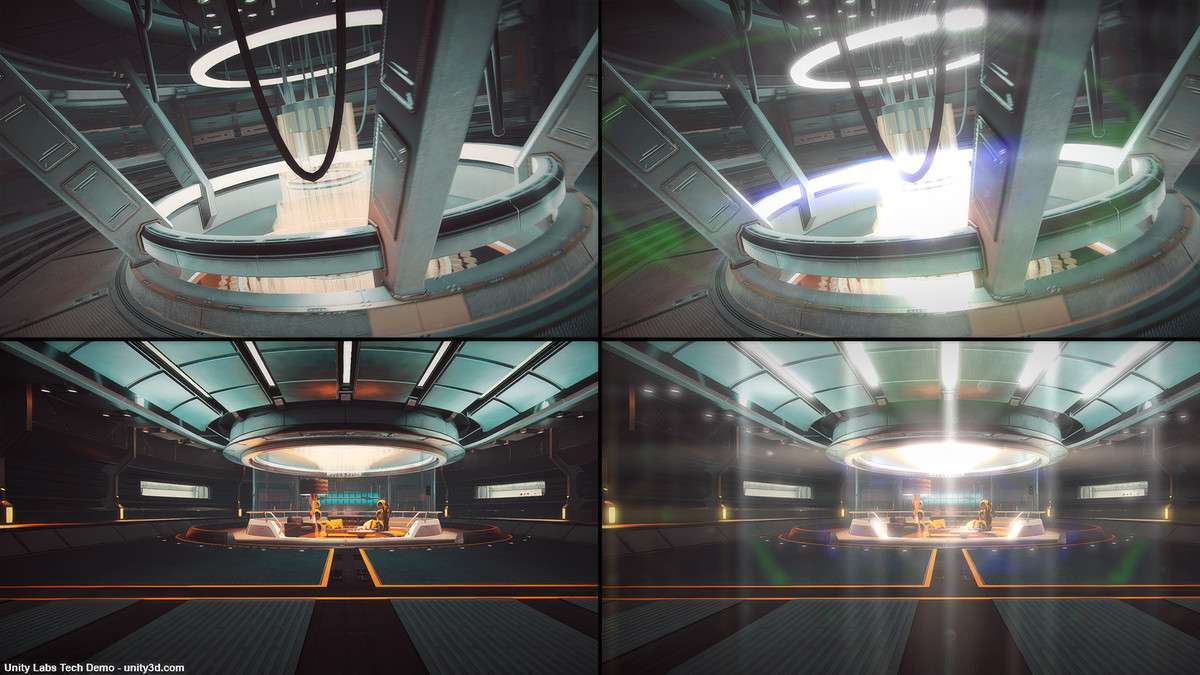
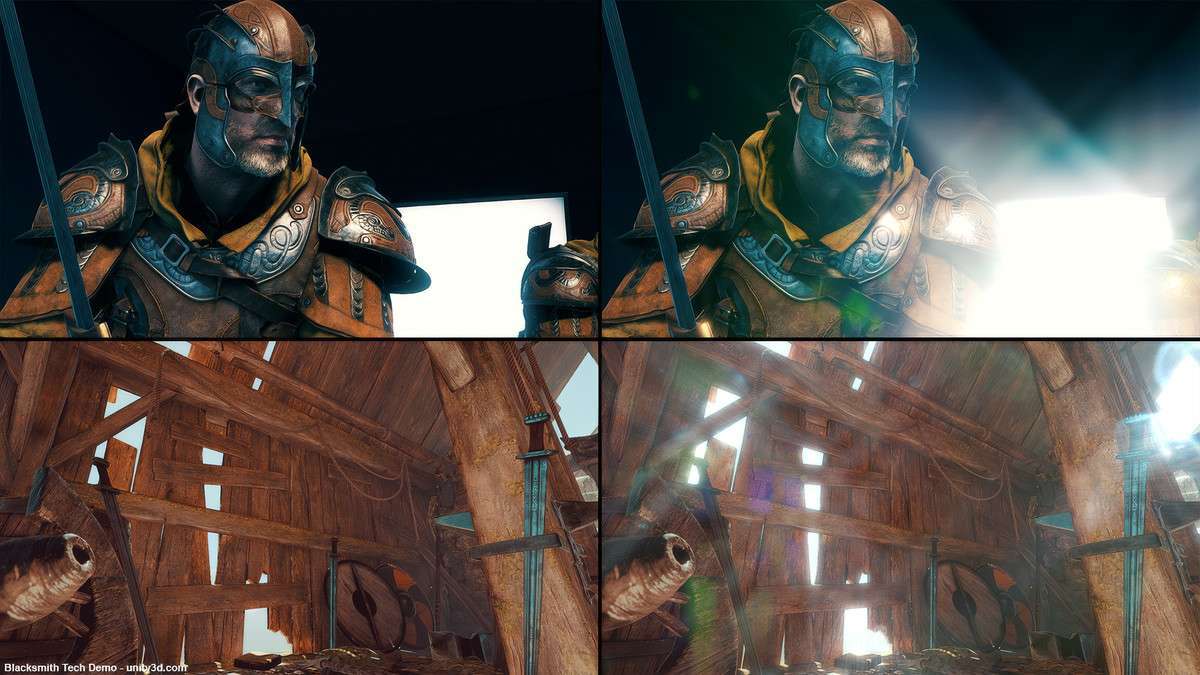
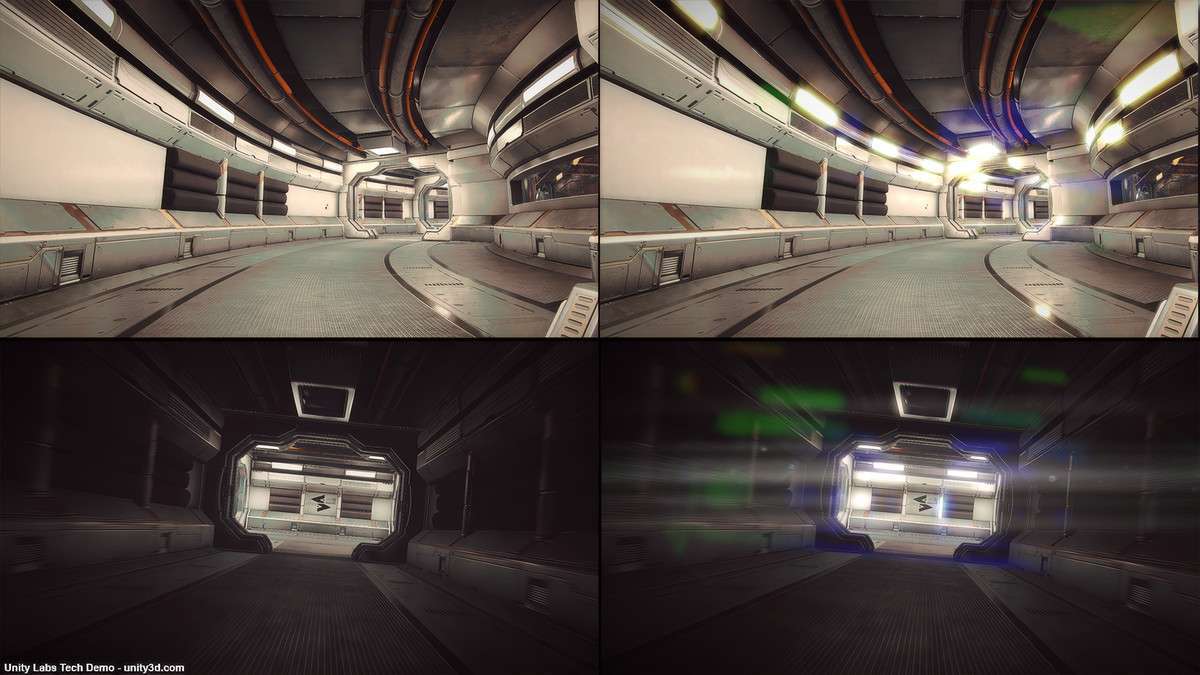
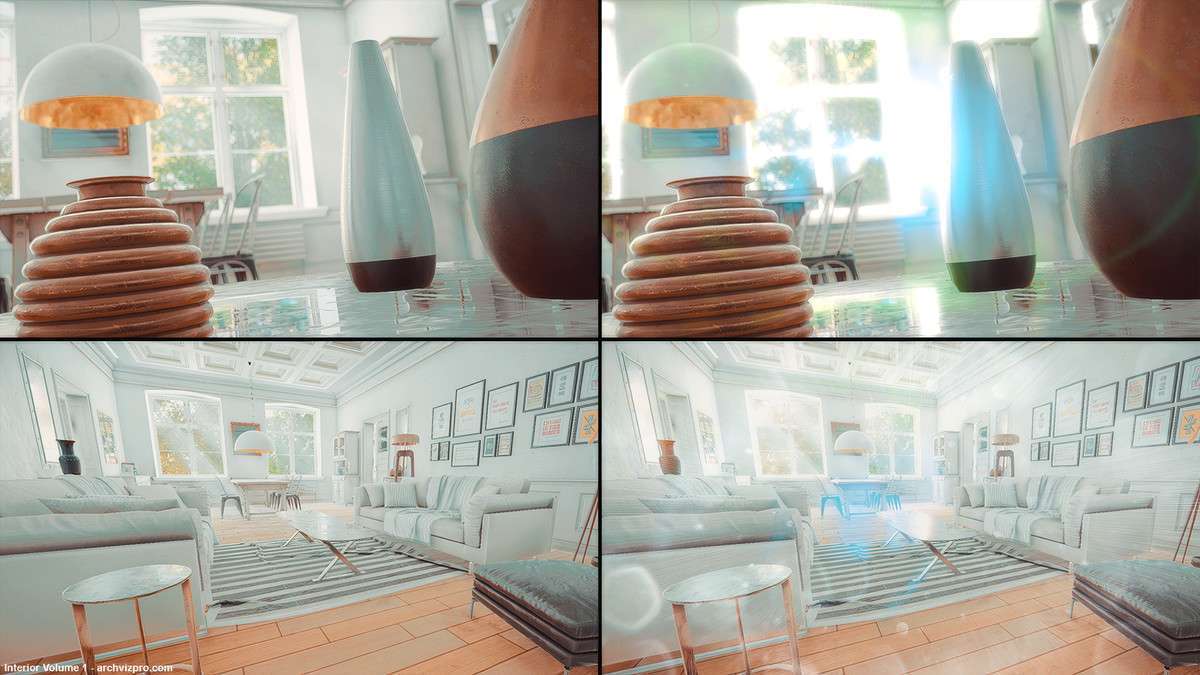
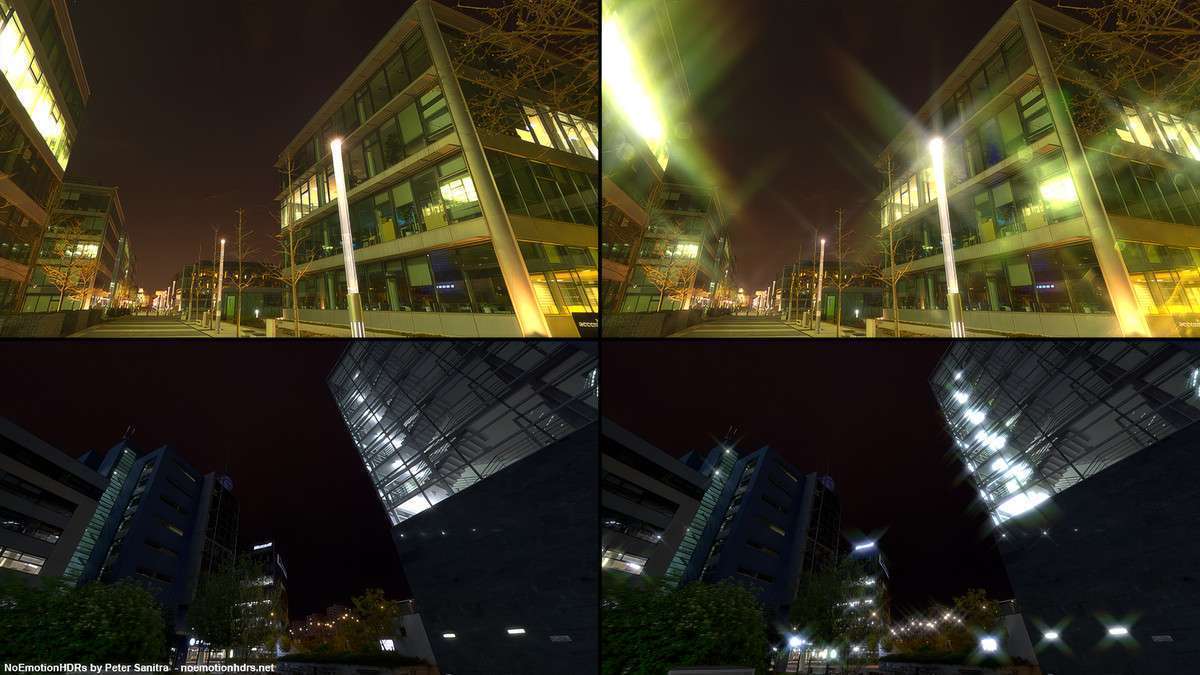
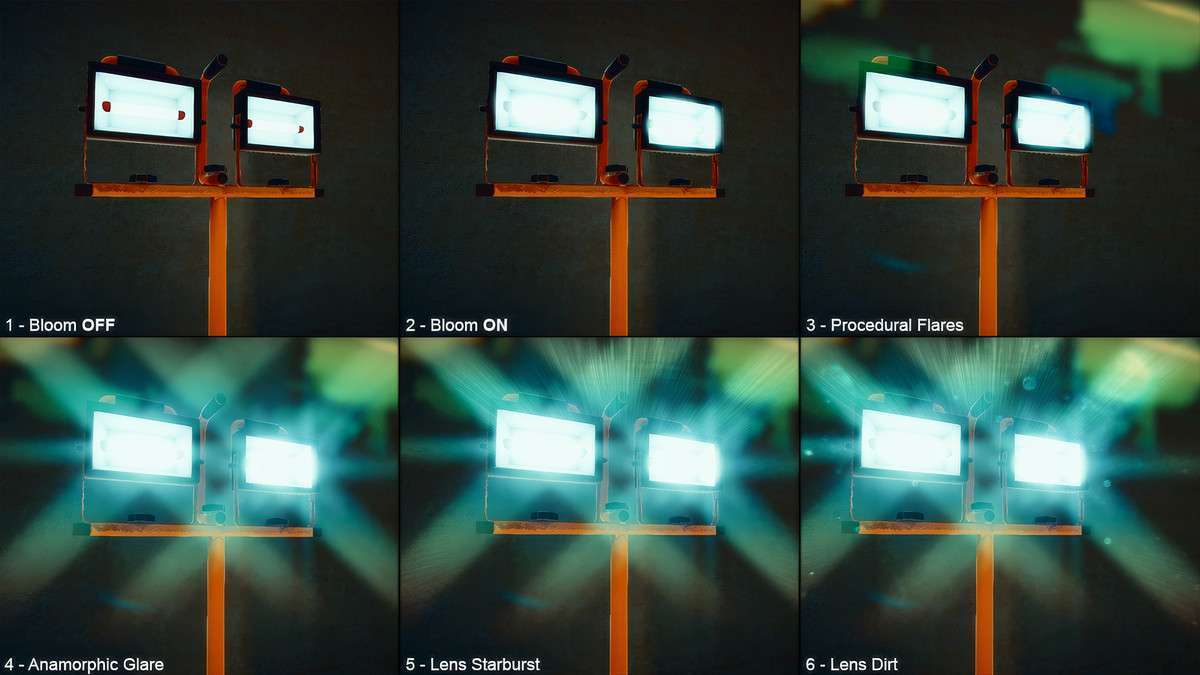
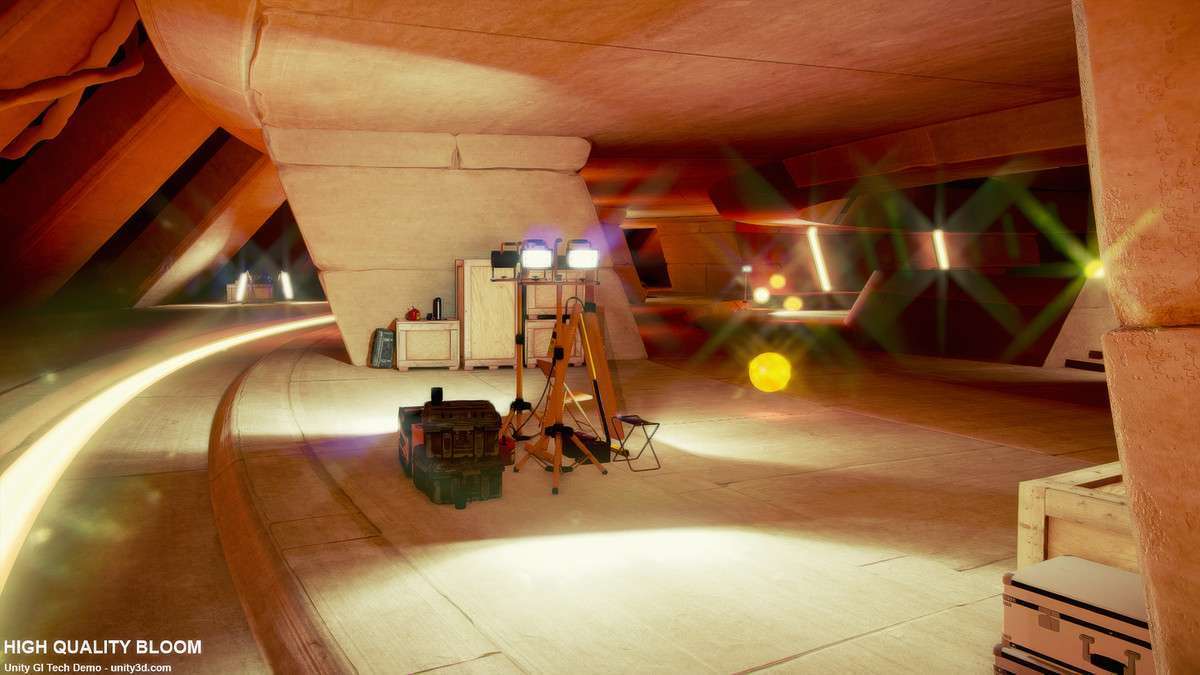
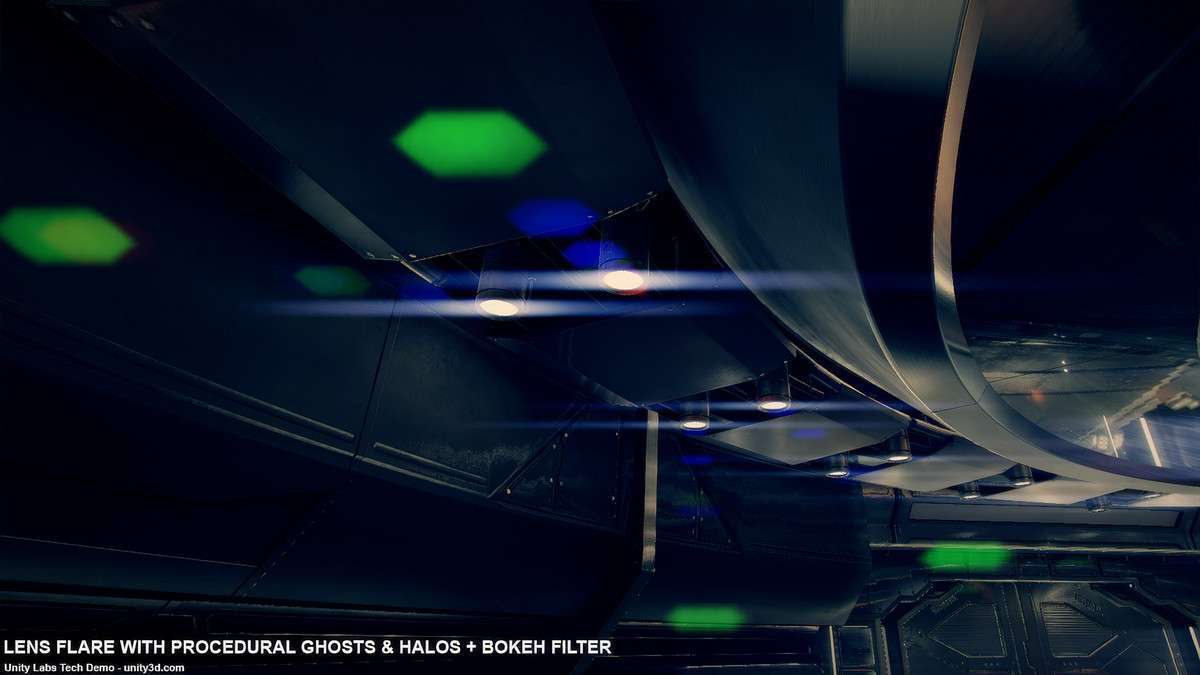
For projects still anchored in the Built-in Forward or Deferred rendering paths, Amplify Bloom Unity 1.2.0 remains the gold standard for avoiding the ‘firefly’ artifacts common in legacy post-processing. Its AAA-grade temporal filtering stabilizes high-intensity sub-pixels across frames, which is vital when working with high-specular materials or HDR emissive textures. Note that this package is a direct alternative to the Post-Processing Stack v2, offering more granular control over anamorphic streaks and bokeh shapes.
Integration Tips
- Avoid Stack Conflicts: If your project uses Unity’s Post-Processing Stack v2, disable the Bloom effect in the stack before adding the Amplify Bloom component to the camera to prevent redundant draw calls and texture sampling.
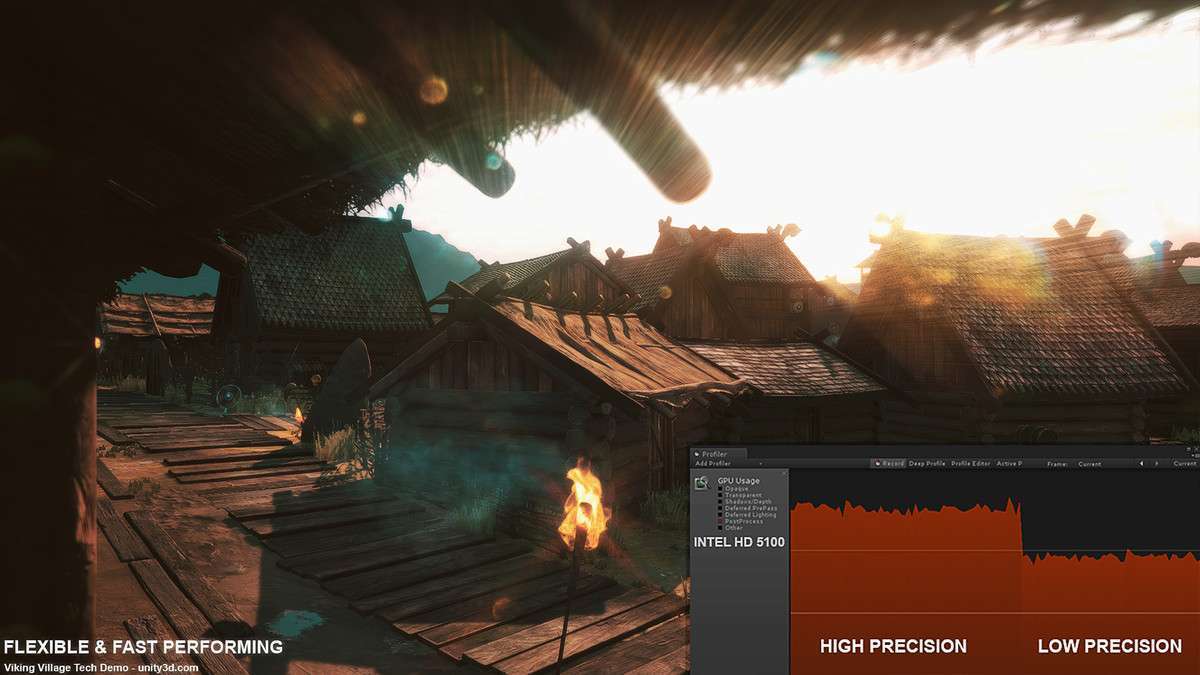
- Precision Toggling: Use the ‘Low Precision’ mode for mobile deployments to leverage lower-bitrate render textures, significantly reducing the bandwidth overhead on integrated GPUs.
- Debug View: Always use the integrated Debug View during the lighting pass to isolate the thresholding. This ensures your Bloom is triggered by intended HDR emissive values rather than accidental specular highlights on background geometry.
Best Use Cases
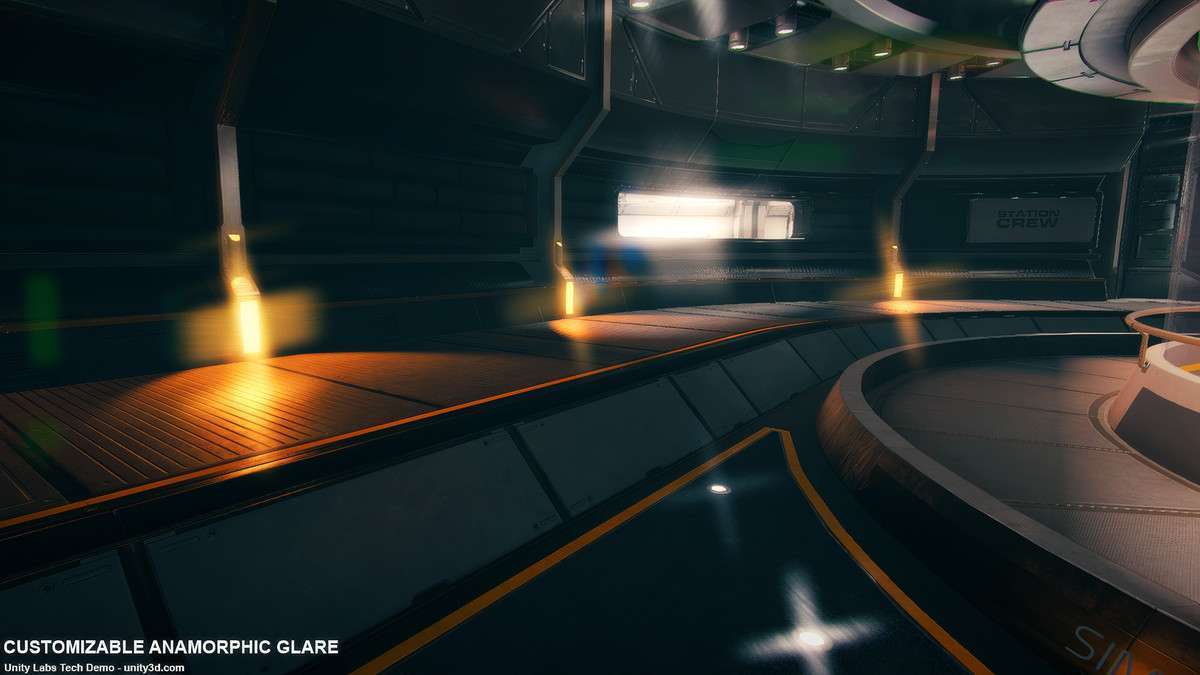
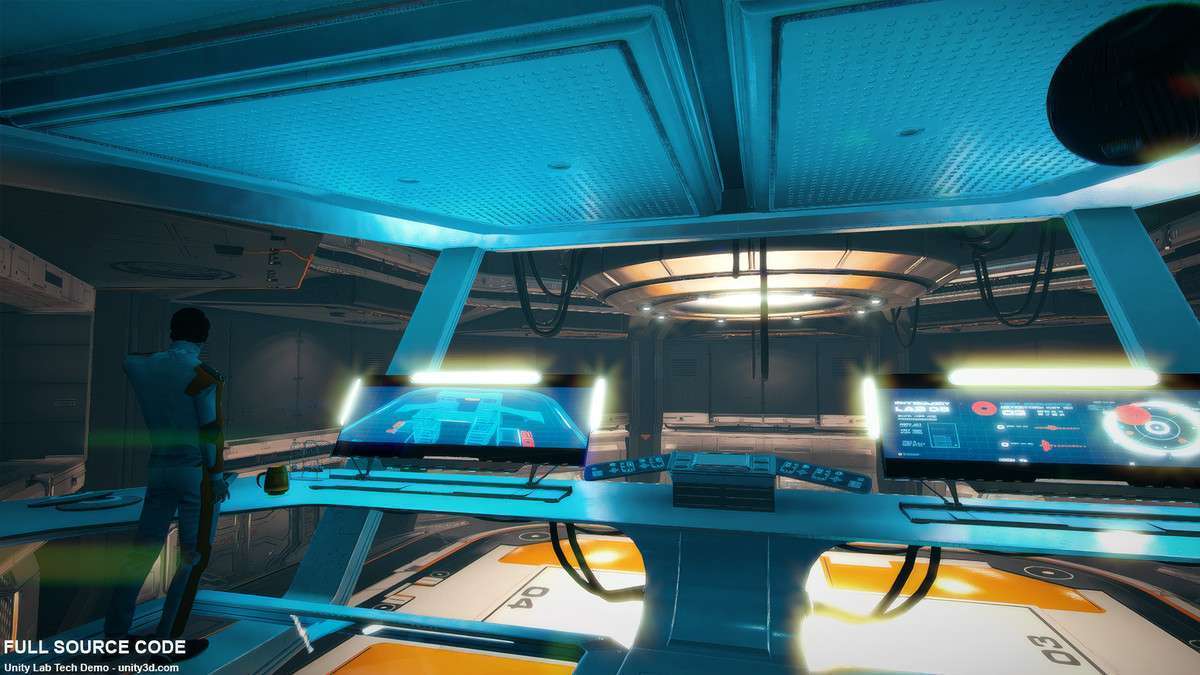
- Retro-Style Sci-Fi Shooters: The 9 standard streak types and customizable anamorphic glare allow for ‘JJ Abrams’ style lens flares that respond dynamically to in-game light sources without the overhead of billboard sprites.
- Mobile 2D Games: Because it supports 2D applications and has a highly optimized downscaling/upscaling chain, it is ideal for adding a ‘glow’ aesthetic to sprite-based projects where URP’s 2D lights might be too heavy.