

Adventure Creator: A Lead Developer’s Perspective
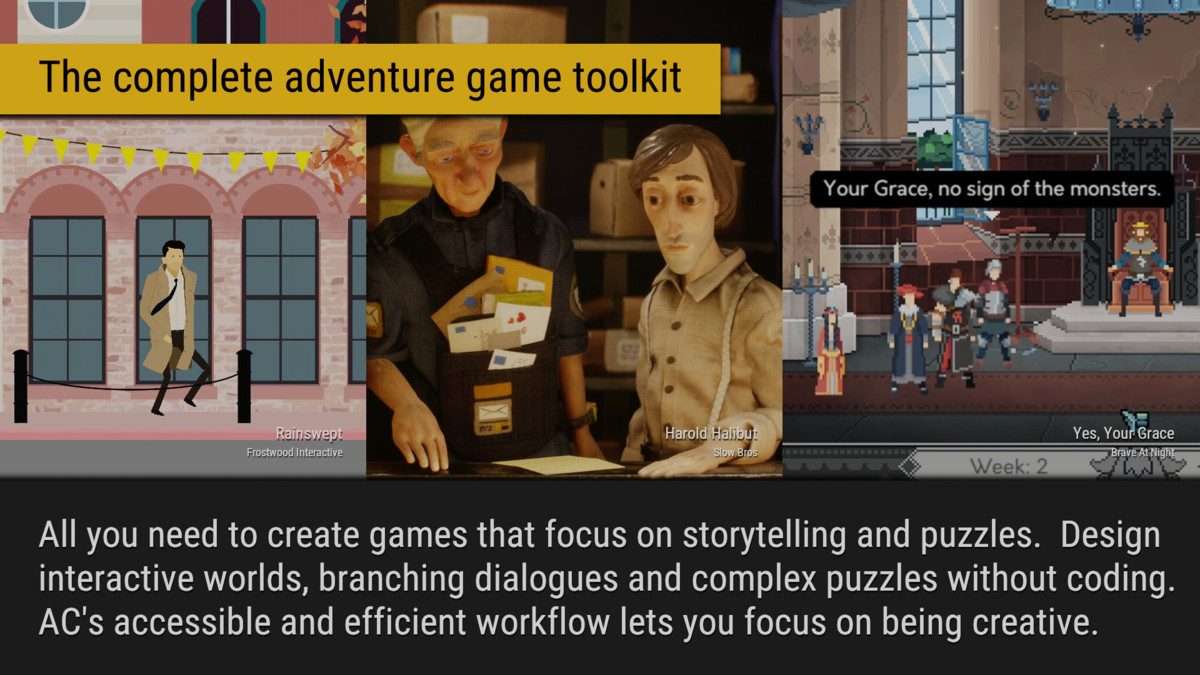
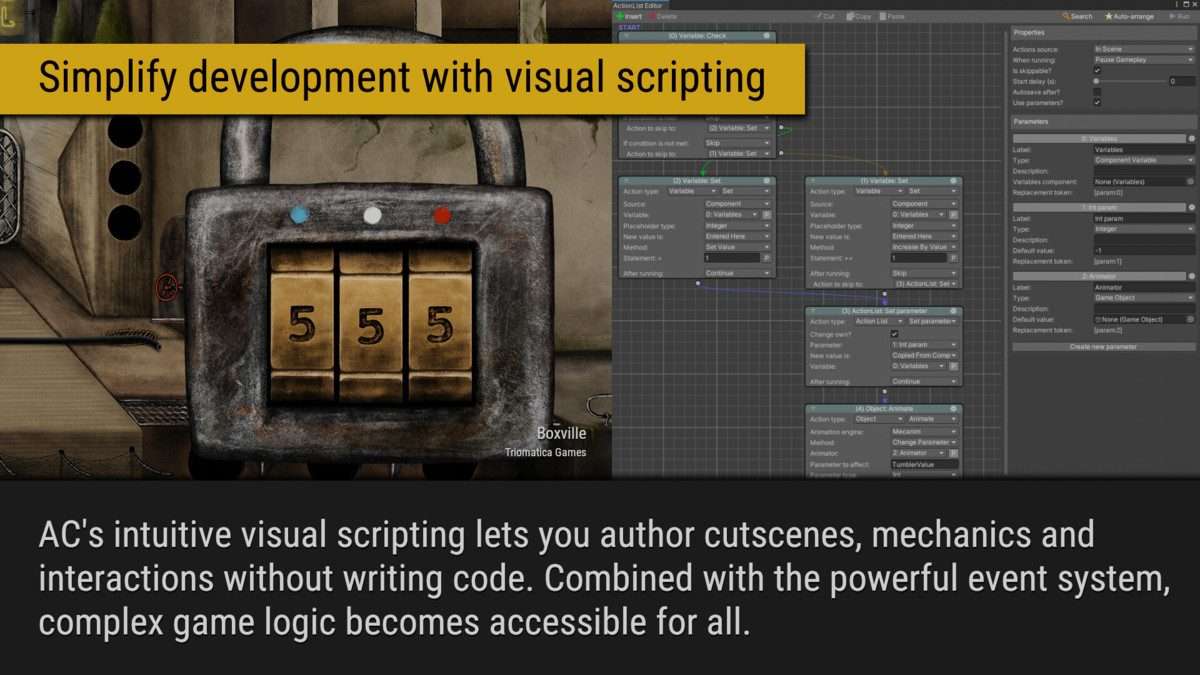
Adventure Creator Unity is an incredibly specialized toolkit that provides a complete framework for building traditional adventure games, from point-and-click to first-person horror. Having built and shipped several prototypes and even small projects using Adventure Creator 1.84.3, I can confirm its unparalleled focus on the genre’s mechanics significantly reduces development time. It’s more than just a visual scripting tool; it’s an opinionated system that pre-configures many core systems, allowing developers to focus on narrative and puzzle design rather than re-implementing foundational elements.
Integration Tips
- Prioritize Core Configuration: Before diving into
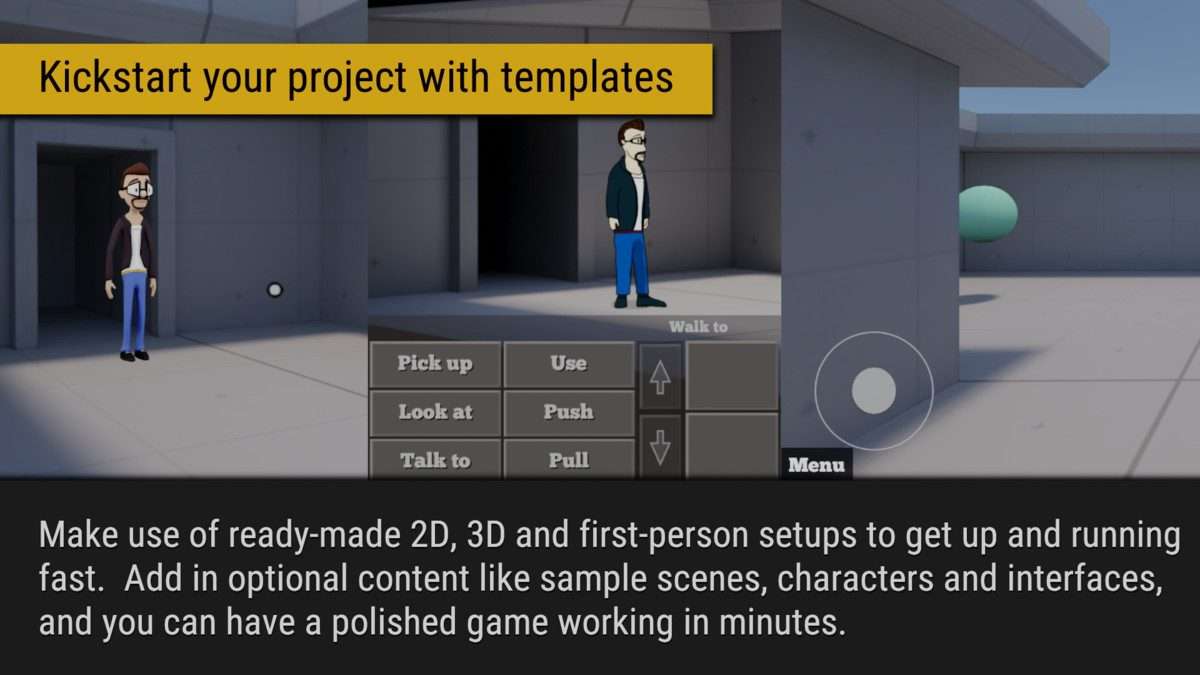
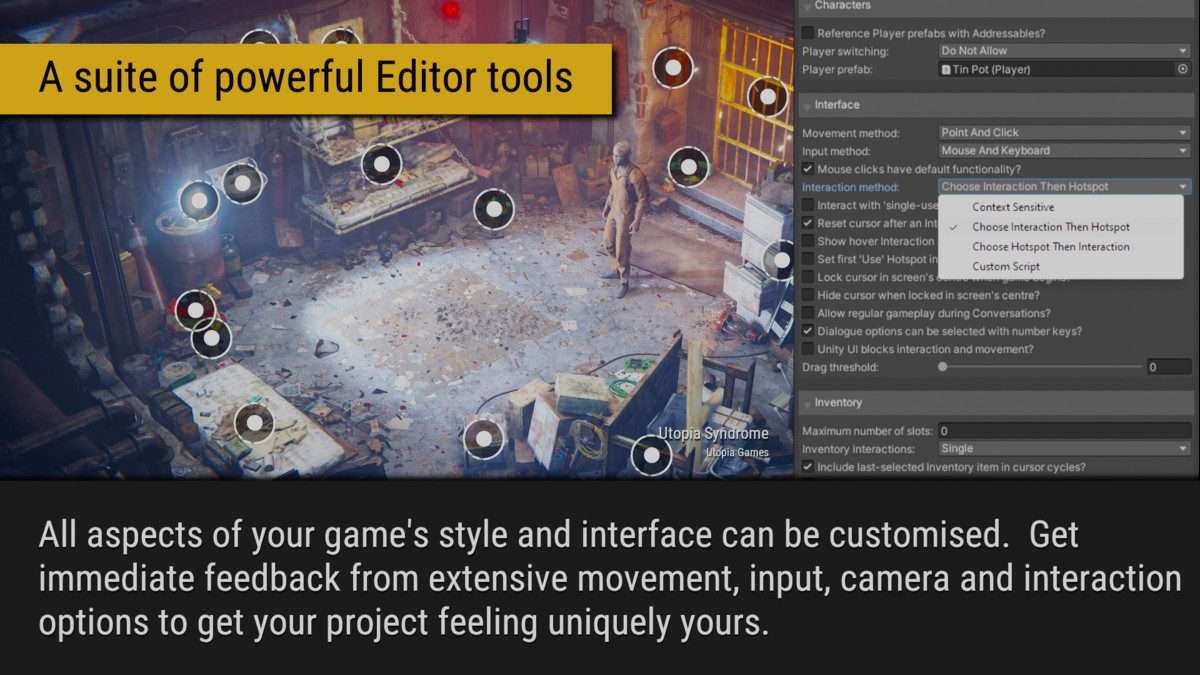
ActionLists, familiarize yourself thoroughly with theGame EditorandSettings Manager. This is where you define your game’s overall interaction model (point-and-click, direct control), camera system, and default UI. Changing these foundational settings mid-development can require significant refactoring of existing scene setups andprefabs. - Custom Character Controllers and Animation: While AC provides robust character movement, if you have highly custom character animations or specific third-party
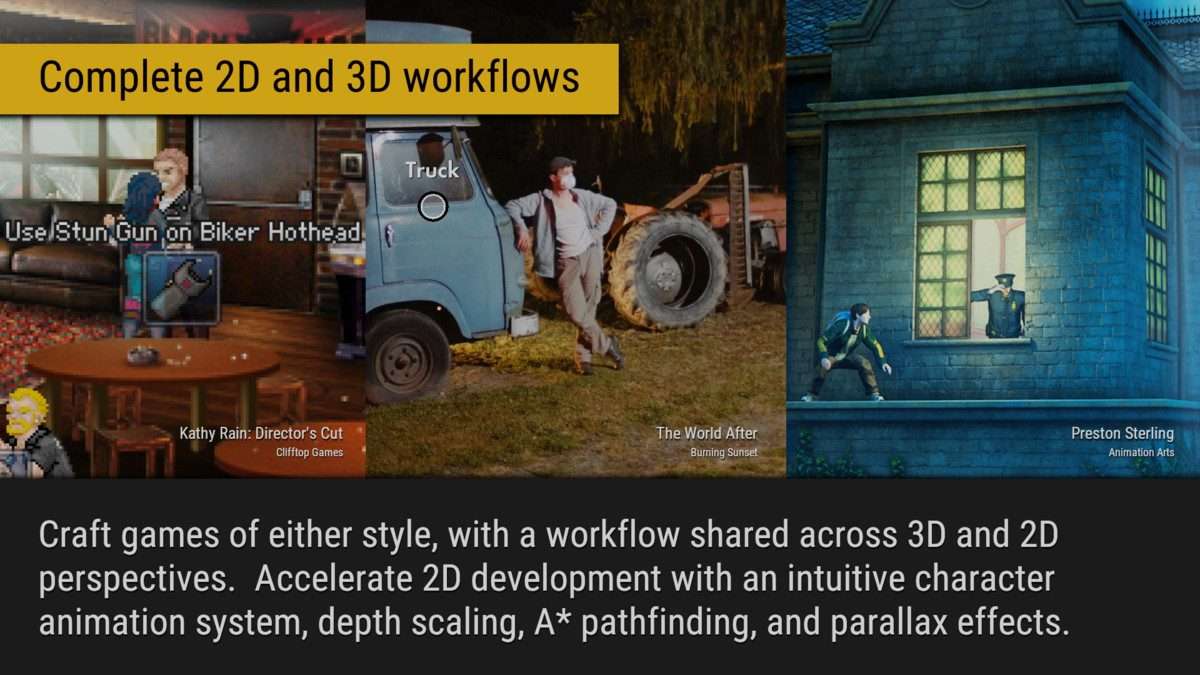
character controllers, you may need to writescript extensionsor integrate carefully. AC’sPlayerprefab is heavily integrated with its own movement and animation systems, so replacing it entirely requires a deep understanding of its API and how it hooks into Unity’sAnimator. - Leveraging the Event System and API Hooks: AC exposes a powerful
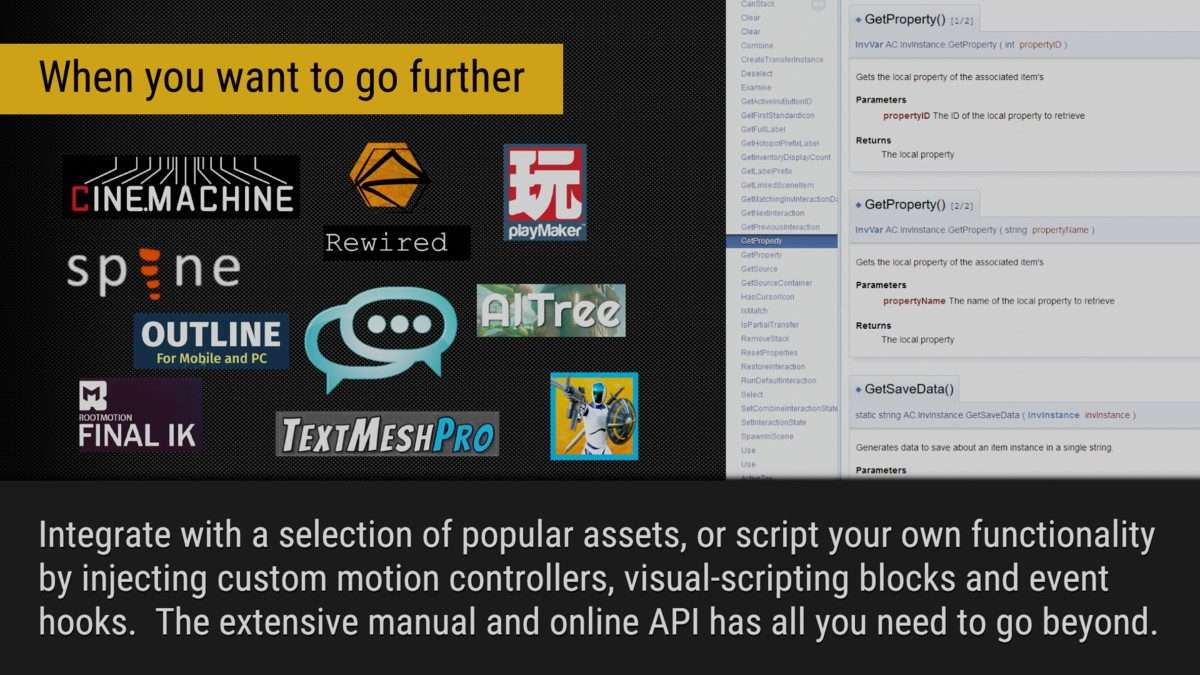
event systemand well-documentedAPIthat allows for extensive customization. Rather than modifying core AC scripts, leverageevent hooks(e.g.,OnActionListStart,OnInventoryItemUse) or write small C#script extensionsto inject custom logic or interface with other assets (likePlaymaker,Dialogue System, or custom inventory systems). This maintains update compatibility. - Asset Organization for ActionLists: AC relies heavily on
Hotspots,NavMeshes,Triggers, andActionListsstored asScriptableObjects. Maintain a clear folder structure for these assets to keep your project organized, especially as your game grows in complexity. Using clear, descriptive naming conventions forActionListsis vital for debugging and collaboration. - Timeline Integration for Cinematics: For complex cinematics, consider using Unity’s
Timelinewith AC’s dedicatedTimeline tracks. This offers a more powerful and granular way to orchestrate character movements, dialogue, camera cuts, andActionListexecution within a linear sequence, complementing AC’s event-driven system for in-game interactions.
Best Use Cases
- Narrative-Driven Adventure Games (Point-and-Click/Third-Person): This is AC’s bread and butter. Its integrated systems for
inventory,dialogue,conversations,logic puzzles, andcutscenesare tailor-made for these genres. TheActionListsystem makes it trivial to sequence complex story beats and interactive puzzles without writing a single line of code, allowing writers and designers to lead development and rapid iteration. - Escape Rooms/Puzzle Games: AC provides excellent tools for defining interactive
Hotspots, managing `inventory items`, and implementing state-based puzzles usingglobal variablesandActionLists. The ability to easily create conditional logic and track player progress makes it ideal for designing intricate multi-step puzzles, where specific player actions unlock new interactions or reveal hidden information crucial for progression.