

Technical Overview
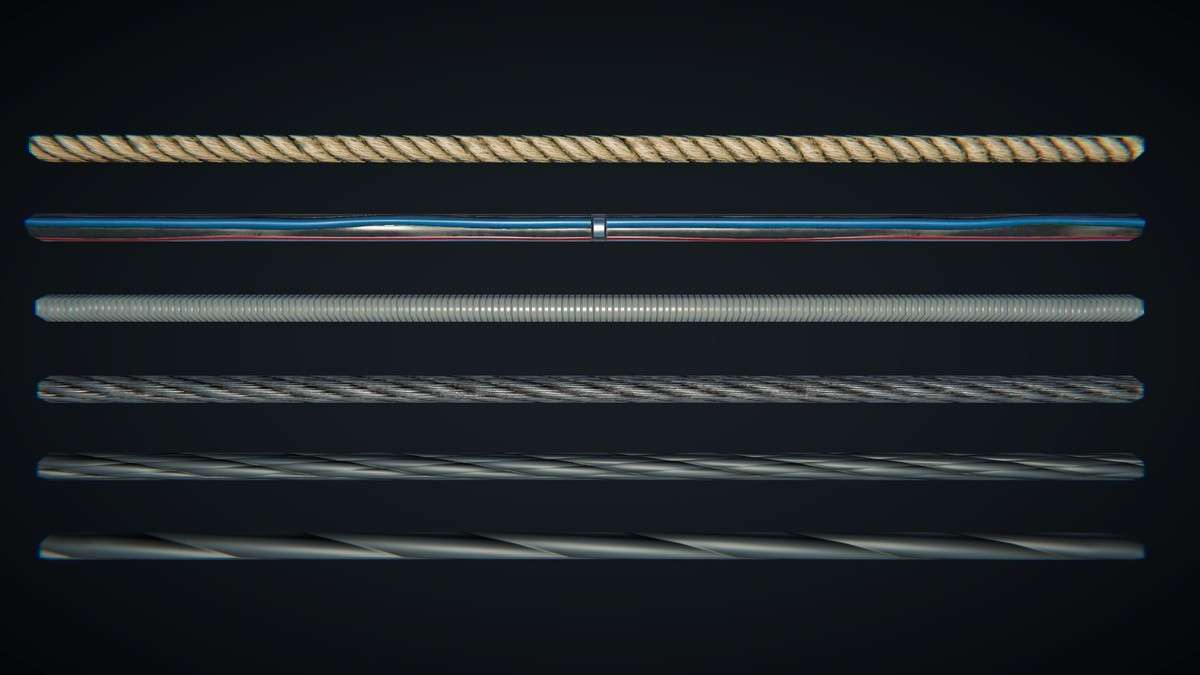
The Advanced Cable Creator Unity tool 1.3.0 is a specialized editor extension that bridges the gap between manual placement and physics-heavy simulations. Instead of relying on expensive SpringJoints or HingeJoints, it generates optimized meshes with vertex animation for sag and wind. This is a massive win for performance, especially in scenes with hundreds of hanging cables. The tool supports runtime generation via API, allowing you to procedurally bridge points in-game without pre-baking the meshes.
Integration Tips
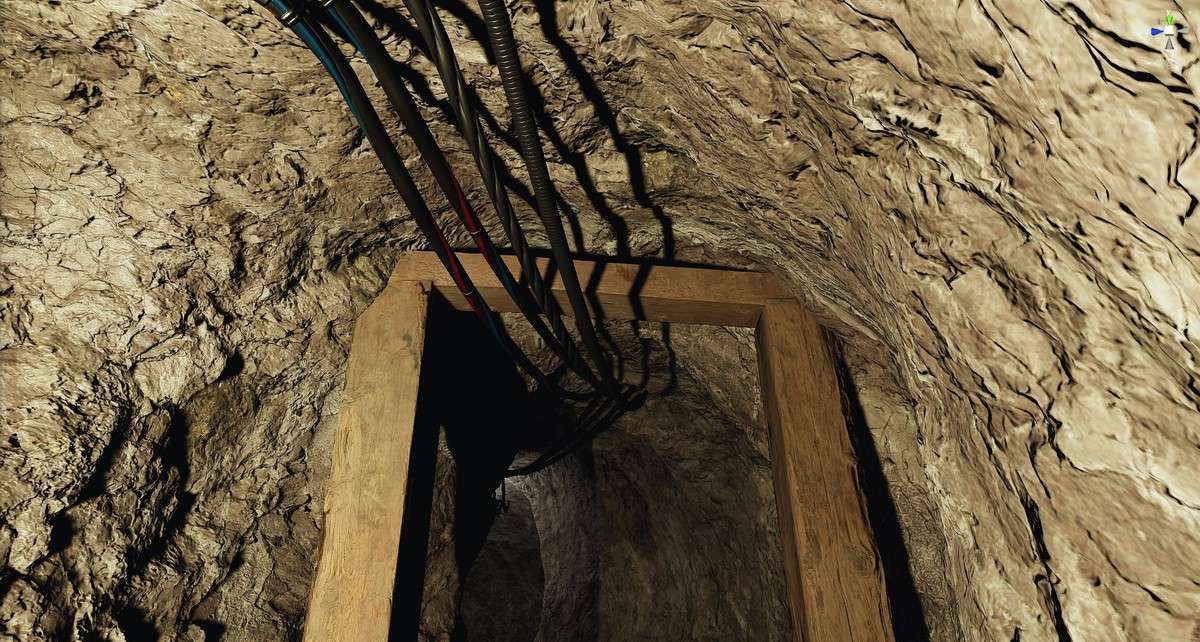
- Mesh Combining: Once you have finalized a ‘cable route’ (parallel cables), use the built-in mesh combining option. This will bake multiple cables into a single mesh, drastically reducing the draw call count for cluttered urban or industrial environments.
- Vertex Animation: The included shader uses vertex alpha for animation gradients. Ensure that if you are using a custom shader, you account for this vertex data to maintain the ‘sway’ effect provided by the tool.
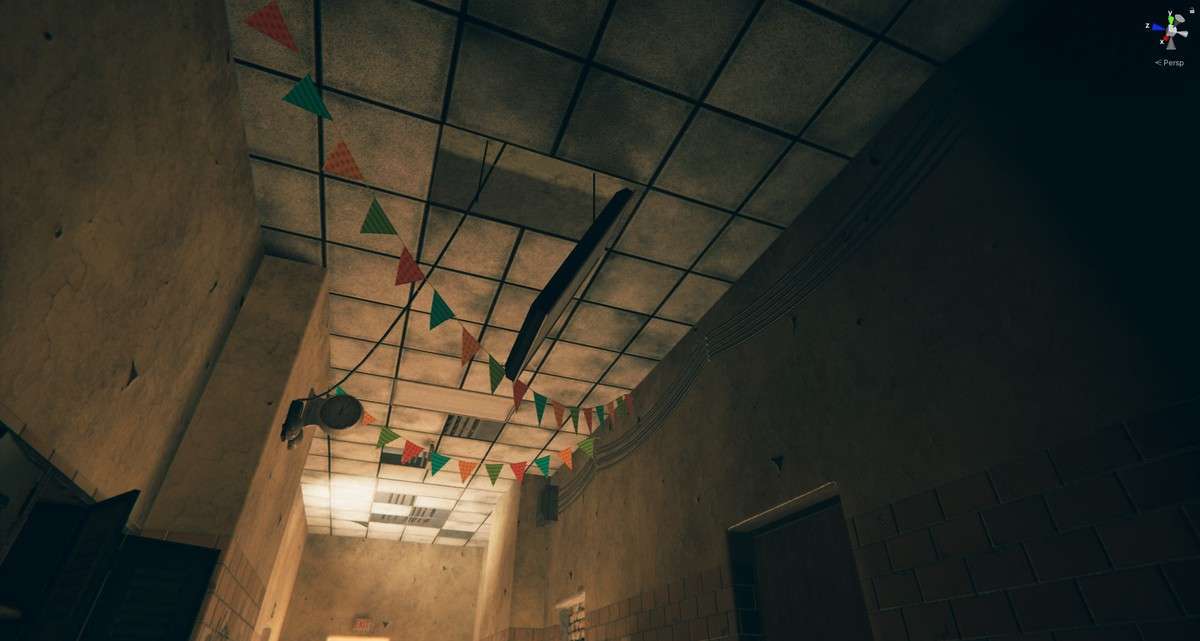
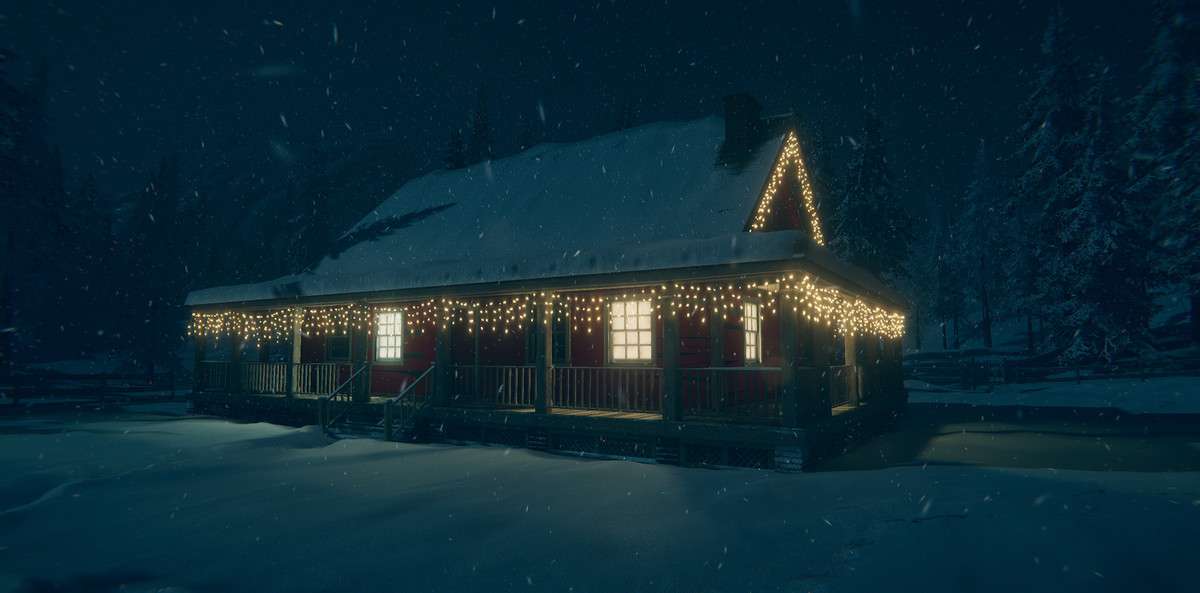
- Prefab Propagation: Use the v1.2 propagation feature for garlands or power lines with insulators. This automatically handles the rotation and spacing along the spline, saving hours of manual transform adjustment in the scene view.
Best Use Cases
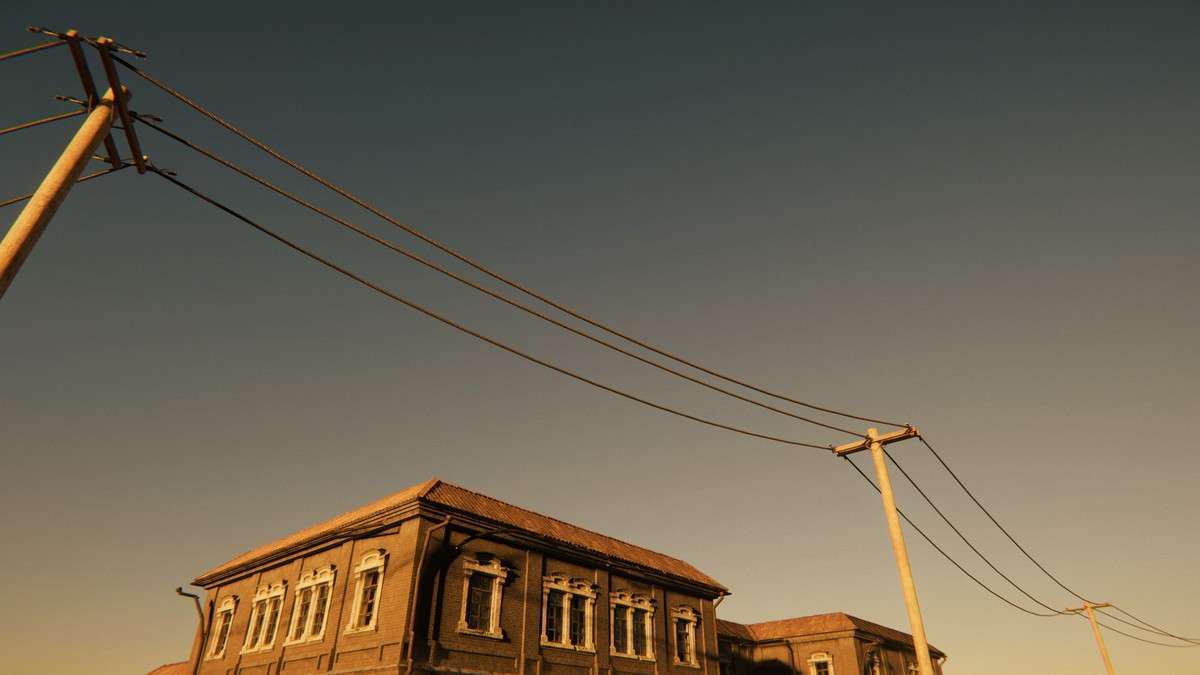
- Urban/Cyberpunk Level Dressing: Create dense webs of power lines and hanging wires that react to wind without any impact on the physics engine, maintaining a high FPS in complex city scenes.
- Puzzle & Mechanics Design: In games requiring power restoration or rope-based puzzles, use the runtime API to dynamically ‘connect’ two sockets with a realistic hanging cable that updates its geometry on the fly.